
How to Approve a Boarding Service Application
How to Approve a Boarding Service Application
Approving a boarding service application lets clients move forward with payments and enter a boarding agreement. Here's how to find and approve applications from your dashboard.
Step 1: Check your notifications
Look for notifications about new buyer applications through your app, email, or phone. These link directly to the applications.
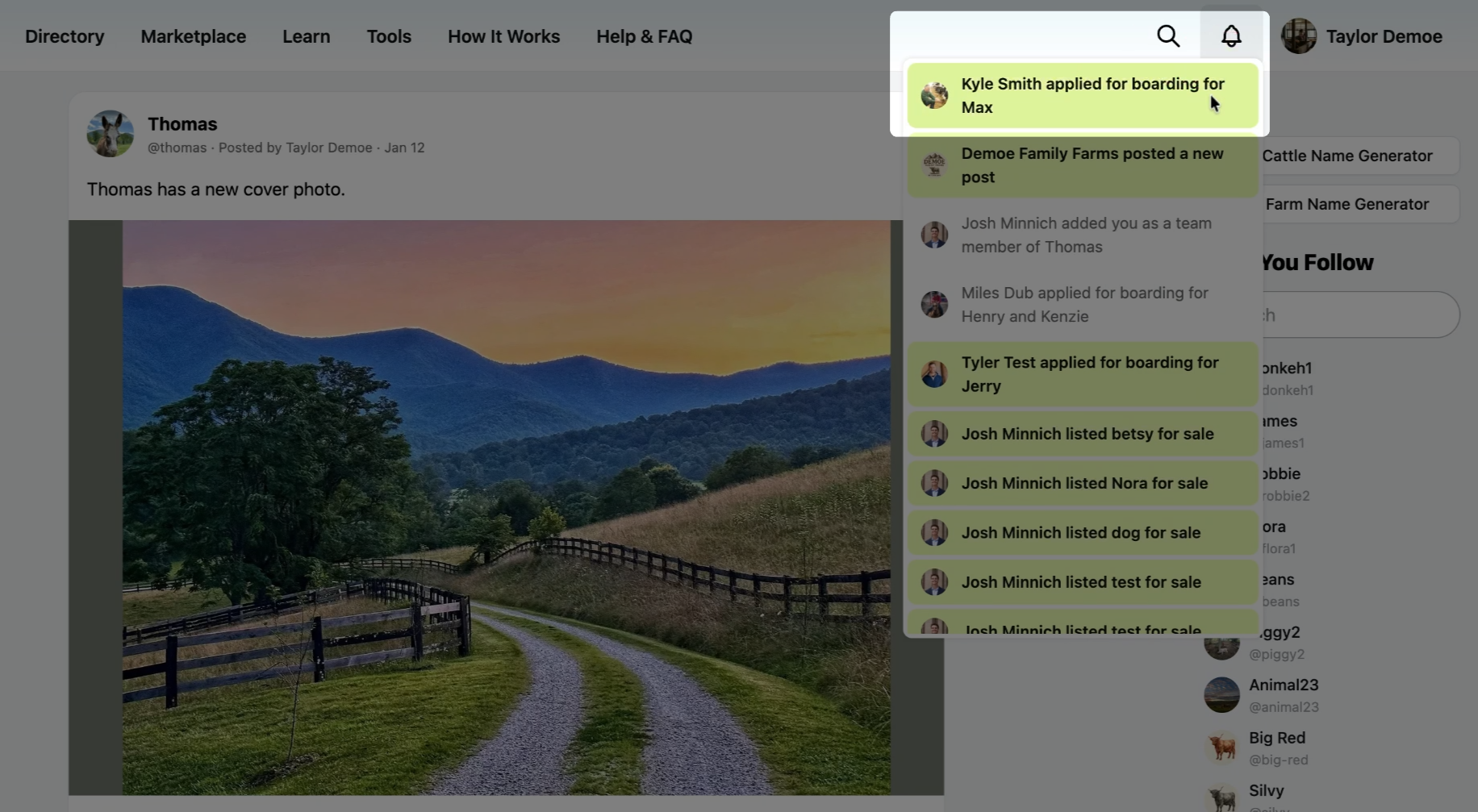
If you missed the notification, you can still view all boarding service applications through the dashboard.
Step 2: Go to your dashboard
From the profile menu, select Dashboard.
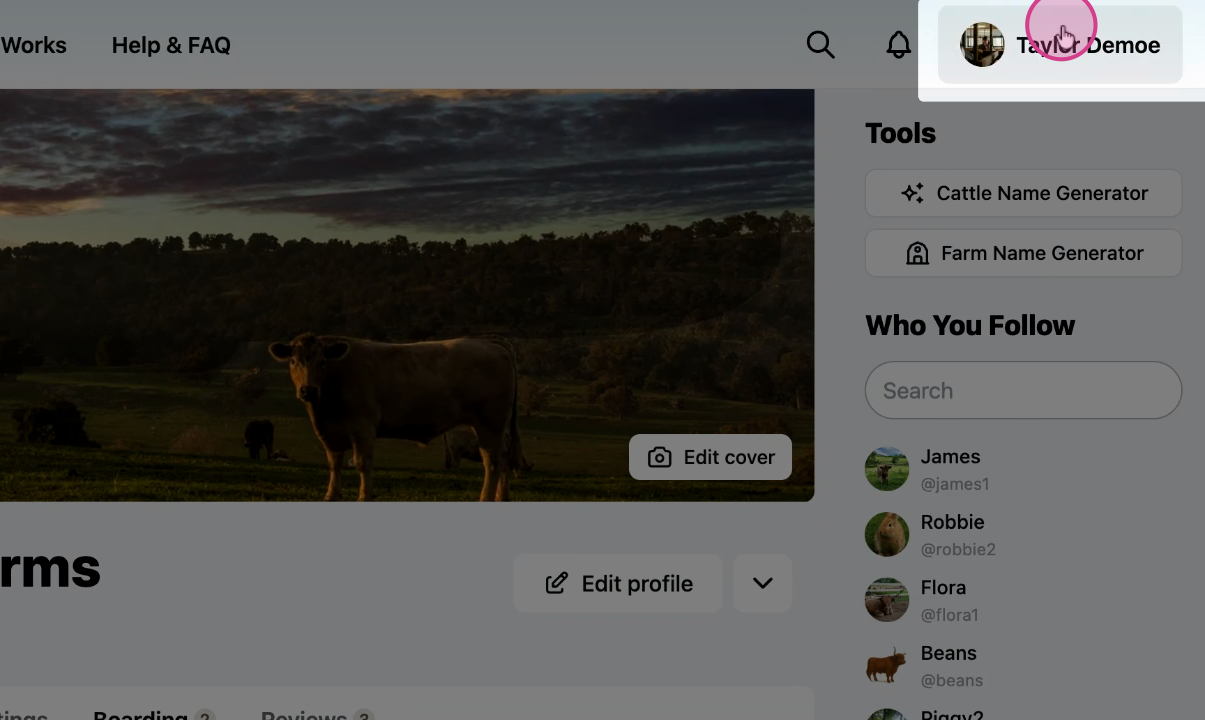
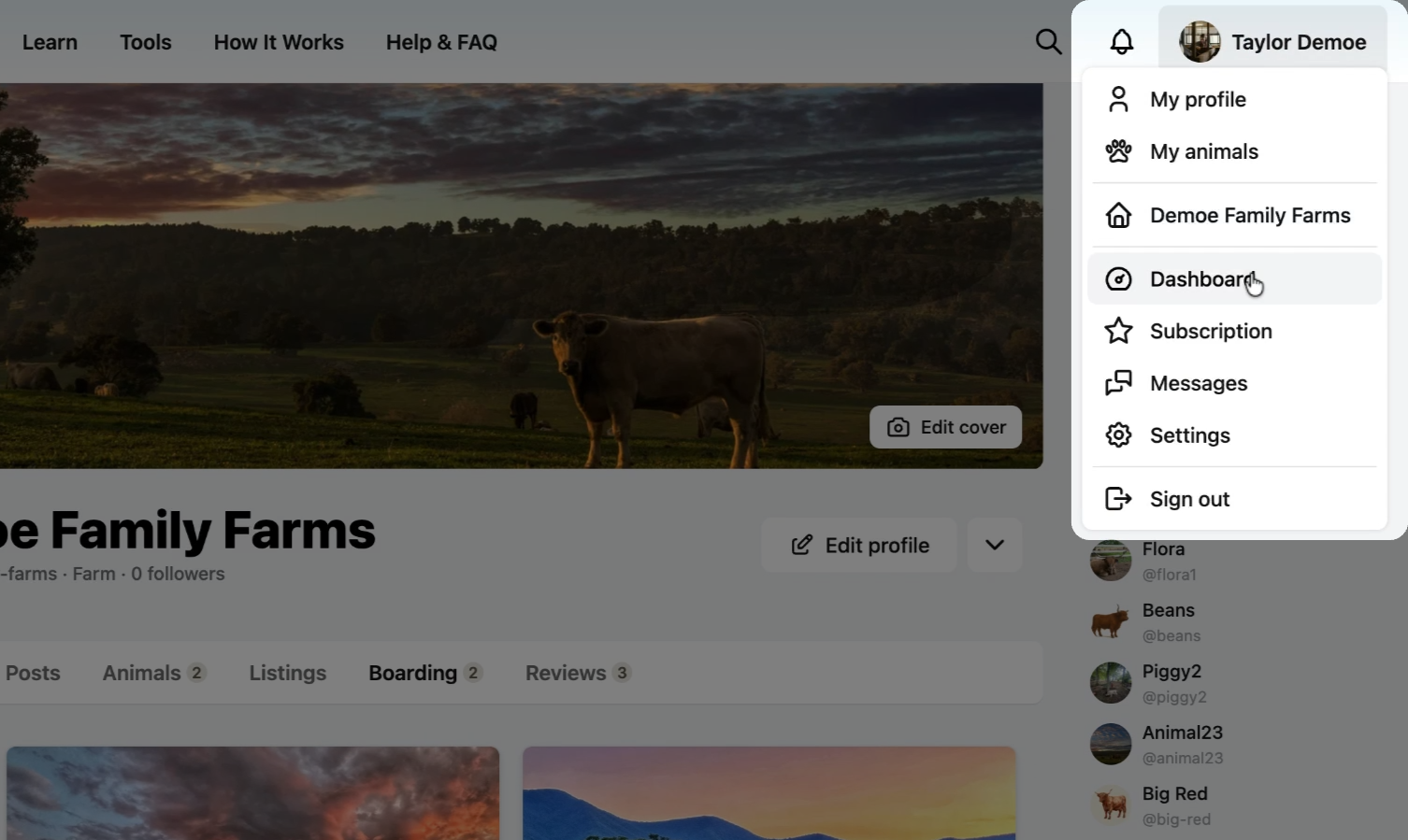
Step 3: Open boarding
Select Boarding.
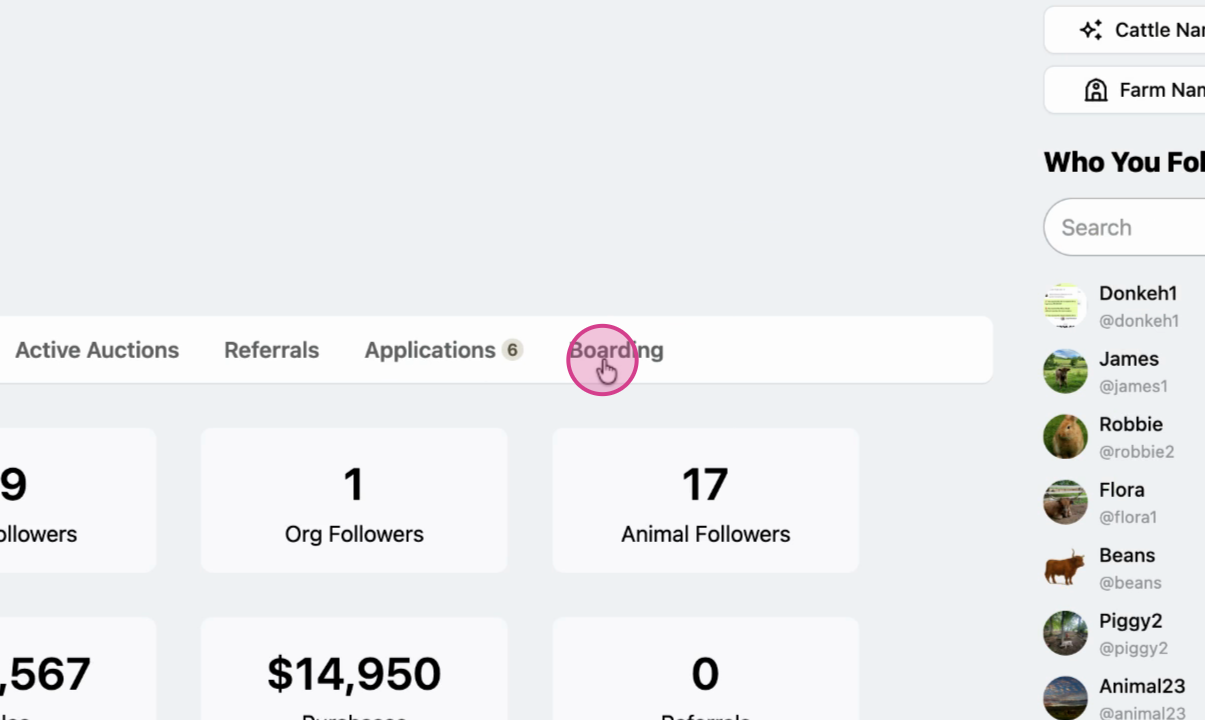
Step 4: View applications
Select Applications to see all pending buyer applications.
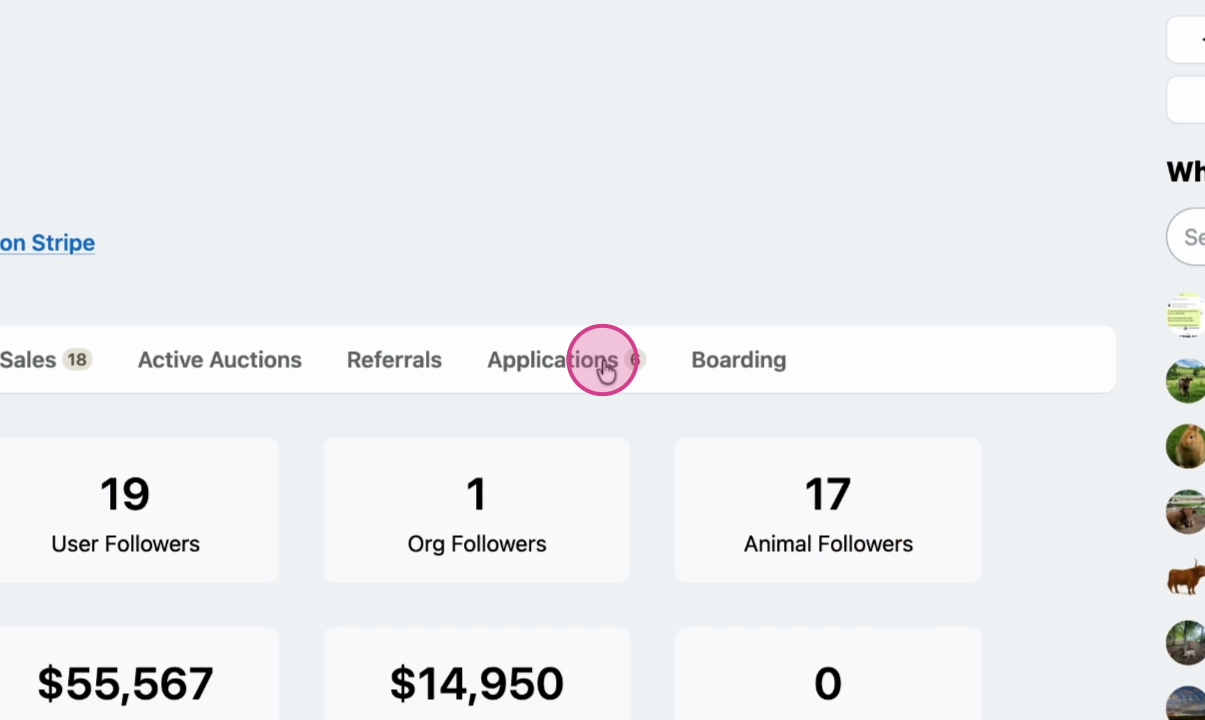
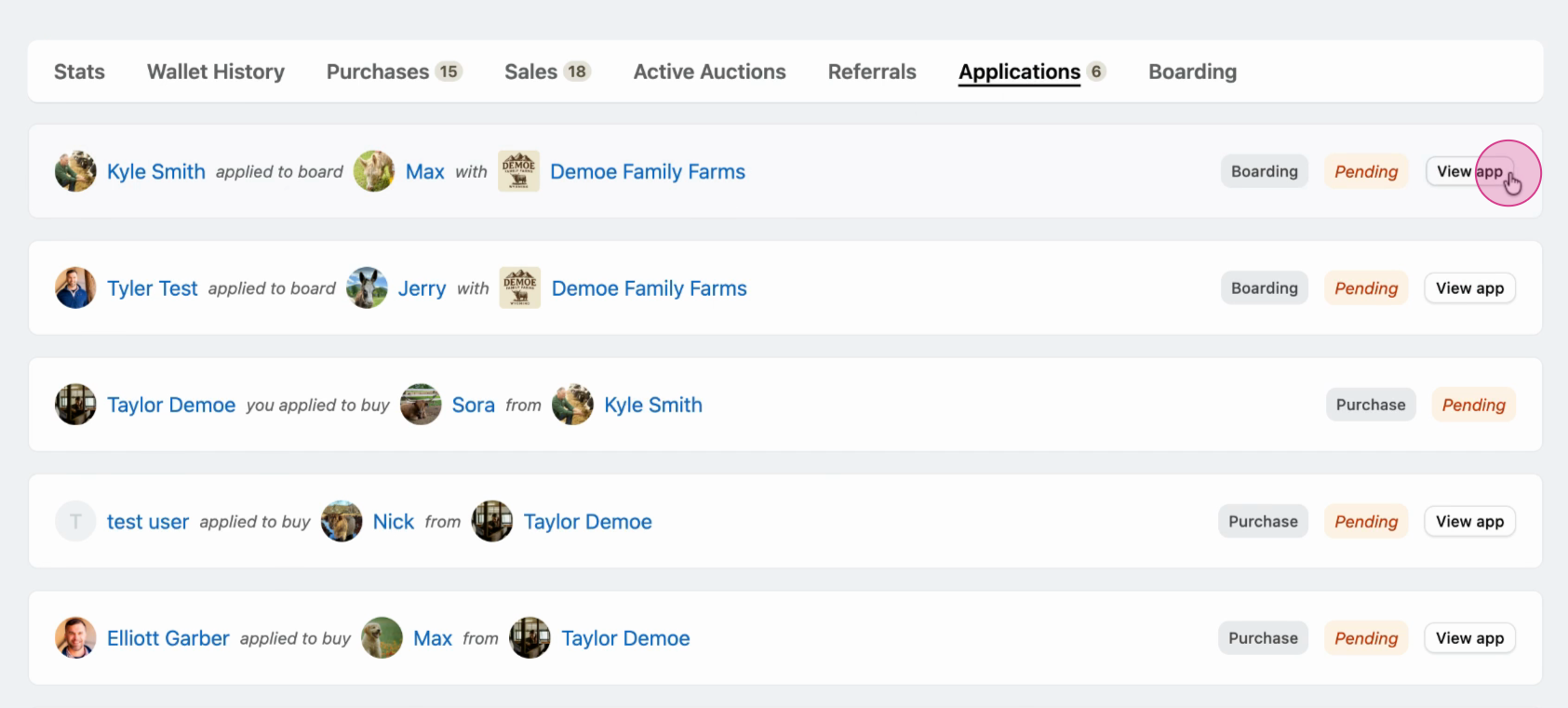
Step 5: Review the application list
Click an application to see its details, including the animal the client wants to board.
Note: If you have listings with buyer applications, those applications will also appear here.
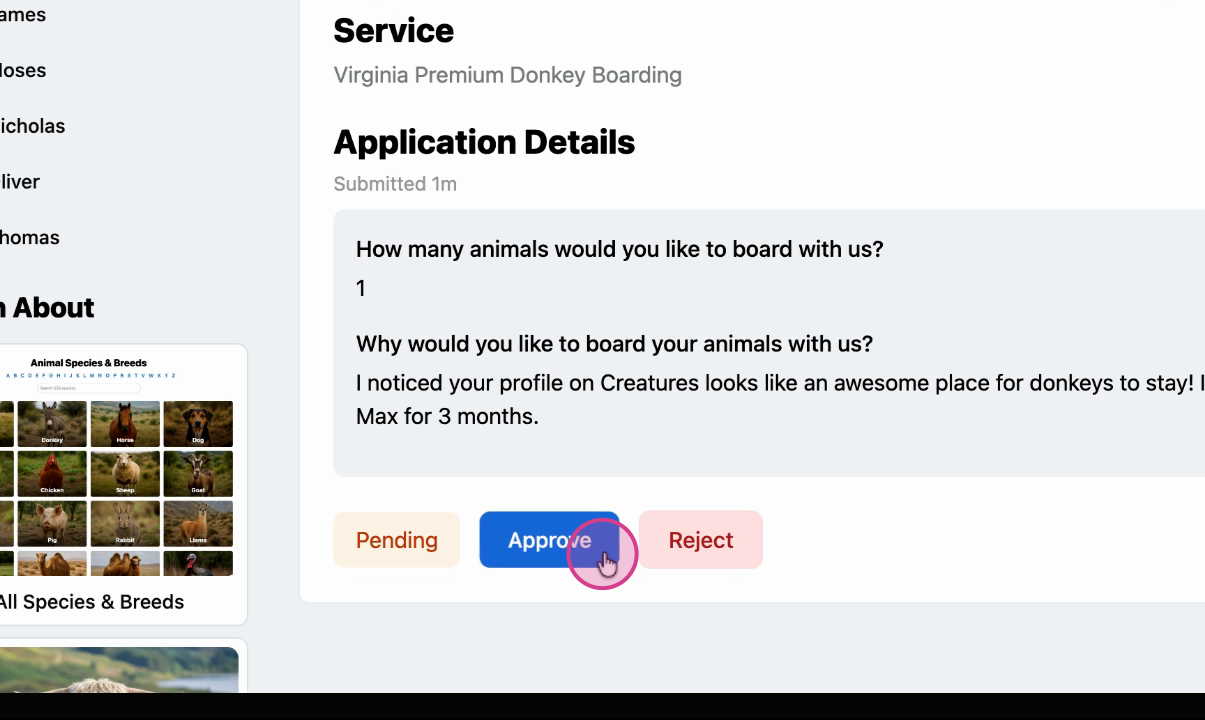
Step 6: Approve the application
Review the details and click Approve if everything looks correct. This gives the buyer permission to submit payment and enter a boarding agreement.
Step 7: Wait for buyer confirmation
You'll receive a notification once the buyer completes payment.
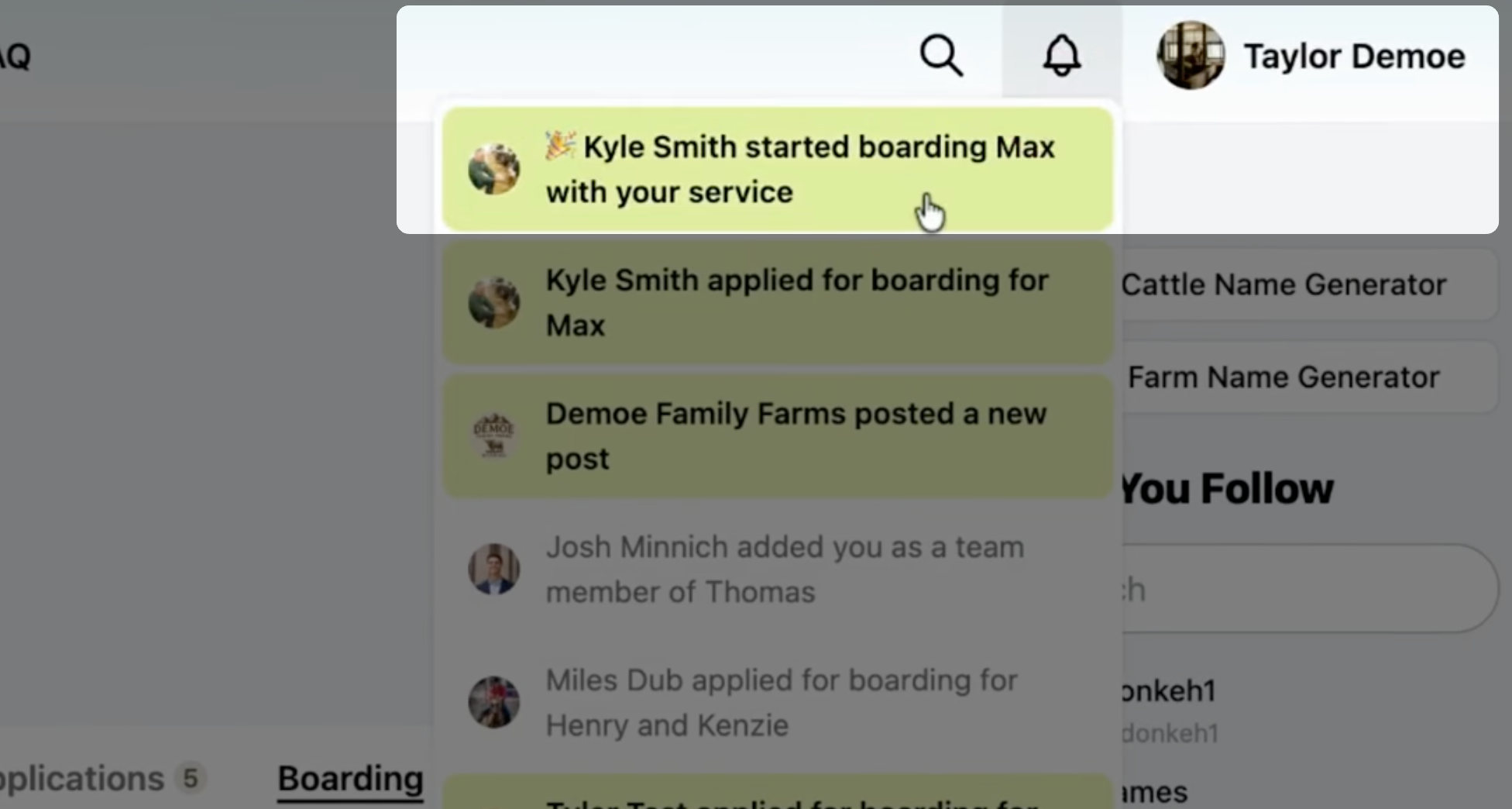
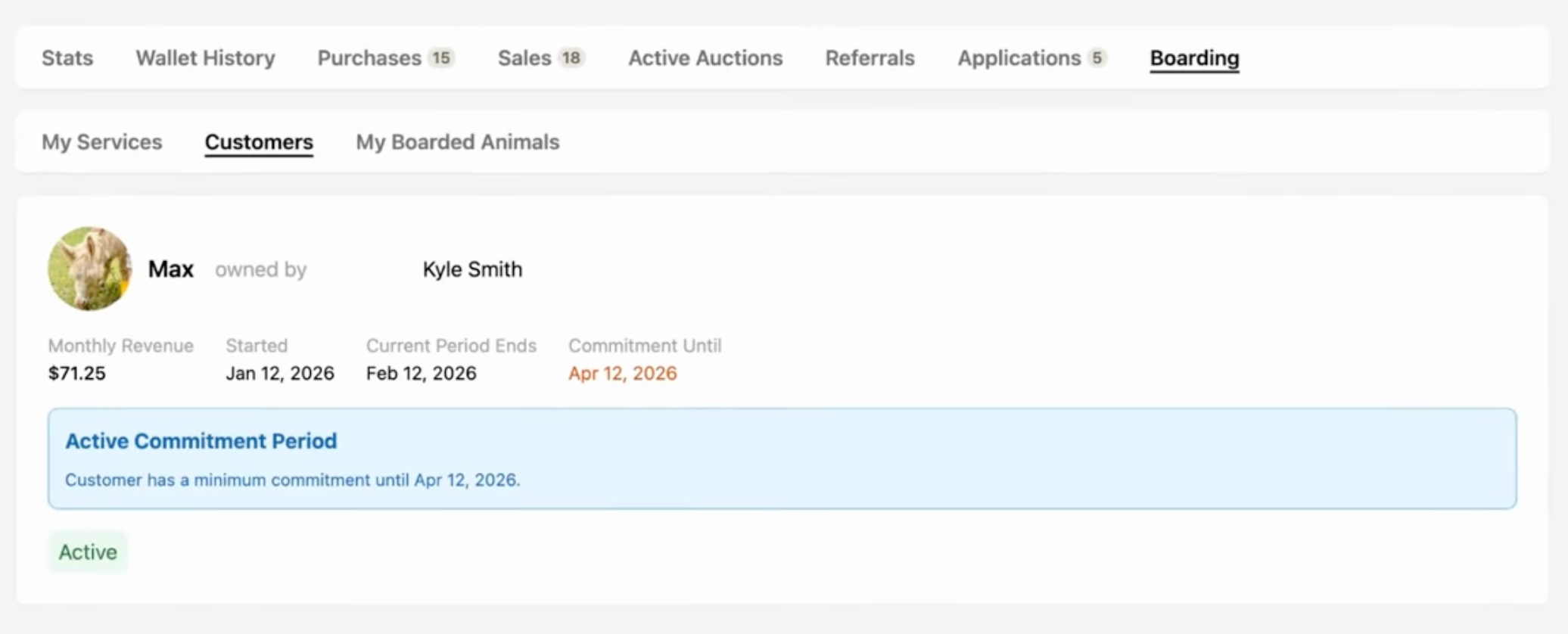
You can view your customers anytime in the Boarding tab on your dashboard.
Related articles:
How to Create a Boarding Service
How to Apply for a Boarding Service
How to Create a Custom Boarding Service Application Form
Updated on: 14/01/2026
Thank you!