
How to Bid on Transportation Requests
How to Bid on Transportation Requests
Here's how to browse and bid on a transportation opportunity.
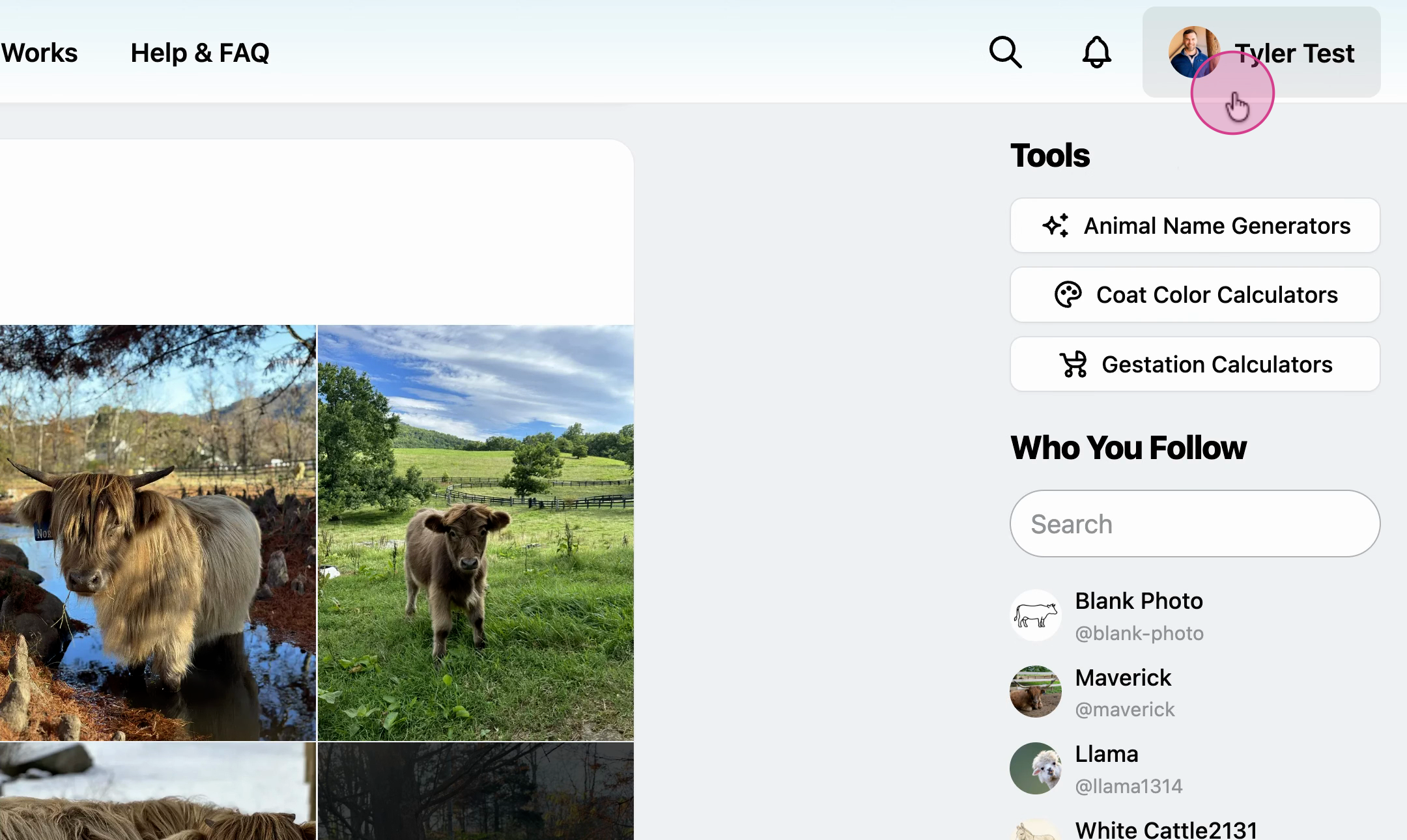
1. Open the profile menu to access your account options.
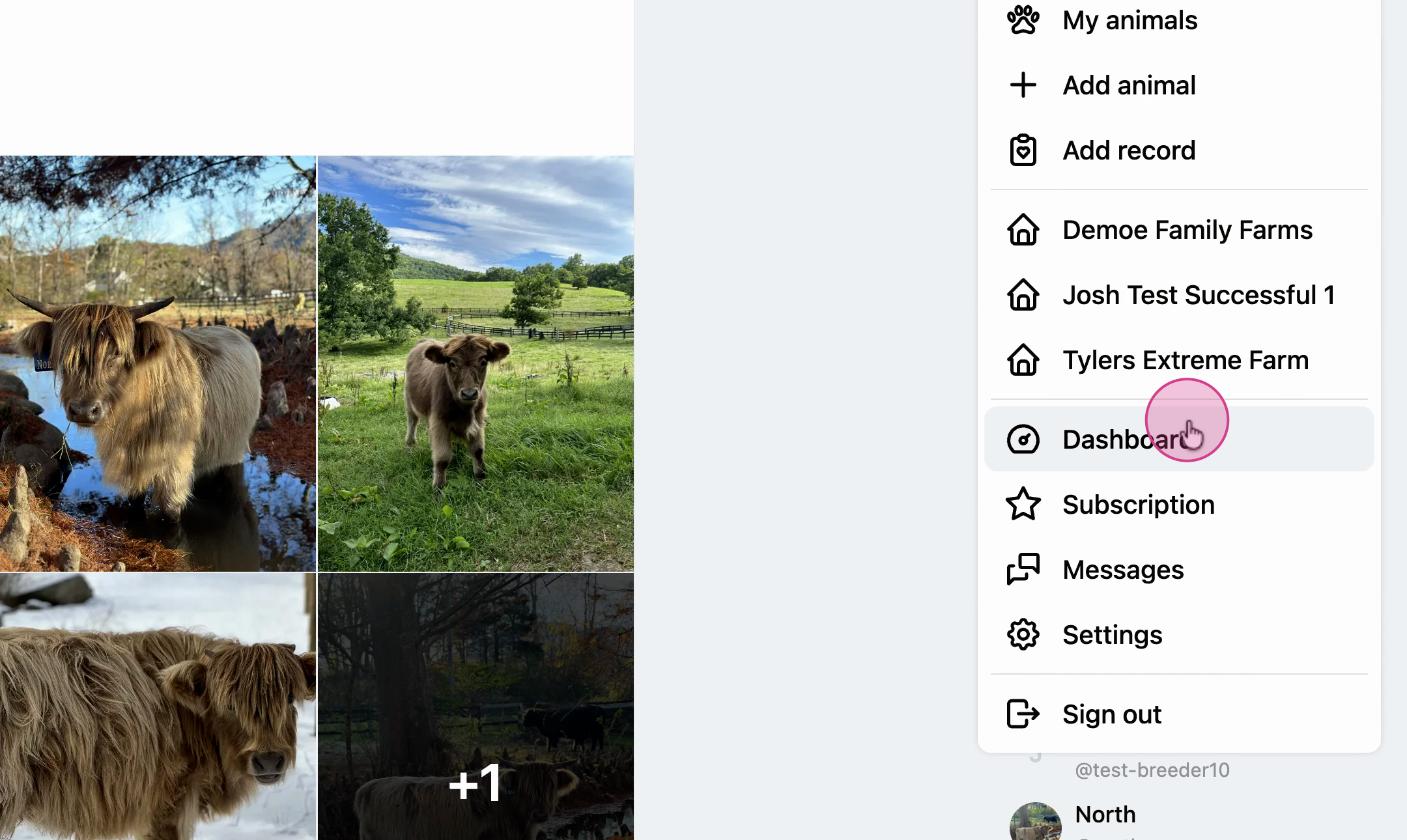
2. Select Dashboard from the dropdown.
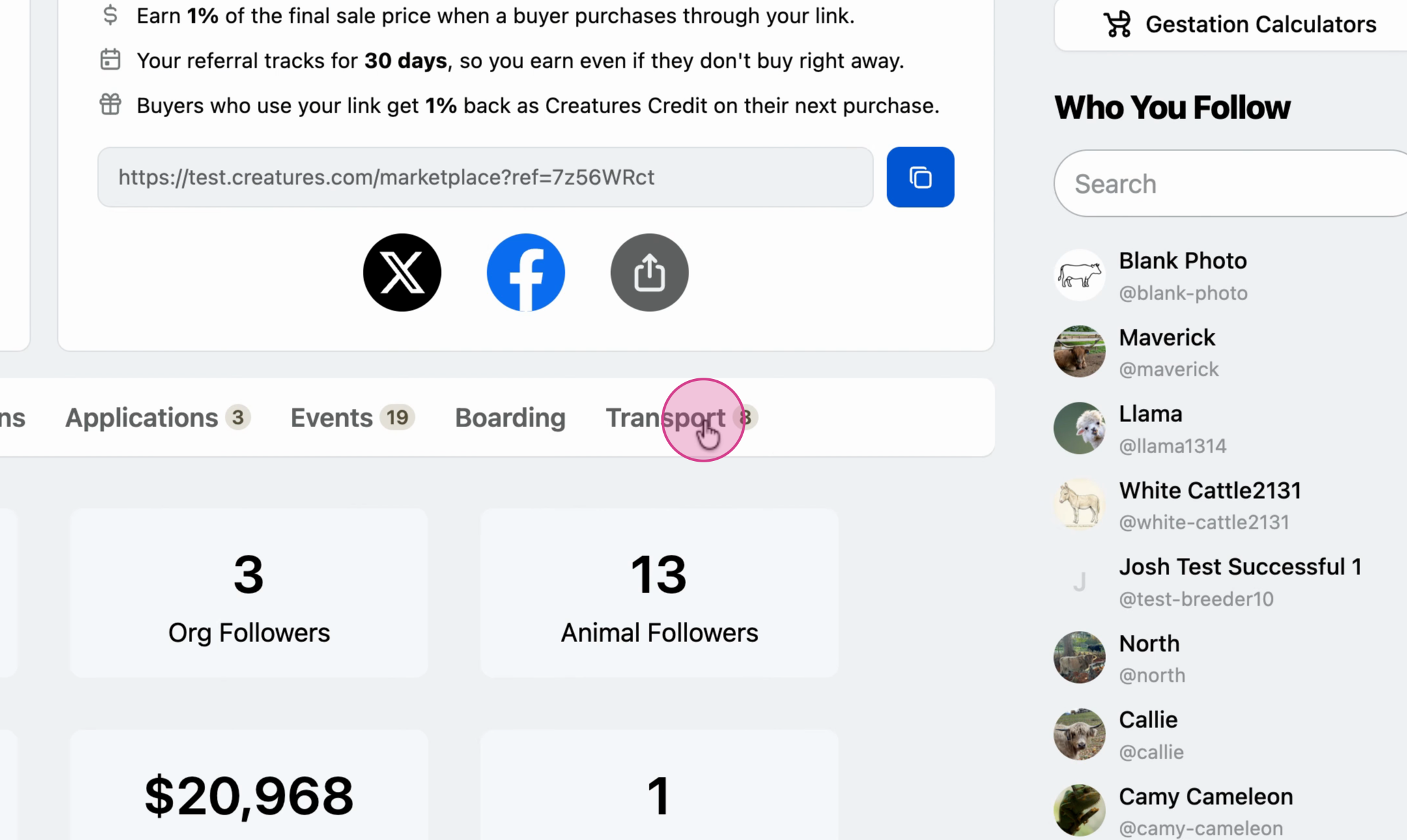
3. In the dashboard, click on Transport.
4. Select Opportunities to view available transportation requests.
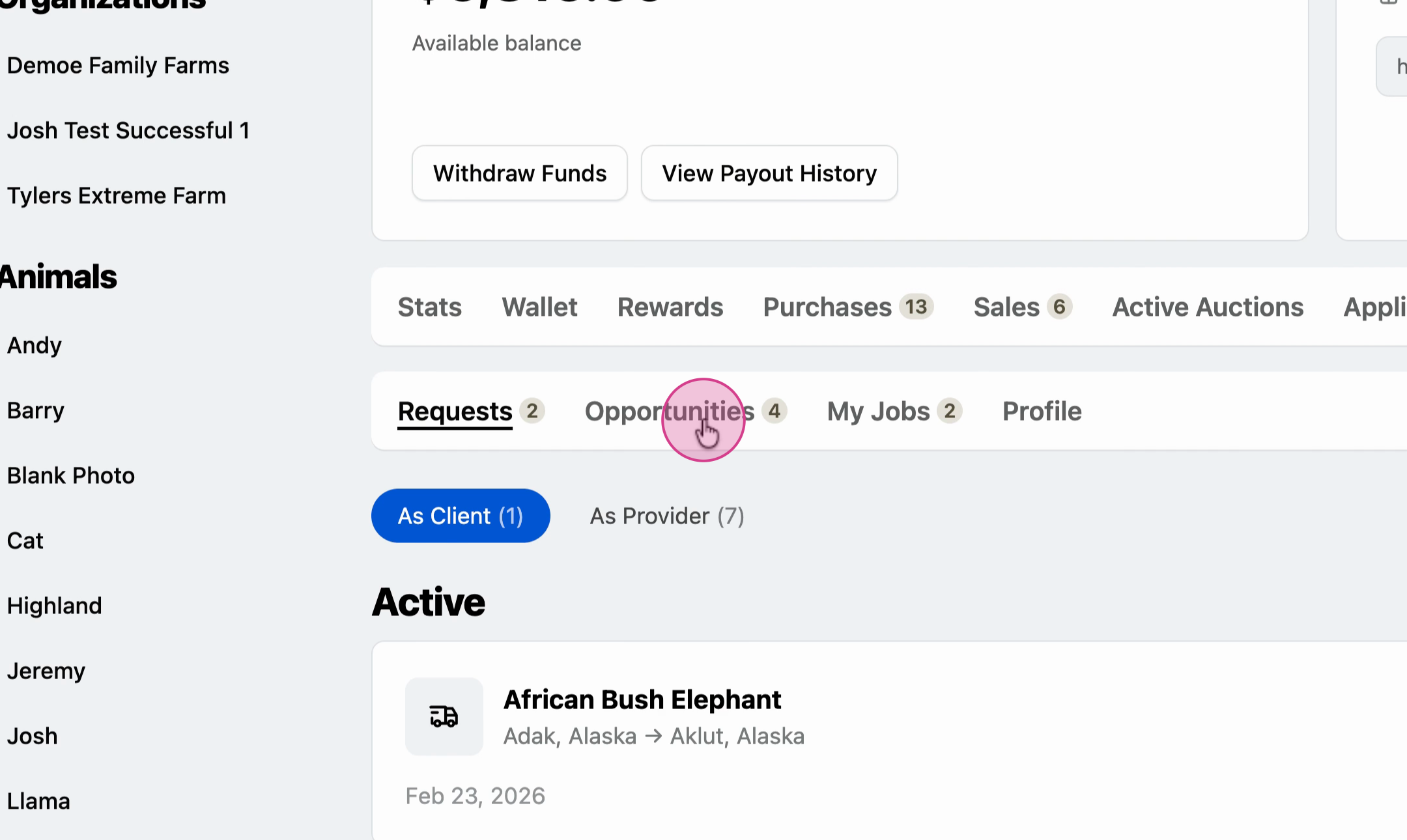
5. Browse the opportunities and choose the one you want.

6. When you find an opportunity that you like, select Place Bid.

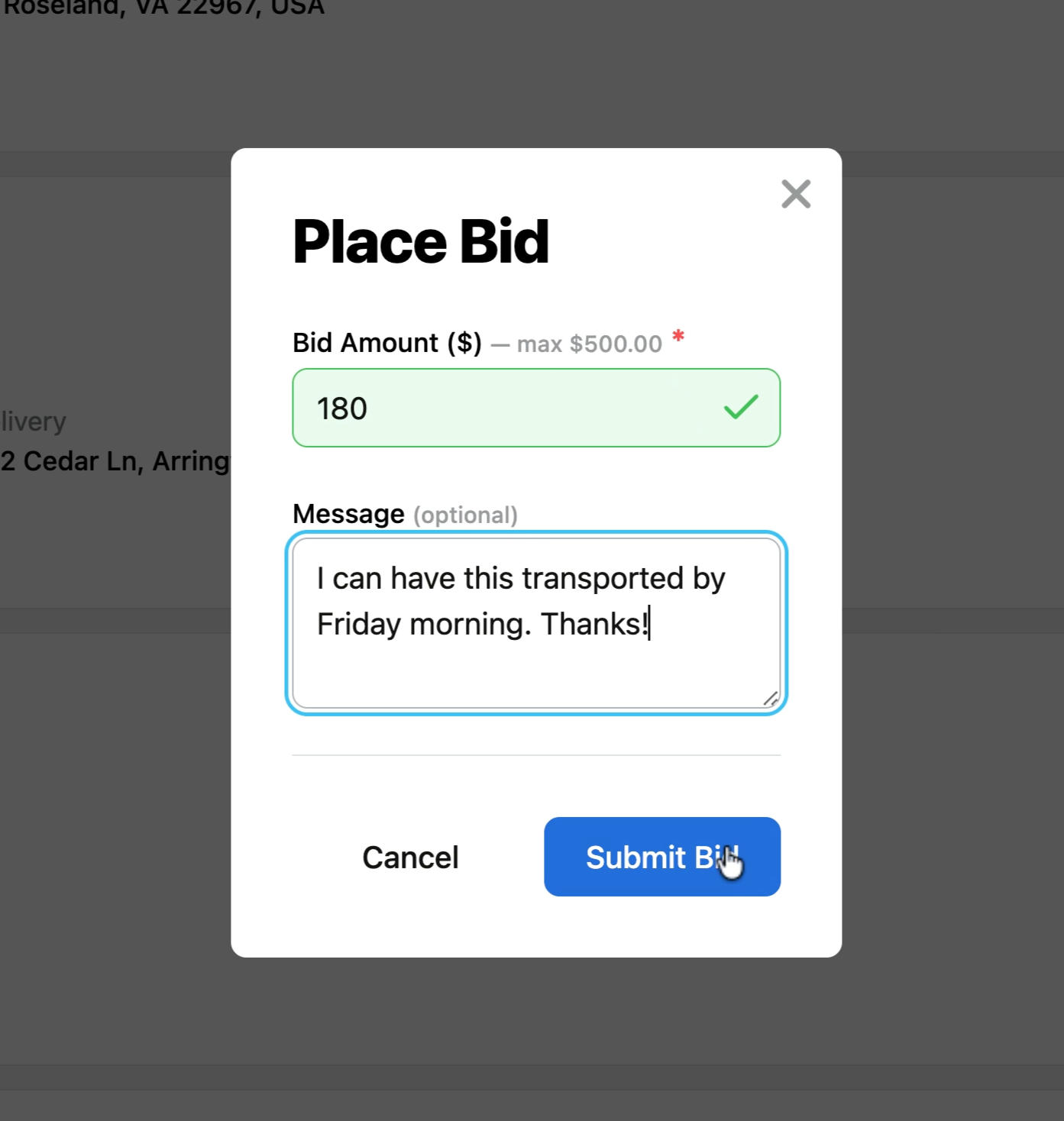
7. Enter your bid, and add a message for the Creatures team if you'd like. When you are ready, Submit your bid.
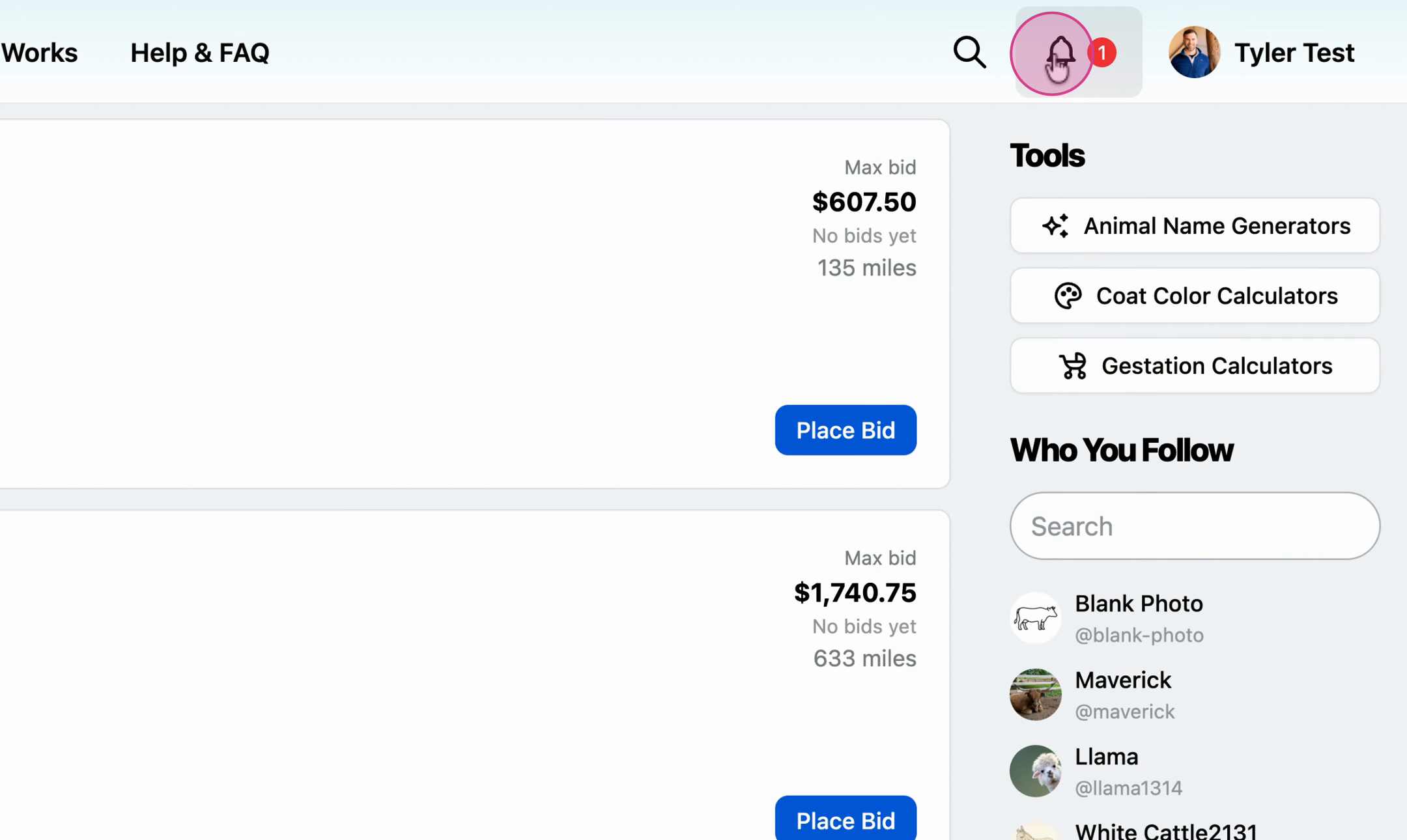
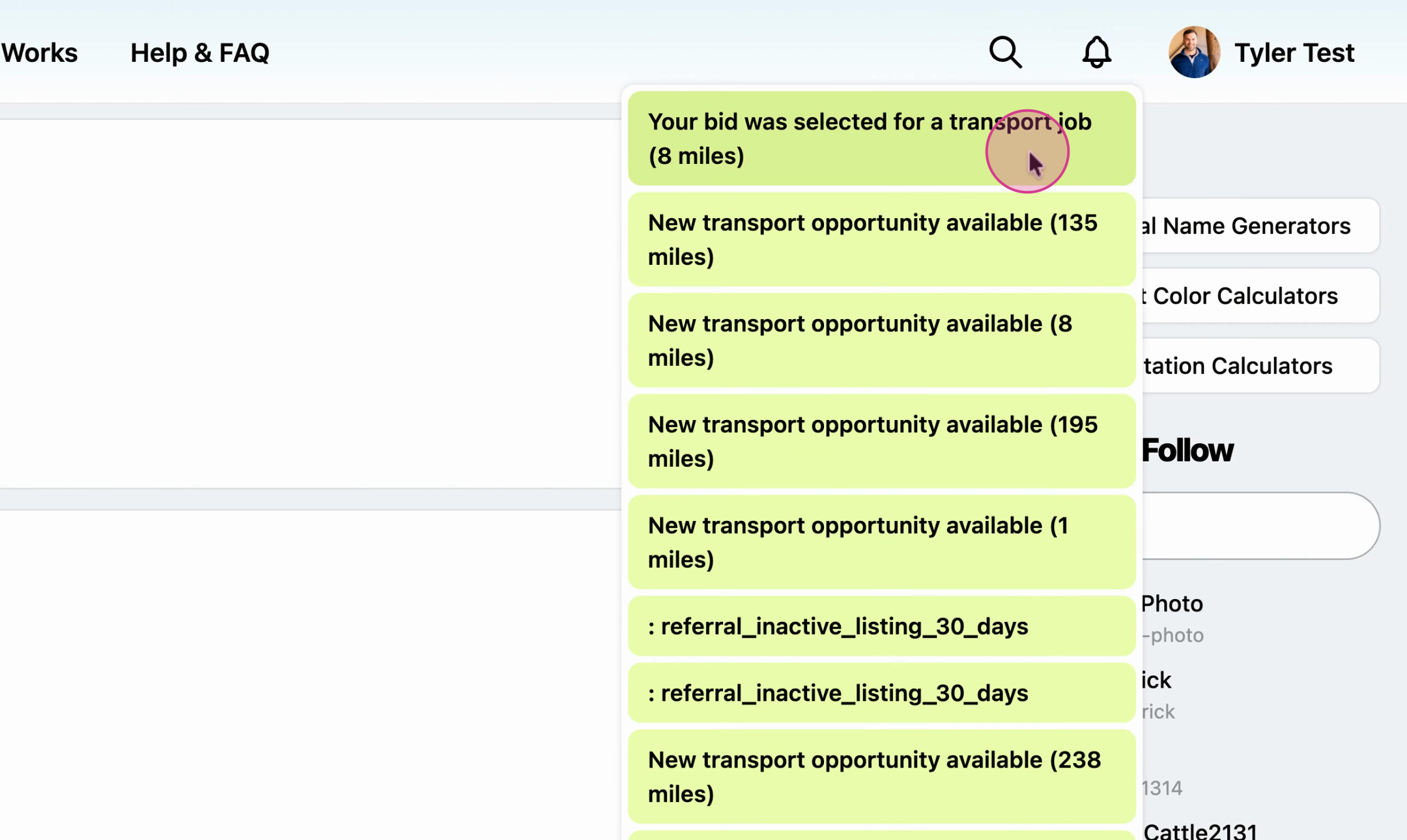
8. If your transportation bid is chosen, you'll receive a notification.
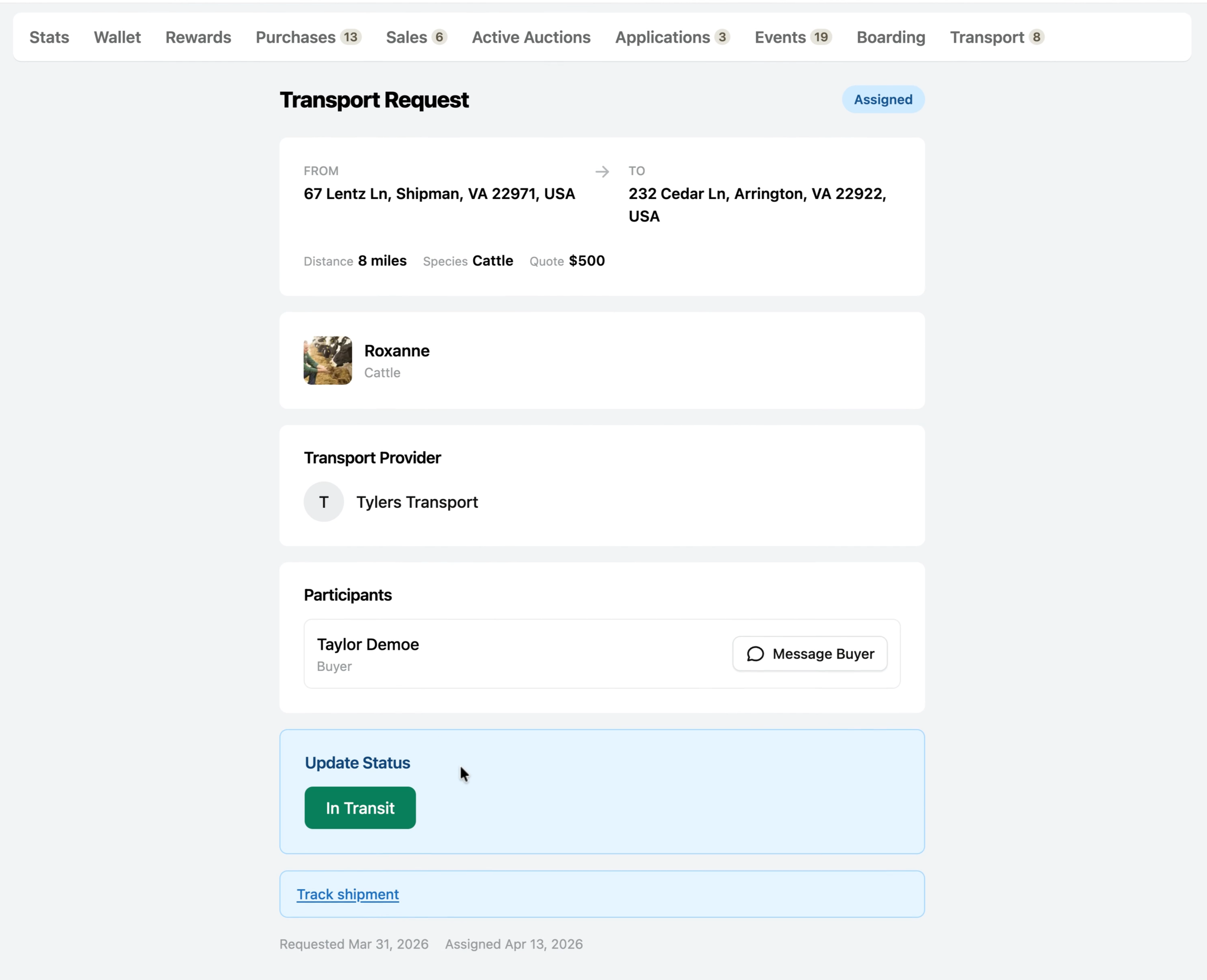
9. Once awarded, the job will appear in Dashboard → Transport → My Jobs → Assigned.
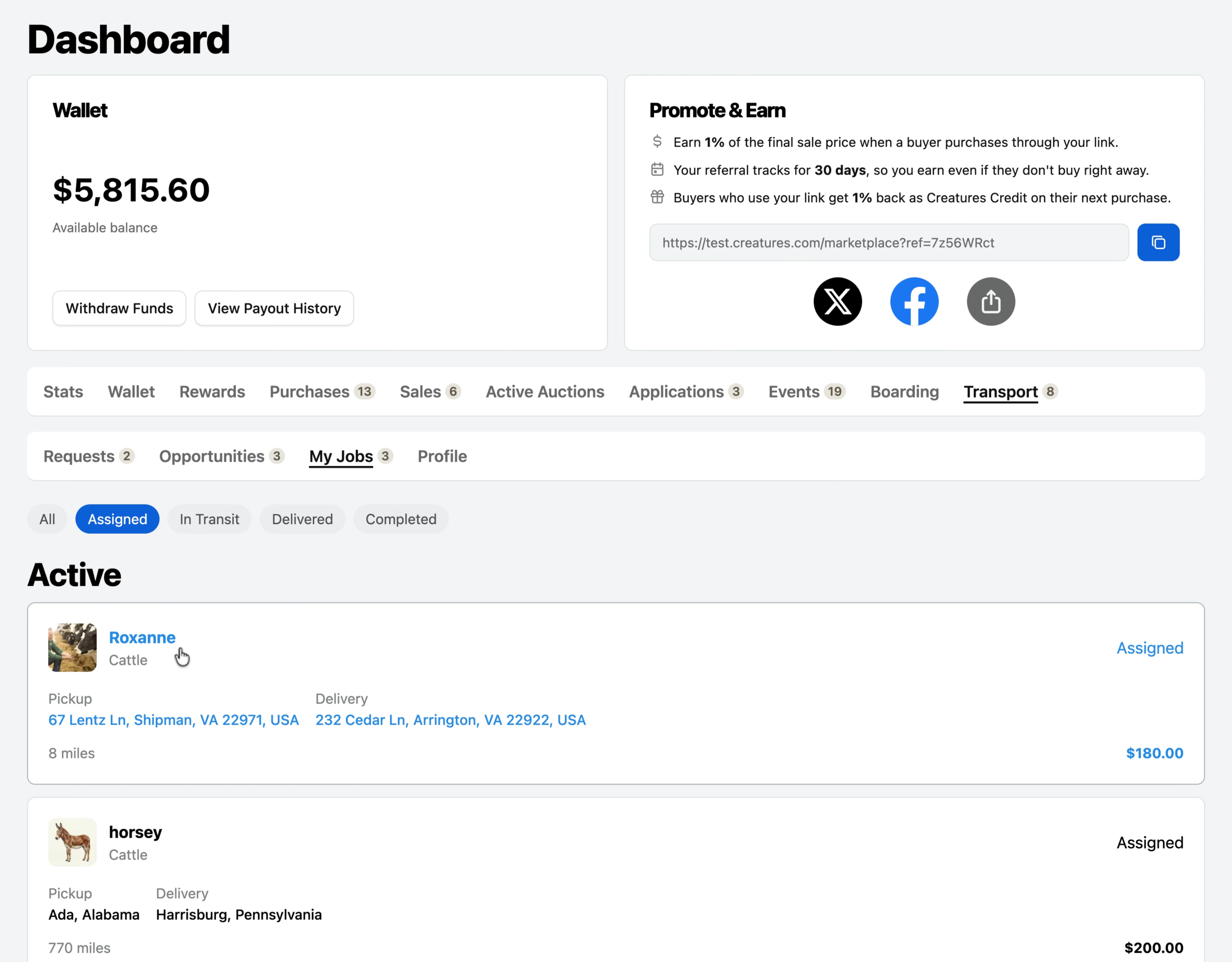
10. Click into the job to refer to any information about the transportation request. From here, update the status to let the buyer know when it's on the way.
For more information about fulfilling a transportation request, check out How to Fulfill a Transportation Request.
By following these steps, you'll discover and secure transport opportunities, keeping all your jobs organized and your buyers informed every step of the way.
Updated on: 20/04/2026
Thank you!