
How to Create a Custom Boarding Service Application
How to Create a Custom Boarding Service Application
A custom application form lets you collect specific information from potential boarding clients, helping you approve applicants faster.
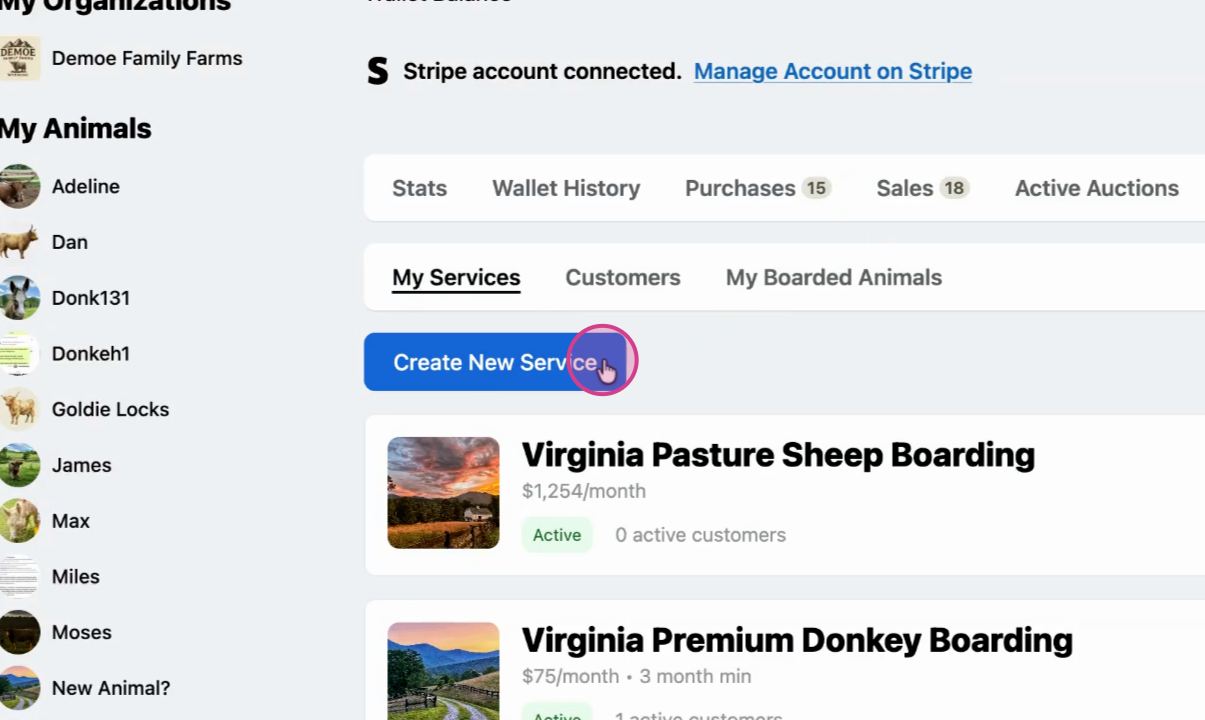
Step 1: Open your boarding service
Go to the boarding dashboard to create a new service, or edit an existing one.
Step 2: Start a new form
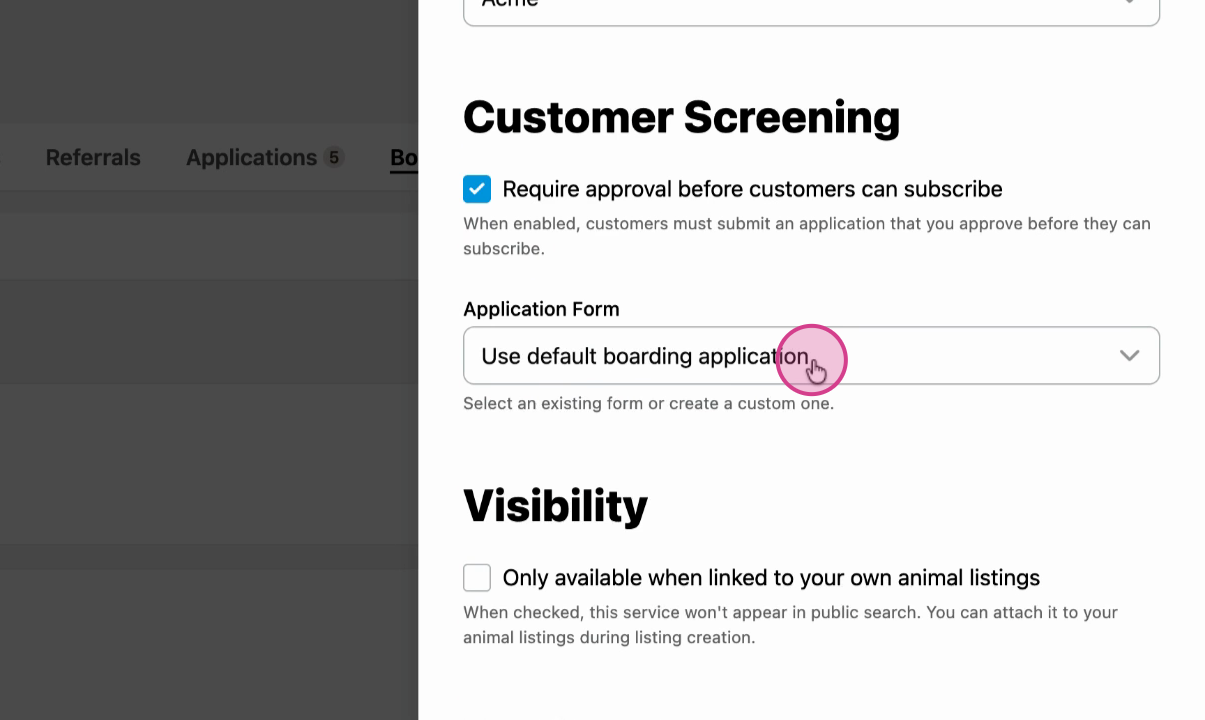
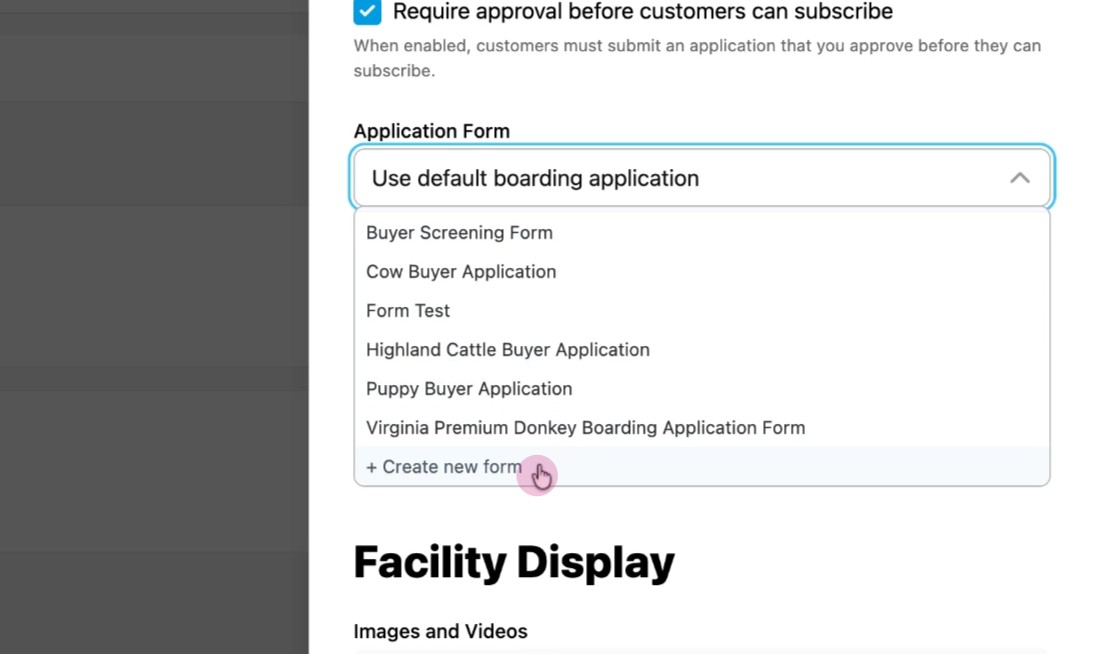
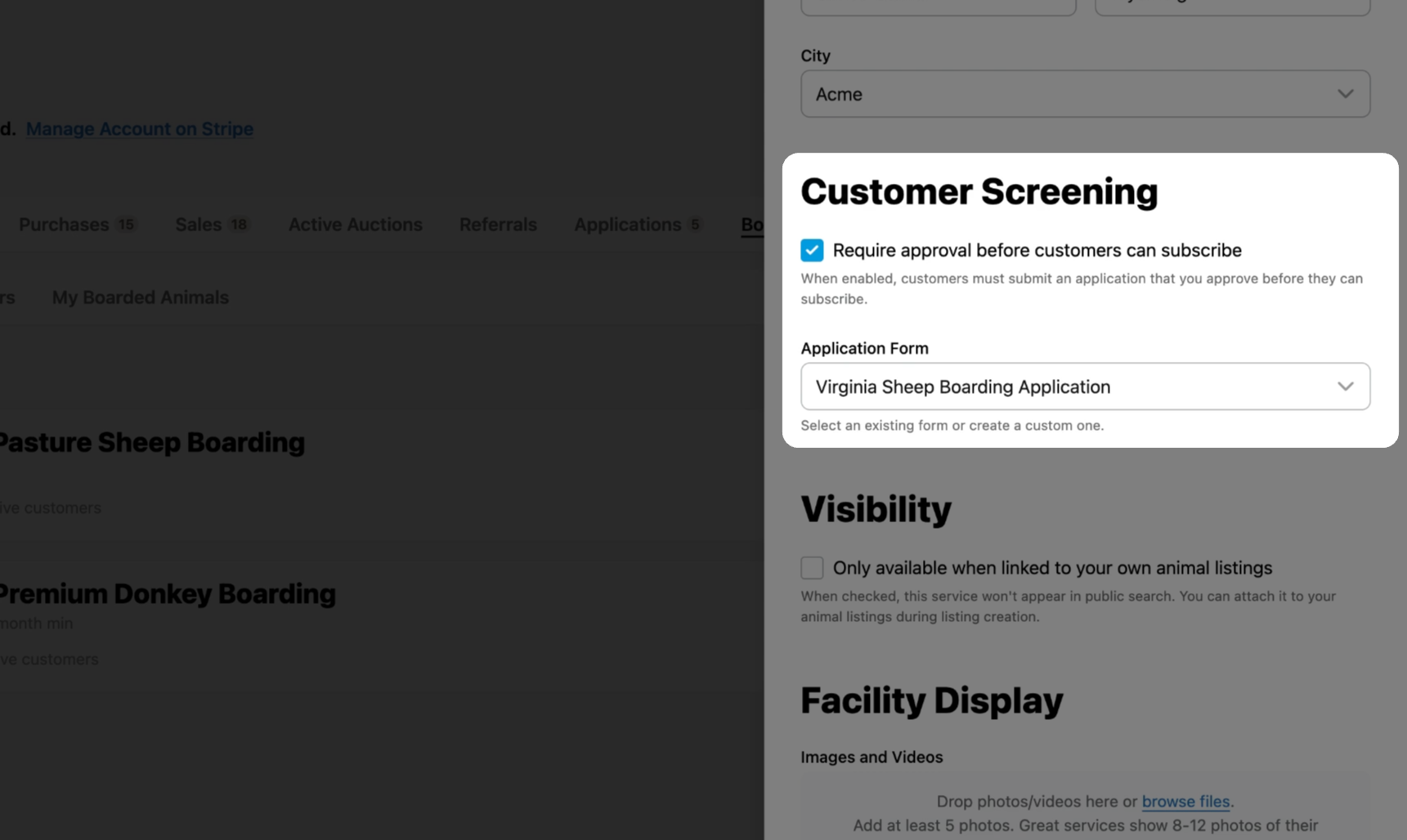
Scroll to the Customer Screening section. Click Create new form to replace the default application.
Step 3: Add a title
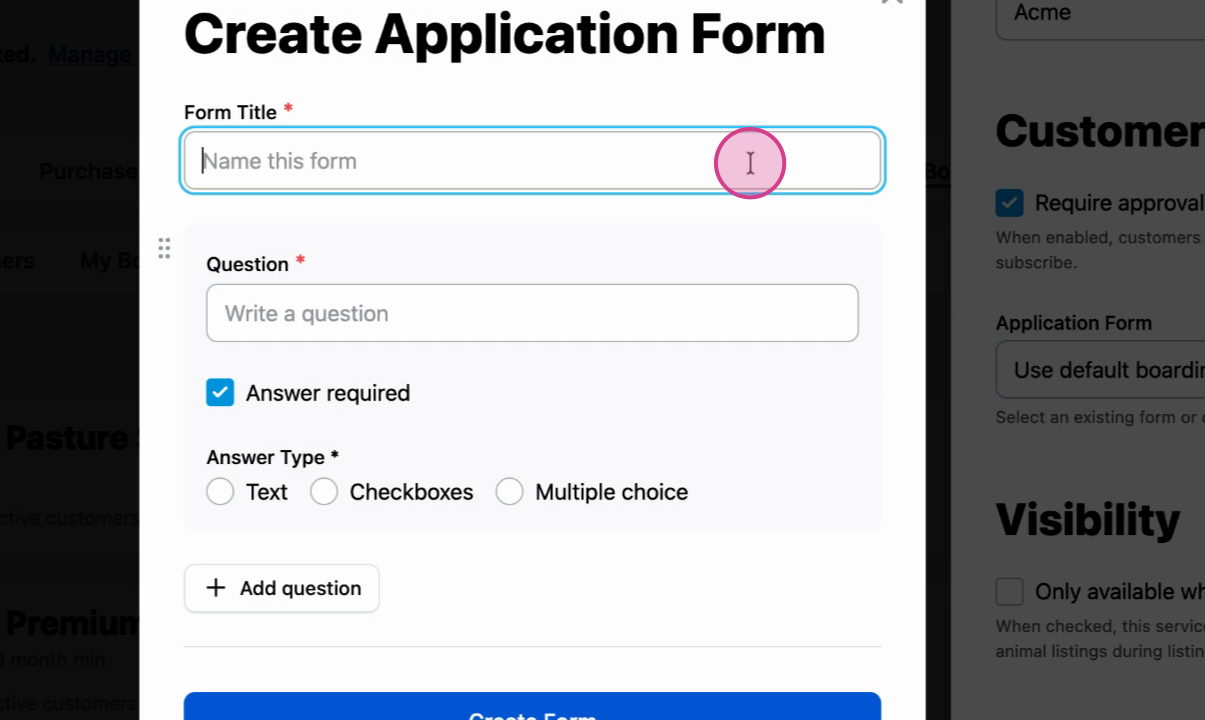
Give your form a descriptive title.
Step 4: Build your questions
Choose the question type that fits your needs: multiple choice, checkbox, or open-ended.
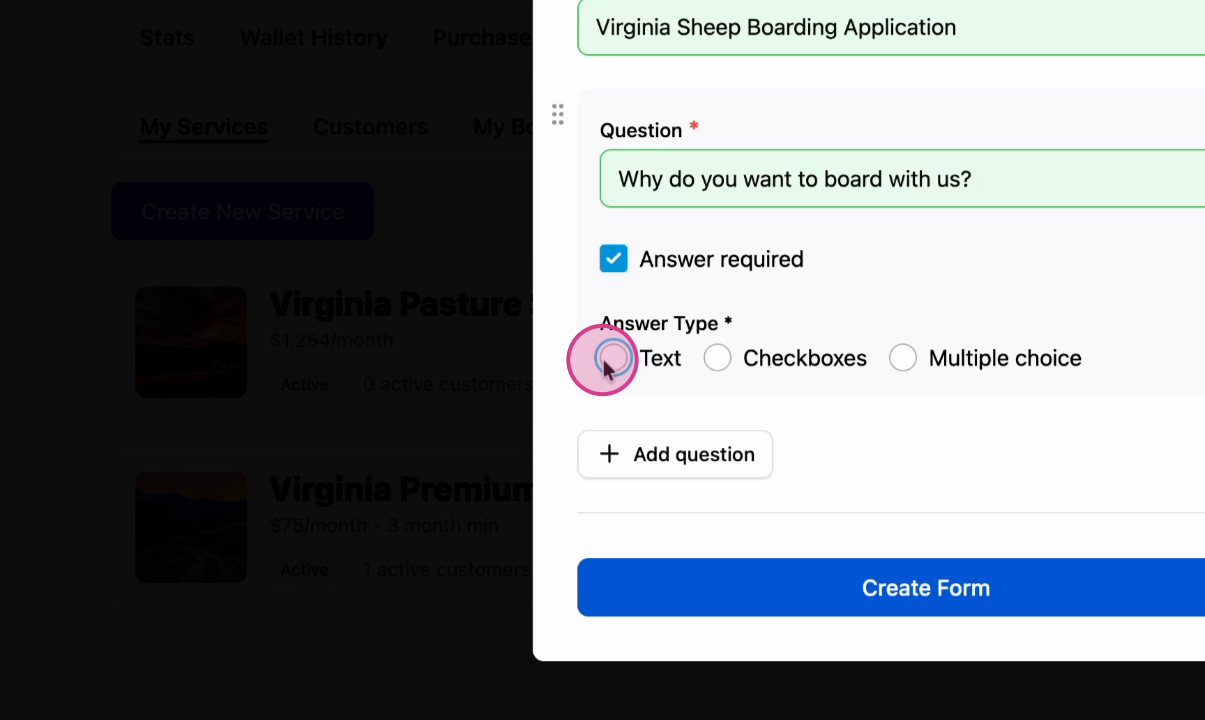
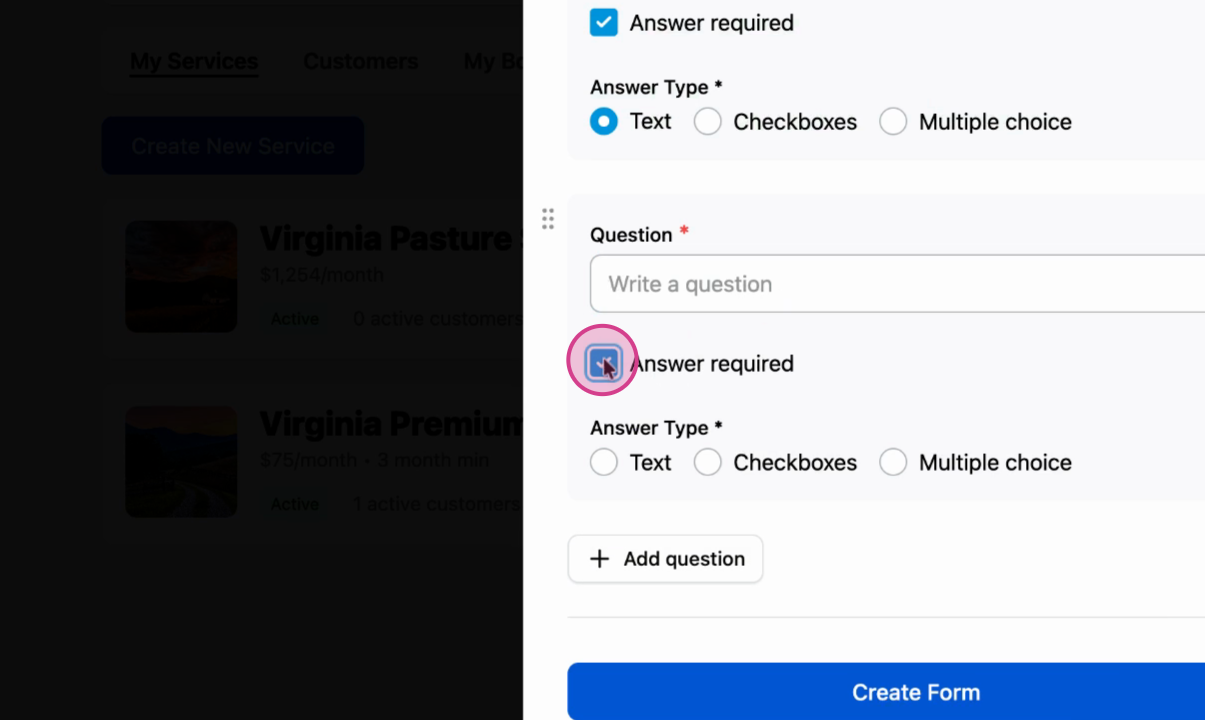
Step 5: Set required fields
Use the toggle to mark questions as required so you always get the information you need.
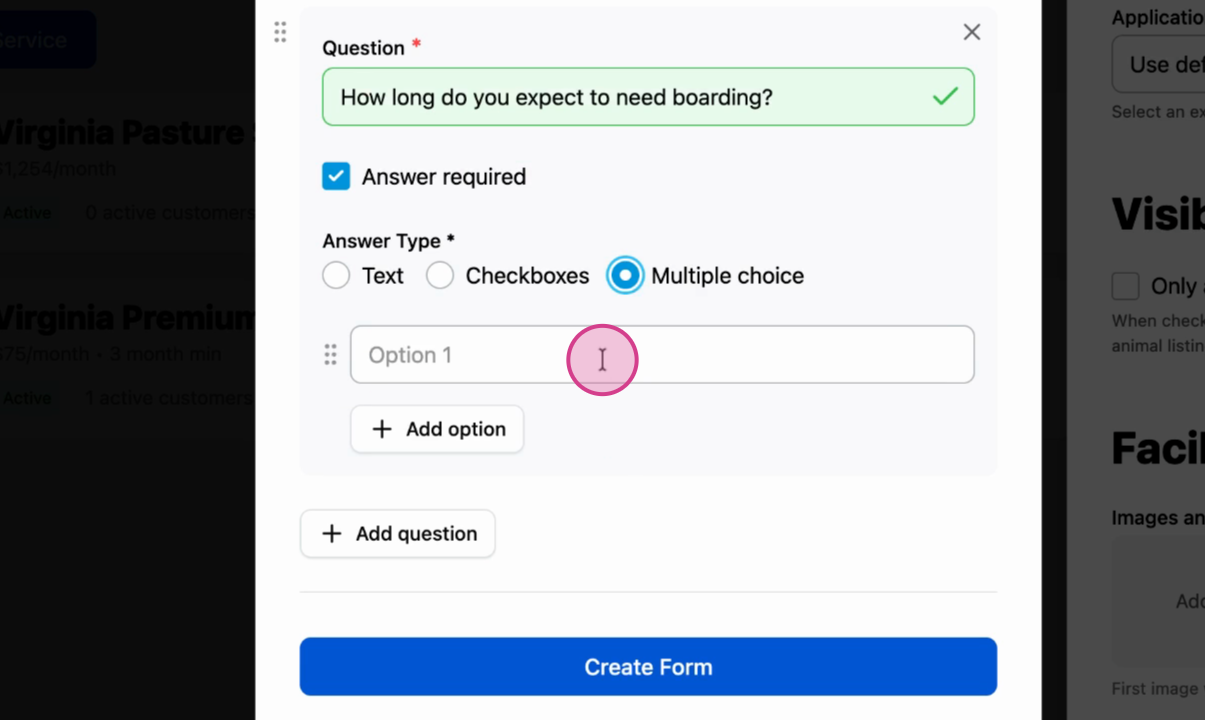
Step 6: Add multiple choice questions
Use Multiple Choice when applicants should pick a single option.
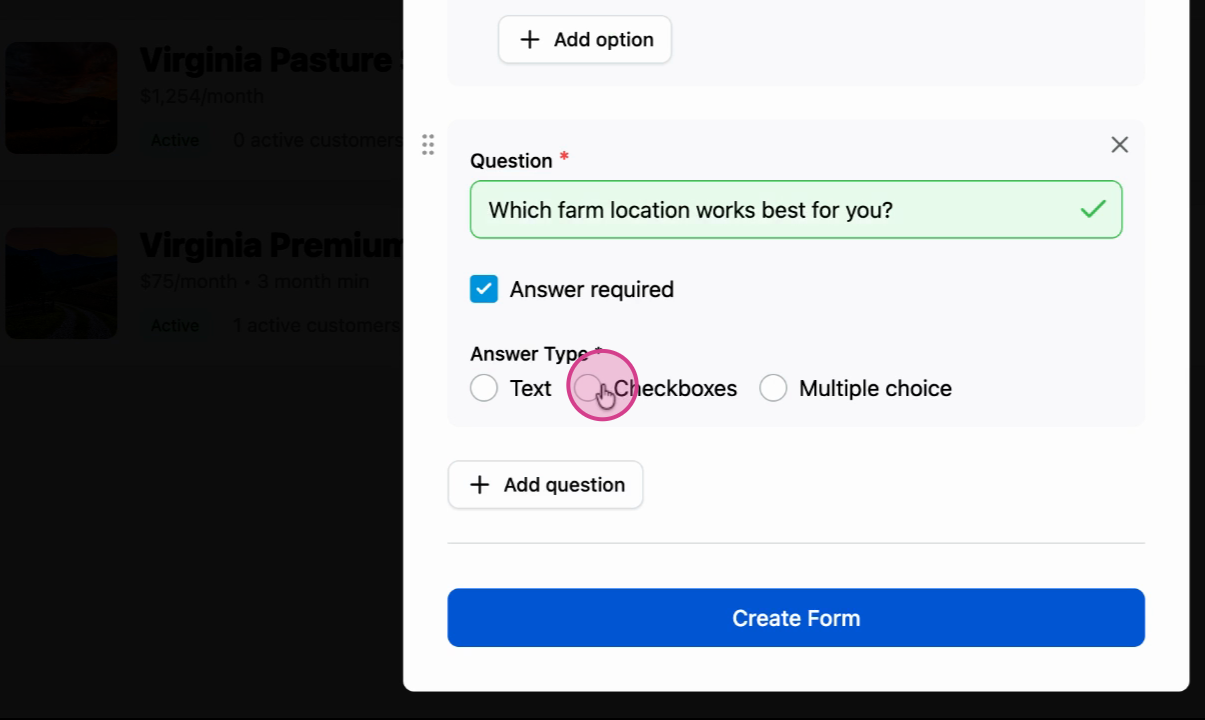
Step 7: Add checkbox questions
Use Checkbox when applicants can select more than one option.
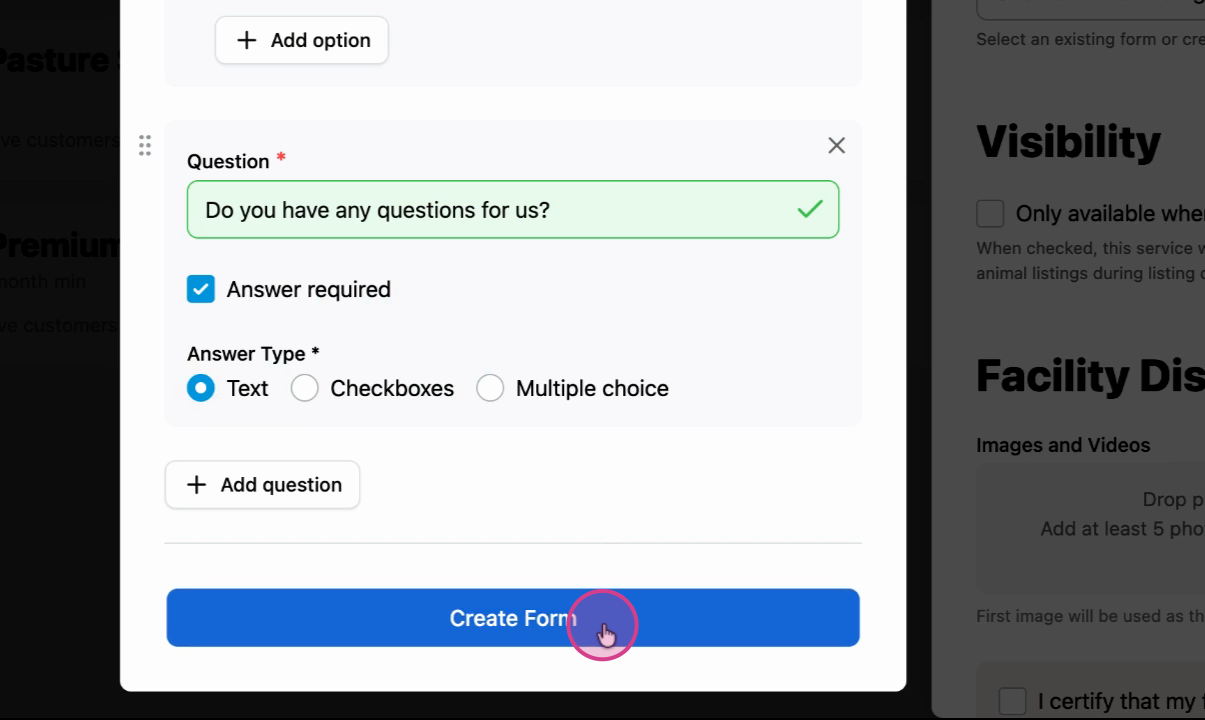
Step 8: Create the form
Review your questions for accuracy and clarity, then click Create Form.
Step 9: Finish your boarding service setup
Complete the rest of your boarding service configuration. Your custom form will appear for buyers to fill out when they apply.
Related articles:
How to Create a Boarding Service
How to Approve a Boarding Service Application
How to Apply for a Boarding Service
Updated on: 14/01/2026
Thank you!