
How to Create a Reference Animal Profile
How to Create a Referenced Animal Profile
Create a reference animal profile in Creatures to track lineage or document animals you don't directly own. This guide covers each step, from starting the process to handling claims from other users.
Owned vs. Referenced Animal Profiles
Some fields required for owned animal profiles are optional for reference profiles. Since you don't own the animal, the profile may be incomplete. You can invite the owner so they can claim and complete it.
Field | Owned profile | Reference profile |
|---|---|---|
Profile photo | Required | Optional |
Name | Required | Required |
Species | Required | Required |
Sex | Required | Required |
Date of birth | Required | Optional |
Breed | Required | Optional |
Color | Required | Optional |
About | Optional | Optional |
Registry # | Optional | Optional |
Make private | Optional | Not Available |
Owner email | Hidden | Optional |
Open the reference tab
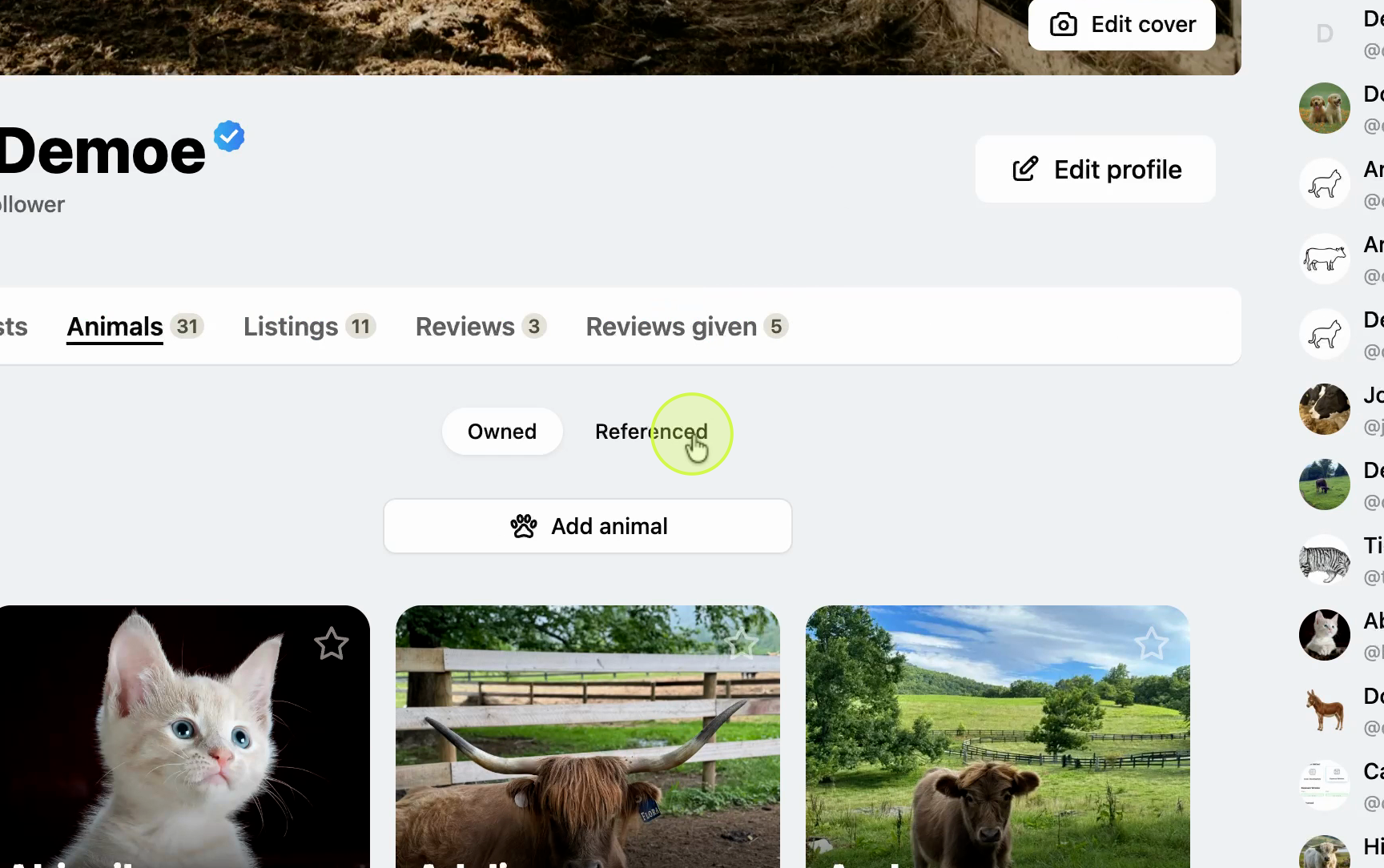
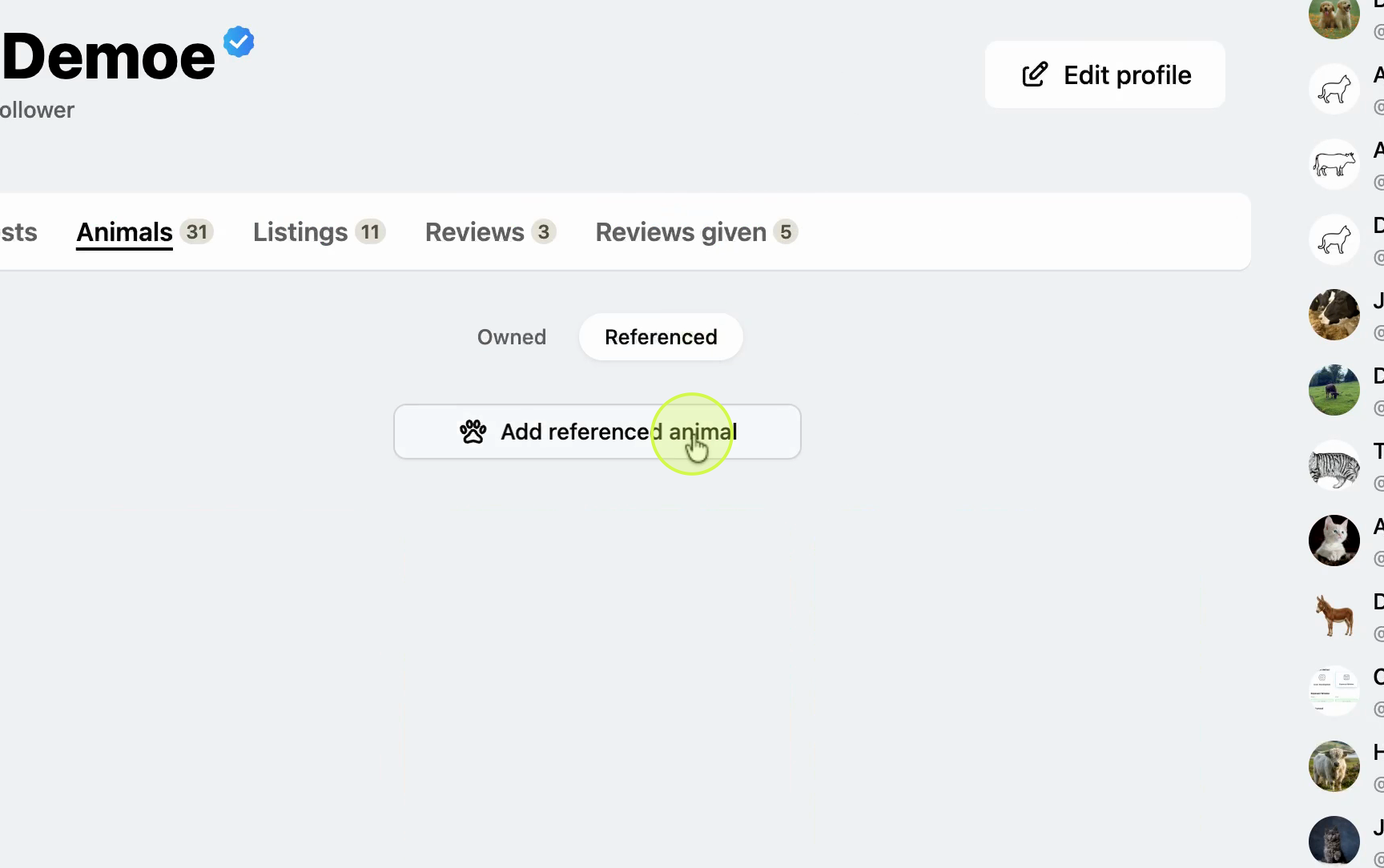
Go to the Animals section in your profile and select the Referenced tab. Click Add Referenced Animal to start a new profile.
Enter the animal's name and URL handle
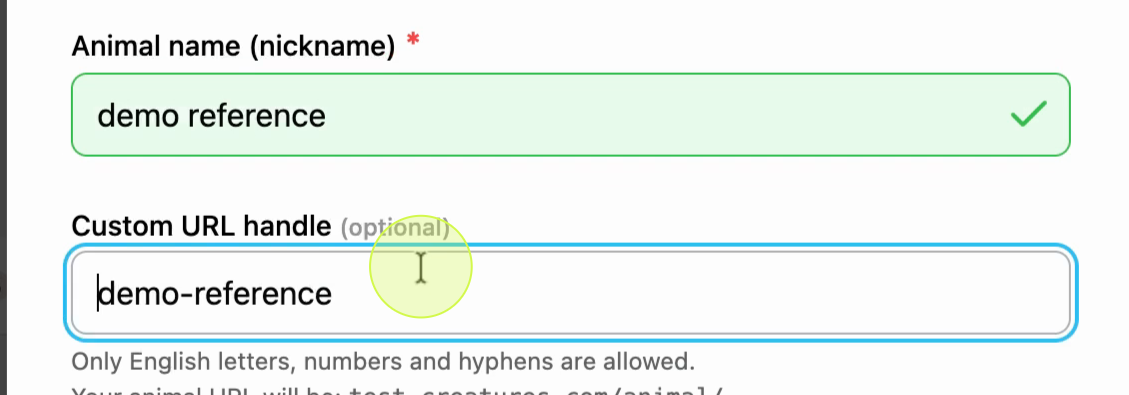
Type the animal's name and URL handle. Uploading a photo is optional for referenced animals, so skip it if you don't have one.
Set the reference or lineage pedigree option
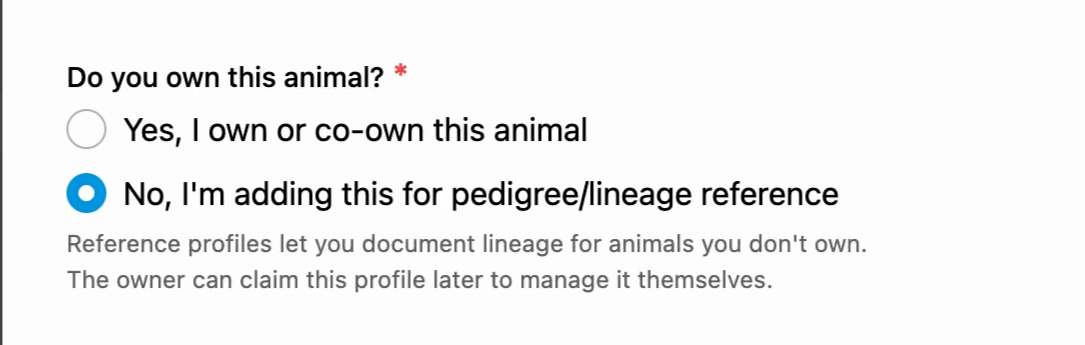
In the "Adding for reference/lineage pedigree?" section, keep this set to No if you're recording the animal for reference only.
Invite the owner (optional)
To invite the animal's owner, enter their email address. Leave this blank if you don't know it. The owner can receive an invite, register with Creatures, and claim the animal.

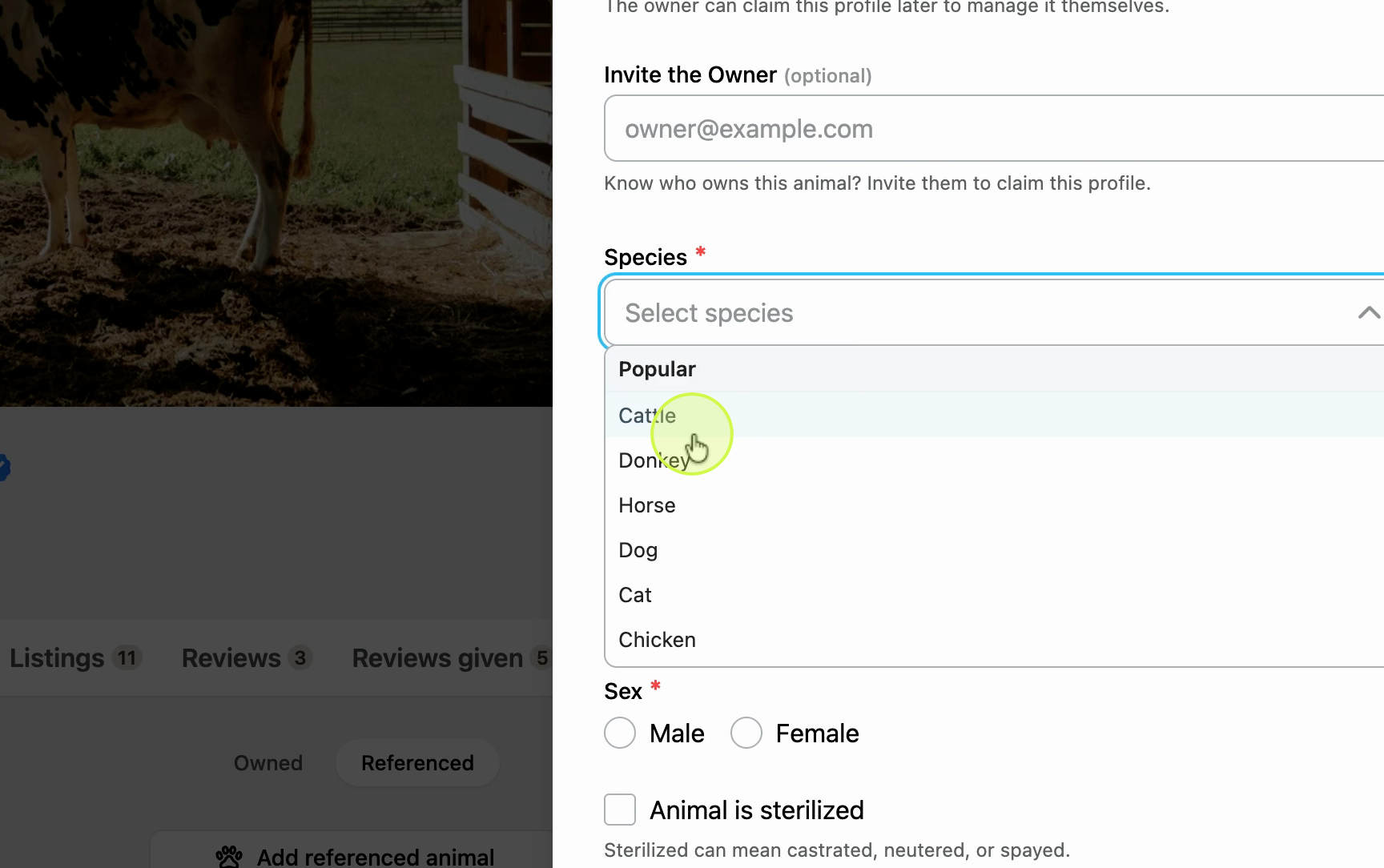
Select the species
Choose the animal's species from the dropdown.
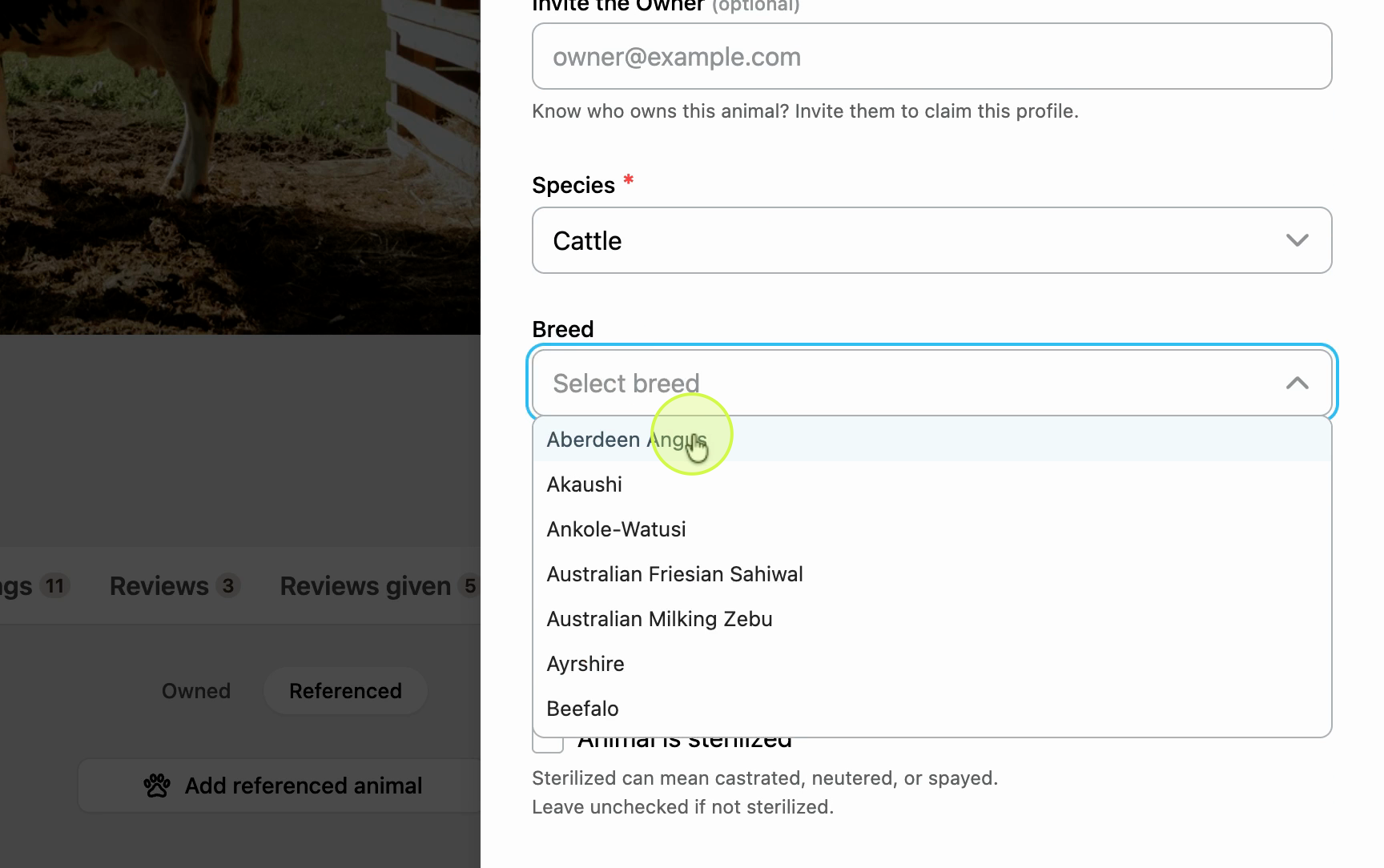
Choose the breed and color
Select the breed and color if you know them. Both fields are optional.
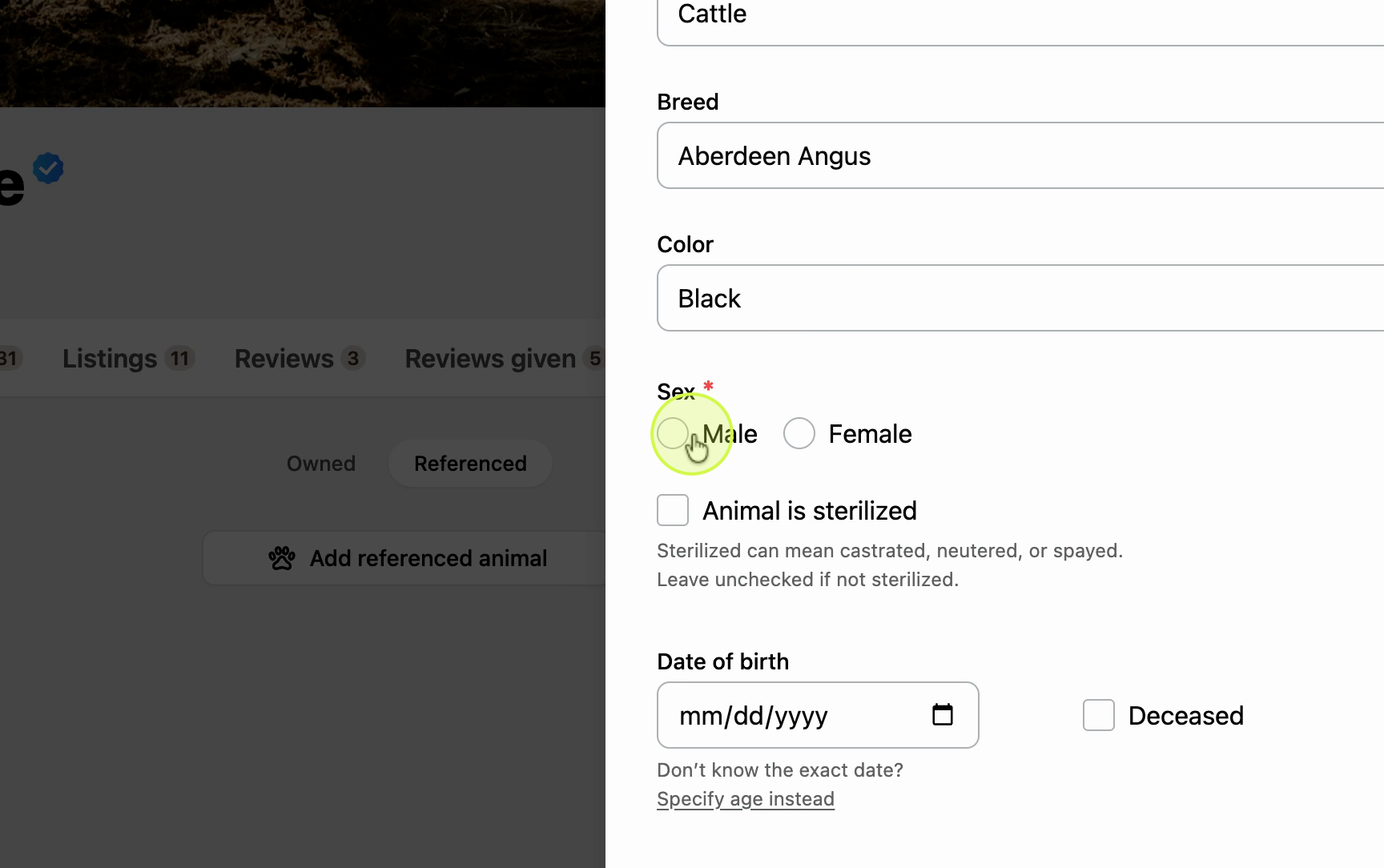
Set sex, age, and date of birth
Set the animal's sex and, if known, fill in the age or date of birth. These fields are optional. Fill in any other details you have available.
Create the profile
Click Create to finish the reference profile.
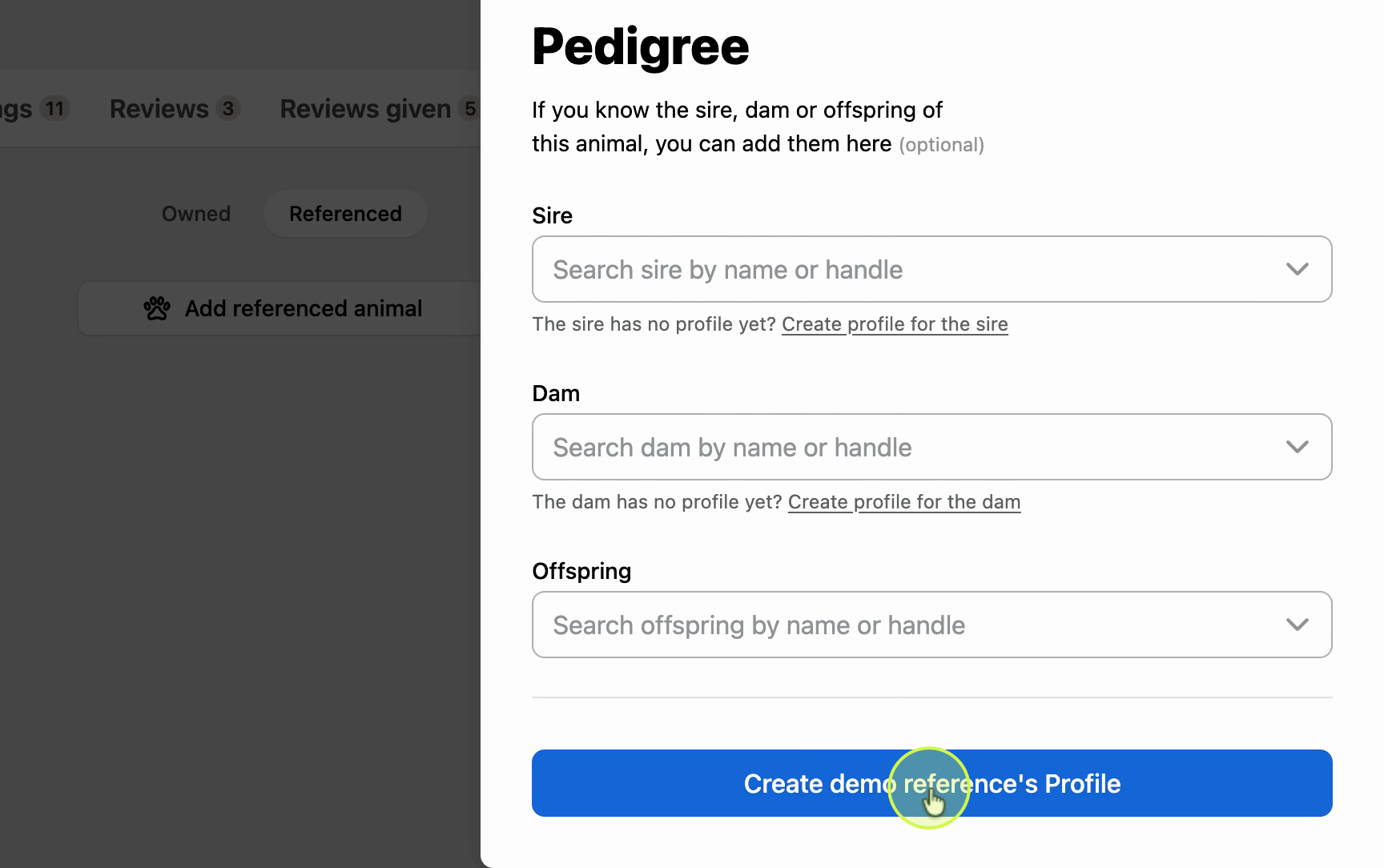

Once created, you can view the animal's profile by returning to the Referenced tab from your profile menu.

Claims from other users
Other users can request to claim referenced animal profiles who were not invited by email. Claims are routed to an admin for approval.
Updated on: 03/03/2026
Thank you!