
How to Create a Transportation Organization
How to Create a Transportation Organization
Here’s how to set up your transportation provider profile on Creatures.com.
1. Open the profile menu at the top right of the page and click dashboard to enter your account's main management area.
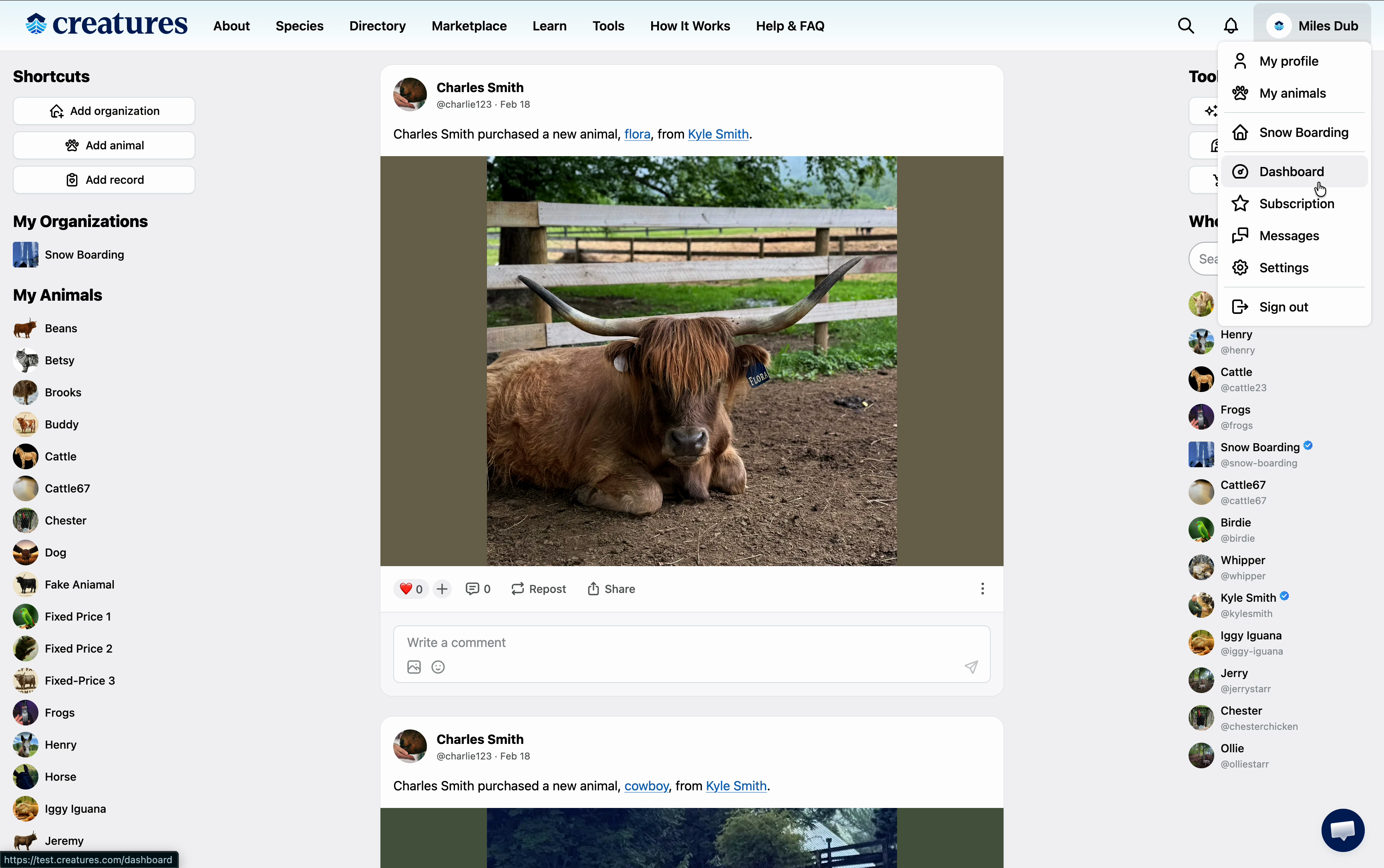
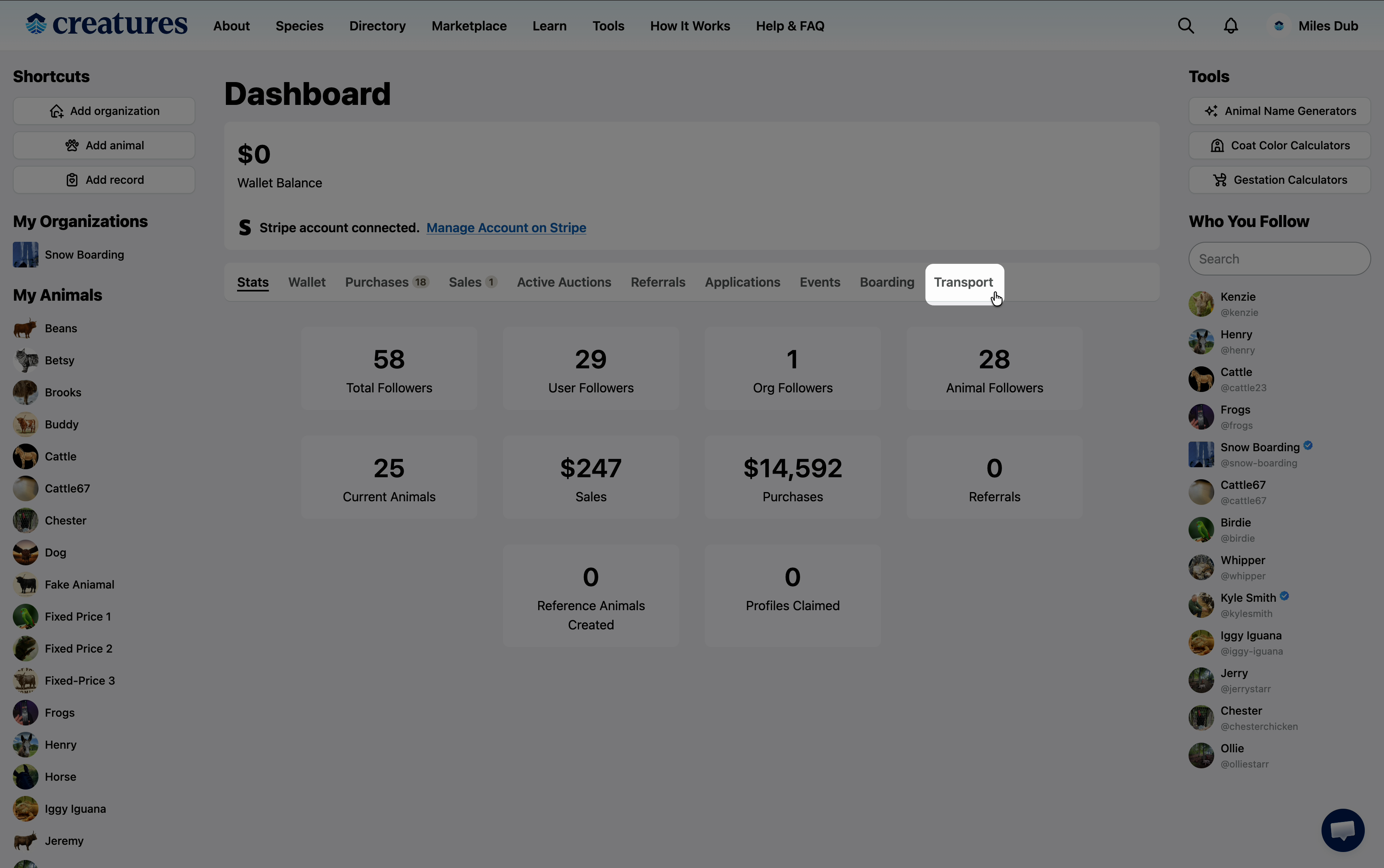
2. Select transport from the dashboard menu.
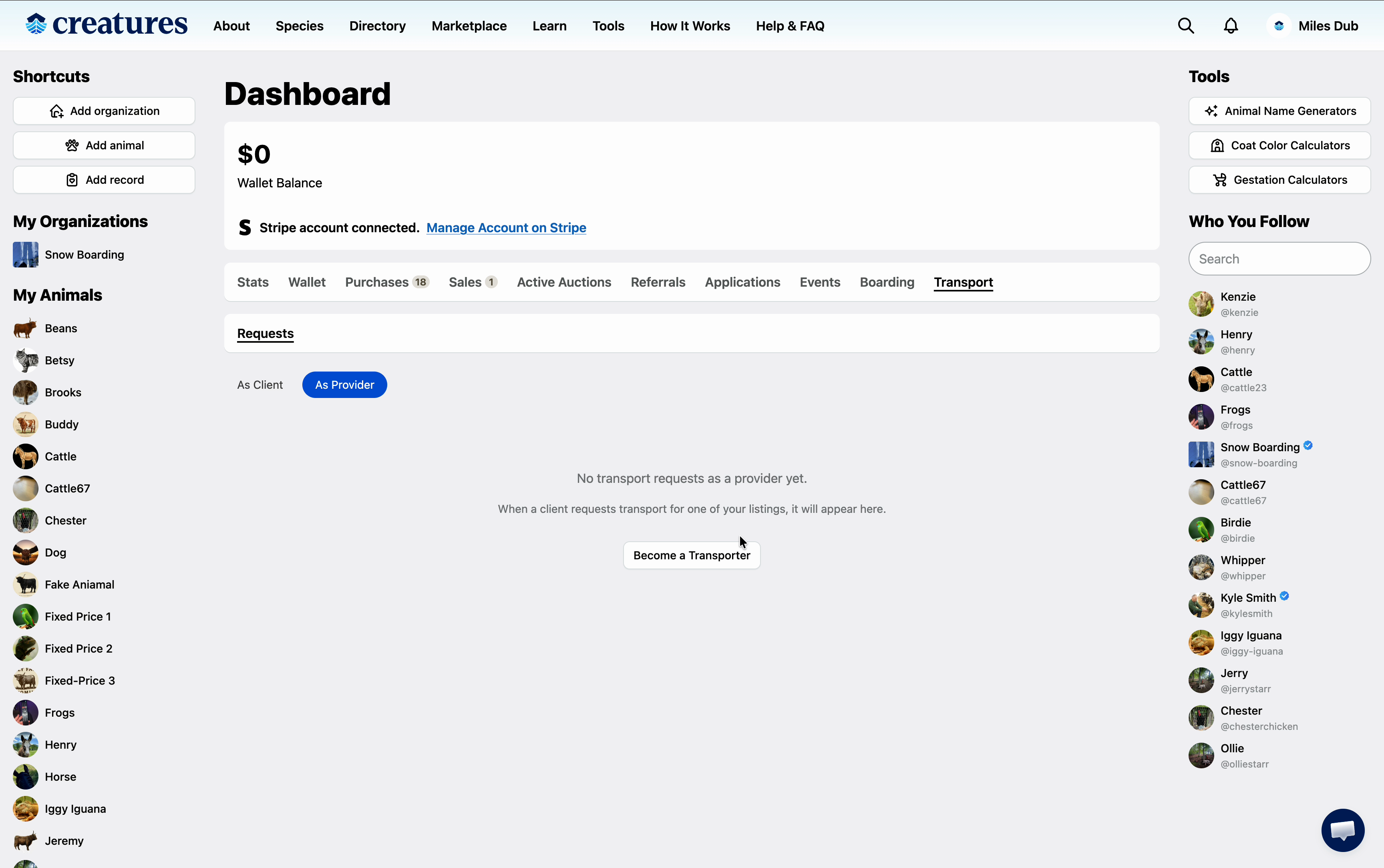
3: In the Requests tab, select 'As Provider.' Then, click 'Become a Transporter' to start your provider application.
4. Fill in your business name and description.
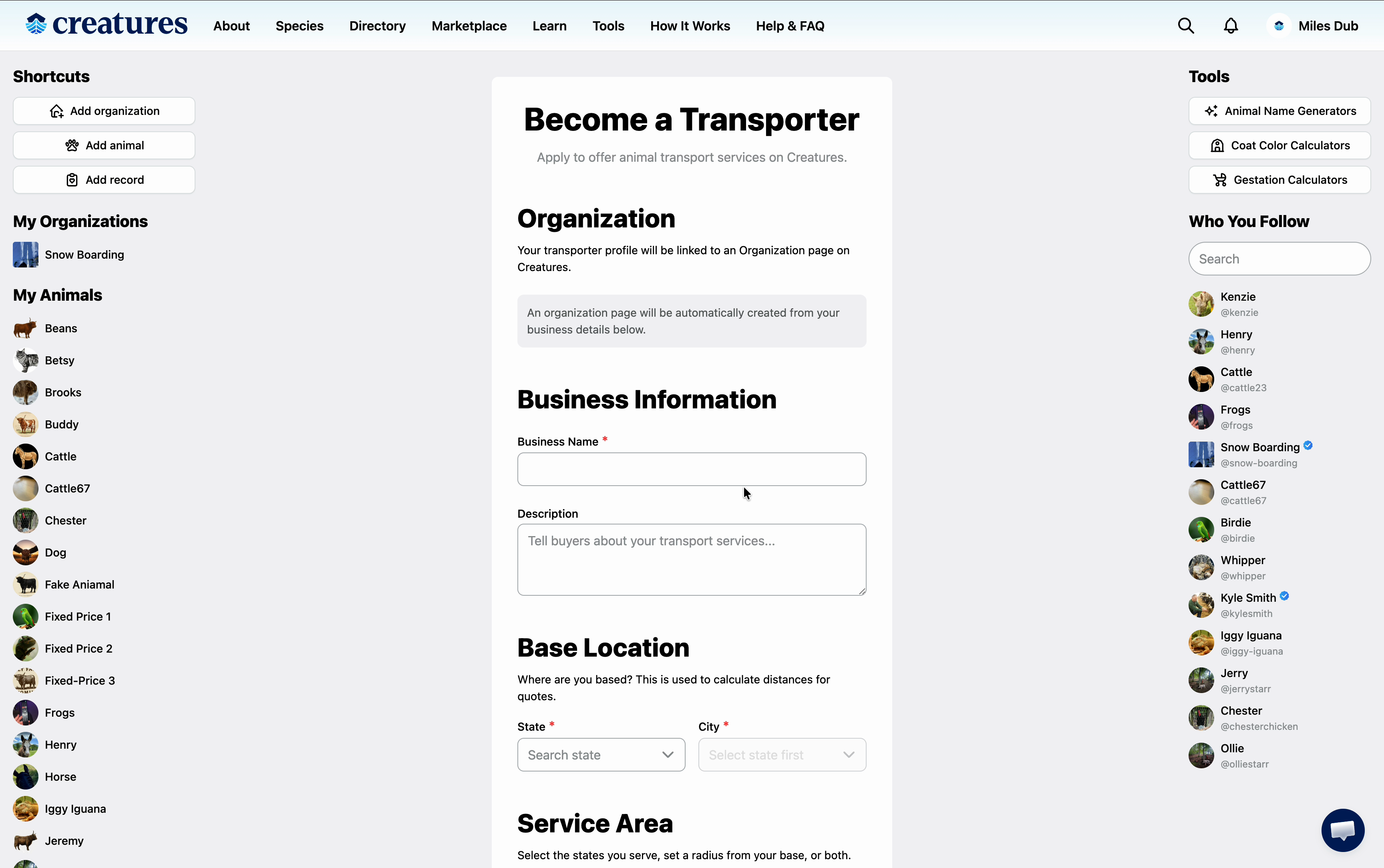
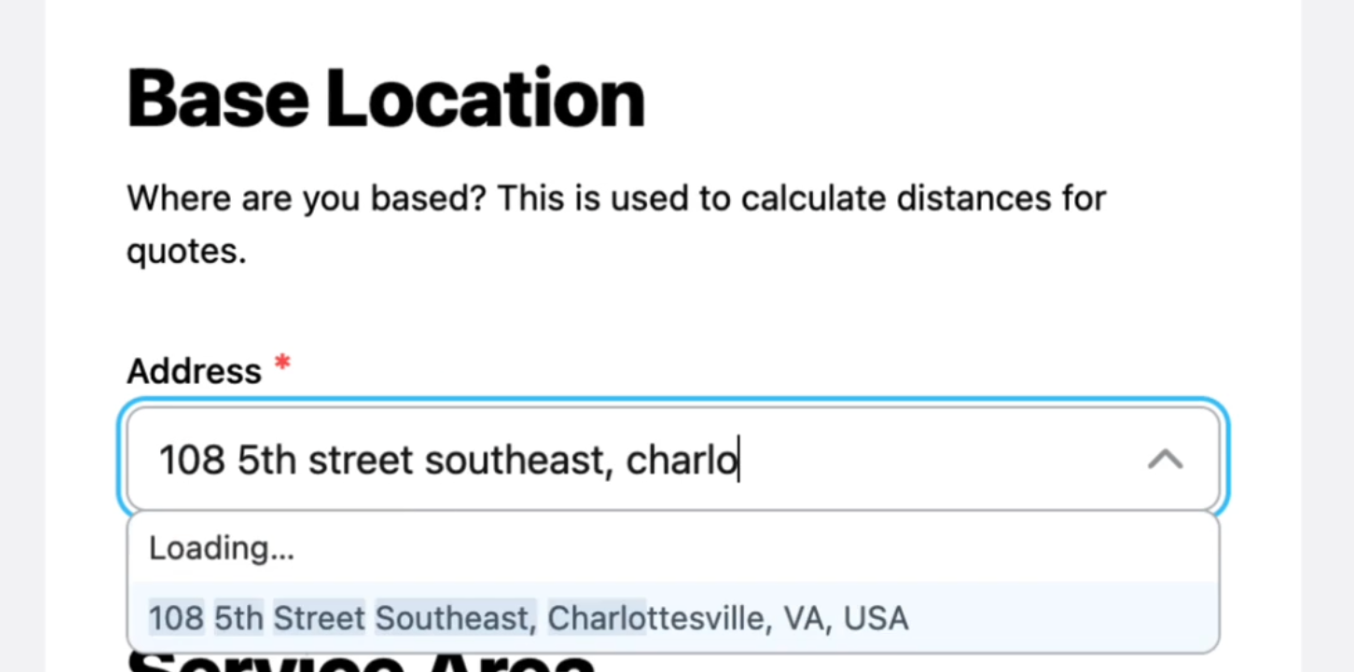
5. Add an Address for your organization.
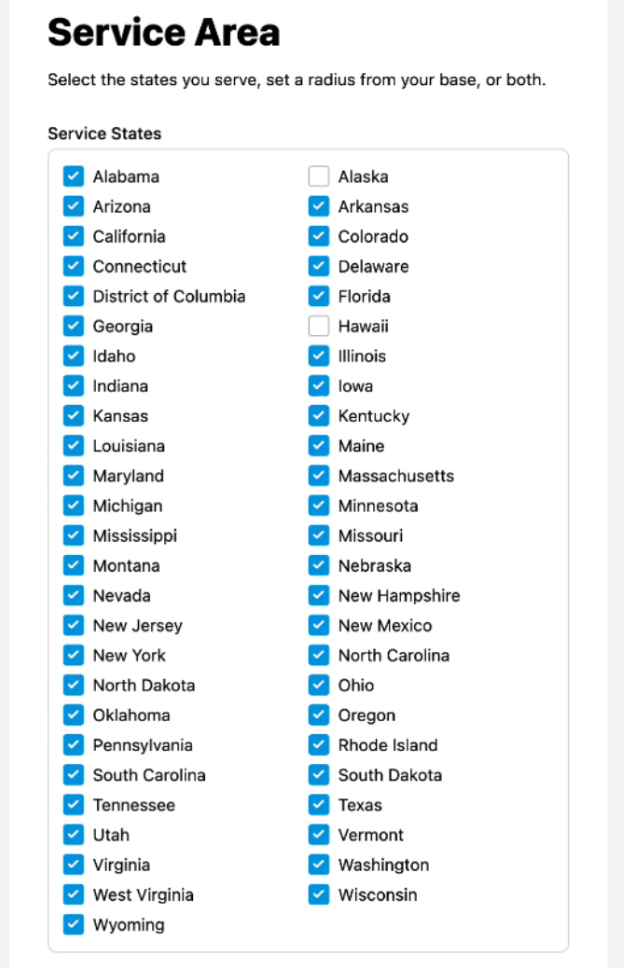
6. Specify your service area. By default, it’s set to the entire continental United States. Adjust it if you serve a smaller region.
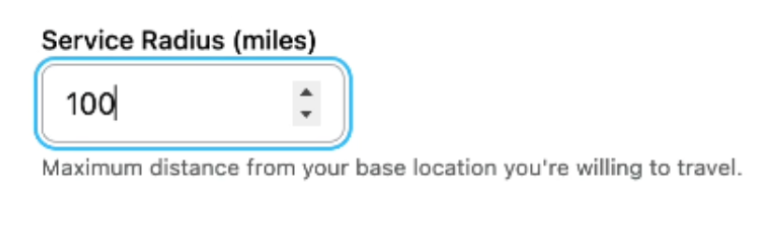
7. Set your service radius to show how far you’re willing to travel.
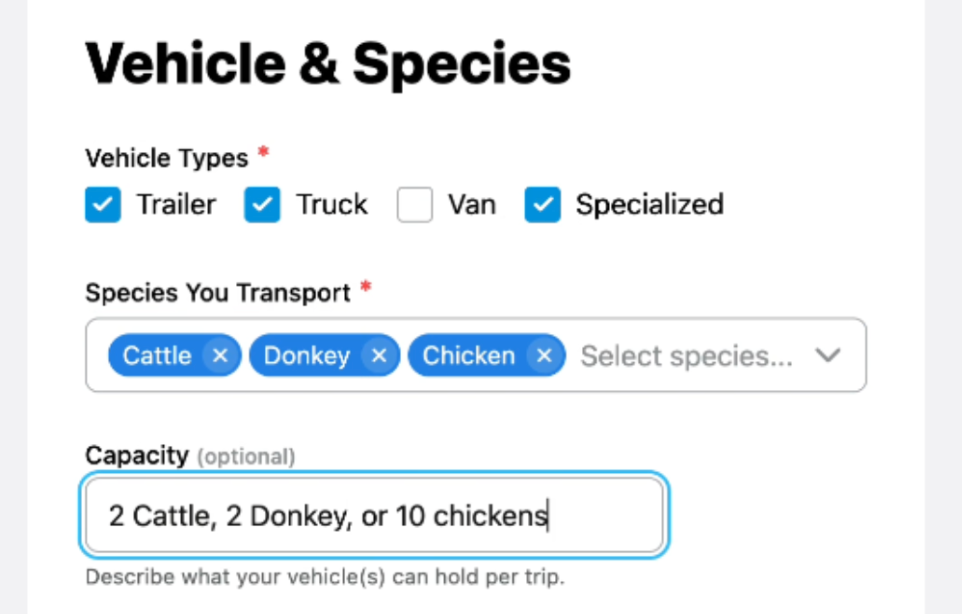
8. List the vehicles you’ll use for transportation, and choose which species you’re able to transport. Enter your carrying capacity, your service rate, and your minimum charge.
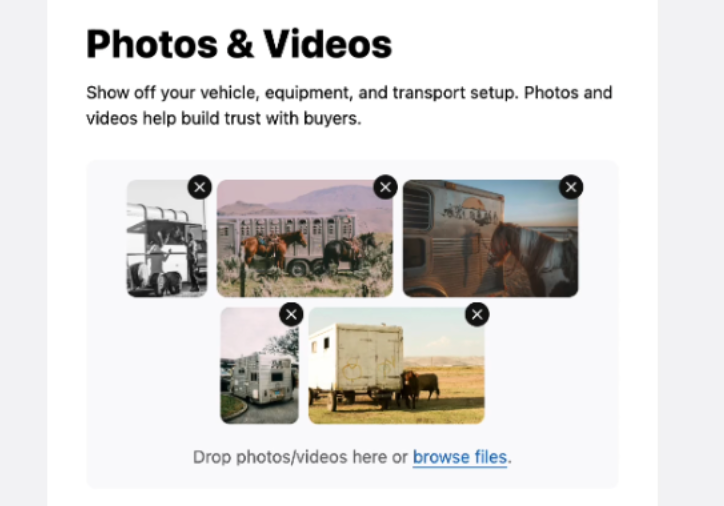
9. Upload photos of your equipment and vehicle setup to give clients a clear idea of your services.
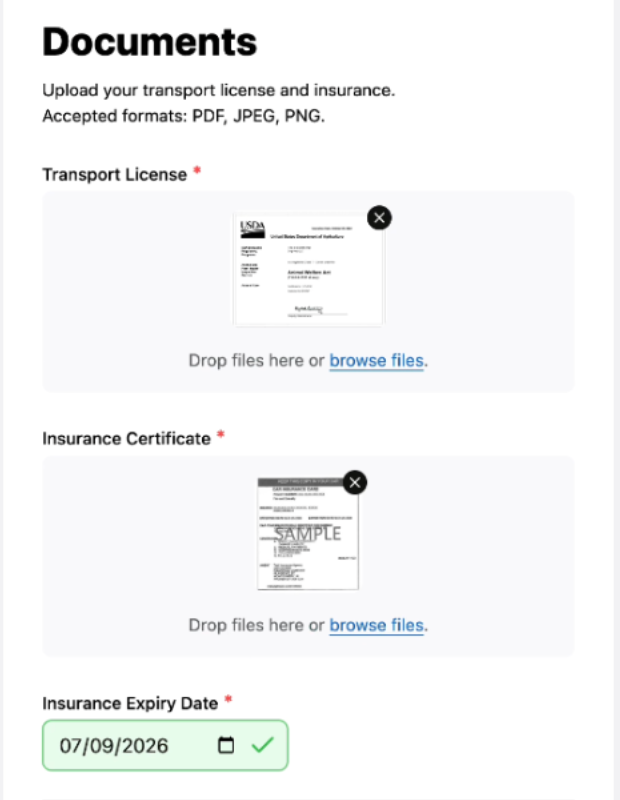
10. Upload a valid transport license and an insurance certificate.
11. Submit your application.

12. After submitting, wait for a Creatures representative to review and approve it.

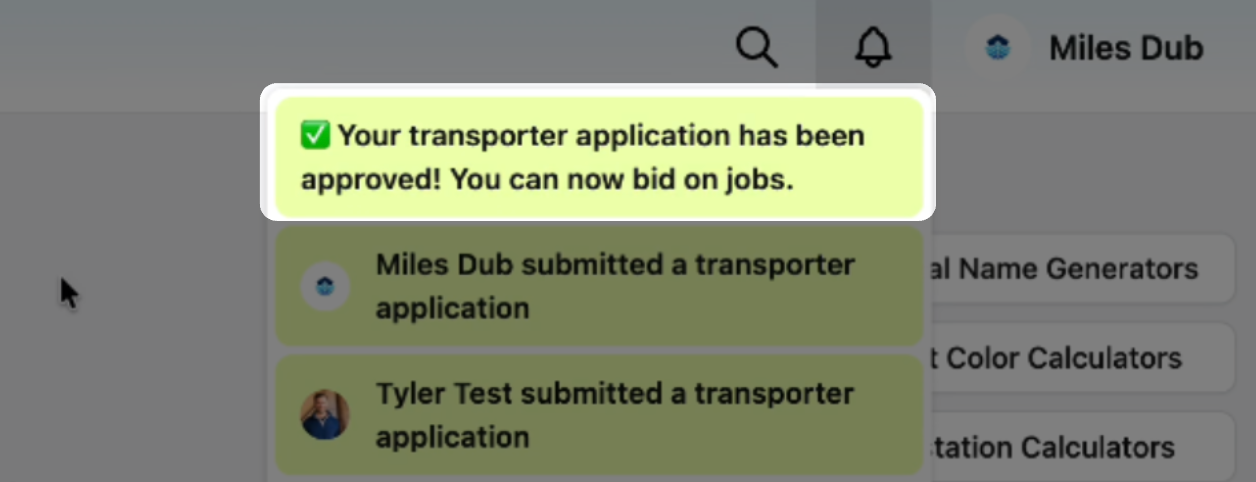
13. Once your application has been approved, you'll receive a website and an email notification.
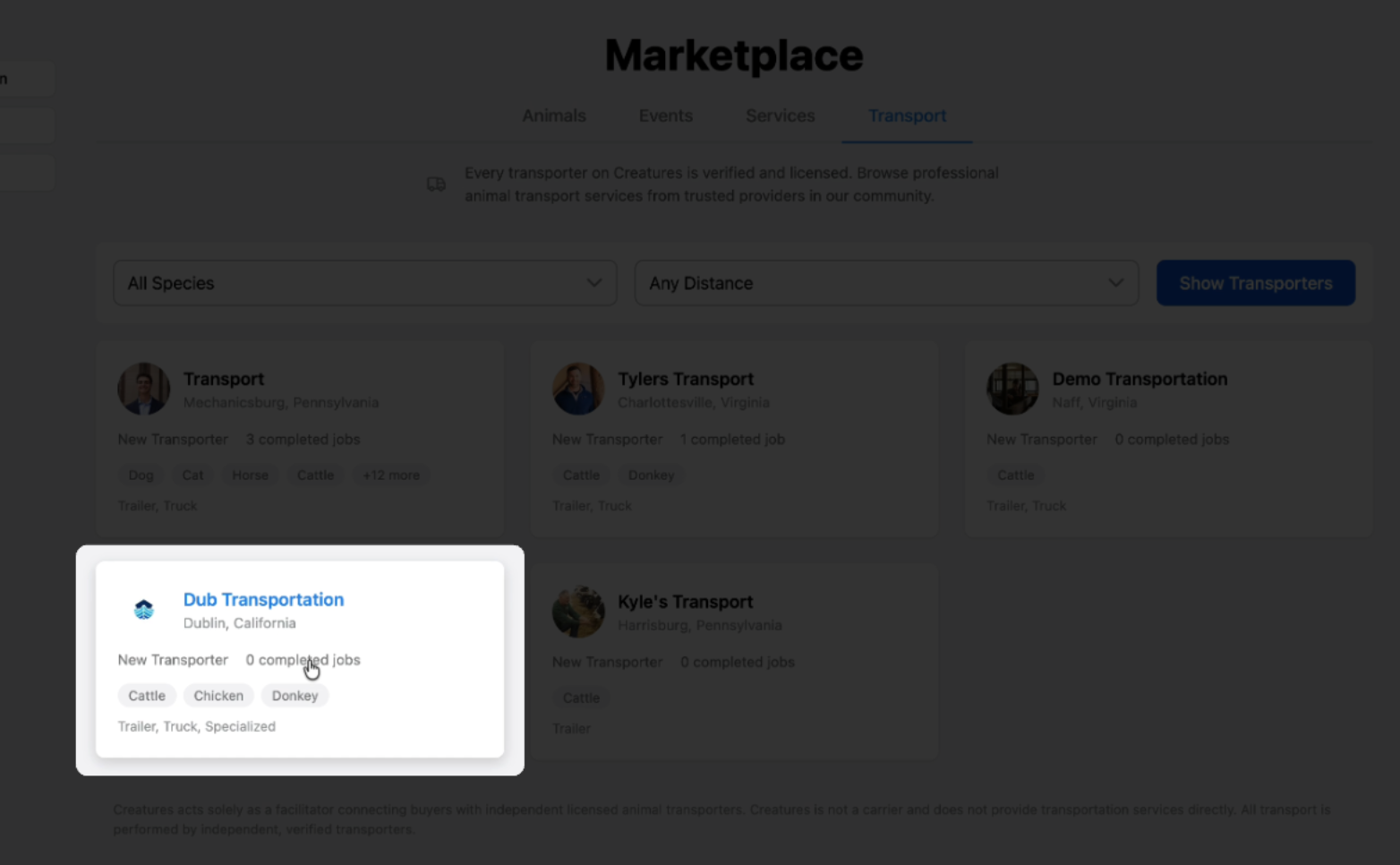
14. Your transportation service will be listed in the marketplace.
15. Navigating to the dashboard will allow you to bid on potential transport opportunities.
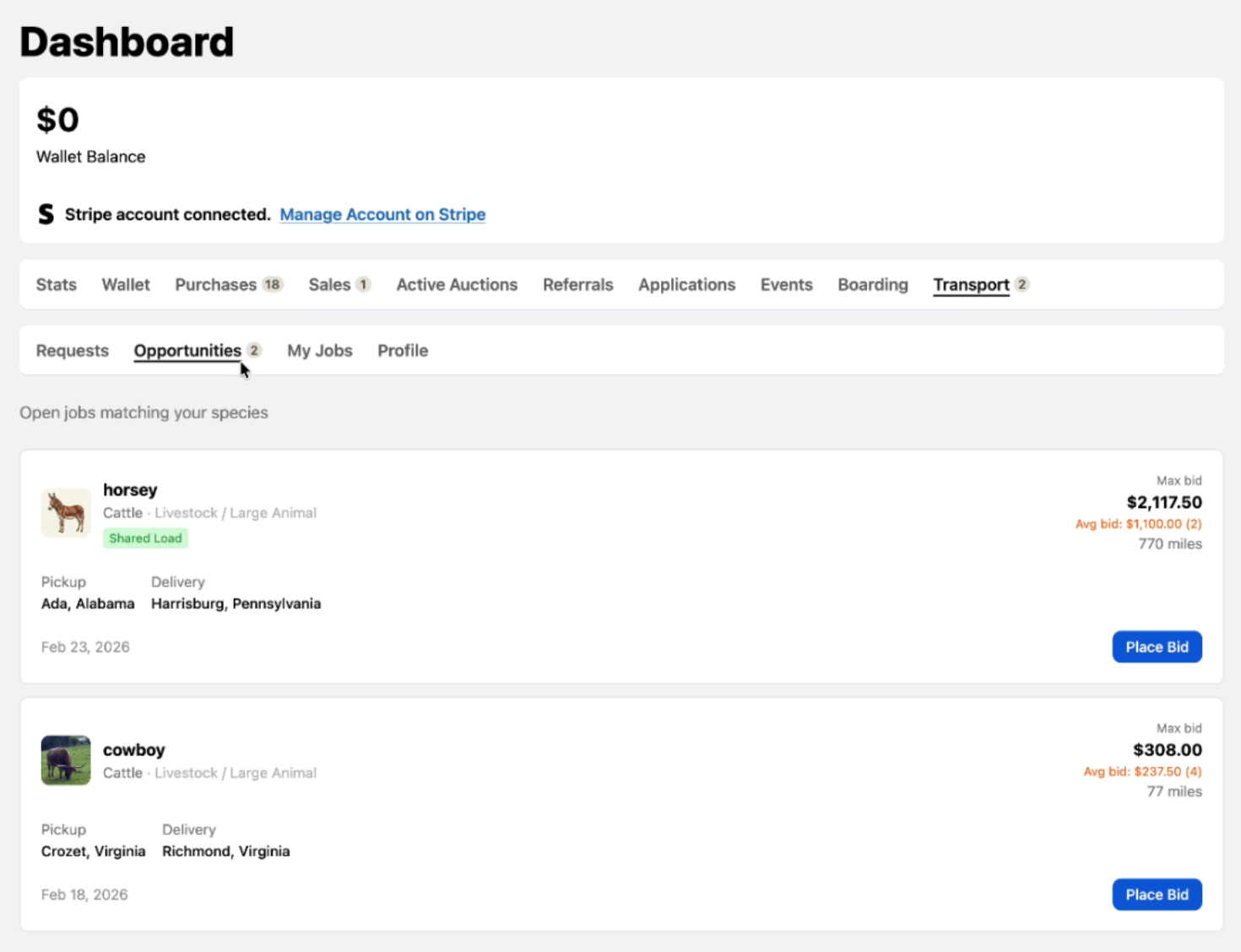
Completing these steps sets your transportation service live on creatures.com. Accurate details and appealing photos help you stand out to potential customers. Start connecting with clients and grow your transportation business today!
Updated on: 06/04/2026
Thank you!