
How to Fulfill a Transportation Request
How to Fulfill a Transportation Request
Handle transportation requests efficiently, from receiving notifications to delivering animals and confirming payouts. Here's how the full process works.
1. Look for a notification when someone requests transportation with you. Click the notification to open the transportation request.
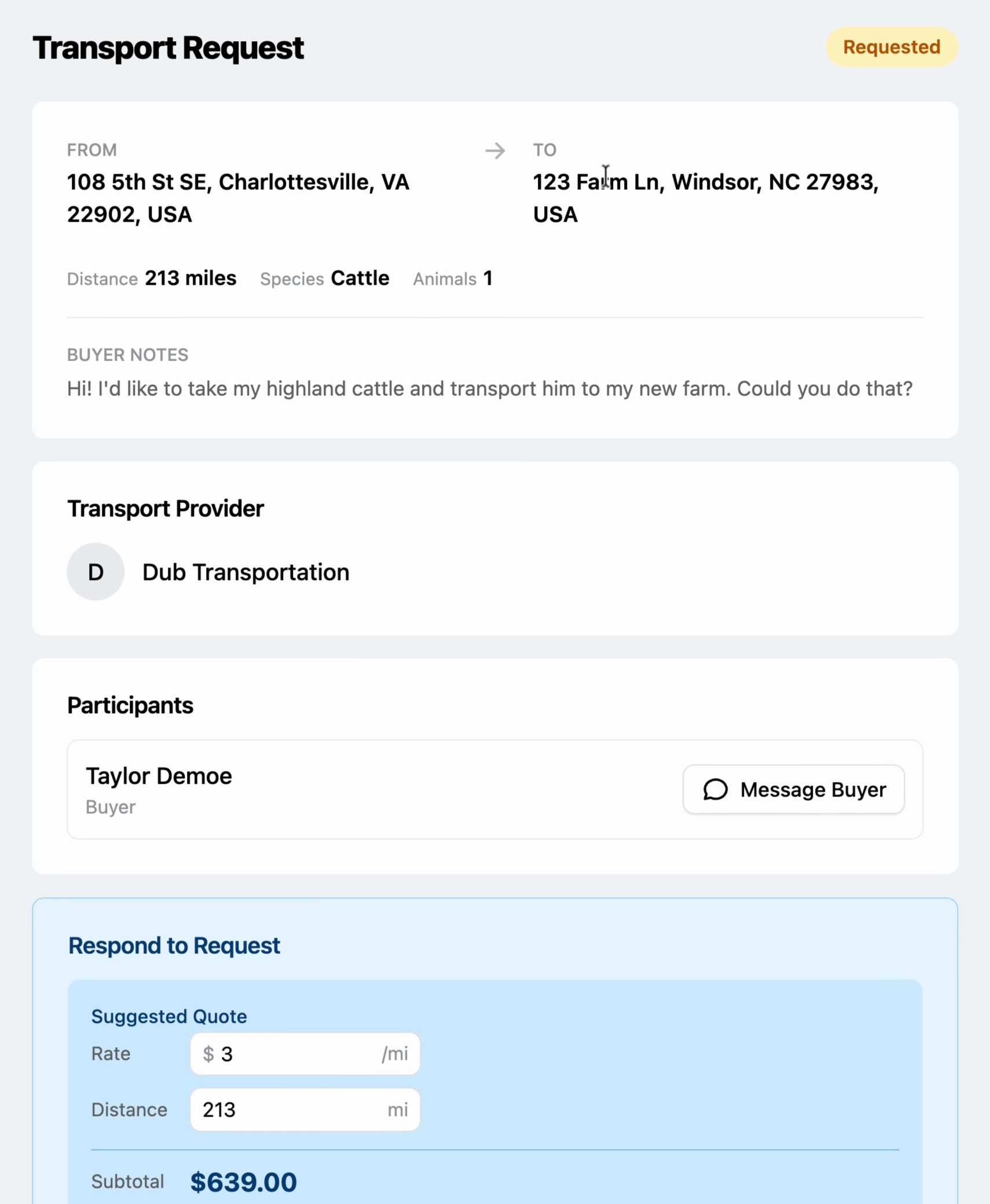
2. Review the request details. Check the address, distance, list of animals to transport, and any buyer notes.
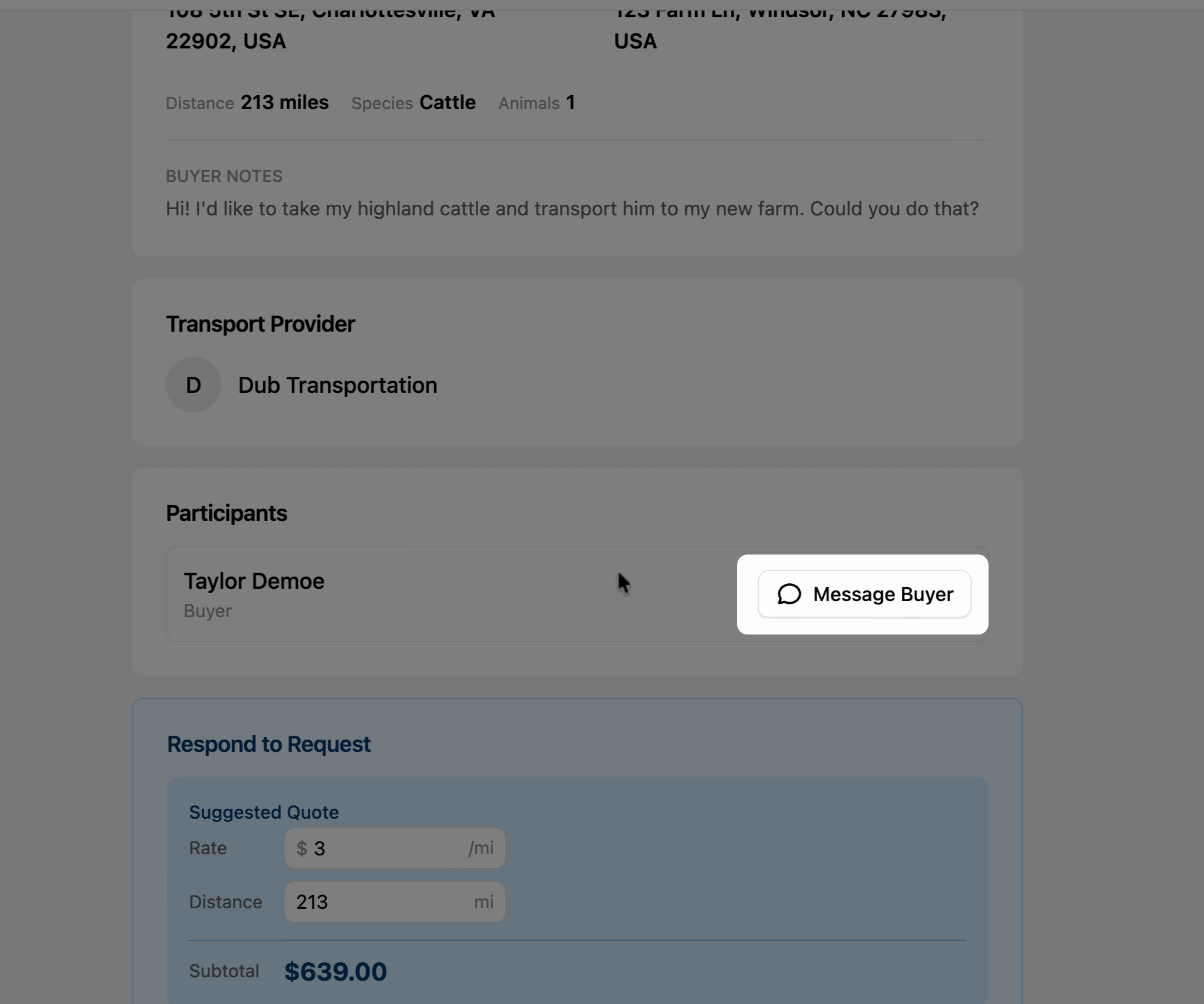
3. Message the buyer if you have questions or need clarification.
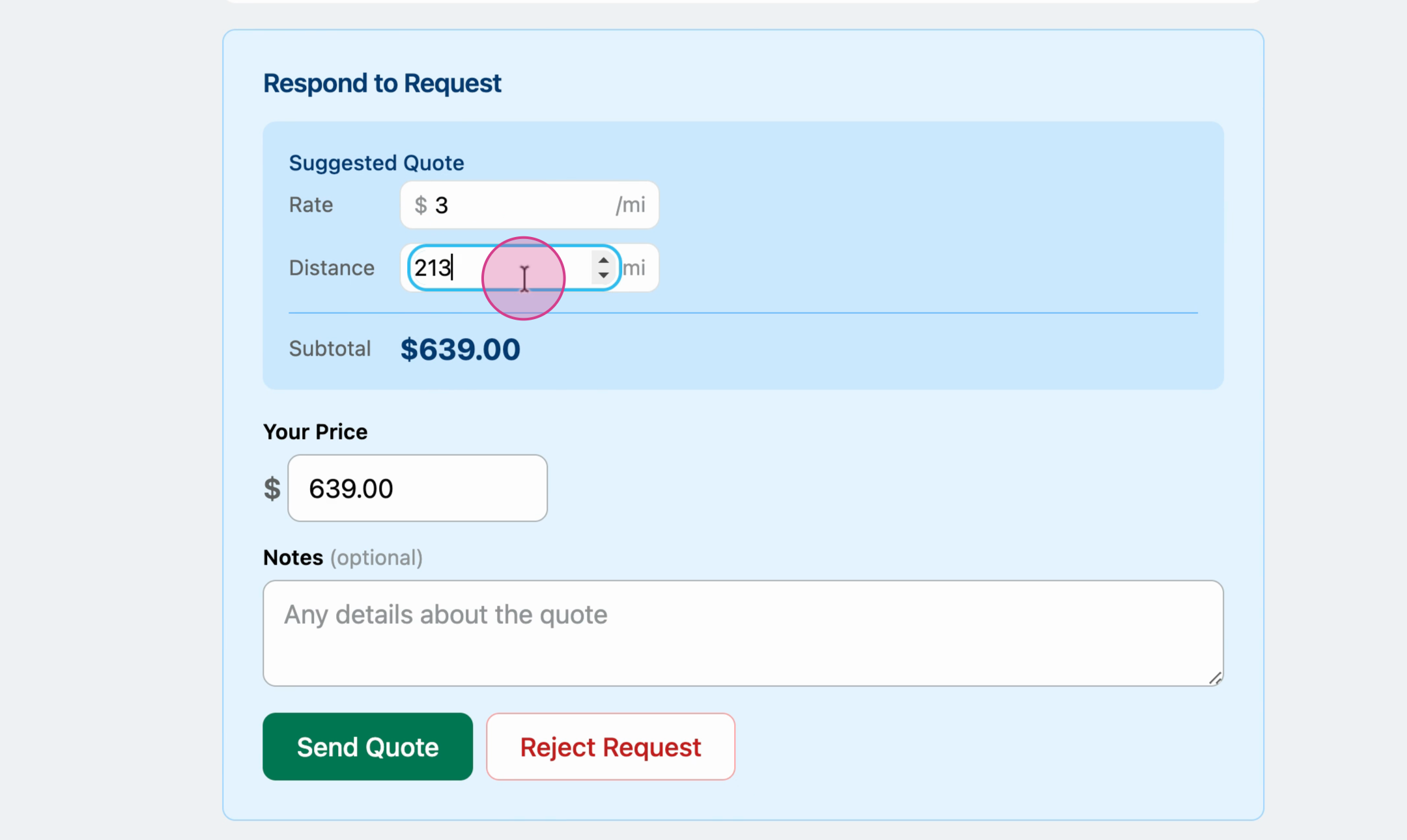
4. Respond to the request. Use the suggested quote calculator to calculate an accurate price for the client.
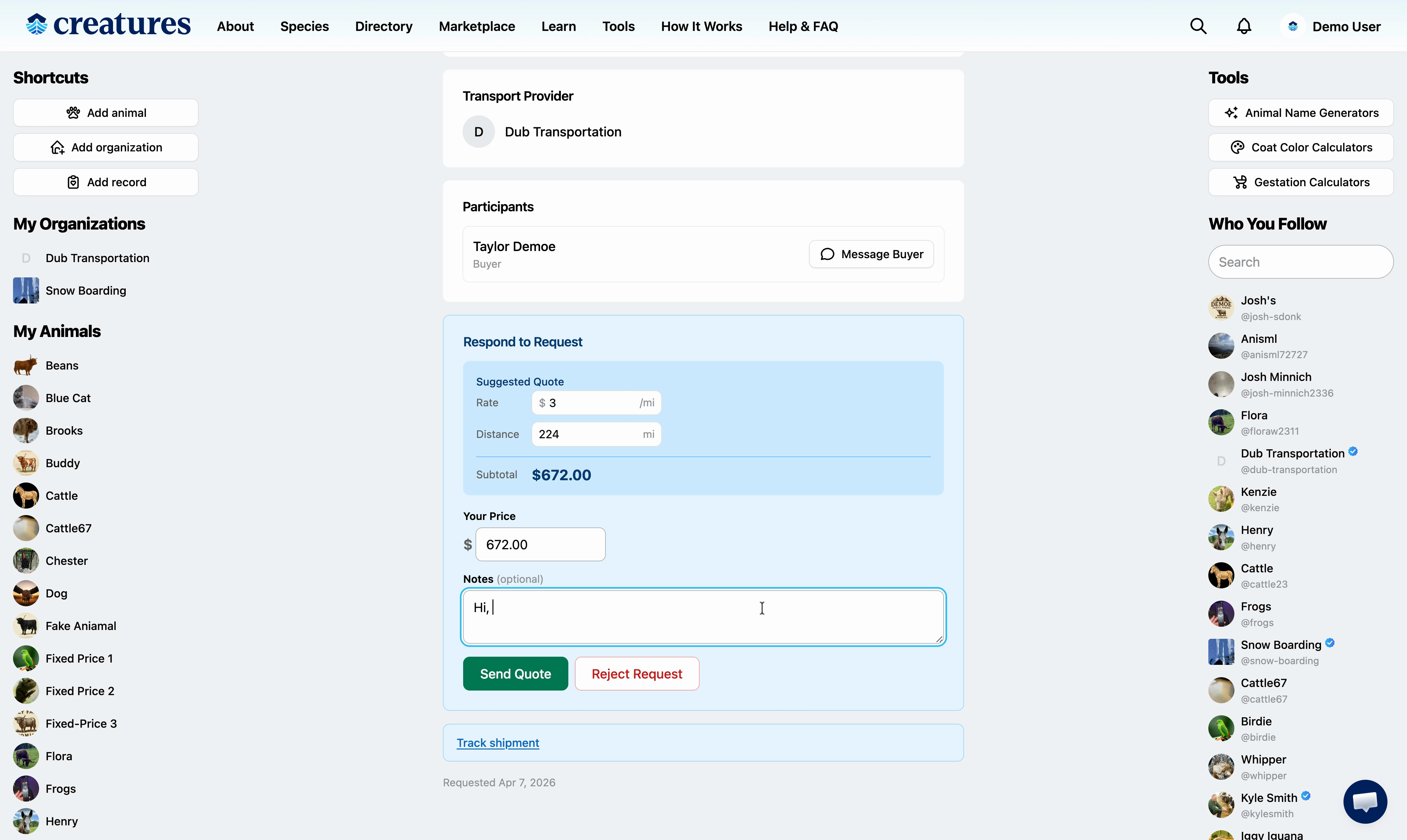

5. Add any notes to your response for the buyer to see.

6. Review everything and send your quote.

7. The status of the request will update to Quoted.

8. Once the buyer submits payment, the status updates to Assigned and you'll get a notification.


9. Update the status as the job progresses. Move it to In Transit after pickup, and Delivered after drop-off.


10. Track the shipment and review your notes in shipment tracking, and wait for the buyer to confirm the delivery to process your payout.


11. When the buyer completes the transaction, you'll get a notification and your payout.


That's it! We hope this article was helpful. Reach out if you have any questions!
Updated on: 09/04/2026
Thank you!