
How to Invite an Owner of a Reference Animal
How to Invite an Owner of a Reference Animal
When you add a reference animal to Creatures, you can invite the real owner to claim the profile. You'll send an invitation by email or shared link, and both of you stay updated throughout the process.
Invite by email
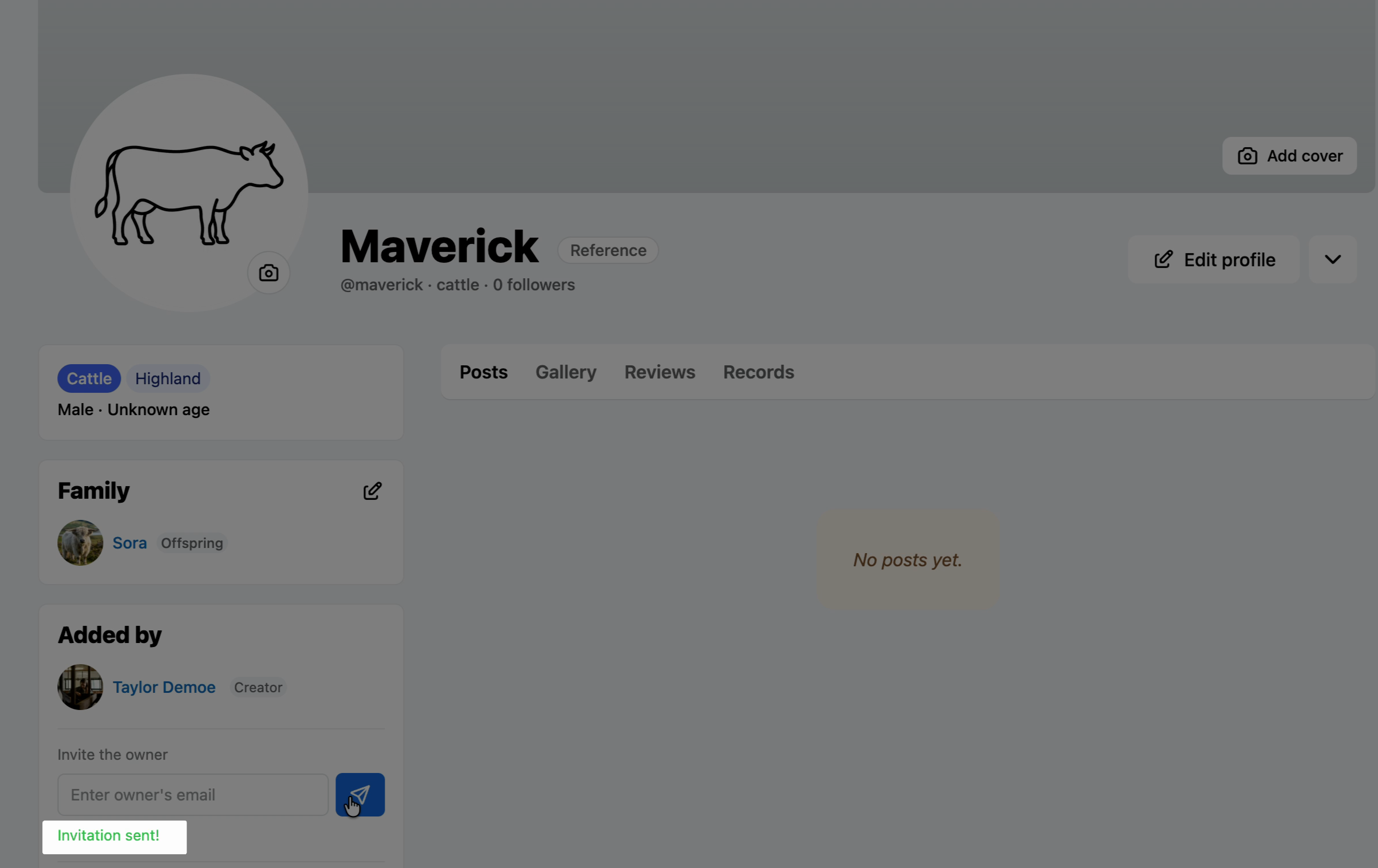
Enter the owner's email address in the invitation field, then click Send.
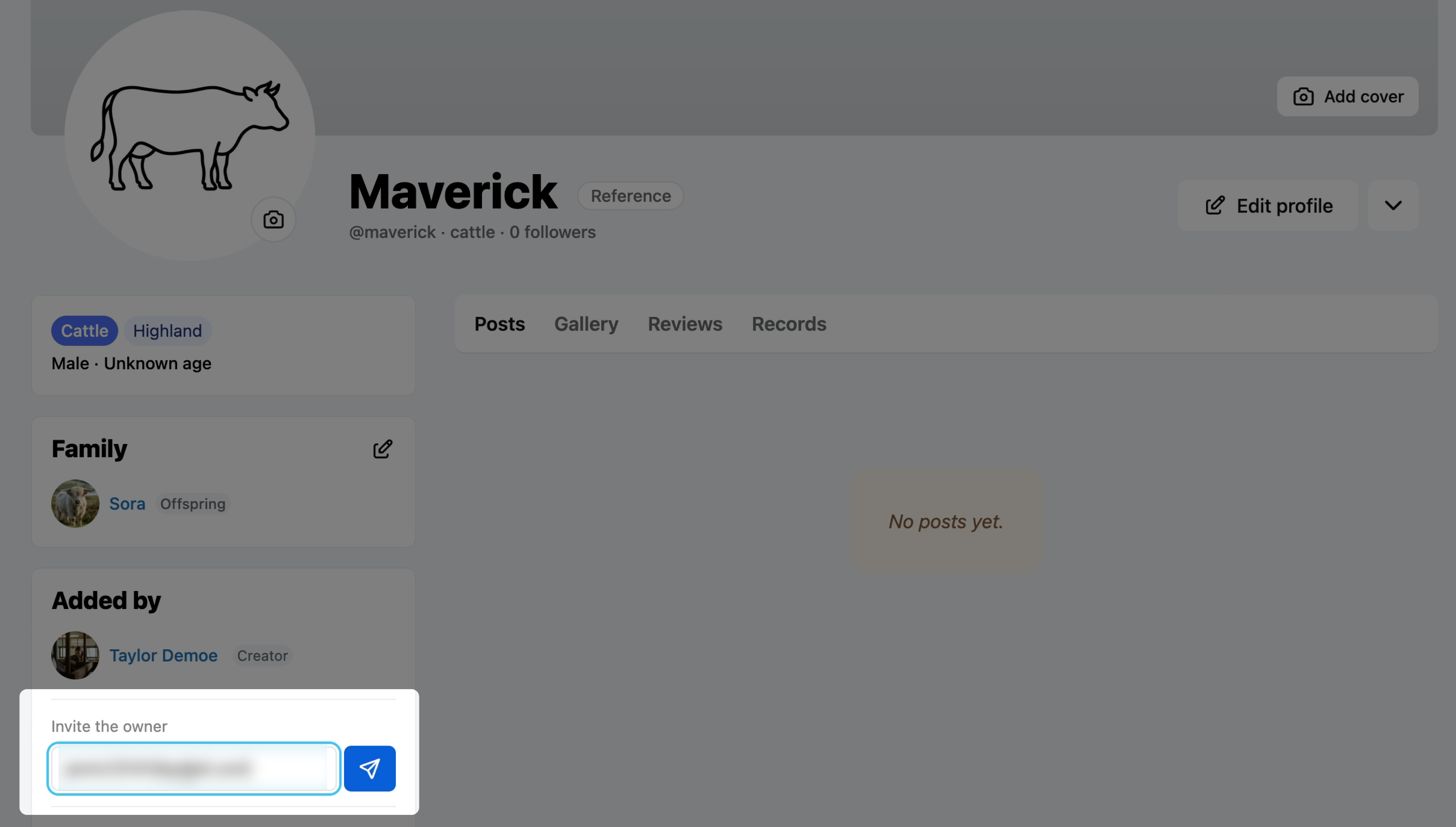
The owner receives an email invitation to claim the animal.
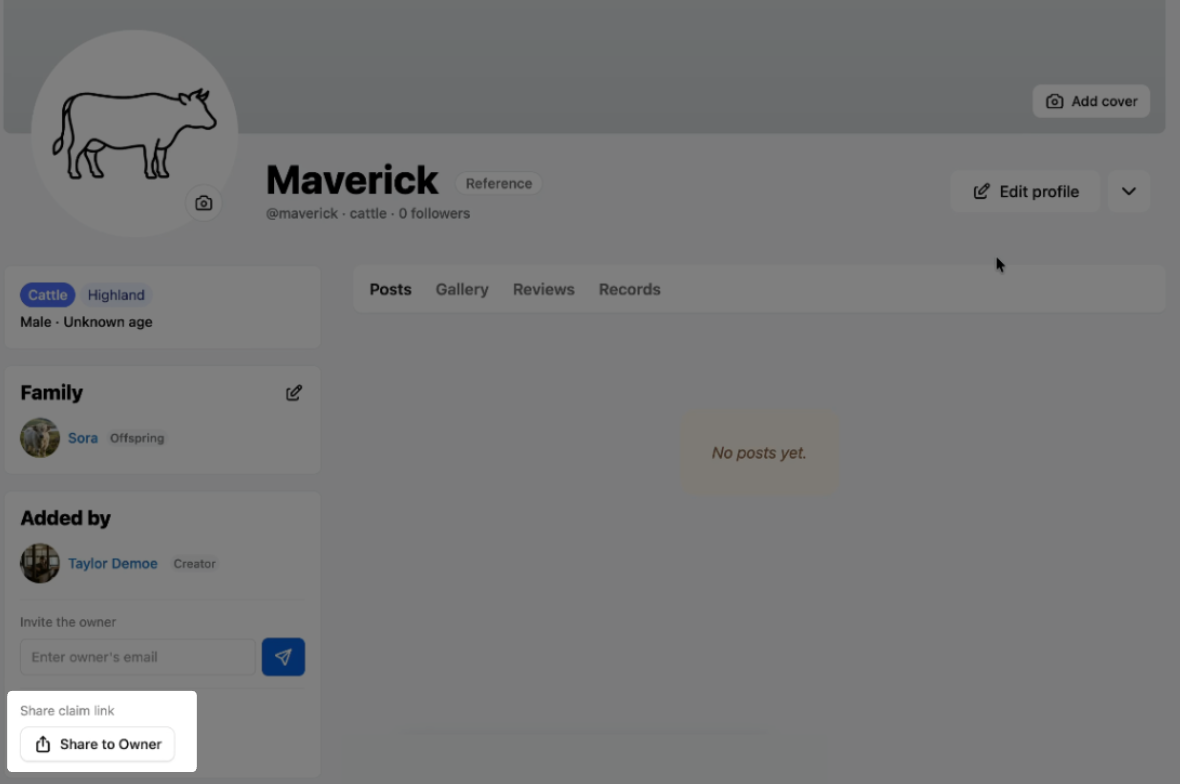
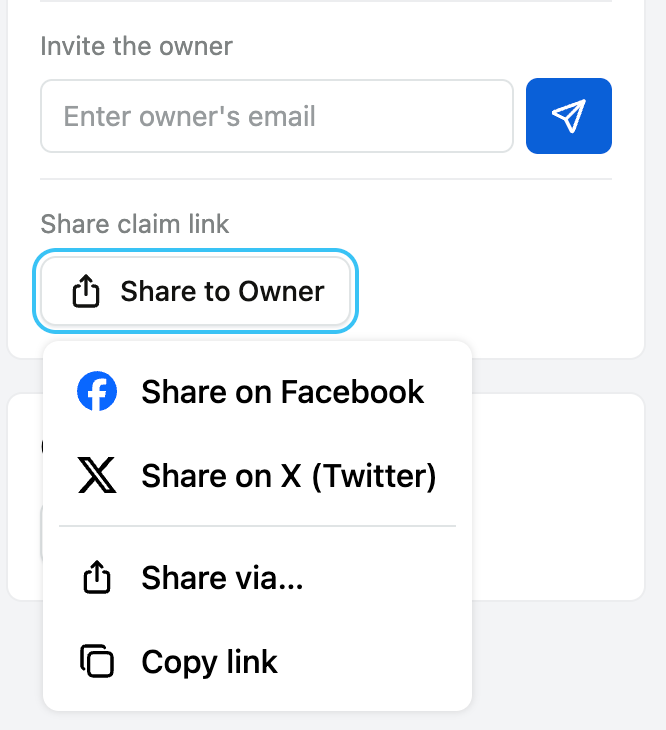
Invite by shared link
You can also share a direct link with the owner so they can claim the animal. Because anyone with the link can submit a claim, this method requires admin approval.
After the owner claims the animal
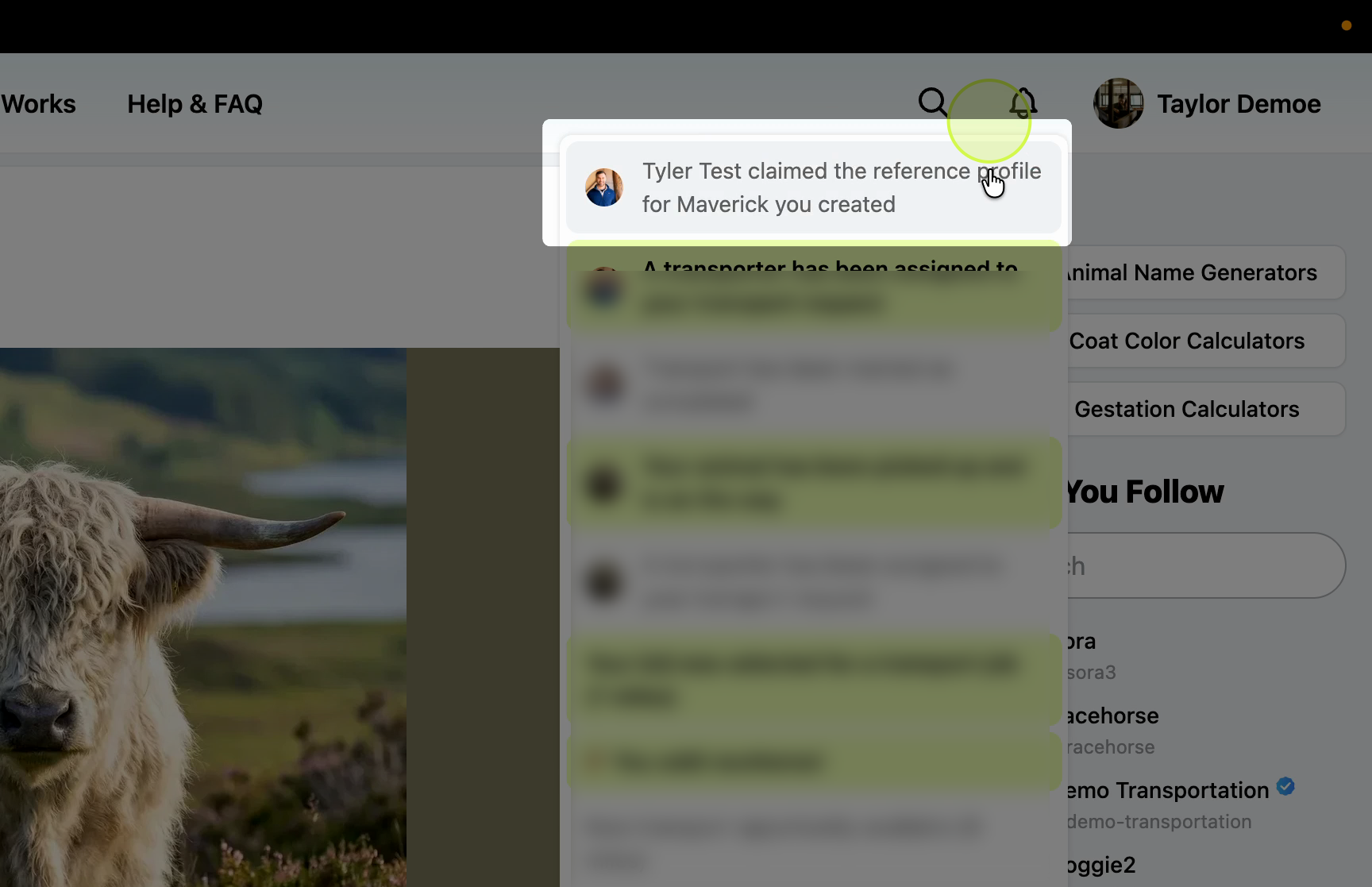
Once the owner claims the animal by email, or is approved by an admin, you receive a notification that the profile has been claimed.
All lineage references stay the same. If you used the reference profile in a pedigree, the owner's new profile replaces your reference in those pedigrees automatically.
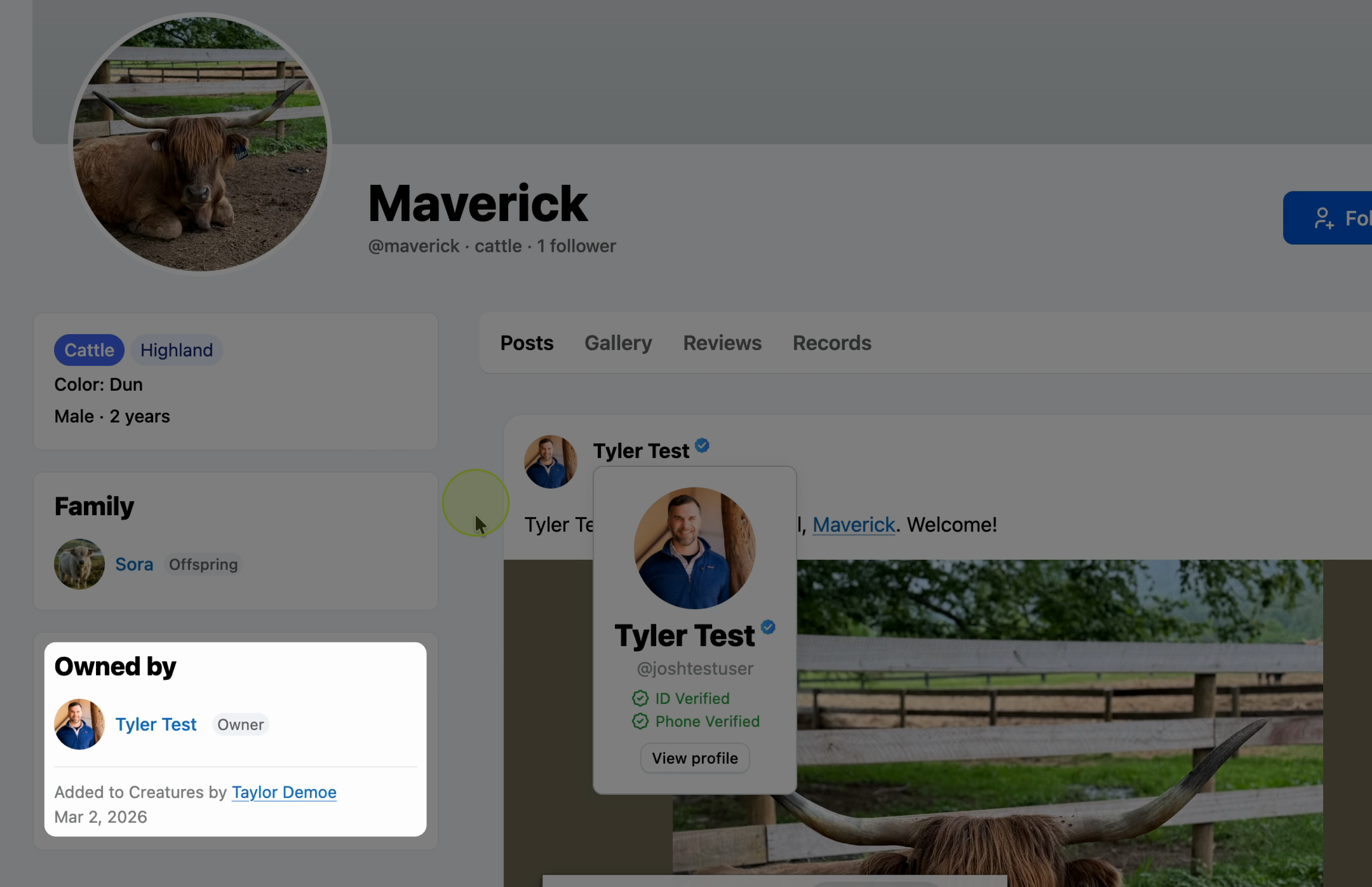
The animal's profile updates to reflect the new owner, but it still shows who originally added the animal.
View your reference animals
Go to your animal profiles section and select the Reference animals tab. You'll find the animal listed there with its current owner's name.
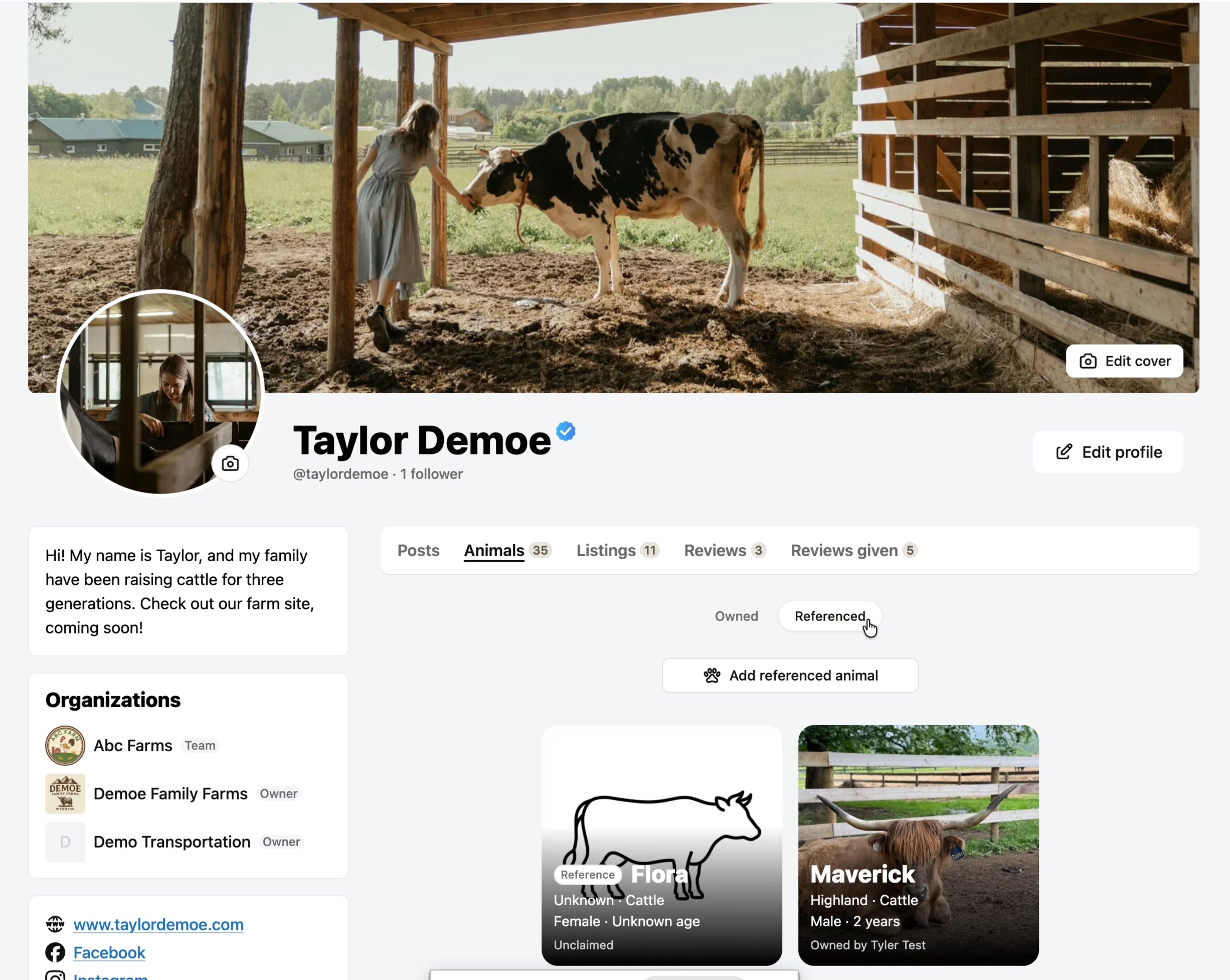
The reference animals tab tracks animals you've added, even after someone else claims them.
Updated on: 03/03/2026
Thank you!