
How to Offer Seller Delivery for Animal Listings
How to Offer Seller Delivery for Animal Listings
Here is how to offer Seller Delivery on your next Creatures listing.
1. Fill out the animal listing page as normal and include all the required details.
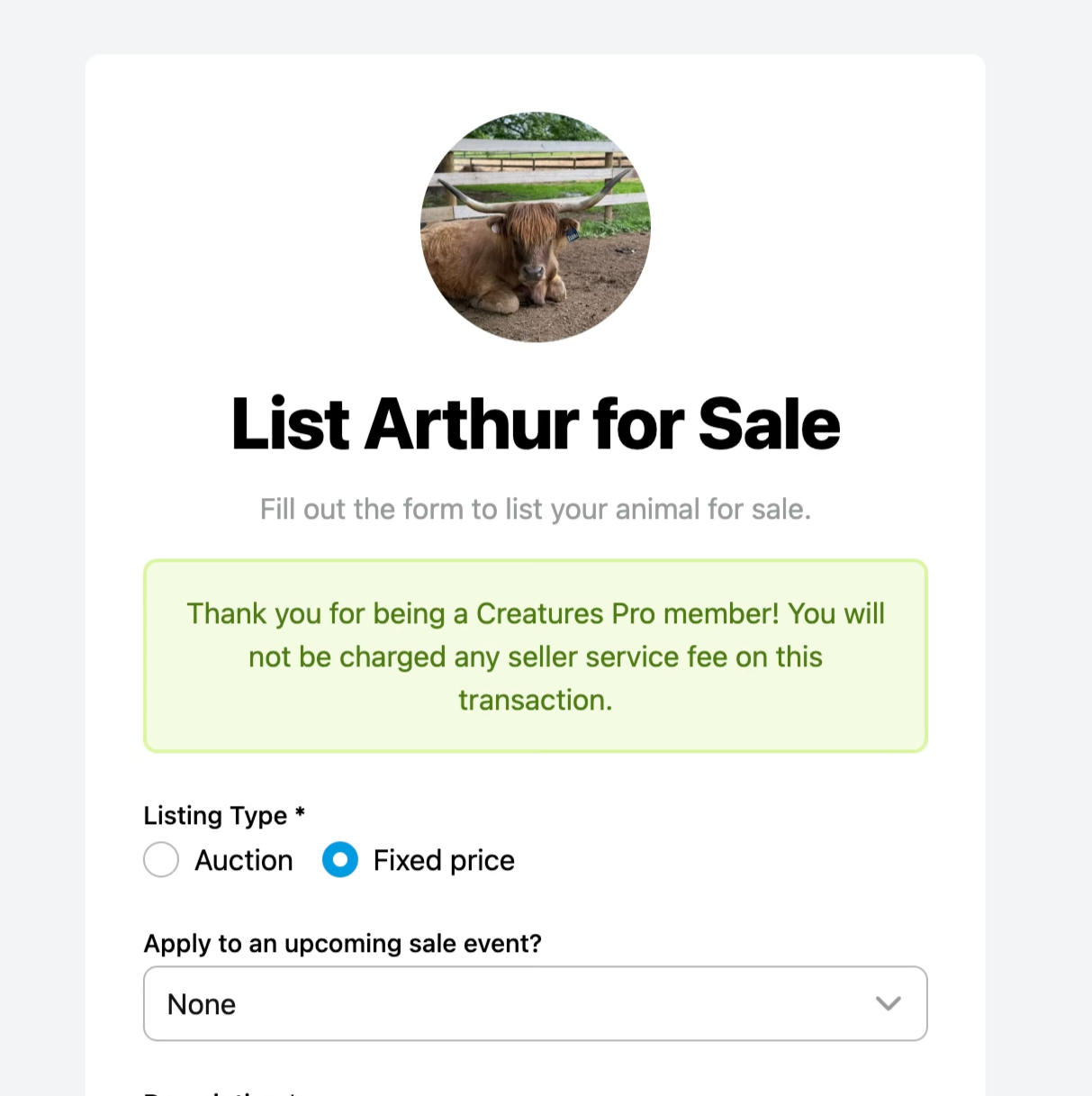
2. Scroll down through your listing details until you find the option to offer optional delivery for this listing.
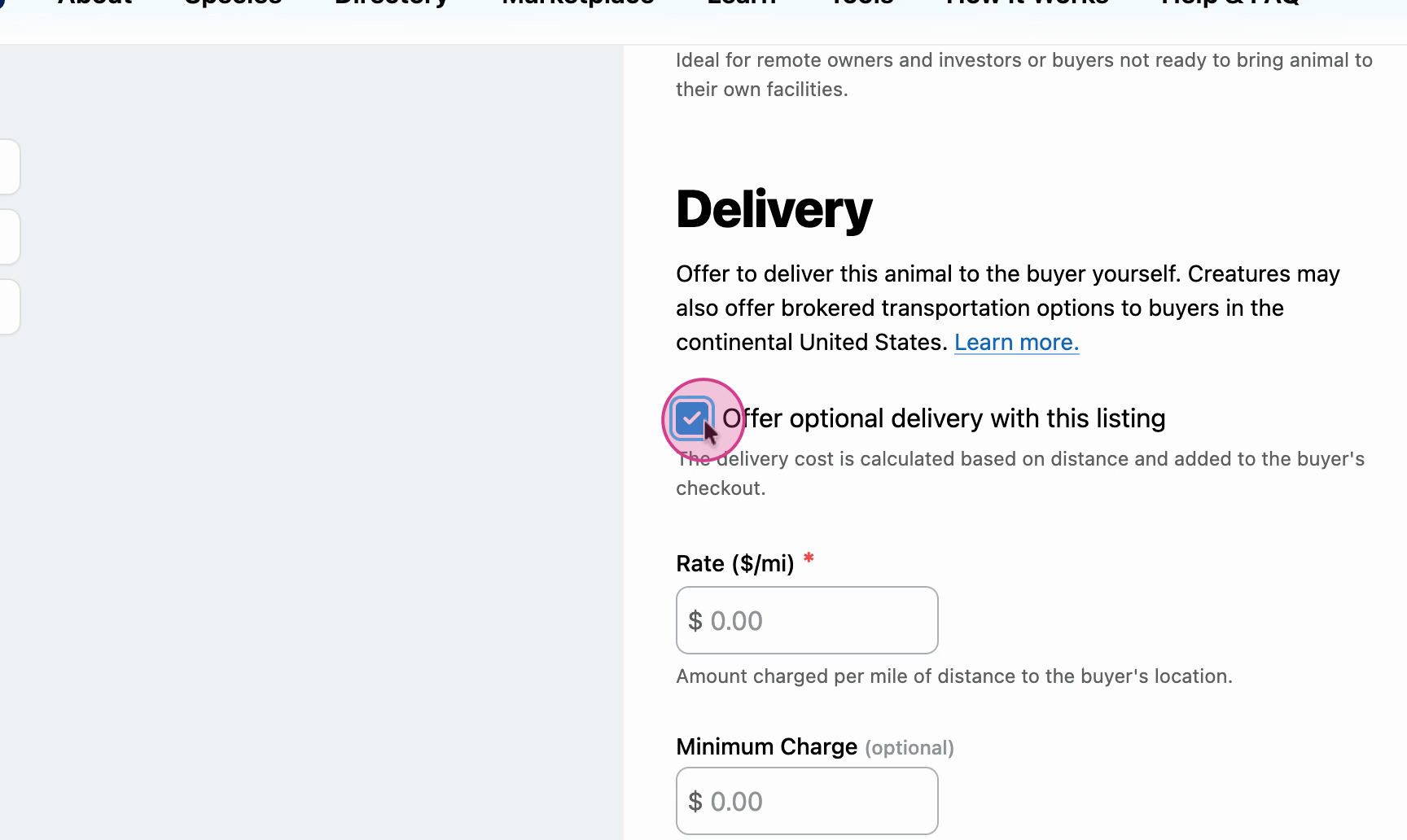
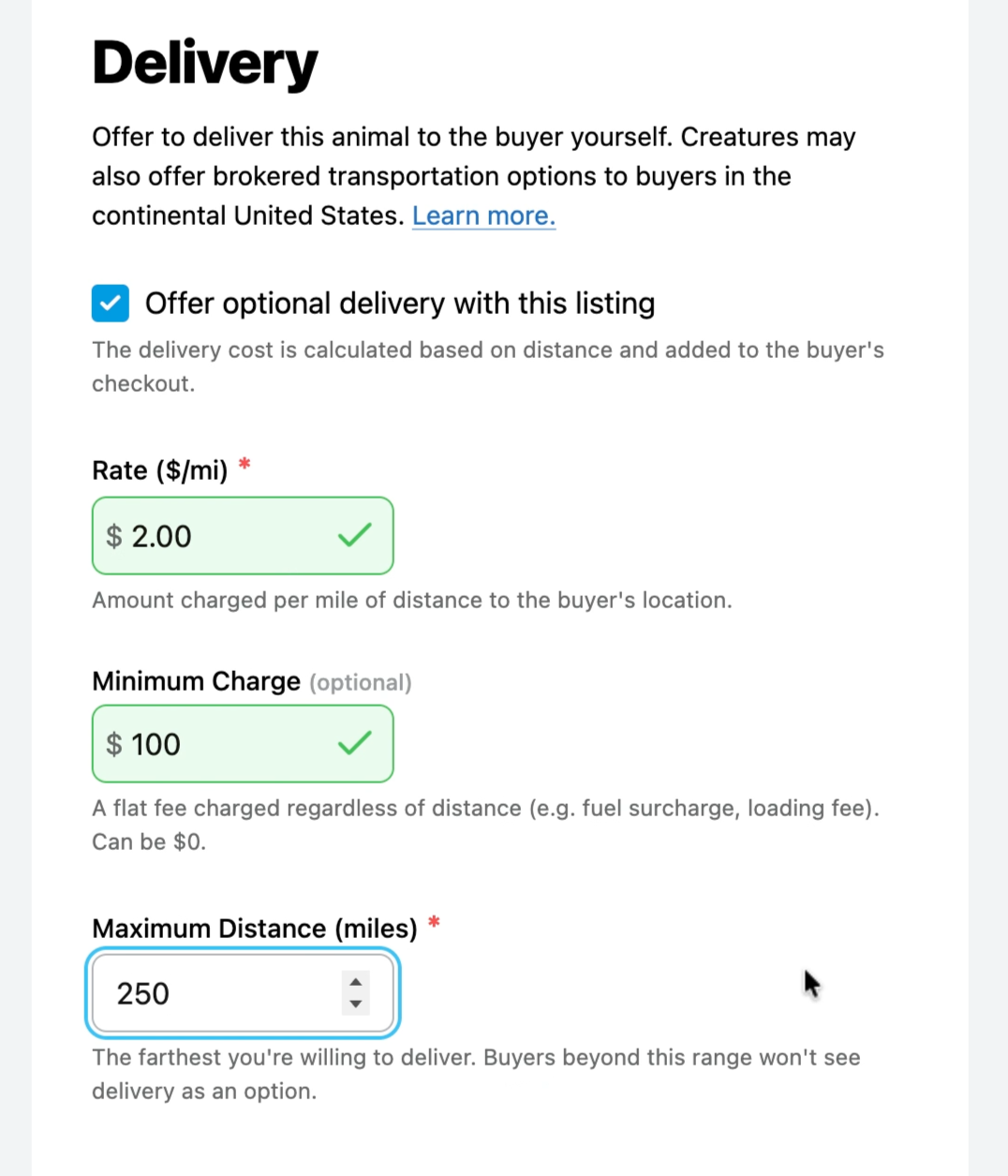
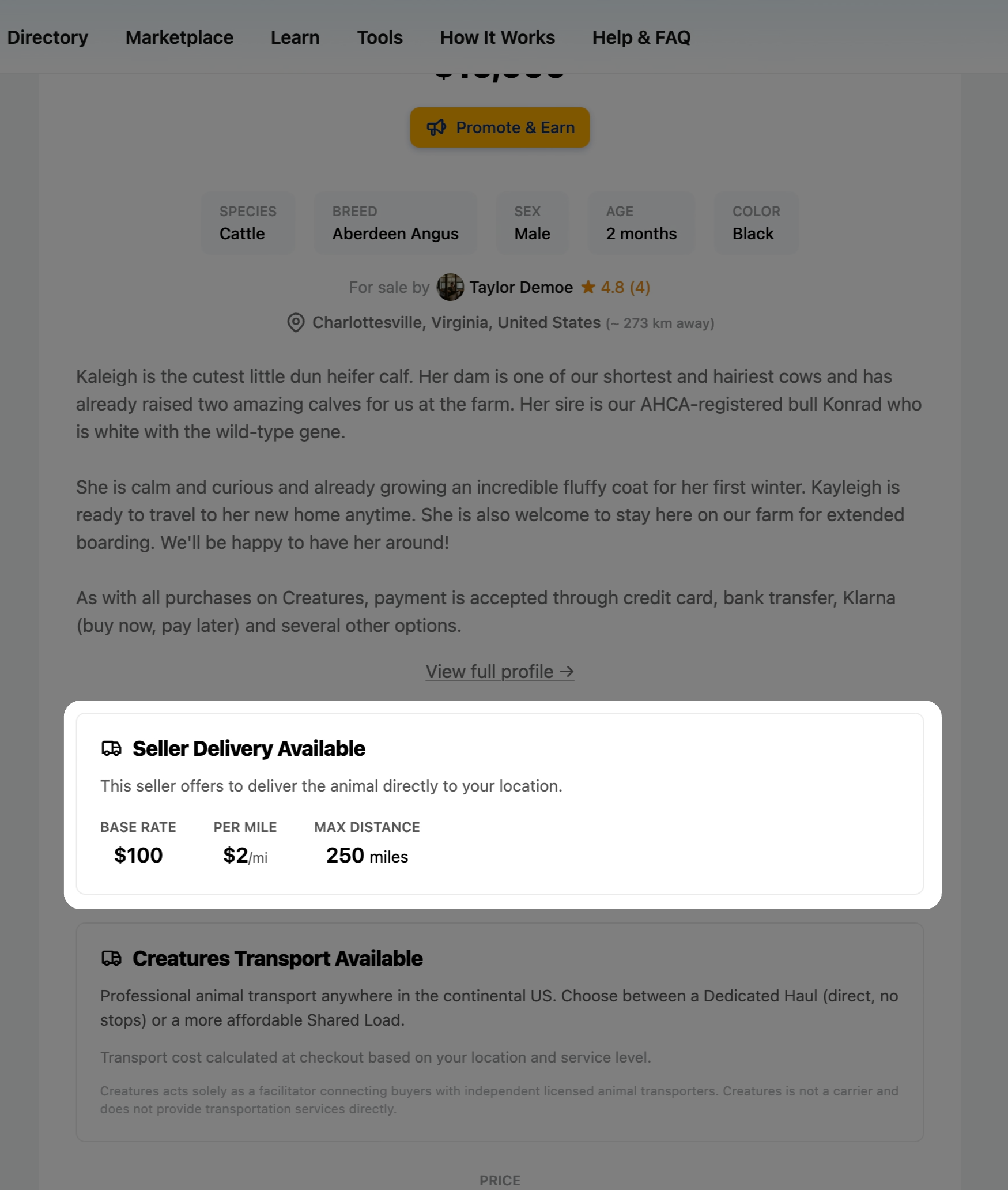
3. Enable the delivery option. Enter the following:
- Rate ($/mi): The amount of money charged per mile of distance to the buyers location.
- Minimum Charge: The lowest total compensation you would receive to transport the animal, regardless of distance. This makes shorter deliveries worth your time.
- Maximum Distance (miles): The farthest you're willing to deliver to a buyer. Buyers beyond this range won't see your seller delivery as an option.
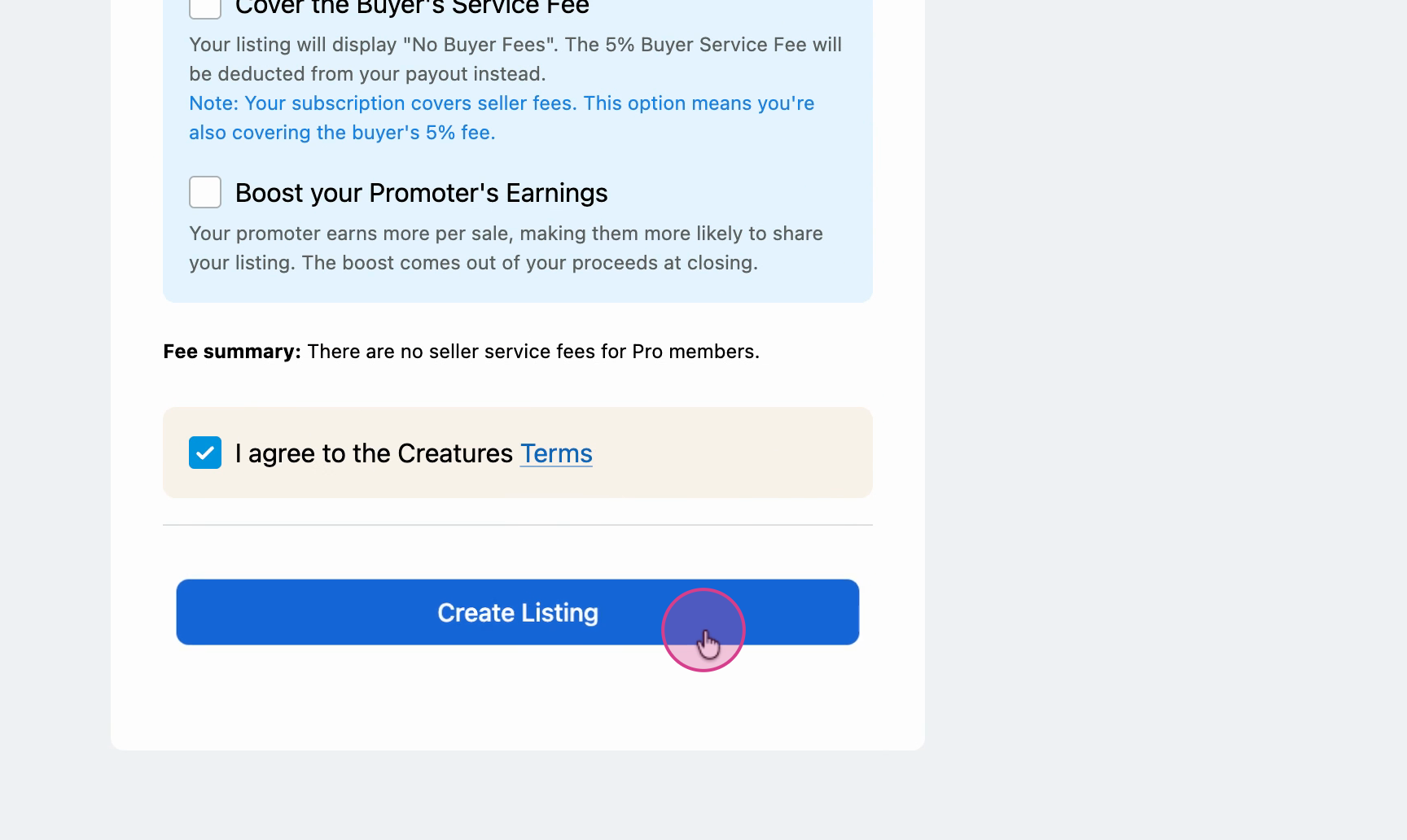
4. Once you’ve added all the necessary information, select Create Listing to finalize your listing.
Your item now shows seller delivery as available. Buyers will see this option at checkout and can choose delivery if it suits them, helping you sell to more people with less hassle.
Updated on: 07/04/2026
Thank you!