
How to Promote a Listing
How to Promote a Listing
How to promote a listing and earn referral rewardsd
Anyone with a Creatures account can promote a listing and earn a referral bonus. You don't have to own the animal to be its promoter.
Promoters earn 1% or more of the sale price by bringing the buyer to Creatures. Some sellers add bonus rewards on top of that to incentivize promoters to find a buyer faster.
Promote a listing
On any animal's listing page, click Promote and Earn.
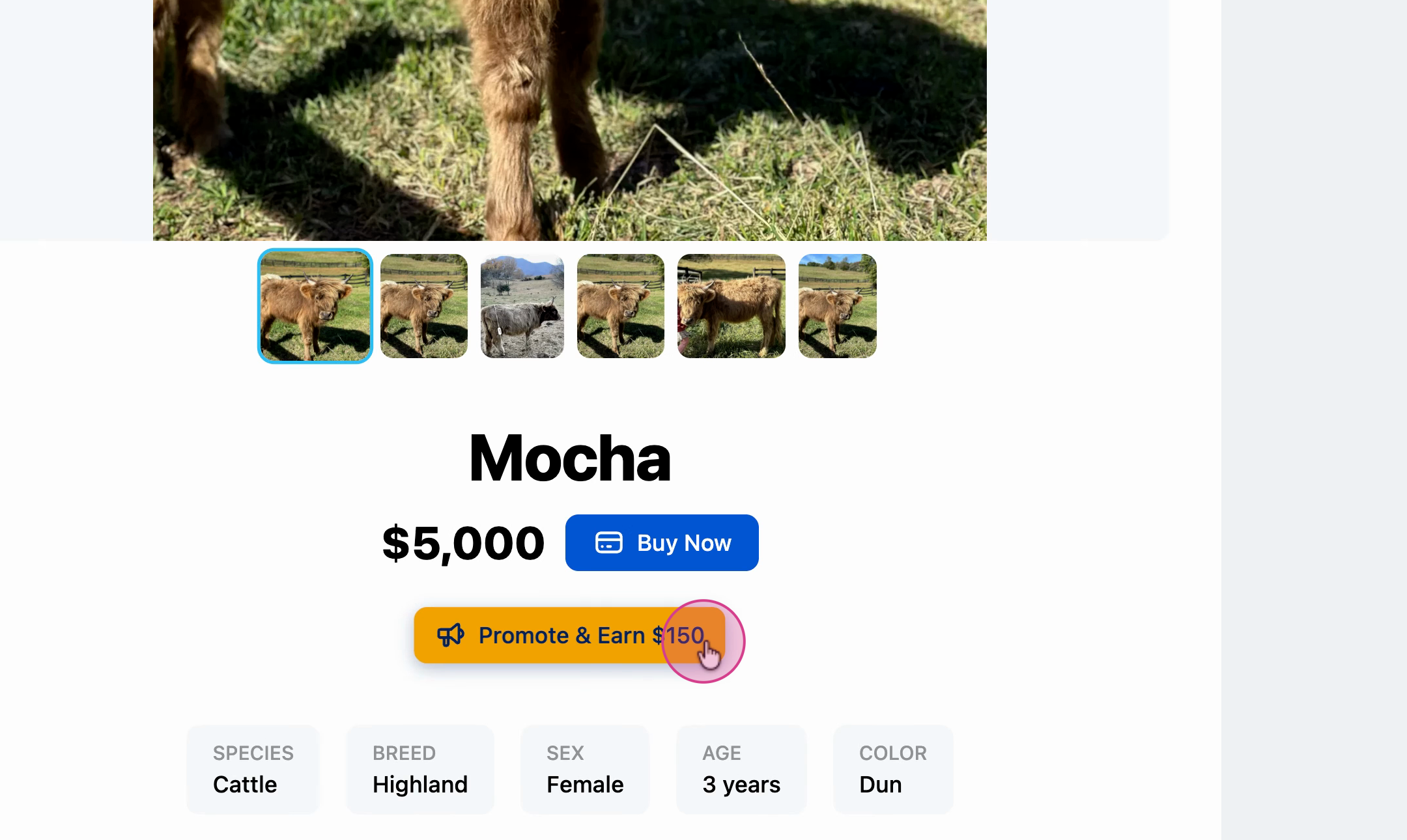
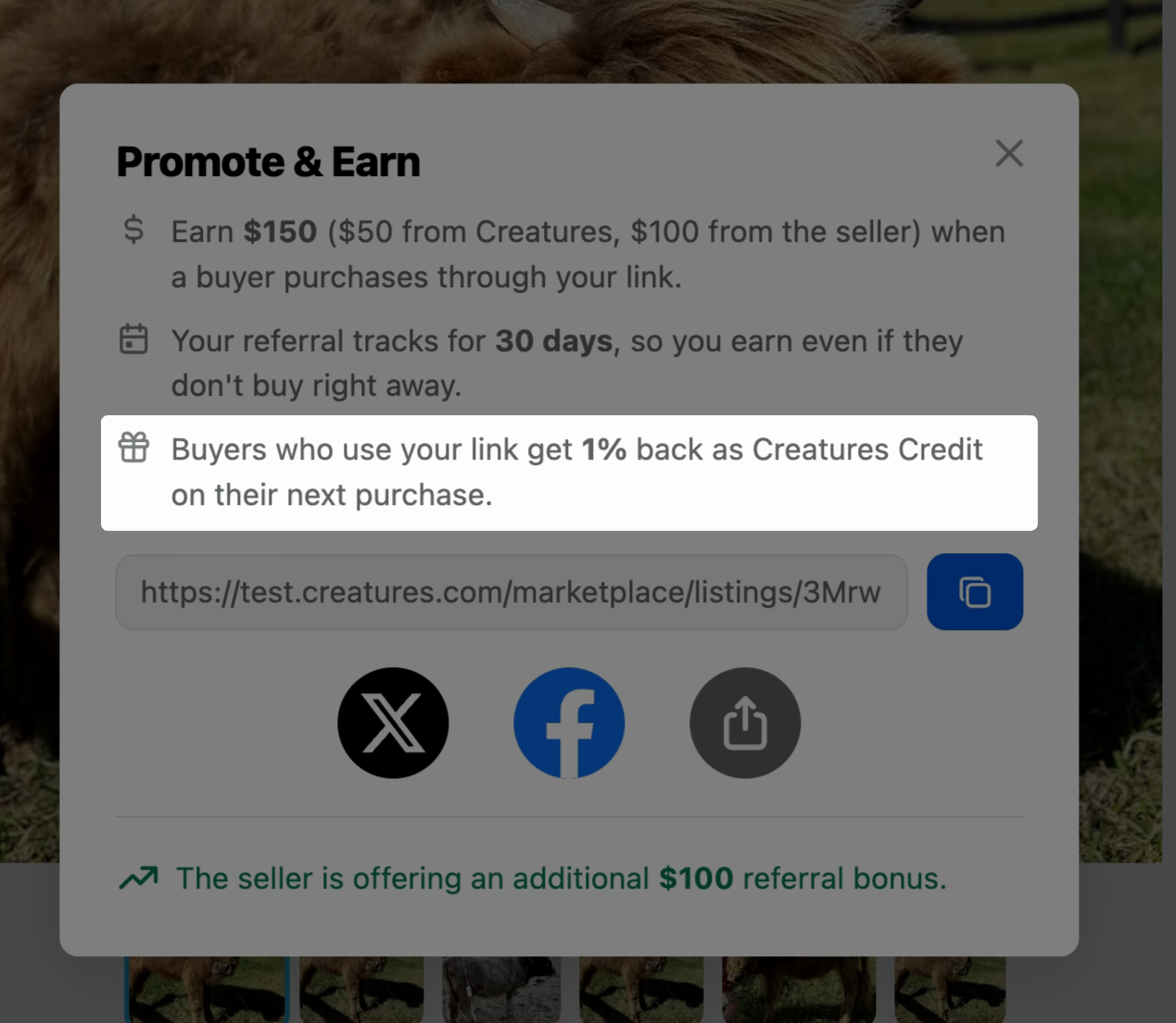
You'll see a summary of what you'll earn if you find the buyer for this animal, starting with the 1% commission from Creatures.
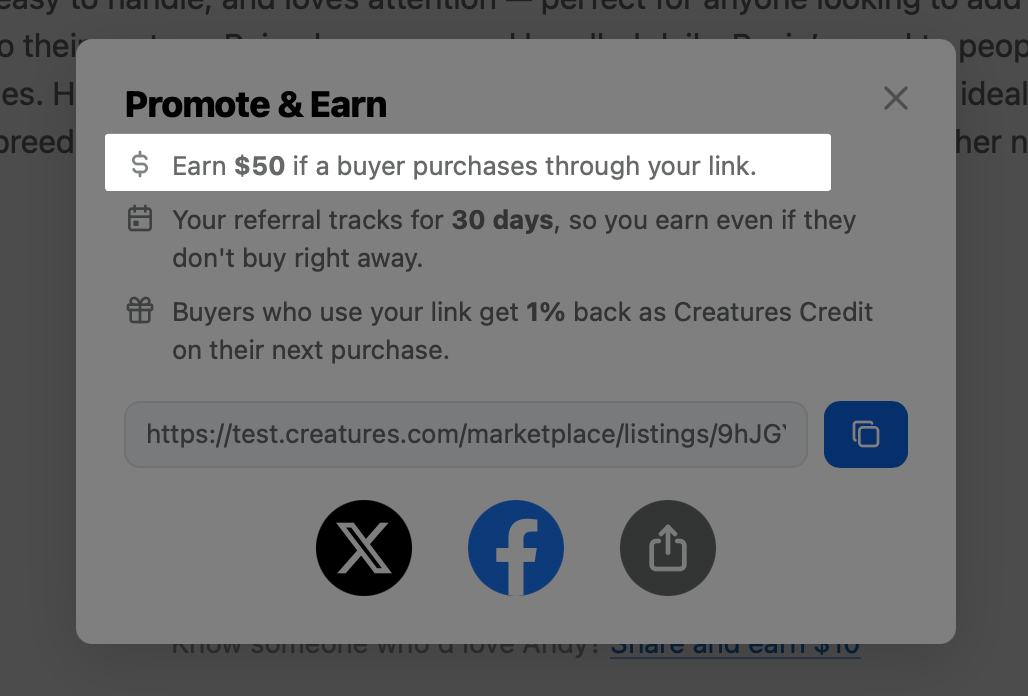
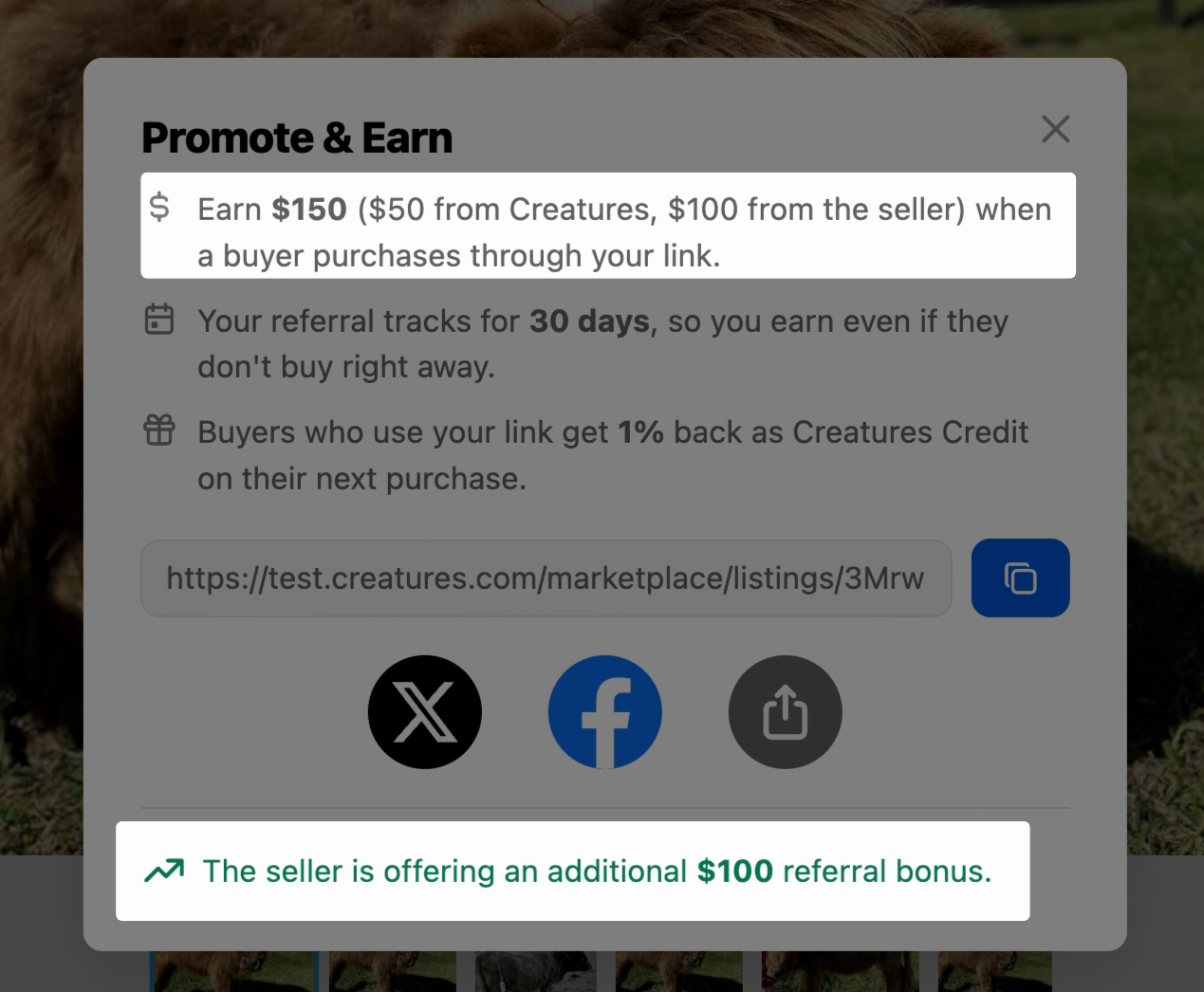
If the seller has added a promotional bonus, it'll show up here too. In this example, the seller is offering a $100 bonus to whoever refers the buyer.
How referral tracking works
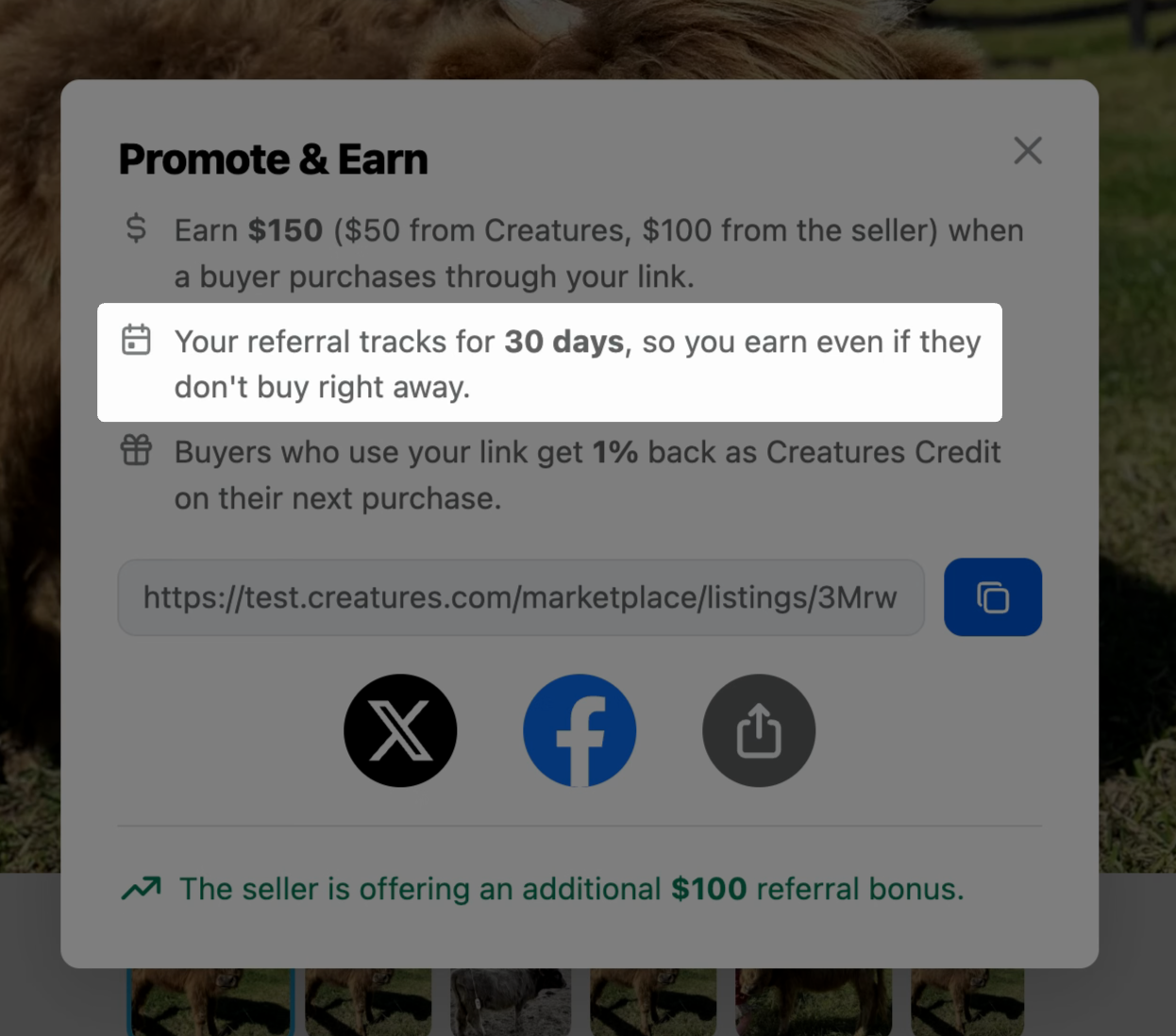
Your referral link stays active for 30 days. If a buyer clicks your link and comes back to purchase later within that window, you still get credit.
You'll also earn a reward if the buyer purchases a different listing than the one you originally shared. Any purchase they make within the 30-day window counts.
Buyers get rewarded too
When you share your link, let buyers know they'll receive 1% back as Creatures Credit on their purchase. This credit applies toward future purchases on the platform.
Share your link
You can share your referral link on X, Facebook, or send it directly to someone who might be interested. Pick whichever channel works best for your audience

Check your rewards
Once a referred buyer completes a purchase, go to Profile Menu -> Dashboard -> Rewards -> Referral Earnings.
Navigate to your profile menu by selecting your name in the top right corner of the main page.

Select Dashboard.

Select Rewards.

Creatures holds referral rewards and Creatures Credit for 7 days before releasing the funds to your wallet.

Updated on: 01/04/2026
Thank you!