
How to Purchase a Listing with Creatures Credit
How to Purchase a Listing with Creatures Credit
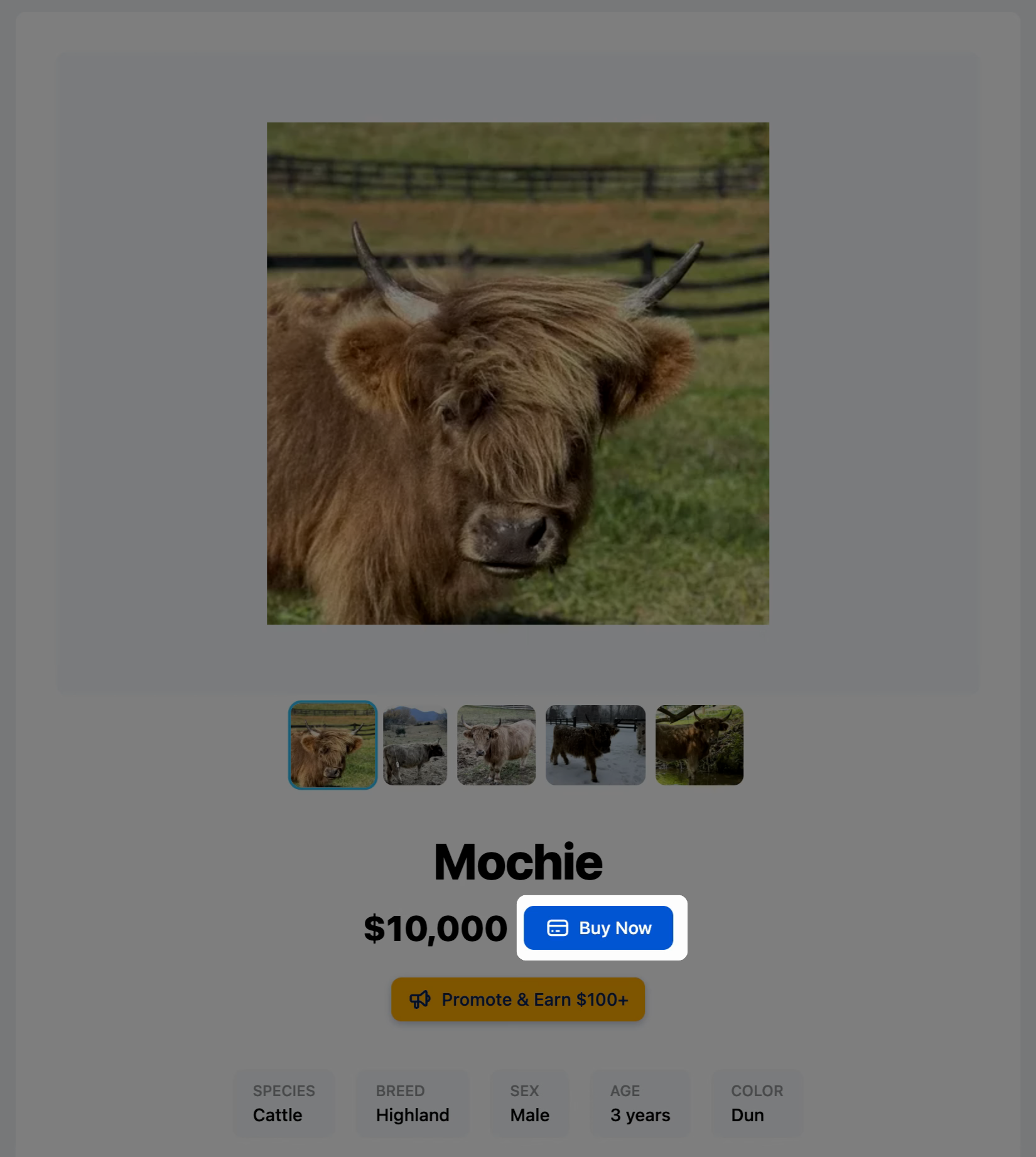
1. Find the listing you want and click Buy Now.
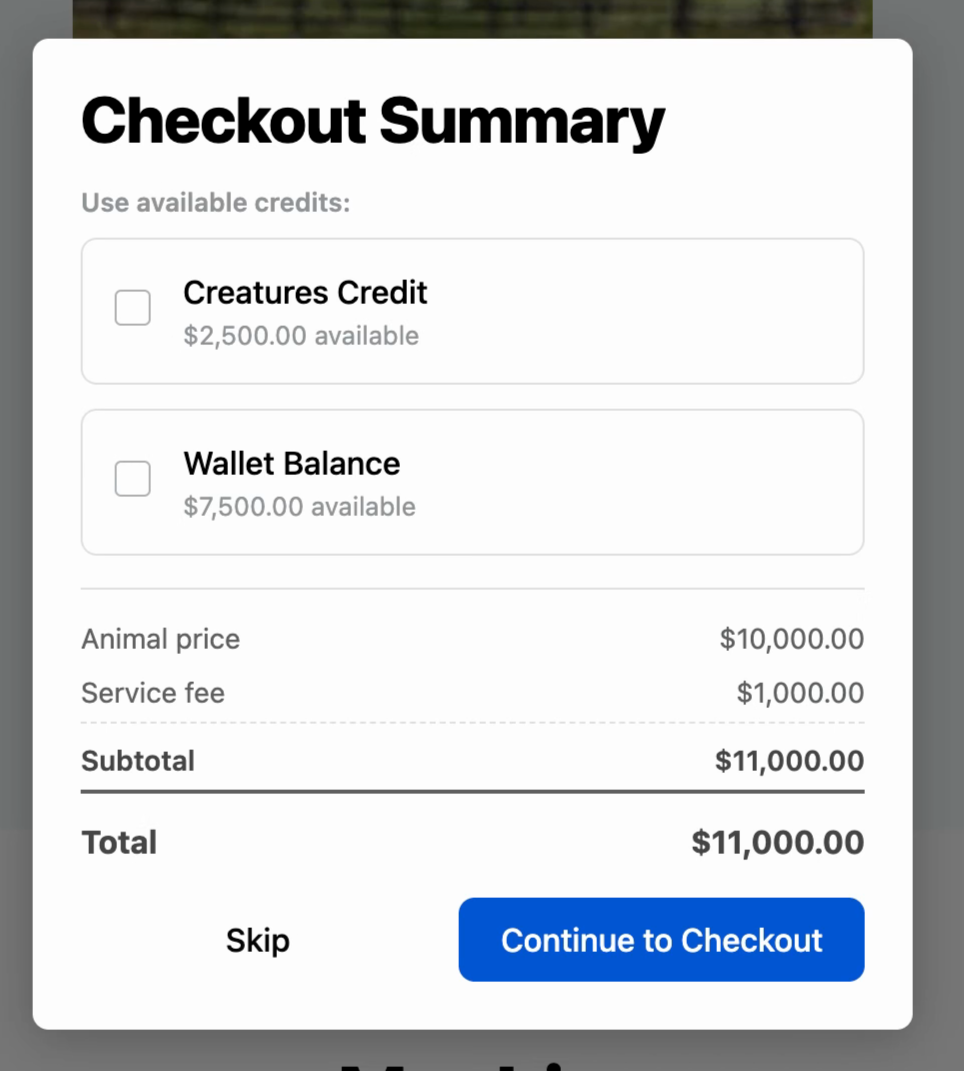
2. Review your payment options. You can apply Creature's Credit, Wallet Balance, or both toward your purchase. Creature's Credit is spendable only on the platform and can't be withdrawn. Wallet Balance can.
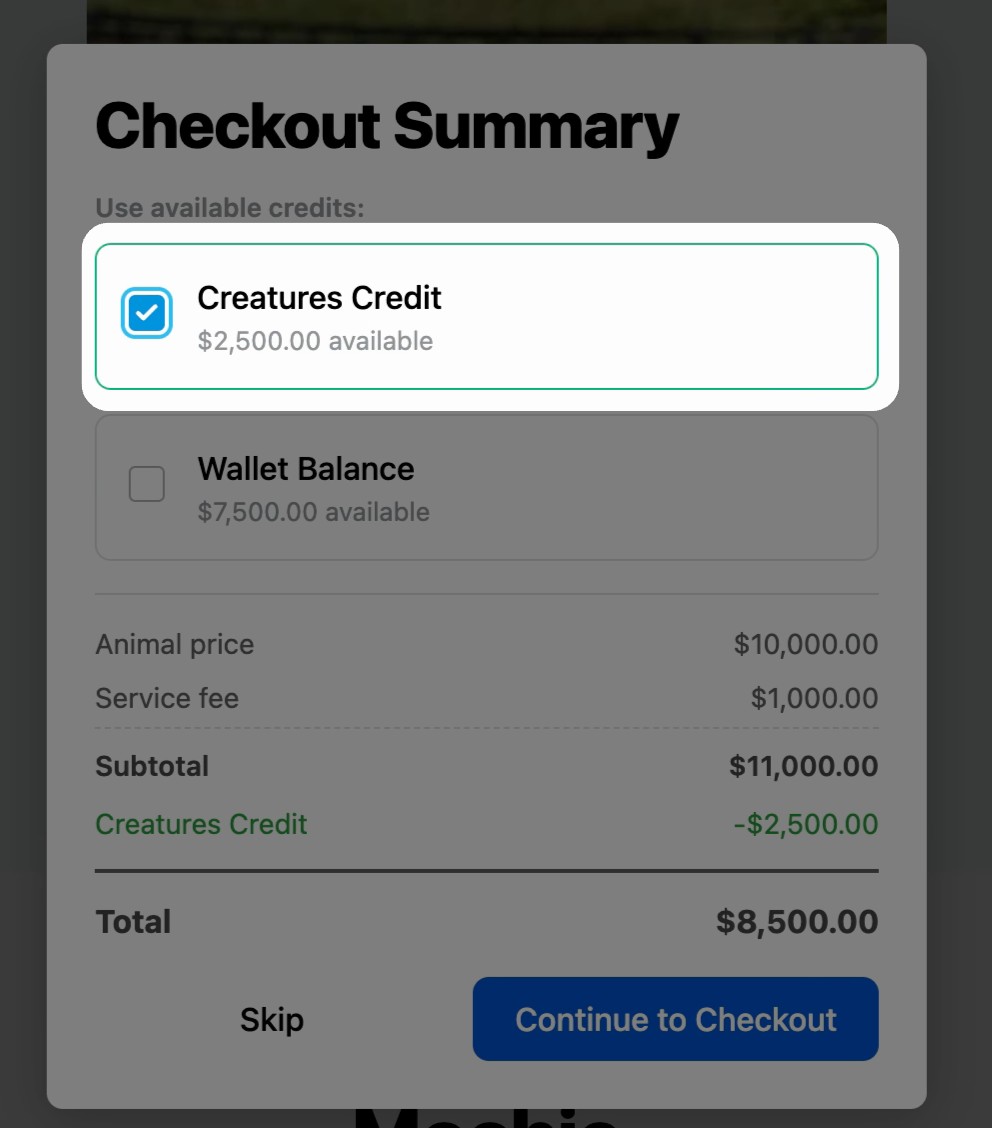
3. Select Creature's Credit as your payment method.
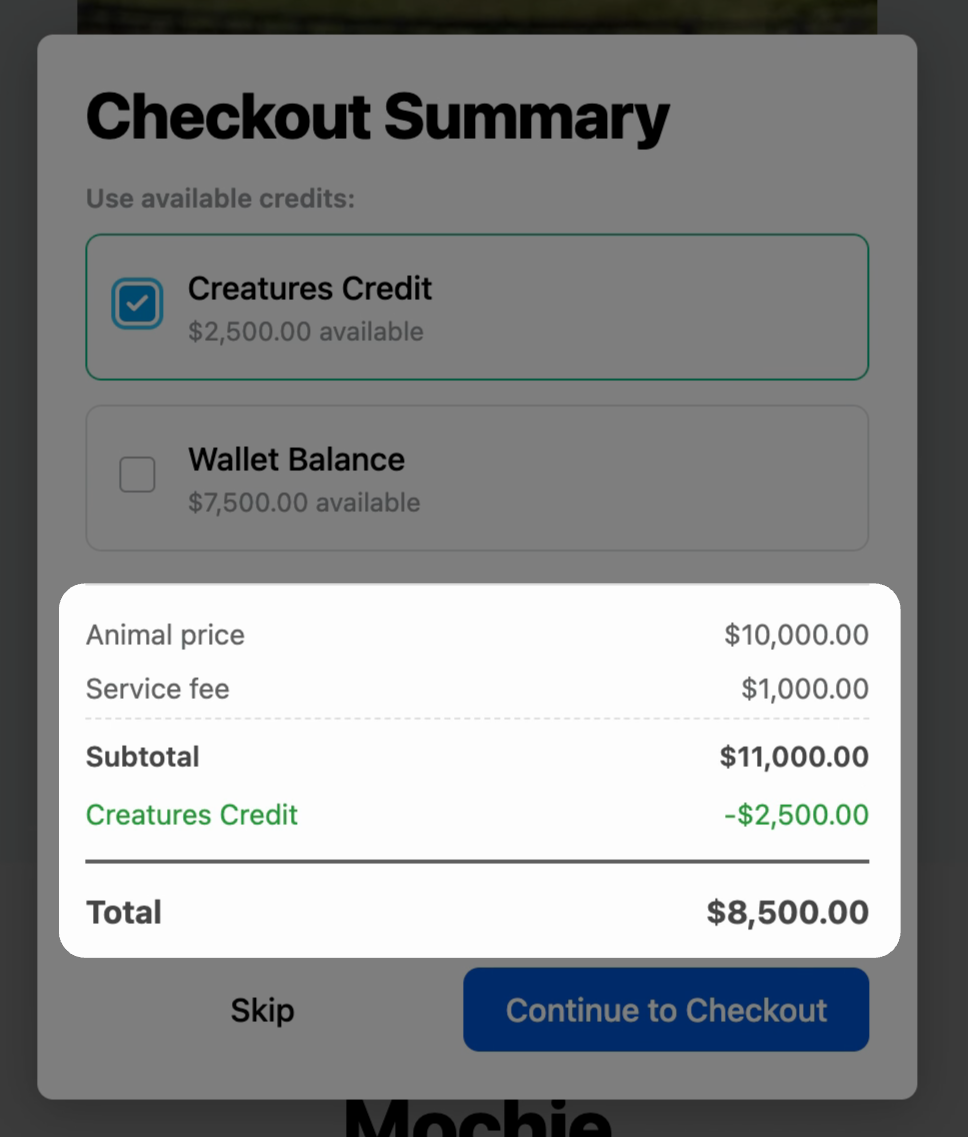
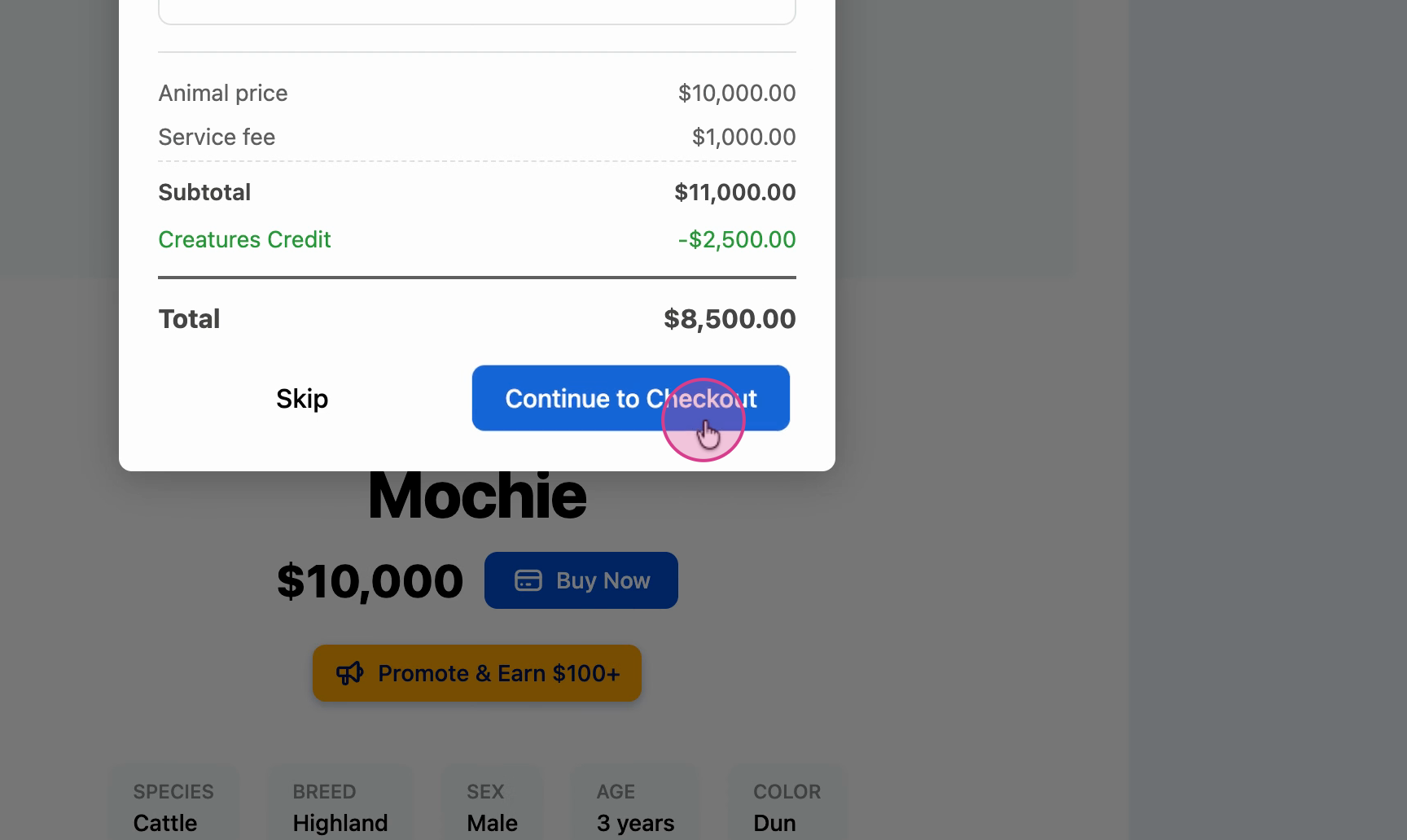
The price summary updates to reflect your selection.
Note: If your applied Wallet Balance and Creatures Credit exceeds the price of the animal, finalize the purchase from here.

4. If your applied Wallet Balance and Creatures Credit does not exceed the price, Click Continue to Checkout to finalize your payment on Stripe.
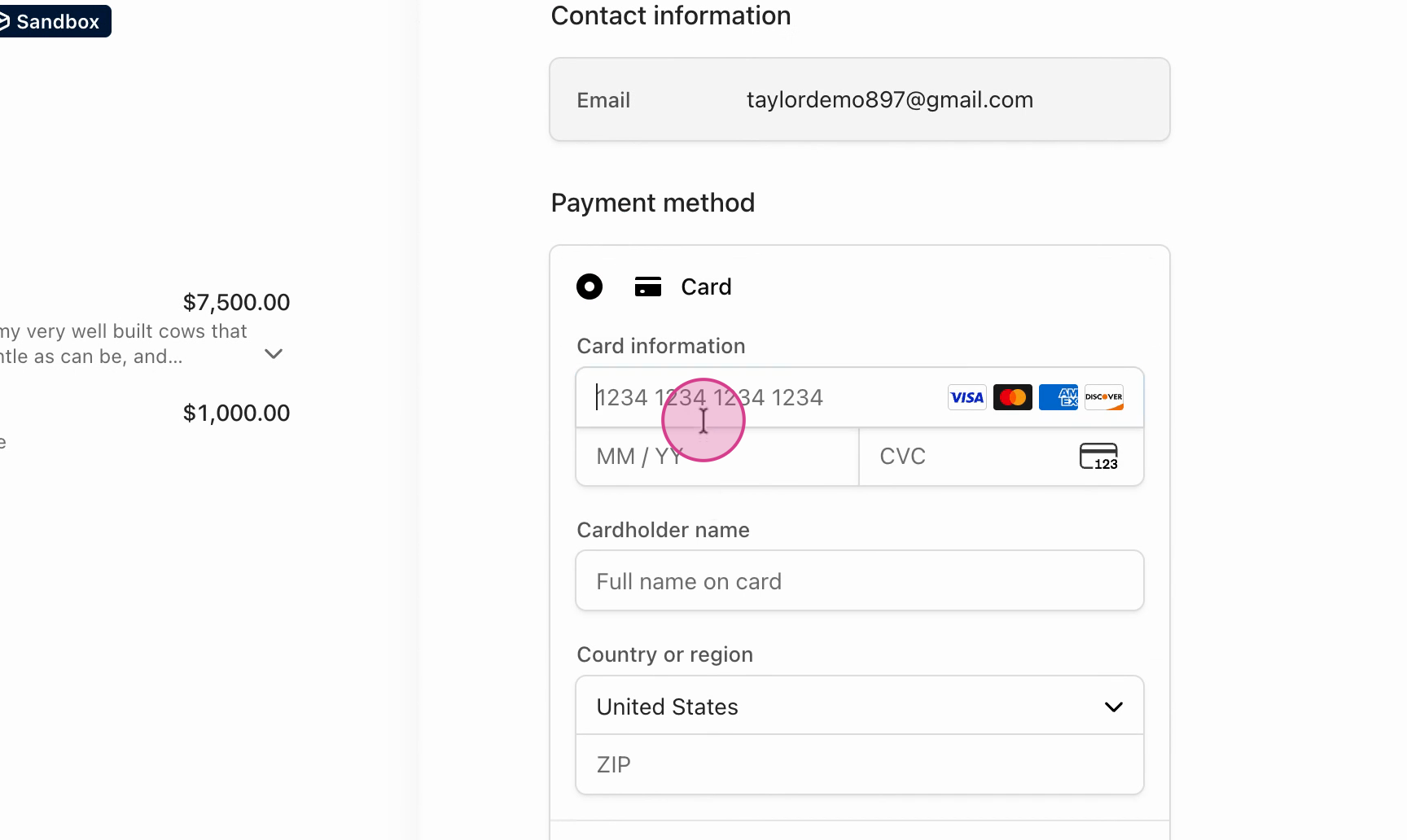
5. Enter your payment information.
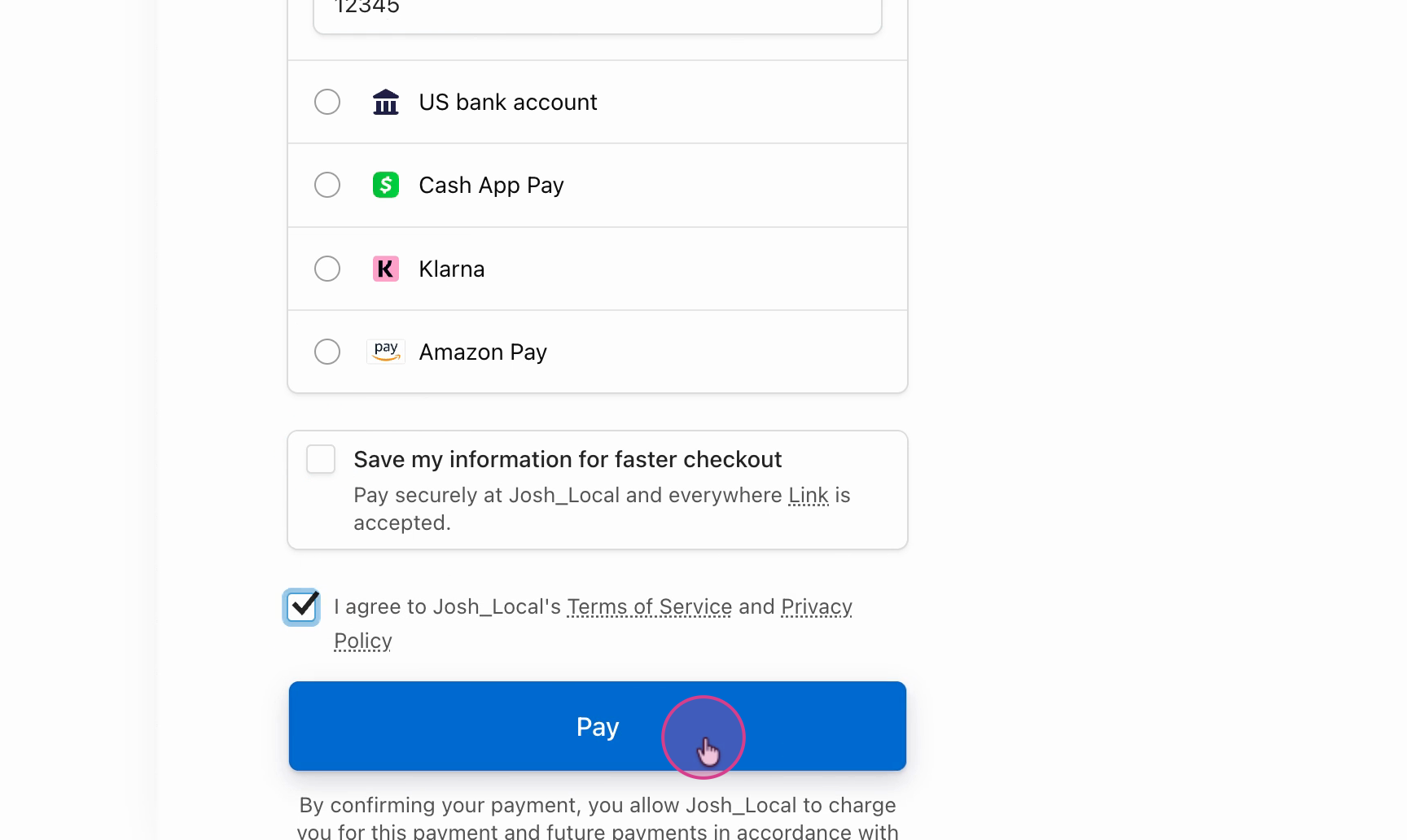
6. Click Pay to finalize your purchase.
7. You'll see a confirmation that the listing is purchased.
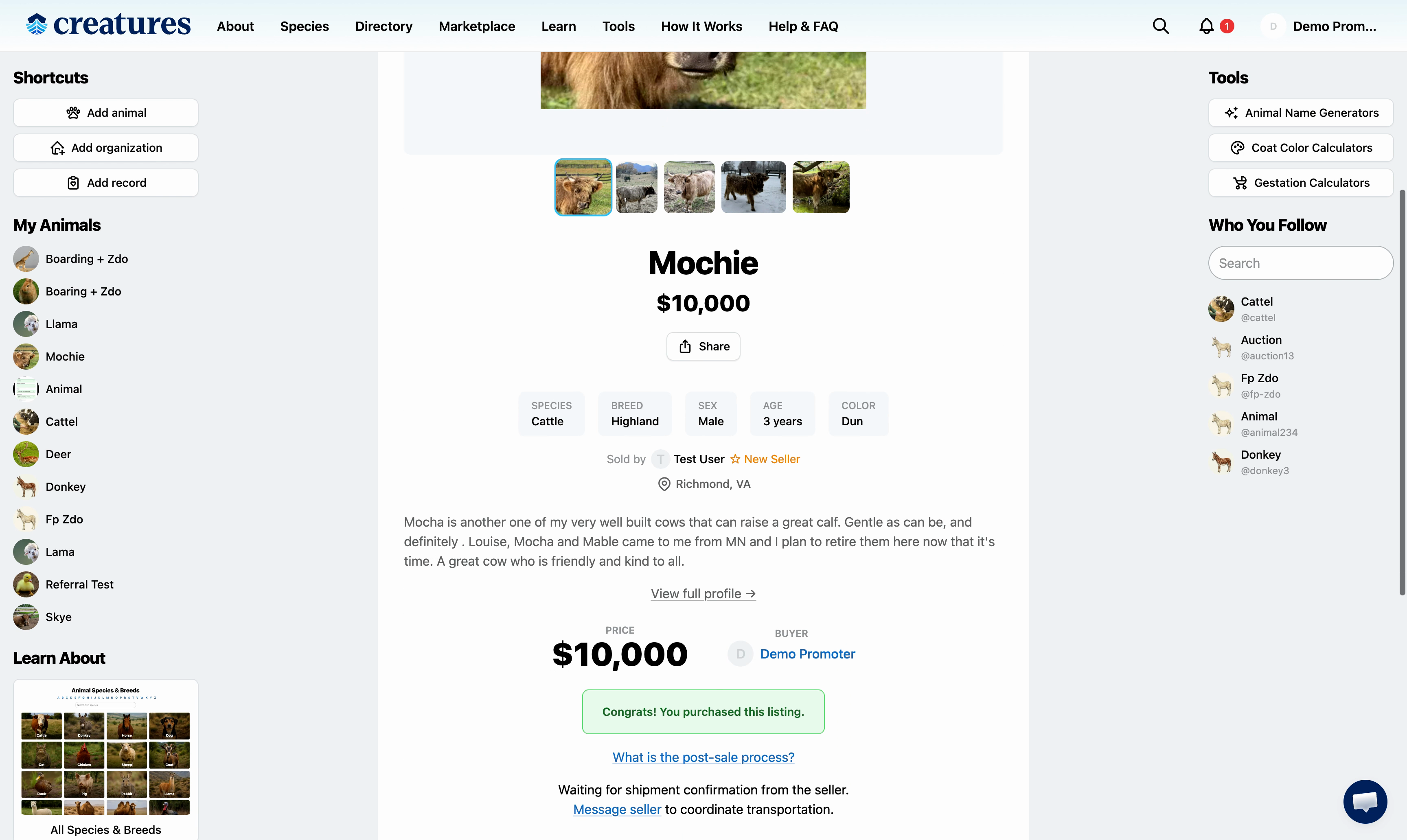
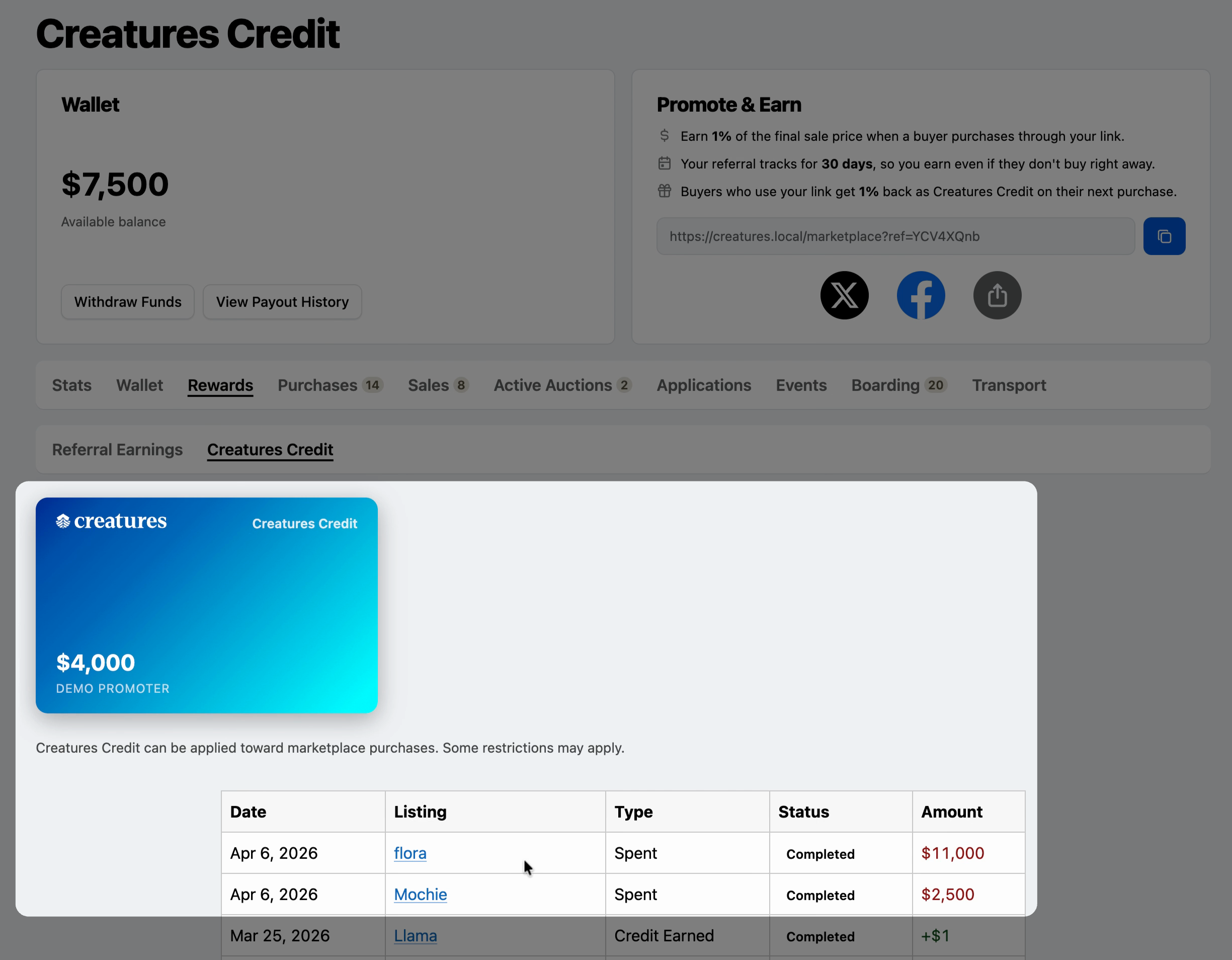
8. Funds are deducted automatically, and your updated balance appears on your dashboard.
Updated on: 06/04/2026
Thank you!