
Creating a Free Account
Creating an Account
In this article, you'll learn how to create a free account and set up your profile.
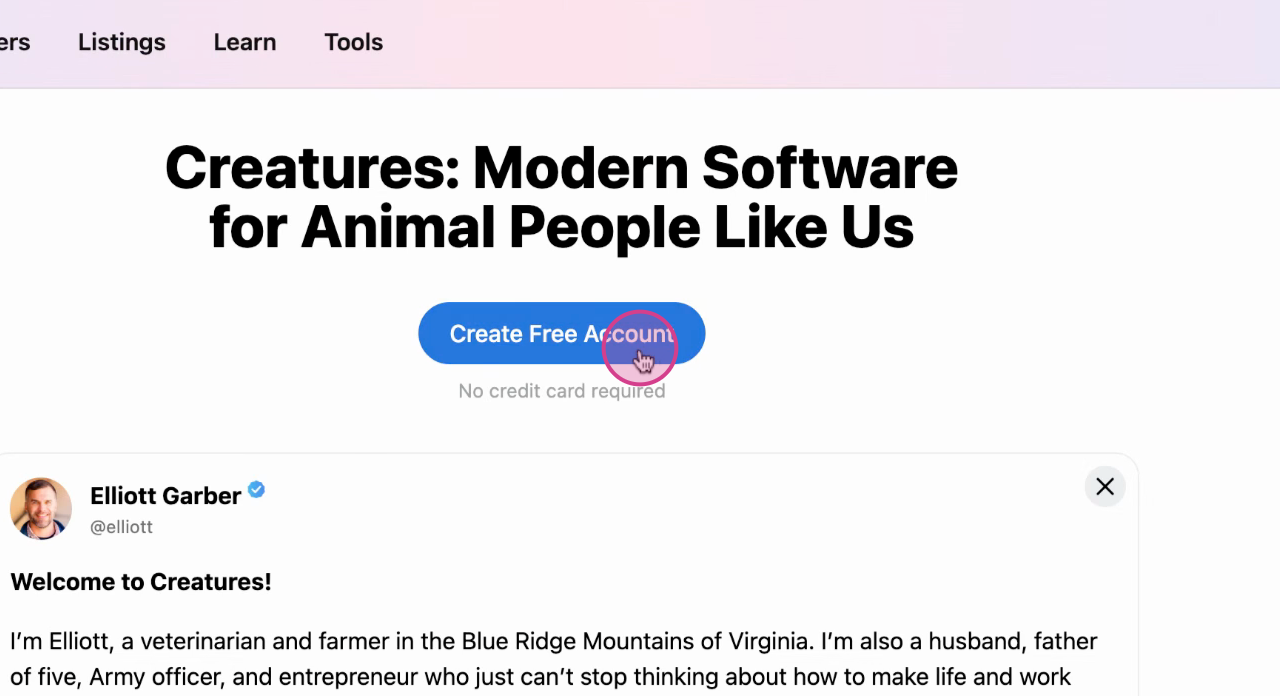
Step 1: Either click 'Create Free Account' on the home page or select 'Sign in' in the top right corner.
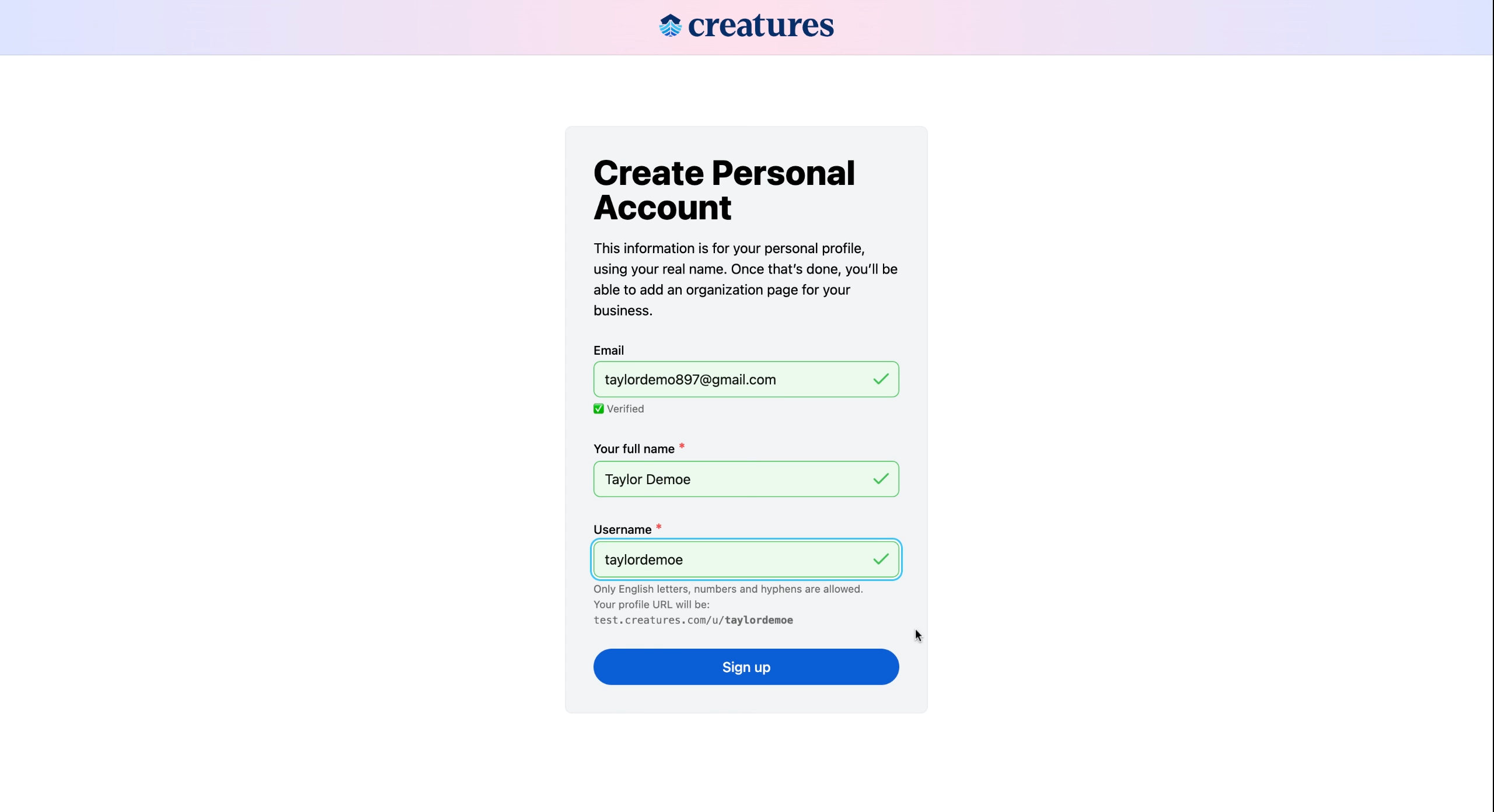
Step 2: Proceed to input your full name and a username.
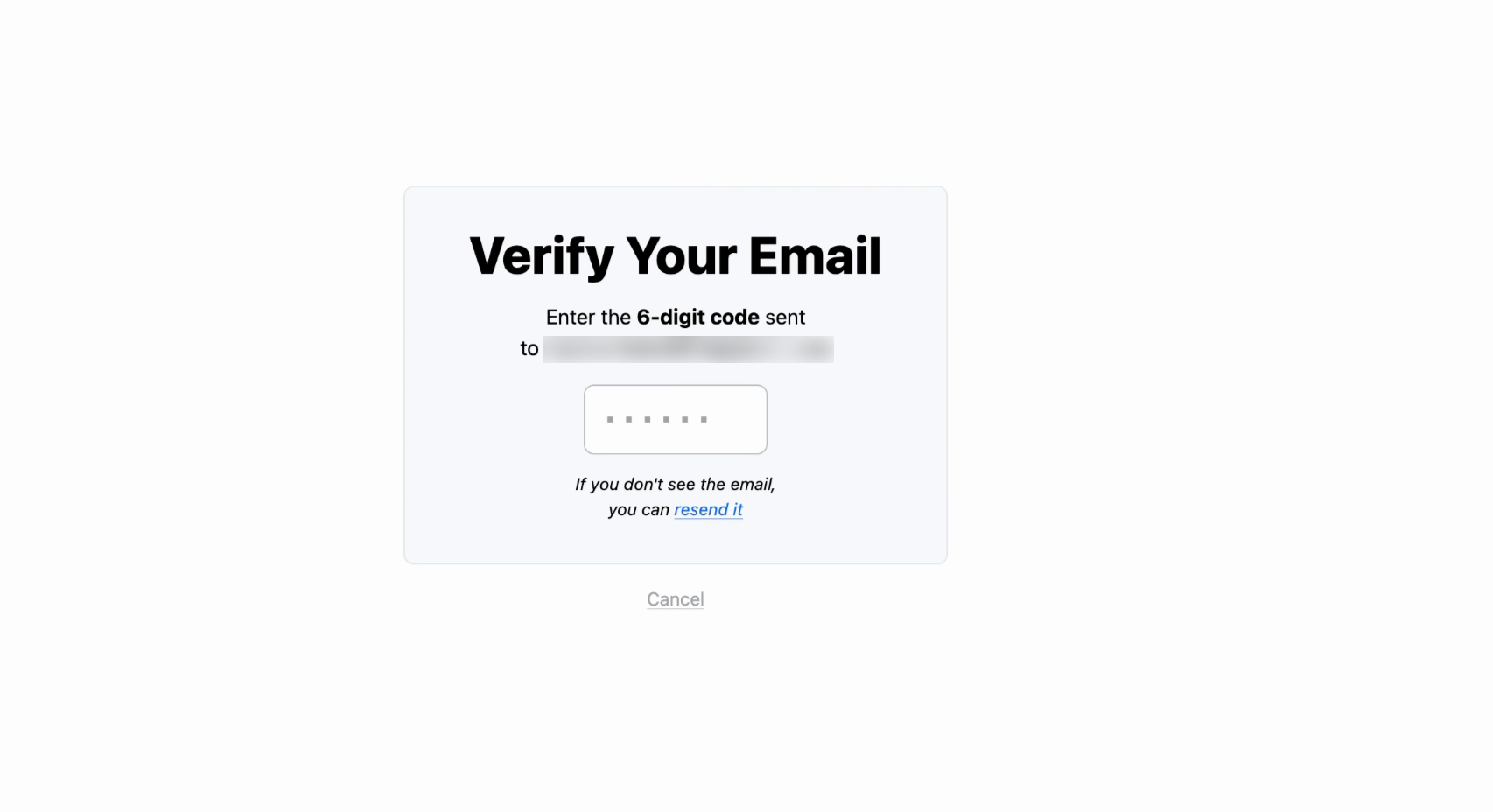
Step 3: Verify your email by entering the 6-digit code sent to your inbox.
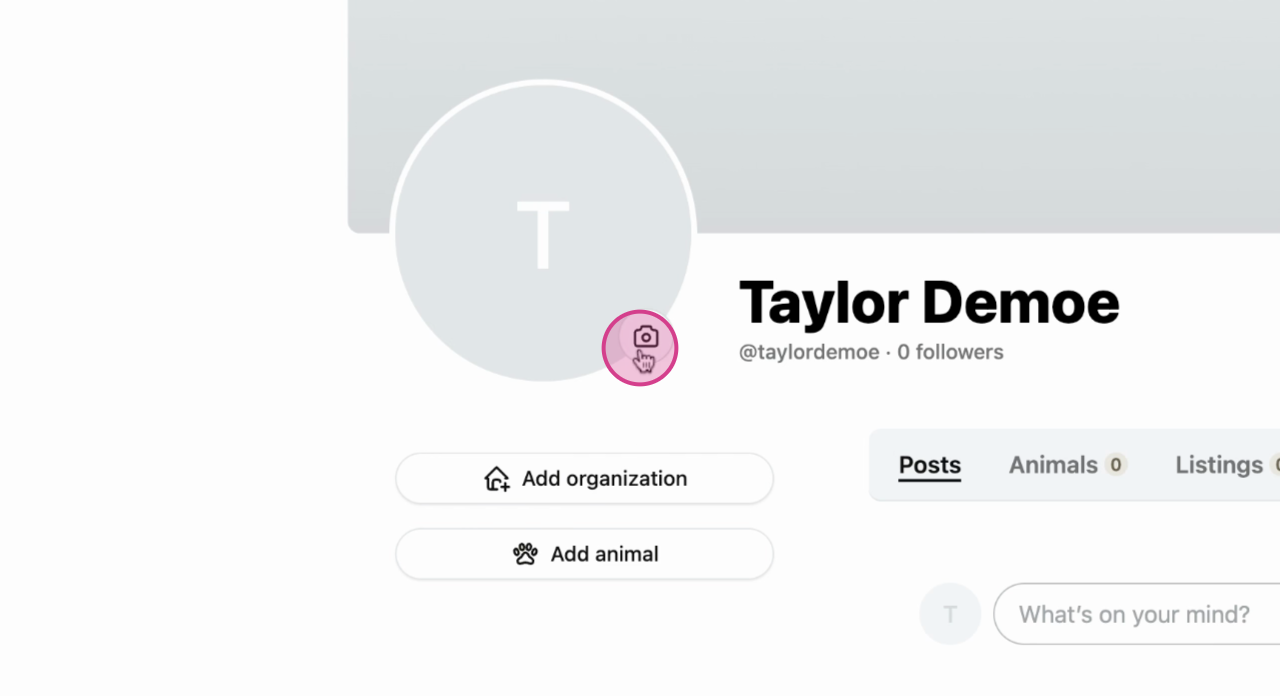
Step 4: Next, you can add a profile picture and a cover photo.
Step 5: You're able to verify your profile through third-party stripe access.
For more information on our verification processes, please read .
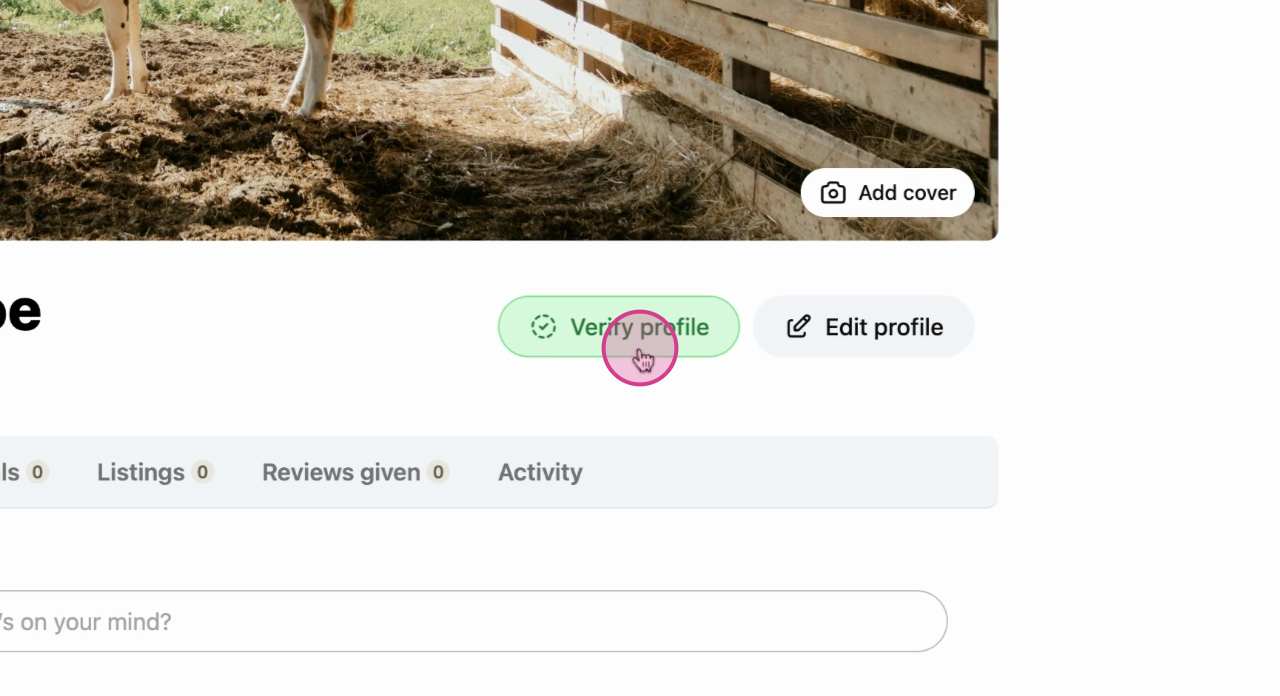
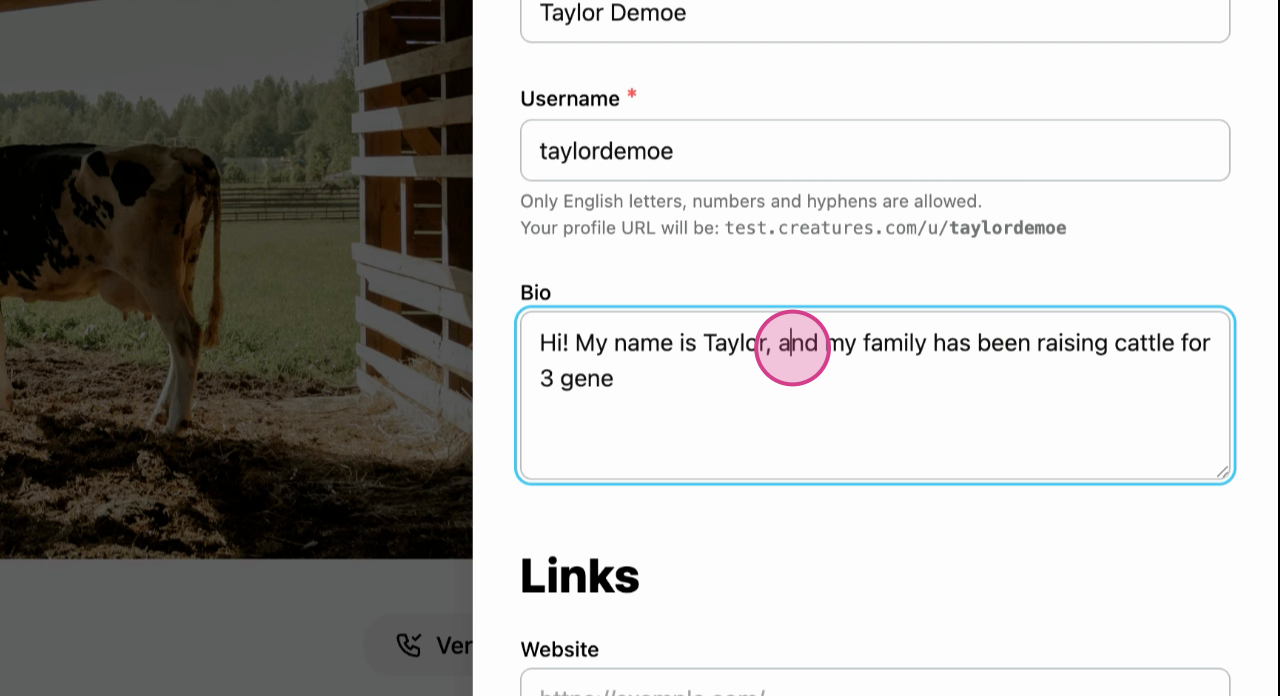
Step 6: Lastly, edit your profile to share more about yourself.
Related content:
- How to Add Animals to Your Profile
- How to Claim an Organizational Profile
- How to Change Notification Settings
Updated on: 10/11/2025
Thank you!