
Adding an animal to Creatures
Adding an animal creates one place for that animal's photos, records, pedigree, and care. Start with the details you know today; you can add or change most details later.
Add one animal
- From your home screen, select Add animal.
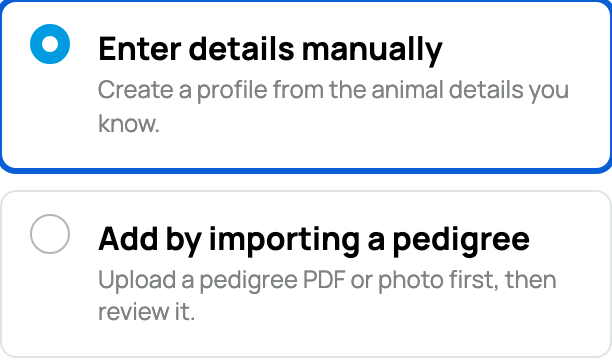
- Choose Enter details manually for the guided form, or Add by importing a pedigree to start from a pedigree image or PDF.
- Add a clear main photo and the animal's everyday name. The normal form requires a photo for a currently owned animal; it is optional for a previously sold animal or a lineage reference.
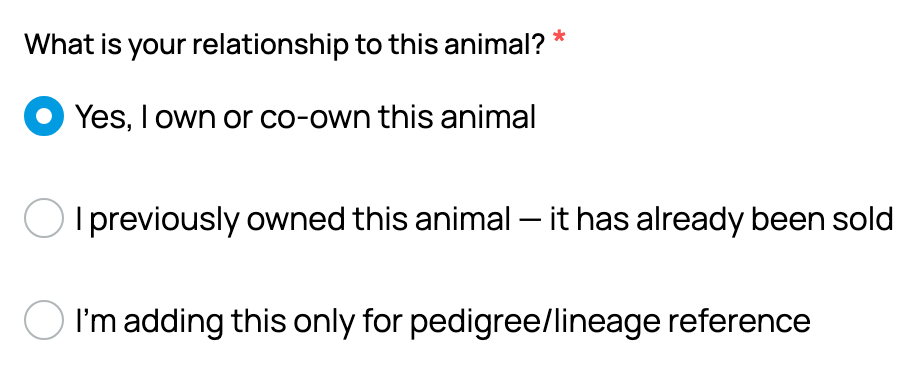
- Choose your relationship:
- Yes, I own or co-own this animal creates a profile you can manage now.
- Choose the I previously owned this animal option when it has already been sold.
- I'm adding this only for pedigree/lineage reference documents an animal you do not own. You can invite the owner later.
- If Where to add this animal? appears, choose your personal profile or the appropriate organization.
- Enter the Species, Breed, and other known details. For Sex, select Unknown if the animal has not been sexed yet.
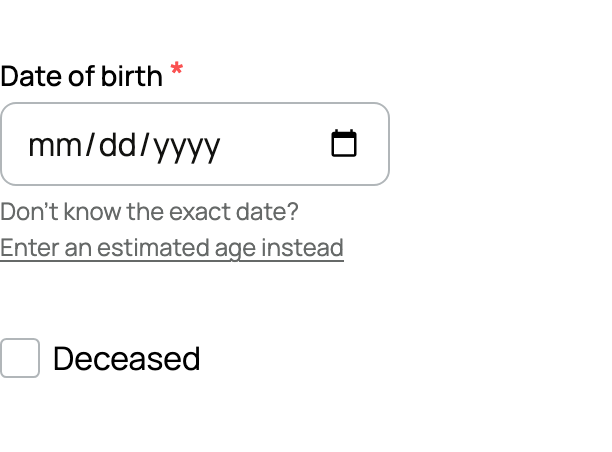
- Add an exact birth date, an estimated age, or mark the age as unknown. If the animal has died, turn on Deceased and add the date of death when you know it.
- Open More profile details for privacy, location, an About section, and family relationships.
- Select Create animal profile. For a previously sold animal, select Continue to sale details instead.
If the animal was already sold
Enter its real Sale date, then choose Continue to sale details. The date cannot be in the future or before the animal was born.
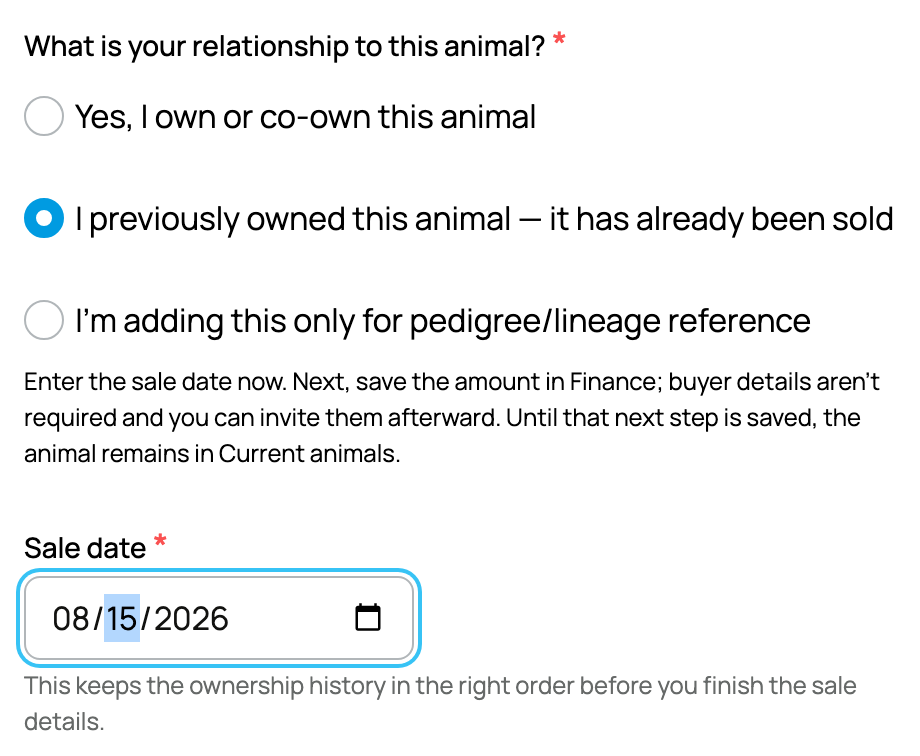
Creatures opens Record sale & mark sold in Finance. Save the sale amount and date there to finish: the animal remains in Current animals until this second step is saved. Buyer contact details are not required, and you can invite the buyer afterward.
What happens next
For a current or reference animal, the profile opens after saving. Use Records for health, care, and registration information, and Gallery for more photos. A reference is public and does not mean you own the animal.
If you start while signed out, finish the account-verification steps before the profile becomes yours. If you already have a document, see Importing a pedigree; otherwise, continue with Your animal's profile page.
Related information
- Your animal's profile page: the tabs and what each one does
- Co-owners and team members: sharing access to an animal
- Public, private, and reference animals
Updated on: 03/09/2026
Thank you!