
How to Apply for an Event as a Seller
How to Apply for an Event as a Seller
Get your animals listed for auction and participate in sales events with just a few steps. Here's how to create a listing and apply for an event, whether you already have an auction item or need to add a new one.
Applying with an existing auction listing
Start your application
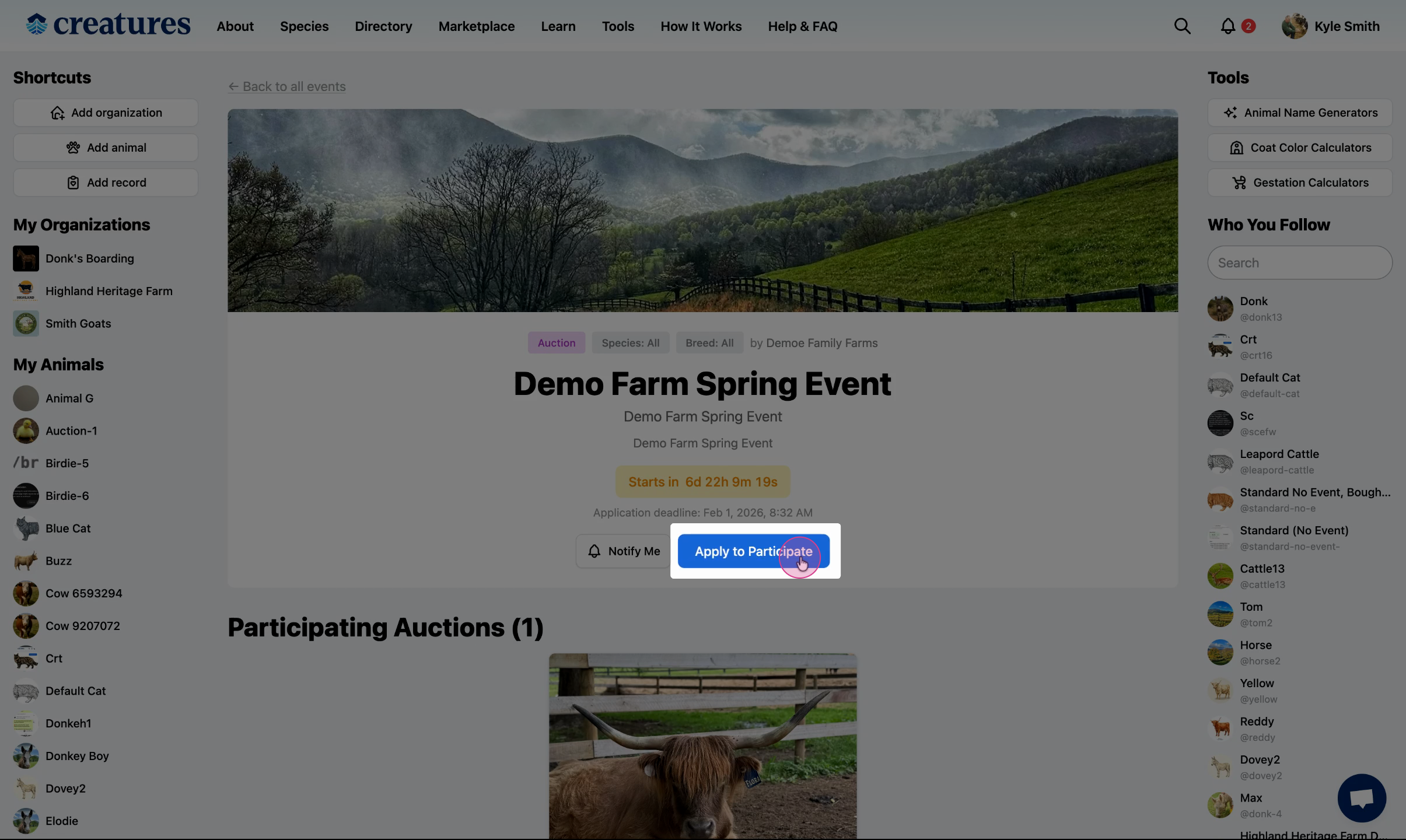
From the sales event page, select Apply to Participate.
Select your listing
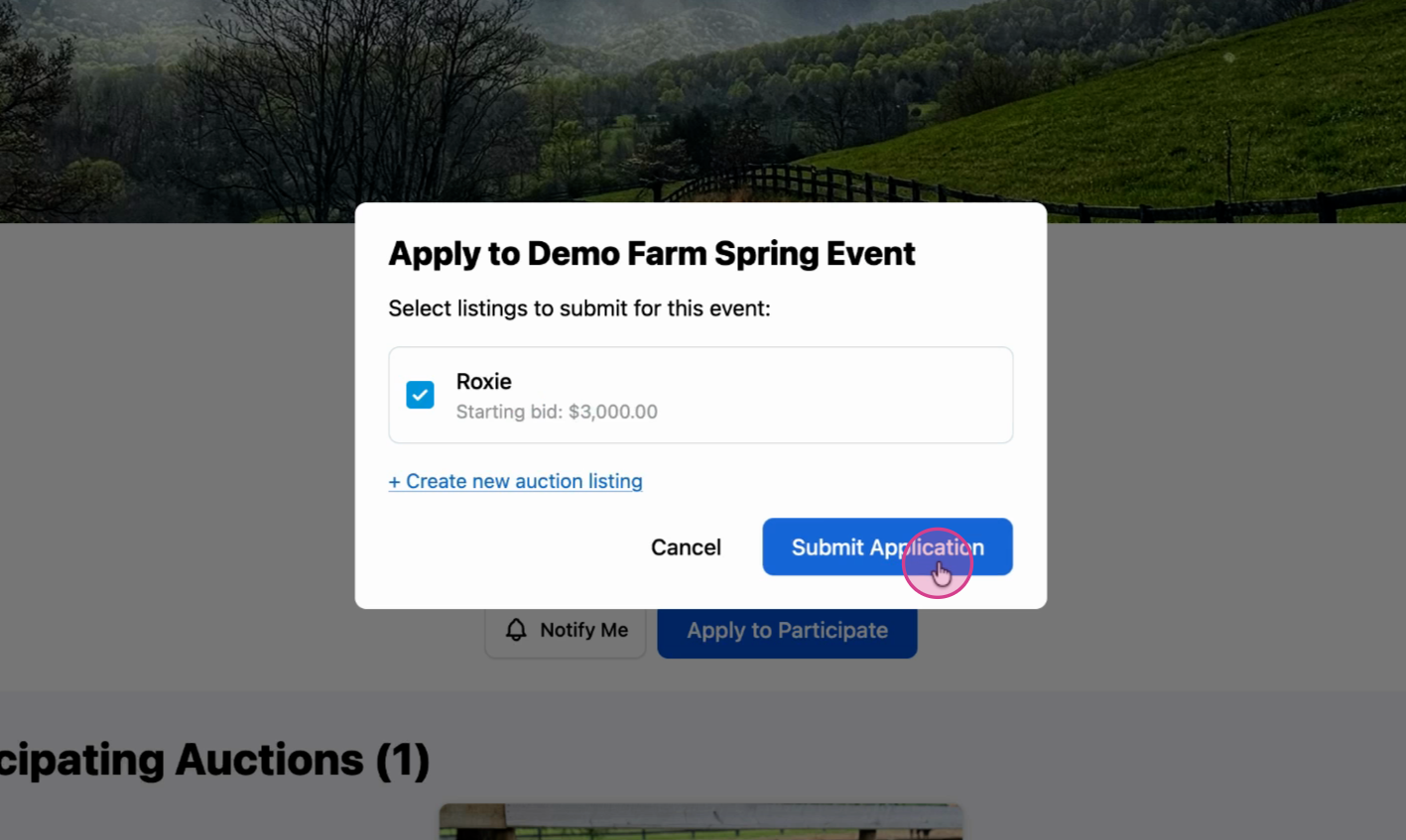
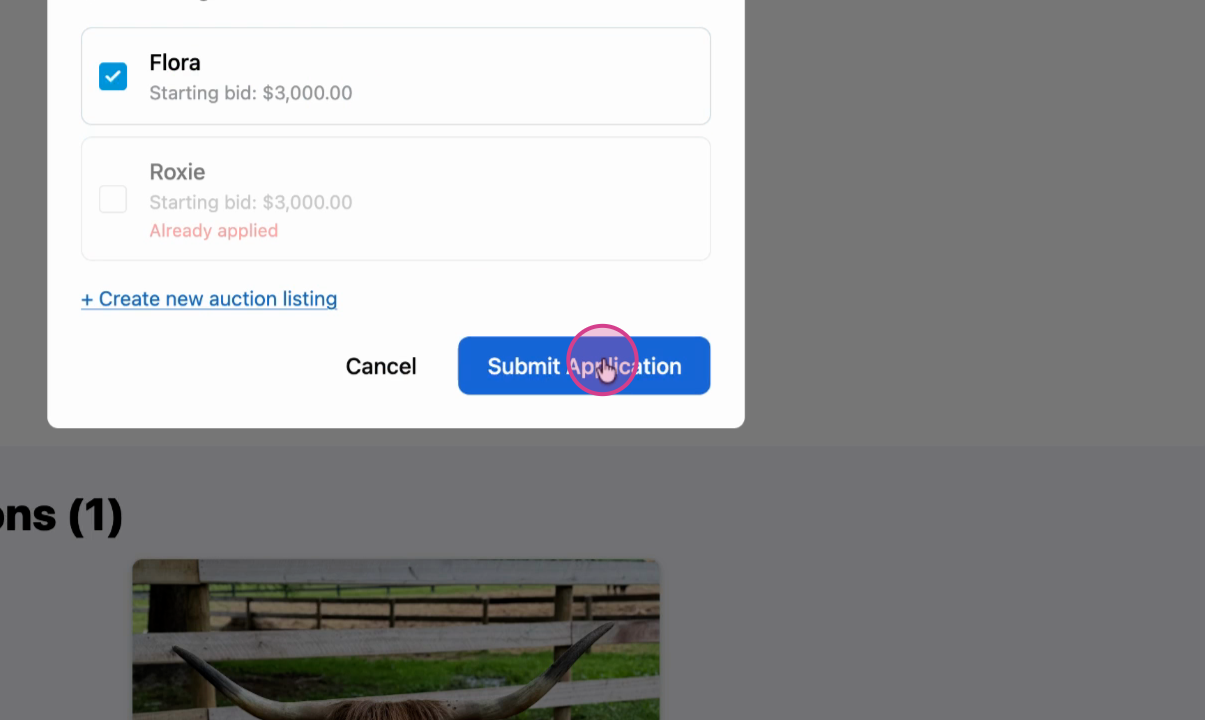
Pick your existing auction listing from the options, and select Submit Application.
Creating a new auction listing
If you don't have an auction listing yet, follow these steps to create one and apply.
Start your application
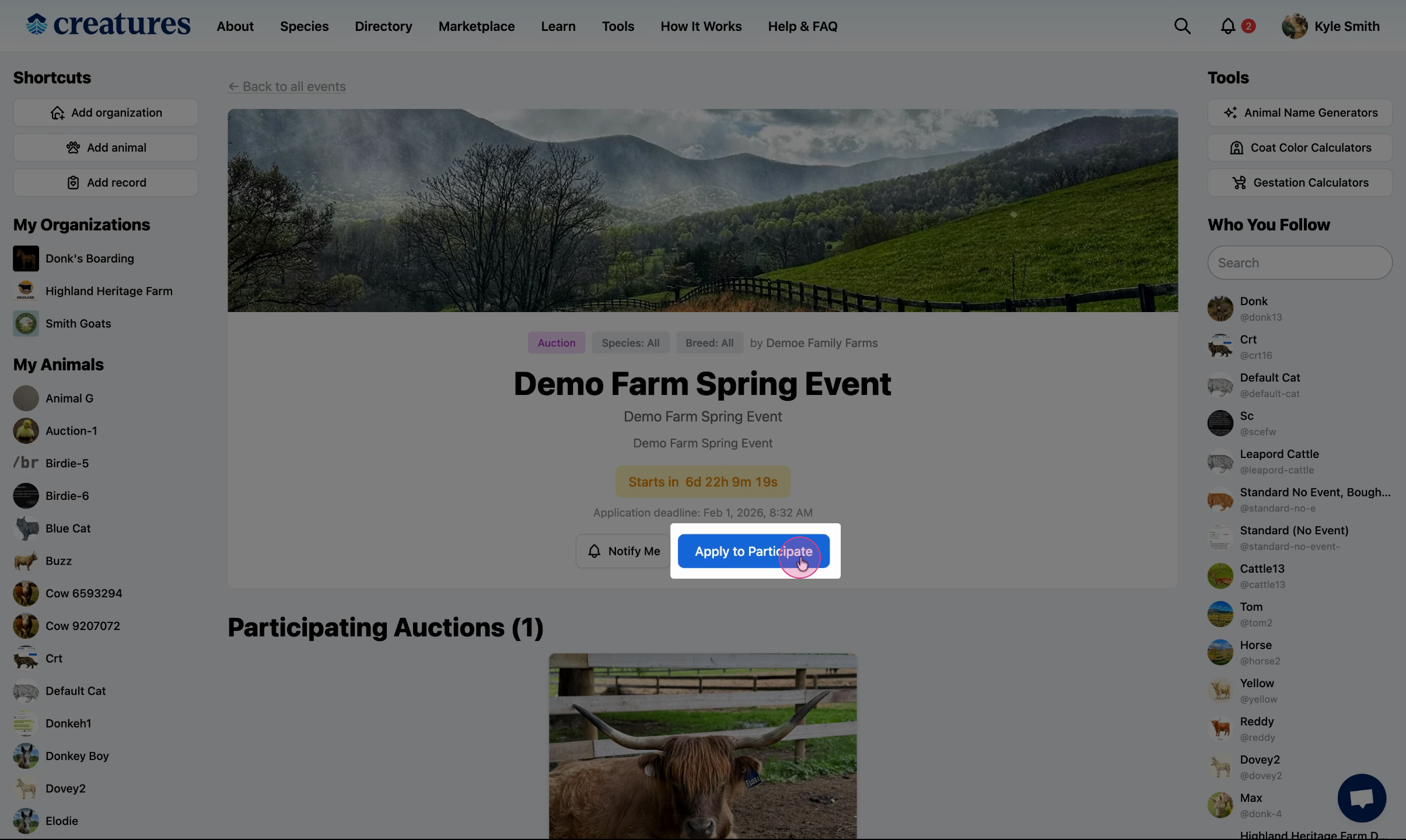
Select Apply to Participate.
Create a new listing
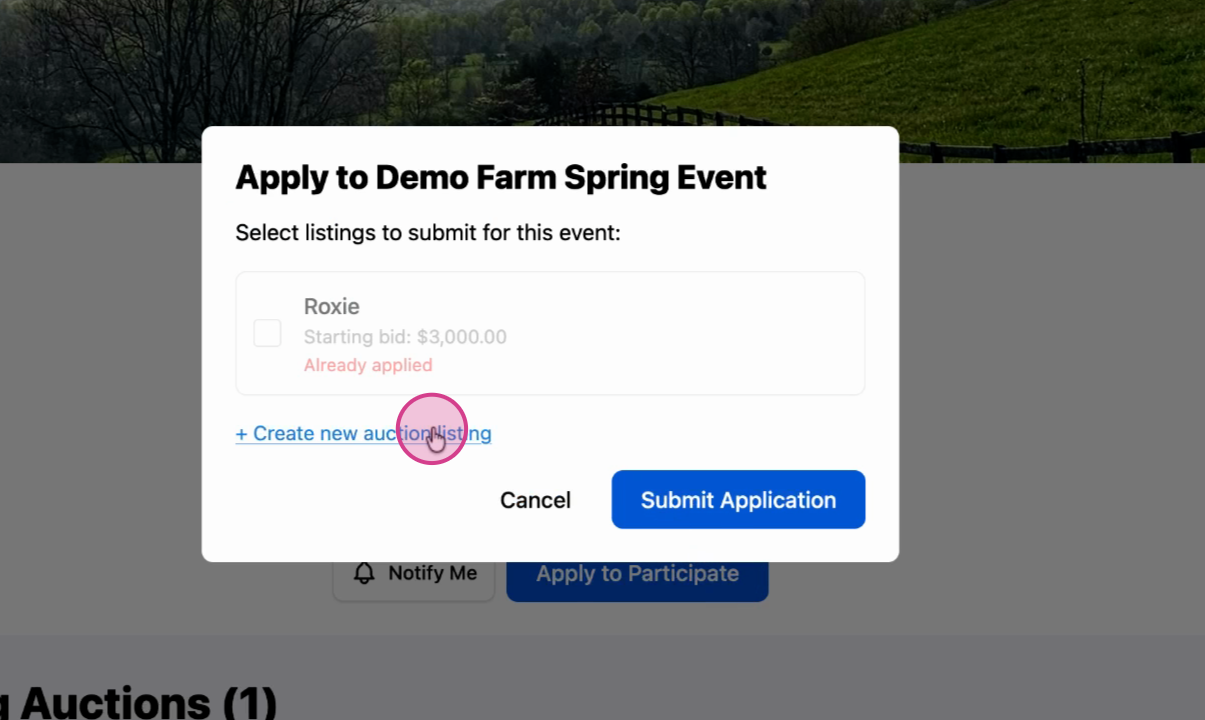
When prompted, choose to create a new auction listing.
Choose or create an animal profile
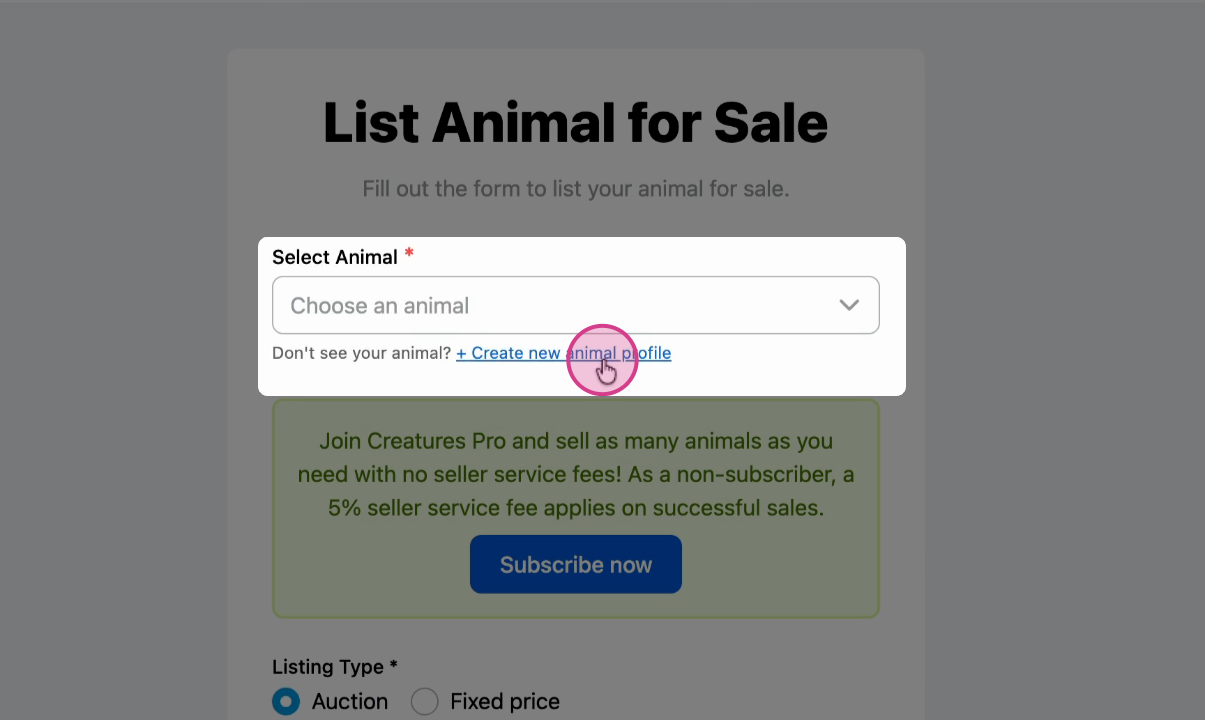
Choose an existing animal profile from the dropdown, or select the option to Create new animal profile.
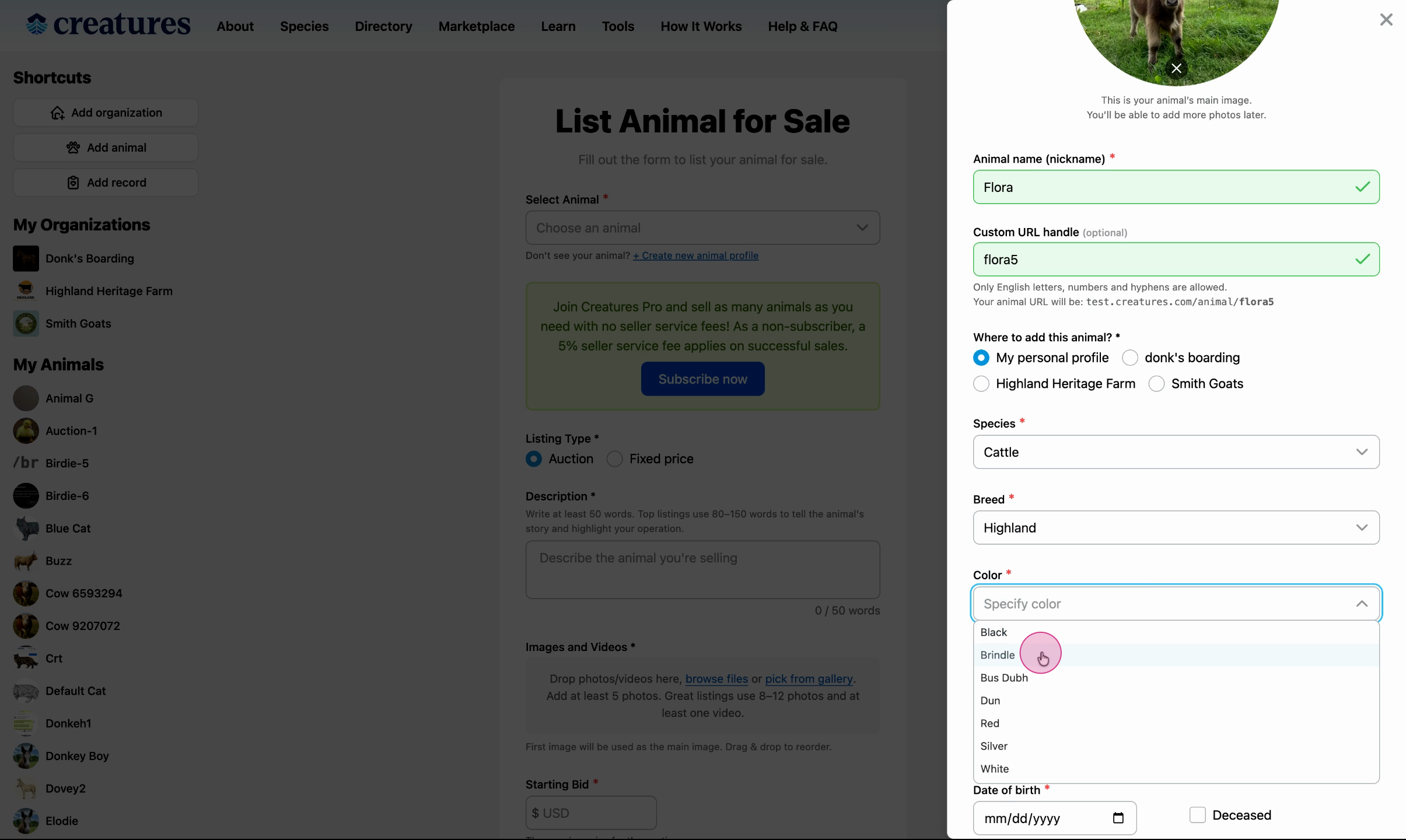
Fill in animal details
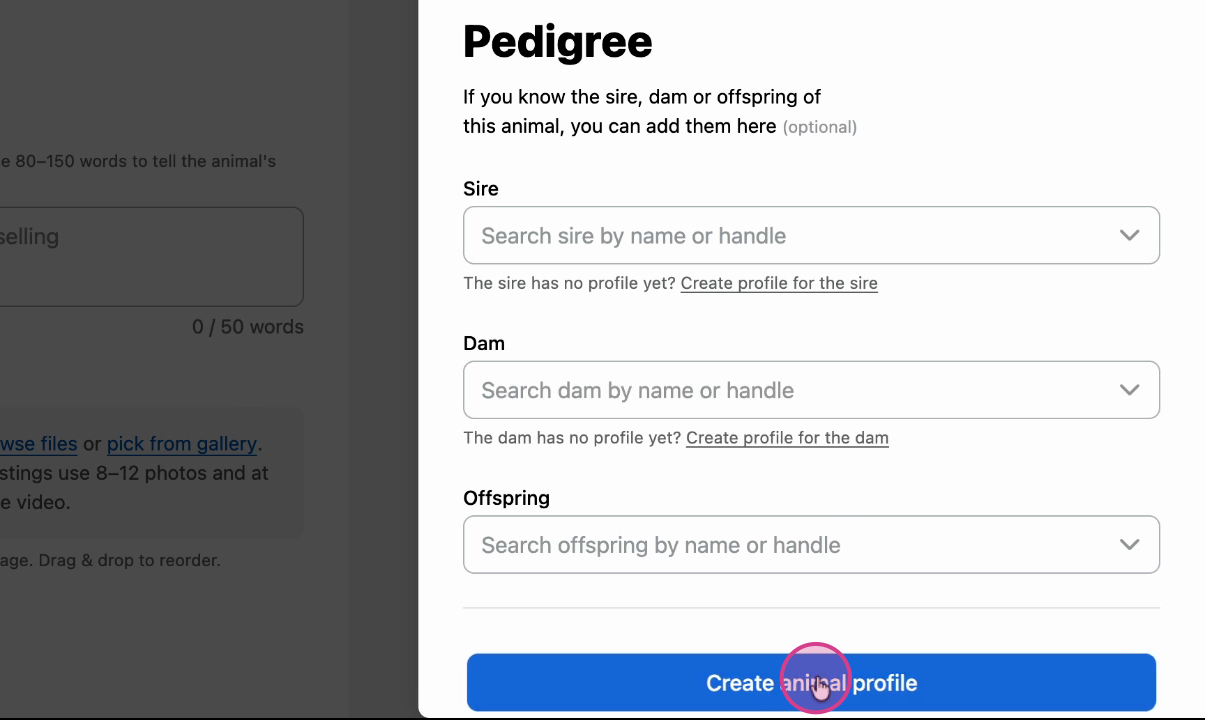
Fill in all required details for your animal, and select Create animal profile.
Finalize auction details
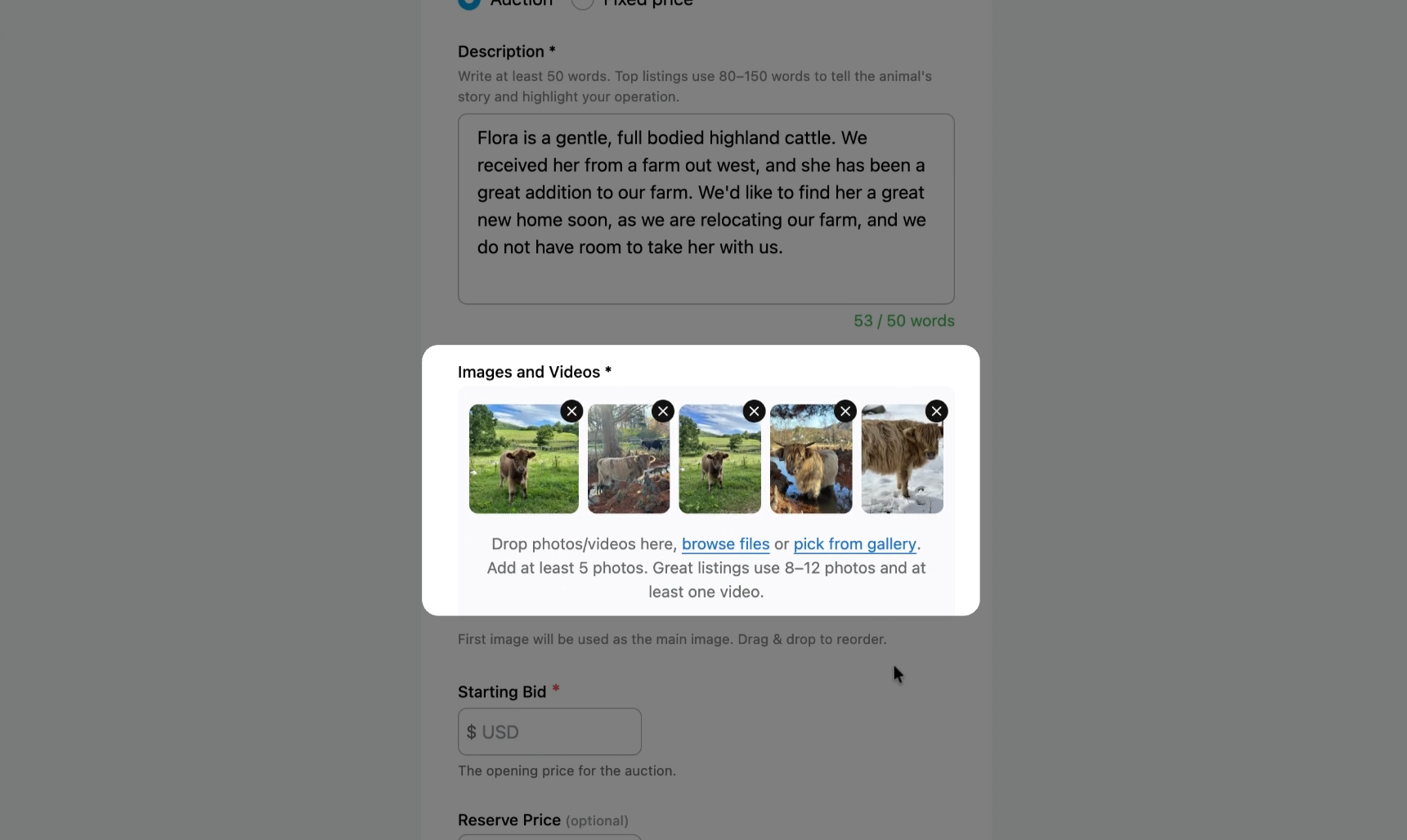
Now that the animal profile has been created, finalize all of the auction details.
Add at least 5 photos.
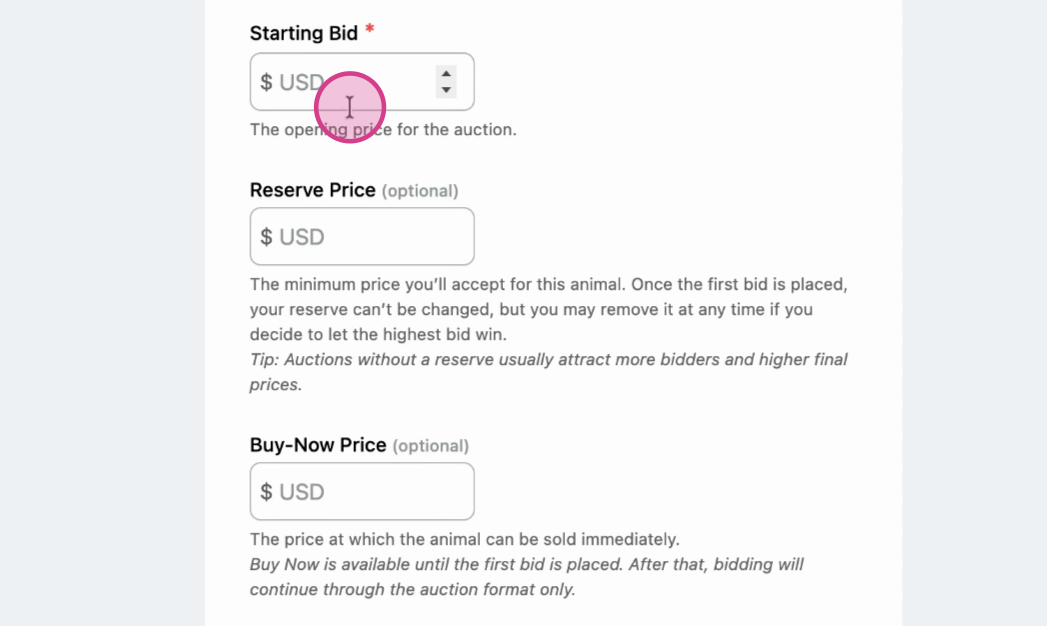
Add a Starting Bid, Reserve Price (optional), and Buy-Now Price (optional).
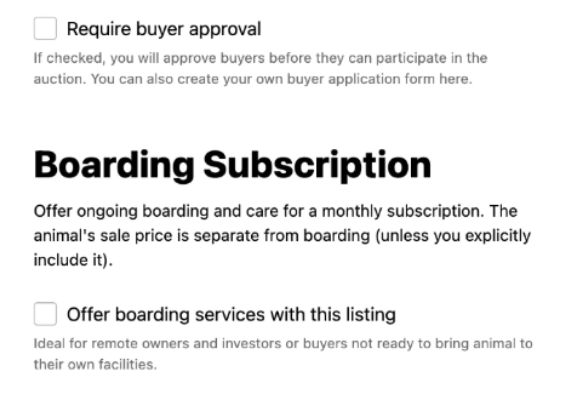
Require buyer approval (optional): Screen potential buyers by viewing their profile and/or having them fill out an application before they can purchase or bid on your animal's listing. For more information on buyer applications, please refer to this article: How to Create a Buyer Application with Forms
Boarding Subscription (optional): Offer to board the animals you sell at a monthly subscription rate if the buyer can't house the animal. For more information on Boarding, please refer to this article: How to Create a Boarding Service
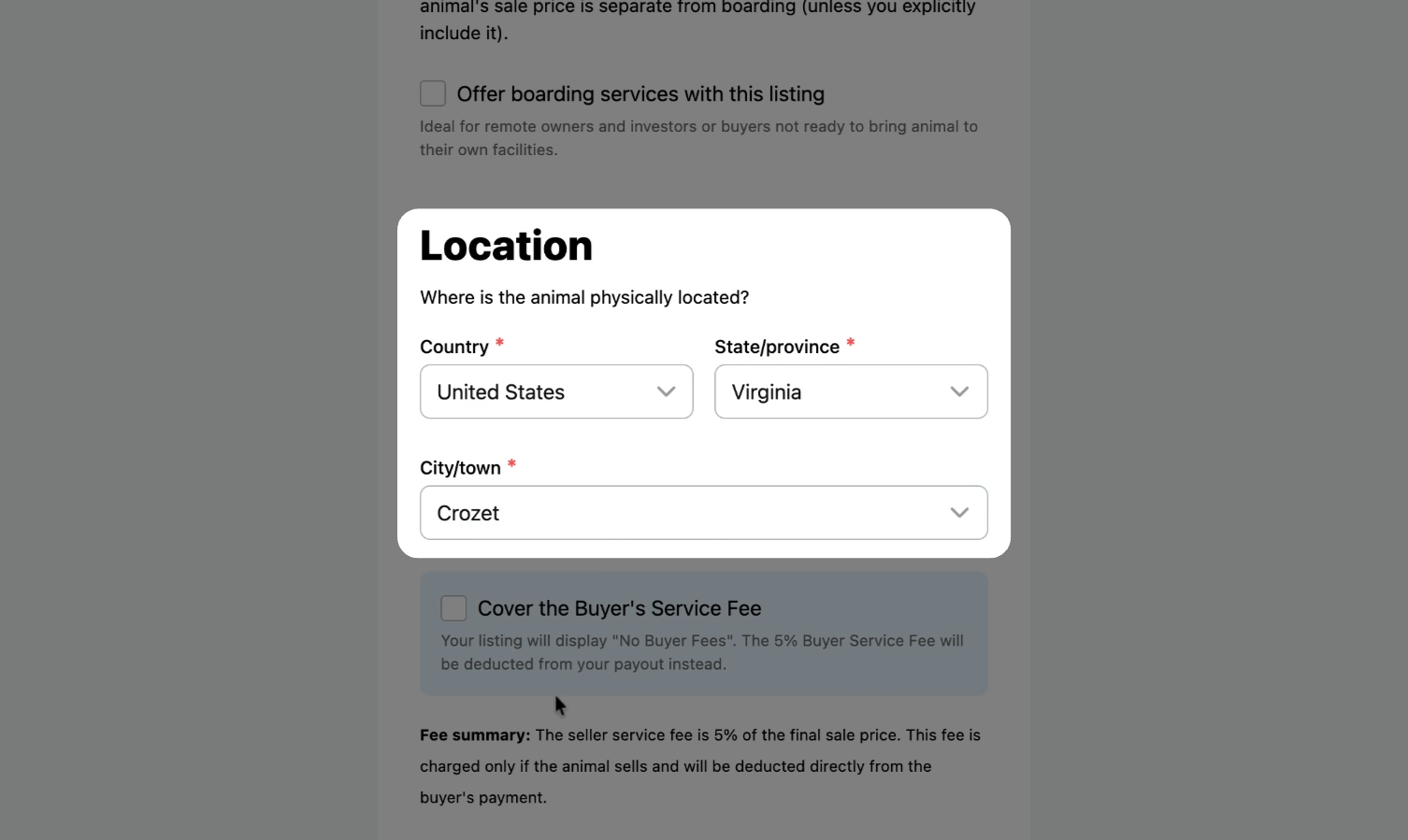
Add the animal's location.
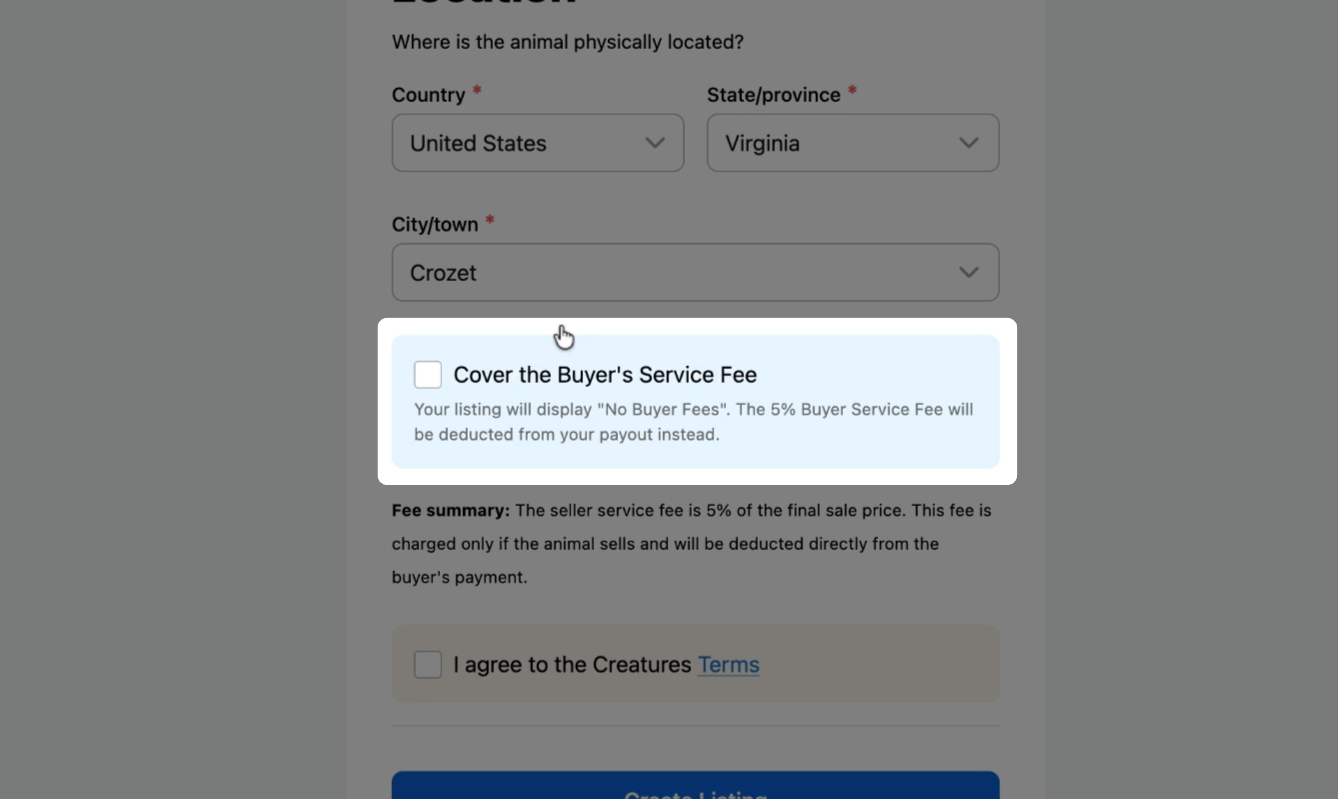
Cover the buyer's service fee (optional): This may incentivize buyers to purchase your listing. If you choose to do this, the 5% service fee normally charged to buyers is taken from your payout instead.
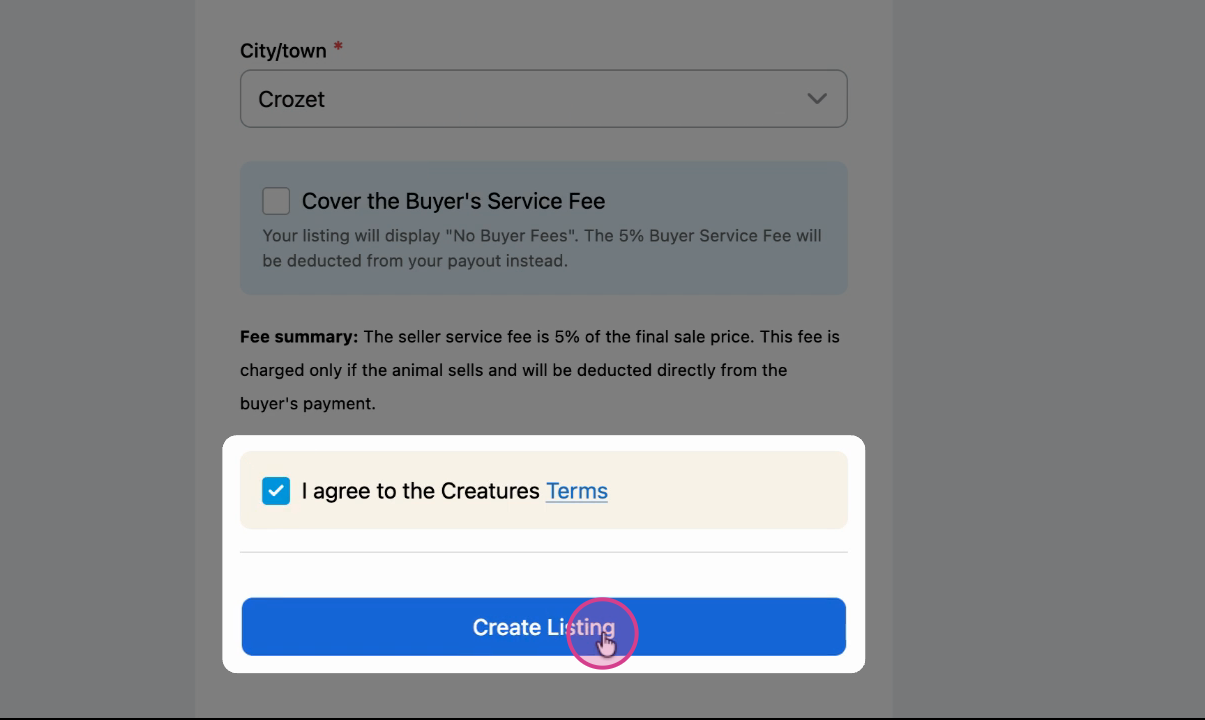
Review and create
Review and agree to the event terms, then create the listing.
Submitting your application
Select and apply
After your listing is created, select it and apply for the event.
Wait for approval
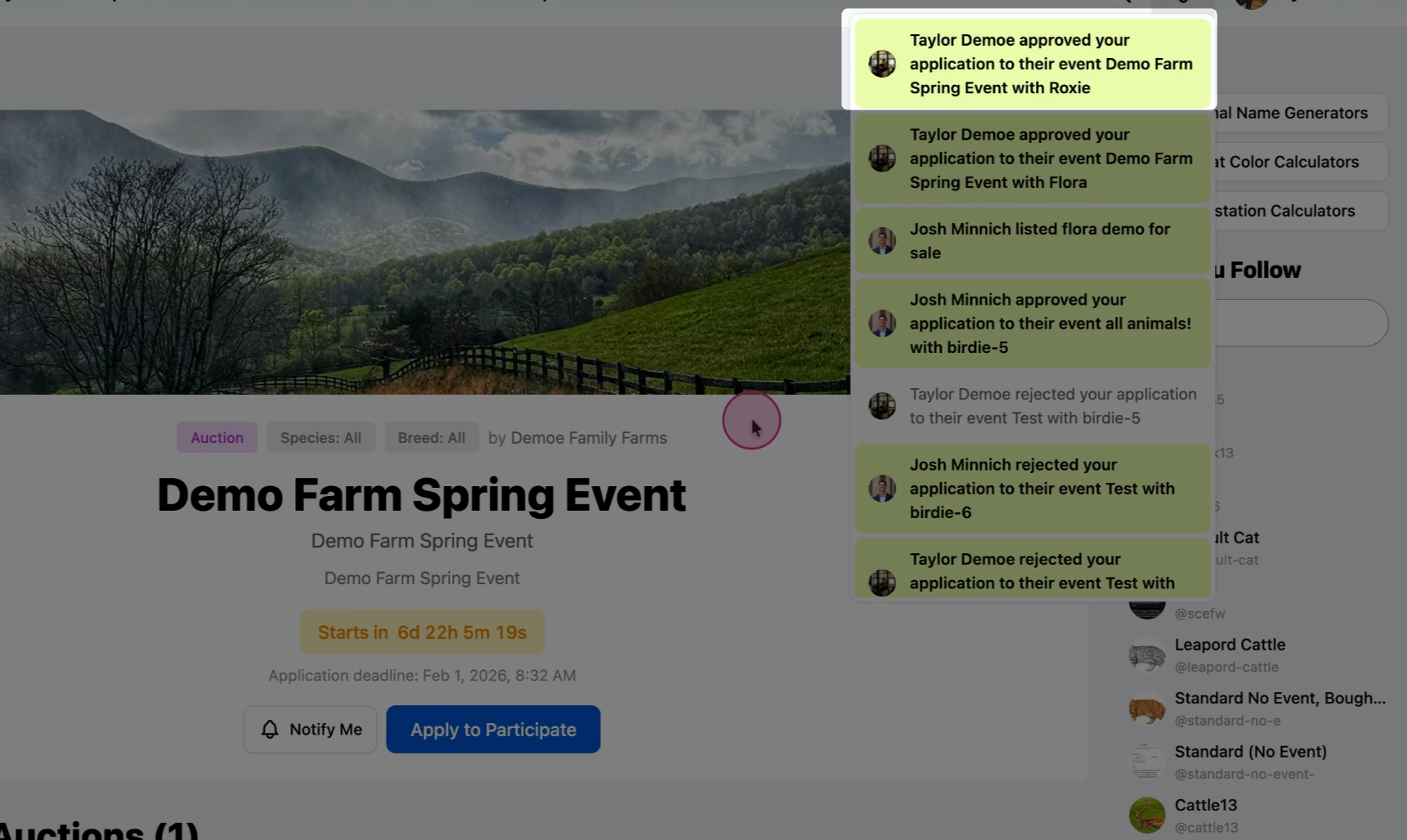
Once your application has been reviewed by the event organizer, you'll receive a notification. Click on it to see your animals listed in the event.
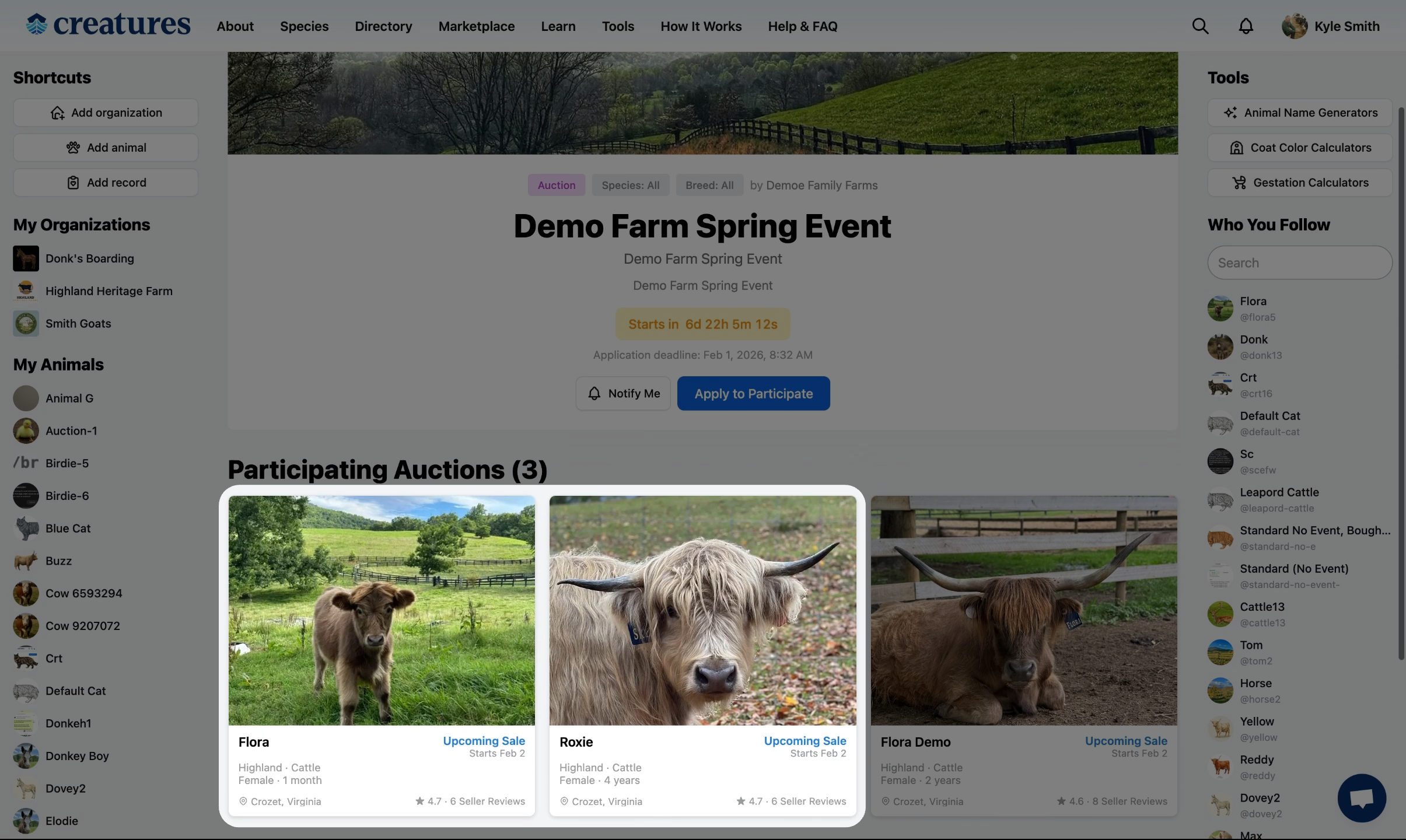
If approved, your animals will be displayed on the event page.
Related Articles:
- How to Create an Fixed Price Event
- How to Create an Auction Event
- How to Approve a Listing Application for an Event
Updated on: 02/02/2026
Thank you!