
How to Approve a Listing Application for an Event
How to Approve a Listing Application for an Event
How to Approve a Listing Application for an Event
This guide shows how to review applications, view applicant details, and approve new members for your event.
Navigate to the Event Management Page
There are three easy ways to do this.
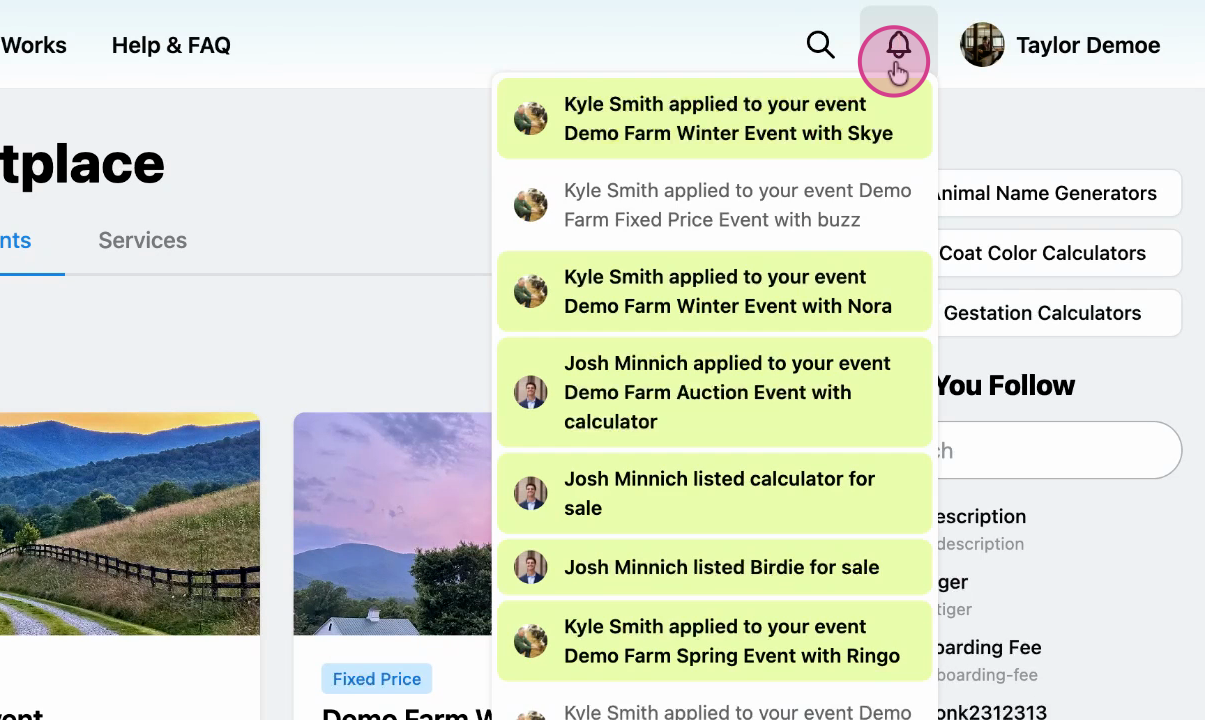
Option 1: Notifications. Watch out for notifications when someone applies to join your event, click on this to take you to the event management page.
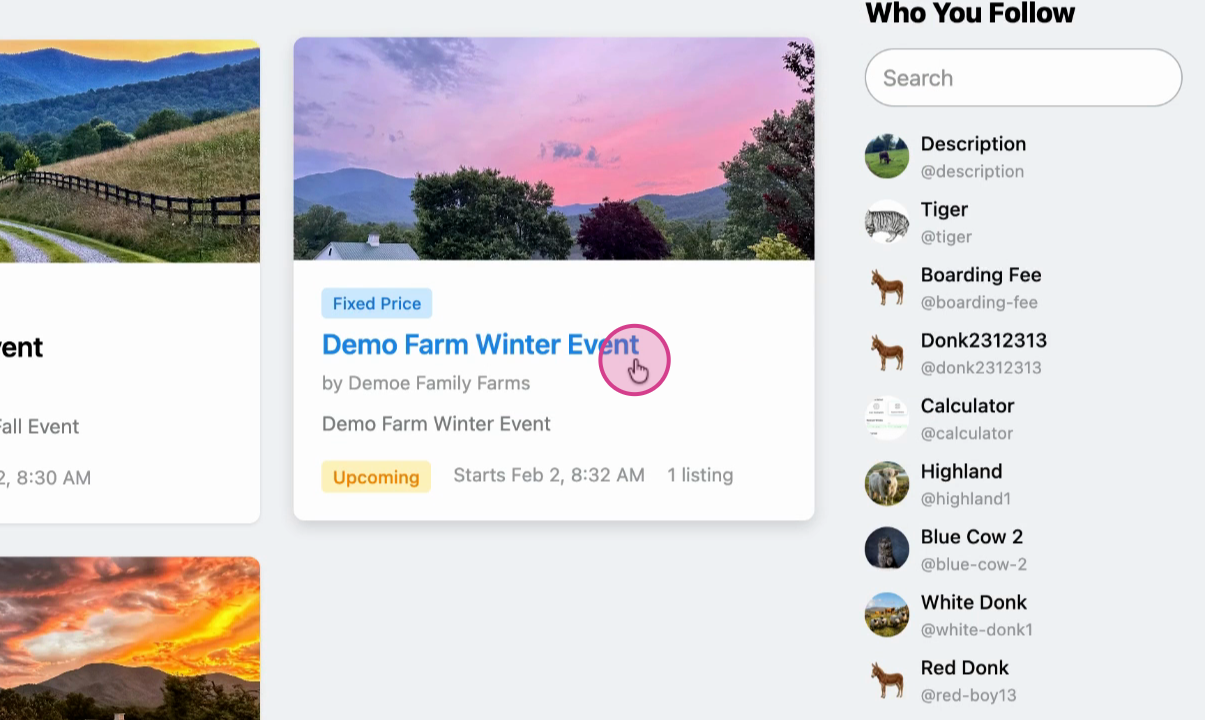
Option 2: Marketplace. If you miss the notification, click on your event in the Creatures Marketplace.
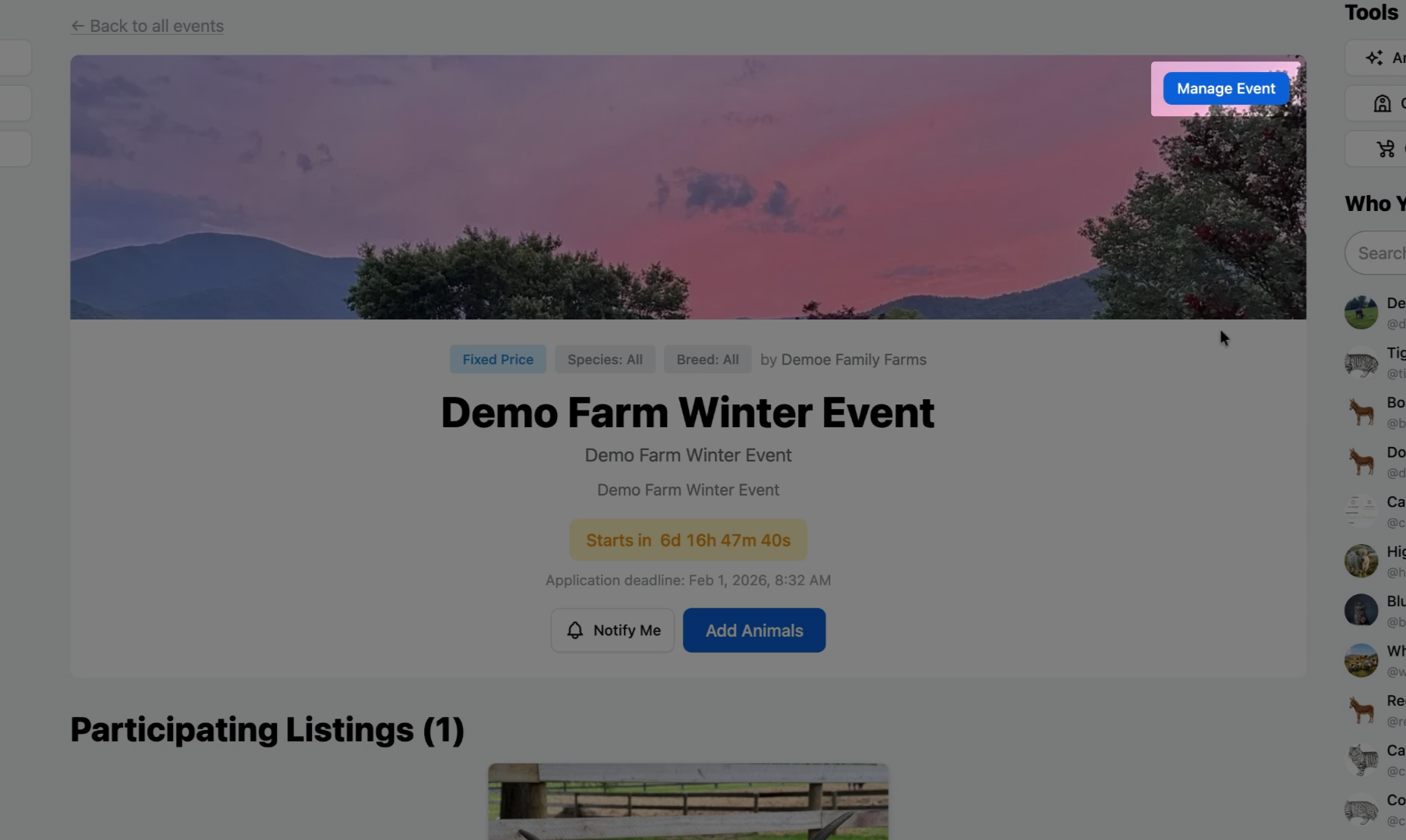
From the event page, select Manage Event.
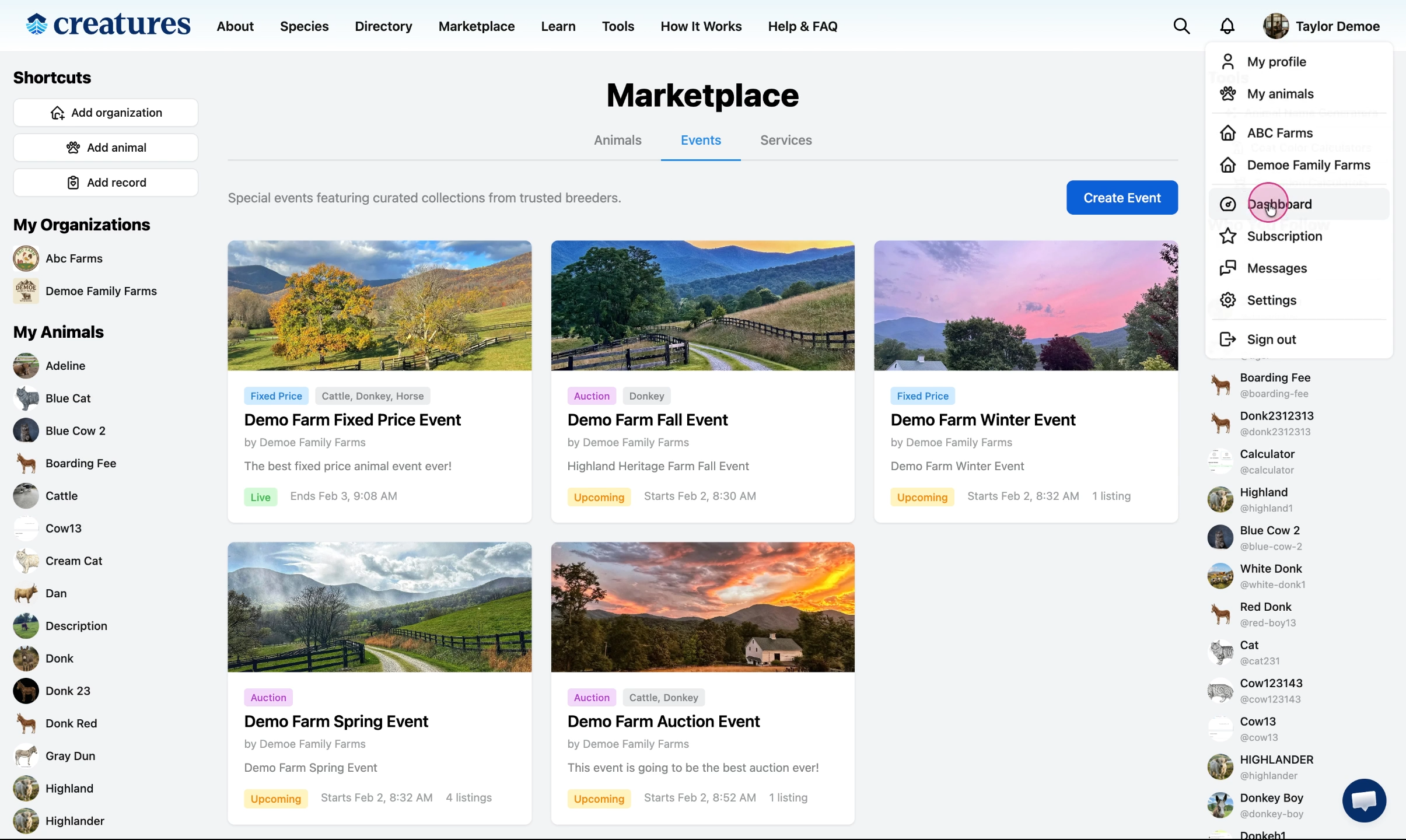
Option 3: Dashboard. You can also get to the Manage event page via the events tab through the dashboard.
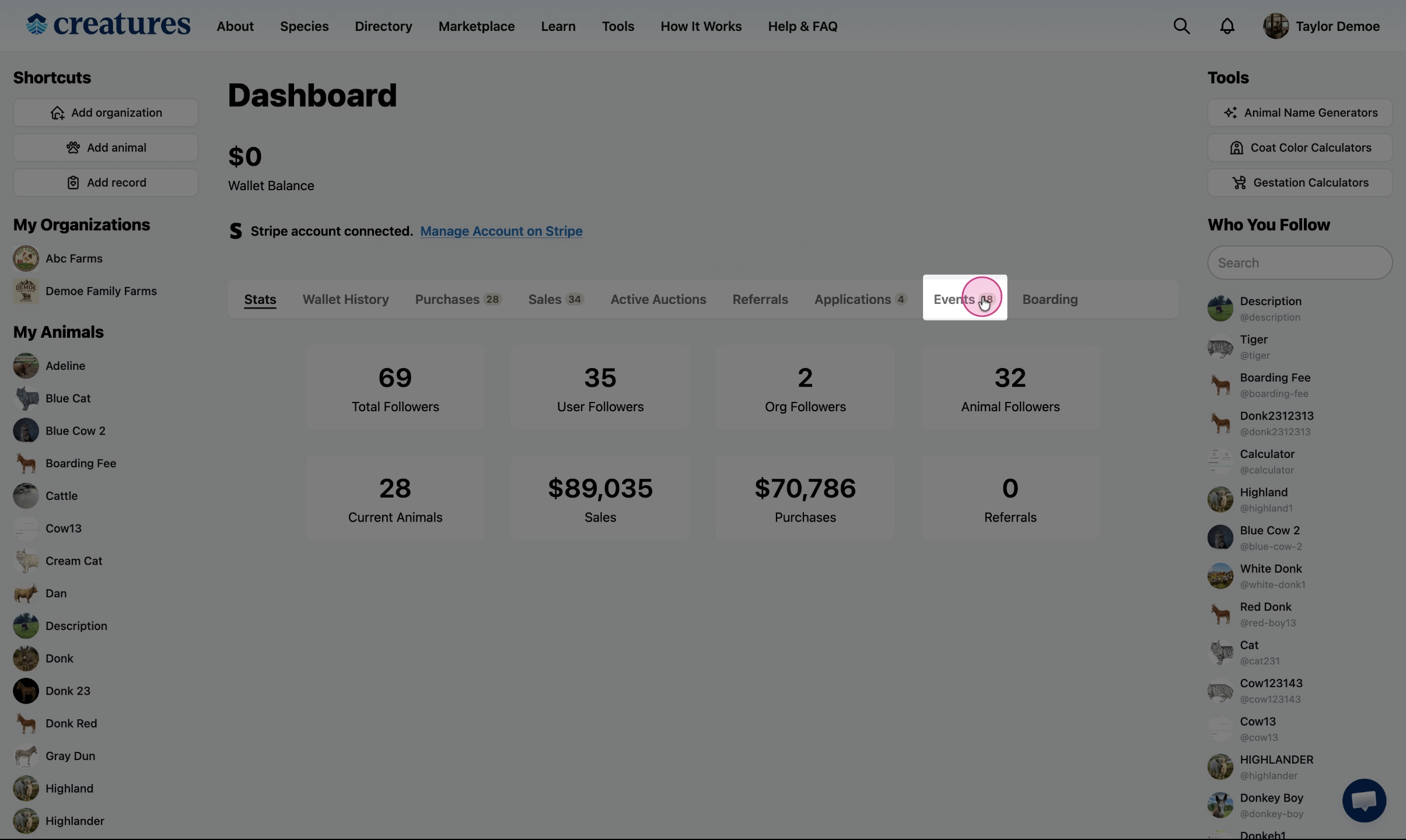
Click Manage to see all of the applications for this event.
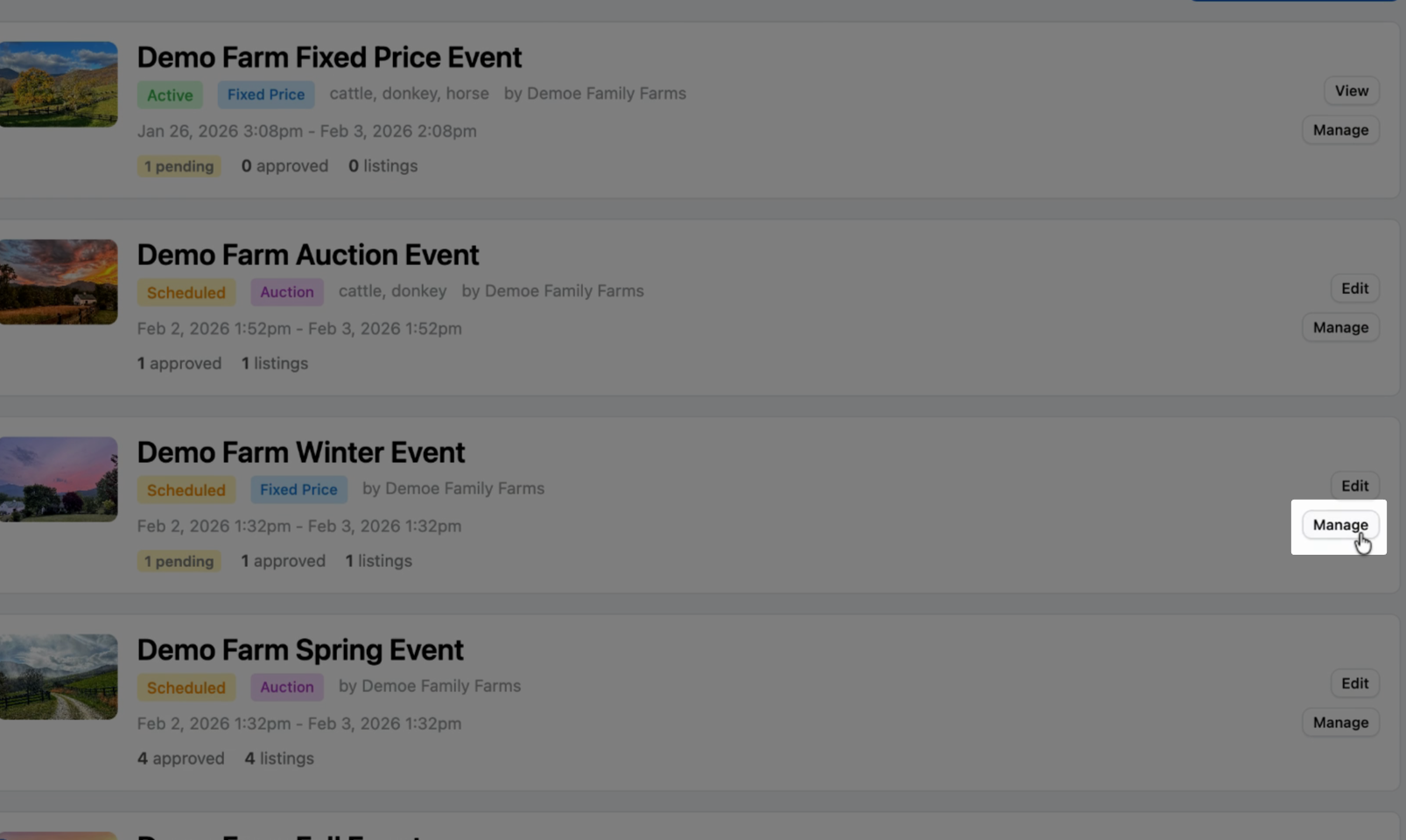
Event Management Page
Any of the three options above should bring you to this event management page.
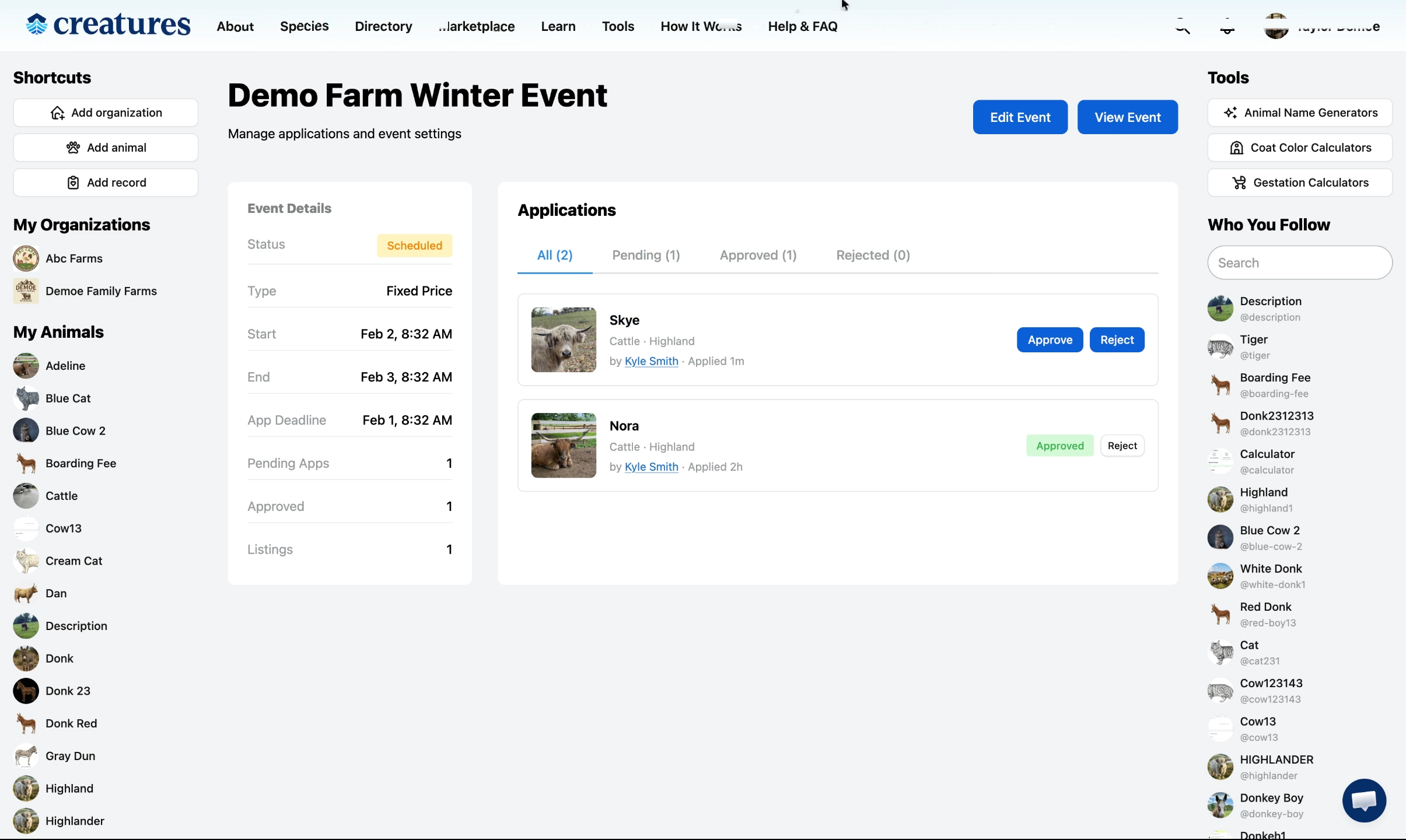
Review your list of applicants
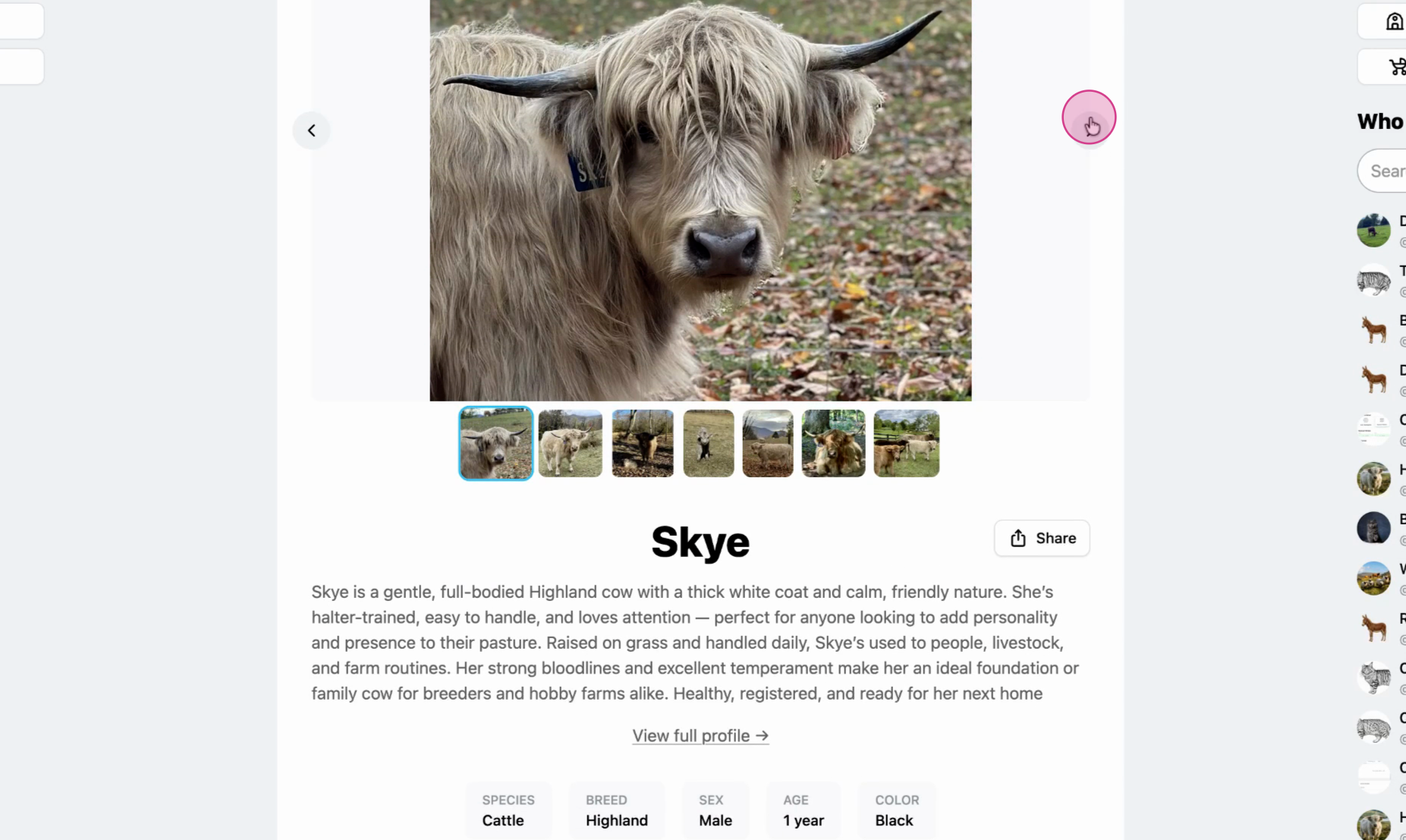
Click an animals name to view their listing details, or visit the seller's profile by selecting their name.
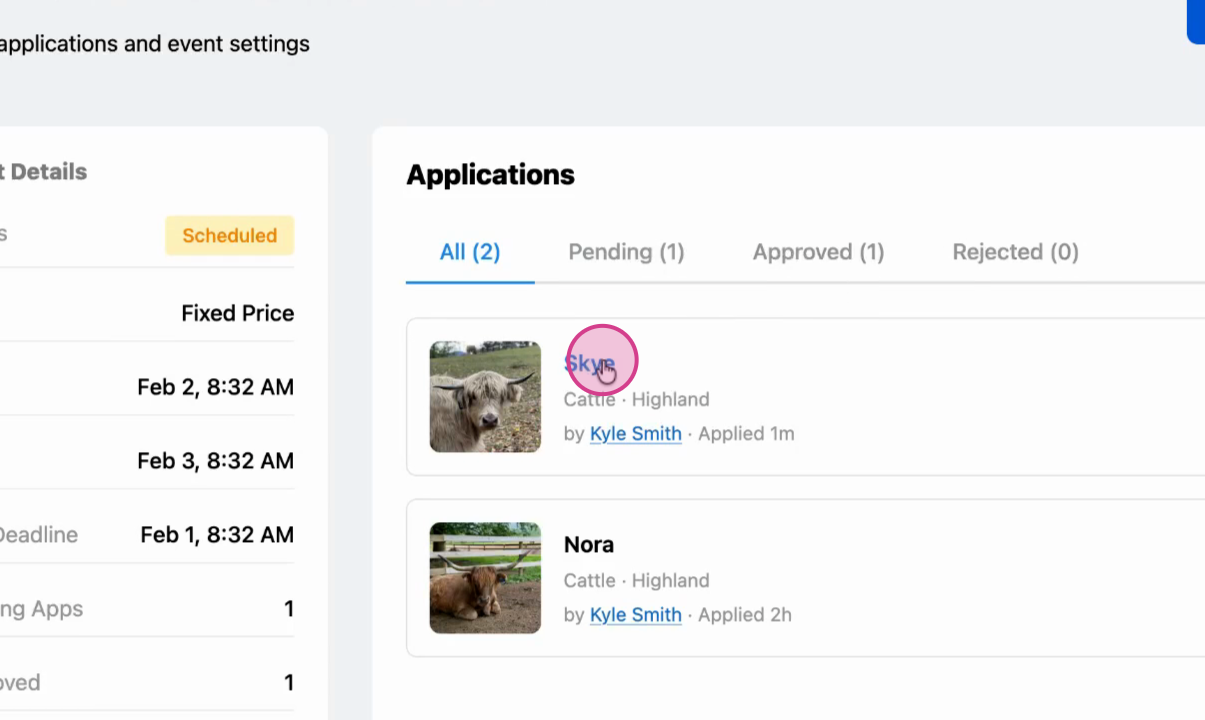
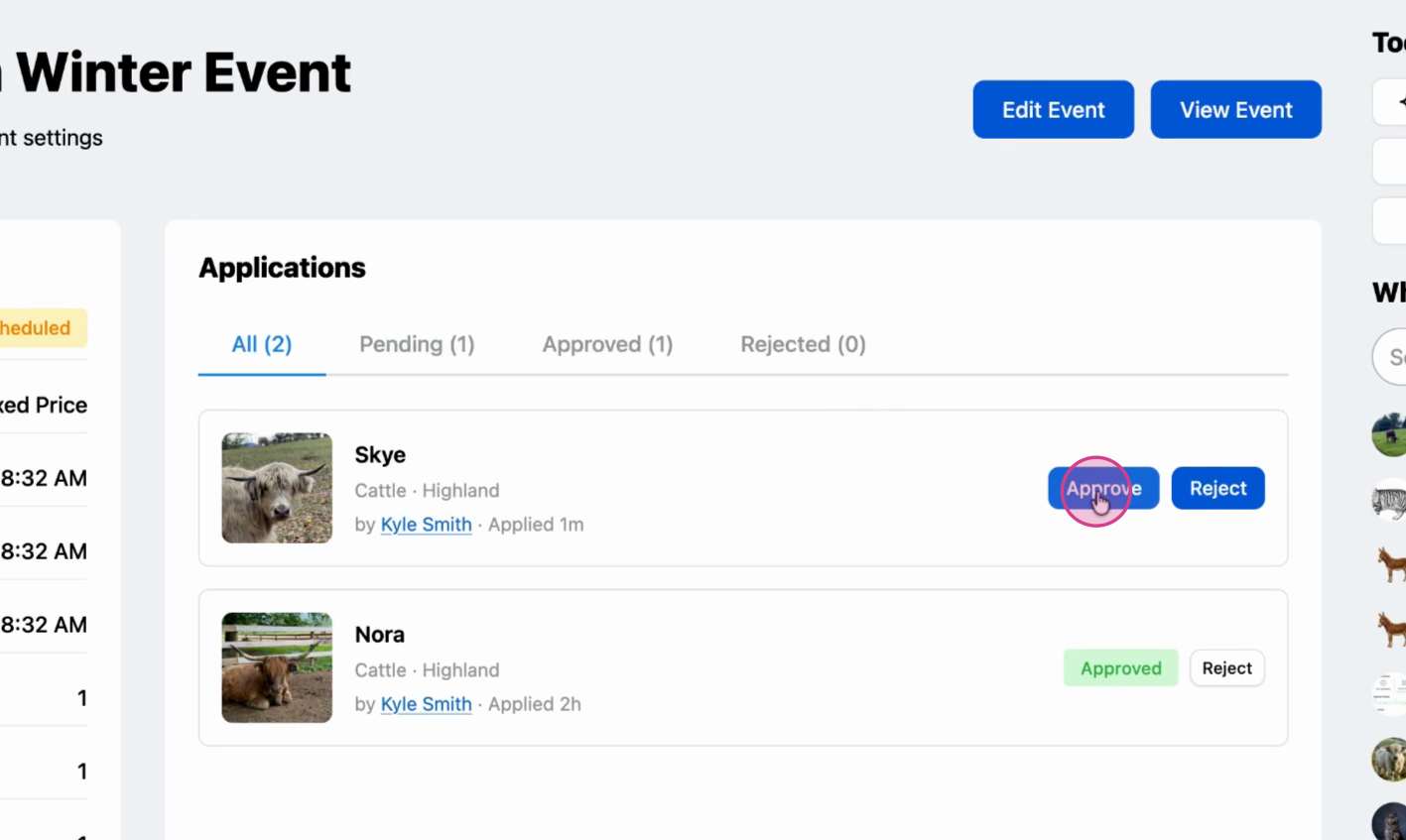
Approve
If everything looks good, go back and click Approve to accept the applicant to your event.
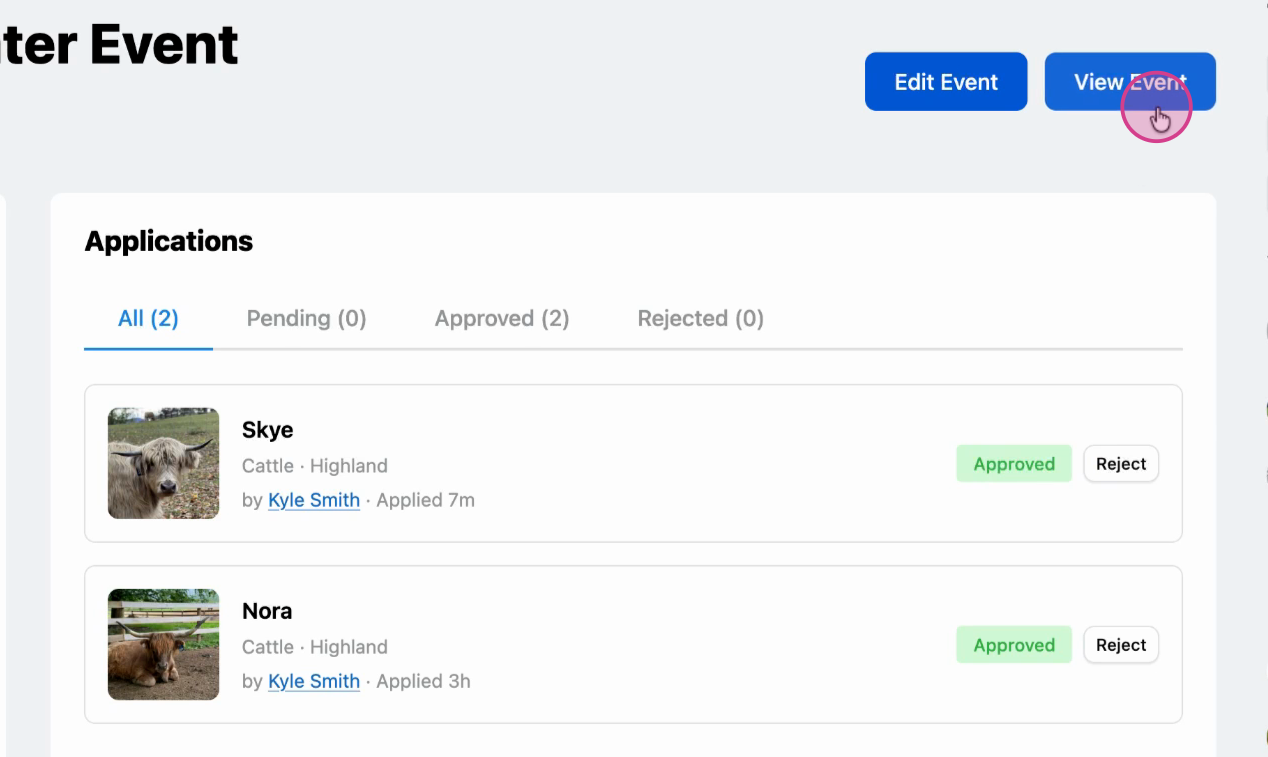
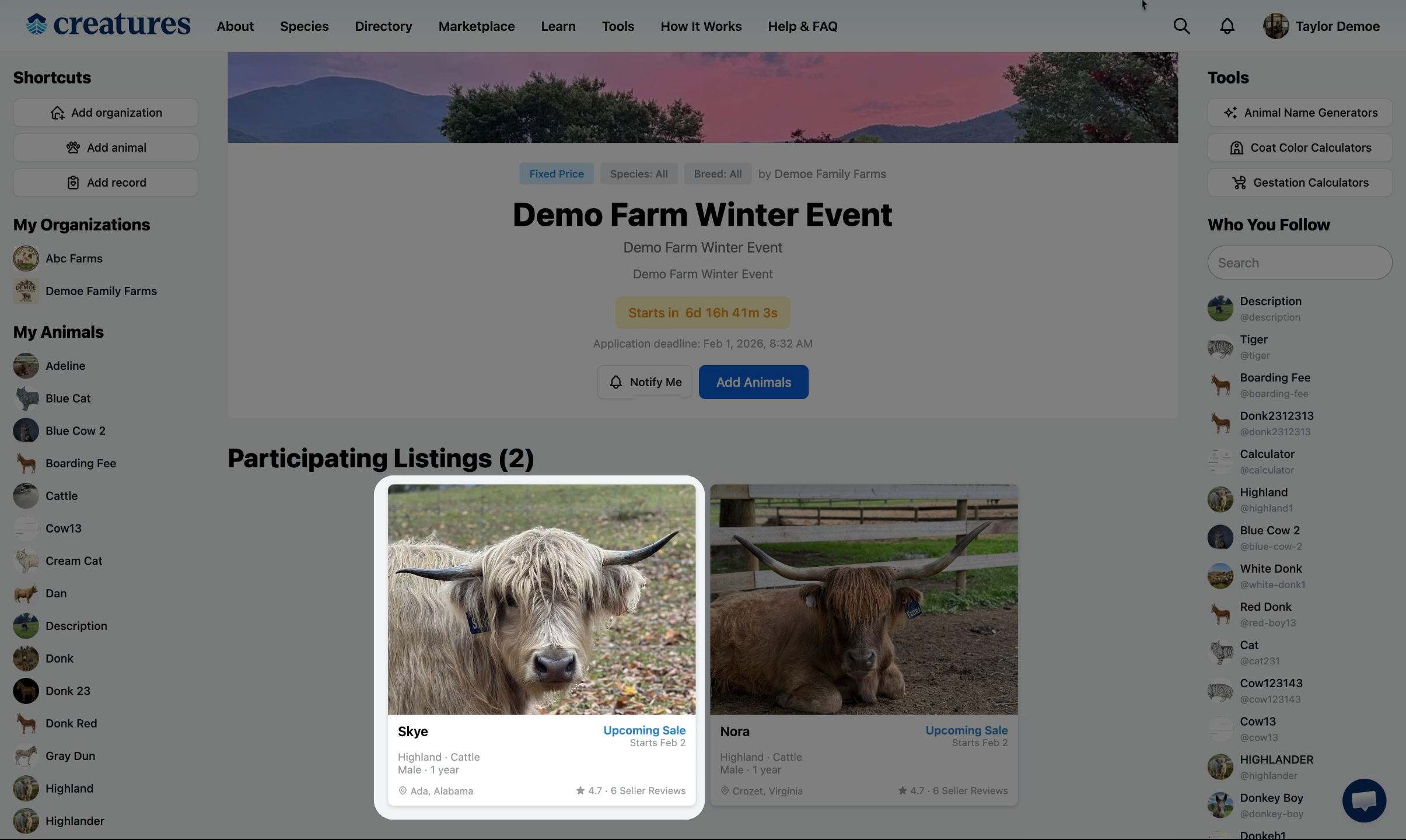
Head back to the event page and confirm the applicant is now listed as a participant.
Related Articles:
- How to Create an Fixed Price Event
- How to Create an Auction Event
- How to Apply for an Event as a Seller
Updated on: 02/02/2026
Thank you!