
How to Bid on a Listing
How to Bid on a Listing
In this article, you'll learn how to bid on a listing and understand the process of auction bidding.
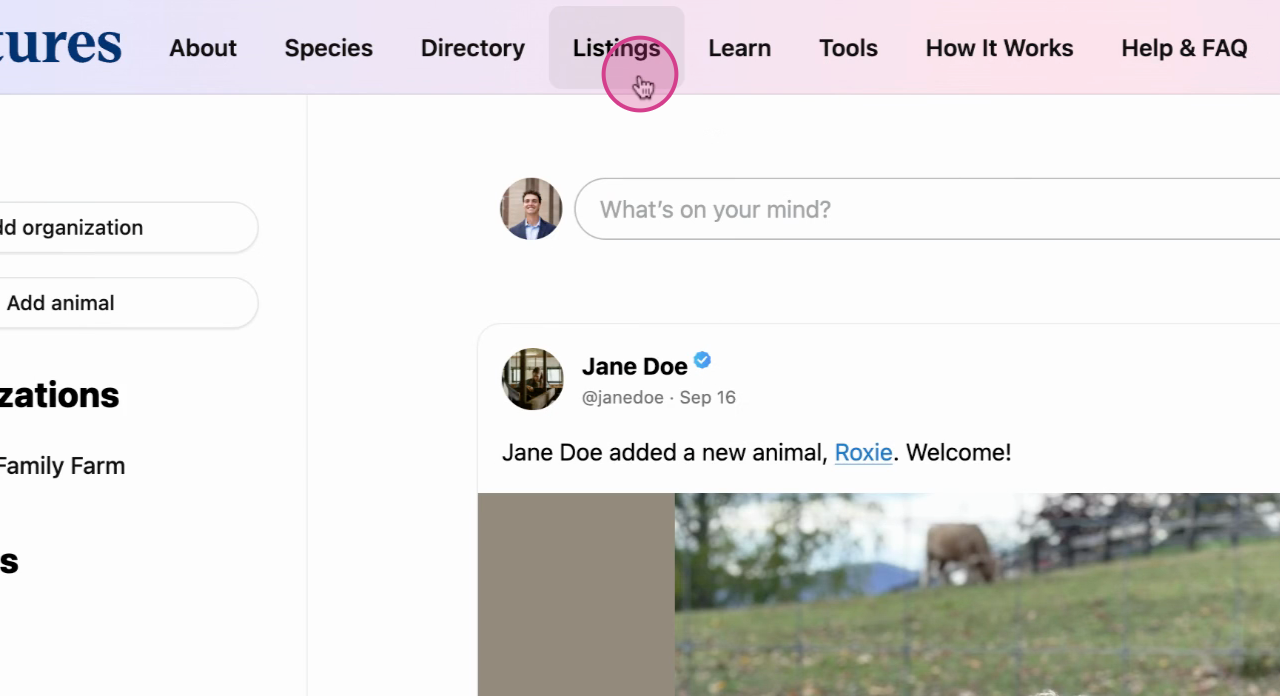
1. Navigate to Listings and select the listing you're interested in.
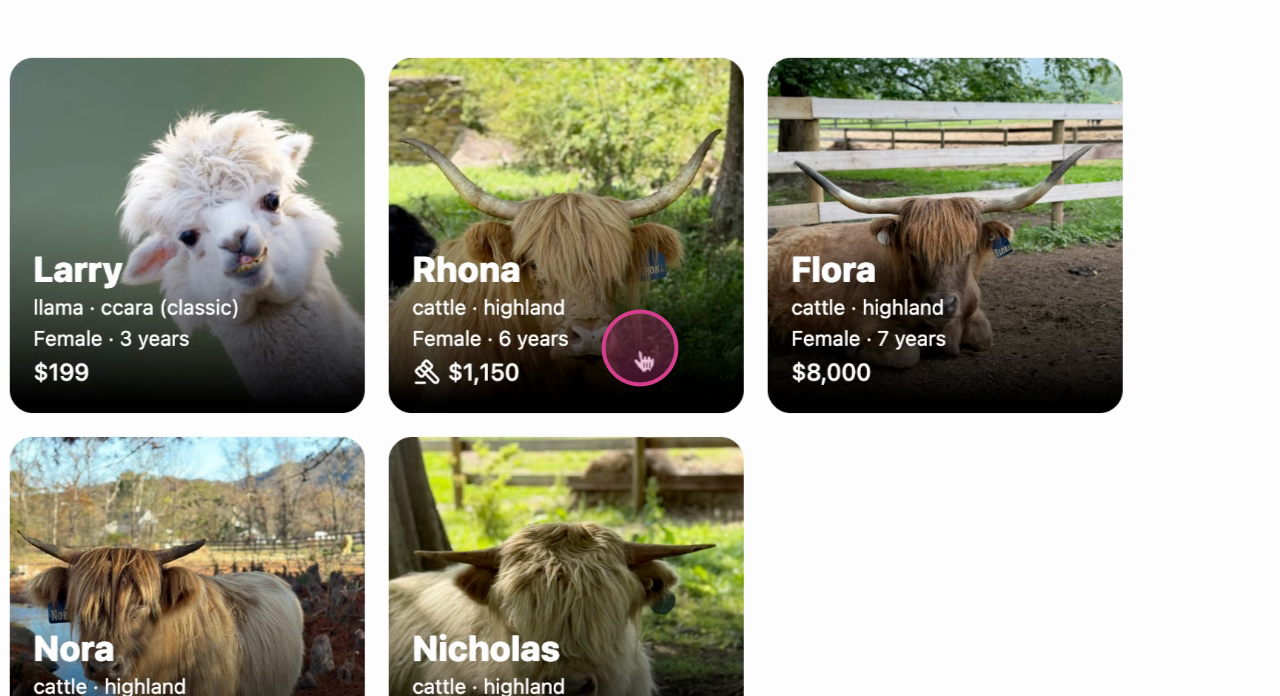
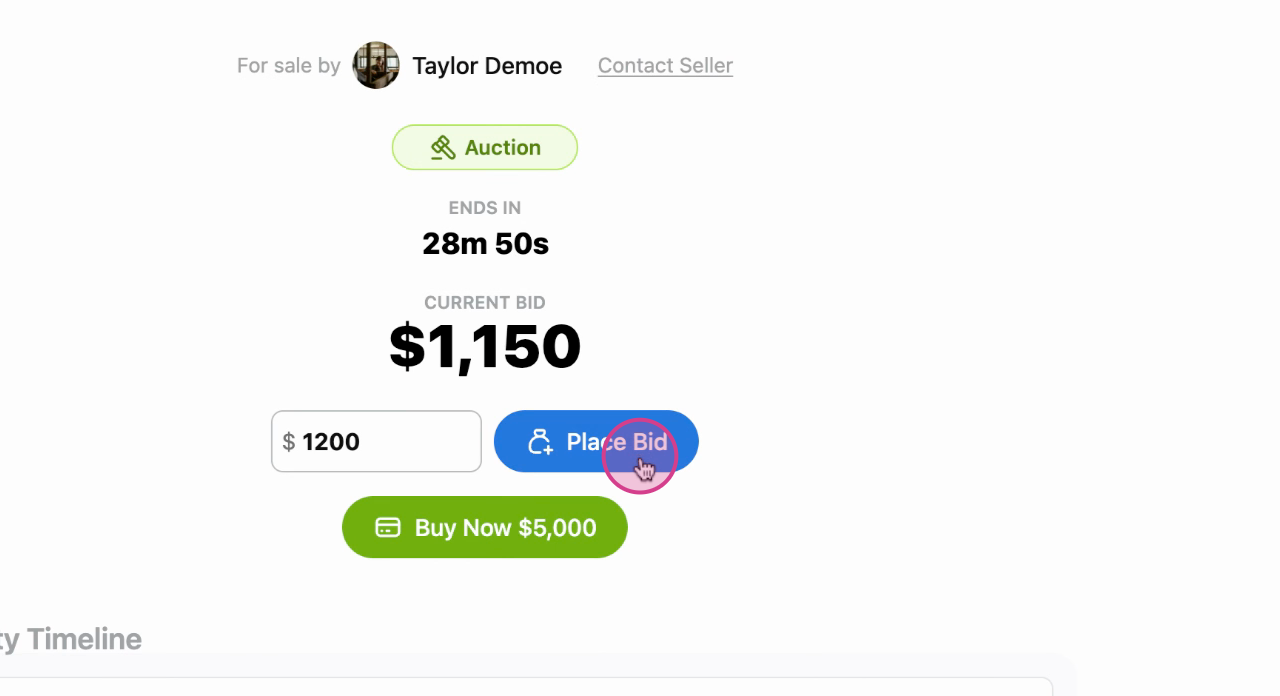
2. Enter your bid amount and select 'Place Bid.'
- Enter your payment details and finalize your bid.
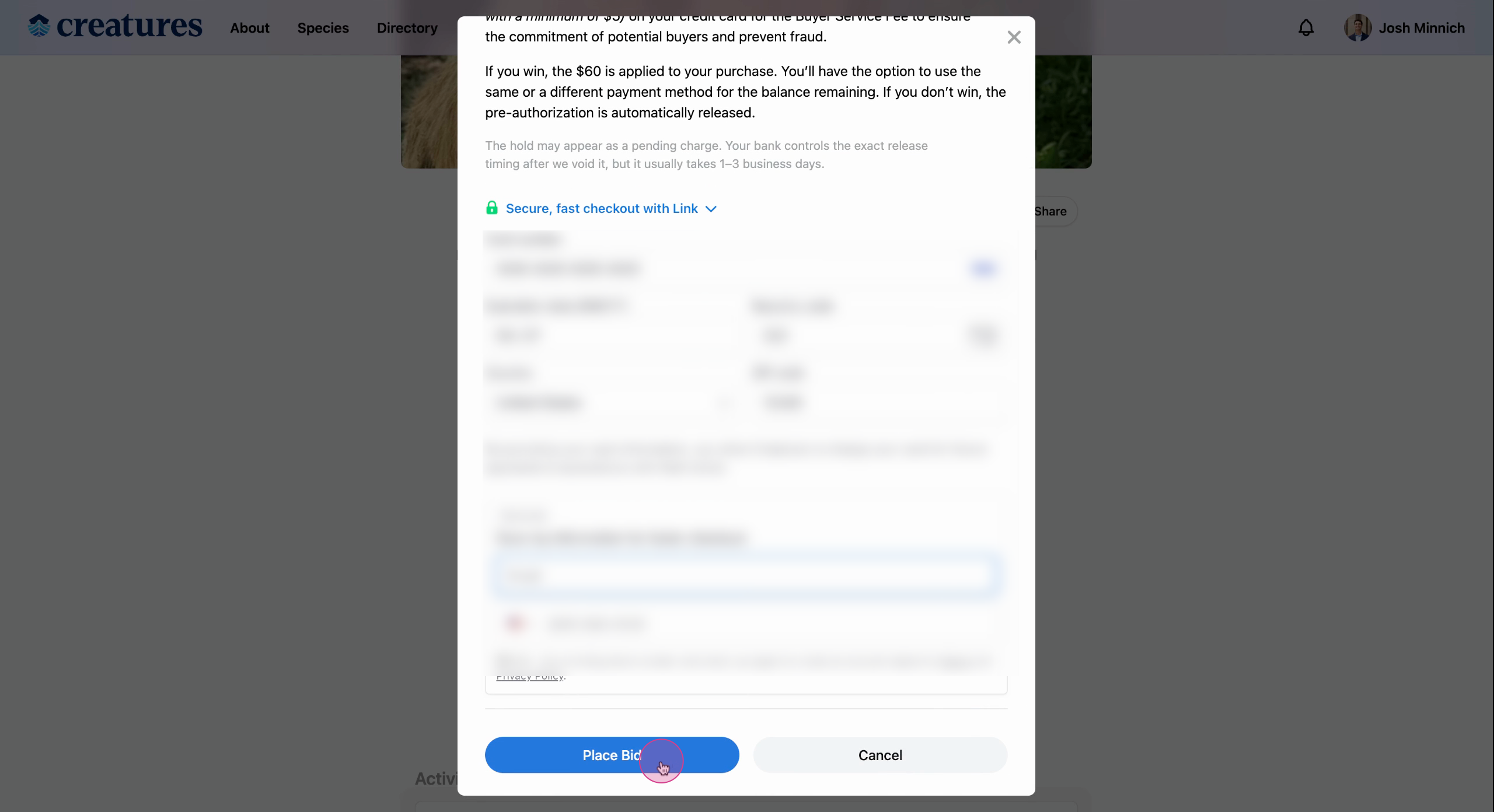
If you are outbid and would like to bid again, you will not have to reenter your payment information for this specific auction to enter another bid.
Note: Be aware that a 5% credit card hold is applied to ensure the commitment of potential buyers. This temporary hold is placed on your card when you place a bid. If you don't win, the hold is automatically released when the auction ends.
- Once you've placed your bid, you'll see that you now have the current bid at $1200. You can view a timeline of bids at the bottom of the page.
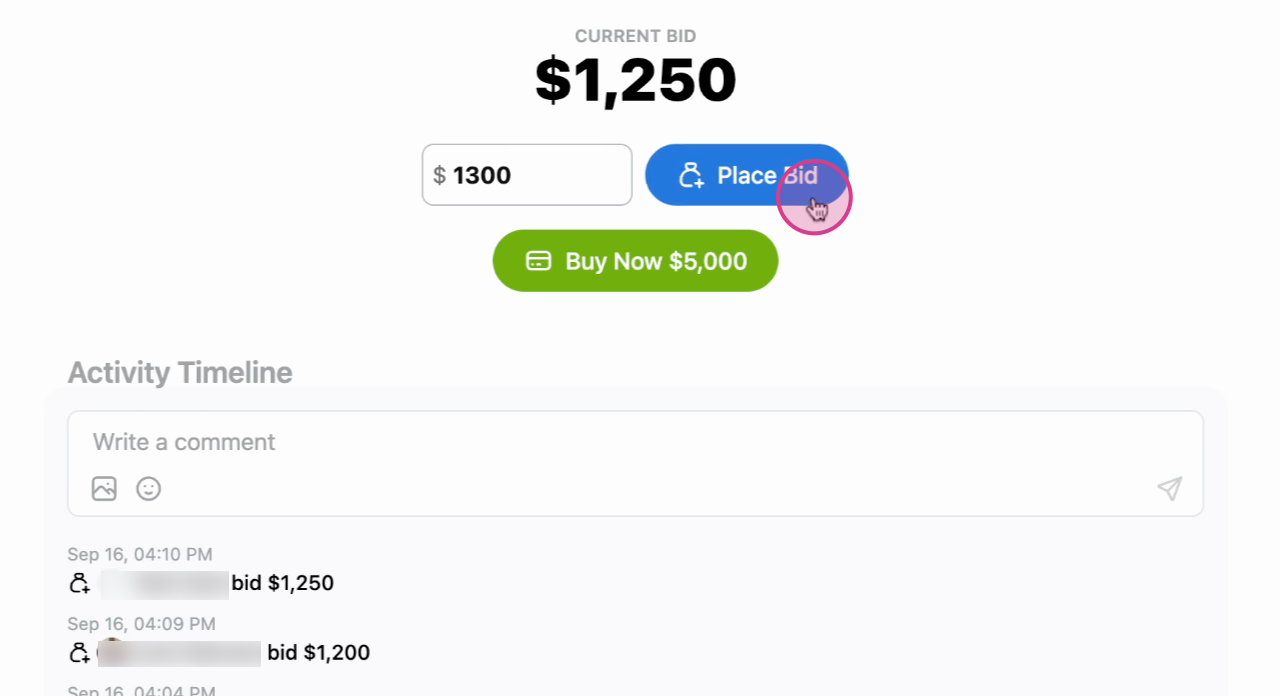
If you decide to buy the item outright, you can do so at any time by hitting 'Buy Now.'
Note: bids placed within three minutes of the auction ending will reset the time of the auction to three minutes. This is to protect against bid 'sniping.'
And that's it! You've now learned how to bid on an auction.
Related Articles:
Updated on: 28/04/2026
Thank you!