
How to Claim an Organization with an Existing Profile
How to Claim an Organization with an Existing Profile
This guide walks you through claiming ownership and taking control of your organization's information.
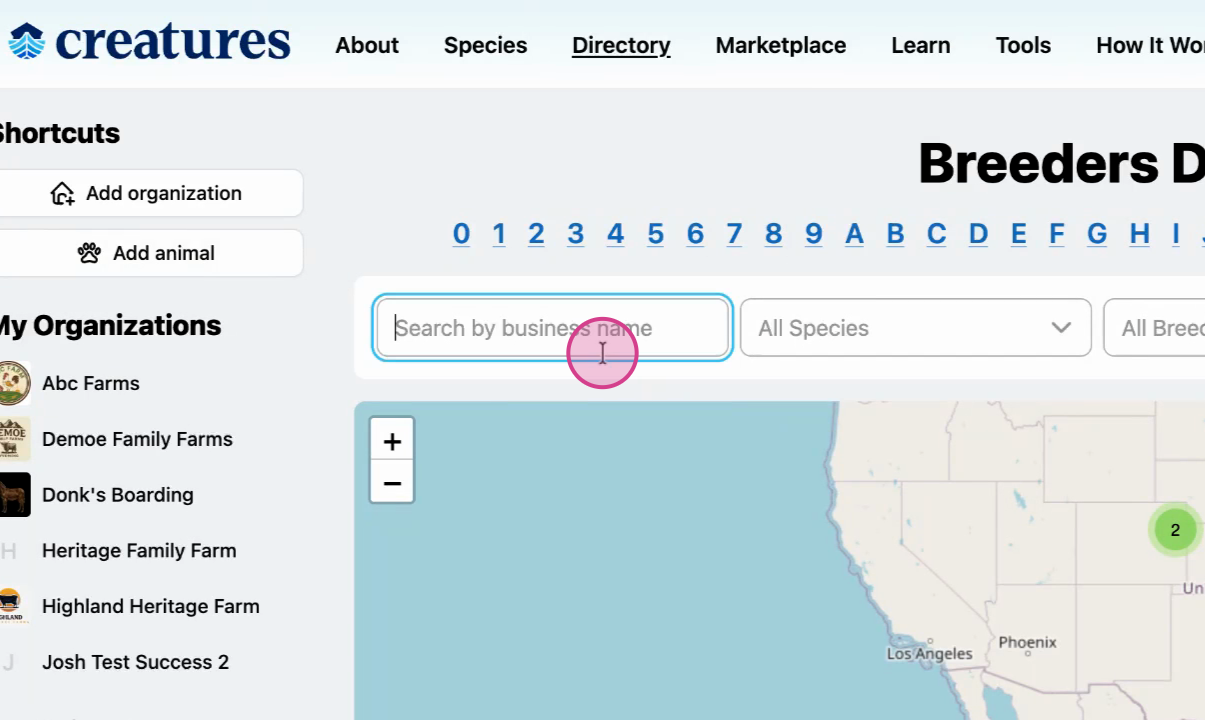
Step 1: Search for your organization
Use the directory's search bar to find your organization.
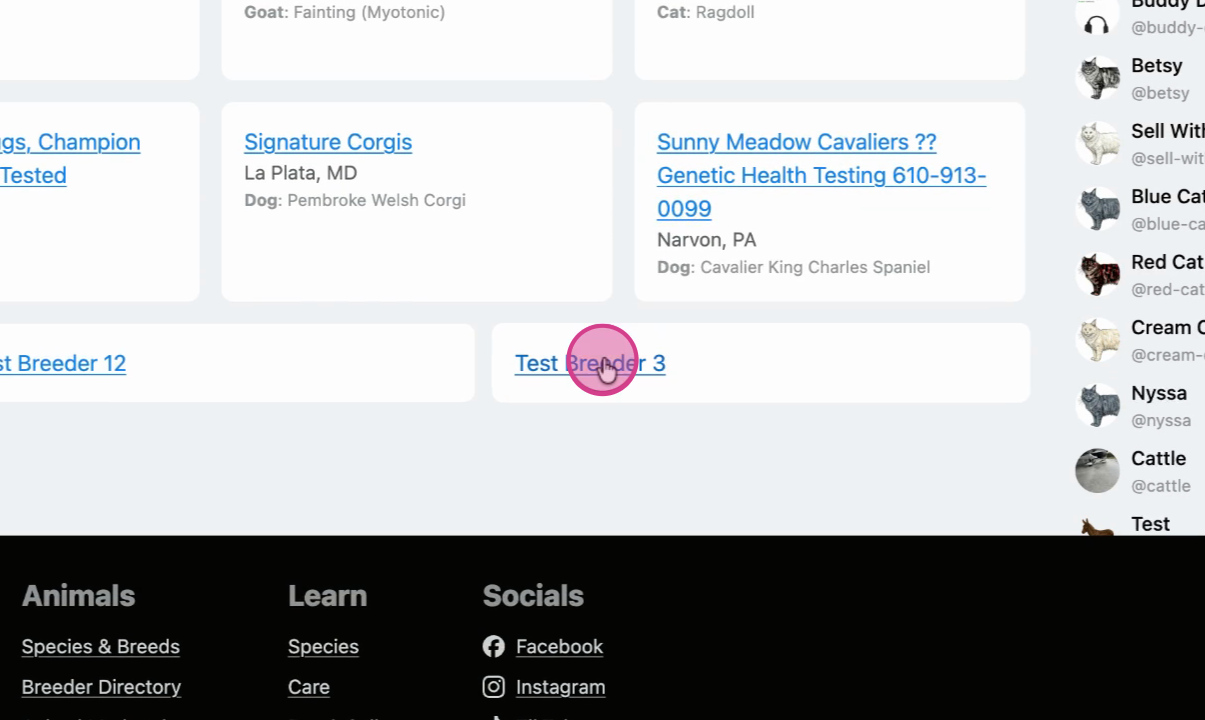
Step 2: Select your organization
Review the search results and select the organization that matches yours.
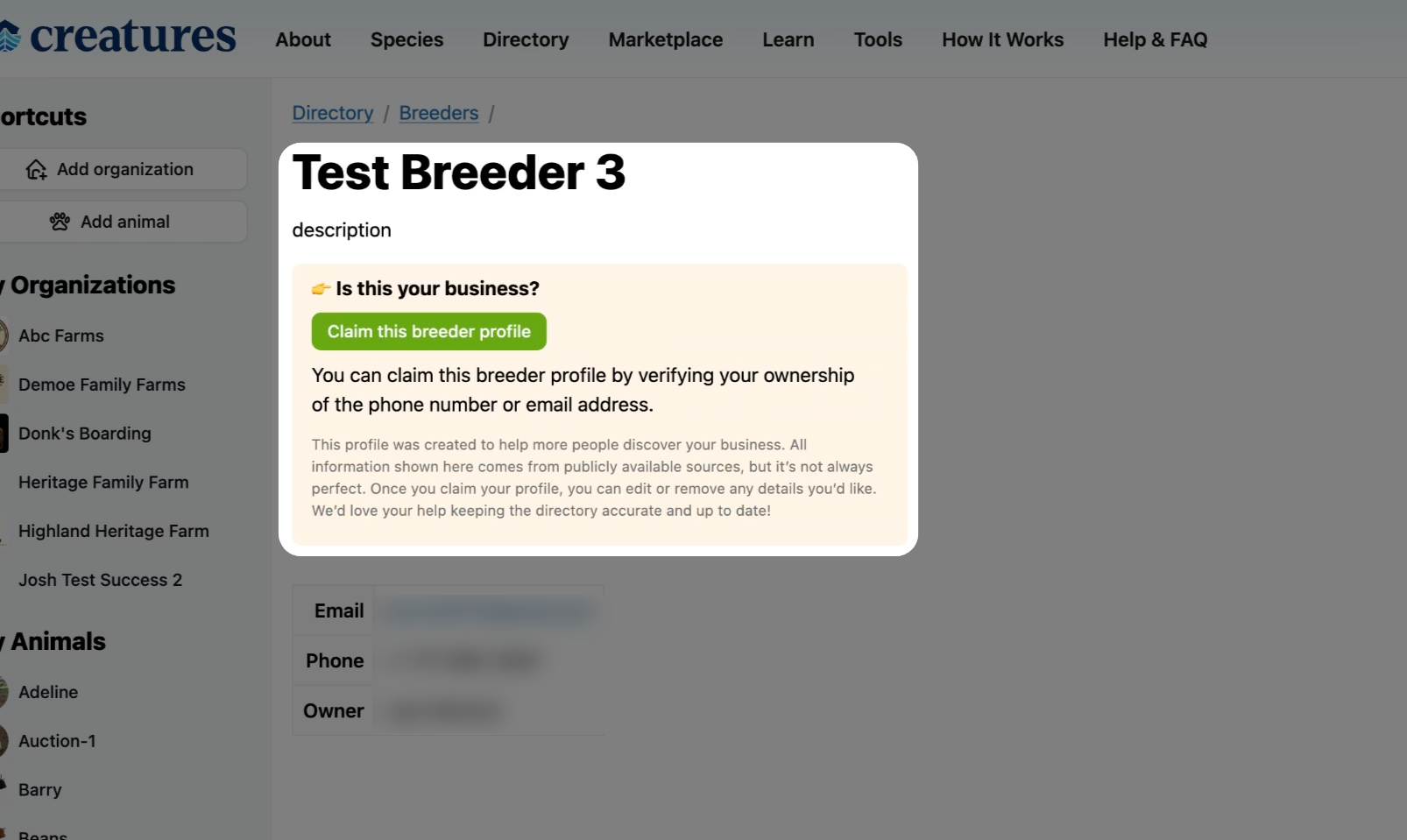
Step 3: Start the claim process
Click Claim this profile on the organization's page.
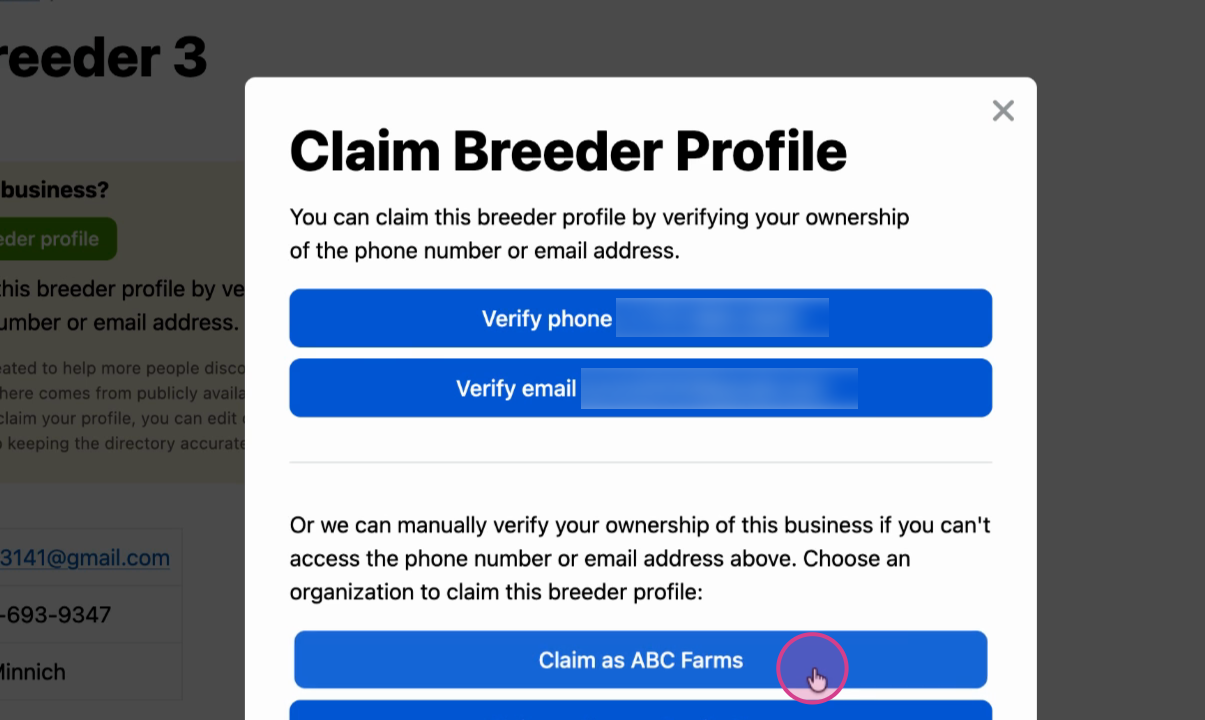
Step 4: Verify your ownership
Choose to verify using your email or phone number linked to the organization. If those details aren't correct, select the option to claim it as your organization anyway.
Step 5: Wait for review
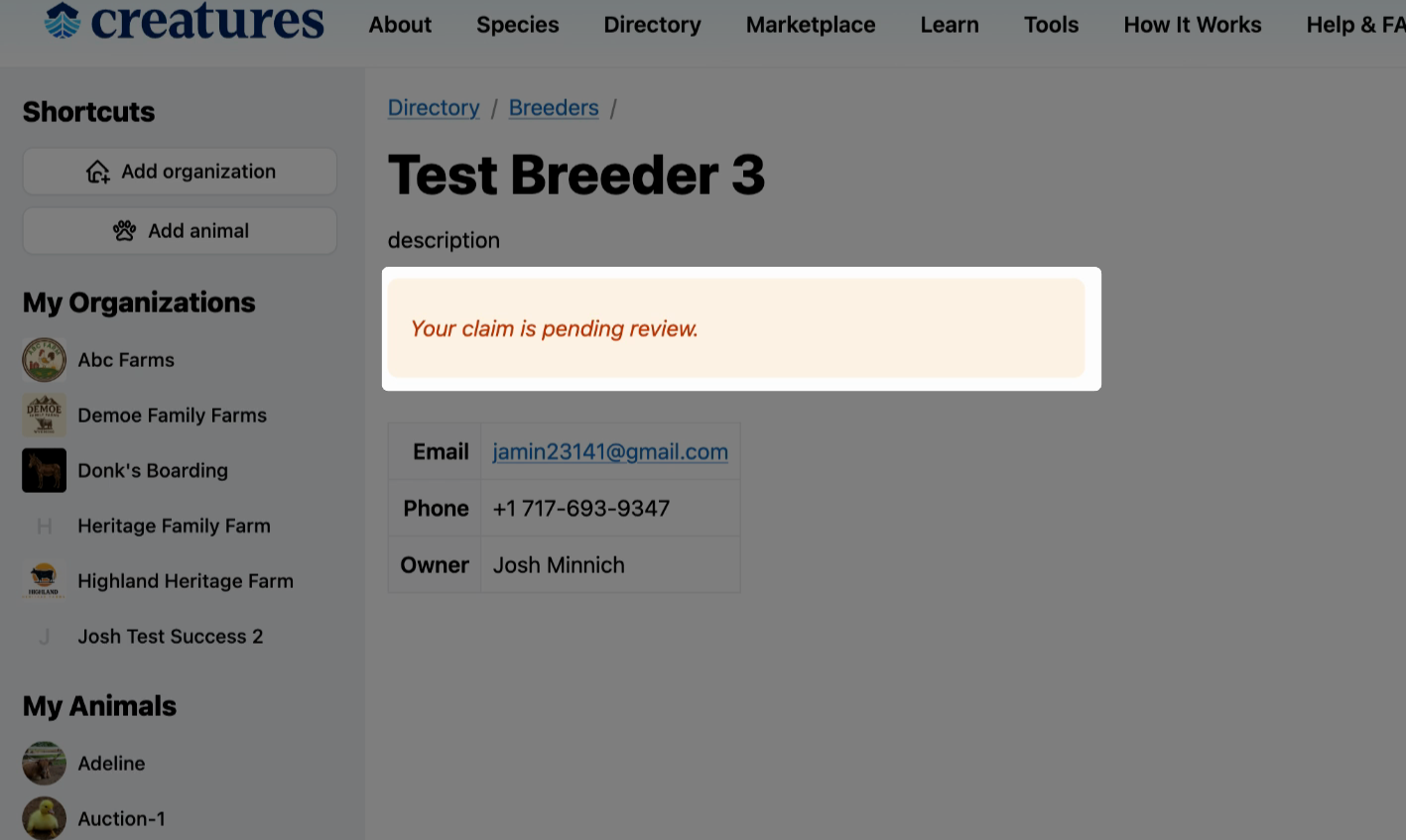
After submitting your claim, you'll see a message indicating your claim is pending review. You can wait for the review to complete or message the Creatures team to check on the status.
Step 6: Get your notification
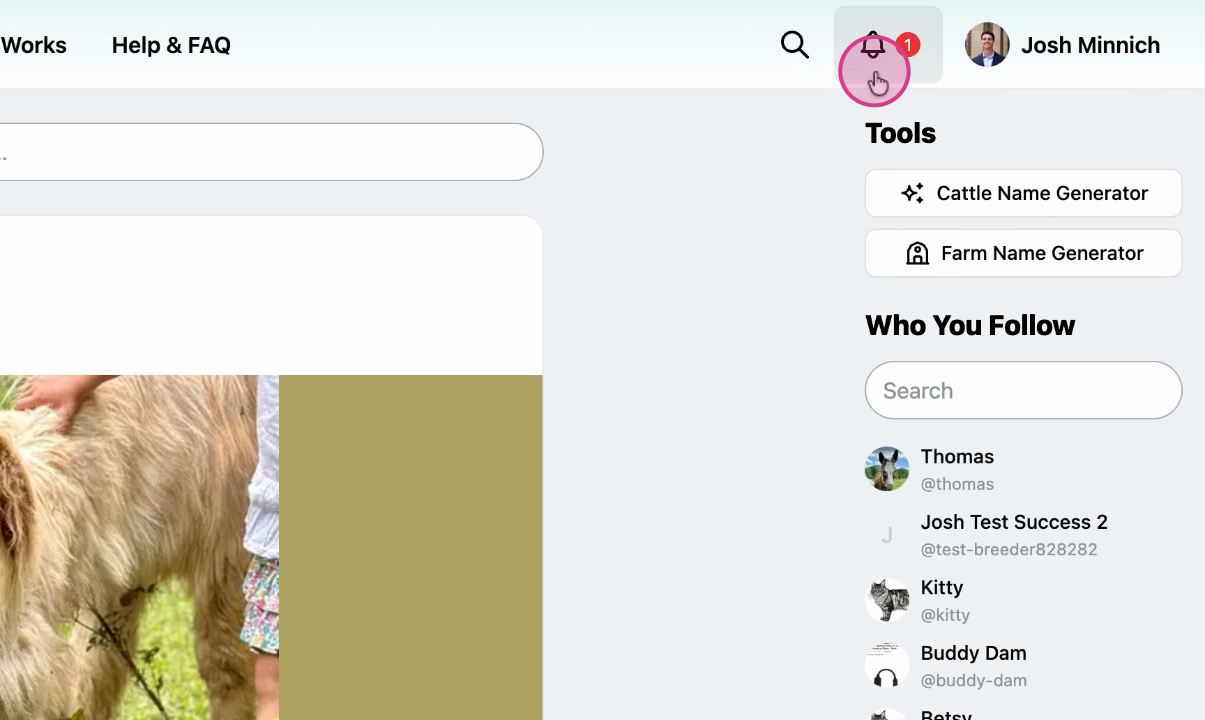
Once your claim is reviewed, you'll receive a notification. If approved, your organization profile (like ABC Farms) will now be under your management.
Claiming ensures only verified representatives control the organization's public information. You can then make updates and respond to queries directly through your profile.
Updated on: 14/01/2026
Thank you!