
How to Create a Fixed Price Event
How to Create a Fixed Price Event
Events help users discover your animals and bring more attention to your listings. This guide walks you through creating and publishing your own event.
Create your event
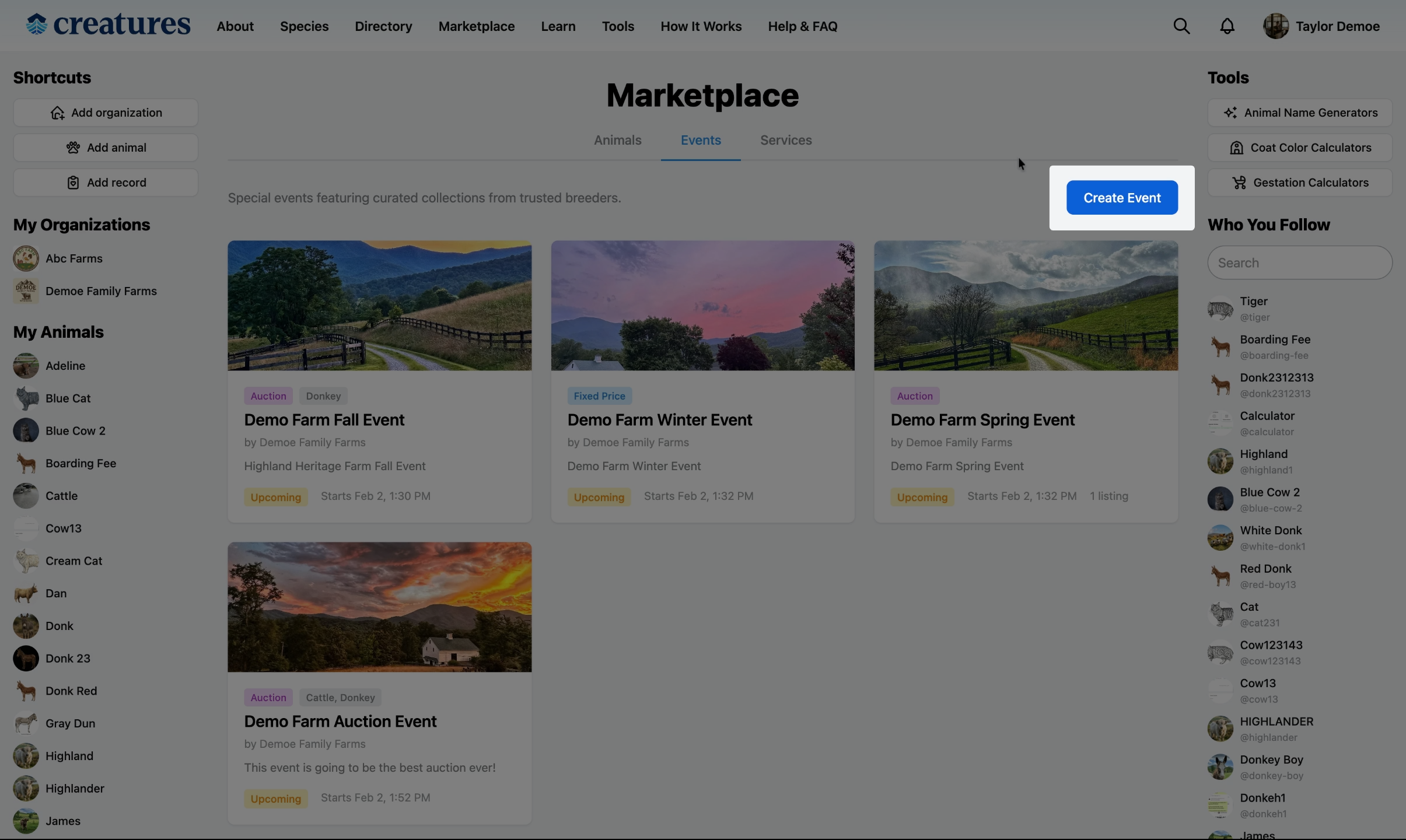
Go to the Events Tab in the Marketplace and select Create Event.
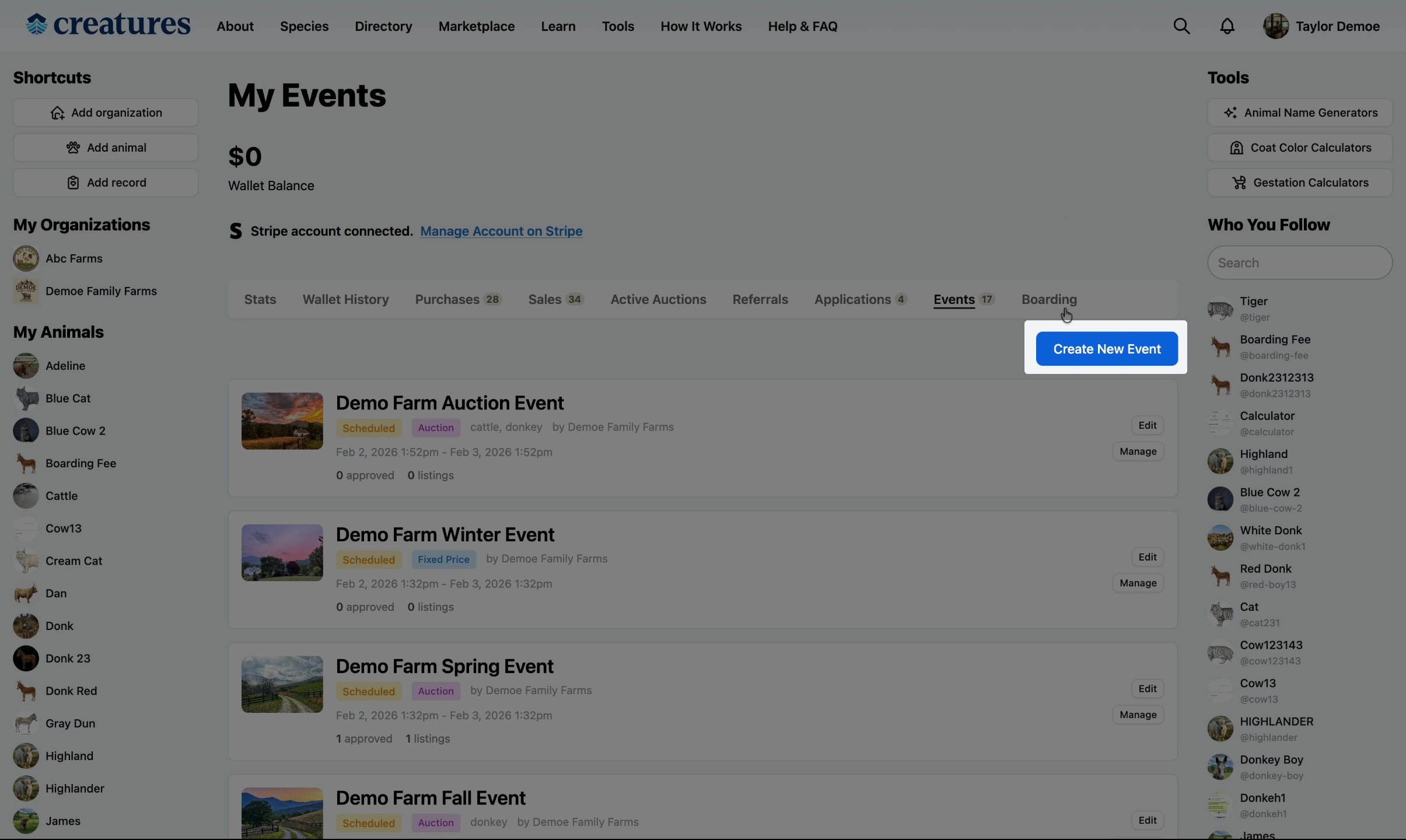
You can also go to your Dashboard, click Events, and select Create New Event.
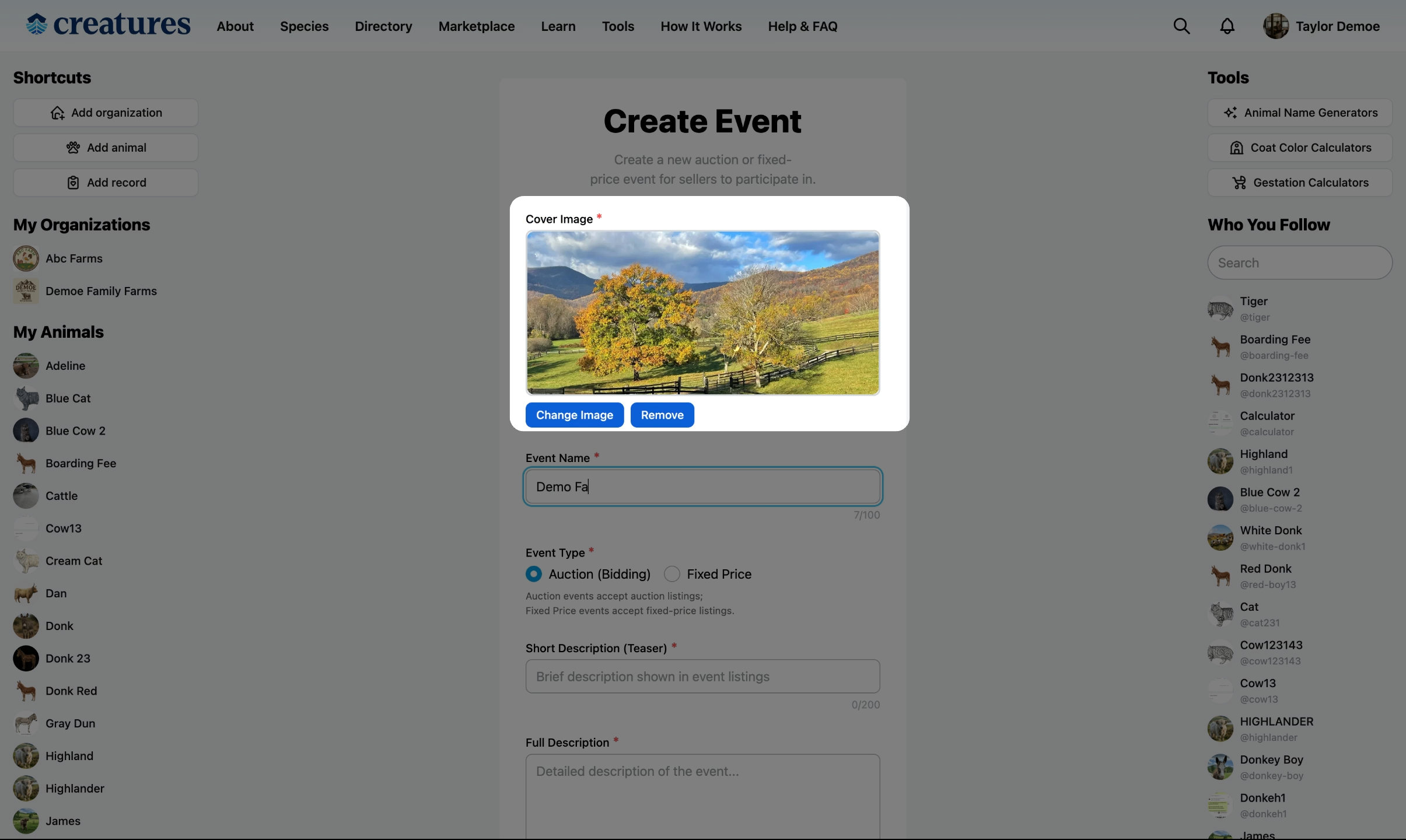
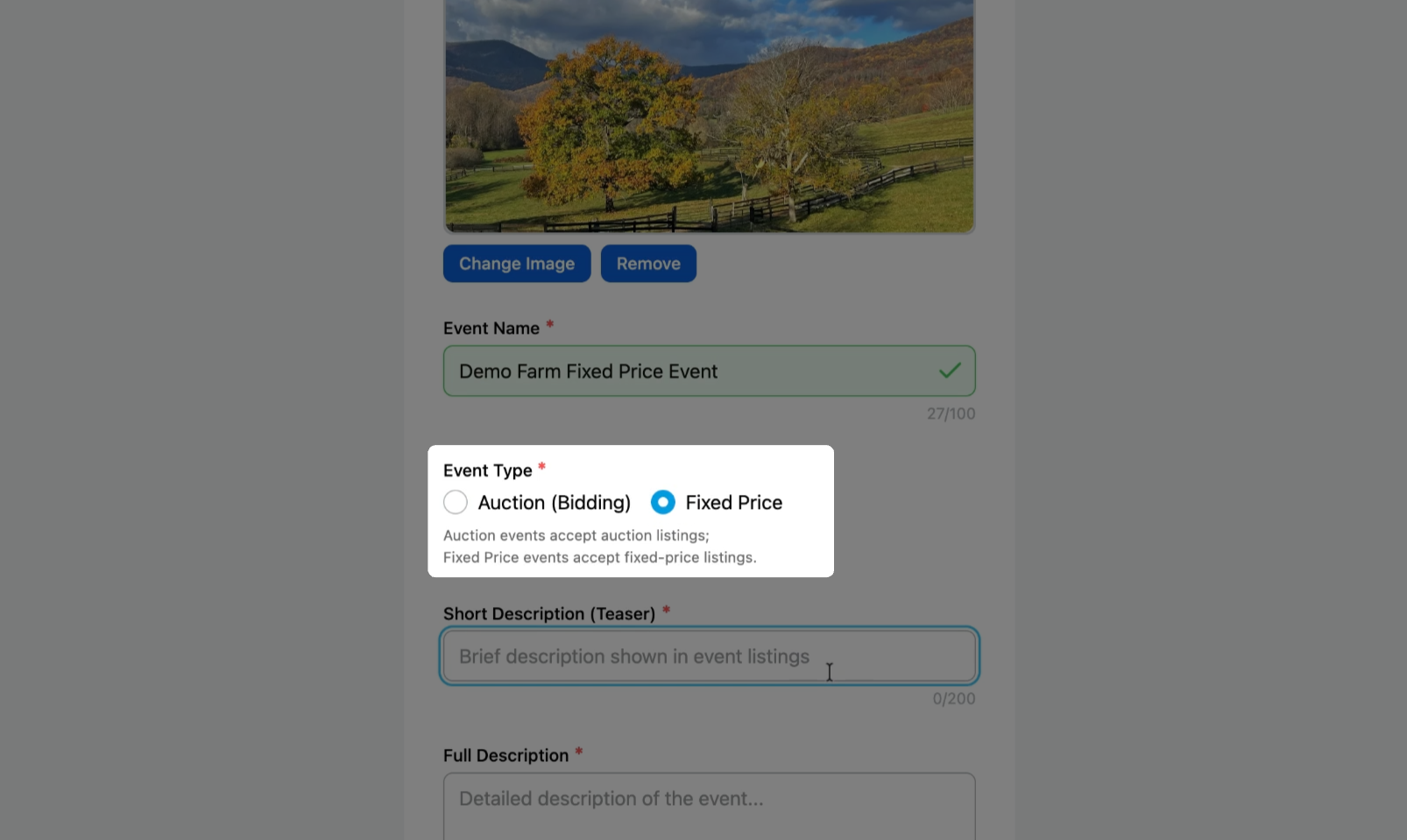
Add a cover image and event name
Upload a cover image that represents your event, like a photo of your farm.
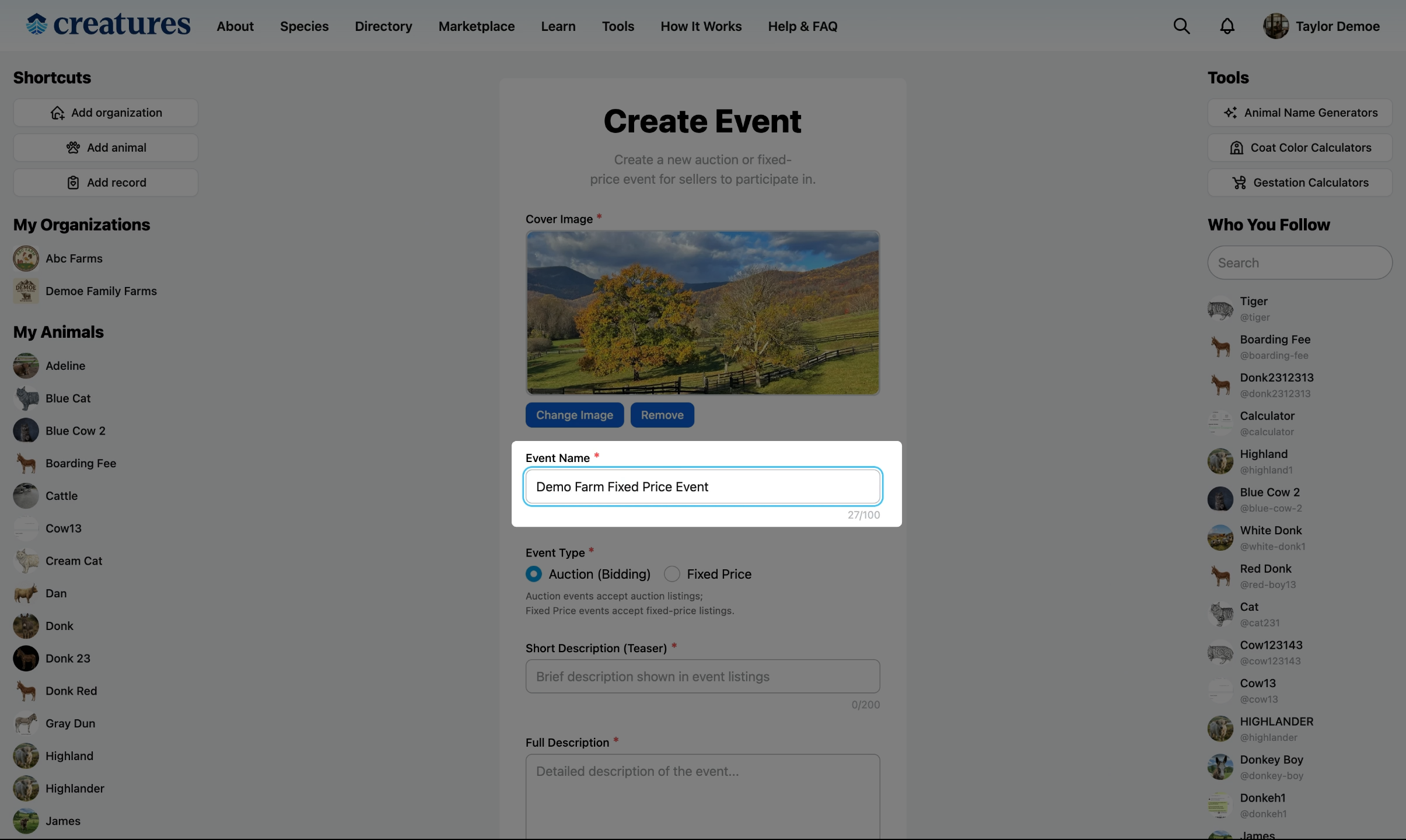
Add an event name.
Choose the event type
Pick Fixed Price Event to disable auctions and allow only fixed-price listings.
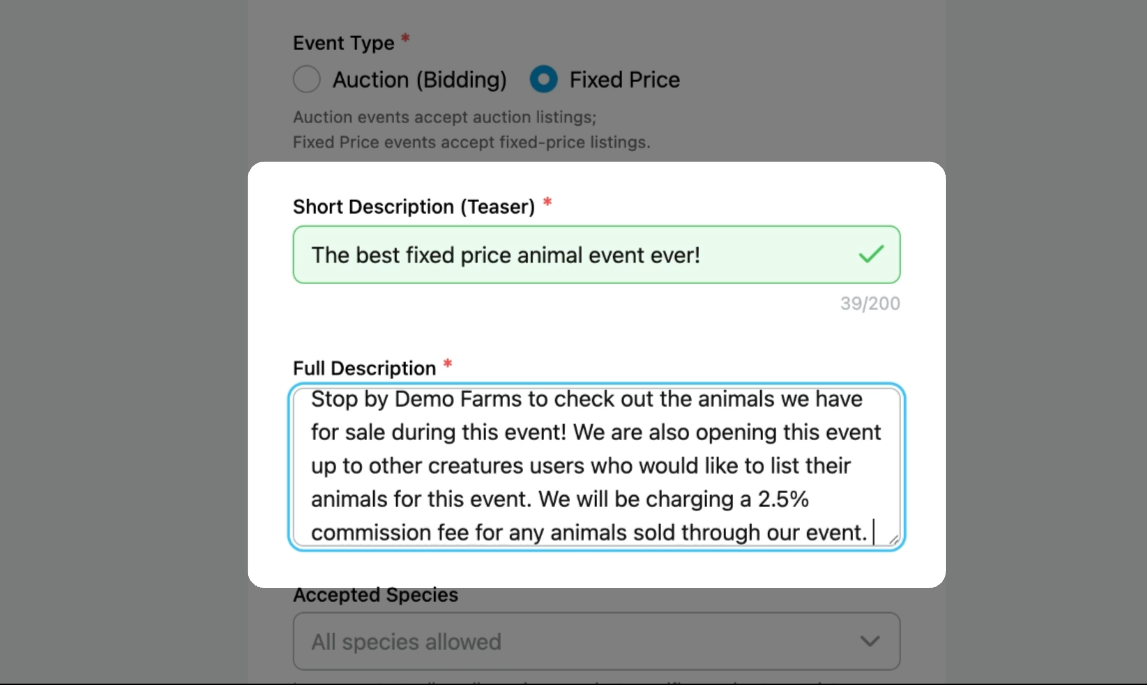
Add event descriptions
Write a short description and a full description for your event.
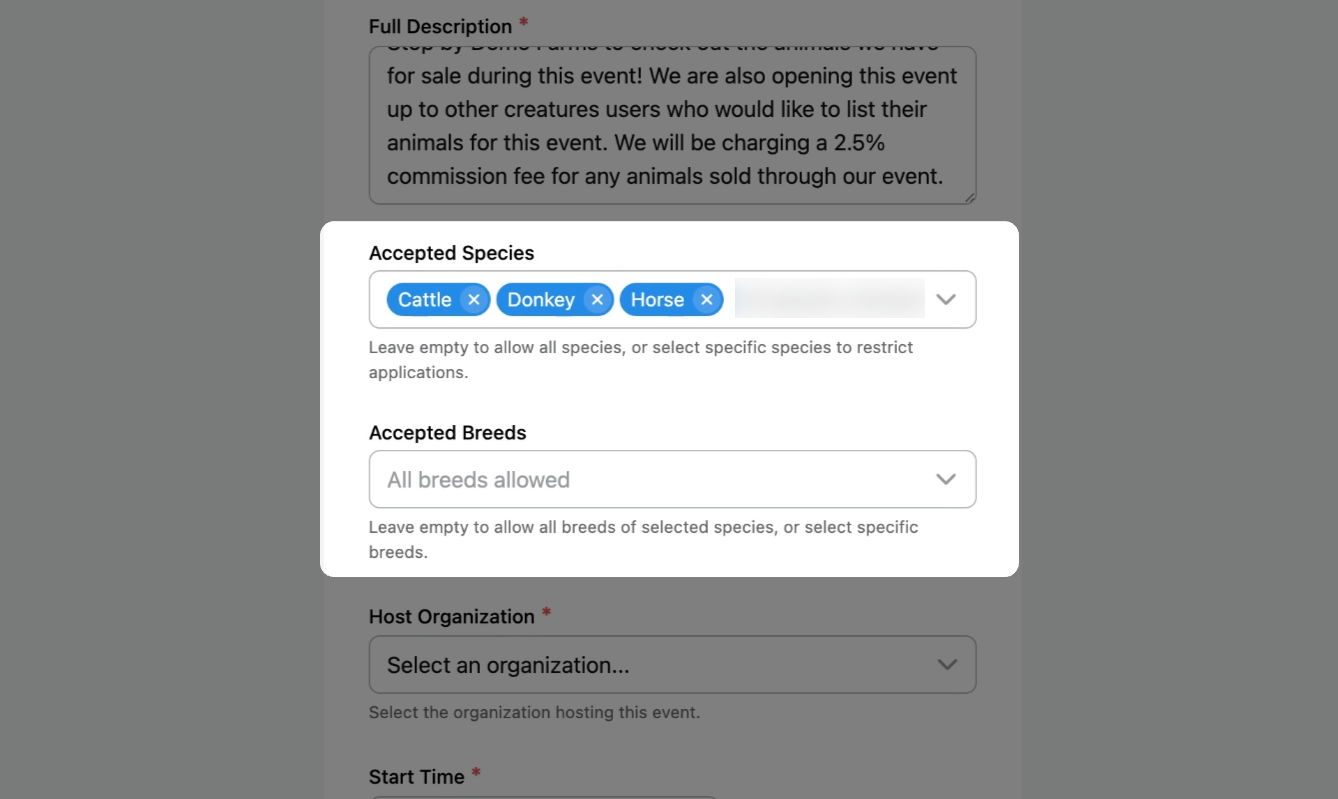
Select allowed species and breeds
Select which species and breeds are allowed at your event. Leave blank if all animal species are allowed.
In this example, only cattle, donkey, and horse listings are permitted, but any breed is allowed.
Pick the hosting organization
Pick the Organization hosting the event.
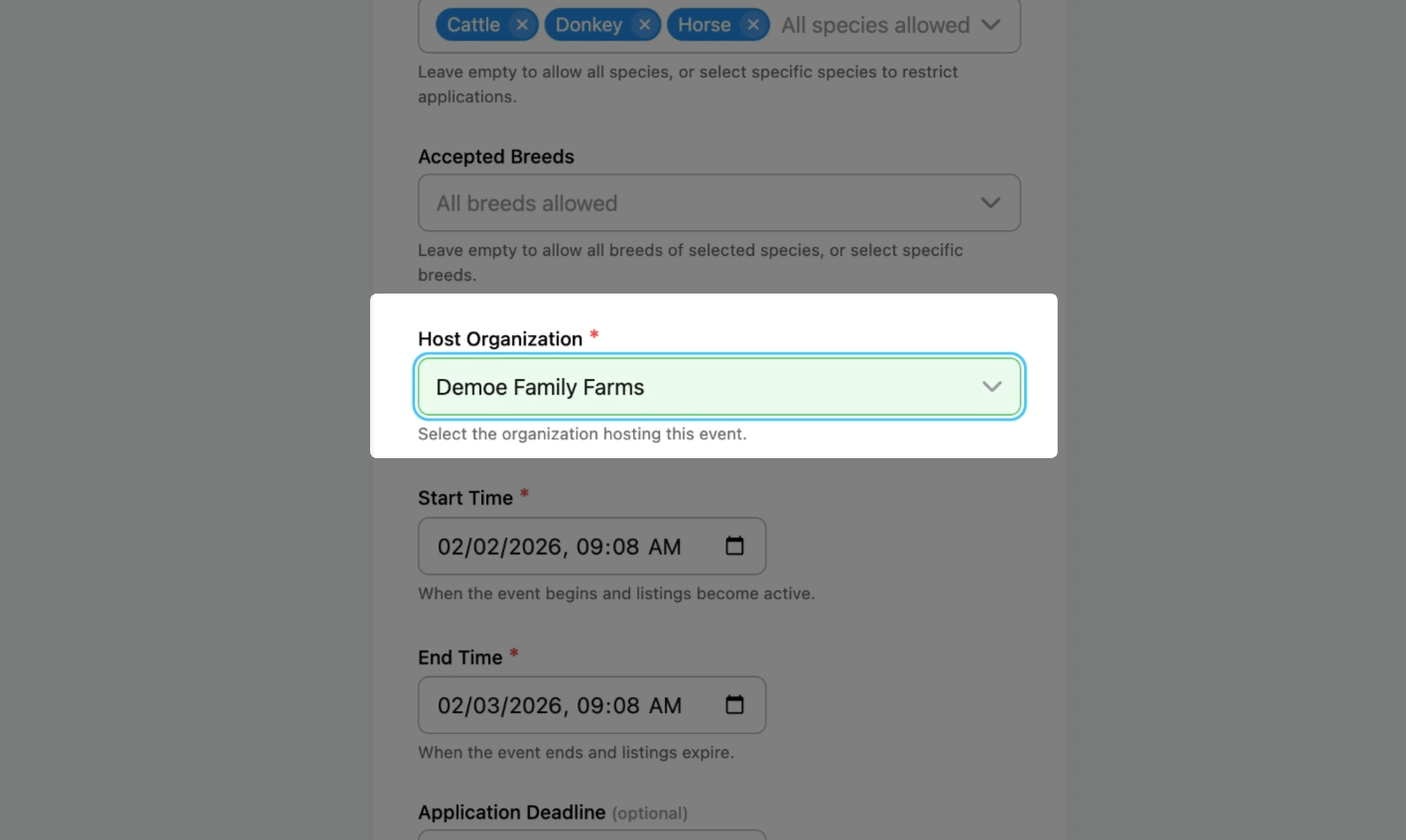
Set the event schedule
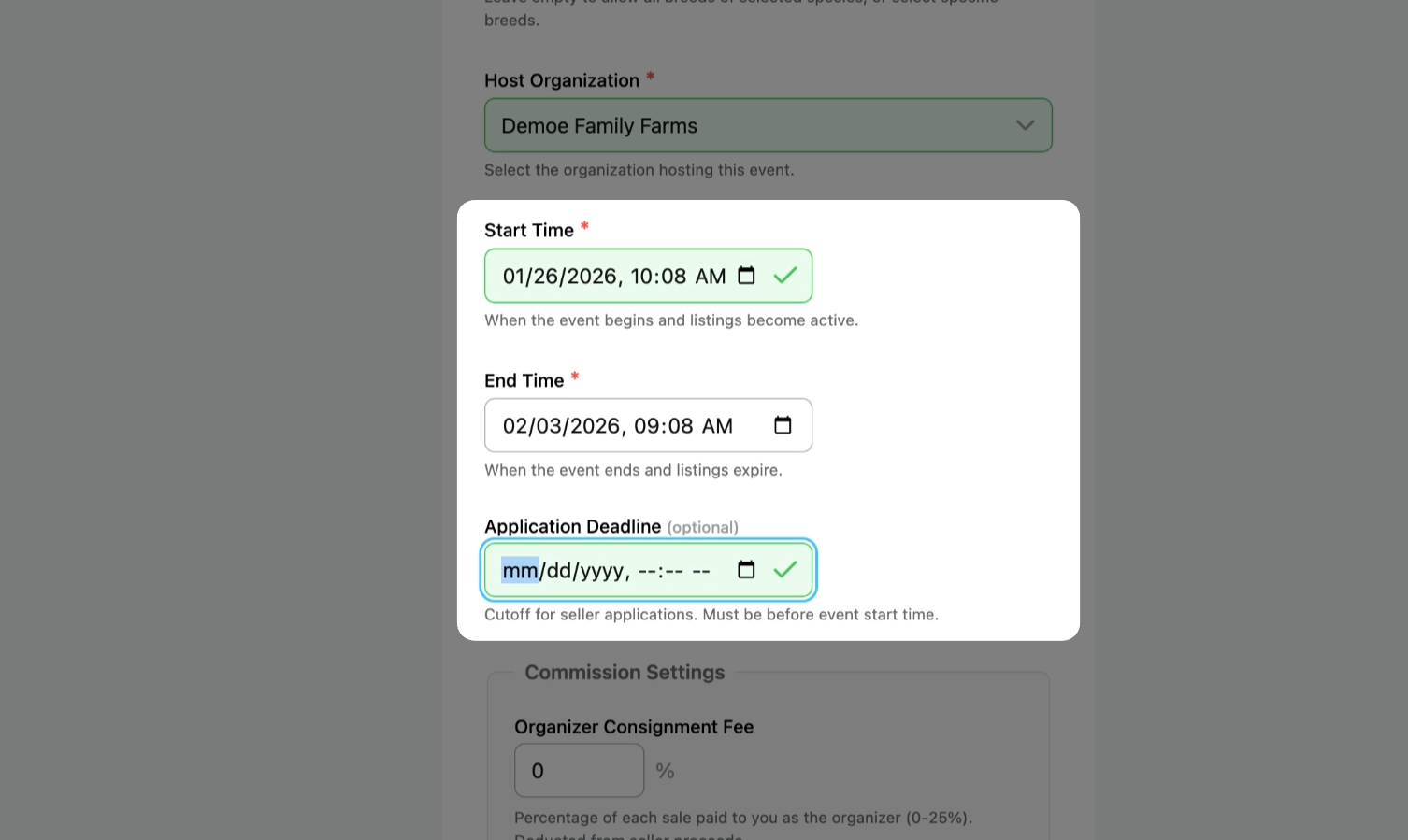
Set the Start Time and End Time for your event. Set an Application Deadline for sellers, or leave blank to accept applications until the event starts.
Set the commission settings
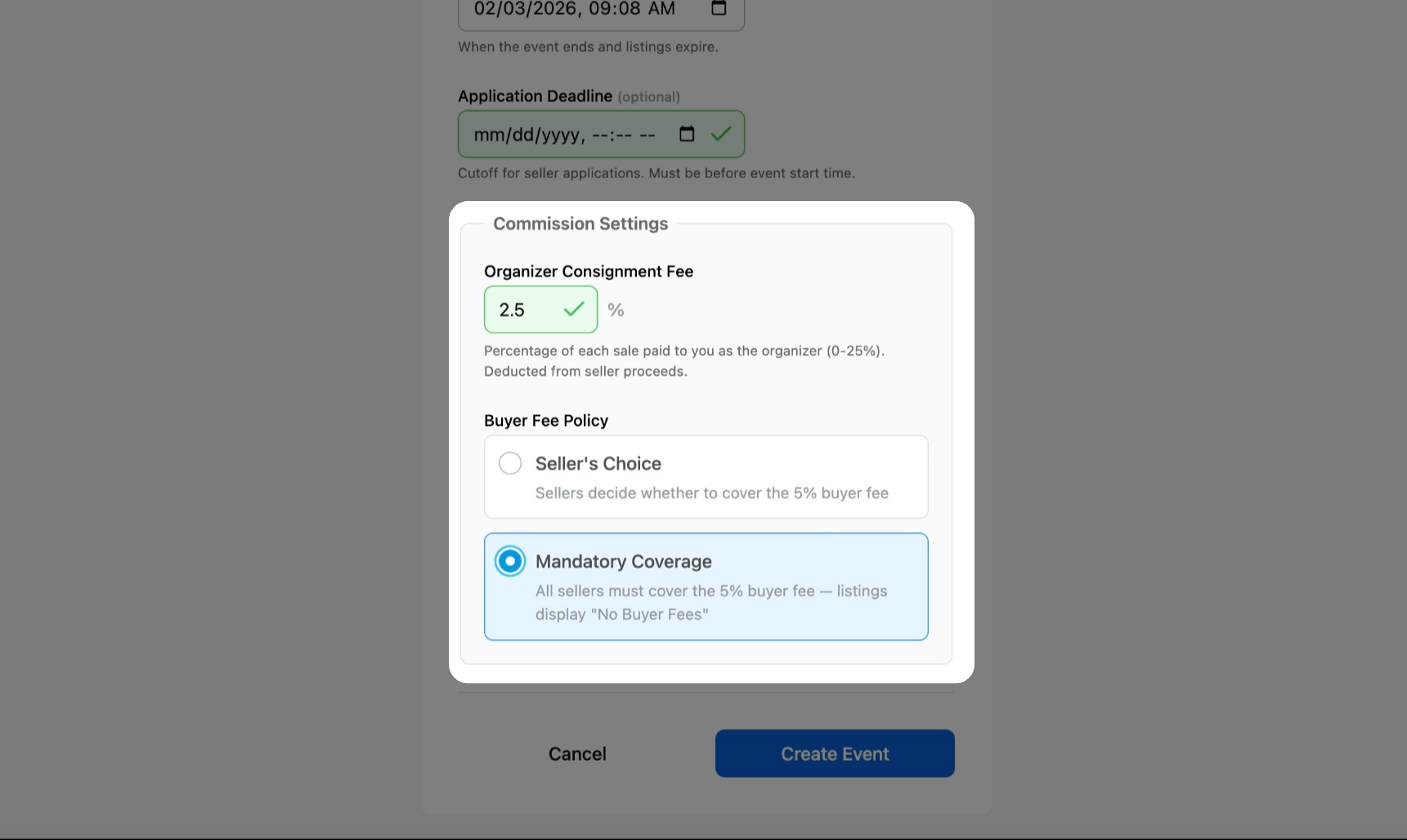
Set the Organizer Consignment Fee (optional) and specify who covers the Buyer Fee. In this example, sellers must cover the 5% buyer fee to participate in the event.
Publish your event
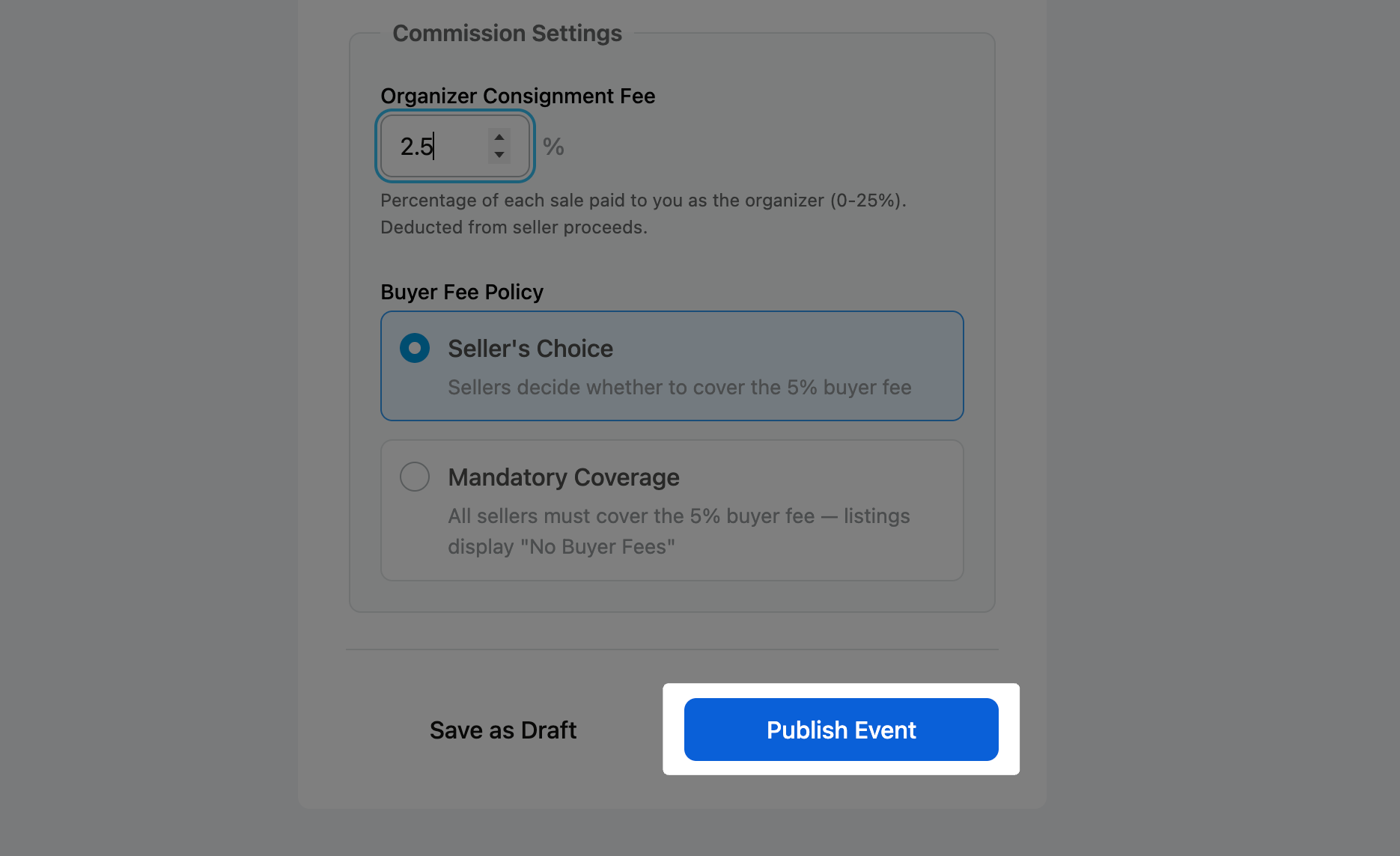
Review all the relevant details and click Publish Event.
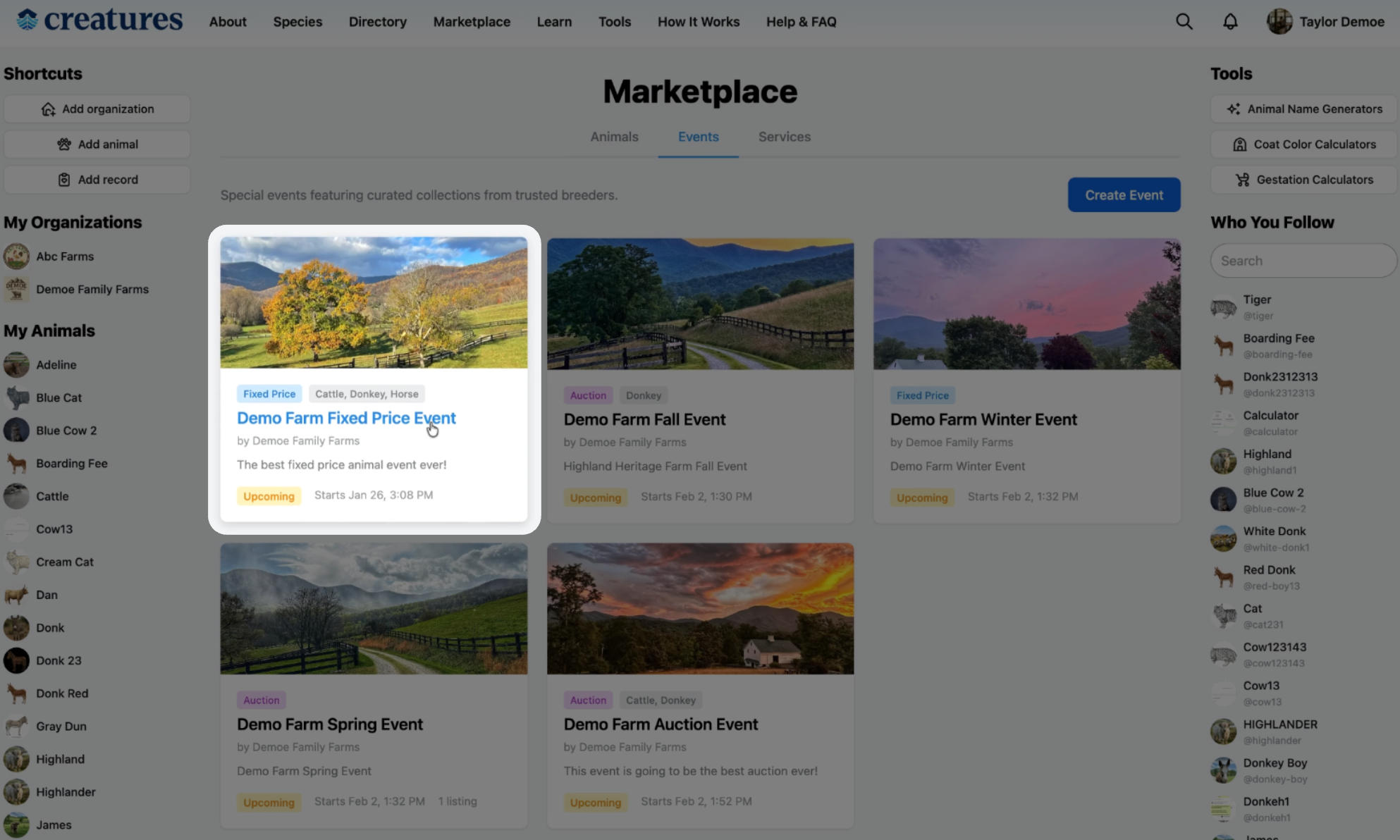
Once published, your event appears on the marketplace for everyone to see.
Related Articles:
- How to Create an Auction Event
- How to Apply for an Event as a Seller
- How to Approve a Listing Application for an Event
Updated on: 02/02/2026
Thank you!