
How to Create an Auction Event
How to Create an Auction Event
Events help your animals get discovered by more people. Follow these steps to get your next auction live and attracting attention.
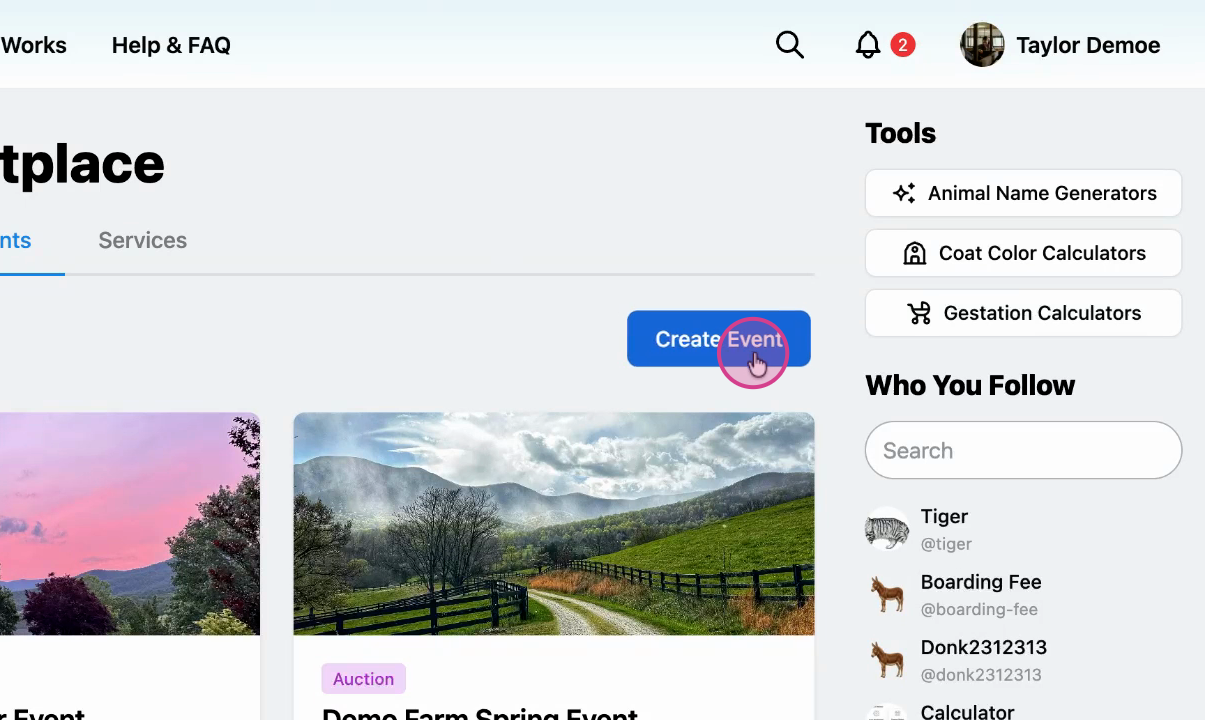
Navigate to event creation
From the Marketplace Events tab, click Create Event.
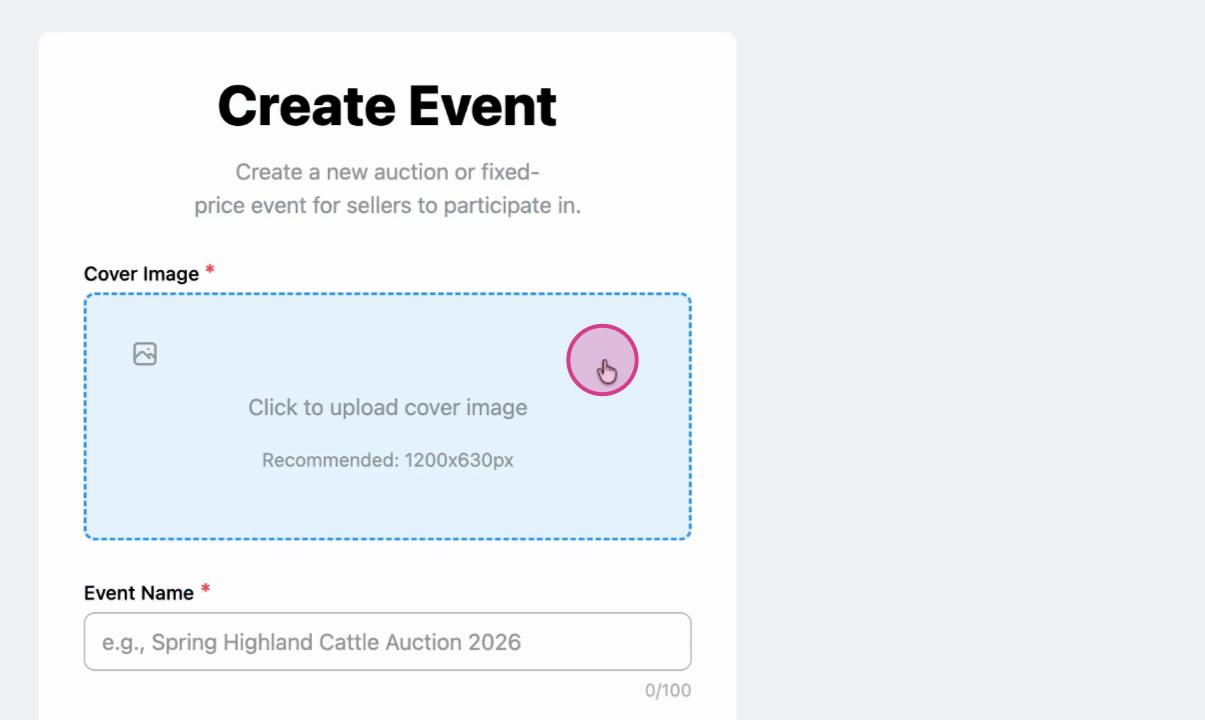
Upload your cover image
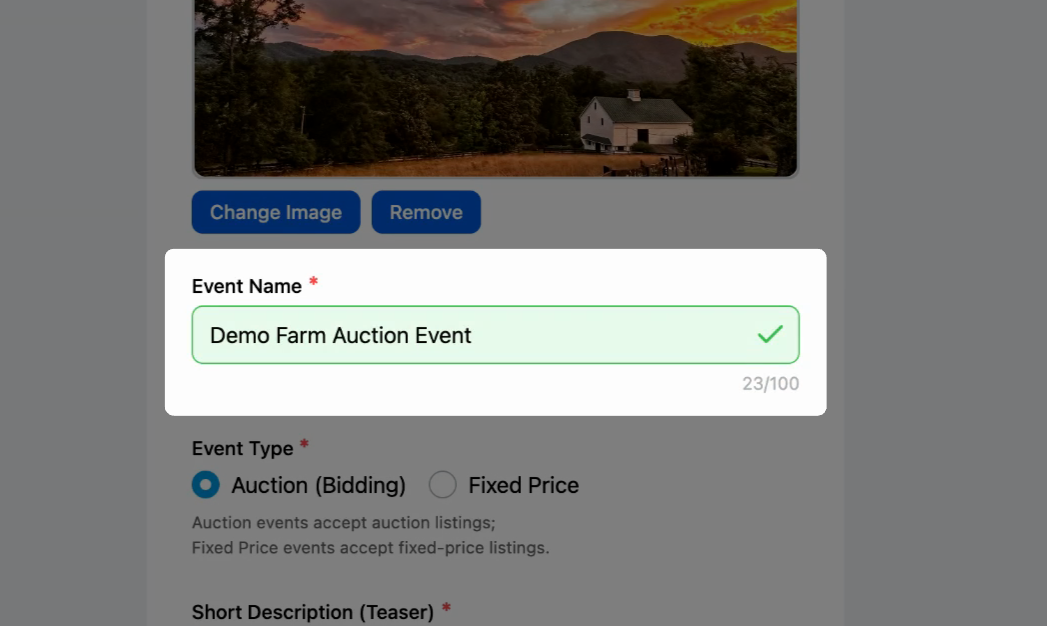
Name your event
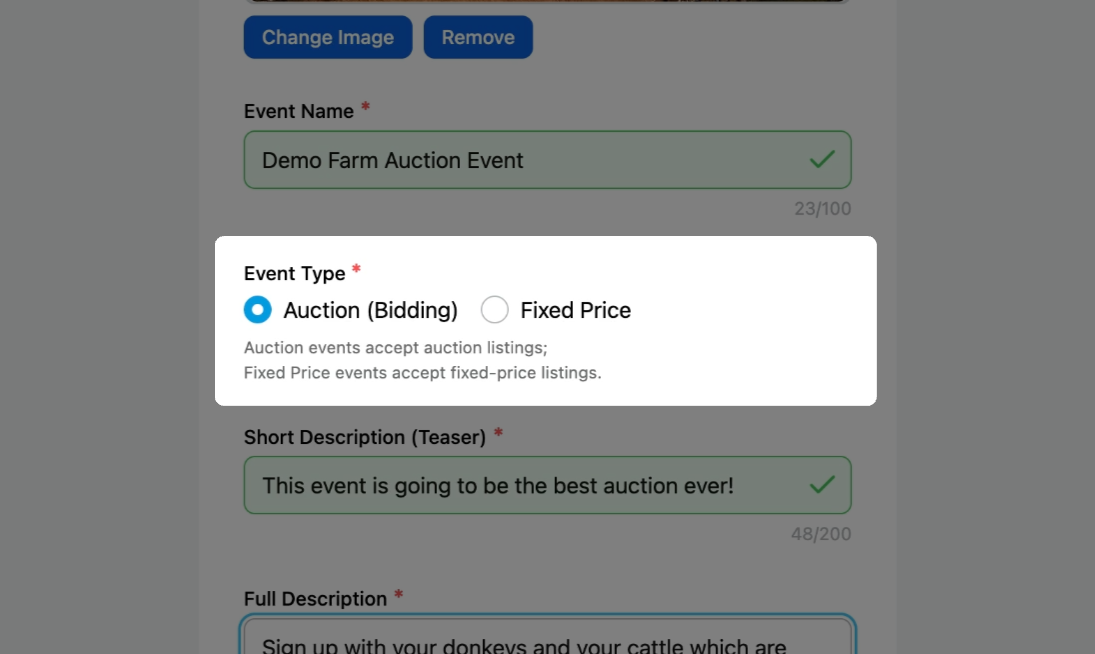
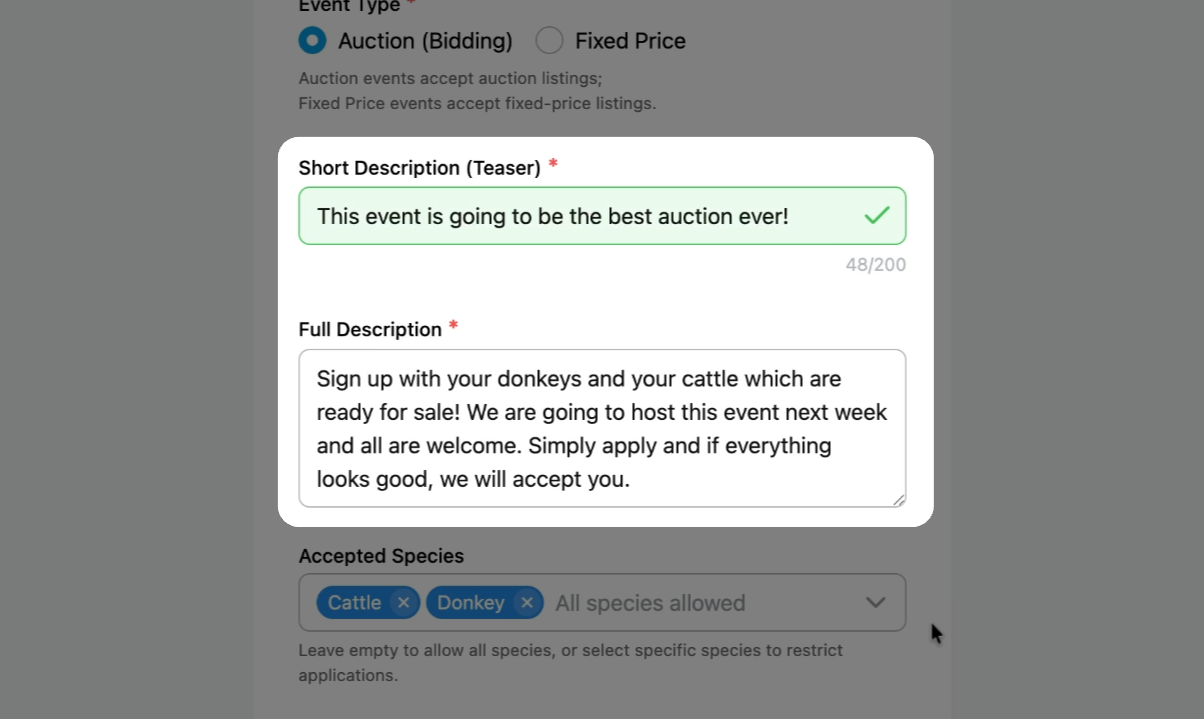
Select the event type
Choose either Auction or Fixed Price. Auction events only accept auction listings, and Fixed Price events only accept fixed price listings.
Note: Any auction listings approved for an Auction Event will have their start and end times overwritten to match the event's schedule.
Add event descriptions
Provide both a short and full description of your event.
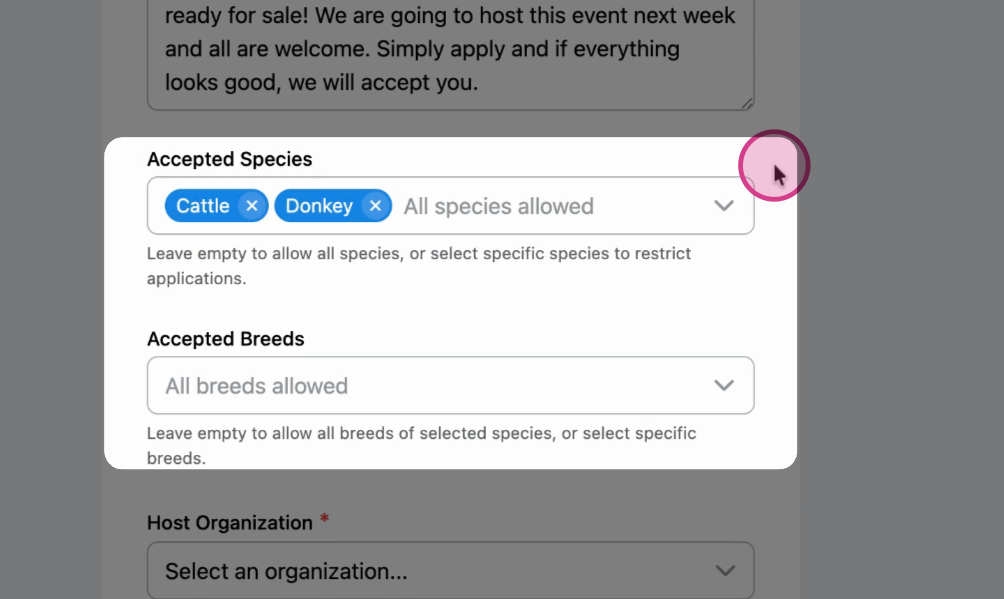
Choose allowed species and breeds
Select which species are allowed in this event. You can also specify breeds if needed.
Pick your host organization
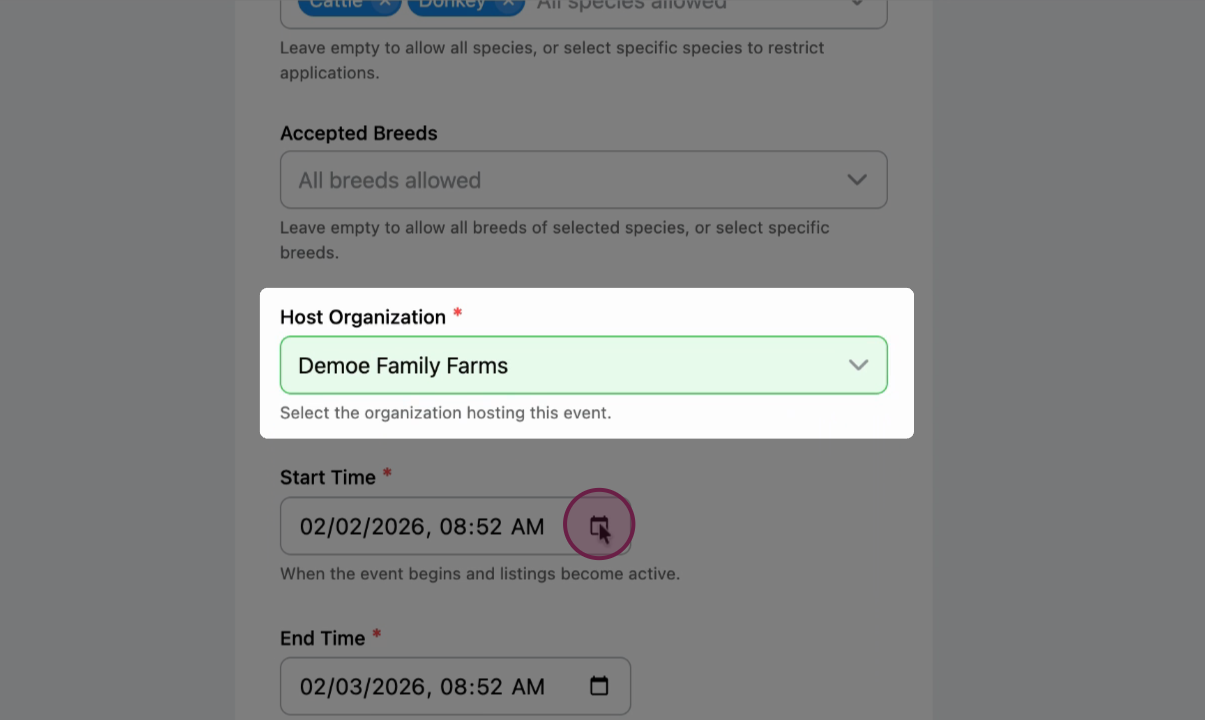
Set the Start and End Times

Start and End Time: when you would like your event auction to take place.
Any auction listings that get approved to be a part of an auction event will automatically have these date and times as their start and end times, no matter what their original start and end times were.
Note: sniping protection applies just like standard auctions: If a buyer submits a bid with two minutes or less remaining in the auction event, the entire event is pushed back another two minutes. The additional two minutes applies to every listing in the event.
Application Deadline (optional): The cutoff time for seller applications. All applications must be submitted before this time in order to be a part of the event.
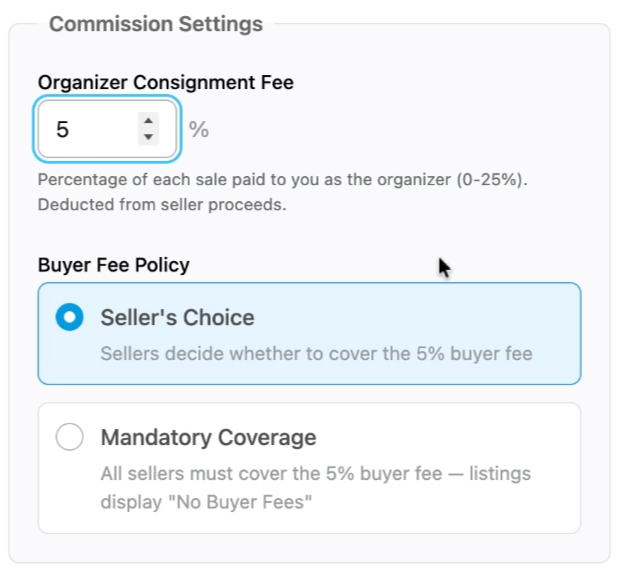
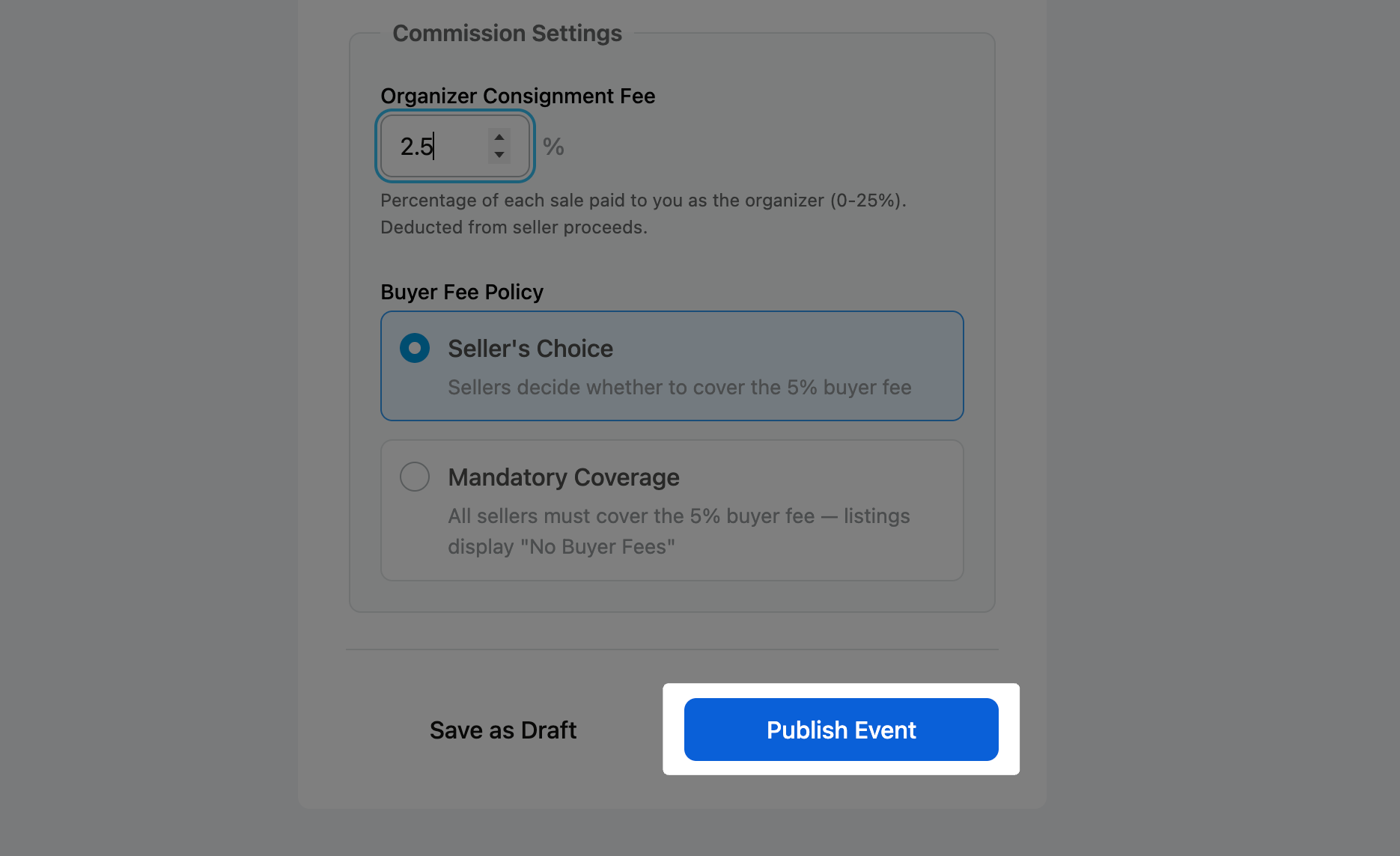
Set your commission settings
Organizer Consignment Fee: The percentage of the final sale price paid to you as the event organizer.
Buyer Fee Policy: Select your policy for buyer fee coverage.
- Sellers Choice: Each seller can choose to cover the buyer fee, but it's not required.
- Mandatory Coverage: Sellers must cover the buyer fee.
Review and Publish
Double check all relevant information, then click Publish Event.
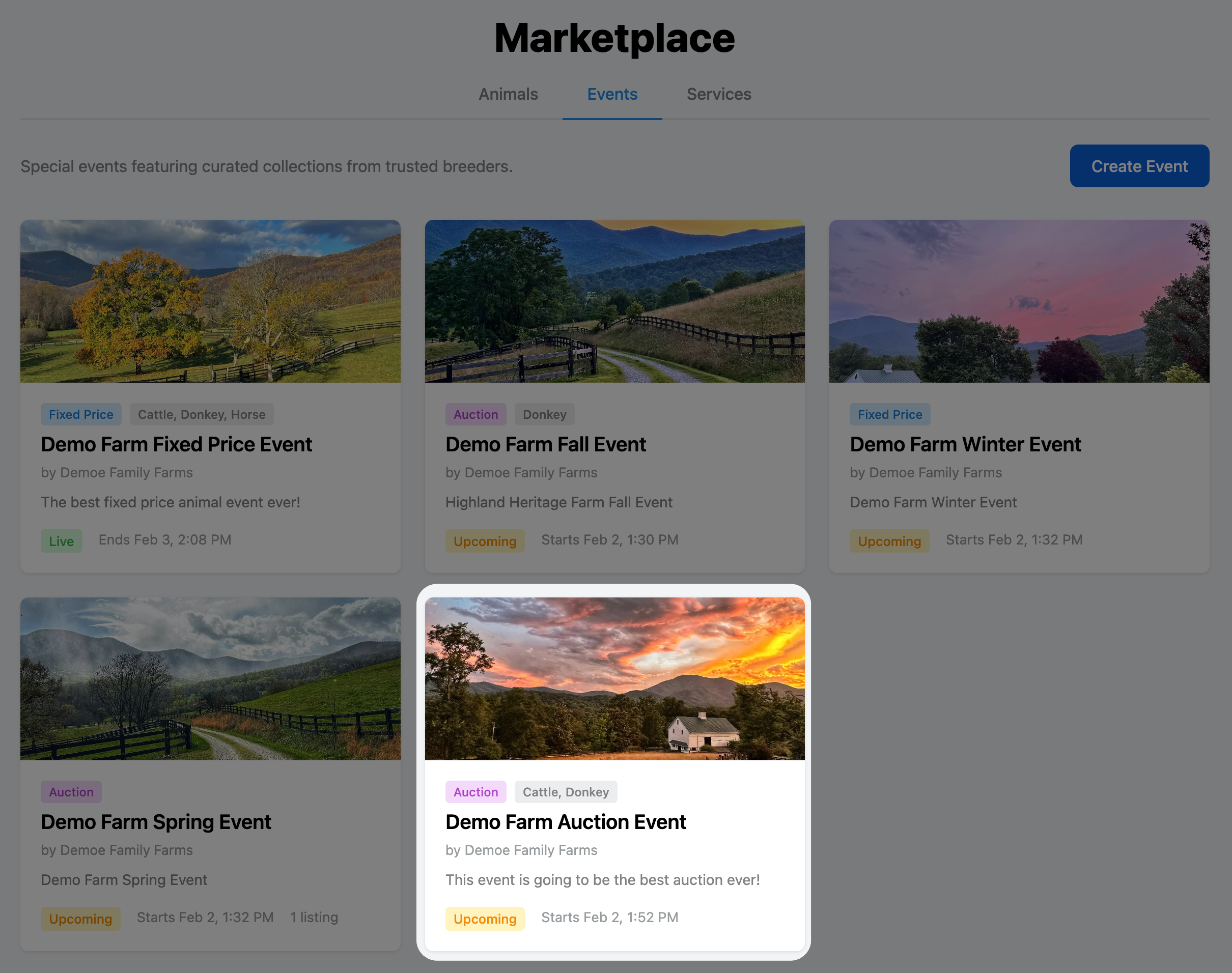
Once published, your event will appear in the marketplace under Events, ready for buyers and sellers to find.
Events put your animals in front of the right audience. Use them to drive interest, engagement, and successful matches.
Related Articles:
- How to Create an Fixed Price Event
- How to Apply for an Event as a Seller
- How to Approve a Listing Application for an Event
Updated on: 02/02/2026
Thank you!