
How to Add Animals to the Watchlist
Here’s how to add animals to your watchlist.
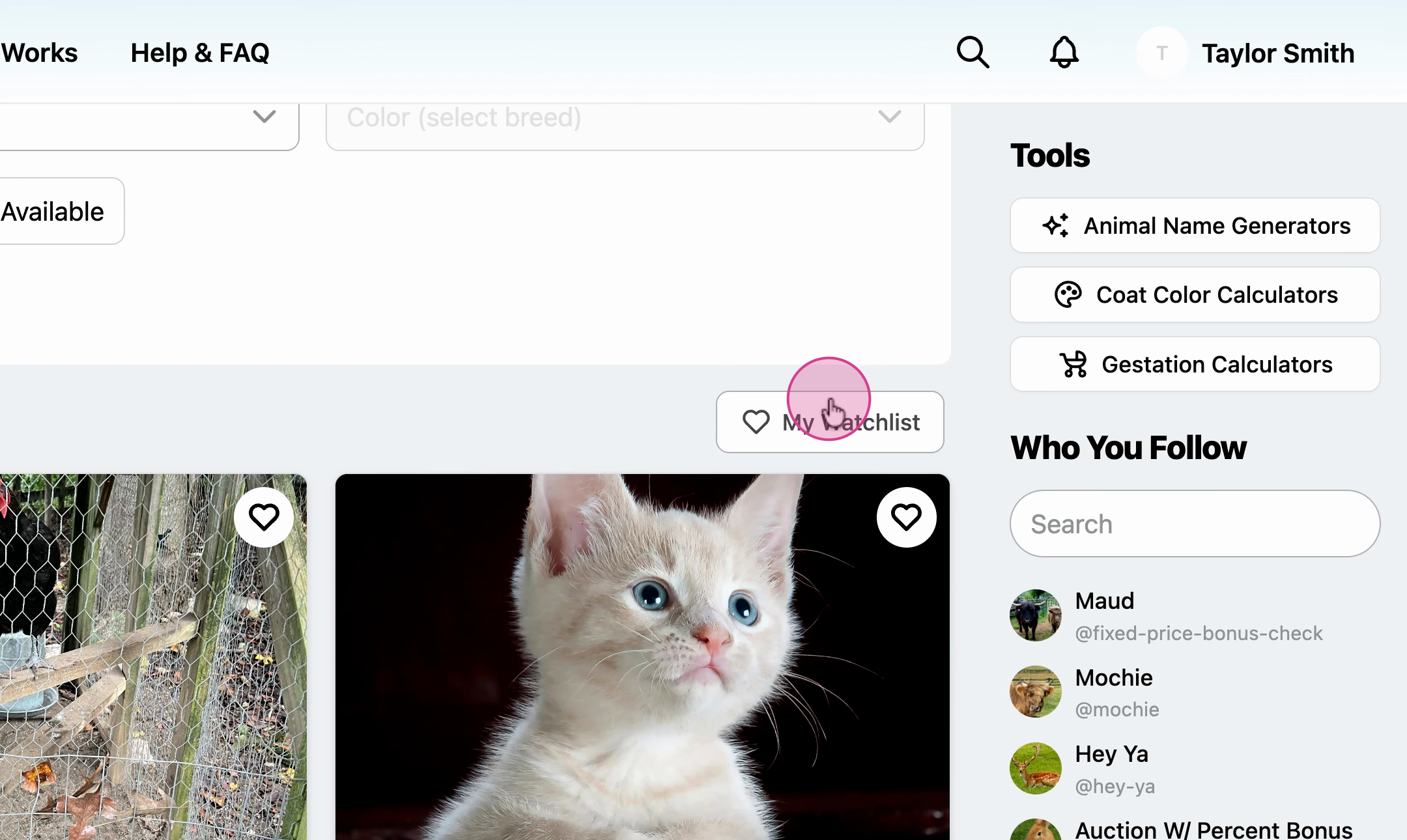
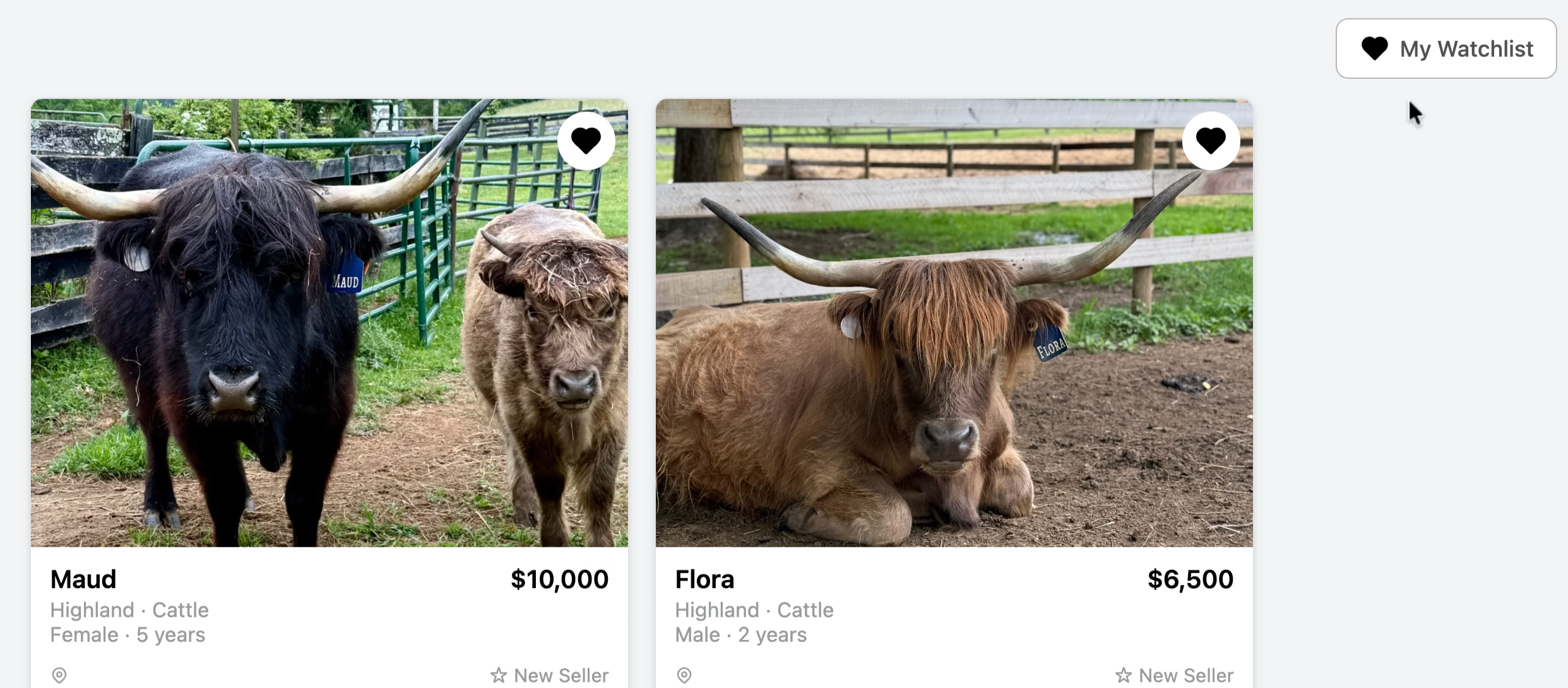
- Find an animal listing in the marketplace and click the heart icon to save the animal to your watchlist.
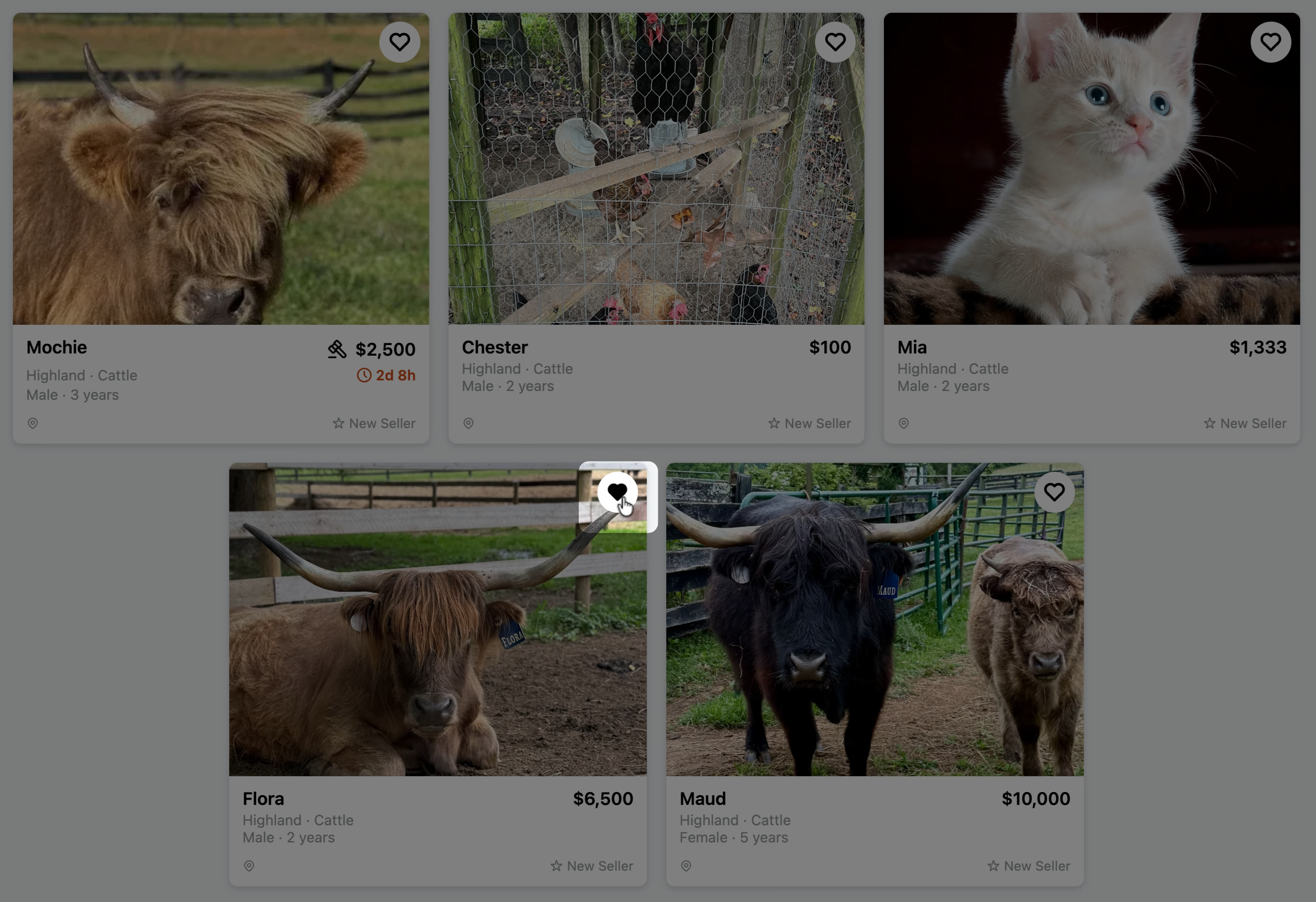
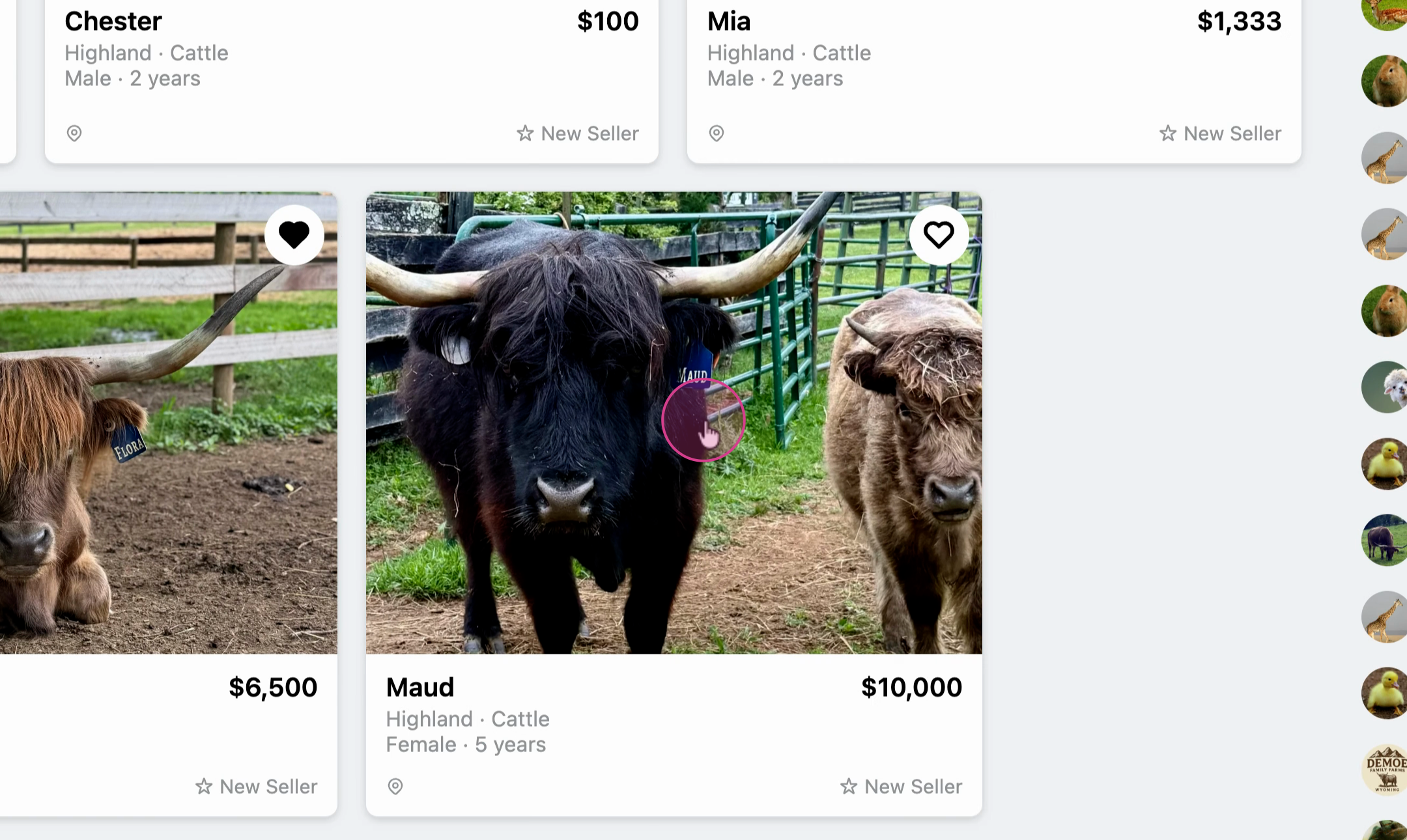
- To save an animal while viewing its details, click into the listing.
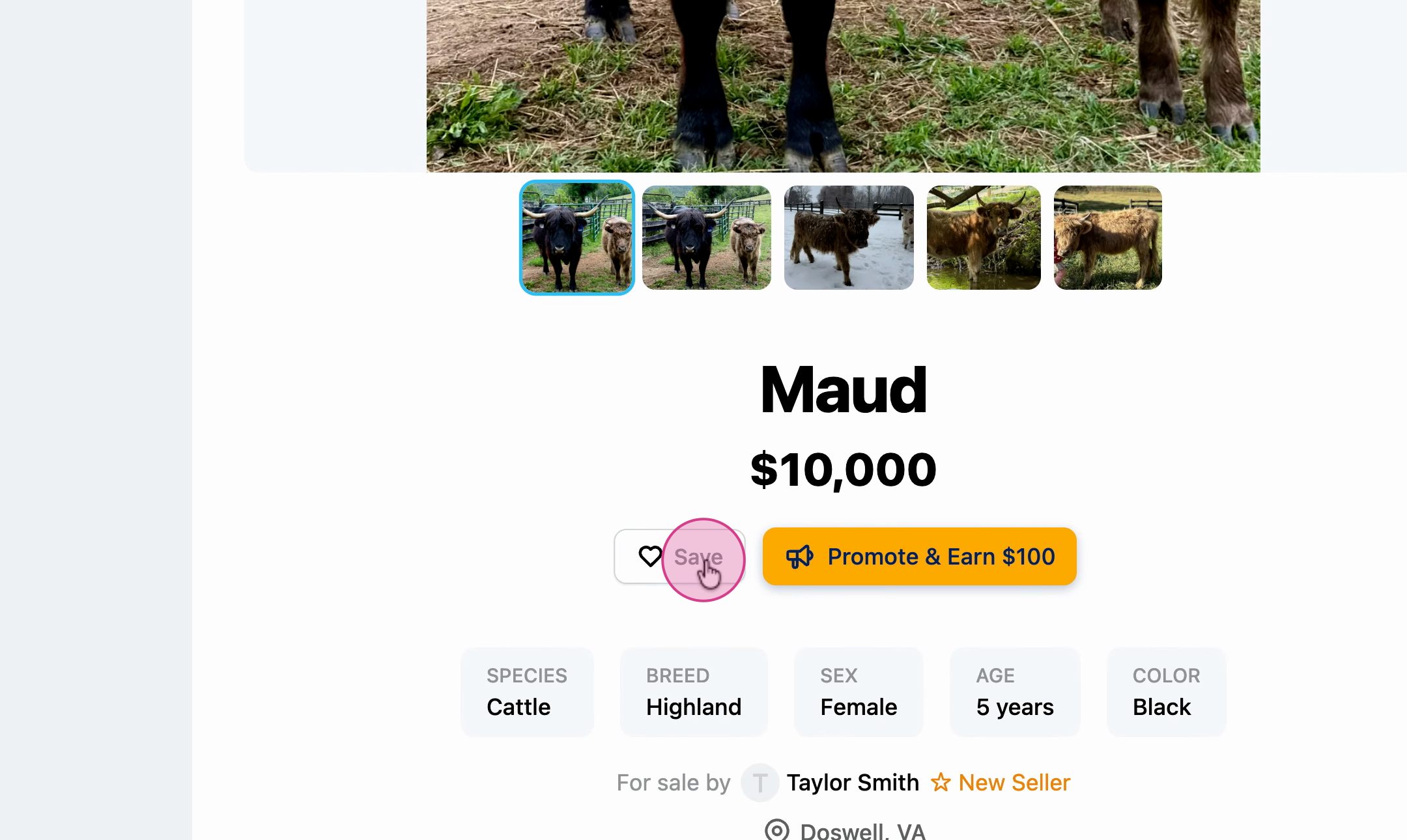
- Select Save.
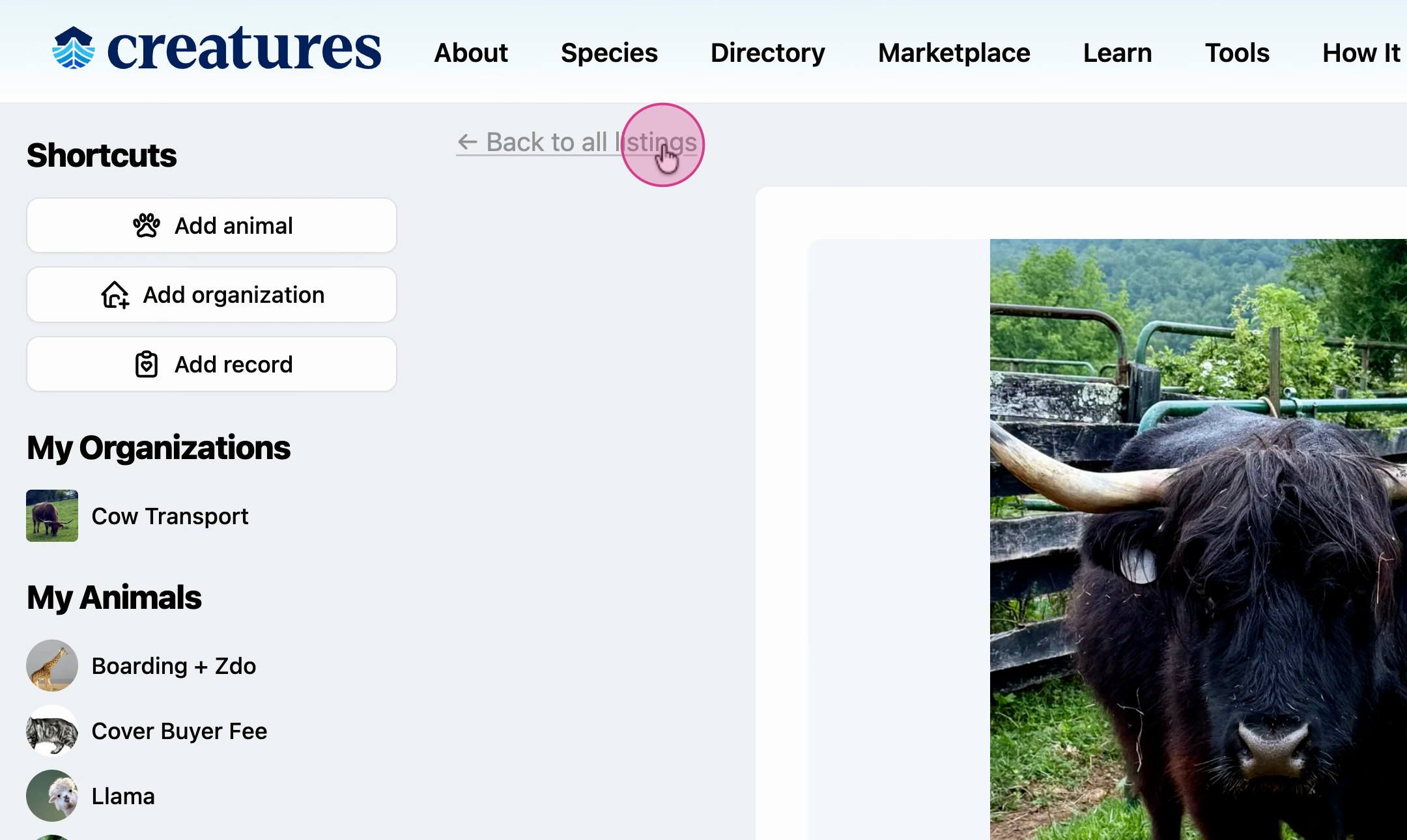
- Return to the main marketplace by selecting Marketplace.
- Open My Watchlist to see all animals you’ve favorited.
Use your watch list to keep an eye on animals that interest you. This makes it easy to track updates or take action when the time’s right.
Updated on: 15/04/2026
Thank you!