
How to Save Marketplace Searches
How to Save Marketplace Searches
Searching for the perfect animal listing gets easier when you save your favorite searches. Here's how to filter listings and get notified anytime something new matches your criteria.
1. Enter keywords in the search bar to filter the listings by what matters to you.
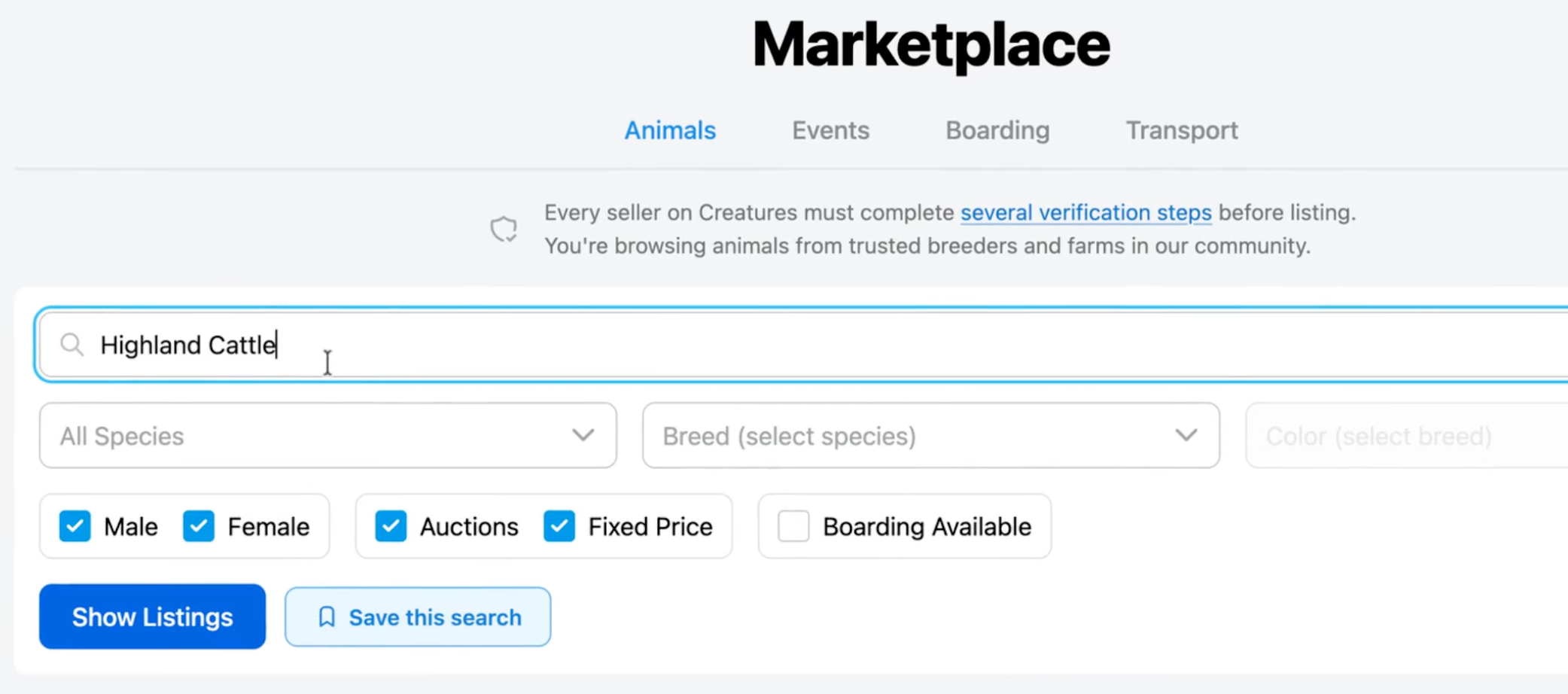
2. Add extra filters or information to narrow down your search further.
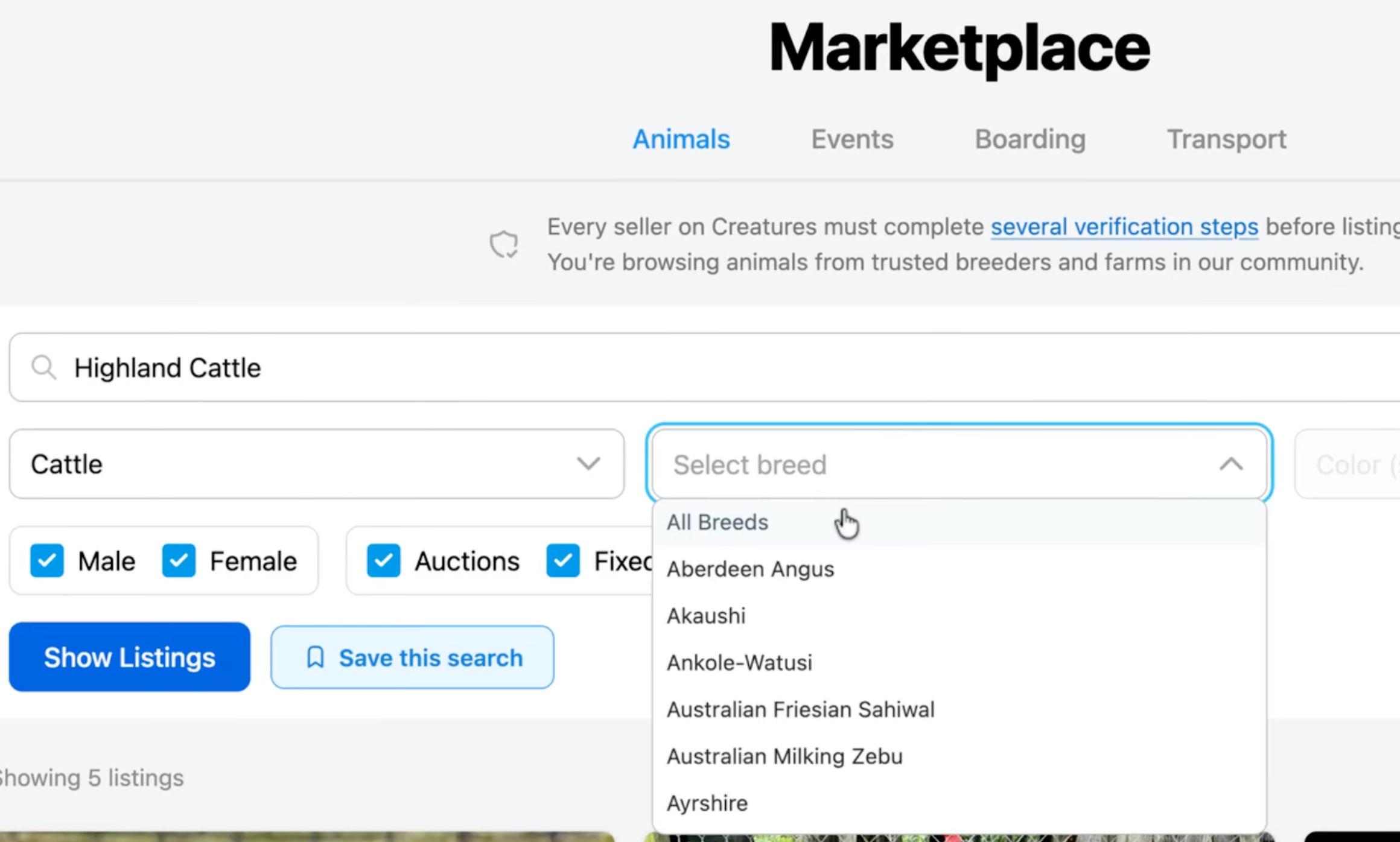
3. Click Show Listings to view animals that match your requirements.
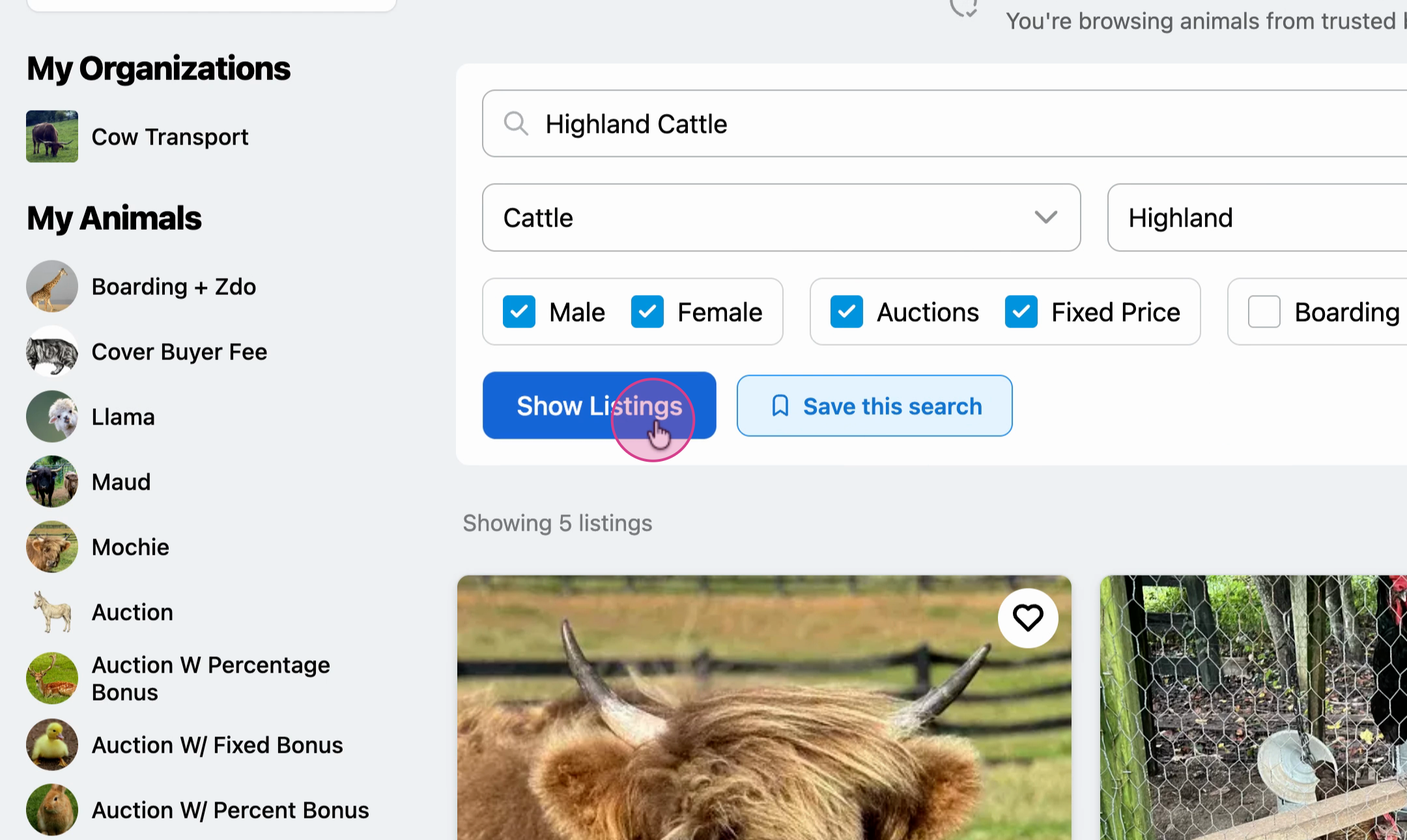
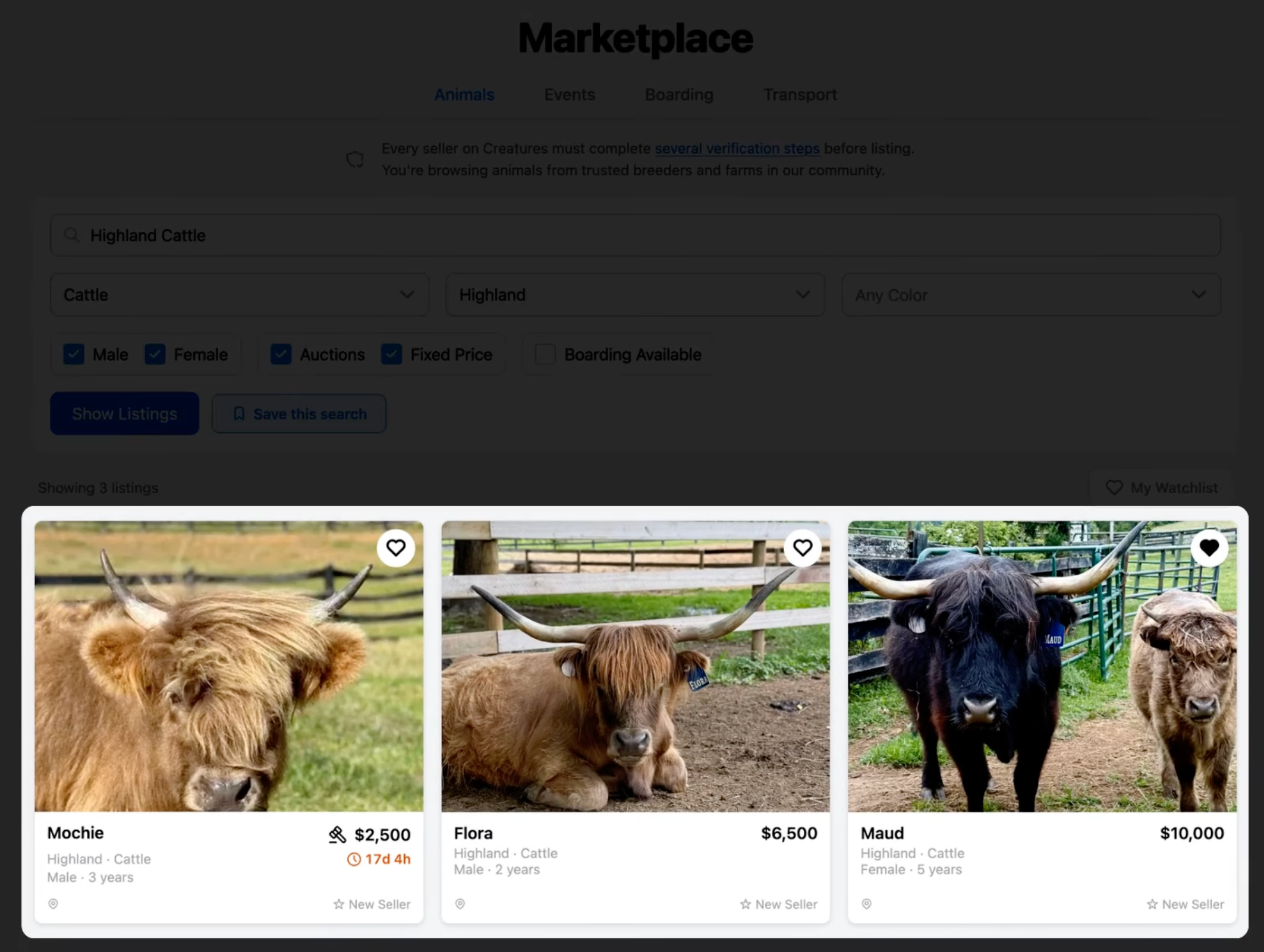
4. When you see results you like, click the Save Search button.
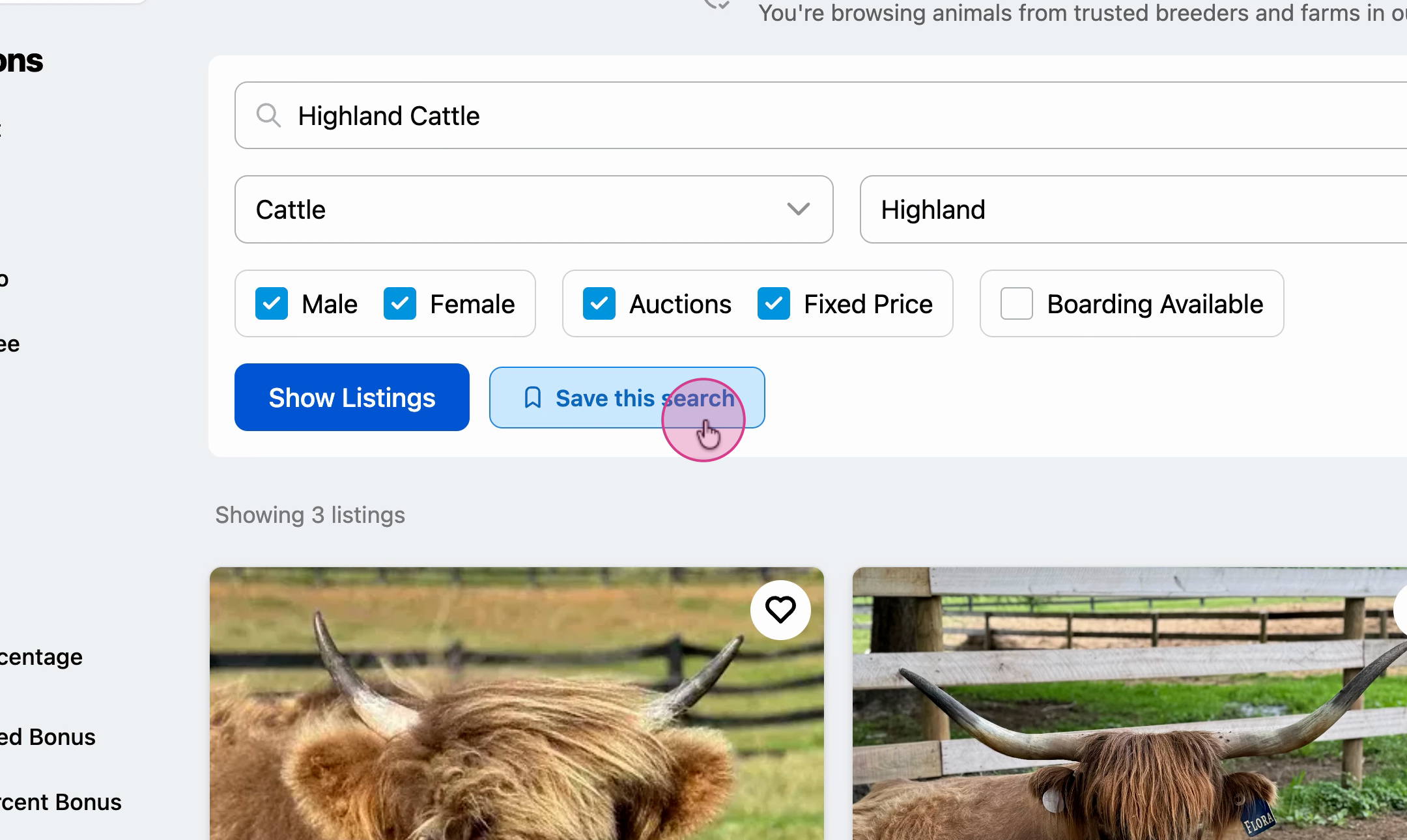
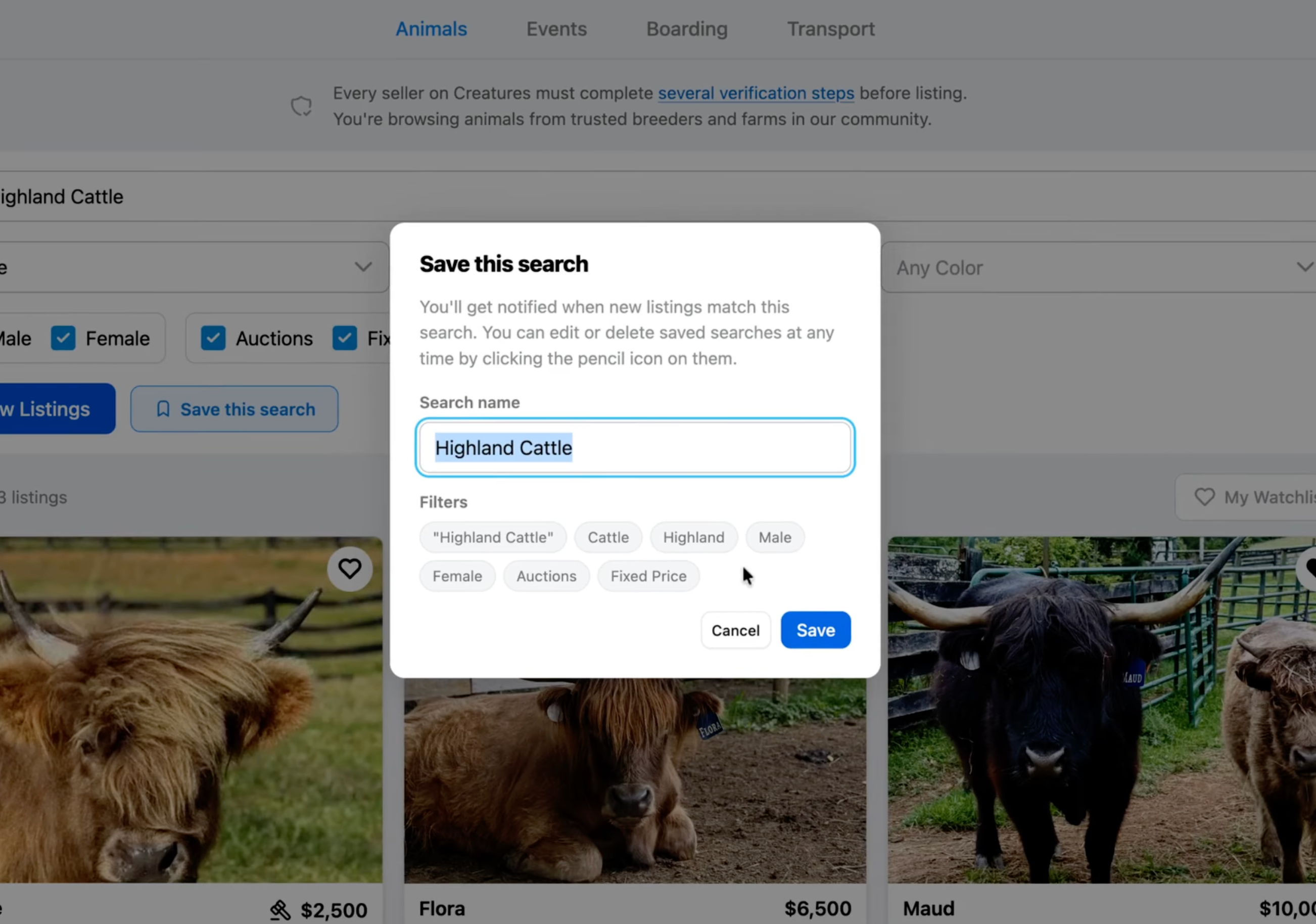
5. Review all the filters you've set up for this search, and select Save to save this search for easy access later.
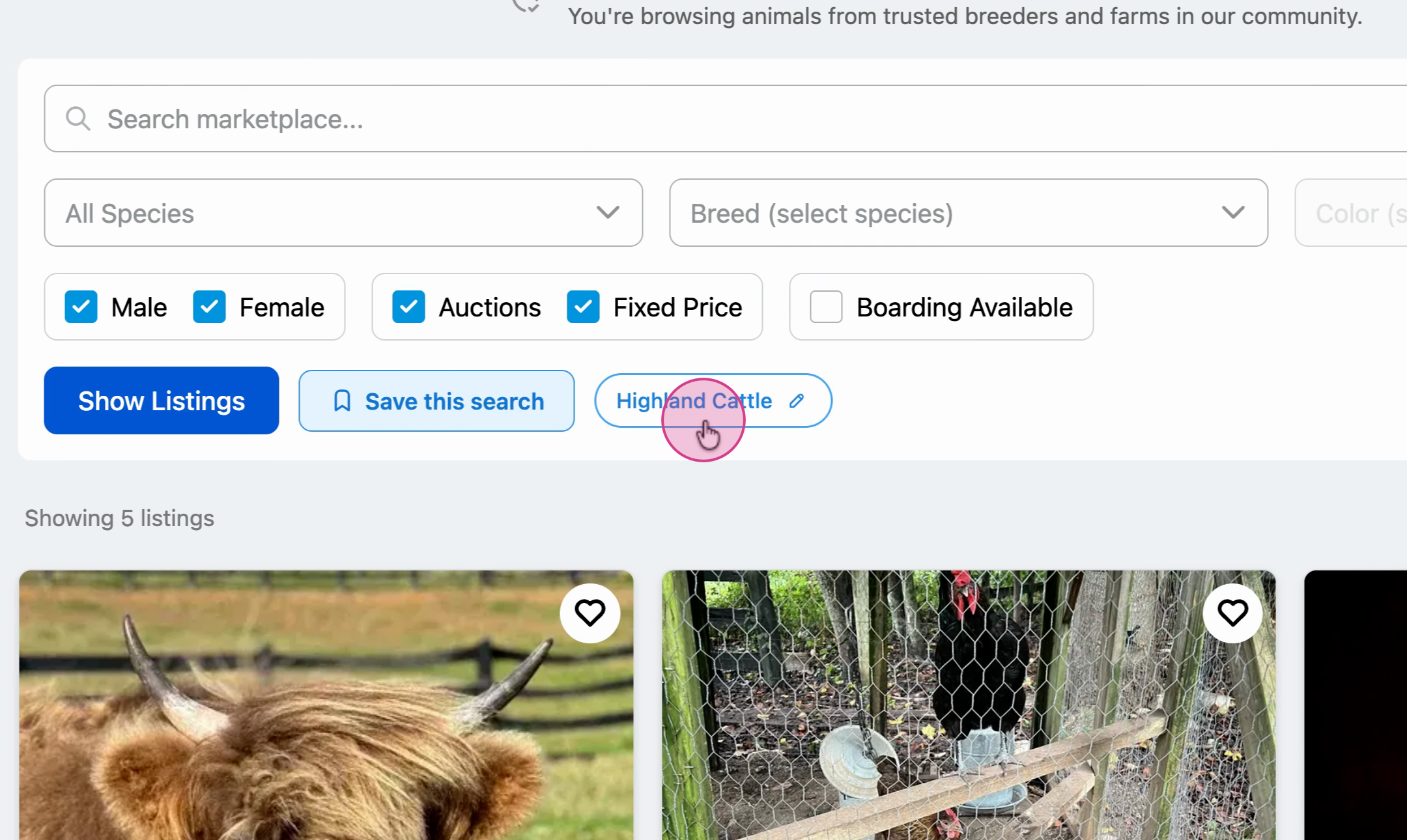
6. You can select your Saved Search from the filters menu anytime to view listings that meet your criteria. You can revisit this saved search whenever you want, and you'll stay up to date with any new matching listings.

Notifications
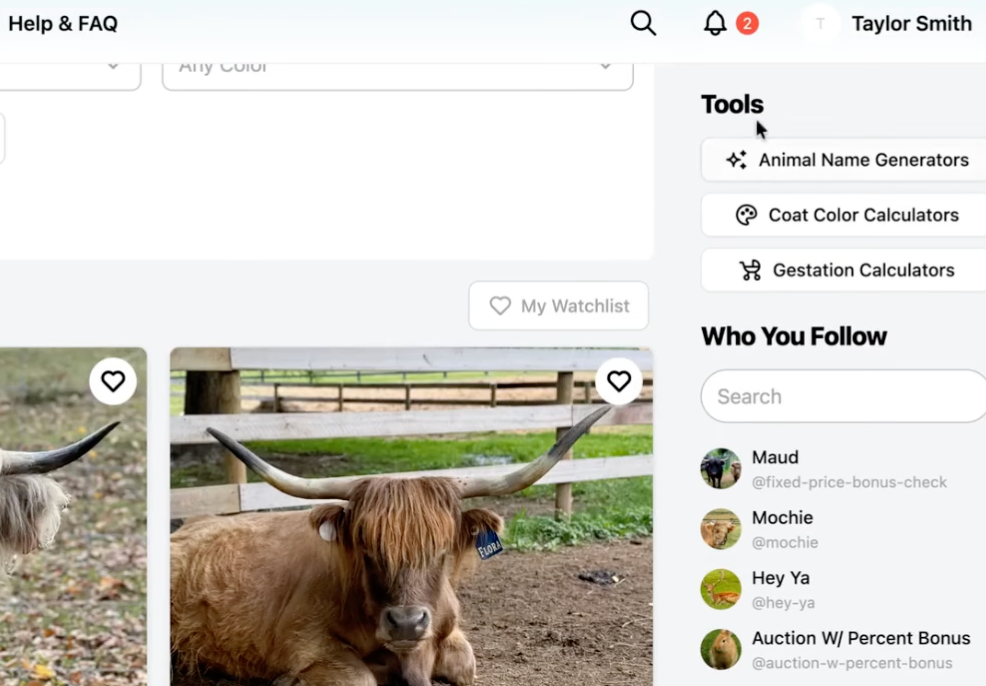
Creatures works to find you qualified listings that match what you're looking for in your saved search criteria.
You can edit your notification preferences anytime by visiting the Creatures Settings](https://creatures.com/settings.
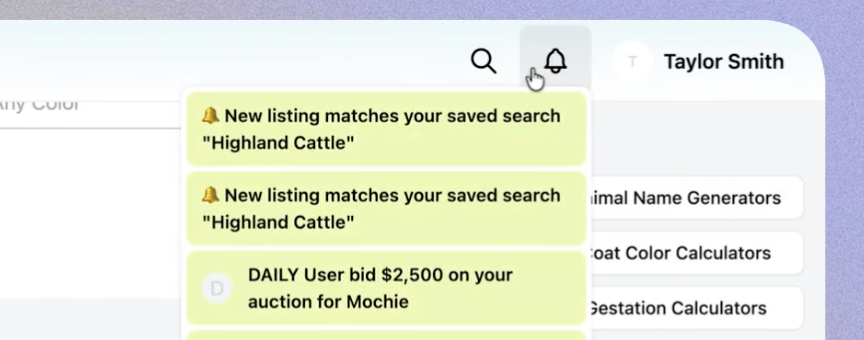
On Site: Creatures will send you an on-site notification when someone lists an animal that matches your saved search criteria.
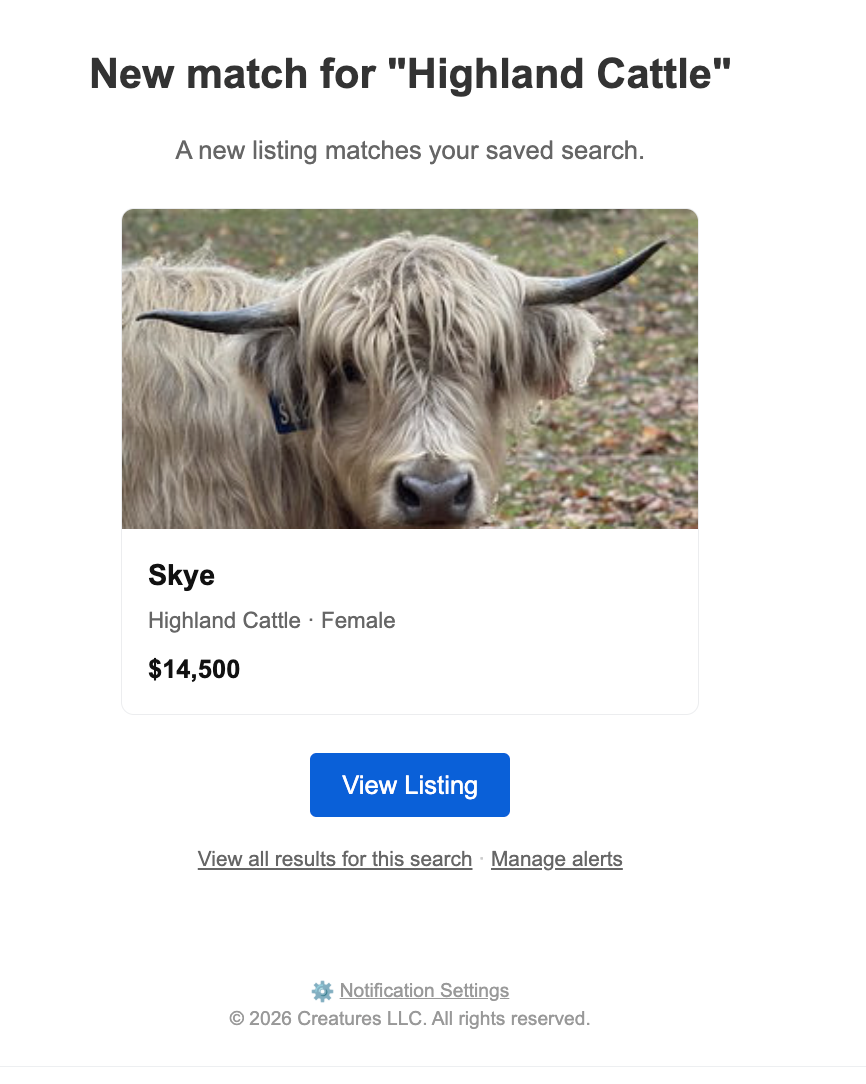
Email:
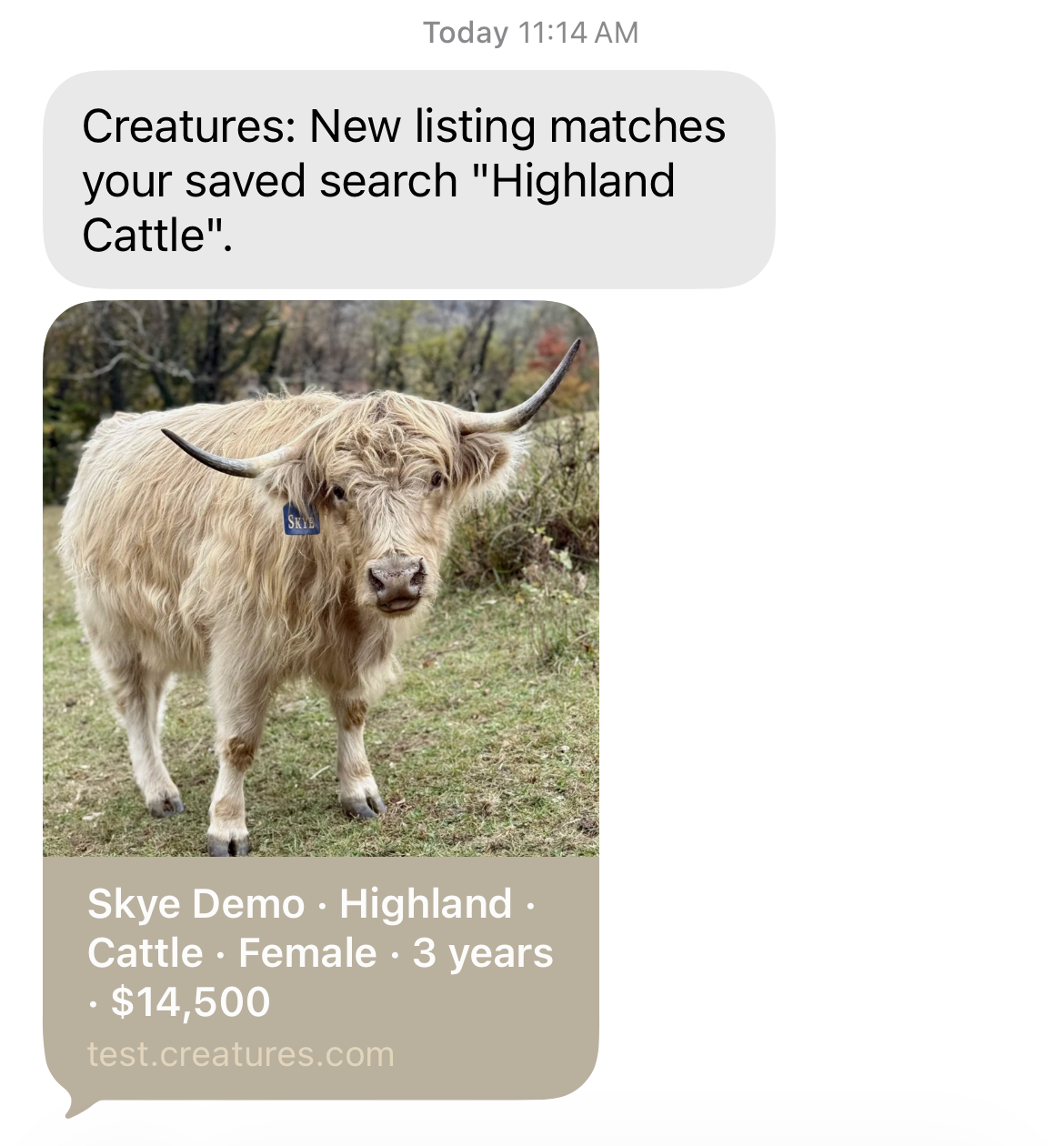
SMS:
Saved searches make it easy to track exactly what you're looking for. Give it a try and never miss a listing that fits.
Updated on: 15/04/2026
Thank you!