
Adding a Reproductive Record
Adding a Reproductive Record
In this article, you'll learn how to add a reproductive record for your animal.
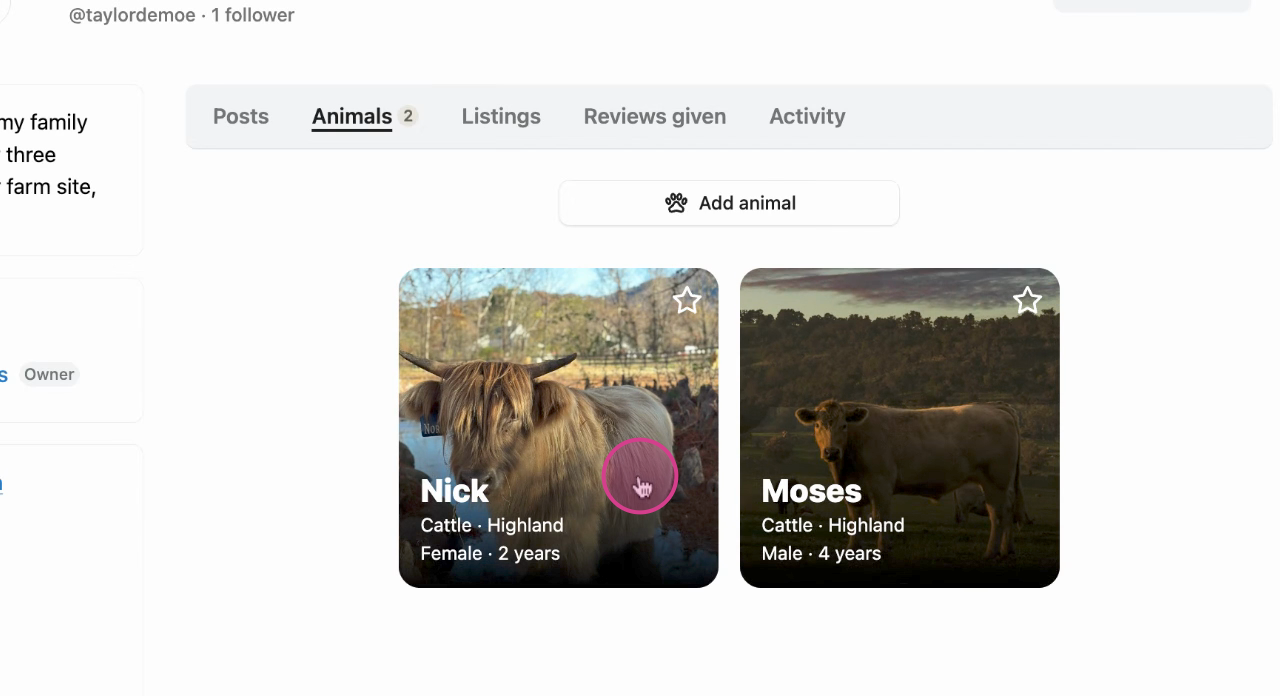
Step 1: Begin by selecting your animal.
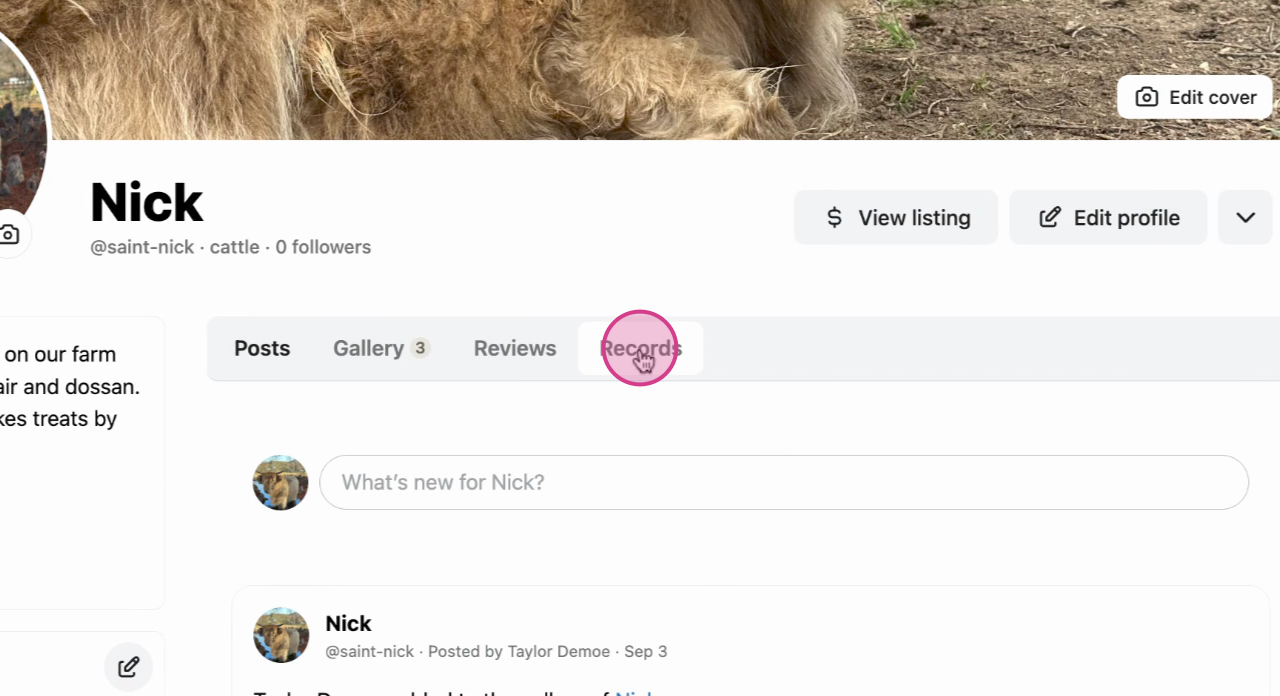
Step 2: Next, navigate to the Records tab in the animal's profile menu.
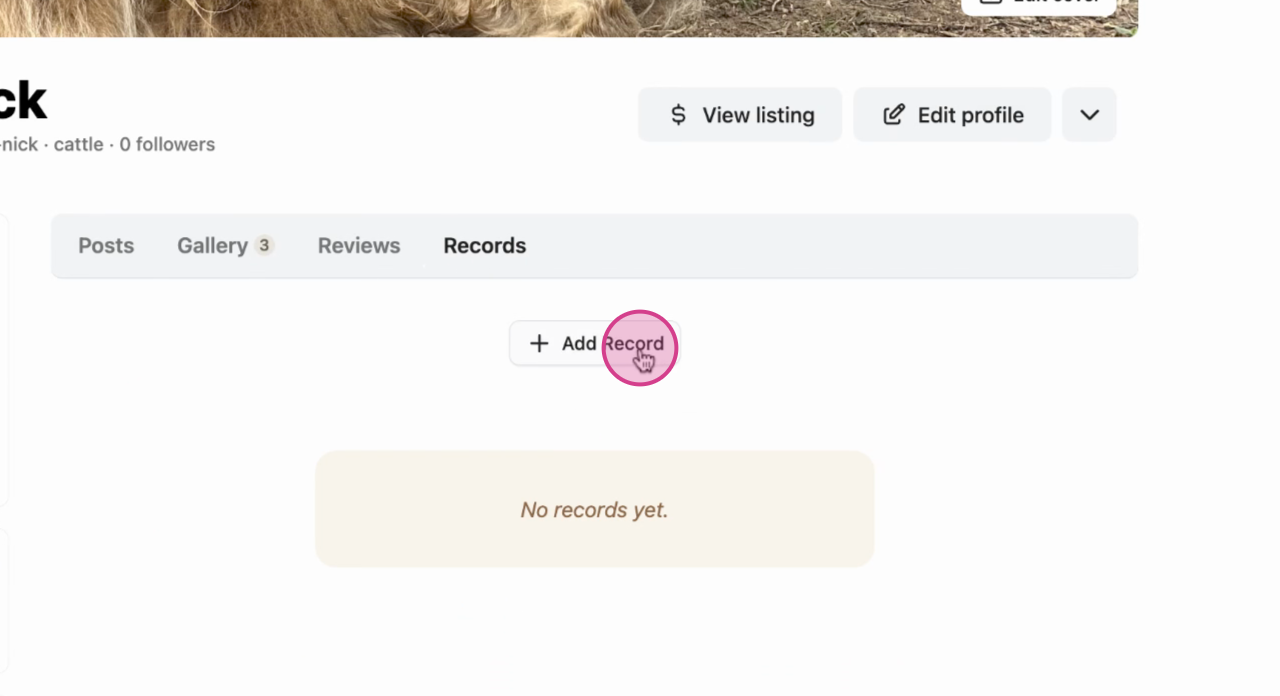
Step 3: Click on Add Record.
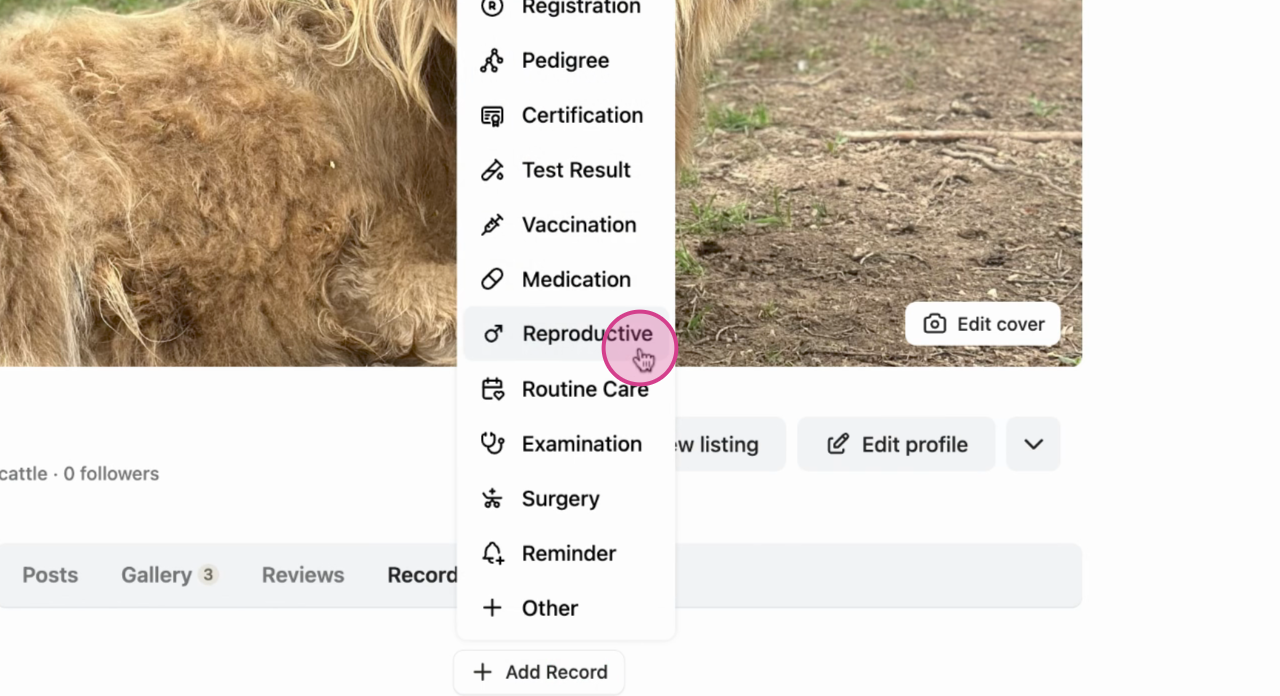
Step 4: Choose Reproductive from the options.
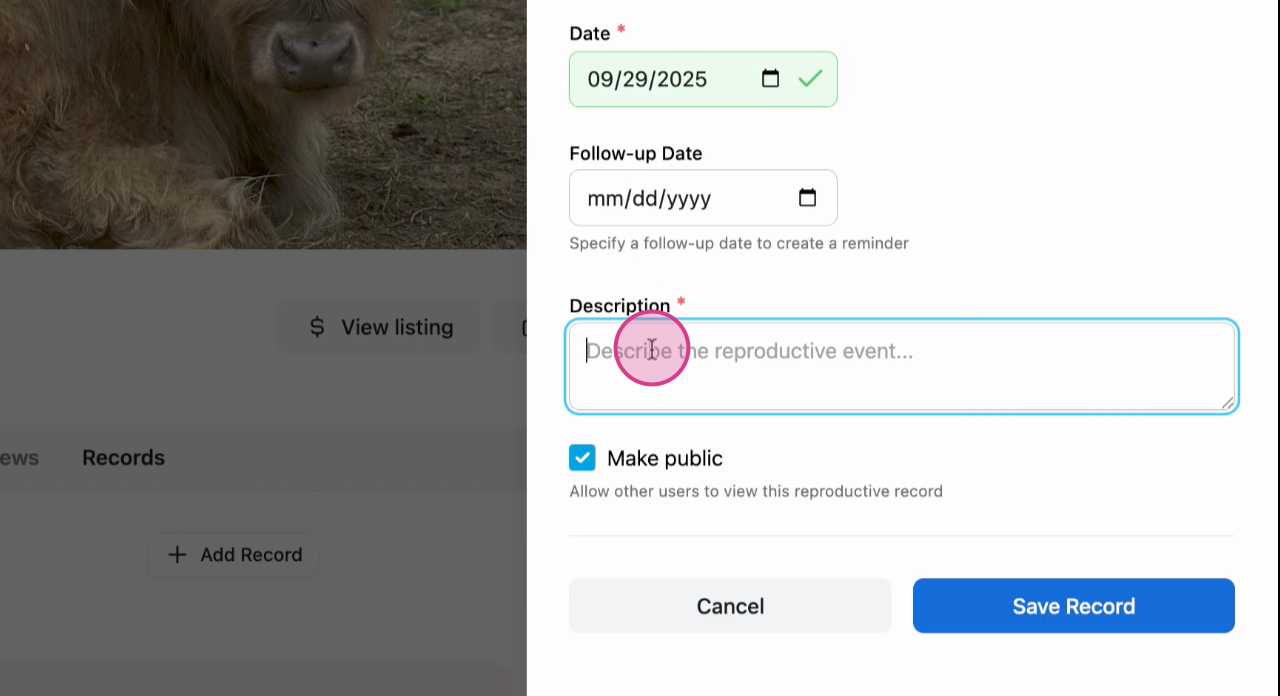
Step 5: Fill in all the necessary details and Save.
To make this part of your records, simply leave the selection unchecked. The record will automatically appear in your records.
Success: Record will now appear in your animal's profile. The record will also be posted in the Creatures main page if it is public.

Learn more about animal records on Creatures:
Updated on: 15/04/2026
Thank you!