
Adding a Vaccination Record
Adding a Vaccination Record
This article will guide you through the process of adding a vaccination record for an animal. By following these steps, you'll be able to keep track of your animal's health records efficiently.
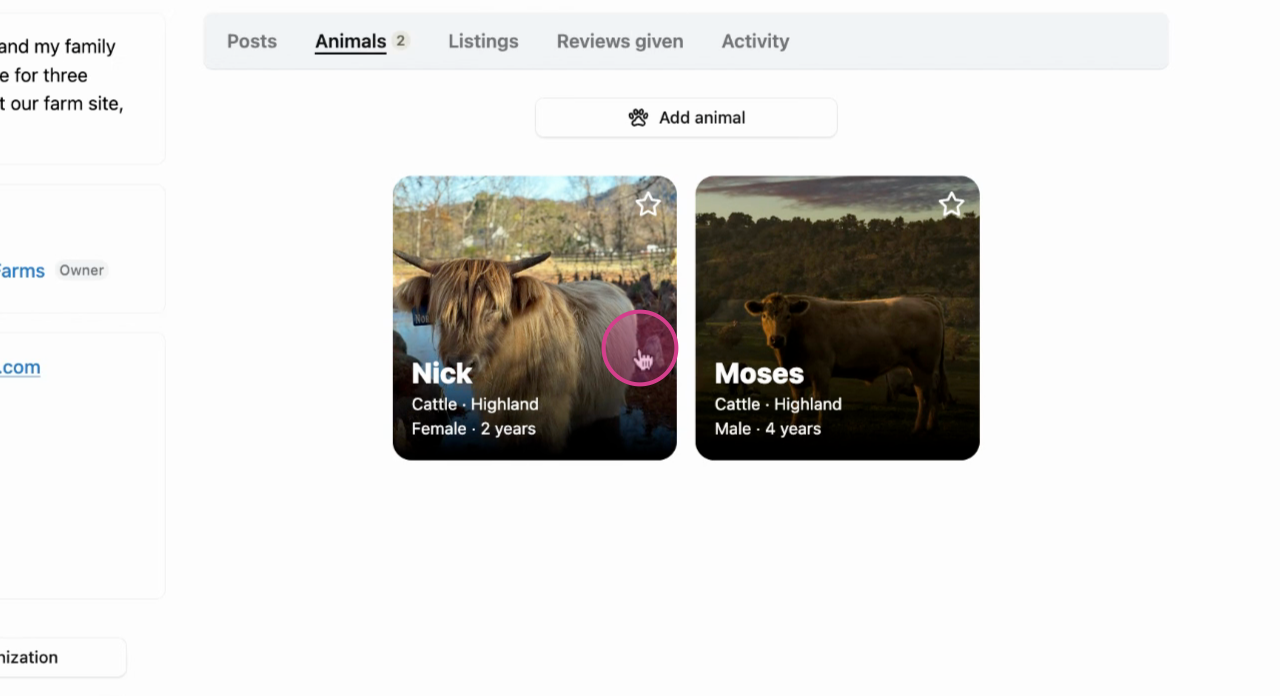
Step 1: Start by selecting the animal for which you want to add the vaccination record.
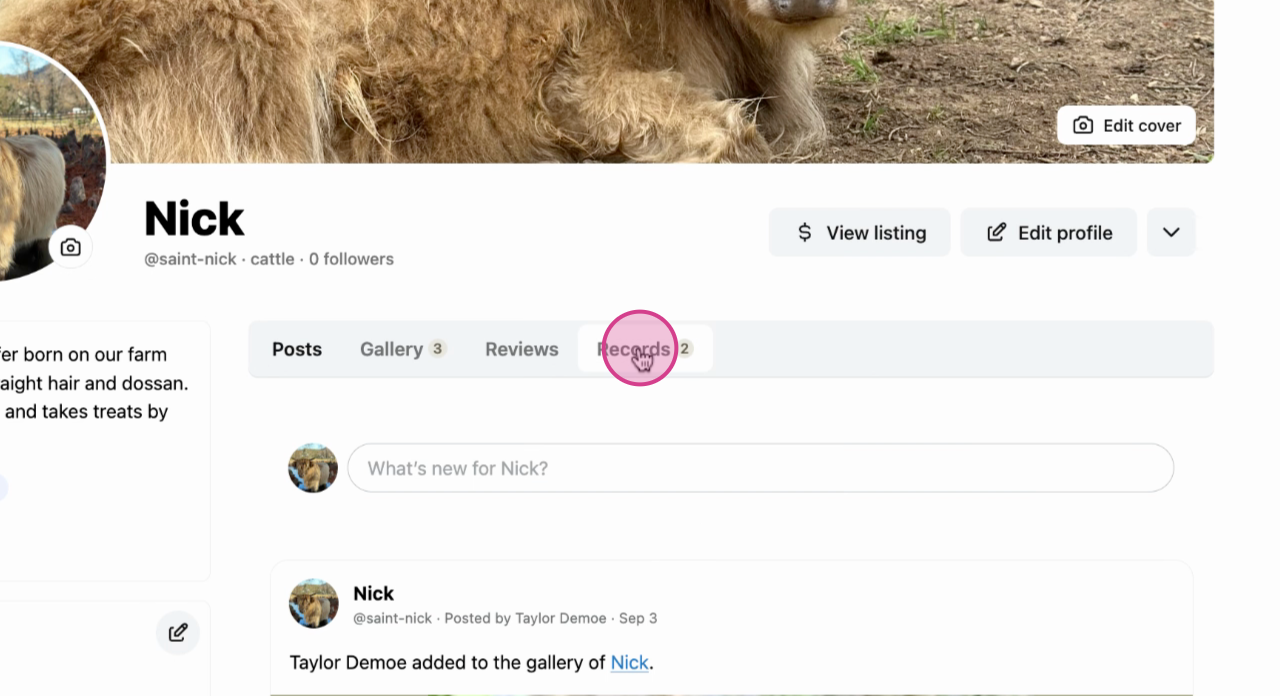
Step 2: Next, navigate to the Records tab in the animal's profile menu.
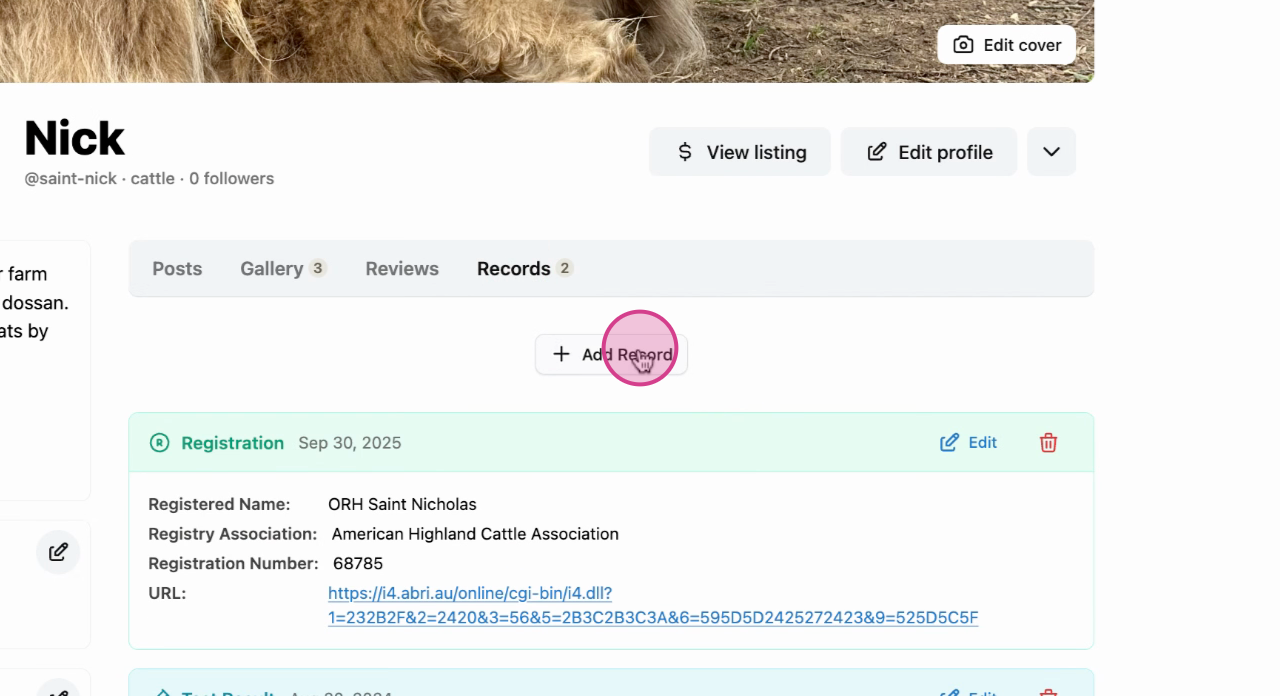
Step 3: Click on the Add Record button.
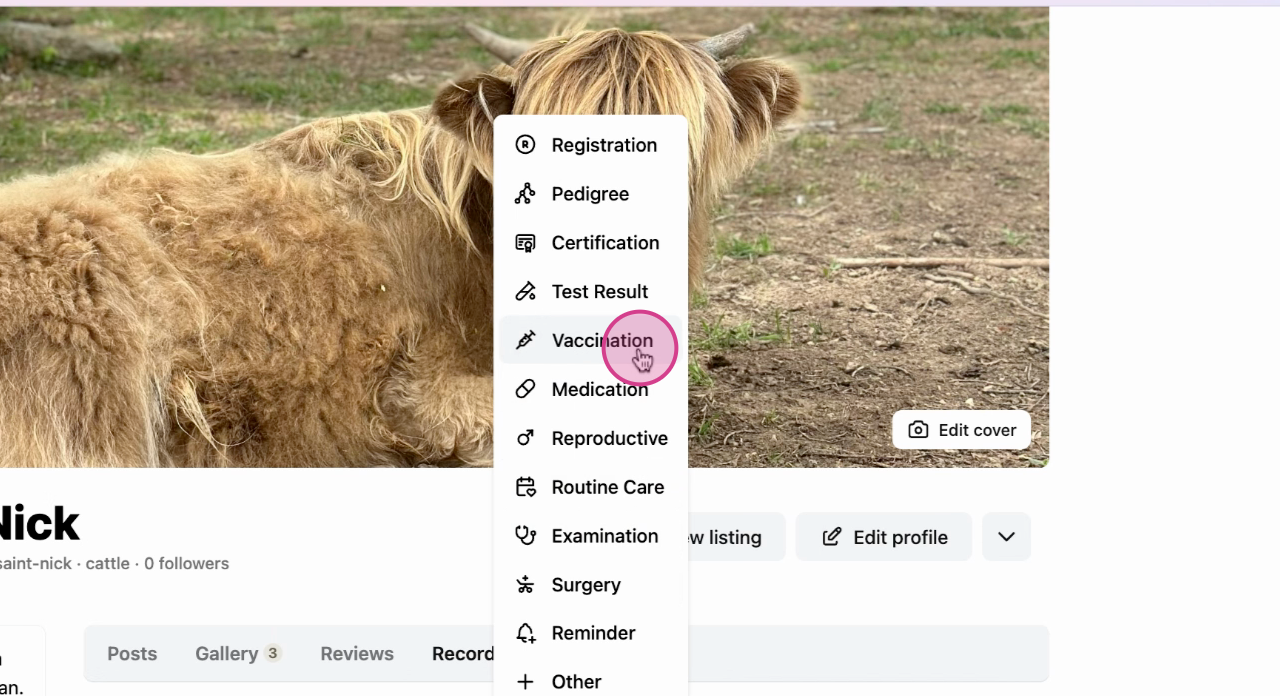
Step 4: From the options, choose Vaccination.
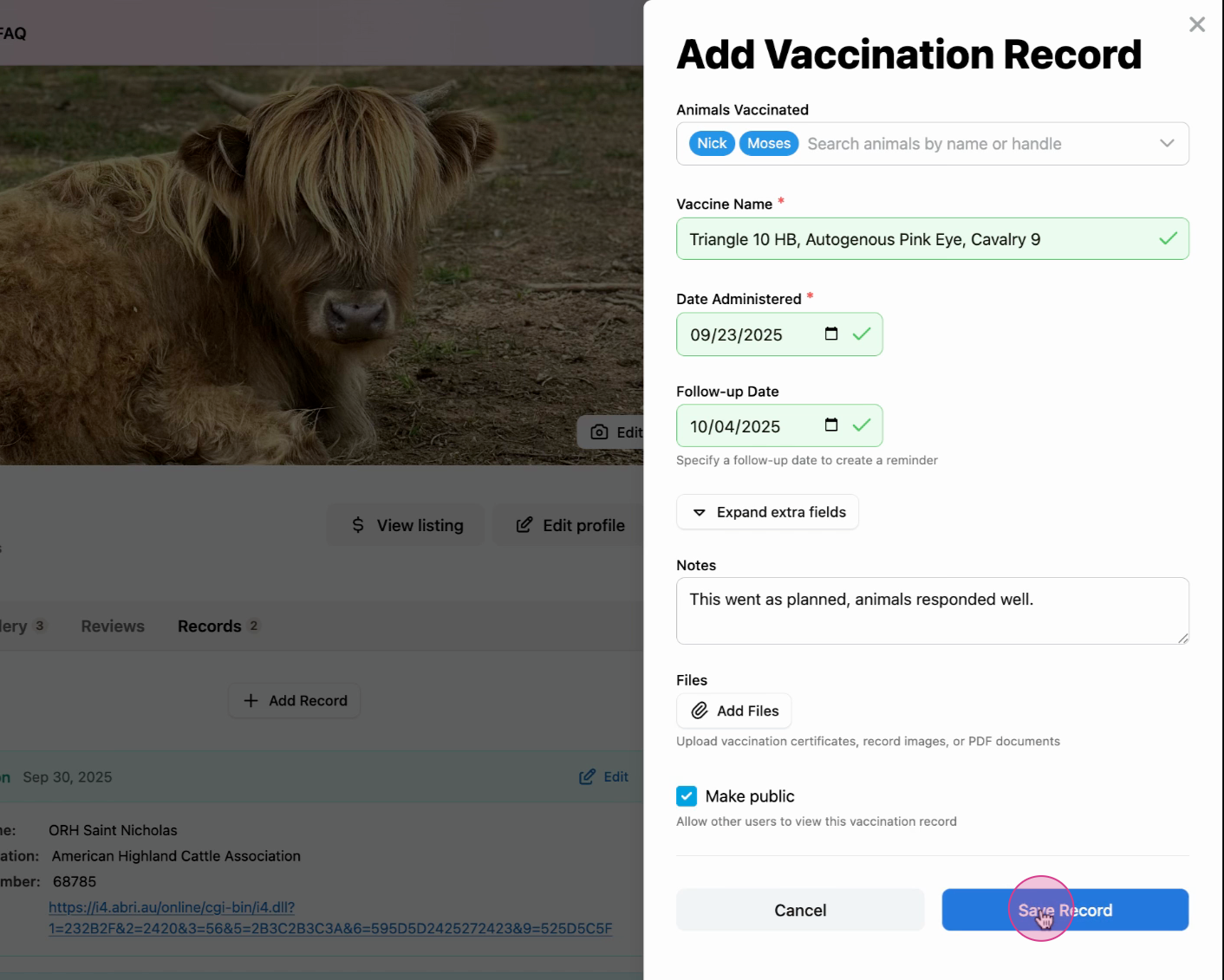
Step 5: Fill in all relevant details. You also have the option to select other animals that received the same vaccination on the same day to save automatically save both records.
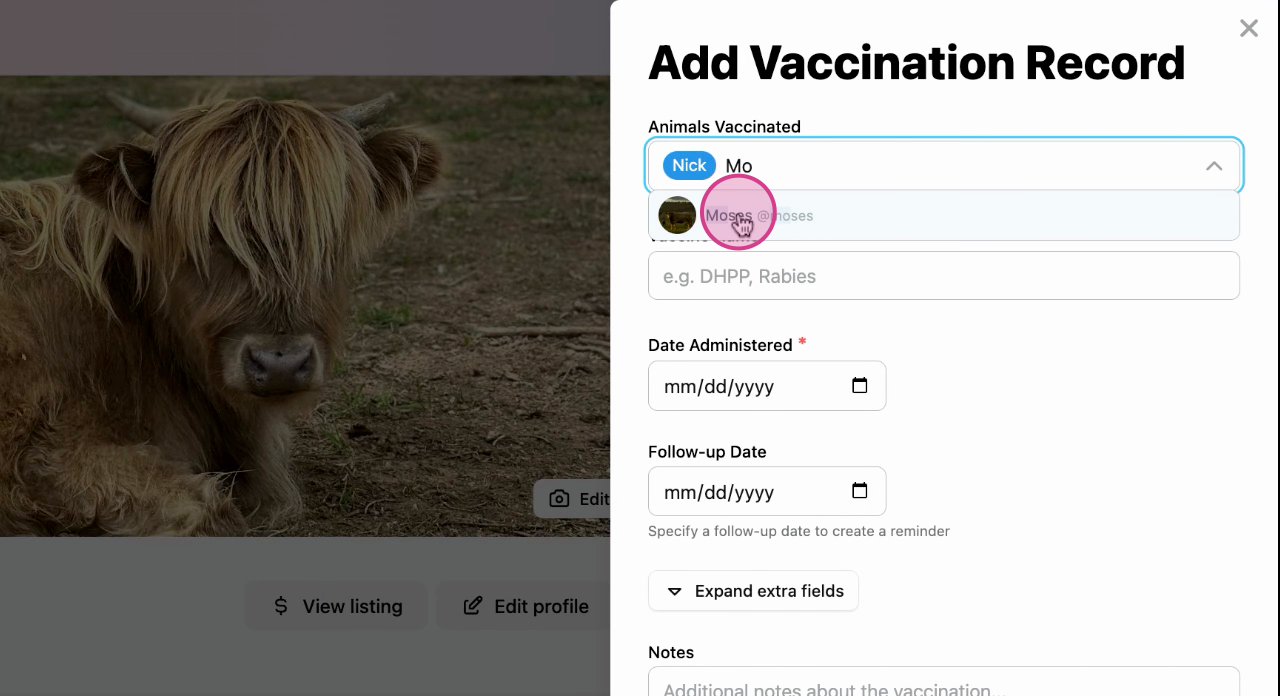
Step 6: Double check the details and save the vaccination record.
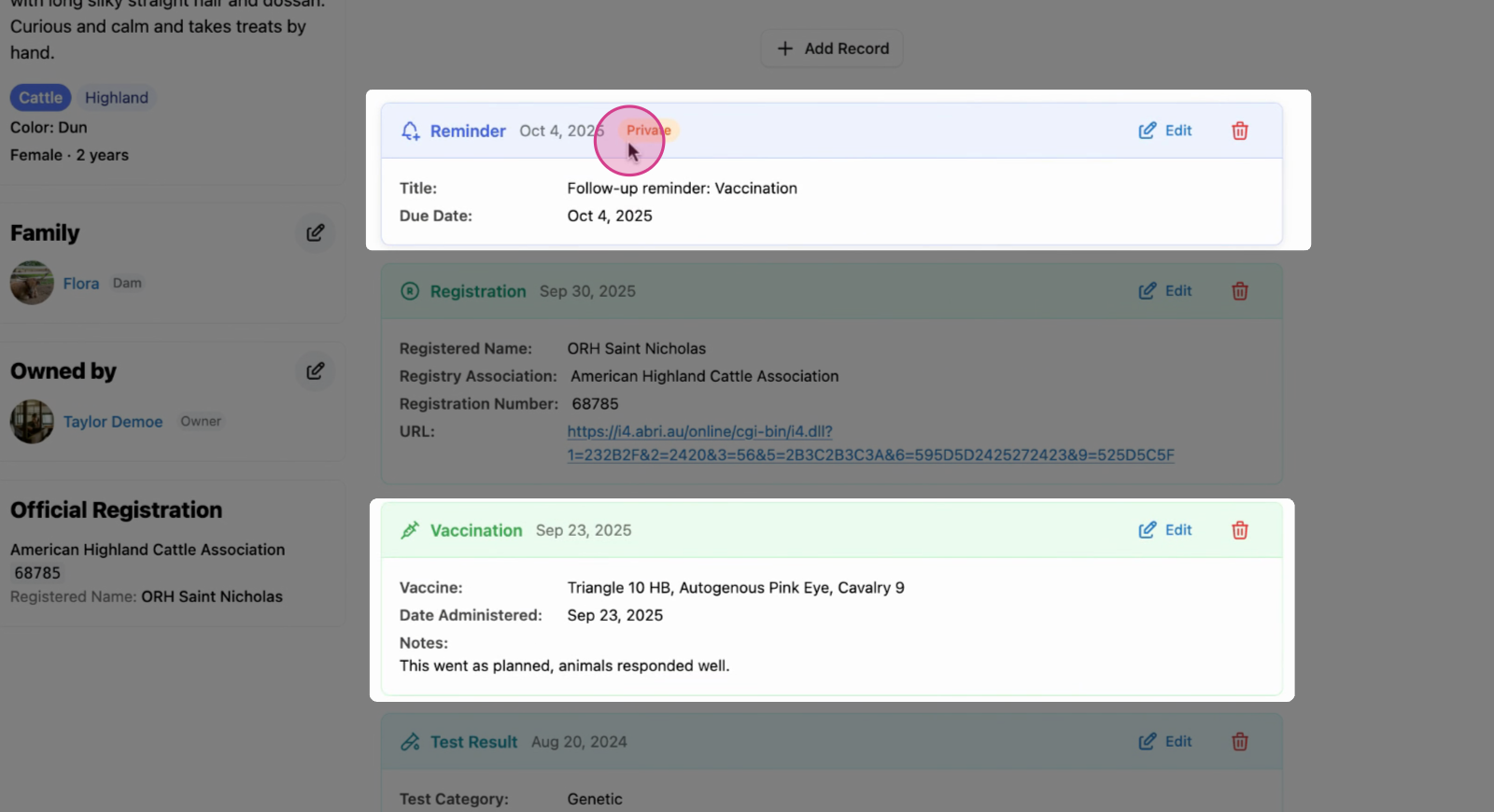
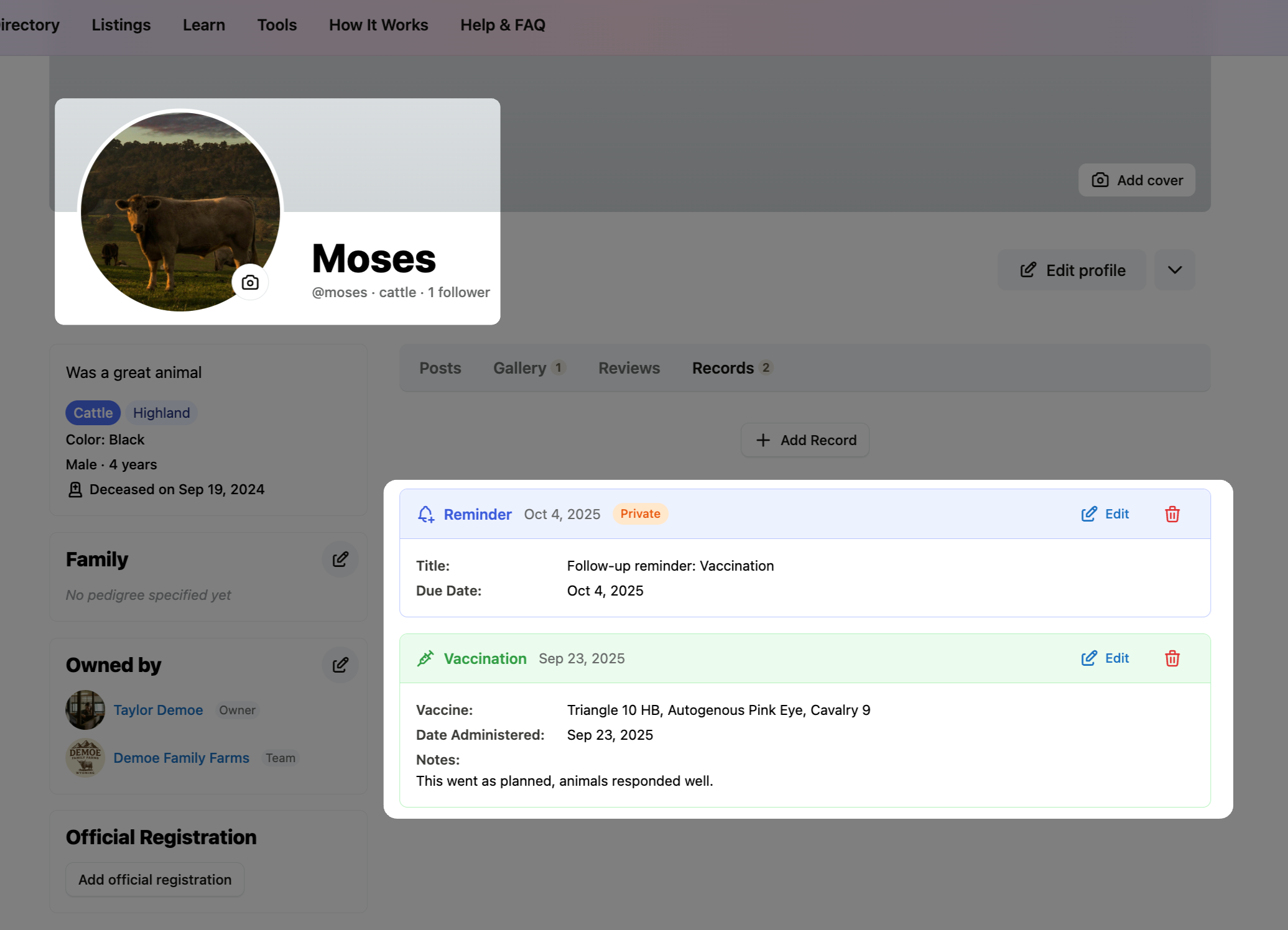
Step 7: Now, the vaccination is saved on your animal's profile.
If you opted to receive reminder for a follow up, that will also appear at the top of all your records.
Step 8: The record is now on the Creatures main page.
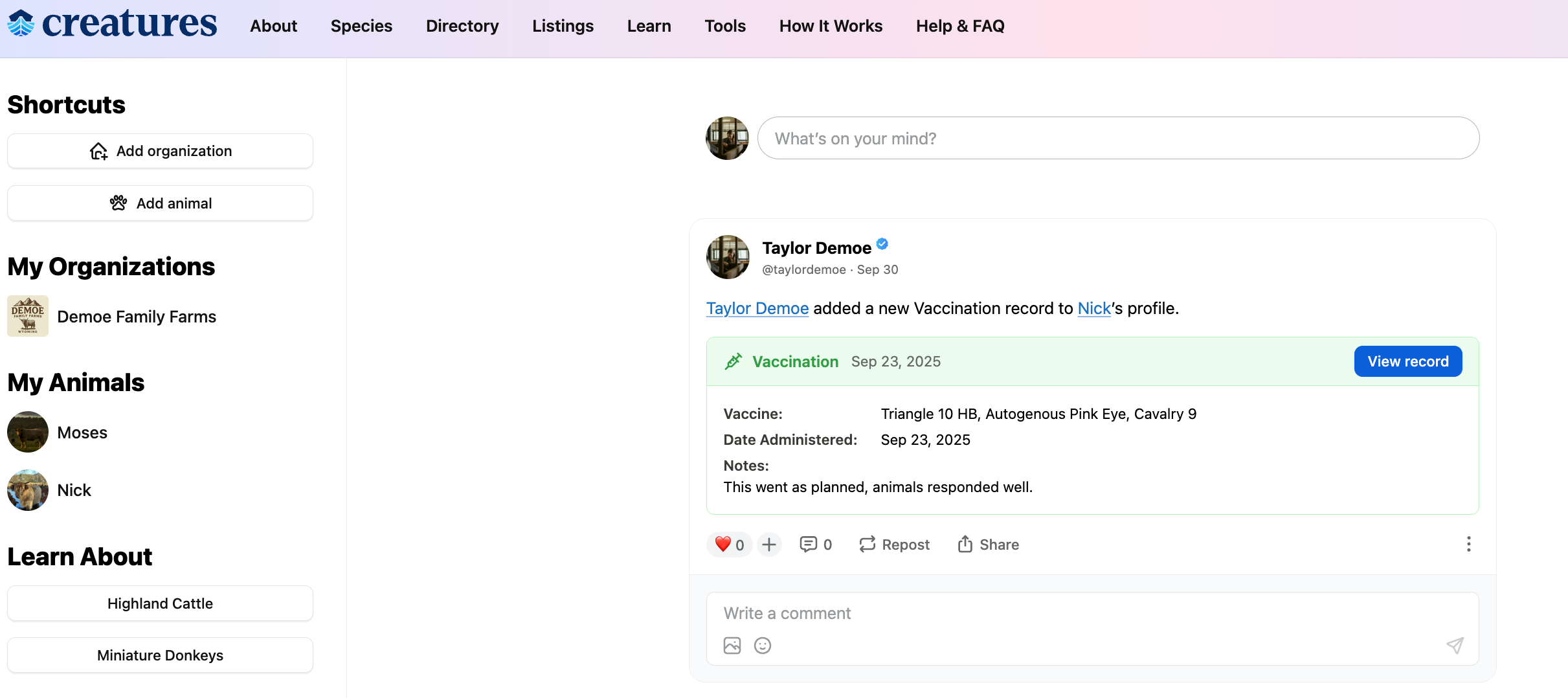
Note: Since the second animal was also added to this record, his profile will have the same vaccination status and reminder as the first animal.
Learn more about animal records on Creatures:
Updated on: 15/04/2026
Thank you!