
Adding a Medication Record
Adding a Medication Record
In this article, you'll learn how to add a new medication record for your animal in the system.
Step 1: Begin by selecting the animal for which you want to add a medication record.
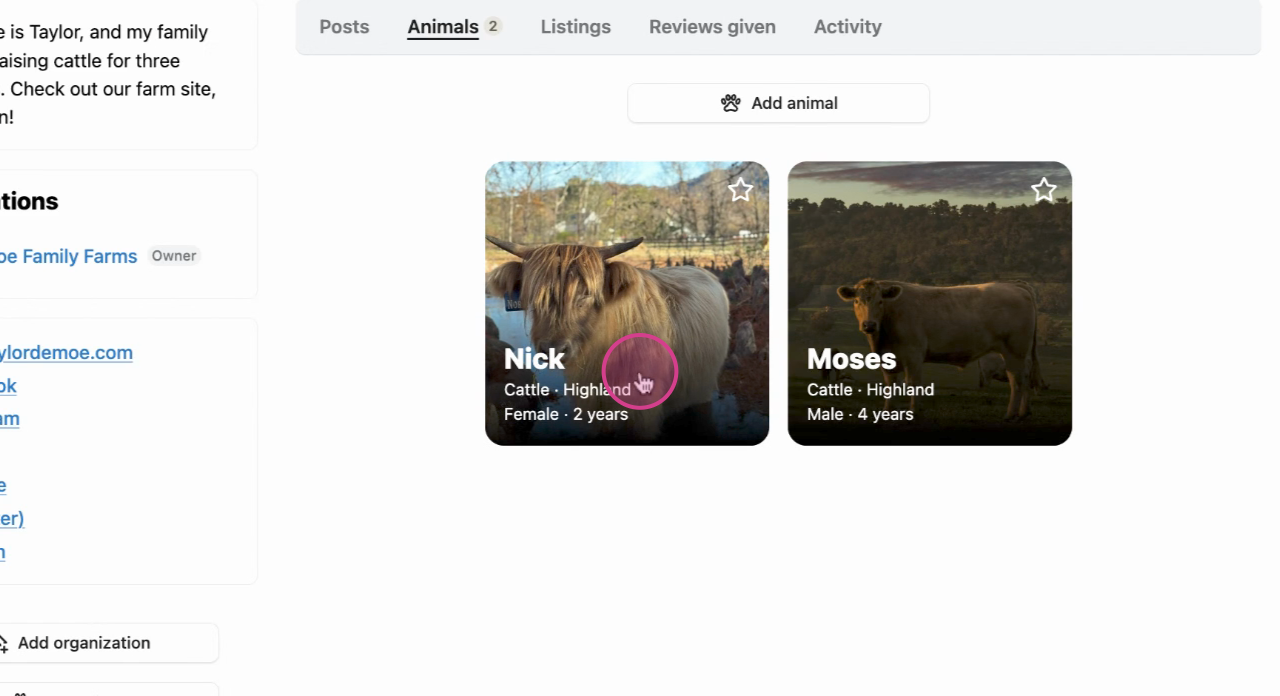
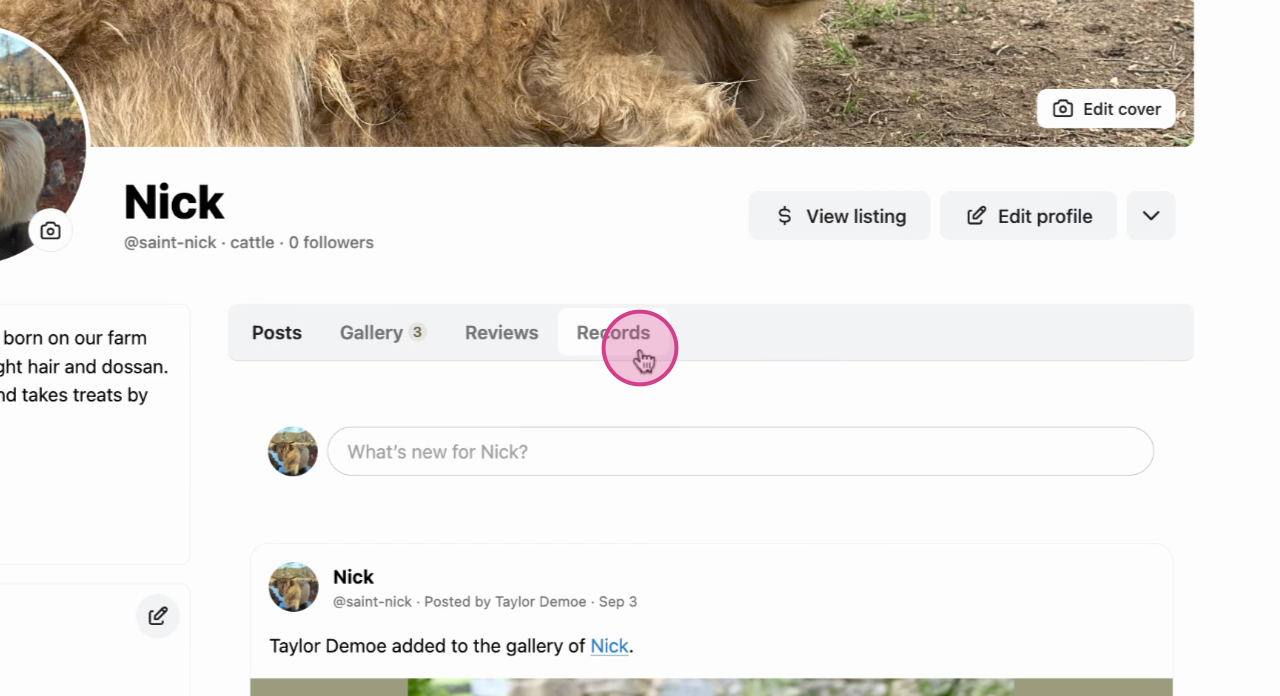
Step 2: Navigate to the Records tab in the animal's profile menu.
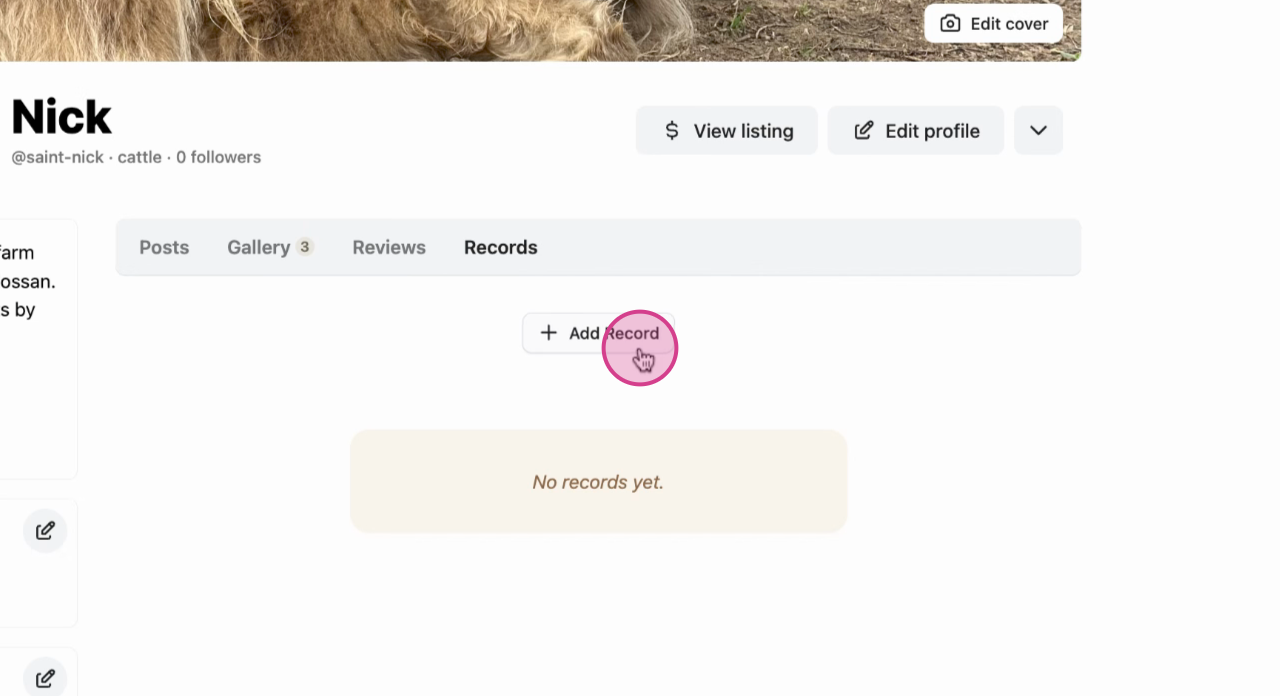
Step 3: Click on Add record.
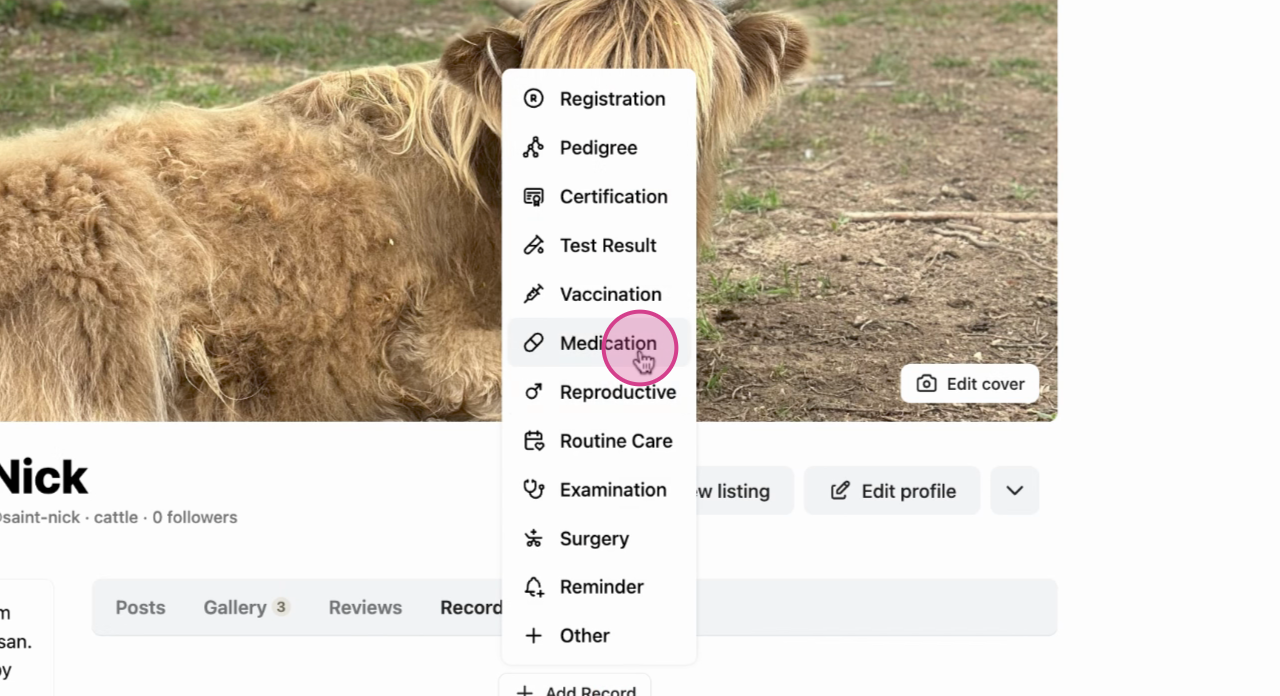
Step 4: Choose Medication from the options.
Step 5: A new menu will appear where you'll enter the specific medication for the animal and any other details you would like to record.
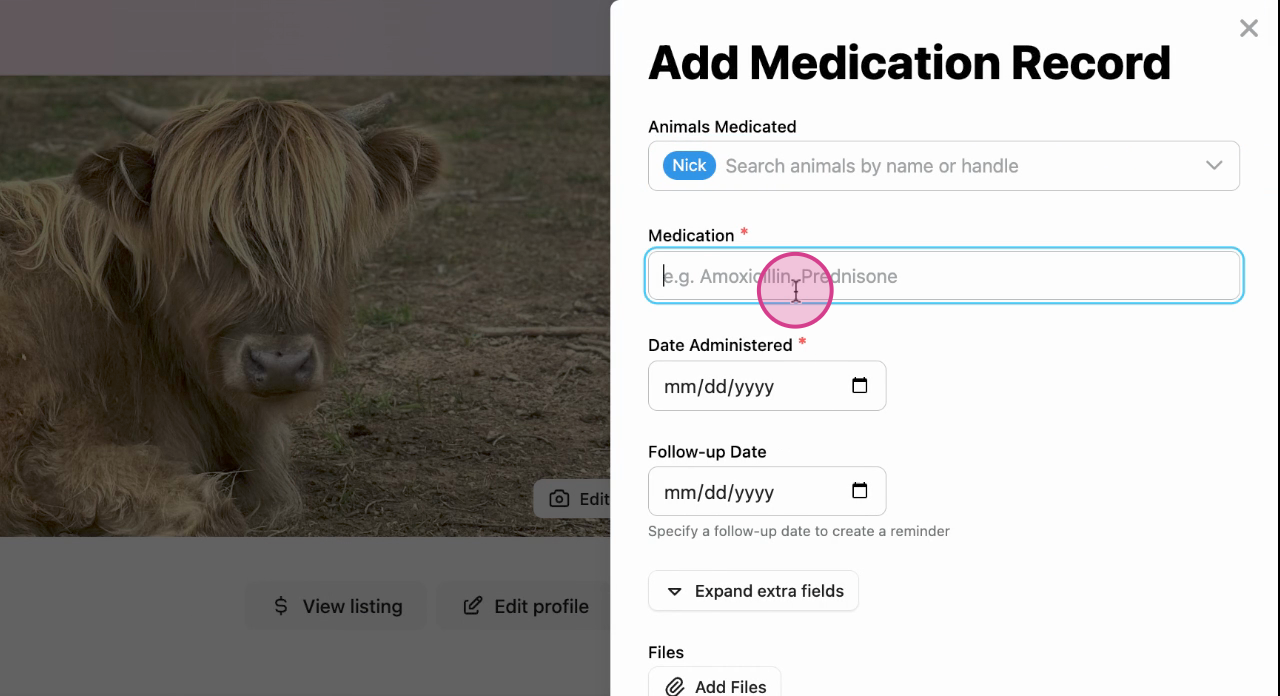
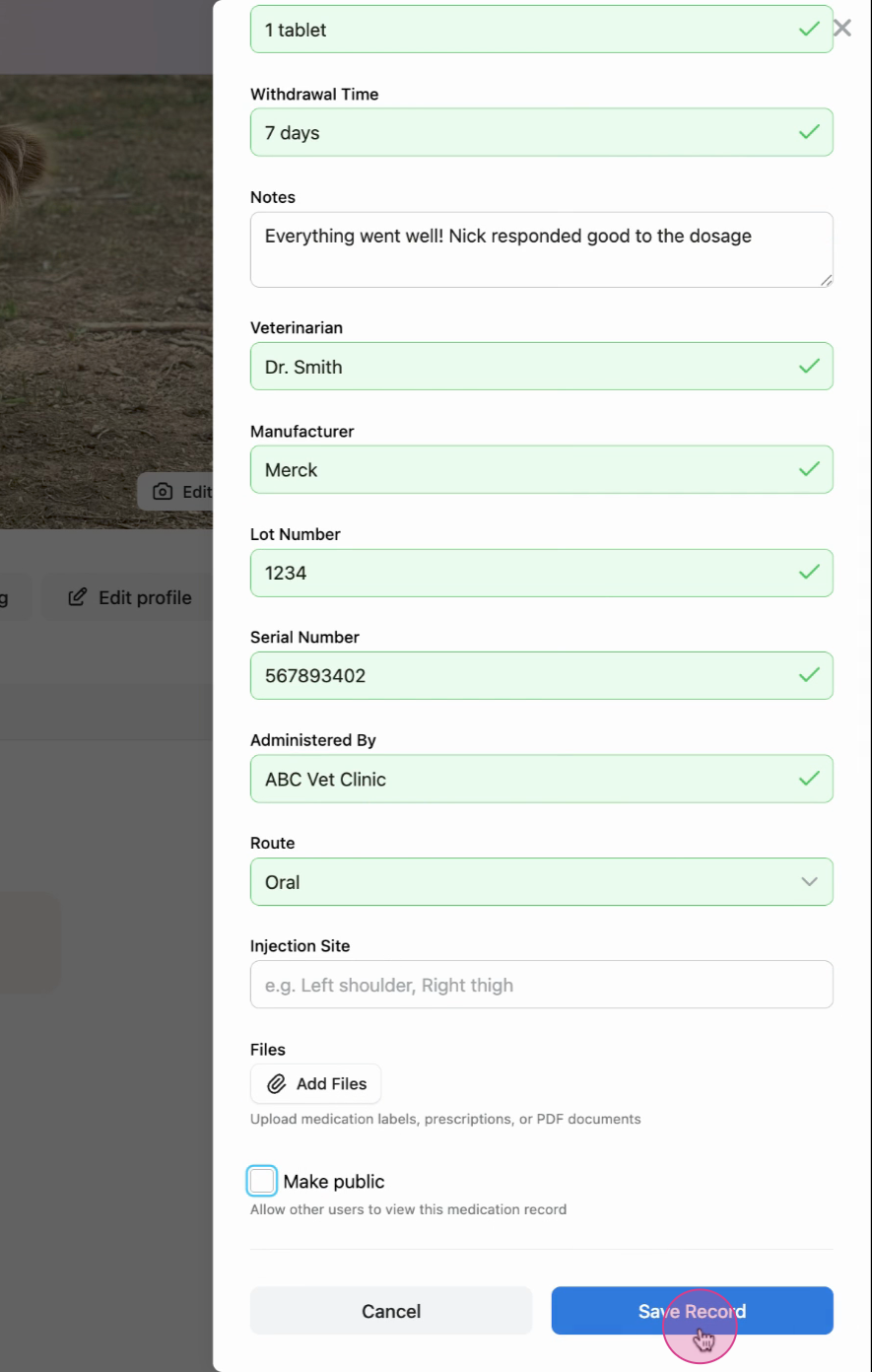
Step 6: Double check all the details and save the record.
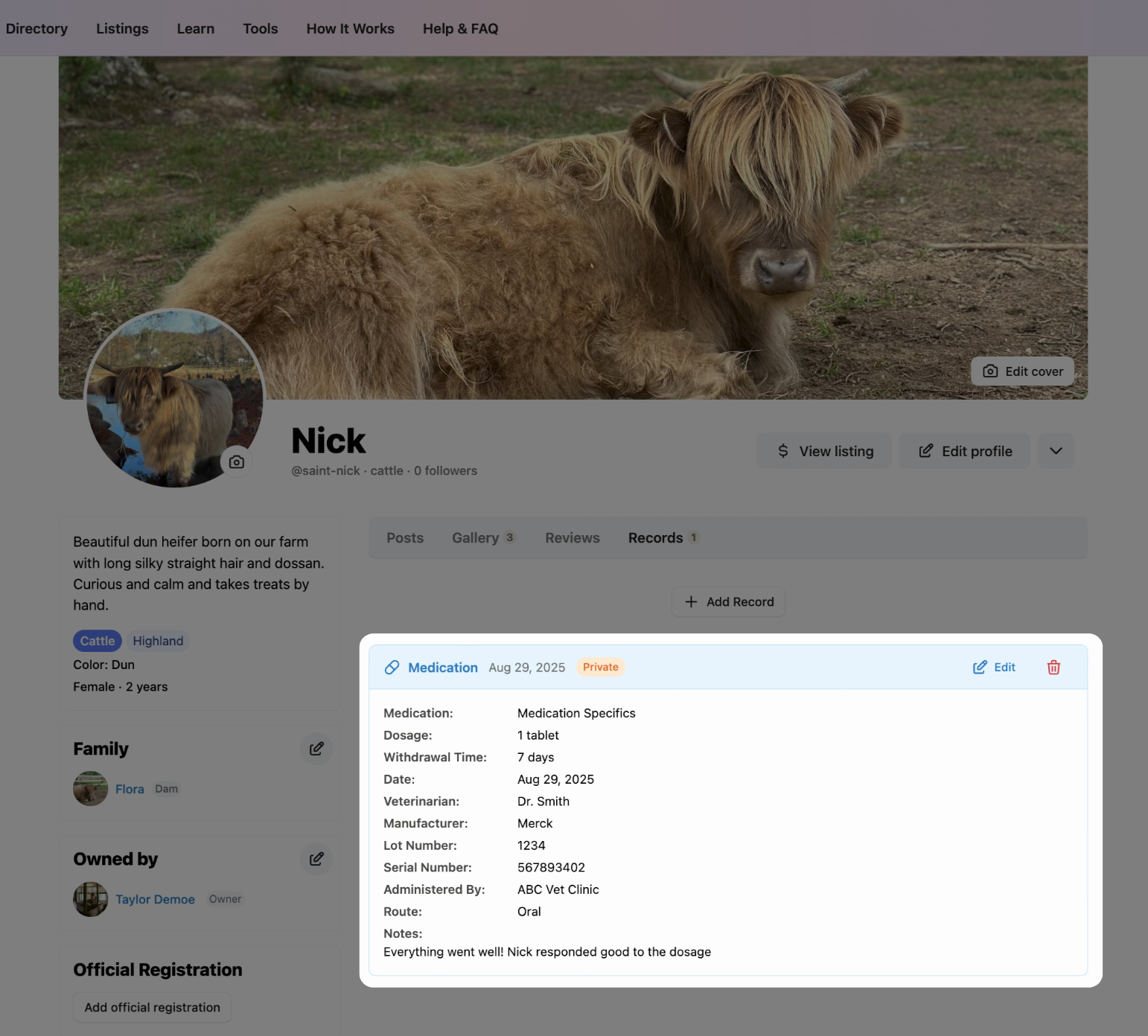
Success: The medication record appears on the main page of your profile. Since we unchecked the Make public box, the record won't appear on the main page.
 earn more about animal records on Creatures:
Updated on: 28/10/2025
Thank you!