
Adding a Surgery Record
Adding a Surgery Record
In this article, you'll learn how to add a surgery record for your animal.
Step 1: Start by selecting your animal.

Step 2: Navigate to the Records tab.
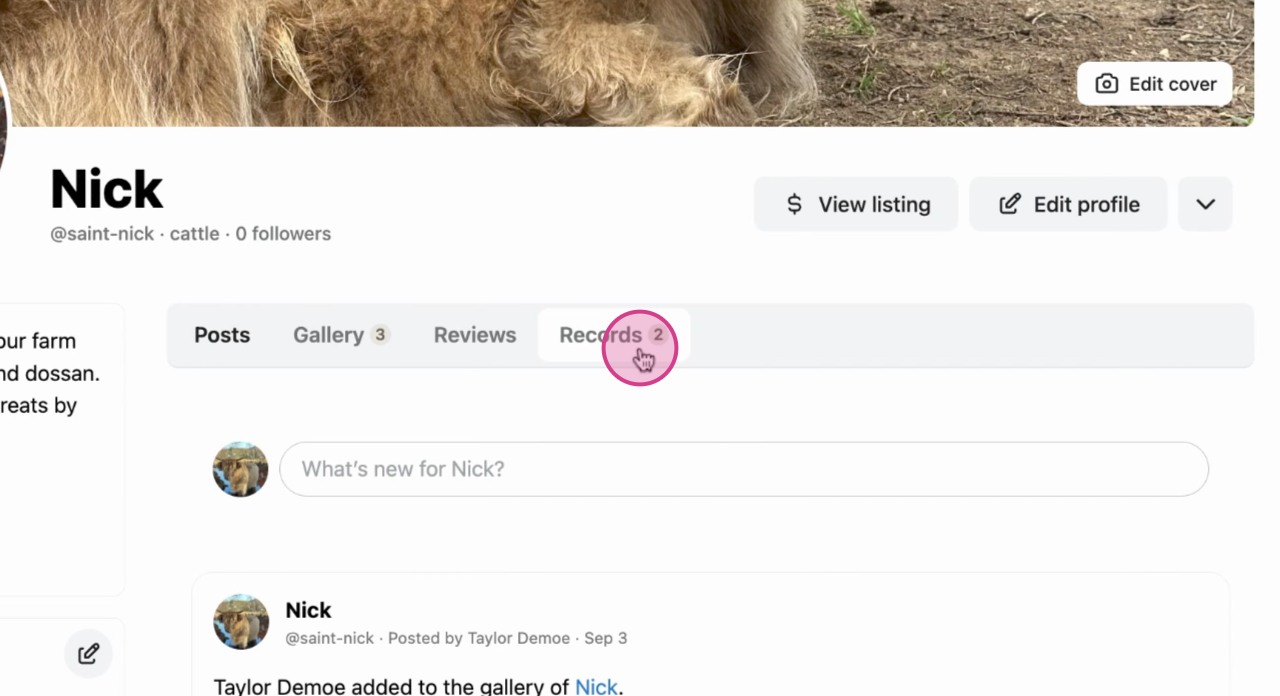
Step 3: Click on Add Record.

Step 4: Choose the Surgery option.
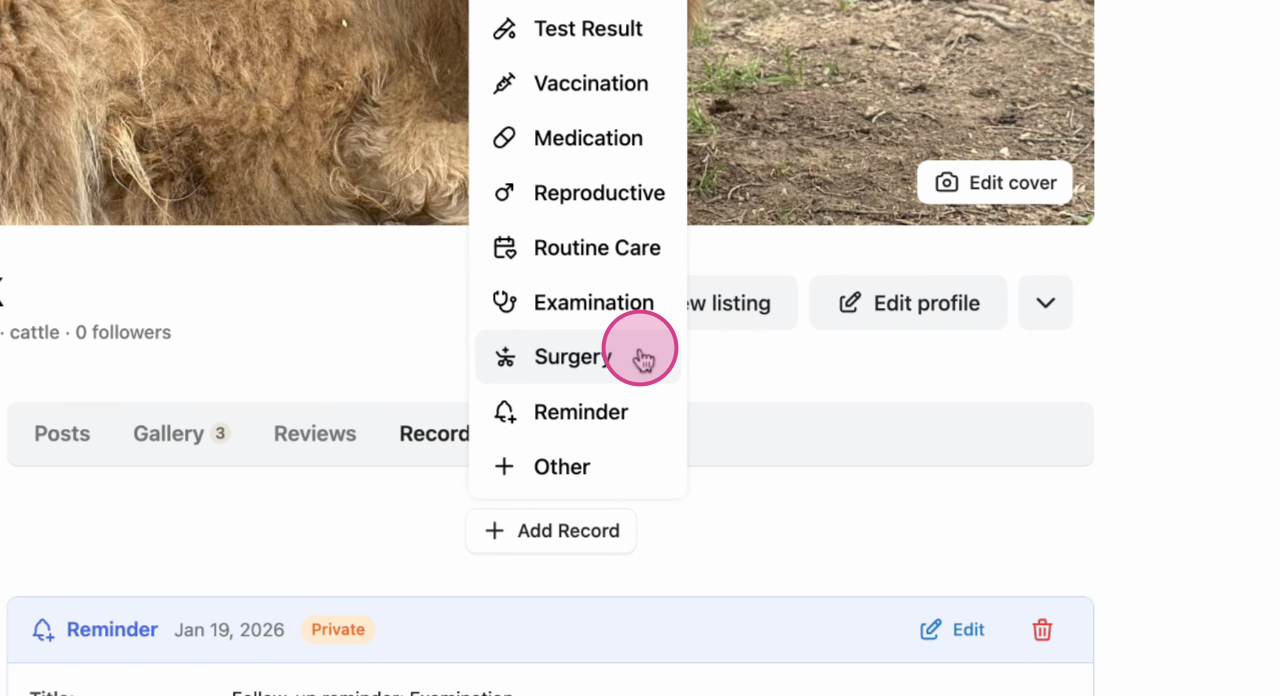
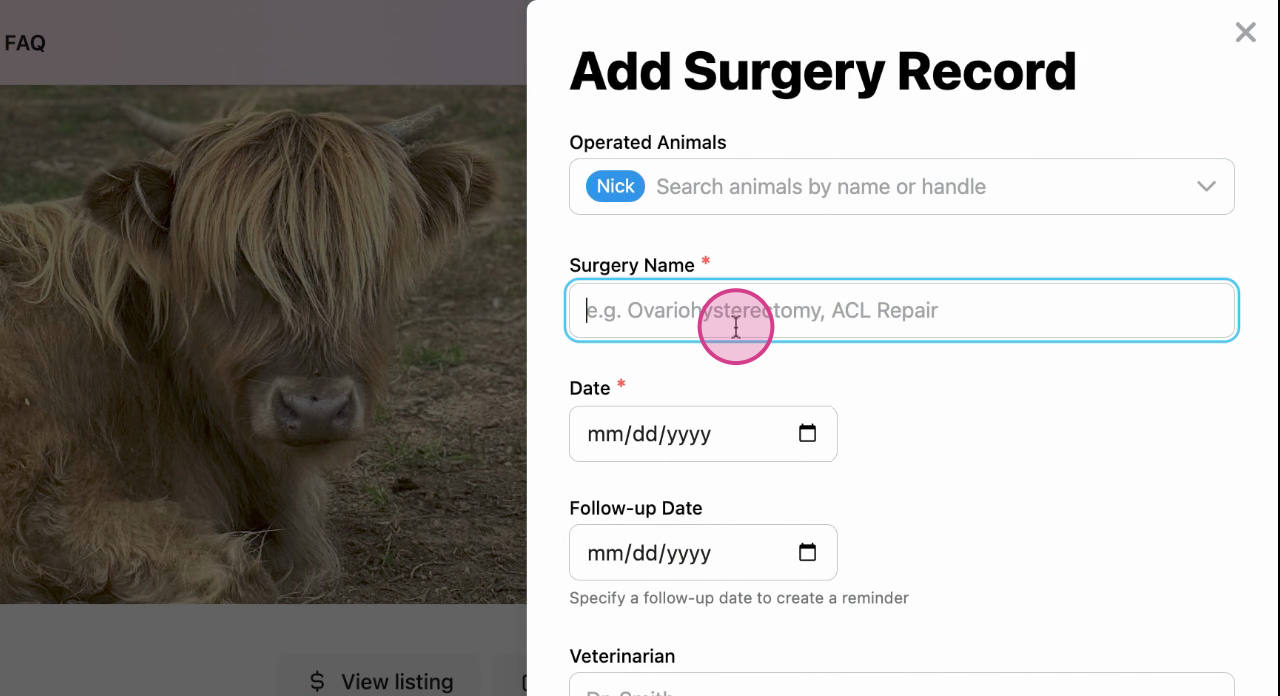
Step 5: A new menu appears. Here, type in the name of the surgery and all other details.
Step 6: Double check the details and select Save Record.
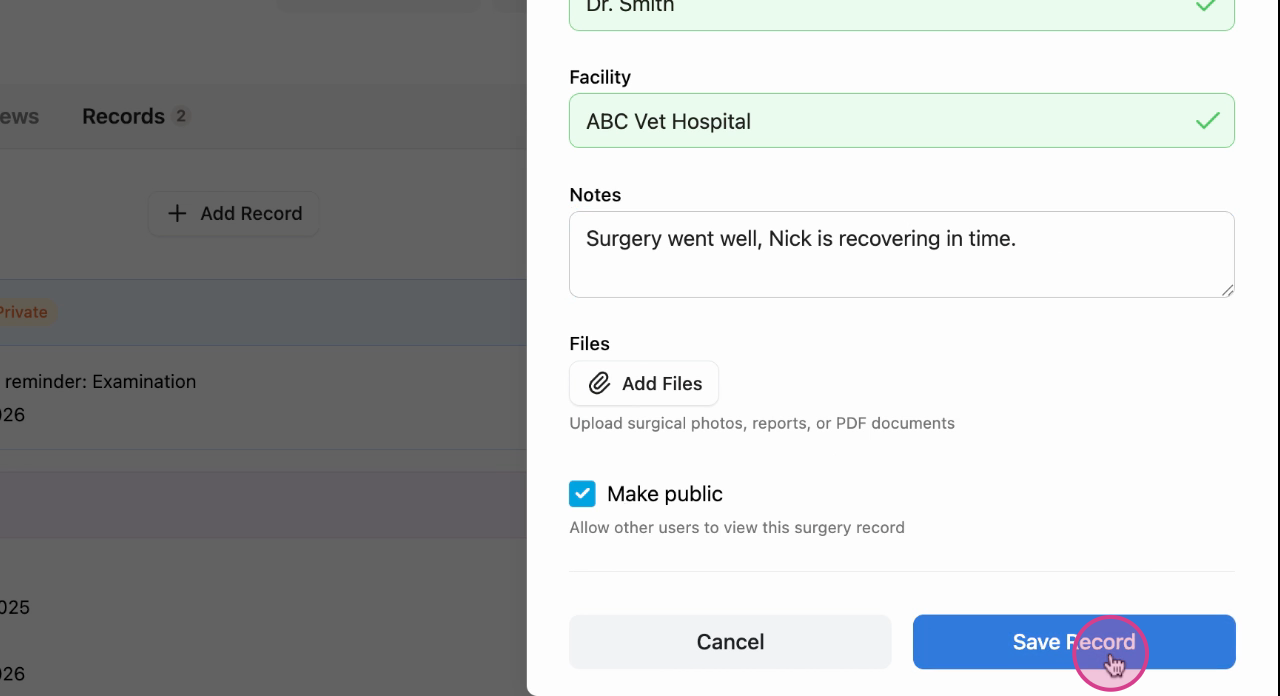
Success: Your record now displays in the animal profile.
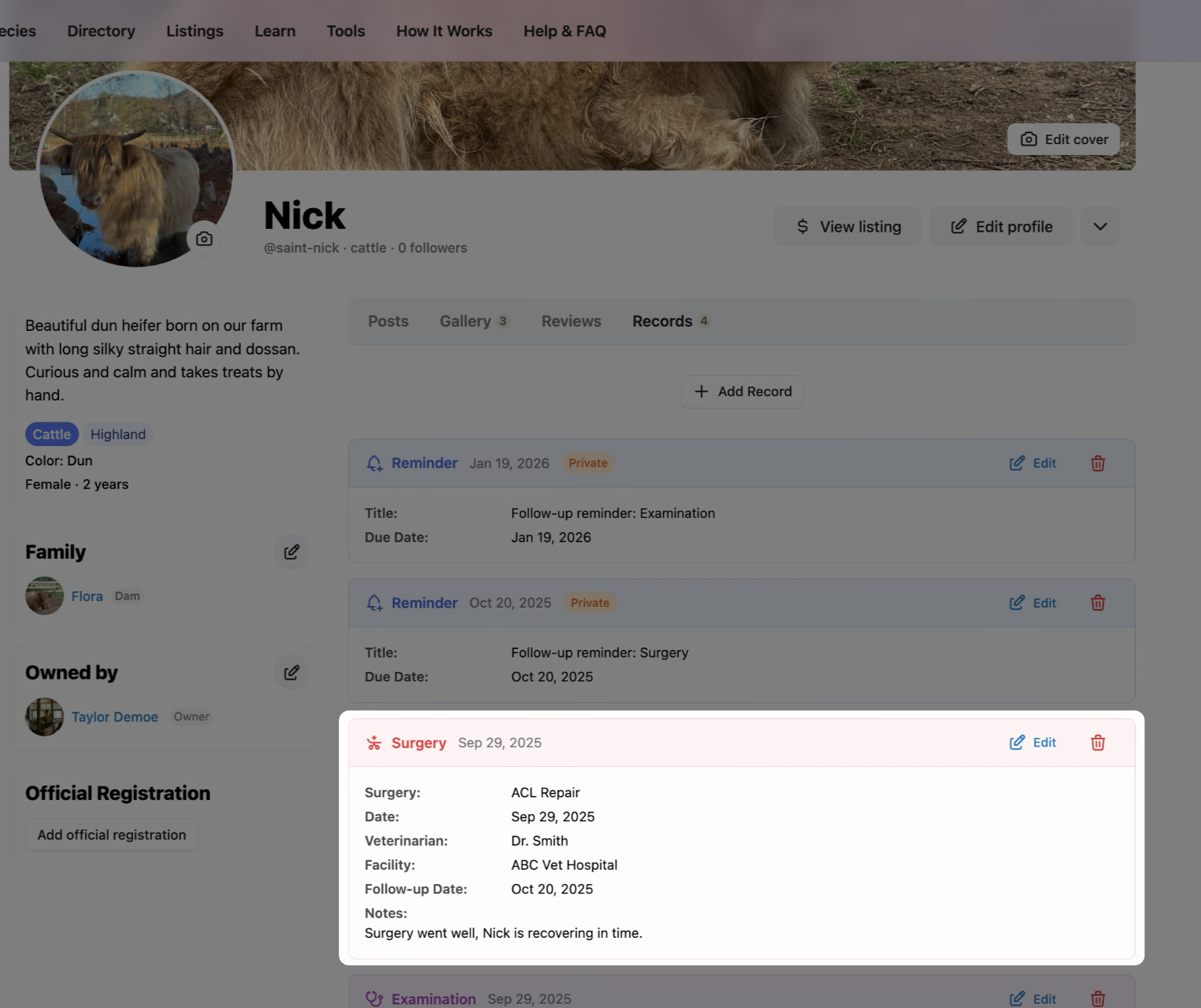
When you return to the main page, the record will also be visible.
Learn more about animal records on Creatures:
Updated on: 28/10/2025
Thank you!