
Adding an Animal Reminder Record
Adding an Animal Reminder Record
In this article, you'll learn how to add a general reminder for a specific animal in your records.
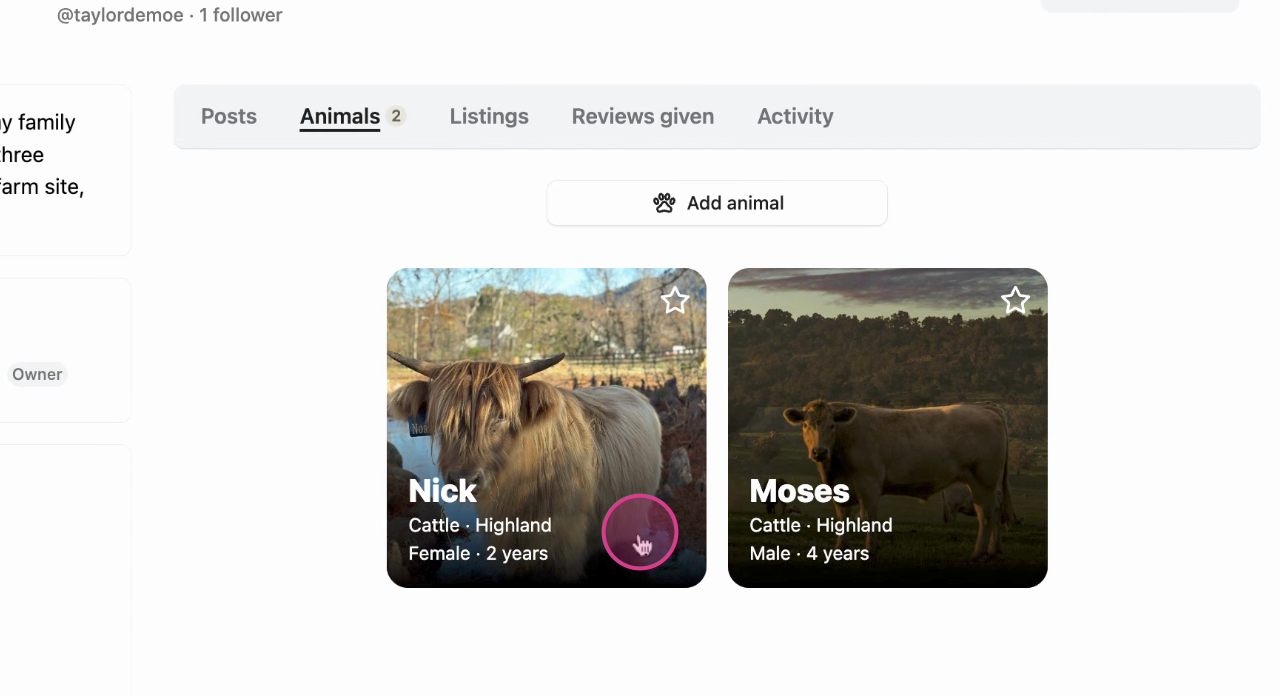
Step 1: Begin by selecting the animal for which you'd like to set a reminder.
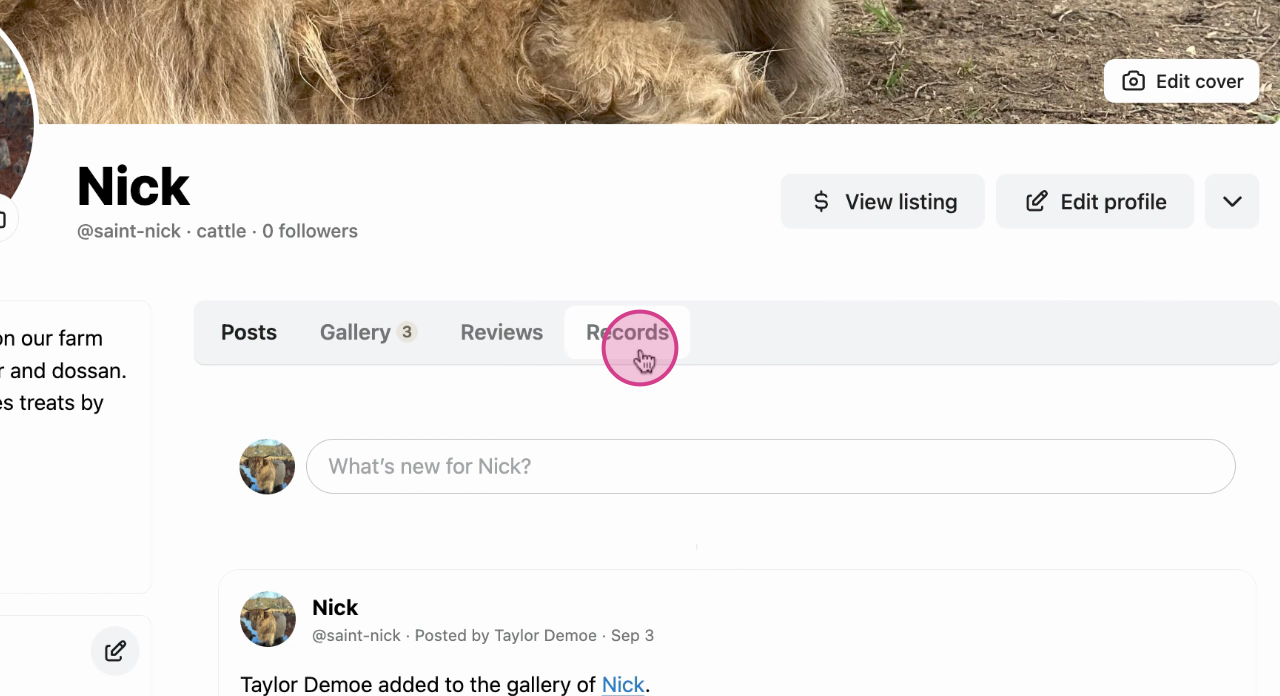
Step 2: Next, navigate to the Records tab in the animal's profile menu.
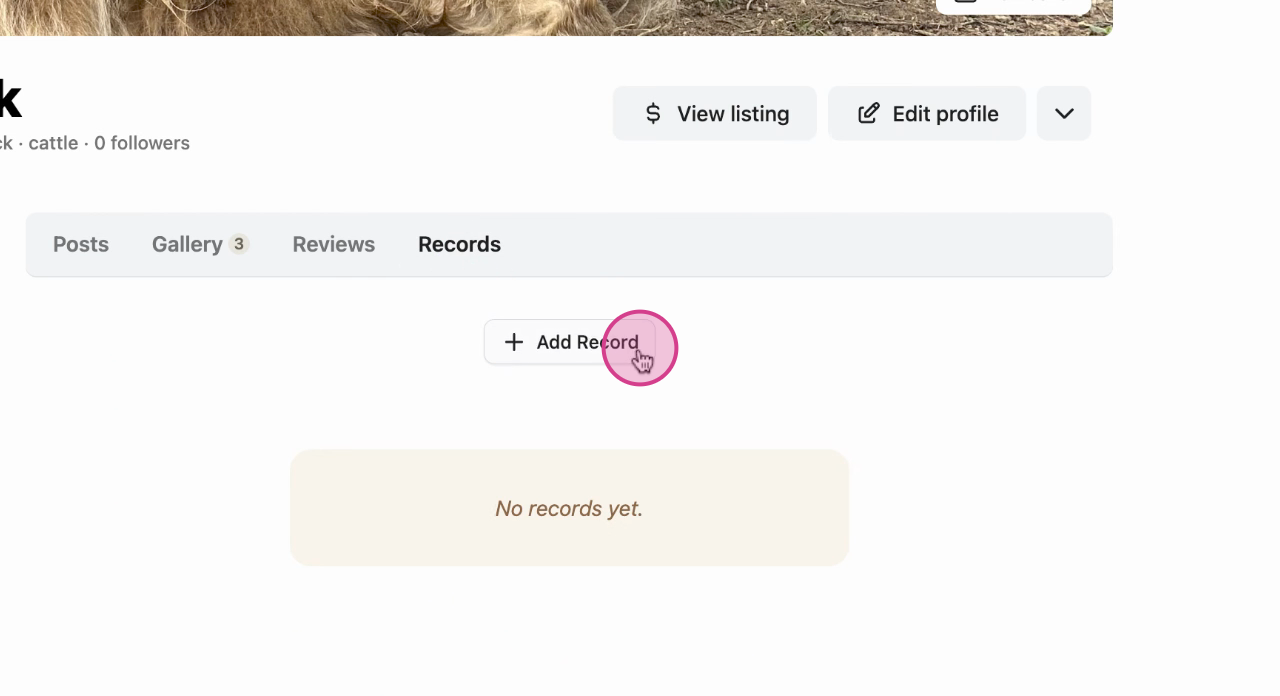
Step 3: Click on Add Record.
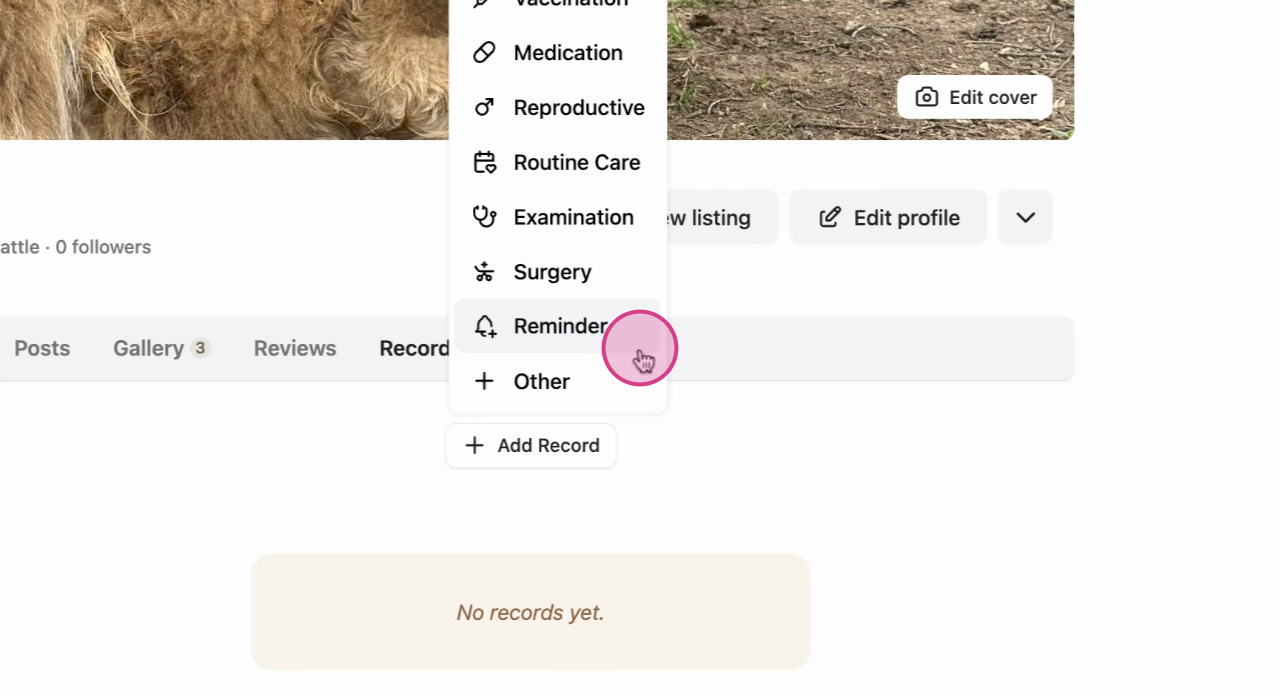
Step 4: From the list of options, choose Reminder.
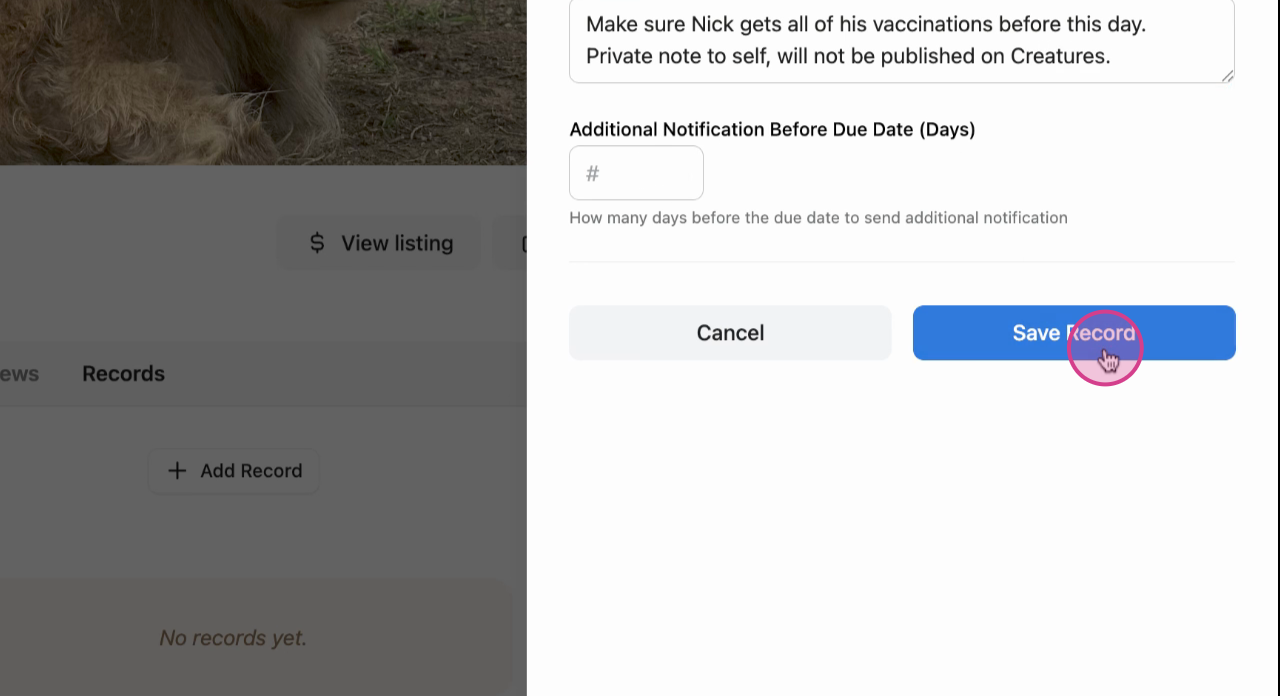
Step 5: Provide a title for the reminder, select a due date and add any other important information.
You can also opt to receive an additional notification before the Due Date.
Double check all details and save.
Success: The record appears on the animal profile page.

Learn more about animal records on Creatures:
Updated on: 28/10/2025
Thank you!