
Caring for your stewards
A good stewardship is simple: post the updates you promised, keep important changes clear, and use the dashboard when billing or the relationship needs attention.
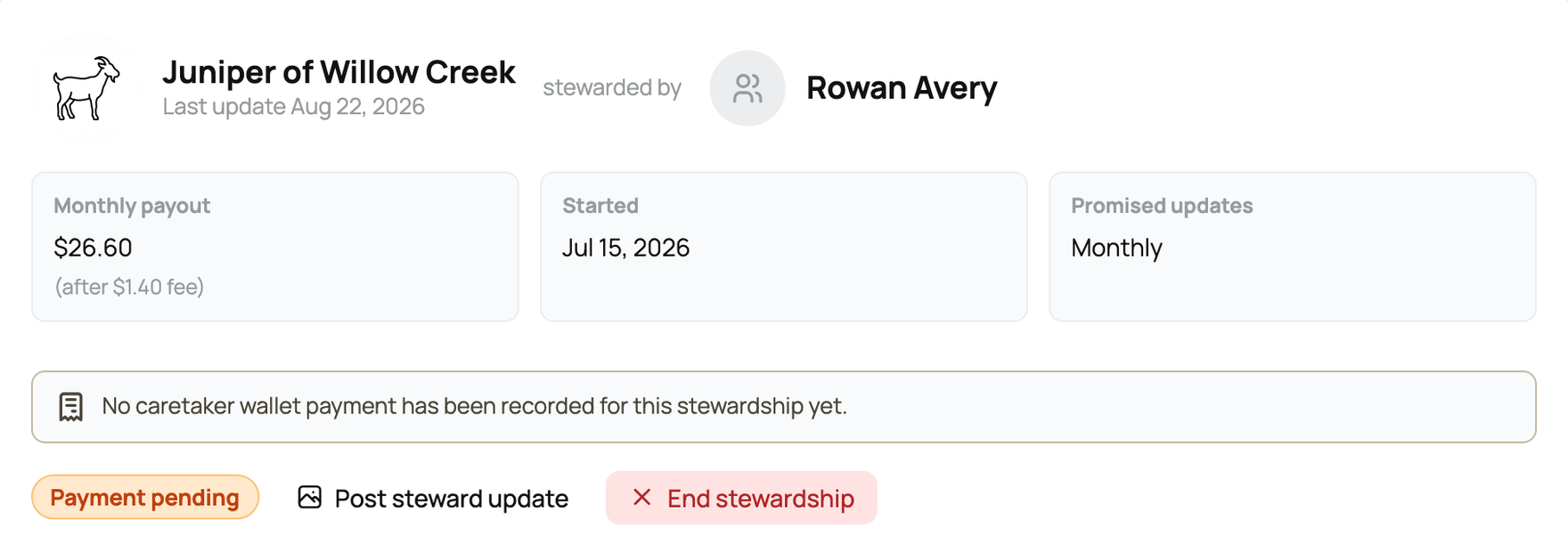
Open Stewards of My Animals to see each current steward, the animal, monthly payout, start date, update promise, payment state, and available actions.
Post the promised update
Select Post steward update. Creatures opens the animal's normal post composer and marks the post as satisfying the current stewardship update. Share useful news, photos, or video about the animal, not account or payment details.
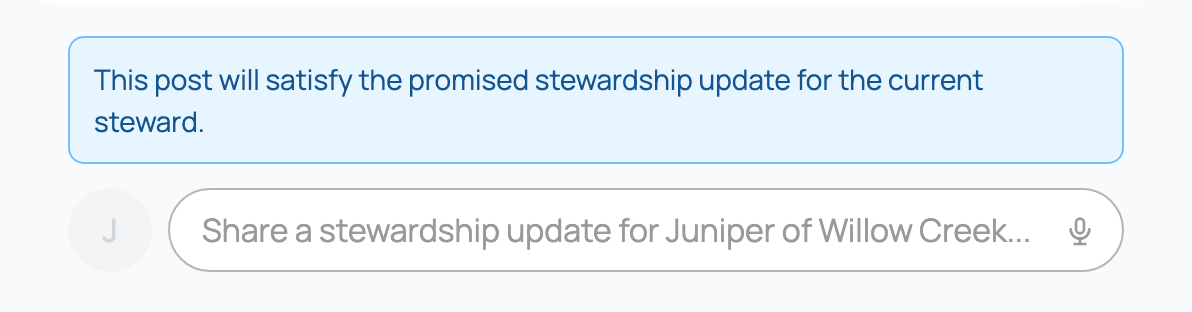
Keep the weekly, every-two-weeks, or monthly schedule you chose. The steward dashboard shows when the next update is expected. If you miss one, share an update as soon as you can.
Understand payments and payouts
The monthly payout shown on the steward card is the caretaker's amount after the 5% caretaker fee. That fee is waived for Creatures Pro caretakers.
Money can collect in your Creatures Wallet without a connected payout account. Connect one when you are ready to withdraw.
A Payment pending badge means the steward's charge failed and is in a seven-day grace period. Stripe retries during that time, and the steward sees an action to update their payment method. The relationship can recover without you recreating it.
Manage offerings and open spots
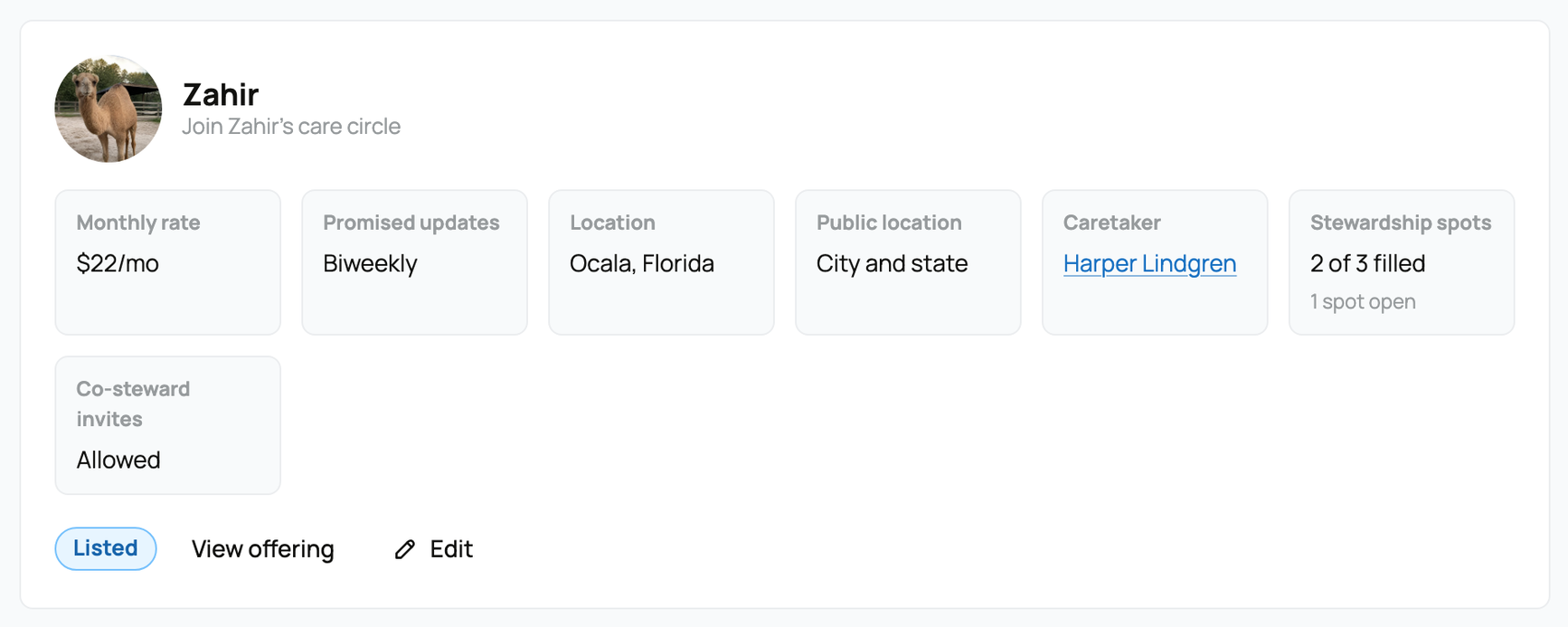
Open Stewardship Listings and select Edit. The rate and update frequency are locked while there are current stewards or checkout holds. You can increase the number of spots, but cannot reduce it below the number already in use or held for checkout.
Pause stops new signups, but is available only when there are no current stewards. Archive also requires all current stewardships to have ended.
End a stewardship carefully
Use End stewardship on Stewards of My Animals when circumstances require the relationship to stop immediately. Ending it does not automatically refund the current paid period. Contact Creatures Support if a refund or billing correction is needed.
If an animal is sold and the steward still sees an active subscription or another charge, contact Creatures Support to check the billing.
Tell stewards about meaningful changes with clear, kind language. Stewardship is support, not ownership, but people may still feel a strong connection to the animal.
Related information
Updated on: 02/09/2026
Thank you!