
Leaving a review
Use your Creatures review invitation to leave a verified review of a sale or service. If you do not have an invitation, you can leave a public profile review from the member's Reviews tab when the review form is available.
Choose the right review
- A verified review is linked to an eligible Creatures sale, transport, booking, boarding, genetic storage, or stewardship experience. Only the participants can write it. Ongoing services may send an invitation before the service ends.
- A profile review can be left from another member's Reviews tab. It is public as soon as you post it and does not confirm that a Creatures sale or service took place.
If you have a review invitation, use that link. It gives future members the clearest context about your experience.
Leave a verified review
- Open the review invitation in your notification or message.
- Choose 1 to 5 stars under Rate [member name].
- Write what went well and what another member should know. You can also add photos or a video.
- Select Post review.
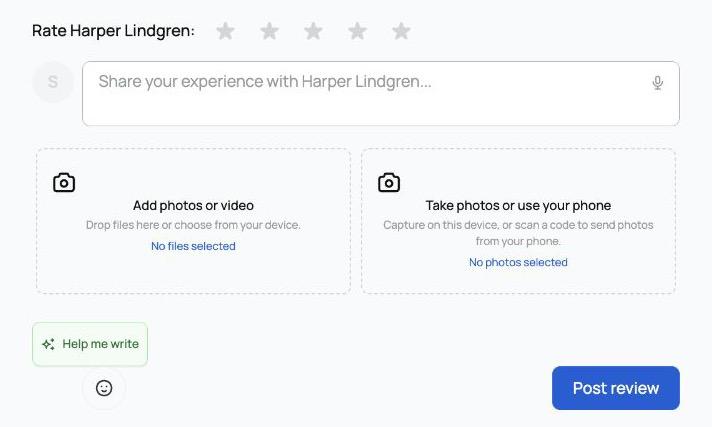
Reviews appear on profiles after both people submit, or when the 30-day review window ends. Creatures calls this a double-blind review. The form shows the remaining time, and Creatures sends reminders while the window is open.
The deadline belongs to the sale or service's review window, not to the day you start writing. There is one review per side. If the seller or provider is an organization, an authorized team member can submit its review.
Leave a profile review
- Open the member or organization's profile.
- Select the Reviews tab.
- Choose a star rating and write your review.
- Add photos or a video if they help explain your experience.
- Select Post review.
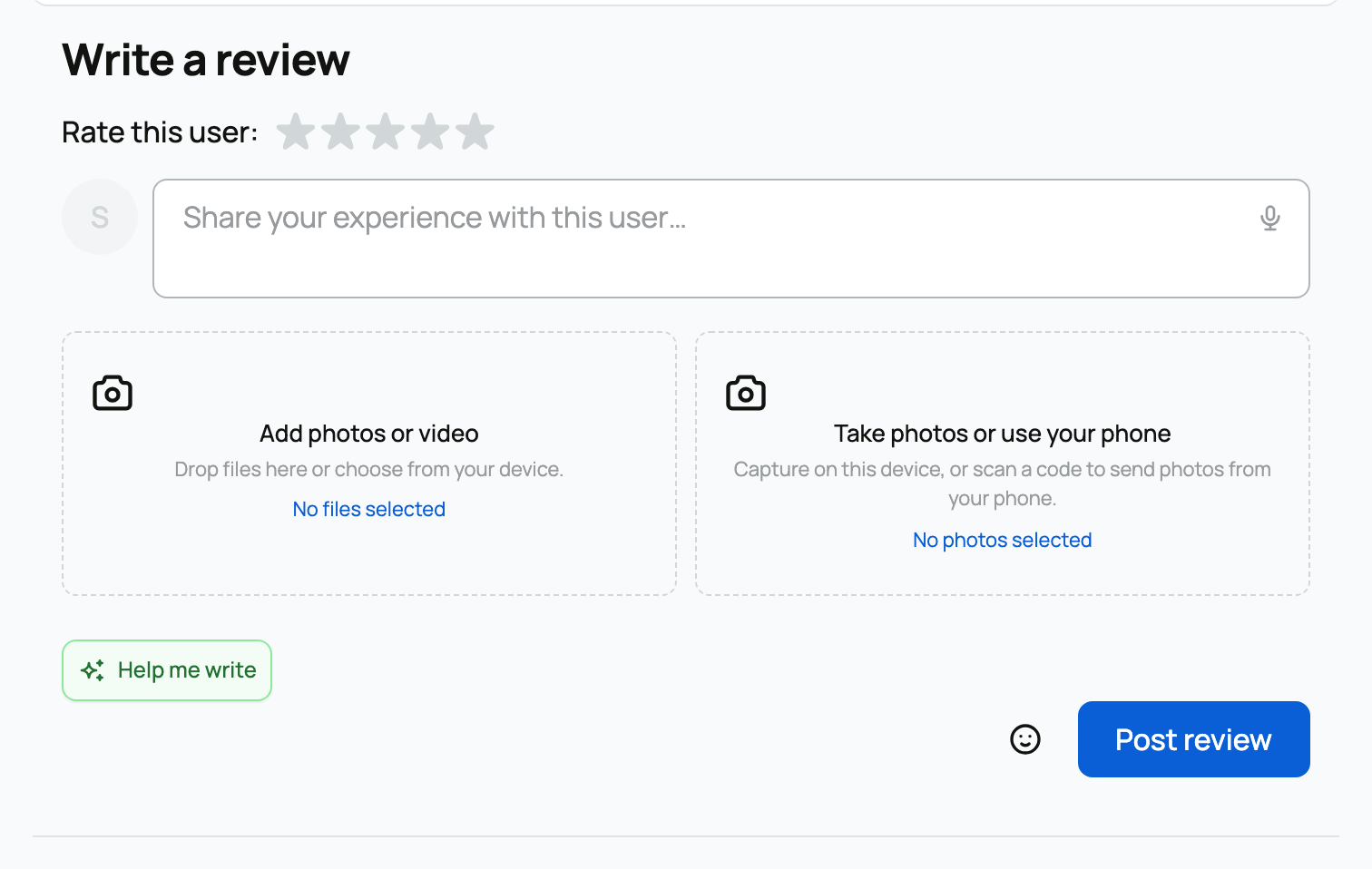
You can leave one profile review for each person or organization, unless you have already reviewed them through another flow. Profile reviews appear immediately, so check the rating and wording before posting. Help me write can turn your notes into a clearer draft, but you decide what to post.
If you need to change a review
Reviews cannot be edited after posting. Open a review you wrote, use its options menu, and select Delete review. You can then leave a new profile review if the profile still allows one. Before deleting a verified review, check the deadline: you cannot submit a replacement after its review window closes.
For what the labels and overall score mean, read How reviews and ratings work.
Related information
Updated on: 02/09/2026
Thank you!