
Managing tributes and sharing a memorial
Signed-in members can leave a memory or a kind word on a published Public or Unlisted memorial when memories are enabled. The memorial's Memories and kind words section and its linked post show the same comments. If you manage the animal, you can remove memories, turn new ones off, and change whether the memorial appears in feeds.
Leave a memory
- Sign in and open the animal's profile. A profile with a memorial opens on its Memorial tab.
- Scroll to Memories and kind words and write in Share a memory or a kind word….
- Select the send arrow (Send comment).
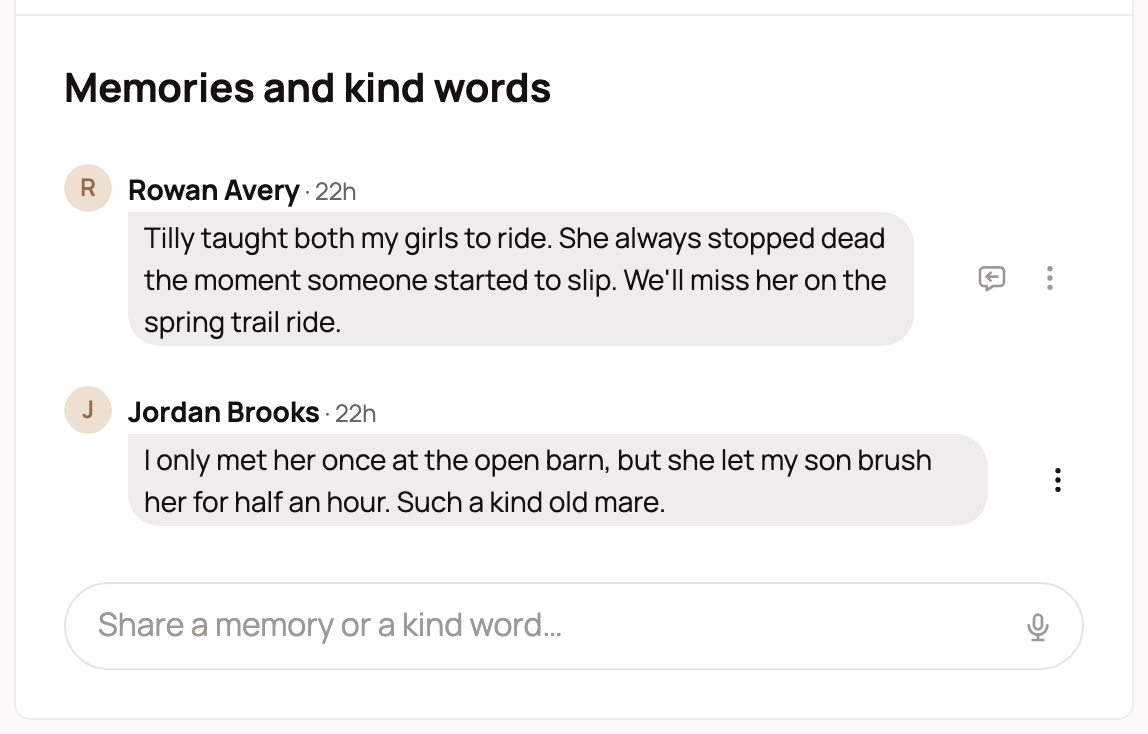
You can also comment on the memorial's post in a feed or at its own link. A memory left in either place appears in both. The composer supports photos, videos and emoji as well as text. When there are no memories yet, it says "Share a memory of [name] or a kind word for the family."
If memories are enabled and you are signed out, you see Sign in to leave a memory or a kind word. instead of the composer.
Memories can't be edited. To take yours down, open its three-dot Comment actions menu, choose Delete comment, and confirm. This removes it from both the memorial and the post and can't be undone. On someone else's memory, choose Report comment to send a reason to the Creatures team.
Moderate memories on a memorial you manage
If you manage the animal, you can remove any memory through its three-dot Comment actions menu. Choose Delete comment and confirm. This permanently removes the memory from the shared conversation. Other members can delete only their own comments. There are no pin or hide controls.
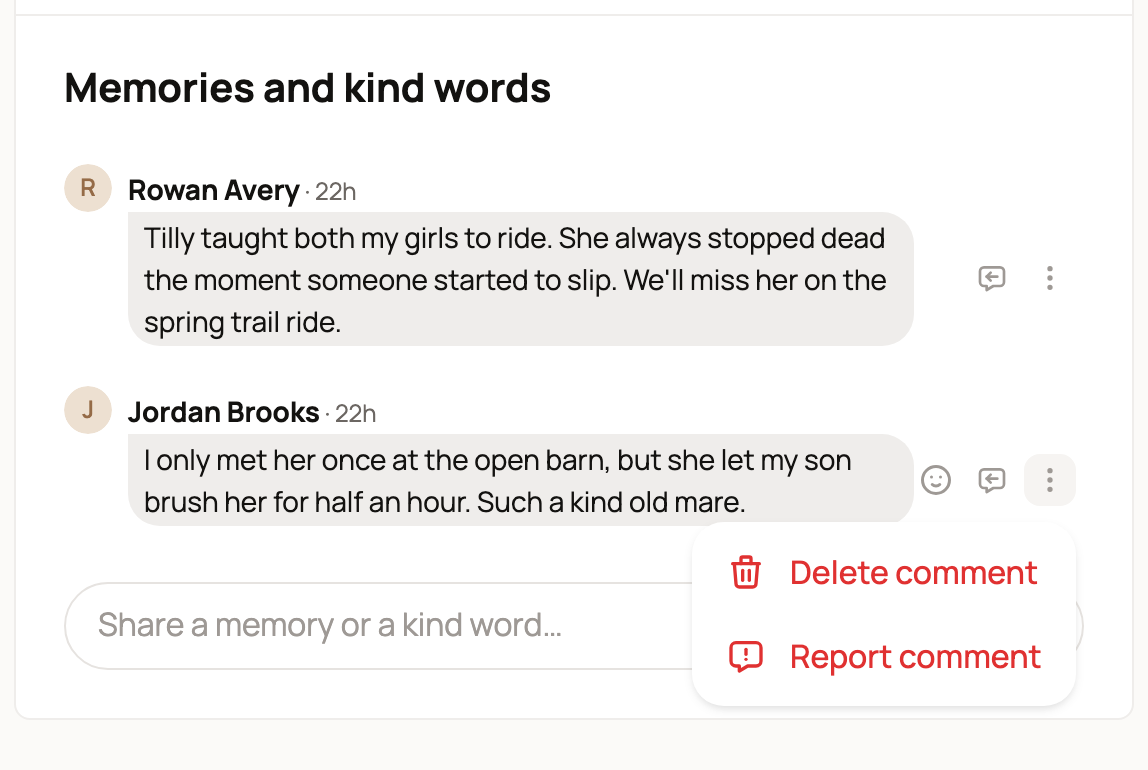
When another member reports a memory, the report goes to Creatures moderators. It is separate from your own controls.
Turn memories on or off
- Open the Memorial tab and select Edit memorial.
- Turn Allow memories and kind words on or off.
- Select Save changes.
Turning memories off closes the composer on both the memorial and its post. Existing memories stay visible, and you can still remove any you no longer want. If there are no memories, visitors see no Memories and kind words section on the memorial. People who manage the animal see "Memories are turned off for this memorial." Private memorials have no memories section or accessible linked post.
Share the memorial in the feed
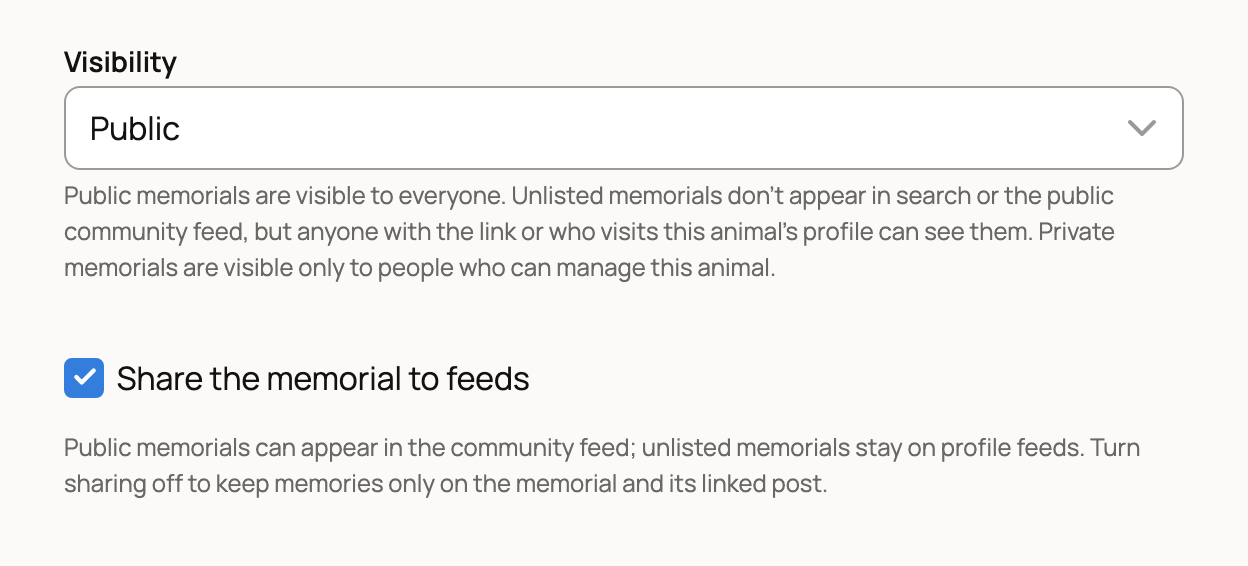
Every published Public or Unlisted memorial has one linked post for its shared memories. Share the memorial to feeds controls whether that post appears in feeds. It starts turned on for a new memorial. To change it later, open Edit memorial, change the setting, and select Save changes.
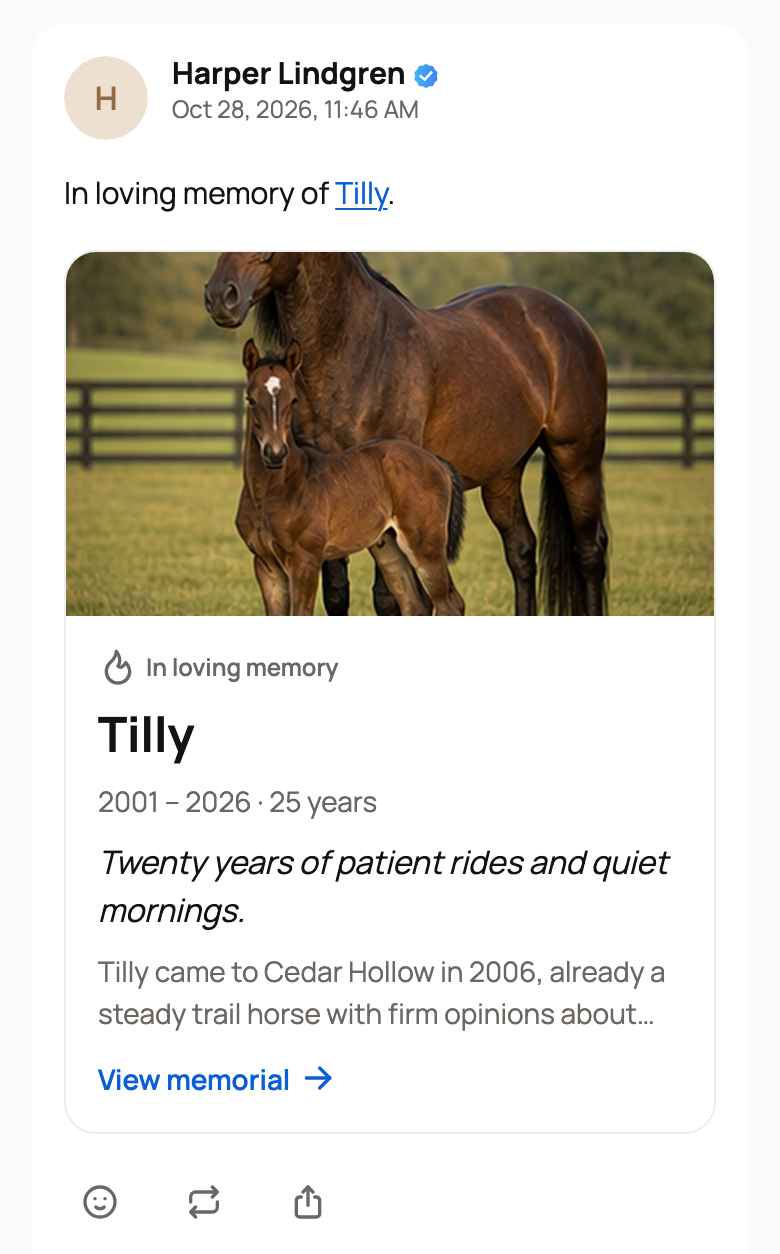
The post's card shows "In loving memory," the animal's name, life dates and epitaph, a short remembrance excerpt, and View memorial. Its photo is your chosen cover, then the first featured photo if there is no cover, then the animal's profile photo. With none of those, the card has no photo. Changing the cover updates the existing card.
With feed sharing on, Visibility determines where the post appears:
- Public: the community feed, plus the Posts tab on your profile and on the animal's profile.
- Unlisted: the same two Posts tabs, but not the community feed.
- Private: no accessible post or memories section.
With sharing off, the post appears in no feed, but its link and the memorial still open the same memories. You can turn sharing on later without creating a second post or losing the conversation.
Making a memorial Private preserves your sharing choice while hiding the post and memories. Returning it to Public or Unlisted restores the same post and conversation, with feed sharing still on or off as you previously chose.
Related information
Updated on: 29/10/2026
Thank you!