
Use Creatures in Claude or ChatGPT
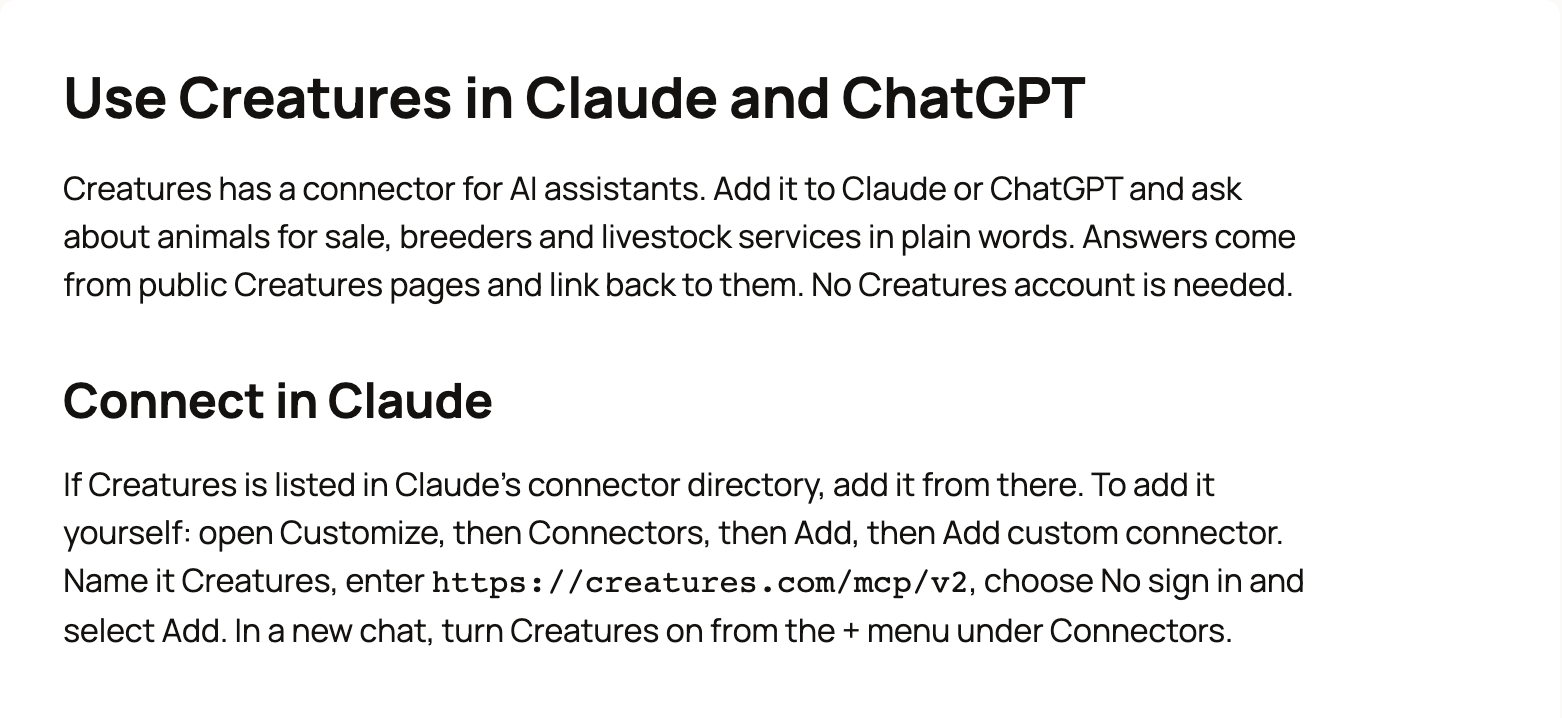
Creatures has a connector you can add to Claude or ChatGPT, so you can ask about animals for sale, breeders and livestock services in plain words. Answers come from public Creatures pages and link back to them, and you don't need a Creatures account.
A connector is a small add-on that lets an AI assistant look things up on another website. Creatures doesn't charge for it.
What you can ask
Try questions like these:
- "Find Highland cattle for sale in Virginia on Creatures."
- "Find Nigerian Dwarf goat breeders in Texas."
- "Who can haul cattle in Tennessee? Use Creatures."
The connector can search listings by species, breed, sex, sale type, price, state or city. It can also find breeders, transporters, boarding, hoof care, shearing, reproduction and processing services, and its search can turn up animals offered at stud. It can look up species pages, articles and fees, and open the details of a creatures.com link you paste.
Connect in Claude
If Creatures is listed in Claude's connector directory, add it from there. Otherwise, add it yourself:
- Open Customize, then Connectors, then Add, then Add custom connector.
- Name it Creatures and enter this address:
https://creatures.com/mcp/v2 - Choose No sign in, then select Add.
- In a new chat, open the + menu and turn Creatures on under Connectors.
Connect in ChatGPT
If Creatures is listed in ChatGPT's app directory, add it from there. Otherwise, add it yourself:
- Open Plugins, select +, then Add custom MCP server.
- Name it Creatures and enter the same address:
https://creatures.com/mcp/v2 - Choose No authentication, then create it as a plugin and install it.
- In a new chat, type @Creatures before your question.
Claude and ChatGPT change their menus from time to time. Our AI assistants page always has the current steps.
Your data and what it can't do
The connector reads public Creatures information only. It leaves out account email addresses, phone numbers, street addresses, ZIP codes and map coordinates. A listing or profile may still show contact details its owner chose to make public.
It can't buy, bid, send messages or change anything on Creatures. To do any of those, open the link it gives you and continue on creatures.com.
Your chat itself is handled by Claude or ChatGPT under their own terms. Creatures keeps daily counts of how the connector is used, without IP addresses or the words you searched for.
If something goes wrong
- It won't connect: check the address. It must be exactly
https://creatures.com/mcp/v2, with no slash at the end and no "www". - "Rate limited; retry in N seconds": a lot of people are asking at once. Wait a moment and try again.
- An answer looks out of date: open the linked page. It always shows the current listing.
Still stuck? Email info@creatures.com.
Related information
- Search Creatures and ask a question
- Find breeders and service providers in the Directory
- Finding animals: search, filters, and distance
- How do I contact Creatures support?
Updated on: 29/10/2026
Thank you!