
What is Creatures?
Creatures is an online home for people who raise, care for, breed, buy, sell and work with animals. It's free to join, and you use only the parts that fit what you do.
A pet owner, a breeder, a farm, a rescue, a service provider and a breed club can all use the same kind of account. Nobody has to follow the same path.
Keep an animal's story together
Add an animal once, then build on its profile over time. Photos, the family tree, health and care records, breeding, registrations, show results and sales all stay with that animal. Nothing gets lost across loose files and apps.
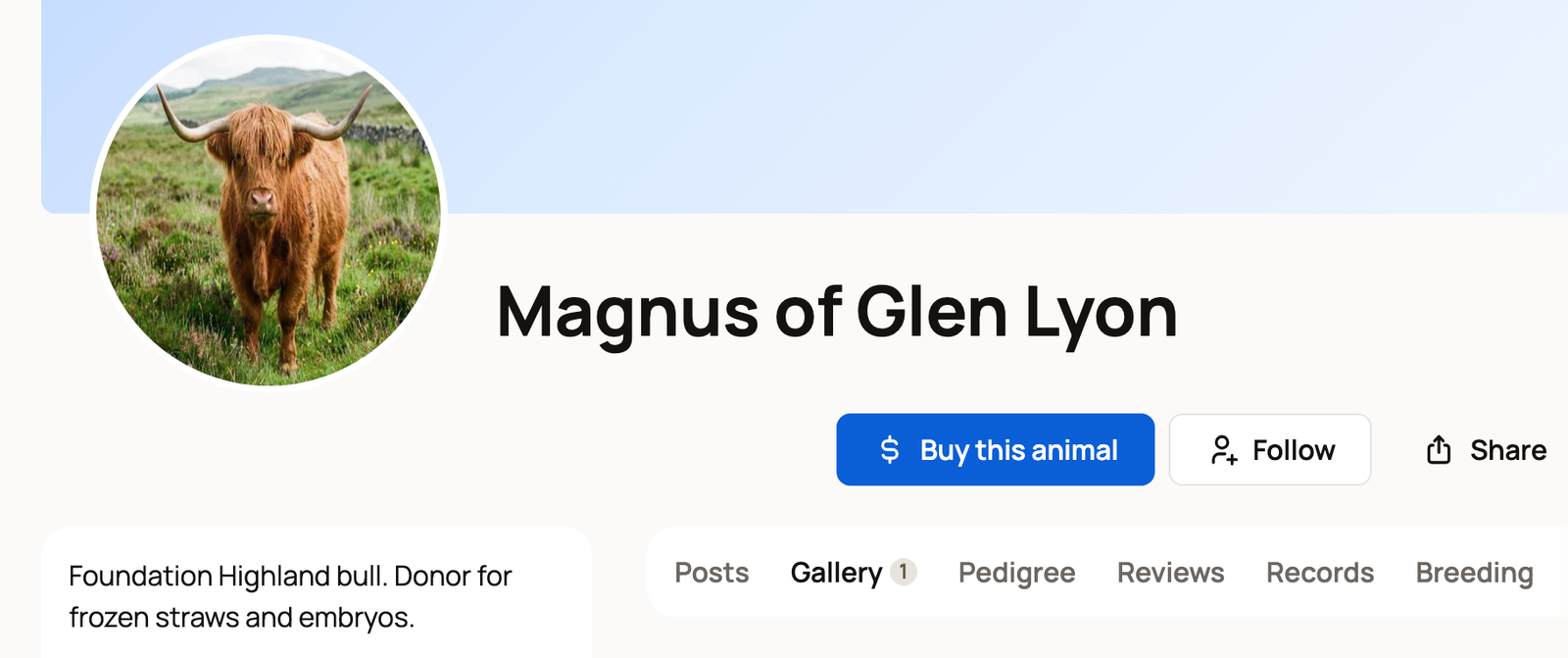
You choose who sees each profile:
- A public profile lets people find and follow the animal.
- A private profile is only for you and your team.
- A reference profile records an animal you don't own, such as a grandsire, so your pedigrees are complete.
Plan and record daily care
Today lists the care, chores and to-dos due today, so you can check them off as you go. On a phone, it's the second button in the bar at the bottom of the screen.
Need a hand? From Today, select Who can help to invite a care helper by email or text. A care helper sees only Today, which suits a neighbor or a farm hand.
Find animals and animal professionals
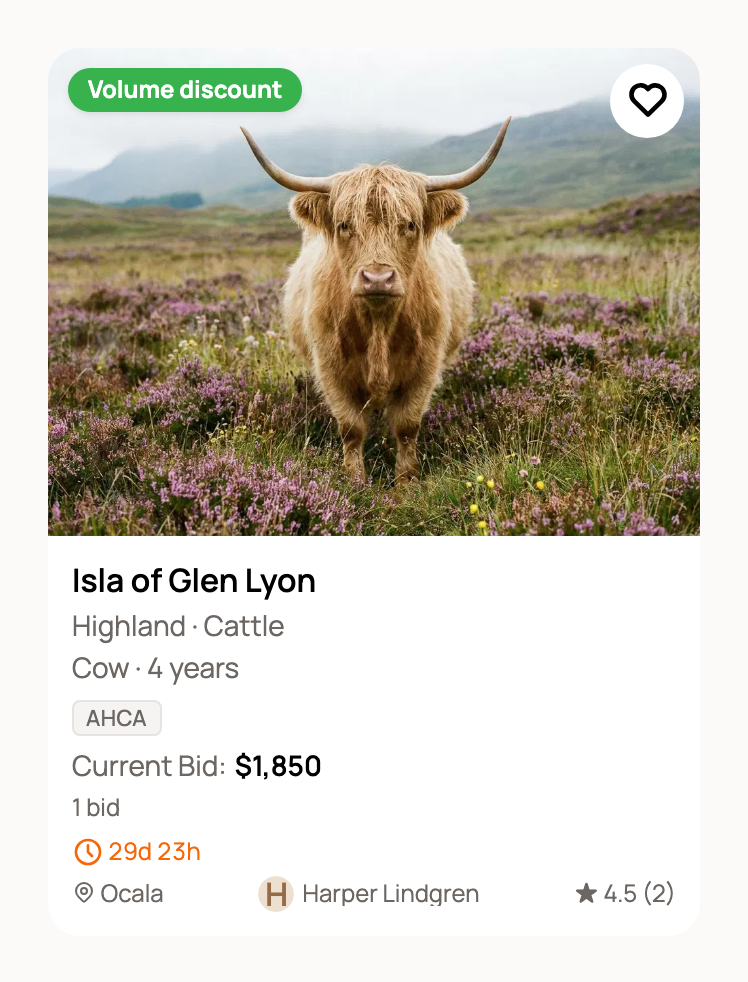
Use the Marketplace to browse animals, genetics and studs, save searches, ask questions, apply, bid, buy, make an offer or request a breeding. Each sale stays tied to its messages, payment status, transport, handoff and the animal's next owner.
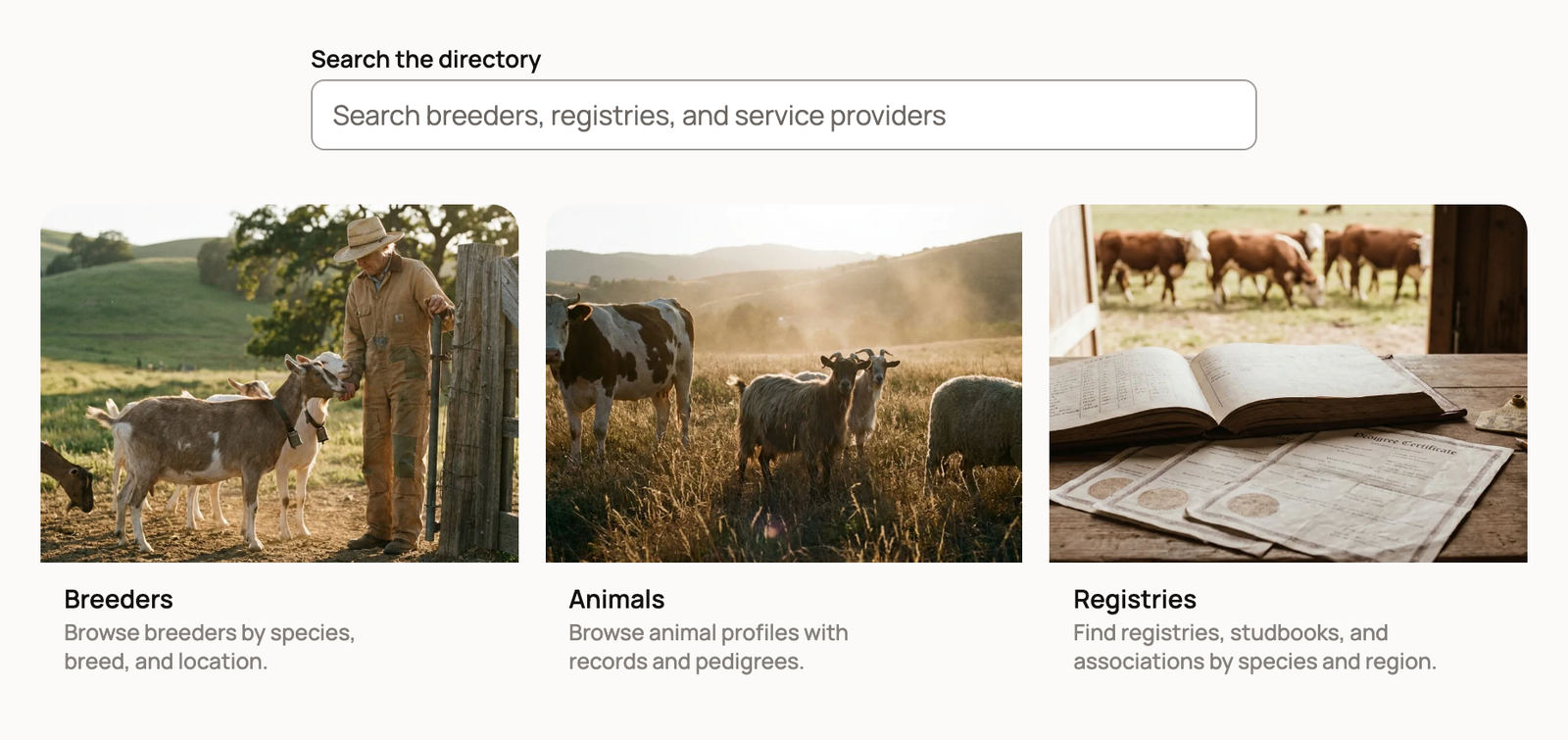
Use the Directory to find breeders, animals and registries. It also lists service providers such as hoof trimmers, shearers, reproduction services, processors and transporters. Follow the breeders and farms you like to hear when they post.
Run your animal work
An organization profile gives a farm, business, rescue, club or association its own public page and team. Depending on what you do, Creatures can also help with:
- listings, applications and sales
- bookable farm visits and animal experiences
- monthly sponsorships for animals in your care
- breeding, stud services, records and finances
- a public website, registries and shows
You do not need to set up everything at once. Start with the task that brought you here.
A good first step
- New here? Create your account or sign in.
- Care for animals? Add your first animal.
- Run a farm or business? Create an organization and add your team.
- Want to look around first? Start with your home screen or the Learn Center.
- On the go? Get Creatures on your phone.
Related information
- Your home screen and getting started
- Find breeders and service providers in the Directory
- Your Today page: what's due and how to check it off
- What is the Learn Center (and how is it different from this Help Center)?
Updated on: 29/10/2026
Thank you!