
What is the Learn Center (and how is it different from this Help Center)?
The Learn Center explains animals, care, markets, breeding and the rules that apply to animals. This Help Center explains how to use Creatures, step by step.
Open the Learn Center
Go to creatures.com/learn, or open the site menu (three lines at the top right) and select Learn. On a computer, Learn is also in the menu across the top of the page.
The footer at the bottom of most pages links straight to Species, Care, Buy & Sell, Strategies and Regulations.
The Learn Center home page shows recent reading from across the library. Most sections end with a Browse all link to the full topic.
What you can learn
The library covers:
- News and market analysis: auction results, price changes and market news.
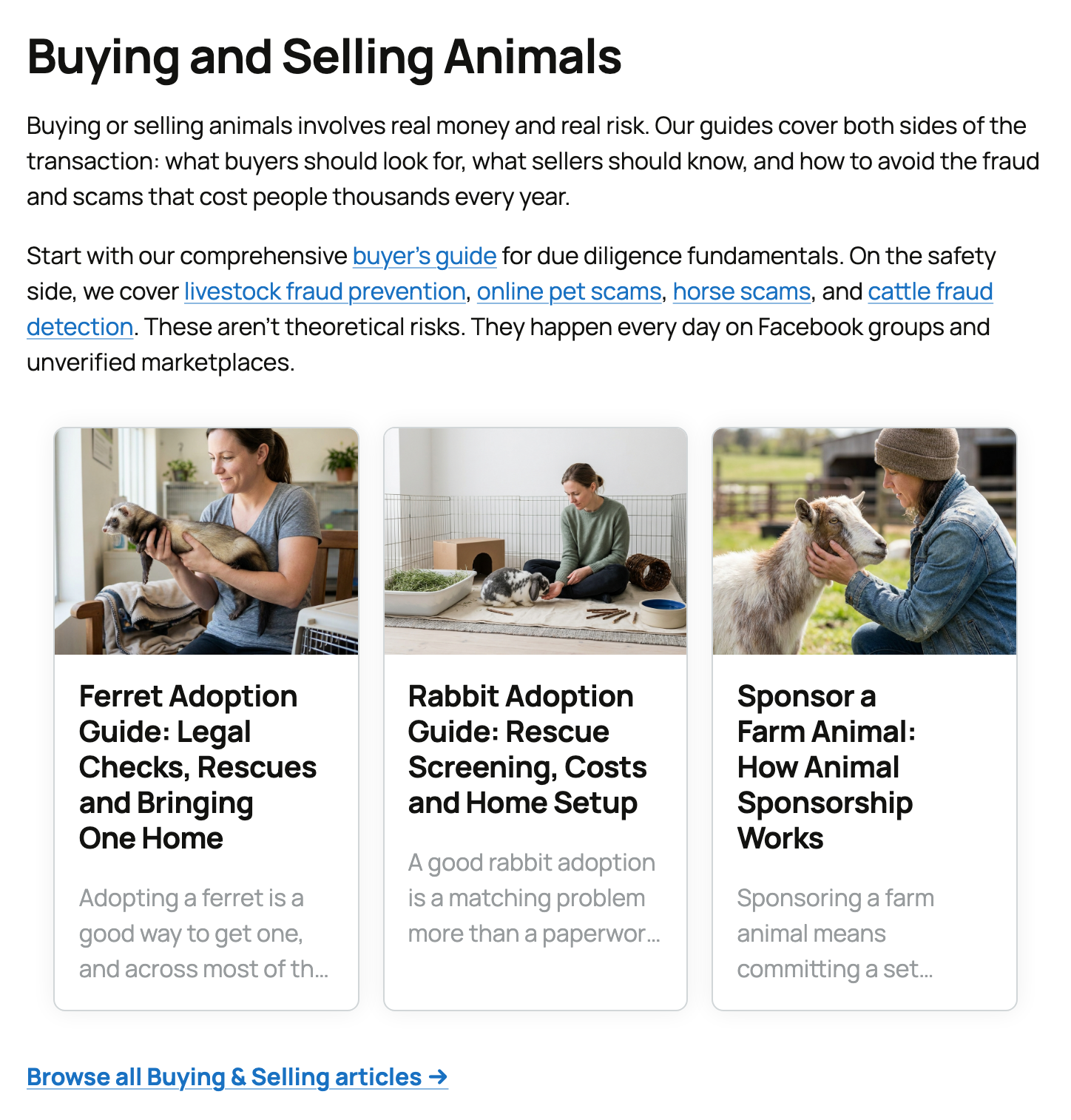
- Buying and selling: checking a seller, avoiding fraud, adoption, pricing and getting ready to sell.
- Species and breed guides: traits, what owning the animal is really like, and care.
- Selling strategies: photos, listings, talking with buyers, farm records and business basics.
- Shows and events: getting ready for, entering and understanding livestock shows.
- Animal care: housing, feeding, health routines and responsible breeding.
- Regulations: identification, moving animals, welfare and other rules that may apply.
Some pricing guides and breed pages show past public auction prices, plus the asking prices and bids on Creatures right now, when there is enough good data. They help with research, but they are not a quote for one animal. For an estimate of one animal's value on Creatures, see What is a Crestimate?
Species pages and tools
Select Species in the site menu to open Animal Species & Breeds. Search for a species or breed, then open its page. Each species page brings together quick facts, guides, popular breeds, breeders, animals for sale and related tools.
Select Tools for free calculators, coat color visualizers and name generators. See The Creatures Tools page.
When to use this Help Center
Come here when your question is about using Creatures, such as:
- How do I add an animal or a record?
- Where do I change a setting?
- What happens during checkout, transport or payout?
- Why isn't a page or button working?
The Help & FAQ page in the site menu answers common questions and links to articles here. When you're signed in on a phone, Support in the bottom bar opens a chat with our team. If chat isn't available, it opens this Help Center.
In short: the Learn Center explains the animals and the market. This Help Center explains Creatures.
Related information
- What is Creatures?
- The Creatures Tools page: which free tool to use
- How do I contact Creatures support?
- What is a Crestimate?
Updated on: 29/10/2026
Thank you!