Design a cattle brand: the Brand Designer, ideas, and registration
The Cattle Brand Designer is a free brand-design studio in three connected pages, and a small tab bar at the top of each page moves you between them:
- Designer at
/tools/cattle-brand-generator: the composer where you build your mark. - Ideas at
/tools/cattle-brand-ideas: twelve editable starting points grounded in traditional brand grammar. - Registration by state at
/tools/cattle-brand-registration: a 50-state directory of where and how to record a brand.
All three pages are public. You can design, browse ideas, and read the directory without a Creatures account; a free account comes in only when you download your design files, and it raises the limits on the optional AI concepts. Both moments are covered below.
The composer: build your mark
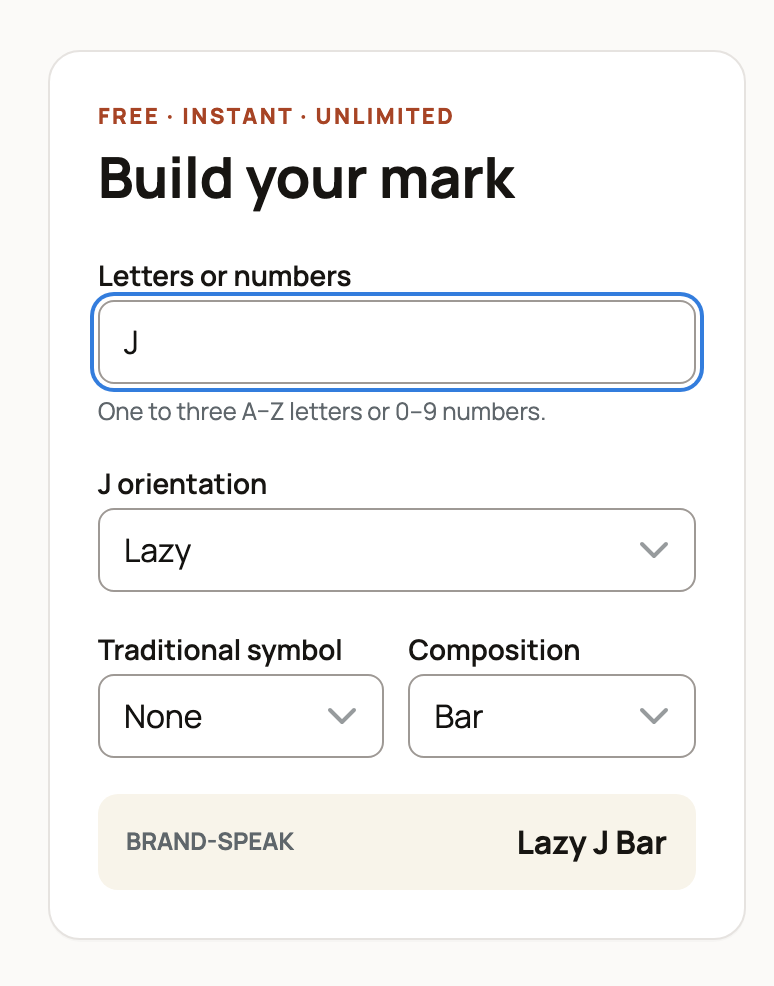
The composer is free, instant, and unlimited, and it runs entirely in your browser: the preview redraws as you type, with no waiting and no server call. Here is every control:

- Letters or numbers. The heart of your brand: one to three characters, letters A to Z or digits 0 to 9. Type them and the preview updates instantly. Clearing the box pauses everything with a friendly prompt until you enter at least one character.
- Orientation, per character. Each character you type gets its own orientation dropdown, so a two-character brand shows two of them. The options are the traditional modifiers: Upright (normal), Lazy (turned on its side, rotated 90 degrees), Crazy (upside down), Reverse (mirrored), and Tumbling (tilted 45 degrees).
- Traditional symbol. Optional. One classic brand symbol to pair with your characters: Heart, Diamond, Star, Crescent, Sun, Arrow, Anchor, Cross, Pitchfork, Hashknife, Mill iron, or Horseshoe.
- Composition. Optional. One structural element that carries or encloses the characters: Bar (a bar underneath), Rafter (a peak above), Rocking (an attached quarter-circle below), Swinging (hung from an arc above), Flying (wing strokes), Walking (feet strokes), Circle, Diamond, or Box (enclosures), Half circle (an arc above), Slash (a stroke across), or Connected (the characters joined together).
- The Brand-speak line. As you build, the composer names your design out loud the way brand books and ranchers do, in traditional reading order: elements above, around, or attached to the characters are spoken first, while a bar underneath and connected characters are spoken last. Set a J to Lazy and add a Bar and the line reads "Lazy J Bar", so you always know what to call your mark. Both the Designer and Ideas pages also carry a "How to read a livestock brand" reference explaining the whole vocabulary; usage varies regionally, so treat it as practical vocabulary rather than a legal naming standard.
- A blotting warning. Brands are burned or frozen into hide, and fine detail can close up. The composer warns you when a design risks that: three characters inside a tight enclosure, connected strokes, or several rotated characters in one mark. Heed it; open, simple lines burn cleanly.
One more quiet convenience: your design is encoded into the page address as you edit, so copying the URL captures the exact design for sharing or bookmarking, and the browser also remembers your last design for about a week.
Downloading your design (this is where the free account comes in)

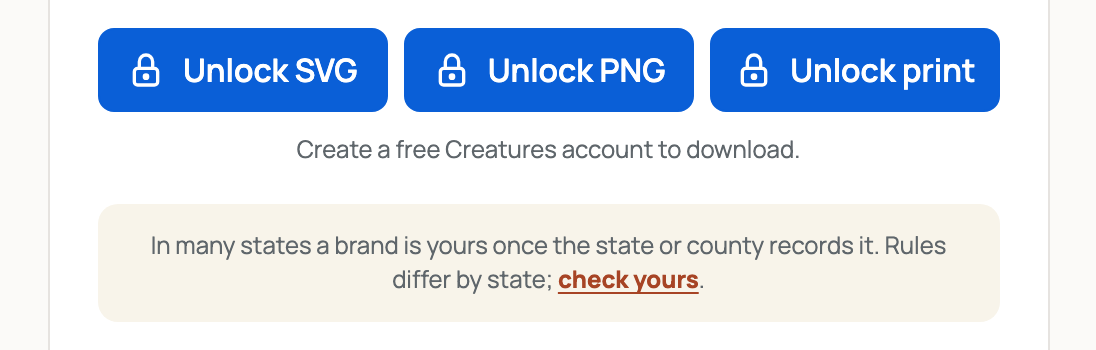
Next to the composer is the live preview card with three download buttons. A free Creatures account unlocks them; signed out, they read "Unlock SVG", "Unlock PNG", and "Unlock print", and clicking one opens a short signup form (first name, last name, email) with your exact design kept ready. The three files:
- SVG. An editable vector of your design, the format an iron maker or engraver works from.
- PNG. A 1024-pixel image for sharing or mockups.
- Print sheet. A printable application sheet, sized for Letter and A4, with your brand, its brand-speak description, and blank lines for the owner or ranch and the state or county, ready to accompany a recording application.
The files are generated from your design right in the browser, and they are yours. One thing no file can promise: availability. A design is only a concept until a recording authority accepts it, which is what the registration directory below is for.
The optional AI concept layer
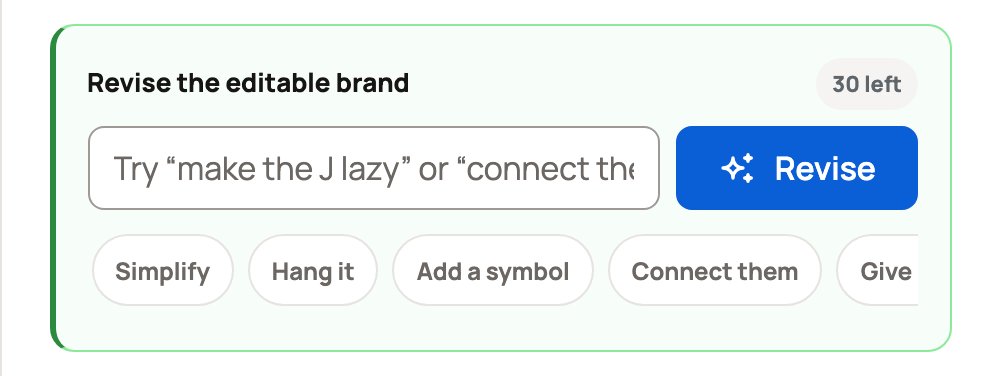
Under the composer, the Designer can also render your characters as a one-off AI concept image, a polished inspiration take to compare against your editable design. Two inputs: a Visual style (Classic iron, Rustic, Minimal, Ornate, or Modern) and an optional Ranch name, used only as style context. The concept never replaces your design; the downloads above always use your clean, editable composer brand.

The honest limits, since AI images cost real money to render:
- Signed out, you can generate up to 2 concepts as a visitor, within a shared cap of 5 per day per IP address.
- With a free account, you get 10 concepts per day (within 20 per day per IP address). The panel shows how many you have left today.
- There is also a site-wide daily budget; if it runs out, the panel says today's concept budget has been reached and to try again tomorrow.
- Repeating the exact same request can return the saved concept instantly ("Loaded a saved concept set.") without spending your limit.
- If concepts are busy or unavailable, nothing else breaks: the message says so and your composer keeps working.
The Ideas page: start from a proven silhouette

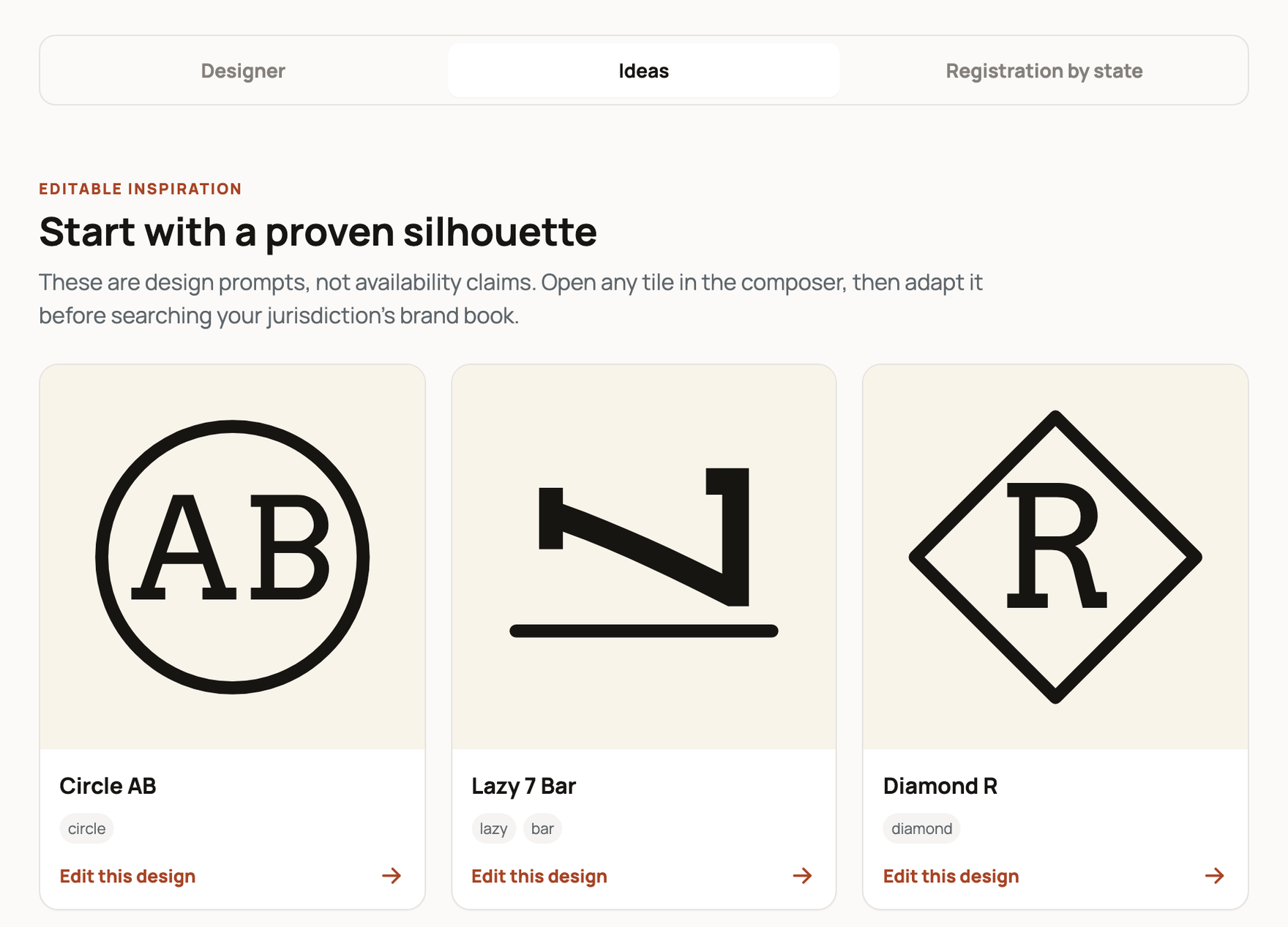
/tools/cattle-brand-ideas shows twelve curated designs built from the same grammar the composer uses, from "Circle AB" to "Lazy 7 Bar" to "Swinging 5 Horseshoe", each tagged with the traditions it draws on. Every tile is a real composer design, not a picture: click Edit this design and the Designer opens with that exact design loaded, ready to make yours. The page says it plainly and so will we: these are design prompts, not availability claims. Adapt one, then search your jurisdiction's brand book before falling in love.
Registration by state: recording your brand (with the state, not with Creatures)

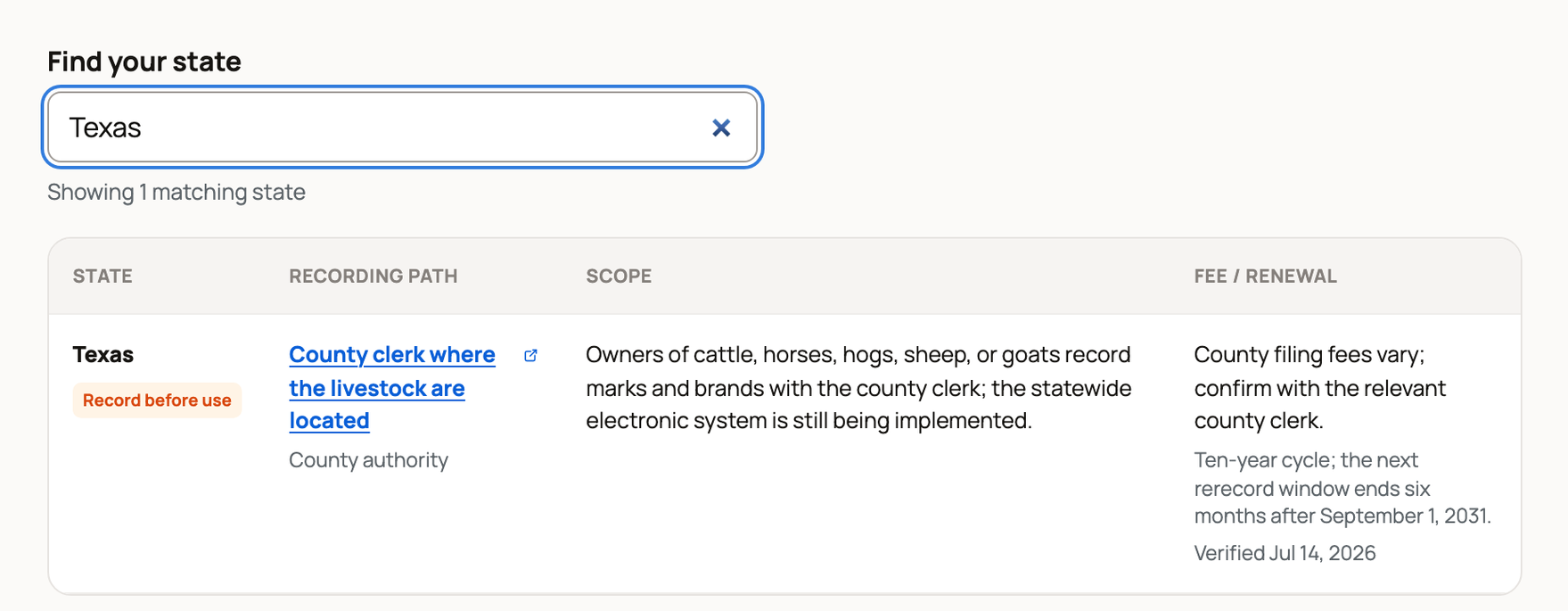
The most important sentence in this guide: Creatures does not register brands. A brand becomes yours by recording it with your state or county recording authority, and /tools/cattle-brand-registration is a source-linked directory of all 50 states so you start in the right office. For each state it lists:
- A status label. "Record before use" means the state requires recording before a brand is used, within the listed scope. "Voluntary registry" means an optional ownership-brand registry exists. "No current registry found" means no current state registry was identified. A fourth label, "If branding, record first", marks states (Oregon, Pennsylvania, and Tennessee) where branding itself is optional but any brand you do adopt must be recorded before use.
- The recording path. Who records: a state agency, a county office, or a state-designated association, with a link to the official page, statute, or form.
- Scope. Which animals and situations the recording covers.
- Fees and renewal. The published recording fee and renewal cycle, included only where the authority publishes a current, unambiguous figure, plus the date each row was last verified.
A search box filters the table live as you type a state or authority name. Read the directory for what it is: informational, not legal advice. It does not search whether your design is available, and fees and procedures change, so always confirm with the linked authority before filing or putting a mark on an animal.
Where sign-in is needed, in one breath
Designing, the ideas gallery, and the state directory: no account. Downloading your SVG, PNG, or print sheet: free account. AI concepts: usable signed out, with higher daily limits signed in.
Where to go next
- Naming the ranch behind the brand: Animal and organization name generators.
- Making the business official on Creatures: Creating an organization and adding your team.
- What your animals are worth: Check market prices with the Livestock Value Calculator.
- The full set of tools: The Creatures Tools page.
Related information
- The Creatures Tools page: calculators, visualizers, and generators
- Check market prices with the Livestock Value Calculator
- Animal and organization name generators
Updated on: 22/07/2026
Thank you!