
Using the Ball Python Morph Calculator
The free Ball Python Morph Calculator shows the possible morphs from a ball python pairing for the genes it can calculate, with exact odds per egg. It names each look, shows het odds for babies that look normal, and flags reported health problems with their sources.
You don't need an account to try it. Sign in to use your own ball pythons and to save a pairing.
Pick the parents
- Open the calculator. On a phone, Parent 1 and Parent 2 have tabs.
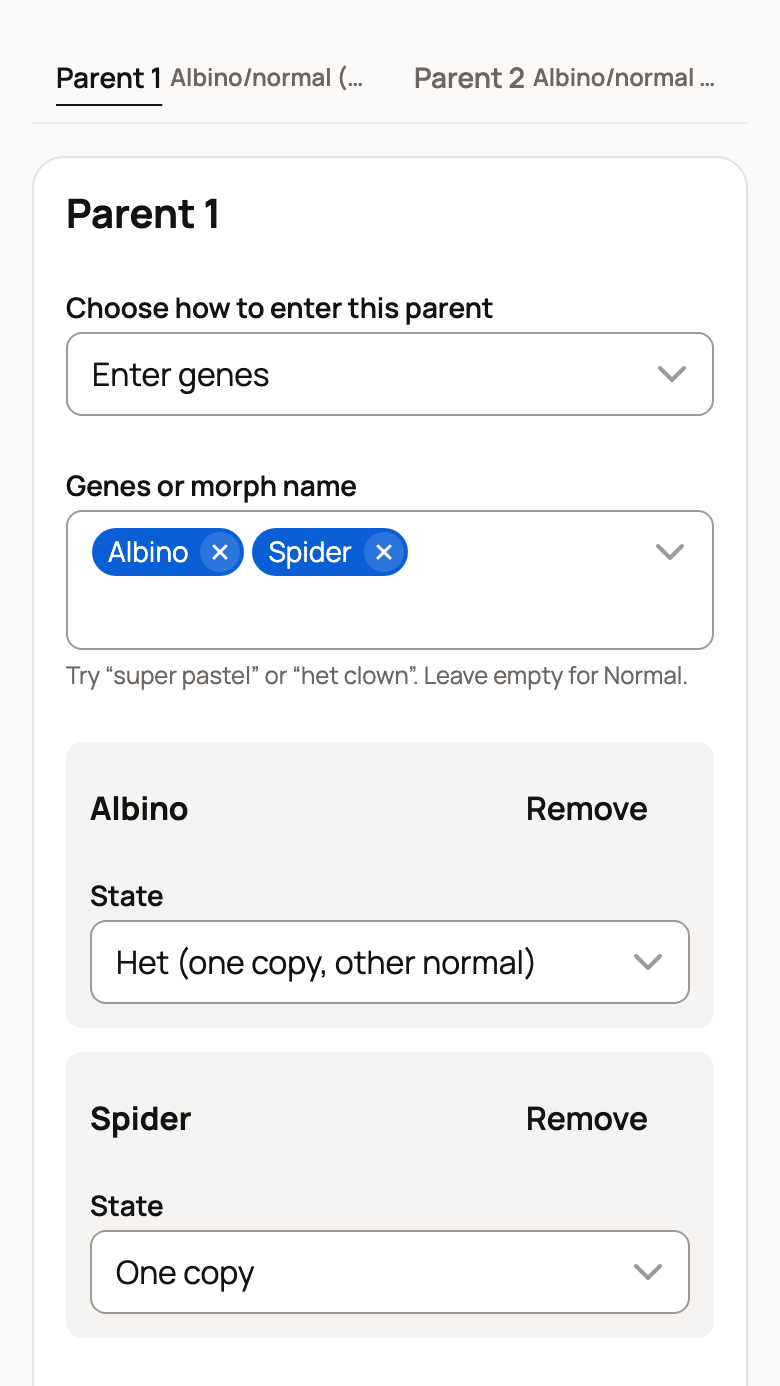
- Under Choose how to enter this parent, keep Enter genes. Signed in, you can choose Use one of my ball pythons instead.
- For Enter genes, type in Genes or morph name, such as "pastel" or "het clown". Leave it empty for a normal snake.
- Check each gene's State. A recessive gene can be Het (one copy, other normal), Visual (two copies) or Possible het, which asks for a Chance (%). Other genes are One copy or their two-copy form, such as Super Pastel.
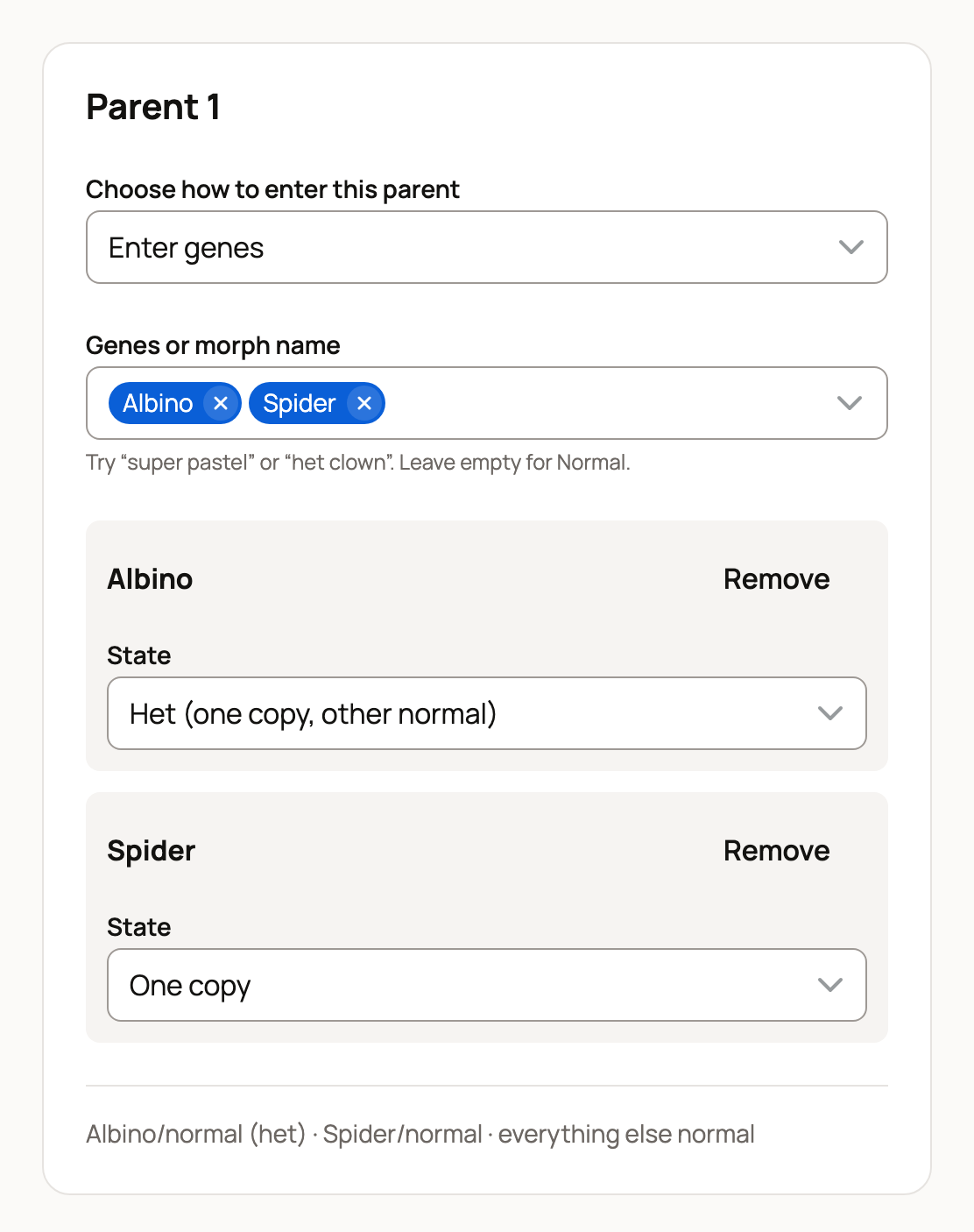
- Select Calculate.
Typed a combination name, such as Bumblebee? The calculator asks which genes it means. Pick them, then select Use these genes.
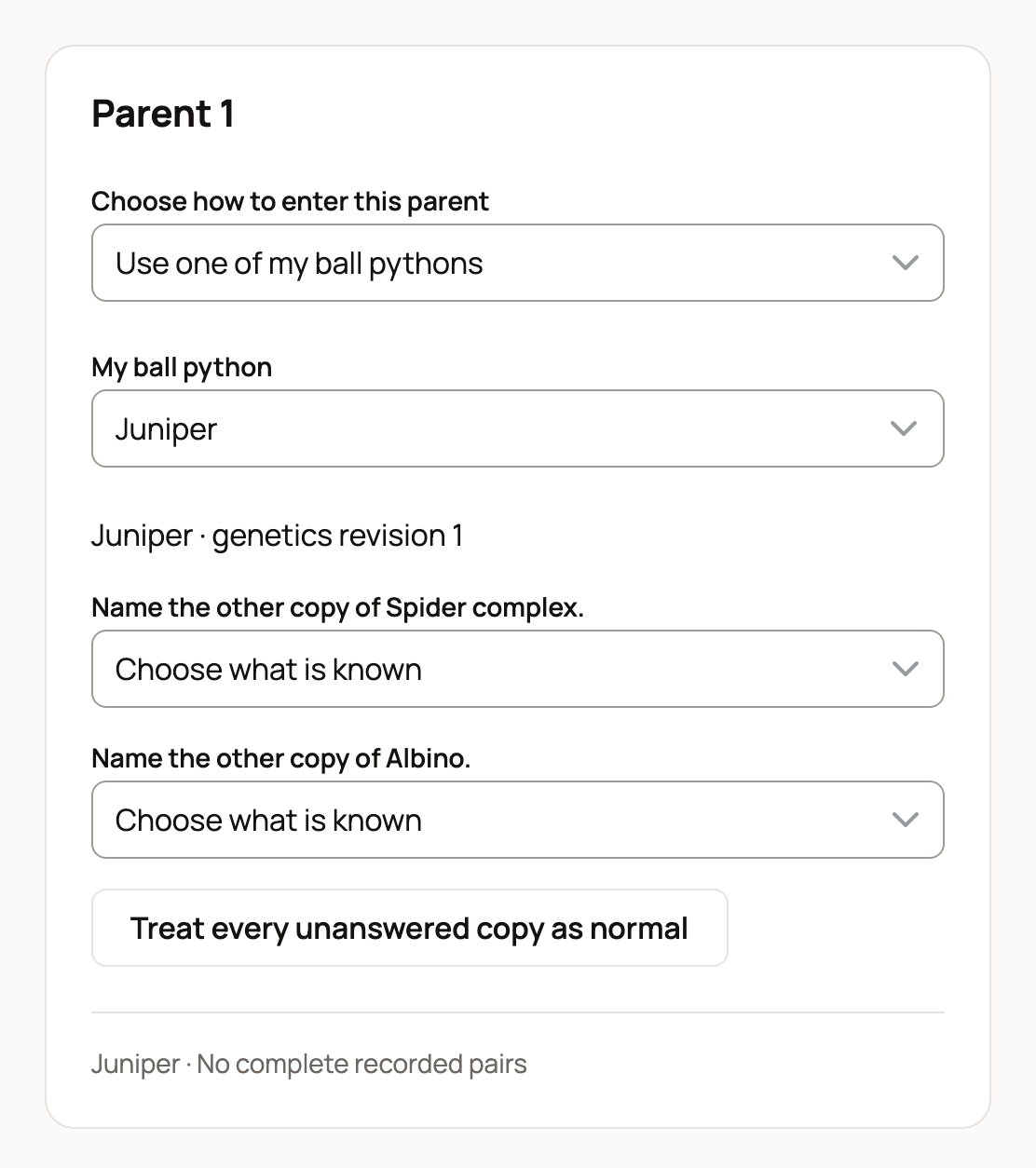
For your own snake, choose it under My ball python. The calculator reads its recorded genetics. If there are none, it says Genetics not entered for this animal. Select Edit recorded genetics to add them, or Use as Normal. If the record leaves a copy open, answer Choose what is known, or select Treat every unanswered copy as normal. See Recording your animal's morphs and genes.
With two or more possible hets, you'll see Treat these possible hets as independent. Leave it off unless the chances are independent. With two possible hets, leaving it off shows separate scenarios. If there are too many possibilities, the calculator asks you to remove a gene or a possible het. With one possible het, a Basis of Pedigree odds uses the chance you entered, and Breeder’s paperwork / other shows separate scenarios.
Read the results
Under The possibilities, each card shows a look and its chance per egg, such as 1/4 and 25%. Example image opens that morph's page. A card can also show:
- het odds for normal-looking babies, such as "possible het Albino 2/3 (of the babies that look Normal)";
- Also called, when breeders use other names for the same look;
- health notes with their sources, such as the wobble linked to Spider.
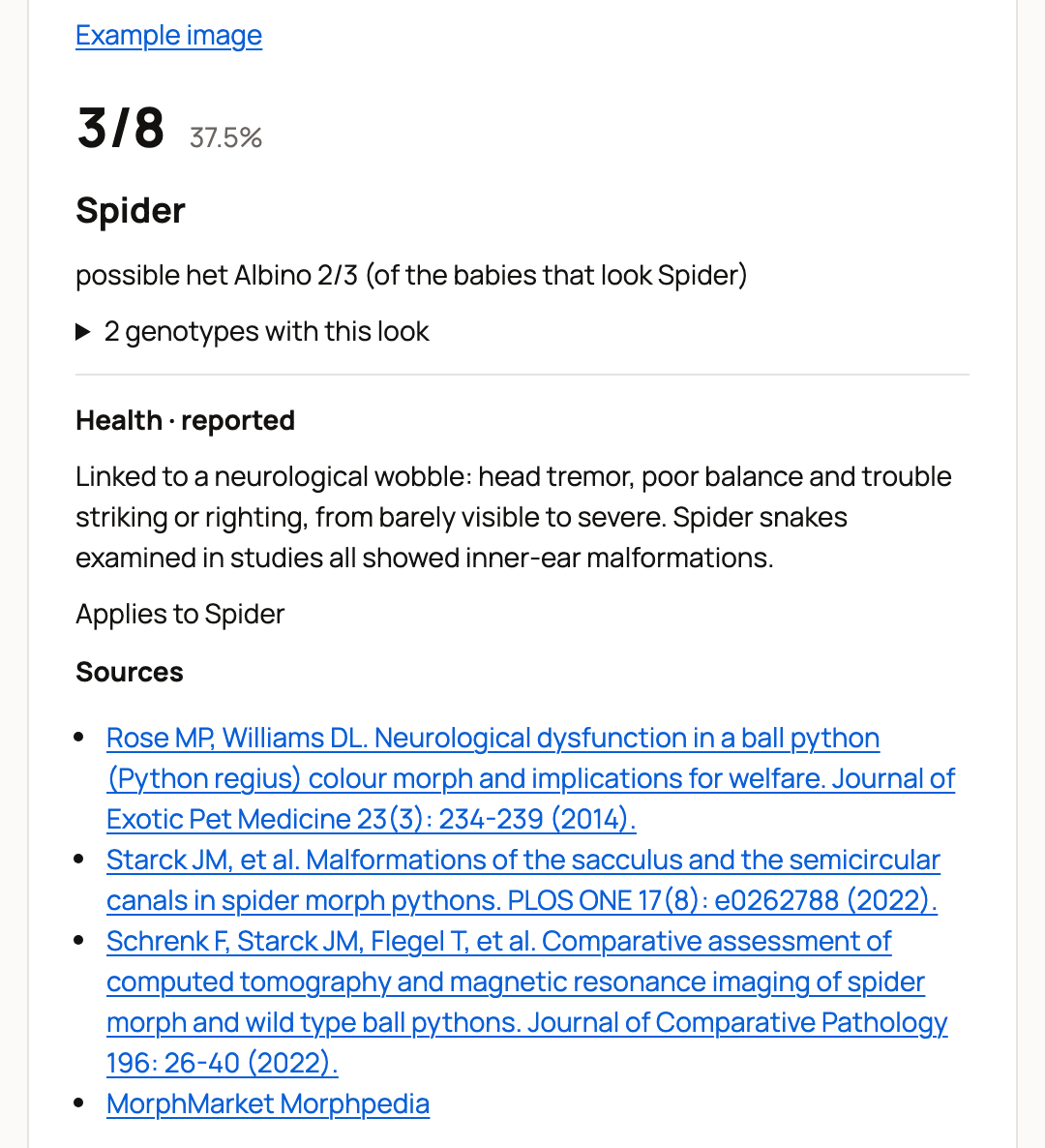
Select By genotype to see the exact gene pairs. When some combinations are known not to survive, Among survivors shows the odds without them. Not included lists any gene left out of the odds, such as Banana, with the reason.
Odds are per egg at conception, so a real clutch can come out differently. A result never changes any animal's recorded genetics.
Save or share a pairing
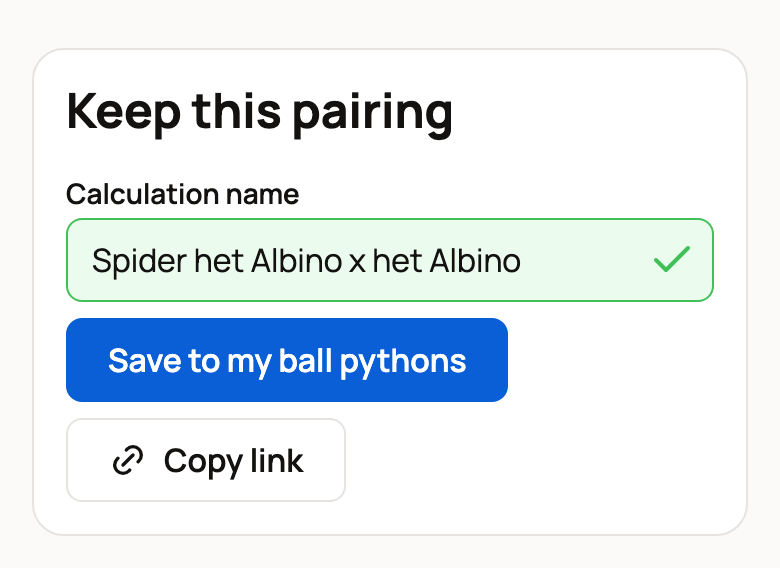
Signed in, type a Calculation name under Keep this pairing and select Save to my ball pythons. Opened a saved pairing? Select Save as a new pairing to keep both, or the Update button with its name to change the saved one. Saved pairings are private to you and listed under My saved calculations, where you can open or Delete them. Signed out, it offers a free account to save it.
If the morph data or a snake's recorded genetics change later, the saved pairing shows Older data. When it can, opening it recalculates the saved parents with today's morph data. If it can't, it shows the saved result as history. When Use the animals’ current genetics appears, select it to include changes to your snakes' records. Show the saved result, when shown, opens the result as you saved it.
Copy link appears only when both parents were entered as genes, so your own snakes are never shared by link.
Gene pages the calculator supports offer Plan a pairing with that gene. Combination pages with suggested pairings show How to make it with Try this pairing links.
Related information
- Recording your animal's morphs and genes
- The Creatures Tools page: which free tool to use
- Recording a breeding
Updated on: 29/10/2026
Thank you!