Coat color calculator and visualizer
Creatures has two coat color tools, and the single most useful thing to know up front is that they are different tools with different jobs:
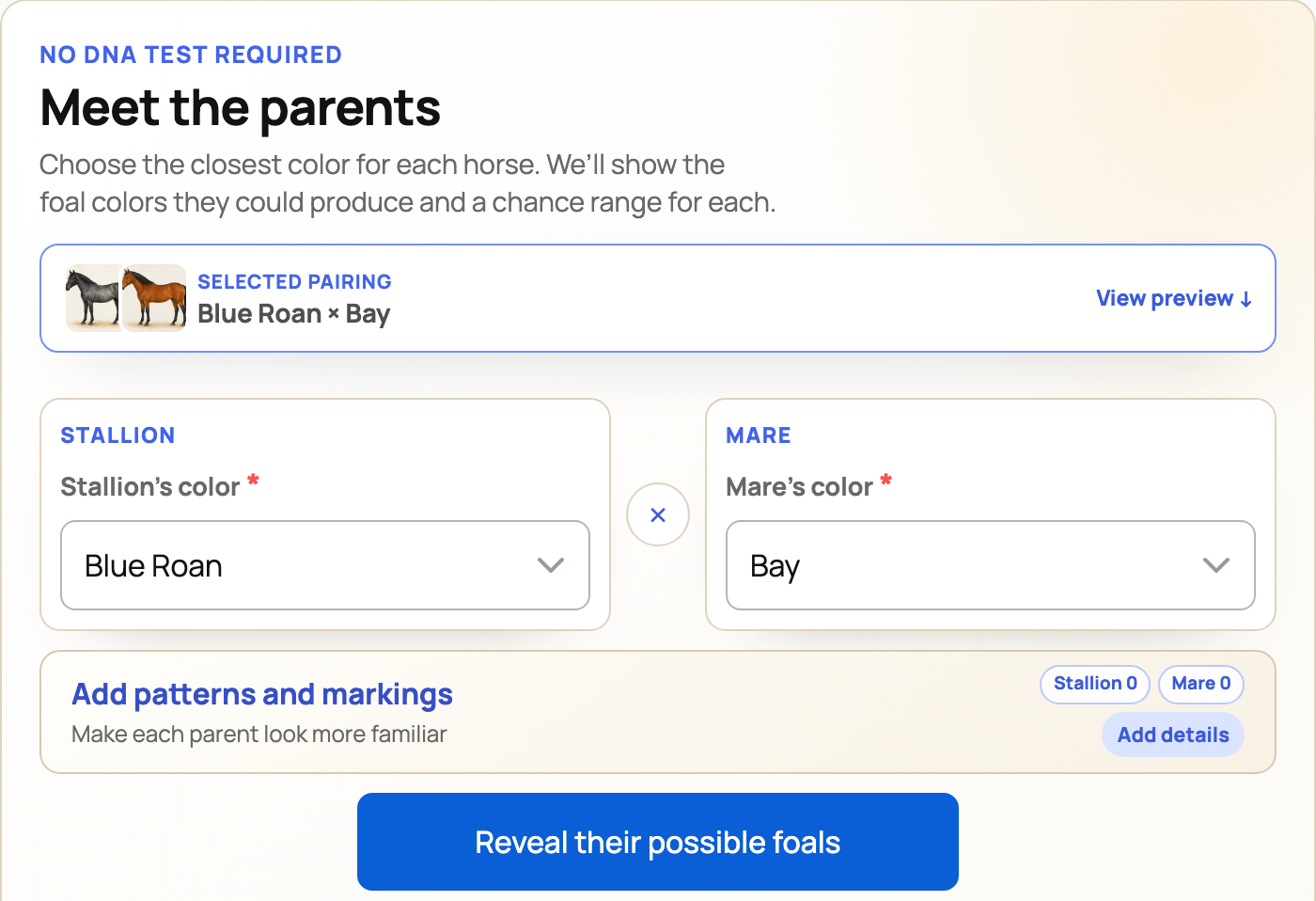
- The Coat Color Calculator answers "what colors could their babies be?" You pick a sire and a dam and it predicts the offspring coat colors, with the odds of each. It is the planning tool for a pairing. Its hub is
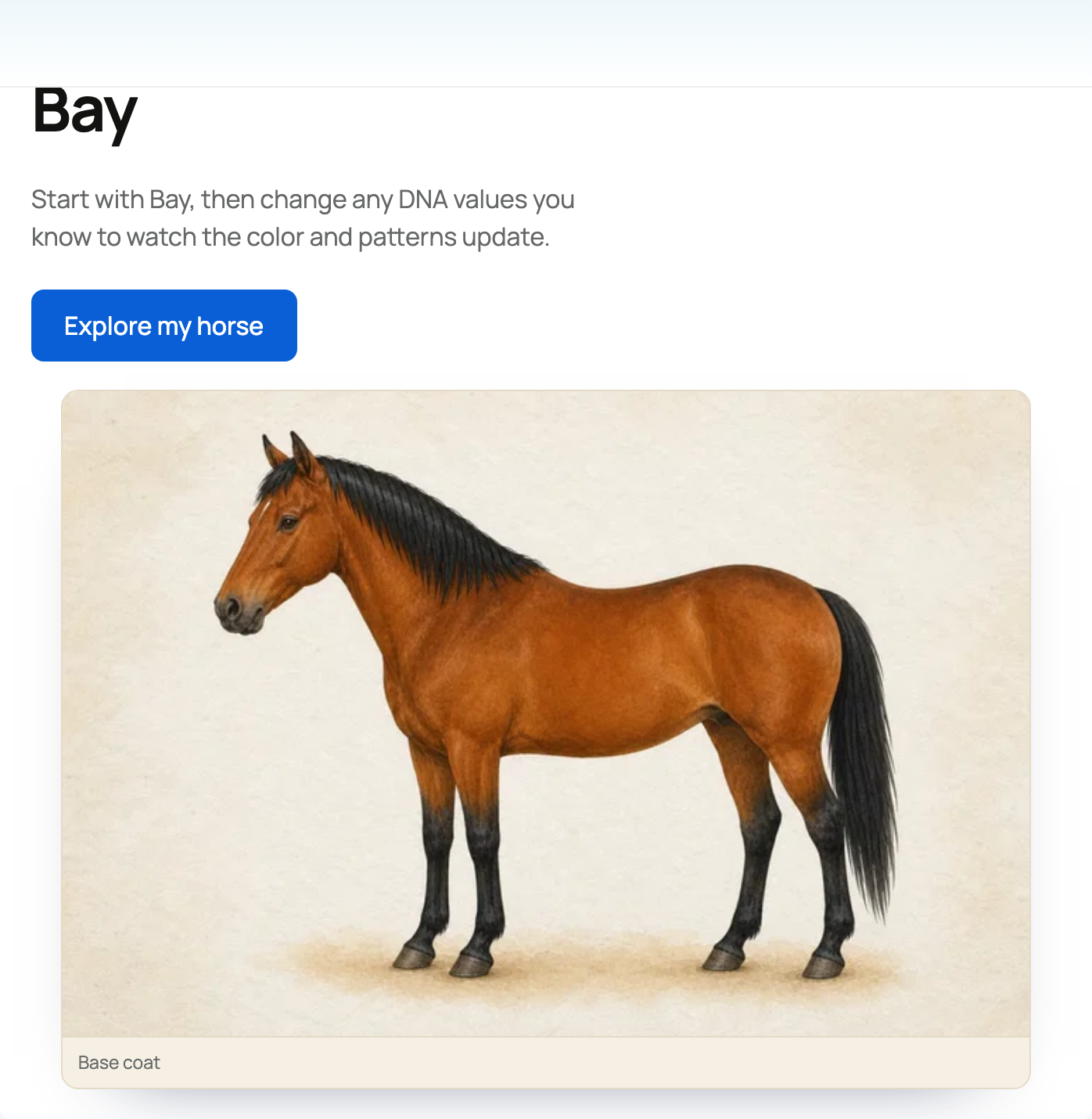
/tools/coat-color-calculatorsand each one lives at/{species}-coat-color-calculator. - The Coat Color Visualizer answers "what does THIS animal look like, and why?" You toggle one animal's genes and watch its coat picture change. No parents are involved; it is a learning and reference tool. Its hub is
/tools/coat-color-visualizersand each one lives at/{species}-coat-color-visualizer.
Both tools support Highland cattle and miniature donkeys. Those are the two animals you can reach through the tool pages, so this guide covers exactly those.
A plain-language genetics primer
You do not need to be a geneticist to use either tool. Here are the terms they use, in everyday language:
- Sire and dam mean father and mother.
- A gene (or locus) is a specific spot in the DNA that controls one trait. For example, the Extension gene controls whether the base color is black-family or red-family.
- An allele is one version of a gene. Every animal carries two alleles per gene, one inherited from each parent.
- Homozygous means the two alleles match (for example e/e). Heterozygous means they differ (for example E/e). The calculator's Genetics picker labels options this way.
- Dilution is a gene that lightens the base color. In Highland cattle, for instance, the PMEL dilution turns black toward dun and then silver as you add copies.
- Phenotype is what you see (the color name). Genotype is the underlying allele combination (for example ED/e). The results show both.
The Coat Color Calculator
The calculator supports Highland cattle and miniature donkeys only. (A horse version exists in the code but is not offered on the hub, so the tool pages list just these two.)

The inputs
- Sire color and Dam color. Two dropdowns, one per parent, where you pick that parent's coat color from the species' recognized colors. These are the minimum required inputs; leave one blank and the tool asks you to select the sire or dam coat color. The recognized colors are:
- Highland: Red, Yellow, White, Black, Dun, Silver.
- Donkey: Red, Black, Gray, Brown, Ivory.
- Genetics (optional). Below each parent is an optional Genetics panel where you can set that parent's exact alleles per gene, for a finer prediction than color alone. Each gene is shown as homozygous or heterozygous radio options, and the default is Unknown, which means "I do not know, so use this color's typical genetics." Unknown is completely fine.
- Highland genes: Base / MC1R (Extension), which sets black-family versus red-family pigment, and Dilution / PMEL, which sets how much the color is lightened (none, then dun, then silver).
- Donkey genes: up to six. Extension (black versus red), Dun (a dilution that also brings the dorsal stripe, shoulder cross, and leg barring), Brown, Light Points / Pangare (a pale muzzle, eye rings, belly, and inner legs), Dominant White / white pattern, and Roan (white hairs mixed through the coat).
- The implication: leaving Genetics on Unknown predicts from the color alone; specifying alleles narrows the odds. As you choose, the page even auto-selects the matching color and hides combinations that are impossible for it, so the picker keeps you consistent.
- Calculate. The result loads in place, so your scroll position and any open Genetics panels are preserved.
The output: Offspring Probabilities

The result is a grid of outcome cards, one per possible offspring color. Each card shows the color name, the percentage chance of it (for example 25%), an illustrative image of that color, and, when you supplied genetics, the possible genotypes behind that color as small chips with their own sub-percentages (a "Show more" control expands the rest). For donkeys, an outcome card can include an image carousel of the visual variants, such as the spotted, roan, or light-points version of a color.

Two things to trust and one to remember:
- The math is real. The percentages come from proper Mendelian inheritance (Punnett-square allele segregation), not a guess, so they reflect genuine genetics.
- They are still probabilities, not promises. A pairing that has a 25% chance of a color can still produce any of its possible colors. The tool says to monitor development and confirm the final coat color after the first shed, because a calf's or foal's color can change as it matures. For an unusual pairing the tool may fall back to a general "expect a blend of both parents" note.
The Genetics Guide

At the bottom of each calculator is a Genetics Guide: a reference for what each gene and allele does, credited to the UC Davis Veterinary Genetics Laboratory. It also surfaces responsible-breeding facts, including that some donkey white-pattern combinations are non-viable (for example homozygous dominant white). A good breeding tool flags exactly these, so you can plan a pairing that avoids them.
The Coat Color Visualizer
The two live visualizers are Highland cattle and miniature donkeys (the same two the hub lists). The visualizer is the learning tool: instead of two parents, you take one animal and explore how its genes shape its coat.

How it works
- You see a row of gene groups. Each gene has two allele buttons, one per copy the animal carries. Click a button to cycle that copy through the gene's allele options.
- As you toggle, the result updates instantly in your browser, with no reload and no server call: a color name (for example "Light Red") and a picture of the coat chosen for that exact genotype both change live. A Download button saves the result image.
- Highland genes: Base (MC1R / Extension), Dilution (PMEL), and Agouti (ASIP, which produces brindle). The Highland page also shows a "Seven Recognized Colors" gallery: Black, Dun, Red, Yellow, White, Brindle, and Silver.
- Donkey genes: Extension, Dun, Dominant White, Brown, Light Points, and Roan. Each gene is explained in the page's own Genetics Guide, with the same UC Davis sourcing.

Which tool, when
One sentence to keep them straight: the visualizer is for learning ("see how each gene changes the coat" on a single animal), and the calculator is for planning ("see what a pairing could produce" from two parents). Many breeders use the visualizer to understand a gene, then the calculator to plan the cross.
Where to go next
These tools are the front end to the real breeding and genetics features on Creatures:
- For a grounding in genetics on Creatures: Genetics overview.
- To record the cross you planned: Recording a breeding and The breeding dashboard.
- To capture lineage: Care, growth, and identity records.
- For pregnancy due dates: Using the gestation calculator.
- For the full set of tools: The Creatures Tools page.
Related information
- The Creatures Tools page: calculators, visualizers, and generators
- Animal and organization name generators
- Estimating animal weight with the weight calculator
Updated on: 23/06/2026
Thank you!