
Genetics overview
Genetics keeps every batch of straws, embryos, eggs and other breeding material counted and tied to the animals it came from. To open it, select your profile picture at the top, then Genetics, or go to Dashboard > Animals & Groups > Genetics.
Each batch is one inventory item. It holds the type of material, how it is kept, the count, the source animals and where it is stored. You can see what is left, record what you sold or used, and list units for sale without a separate spreadsheet.
Your first visit
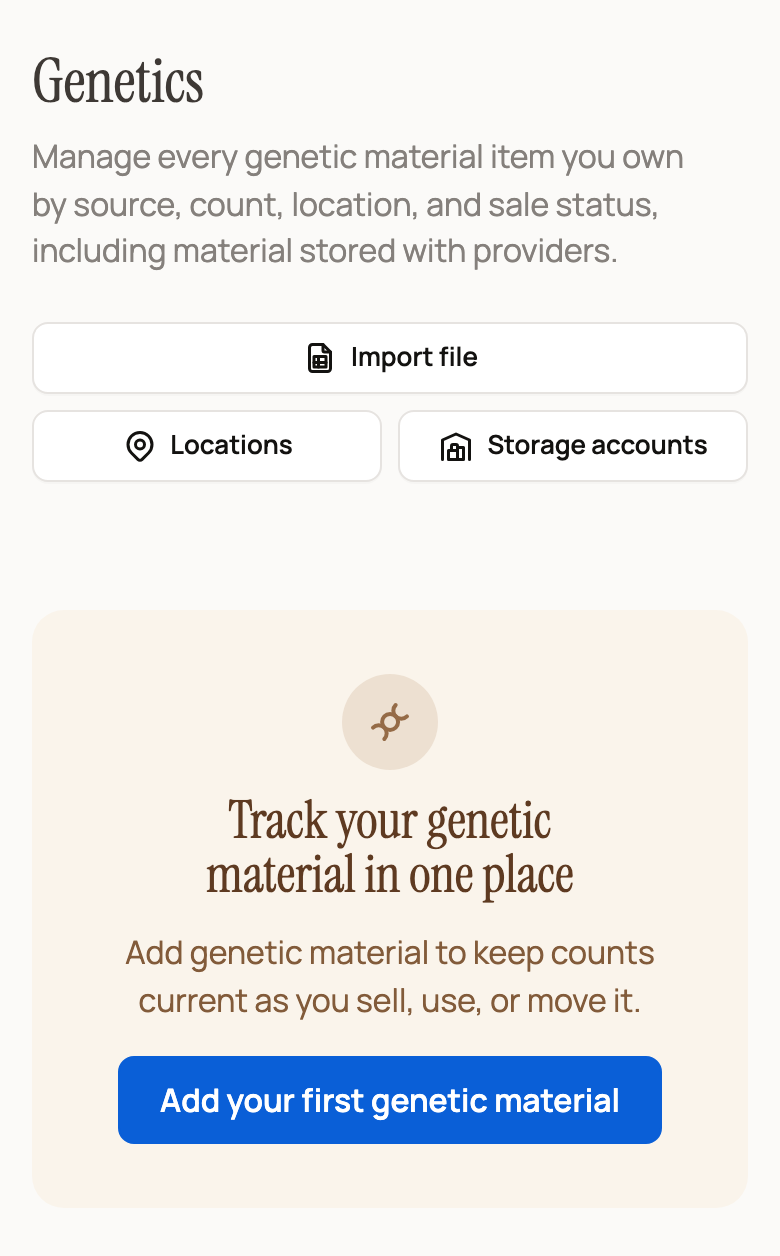
A new account sees Track your genetic material in one place. Select Add your first genetic material to save your first batch.
The buttons above it work from day one:
- Import file brings in many records at once from a spreadsheet.
- Locations sets up the places you keep material, such as a tank, canister or incubator.
- Storage accounts shows material a storage provider keeps for you.
Once you have material
Add material moves to the front of the buttons. Collect eggs shows up only if you keep egg layers or egg stock. It logs the eggs you gather from your flock (see Collect eggs from your flock).
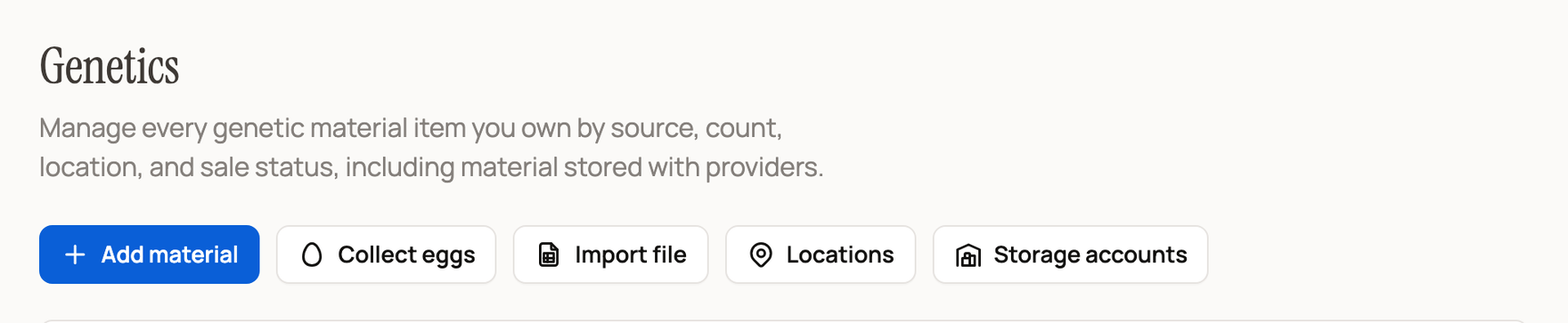
Below the buttons, four totals sum up your stock: Inventory items, Total units, Listed items and Low stock (or All stocked when nothing is running low). Use the chips under them to show one type, such as Straws or Embryos.
Follow each item's count
Open an item to see three numbers: Available, Sold and Used.
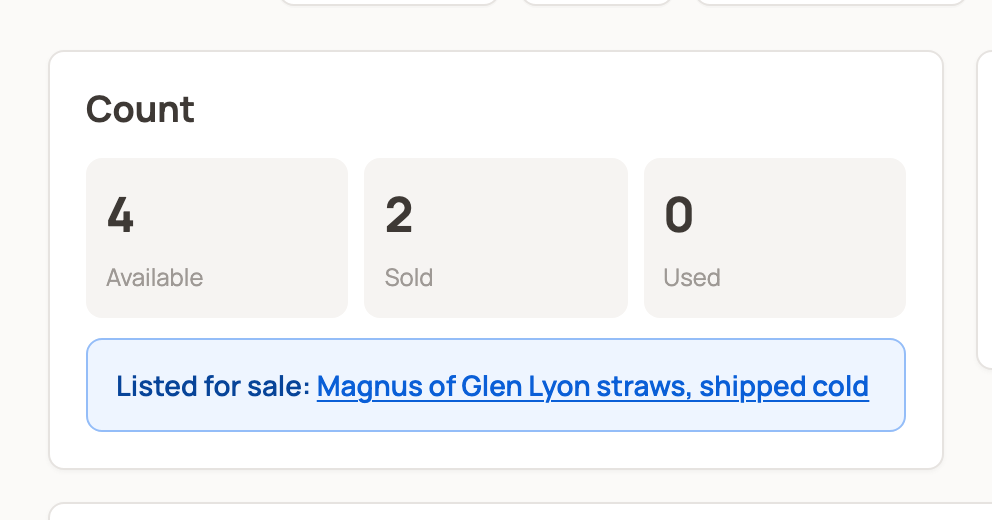
- Available is what you can list, sell or use now. While a buyer pays at checkout, Creatures holds those units for a short time so no one else can buy them.
- Sold goes up when you record a sale or a buyer pays for an order on Creatures.
- Used goes up when you record a breeding, transfer, incubation or other use.
Never change the total to stand in for a sale or use. Use Record sale or Record use so the count and the history change together.
What you can do from an item
- List for sale puts available units on the Creatures marketplace. Hatching eggs open the egg listing form instead.
- Sell privately sends a buyer an invoice through Creatures. It appears when you manage Finance for the item's owner and units are available.
- Record sale, Record use and Move sit under Quick actions.
- Set eggs starts an incubation from an egg lot.
Lower on the page, Offspring & outcomes lists breedings and young linked to this material, and Activity timeline shows each change. Finance & custody shows any cost you have on file for the material. If you came in through a sign-in link, select Confirm it’s you and enter the emailed code to see it.
Choose the next guide
- Add, move or combine material: Managing your genetic inventory.
- Log a private sale or a breeding: Recording genetic sales and use.
- Sell or buy on Creatures: Listing genetics on the marketplace and Buying genetics on the marketplace.
- Delivery and problems: Shipping and tracking genetic items.
- Storage: Subscribing to genetic storage, Keep purchased genetics in storage and Offer genetic storage as a provider.
- EPDs (expected progeny differences) and other breeding scores: Record EPDs and other genetic evaluations.
- Eggs: Sell hatching eggs by the pack.
Related information
- Genetics reference: material types, statuses, and shipping
- Managing your genetic inventory
- Collect eggs from your flock
Updated on: 29/10/2026
Thank you!