Breeding and reproductive care protocols
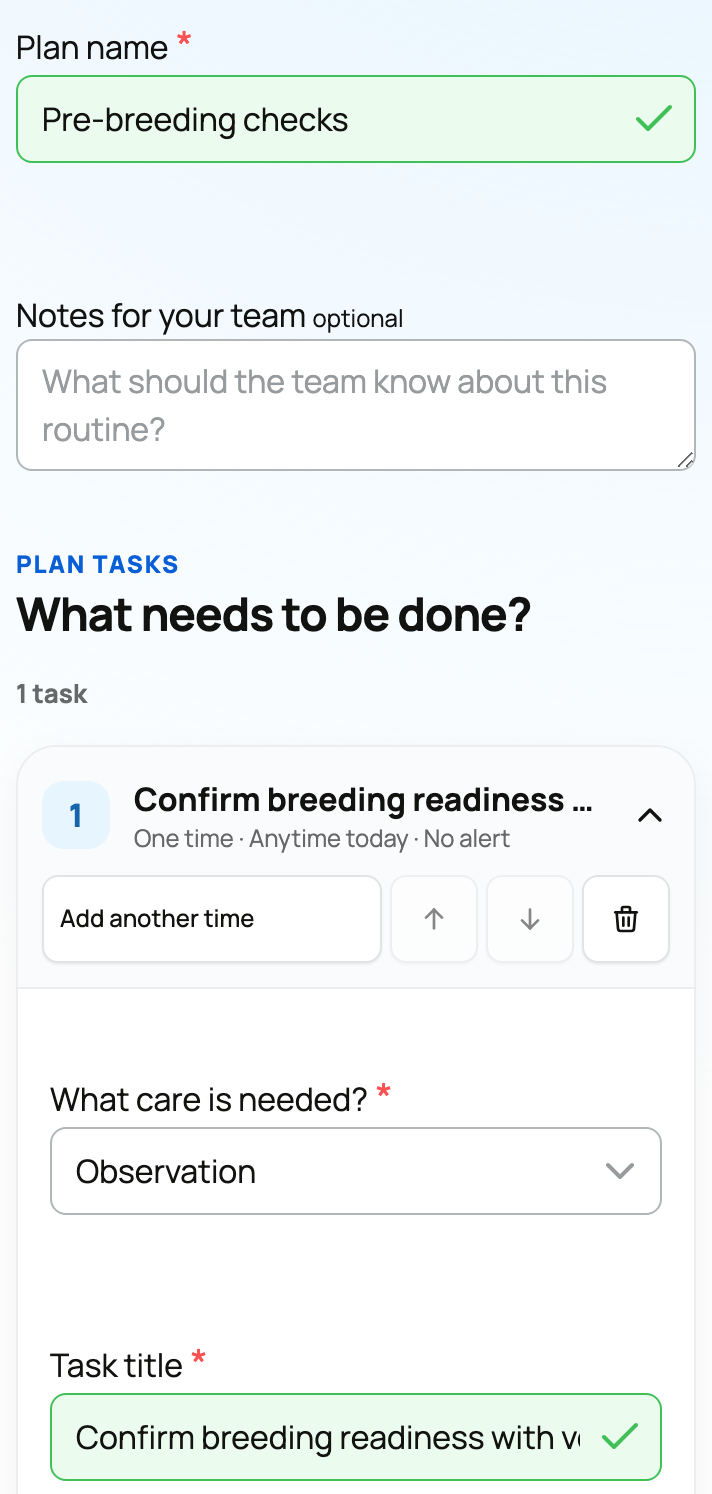
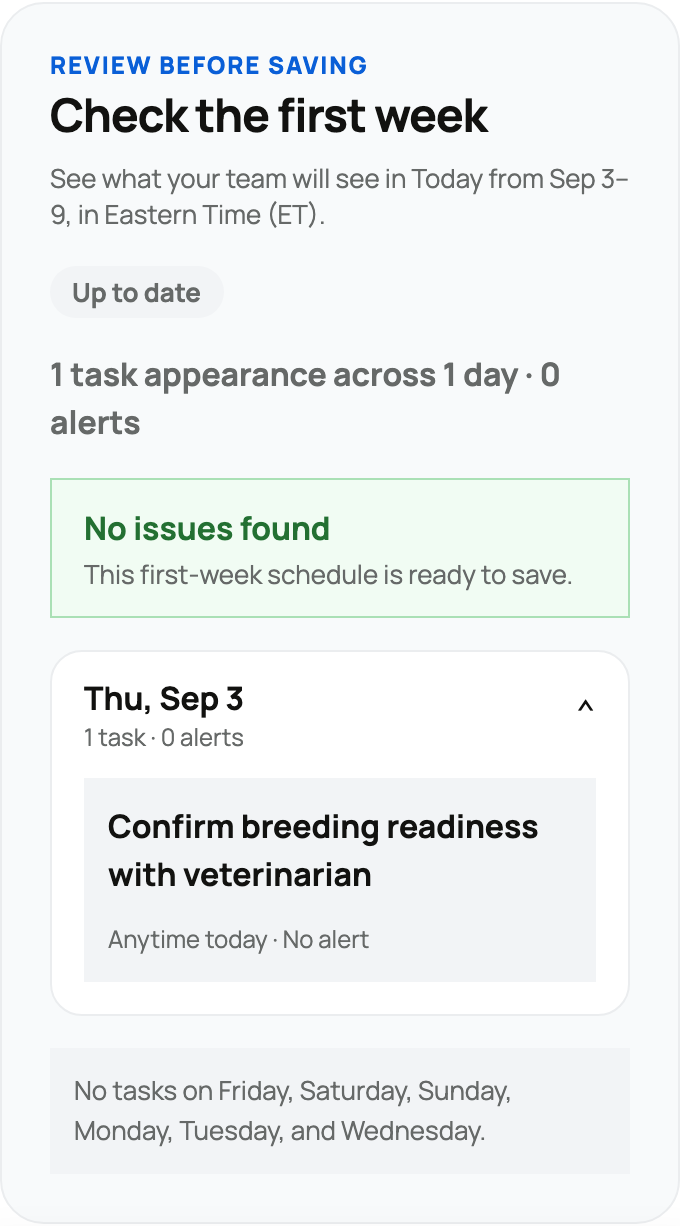
Care protocols turn a repeatable plan (a pre-breeding vaccine schedule, a timed-AI synchronization, a deworming routine) into scheduled reminders on an animal or a whole group, so the right steps happen on the right day. This guide covers subscribing, every field that controls when a step is due, and how protocols work for a whole litter or cohort.
Apply a protocol
From an animal's records, open the Care plans panel and subscribe the animal to a protocol.

Where protocols come from
A protocol has a source, and the source decides who can edit it:
- Curated protocols are built and maintained by Creatures. You can subscribe to them, but you do not edit them; they stay current for you.
- Personal protocols are your own, editable only by you.
- Organization protocols belong to a team and are editable by any member of that organization.
Is it a good fit?
Protocols are matched to the animal so you can tell whether one fits before you subscribe. A protocol can be scoped to a taxon, a species, or a breed, and it can carry attribute rules for sex, whether the animal is intact (not sterilized), and life stage (juvenile, adult, or senior). Creatures sorts what it shows you:
- A protocol that matches the animal's known sex and age is shown by default.
- One with a rule it cannot fully check (for example, a sex requirement on an animal whose sex is unset) is still shown, with a note, so an unknown detail does not silently hide a relevant plan.
- One that does not fit (a females-only protocol on a male) is hidden, available only when you choose to see everything.
One thing to know: parity (heifer versus cow) is not a matching dimension, so if a plan should differ by parity, it is built as separate protocols rather than one that branches.
How steps and reminders work
Each protocol is an ordered list of steps. A step creates a health record and is scheduled by a few fields:
- Record type. The underlying health record the step will create (vaccination, exam, treatment, a reproductive record, and so on), with its default fields pre-filled. This is what lands on the animal's history when the step is done.
- Timing starts from (the anchor). Where the countdown begins. Start date counts from the day you subscribed; Age counts from the animal's date of birth (used for birth-date milestones like a vaccine due at eight weeks); Completion schedules the step a set time after a prior matching record, which is how recurring follow-ups chain off the last one.
- Due after (days). How many days after the anchor the step is due. Zero means the same day; negative values are allowed for a step that should land before the anchor.
- Due time (hours). An optional hour of day, 0 to 23, for protocols where sub-day timing matters. This is the timed-AI control: in a synchronization protocol like CO-Synch with a CIDR, the insemination step is due a precise number of hours after setup (for example, around 60 hours), and this field pins that hour. A value of 0 means date-only timing; 6 means 6 AM; 18 means 6 PM.
- Recurrence. Optional repeat settings: how many days between occurrences, an optional cap on how many times it repeats, and an optional age at which it stops. Leave them blank for a one-time step.
- Compliance window. The number of days after the due date during which the step still counts as on time (the default is about a week). For an age-anchored step on an animal whose birth date is only approximate, Creatures widens this automatically so an imprecise birthday does not make a step look late.
- Reminder lead time. How many days before the due date to notify you. You set this per step when you subscribe, and you can choose which steps notify at all.
When a reminder comes due, you complete it by logging the actual health record (the form opens with the step's defaults filled in). Completing a recurring step schedules the next occurrence automatically.
Protocols for a whole group
You can subscribe a group (a litter or a cohort) to a protocol once, and the reminders apply to every current member, so a batch of animals stays on schedule together rather than being subscribed one at a time. The anchor for a group defaults to the group's birth or acquired date. Group reminders are delivered to the group's owner on schedule (an organization fans the notification out to its members), so the team sees a single prompt when a step is due for the litter. This is the natural fit for litter vaccination series or a synchronized timed-AI run across a cohort. The mechanics of subscribing a whole group and how its reminders are delivered are covered in Care plans for animal groups.
Related information
Updated on: 23/06/2026
Thank you!