
The breeding dashboard
Use the Breeding command center to see which managed animals need attention next. It brings active cycles, upcoming care, and recent outcomes into one working view.
Triage the active work
- Open Dashboard, then Breeding.
- Check Expecting, Due soon, and Overdue first.
- Review Photos this week and To attach for documentation gaps.
- Work down the active cycles in due-date order.
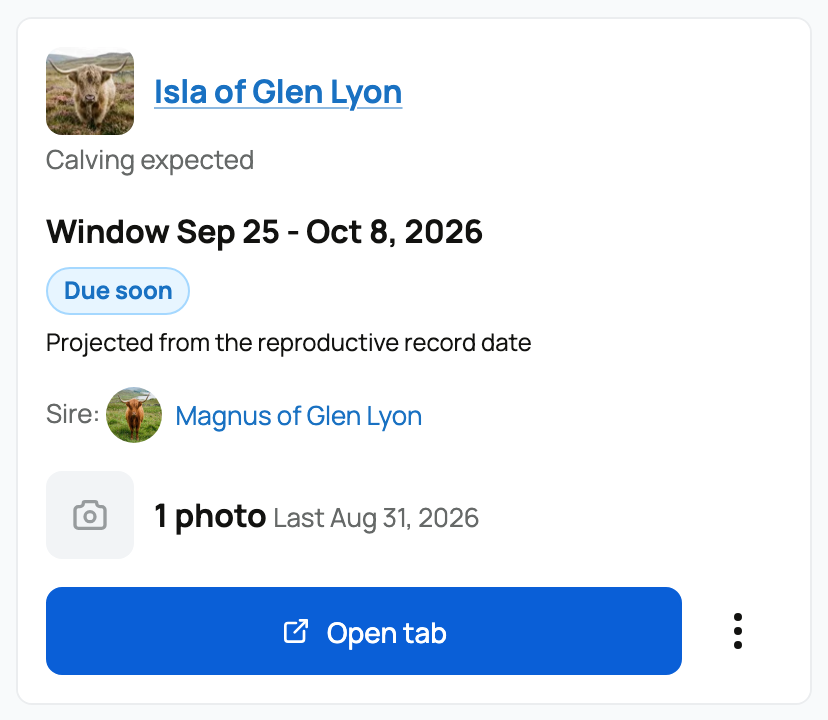
Each row shows the dam, expected date or window, projection basis, progress, and sire or source. Due soon means the cycle is inside the near-term window. Overdue means the expected date or window has passed without a recorded outcome. Needs update calls attention to a near-term cycle without recent progress.
Use the main action on a row for the next likely job. Depending on the state, that may be adding progress, opening the animal's Breeding tab, or recording the birth or hatch. The additional actions let you adjust the projection or open related details without hunting through the animal profile.
Use the supporting sections
Projected care reminders shows upcoming breeding-related work. Photos to attach catches progress entries that are not connected to a cycle. Recent outcomes links back to completed cycles and their offspring groups.
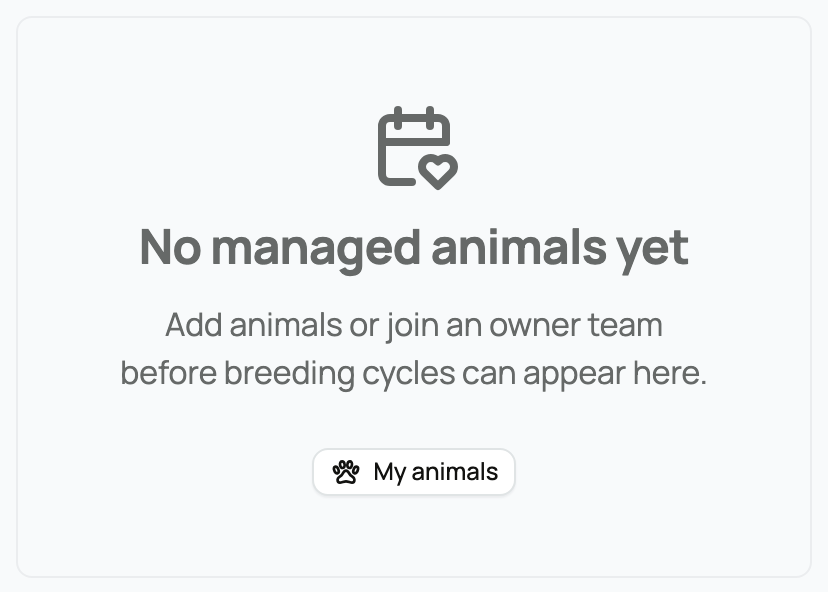
If you see No managed animals yet, choose My animals to add animals or check your team access. If you have managed animals but see No active breeding cycles, choose Record reproductive event to start one. This is not a public list of every breeding connected to a sire.
When a cycle looks wrong, fix the source instead of ignoring the dashboard. Use Adjust projection for better timing information, attach unlinked progress to the correct cycle, or record the actual outcome to close a pregnancy that has ended.
Open the animal's Breeding tab when you need the full history. The summary counts and timing labels help you plan work; they do not assess whether a pregnancy is healthy.
For the details behind one row, see Tracking pregnancy and progress. To start from scratch, see Recording a breeding.
Updated on: 03/09/2026
Thank you!