Articles on: Breeding & Genetics

Genetics reference: material types, statuses, and shipping

Genetics reference: material types, statuses, and shipping


A reference for the terms you will see across the genetics tools, with what each one means and where it matters.


Material types


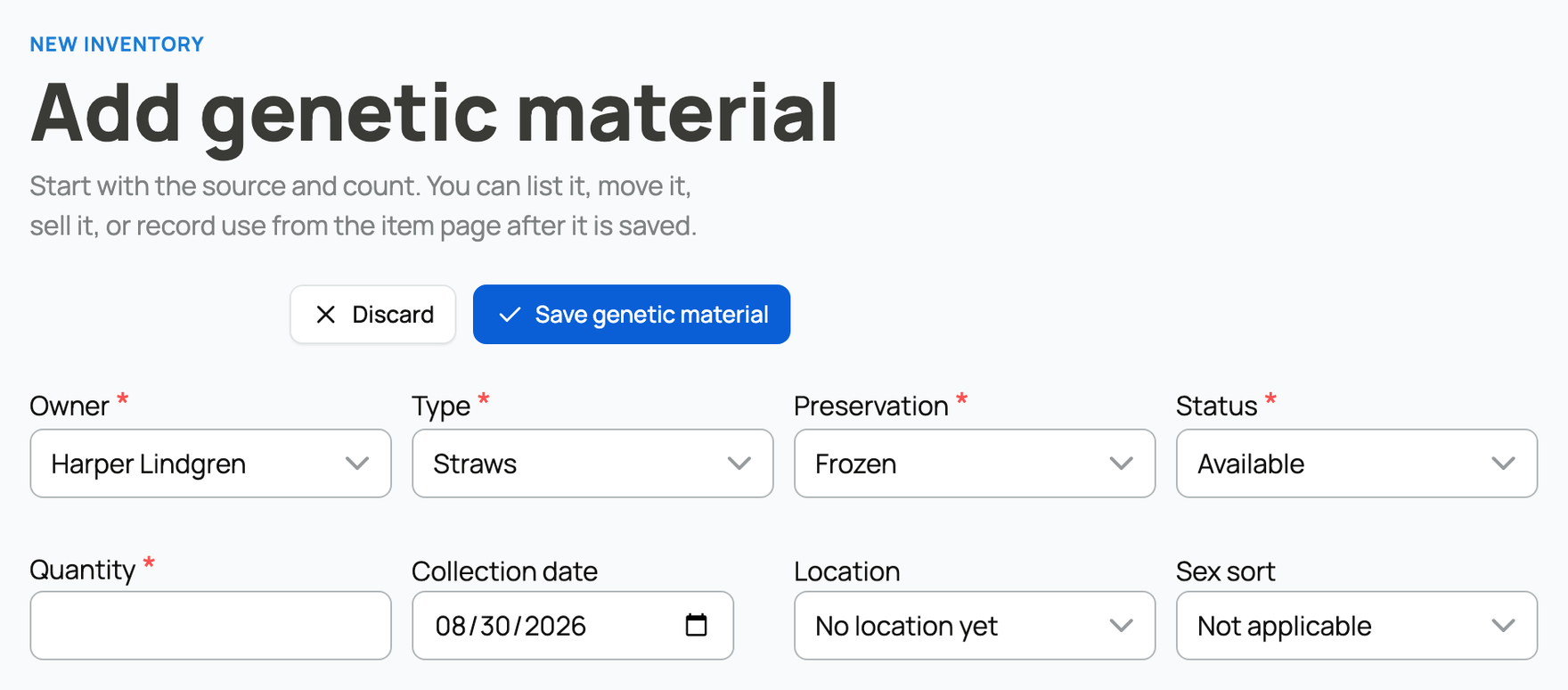
The type you choose sets which fields and statuses an item has, and it locks once the item is listed, sold, or used:


  • Straws (semen): semen tracked by straw count. Can be sex-sorted (see below). Links a single donor.
  • Embryos: tracked individually with a sire and a dam, and can be transferred into a recipient and followed through pregnancy.
  • Oocytes (eggs): unfertilized eggs collected from a donor female.
  • Hatching eggs: fertile eggs set for incubation, with optional fertility history, an expected hatch date, and an NPIP number. Links a sire and a dam.
  • Roe: fish eggs, with an expected hatch date. Links a sire and a dam.
  • Live juveniles: young animals tracked together as a count before they get individual profiles. Parents can be named, or described as a group.
  • Other: anything that does not fit the categories above.


Preservation methods


How the material is kept, which also tells you how it must ship:


  • Frozen: long-term cryogenic storage (liquid nitrogen). Requires cold-chain shipping.
  • Chilled: short-term refrigerated.
  • Fresh: used soon after collection.
  • Live: living material (for example, live juveniles).
  • Ambient: room temperature (some hatching eggs).


Each material type only offers the preservation methods that fit it, so hatching eggs are stored ambient and live juveniles are stored live.


Choosing a material type and preservation method


Sex sort (straws)


For straws, this records whether the semen was sorted by sex of the resulting offspring:


  • Conventional: not sorted.
  • Female sorted: sorted toward female offspring.
  • Male sorted: sorted toward male offspring.
  • Mixed: a mix.


Buyers of breeding stock often filter on this, so setting it accurately helps the right buyers find your straws.


Item statuses


A status reflects where a unit of material is in its life. Which statuses are available depends on the type:


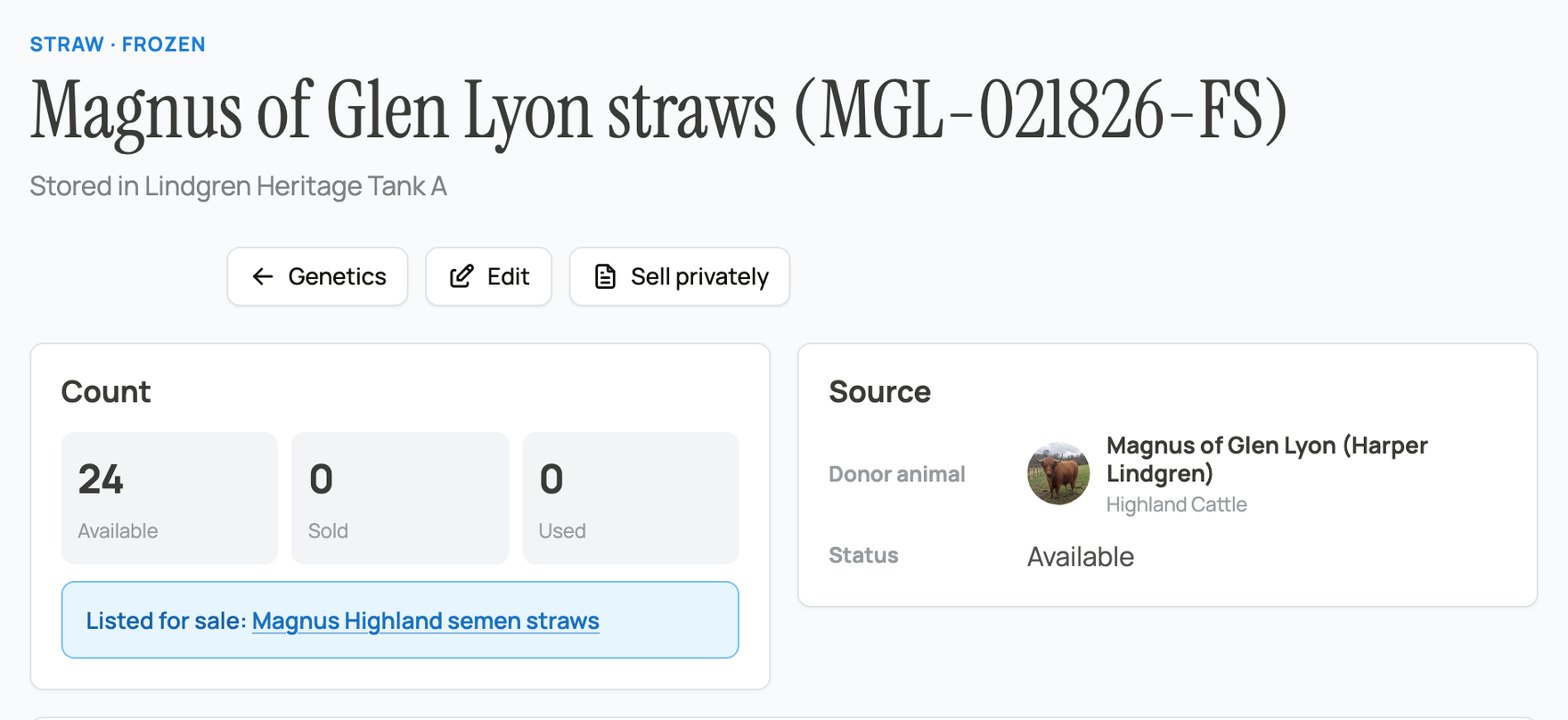
  • Available: on hand, not held, sold, or used.
  • Held for buyer: held by an active marketplace checkout (a short hold while a buyer pays). It returns to Available if the buyer does not finish.
  • Sold: drawn down through a sale.
  • Used: drawn down through use.
  • Transferred out: custody given to another keeper or a storage provider.
  • Returned: units a buyer sent back to the seller through a refund. On the buyer's copy the units close out; on the seller's source item they go back to Available so they can be relisted.
  • Destroyed: intentionally discarded.


Some outcomes are type-specific. Embryos add Implanted in recipient, Pregnancy confirmed, Pregnancy failed, and Live birth. Hatching eggs and roe add Incubating, Hatched, and Failed to hatch. (Live juveniles do not use Used; you record what happened to them with a release and one of the other statuses.)


Genetic refund statuses


When a marketplace genetics sale is refunded, the order banner shows where the refund is. A genetics refund is a return: the units go back to the seller and the buyer is paid the matching amount.


  • (no refund banner): the sale has not been refunded. Nothing has been returned and nothing is owed back.
  • Genetics refund started: Stripe is processing the money and the units have not been returned to the seller's inventory yet. The refund is underway.
  • Genetics refund complete: the buyer has been refunded and the units are back in the seller's inventory, free to relist. This is the finished state.
  • Genetics refund needs review: a person has to check the refund before any custody or money moves. Creatures handles it by hand, so it pauses here until that check is done.
  • Genetics refund needs help: Stripe could not complete the money side. The refund is flagged for Creatures to sort out, so neither side is left stuck.


Storage transfer statuses


A storage transfer moves a stored item's custody from the seller's storage to the buyer's without the material leaving a facility. It runs through these states; each one says what is happening and whose turn it is to act:


  • Awaiting seller storage details: the seller still has to declare the source and destination storage, or mark the handoff as external. Seller's turn.
  • Awaiting buyer storage selection: the buyer has to pick where to keep the material stored (an existing subscription or a new one). Buyer's turn, with a 14-day action window.
  • Awaiting subscription setup: the buyer chose a new storage service but has not finished subscribing to it yet. Buyer's turn.
  • Awaiting provider receipt: the storage provider has to record that they received the material. It sits in the provider's receipt queue. Provider's turn.
  • Placing in storage: the system is moving the inventory into the buyer's storage. A brief, automatic step, no action needed.
  • Finalizing transfer: receipt has been recorded and the transfer is being finalized. A brief, automatic step, no action needed.
  • Placed in storage: done. The material is in the buyer's storage with the provider. This is the finished state.
  • Provider rejected: the provider declined the transfer, so the buyer has to choose another destination. Buyer's turn.
  • External transfer: the material was handed to a facility Creatures does not manage. This is a final state, with no provider receipt to record.
  • Needs support: the transfer hit a problem and Creatures needs to step in. No buyer or provider action until it is sorted.
  • Cancelled: the transfer was cancelled and will not complete.


These statuses belong to the Storage transfer fulfillment method. The full set of fulfillment methods a seller can pick is Carrier shipment, Courier, Pickup, Storage transfer, and Seller delivery. Only Carrier shipment and Courier are tracked (they carry a carrier and tracking number); pickup, storage transfer, and seller delivery are confirmed by hand instead.


Storage location kinds


Locations describe where material physically sits, and you can nest them to mirror real cryo storage:


  • Facility, Tank, Canister, Cane, Goblet, Incubator, Brooder, Pen, Apiary, and Other.


A location can also be marked as held at a third-party facility, for storage that is not a paid Creatures storage subscription.


Shipping containers


The right container depends on the material and its preservation:


  • Frozen straws and embryos: a dry shipper (nitrogen vapor), a liquid nitrogen tank or dewar, or an insulated cold-chain box.
  • Chilled or fresh material: an insulated chilled box with gel packs, or a specialty fresh-material container.
  • Hatching eggs: an insulated egg shipper, a foam-lined corrugated box, or a climate-controlled box.
  • Live material: a climate-controlled live-material container or an insulated transport box.
  • Pickup only: some material (often eggs) is offered for local pickup instead of shipping.


For material too bulky to send by parcel carrier, such as a full liquid nitrogen tank, you can hire a hauler through Creatures; see Requesting transport for an animal.


Fees at a glance


  • Buyer service fee: 5% of the purchase price, added at checkout, unless the seller chooses to cover it.
  • Storage service fee: 5% of the provider's monthly rate, added to each month's storage bill.


On a refund, the buyer service fee is returned along with the price, so a full refund puts the buyer back to zero out of pocket. A genetics refund is a return: the units go back to the seller and the buyer is paid the matching amount, pro-rated to the units still on hand. See Buying genetics on the marketplace and Shipping and tracking genetic items.


Updated on: 23/06/2026

Was this article helpful?

Share your feedback

Cancel

Thank you!