
Managing a sponsorship: sponsors, price, sharing, pausing, and ending
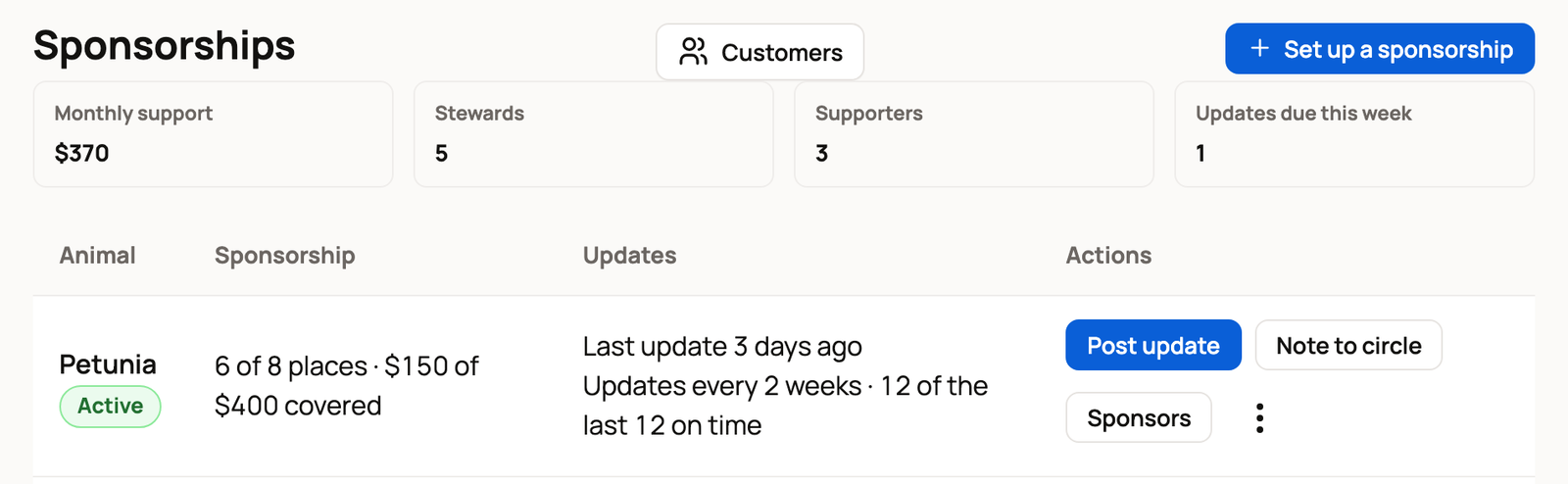
Go to Dashboard > Sponsorships to see every animal you've opened a sponsorship for, with its support, stewards, supporters and places filled. Each row has a Sponsors button, and its menu (the three dots) has Edit, Pause, Share, Archive and End sponsorship.
If you also sponsor animals yourself, choose the Your sponsorships tab.
Your sponsorships at a glance
The top of the page shows Monthly support, Stewards, Supporters and Updates due this week. Stewards hold a place in an animal's circle. Supporters give any amount without a place.
Below, each animal has a row with its status (Draft, Active or Paused) and how full its circle is, like "6 of 8 places · $150 of $400 covered". The covered amount is what current stewards pay. A place held for an unclaimed gift, or for someone who hasn't confirmed their payment yet, counts as filled but isn't paid in yet.
Sponsorships you ended are under Ended sponsorships at the bottom.
See your sponsors
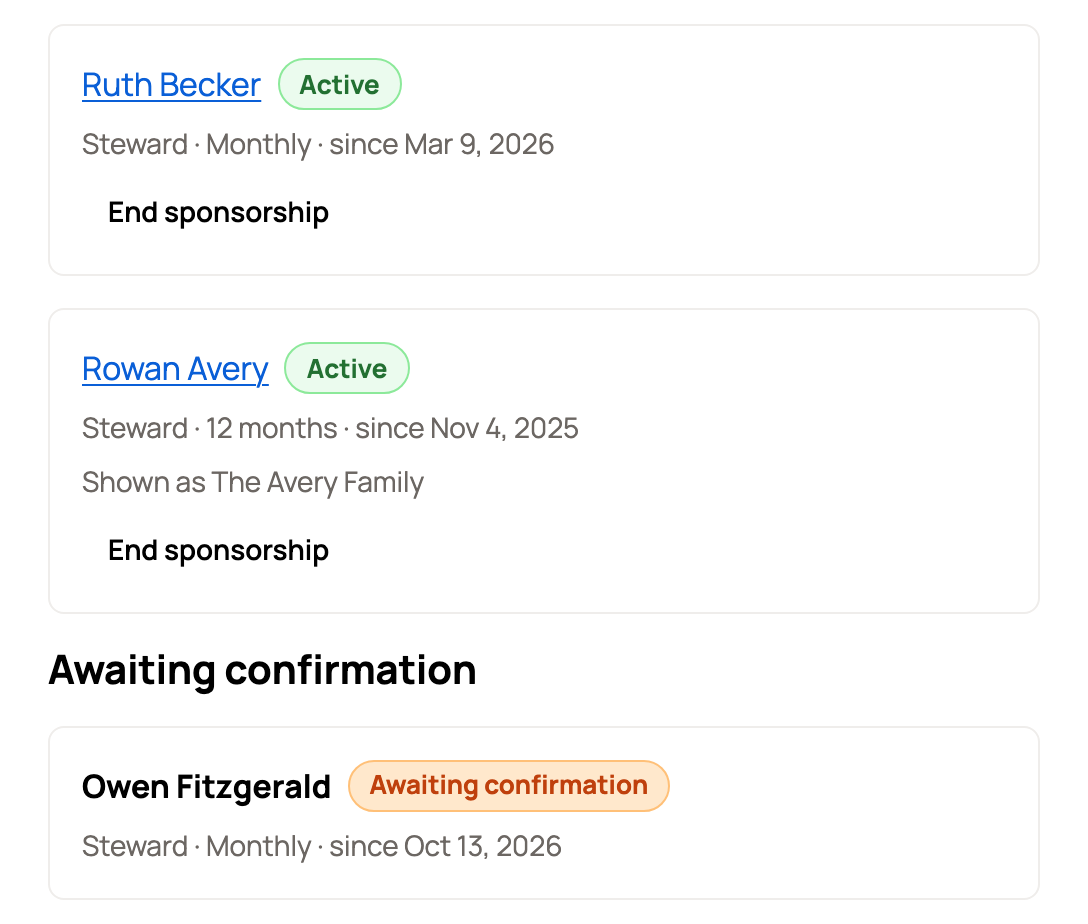
Select Sponsors on a row. People are grouped like this:
- Current: stewards and supporters, with how they pay (Monthly or 12 months) and since when.
- Awaiting confirmation: someone paid without a Creatures account and hasn't confirmed their email yet.
- Gift, awaiting claim: a gift holds a place until it's claimed. It's listed under the name of the person who bought it and marked Gift for someone else.
- Ended: past sponsors.
Download CSV saves the list as a spreadsheet. If a payment fails, that sponsor shows a Grace period badge while the payment is retried for 7 days.
Change the price or places
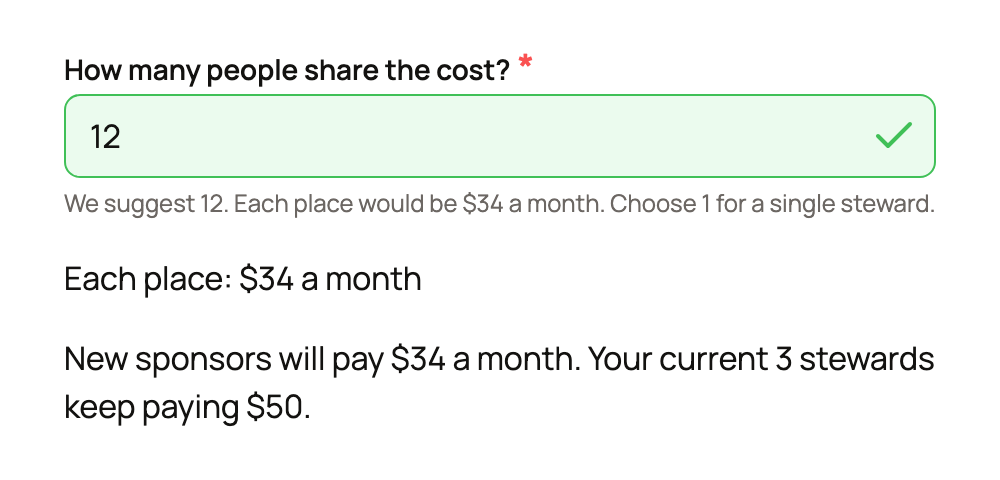
Select Edit from the menu. You can change the care cost or the number of places at any time, but not below the places already filled. New sponsors pay the new price. Current stewards keep paying what they signed up for, and the form tells you so before you save.
Select Save changes when you're done. Your update schedule can't change once anyone sponsors the animal.
Share it
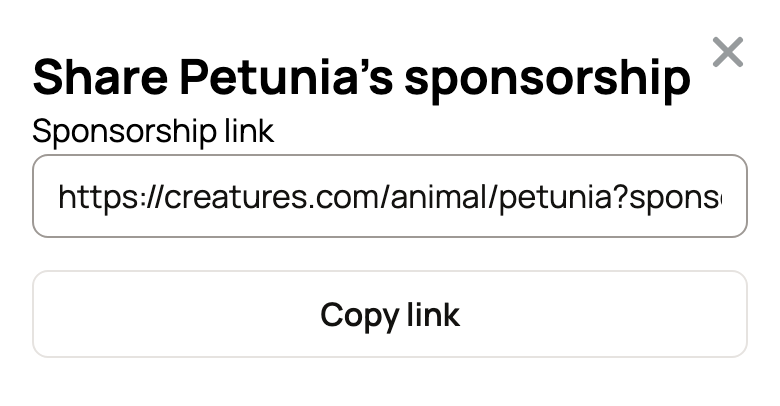
Select Share from the menu. You can:
- Copy the Sponsorship link with Copy link. It opens the animal's profile with the sponsor choices showing.
- Select Download QR code for a flyer or the barn door.
- Copy a ready-made Post for social media with Copy post.
Pause, archive or end
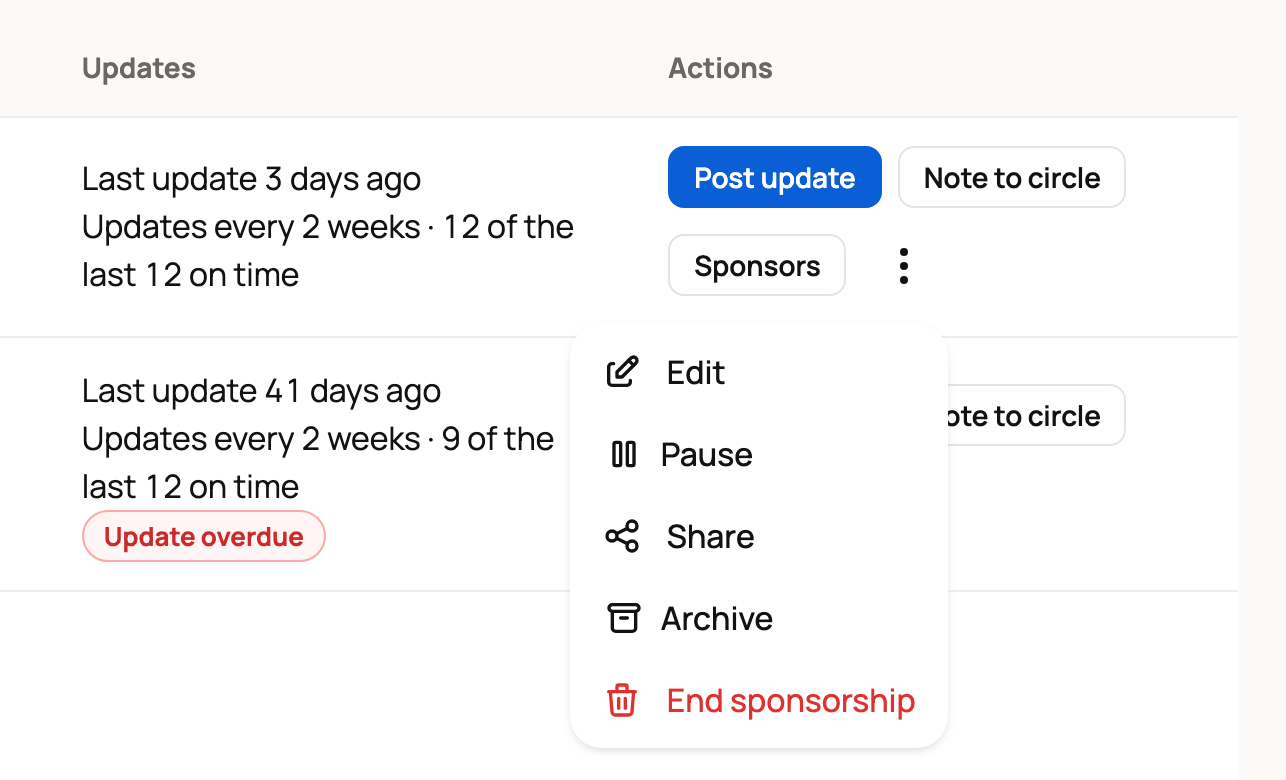
- Pause stops new sponsors. Current sponsors keep going, and the profile says "Not accepting new sponsors right now." Select Resume to open it again.
- Archive tidies away a sponsorship that's no longer used. It works only when nobody sponsors the animal and no gift or unconfirmed payment is waiting.
- End sponsorship ends it for everyone. Edit the Note to sponsors, and leave Also post this on Petunia's profile checked if you want it public. Then select End sponsorship. Sponsors hear from you right away, their payments stop, and nothing is refunded. Creatures may ask you to confirm it's you first.
To end one person's sponsorship, open Sponsors and select End sponsorship on their row. You can add a note.
If the animal itself was adopted, released, moved or died, record that instead so sponsors get the right news. See When a sponsored animal is adopted, released, moves, or passes away.
Where the money goes
Sponsor payments arrive in the caretaker's Creatures Wallet as sponsorship payments. Creatures keeps 5% of each one, unless you or your organization has Creatures Pro.
Related information
- Keeping sponsors updated: posts, notes, and reminders
- Setting up a sponsorship for an animal in your care
- When a sponsored animal is adopted, released, moves, or passes away
- Your Creatures Wallet: balance, holds, and getting paid
Updated on: 29/10/2026
Thank you!