
Finding and managing your messages
Use Messages to find a conversation, focus on unread replies, and return to older discussions. Opening a conversation marks its messages as read.
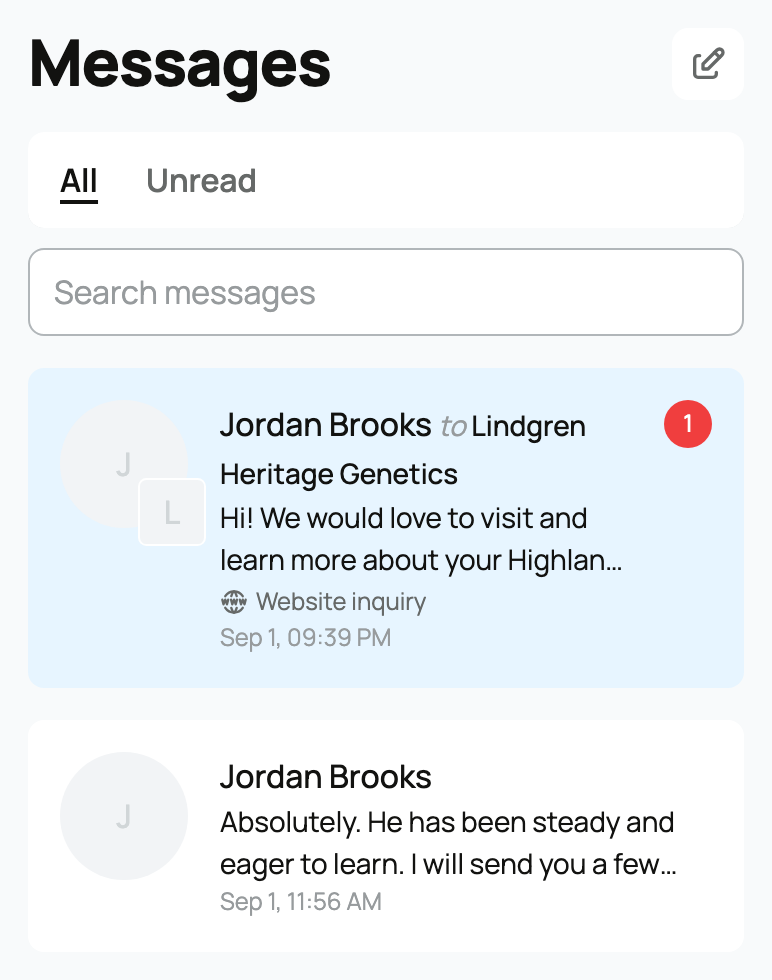
Find a conversation
- Open Messages from the main navigation.
- Enter at least two characters in Search messages.
- Search by the other person's name or handle, words from a message, or a context label such as Website inquiry.
- Select the matching conversation.
Search is especially useful when the conversation is older than the 50 conversations shown in the inbox.
Work through unread messages
- Select the Unread tab.
- Open a conversation to read it.
- Return to Messages and continue with the next unread conversation.
The number beside Unread counts conversations with unread messages, not individual messages. The navigation badge uses the same conversation count. Unread conversations appear first; the rest are ordered by recent activity.
Start a new message from the inbox
- Select the New message button beside Messages.
- Use Search by name or handle... to find a person or organization.
- Choose the recipient and write your message.
People you have blocked, or who have blocked you, do not appear in this picker. You also cannot message yourself or a banned account.
Understand conversation context
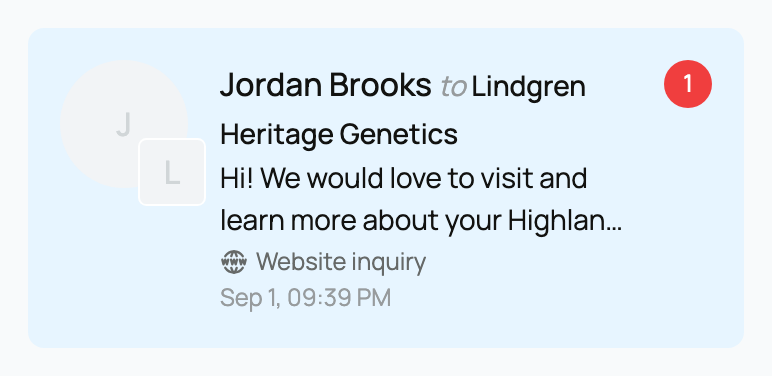
A context label appears below the message preview in your inbox and beneath the name in an open conversation. It can identify a listing, animal, transport request, application, sale, or website inquiry. Messages stay private to the participants; for organization conversations, every member of the organization can see them. You can keep replying even if the related item later becomes unavailable.
If a conversation disappears after you block someone, that is expected. Blocking hides the conversation from both inboxes and stops new replies and reactions. You can unblock the person from their profile. See Blocking or reporting another member.
For attachments, mentions, reactions, and new-conversation limits, see Messaging other members.
Related information
Updated on: 02/09/2026
Thank you!