
Registering an animal with a registry
Use a registration application when a registry reviews and issues records through Creatures. You must own or co-own the animal, and the registry must be accepting applications.
1. Prepare the animal profile
Before applying, check the animal's name, species, breed, birth details, sex, sire, dam, owners, and existing official registrations. Add the parents as real or reference animal profiles rather than typing their names into notes. The registry may use these details during its review.
If you already have a paper or digital registration certificate, open the animal's Records tab and add an Official Registration record first. Choose Scan a registration certificate, upload or photograph the document, and let Creatures fill a draft.
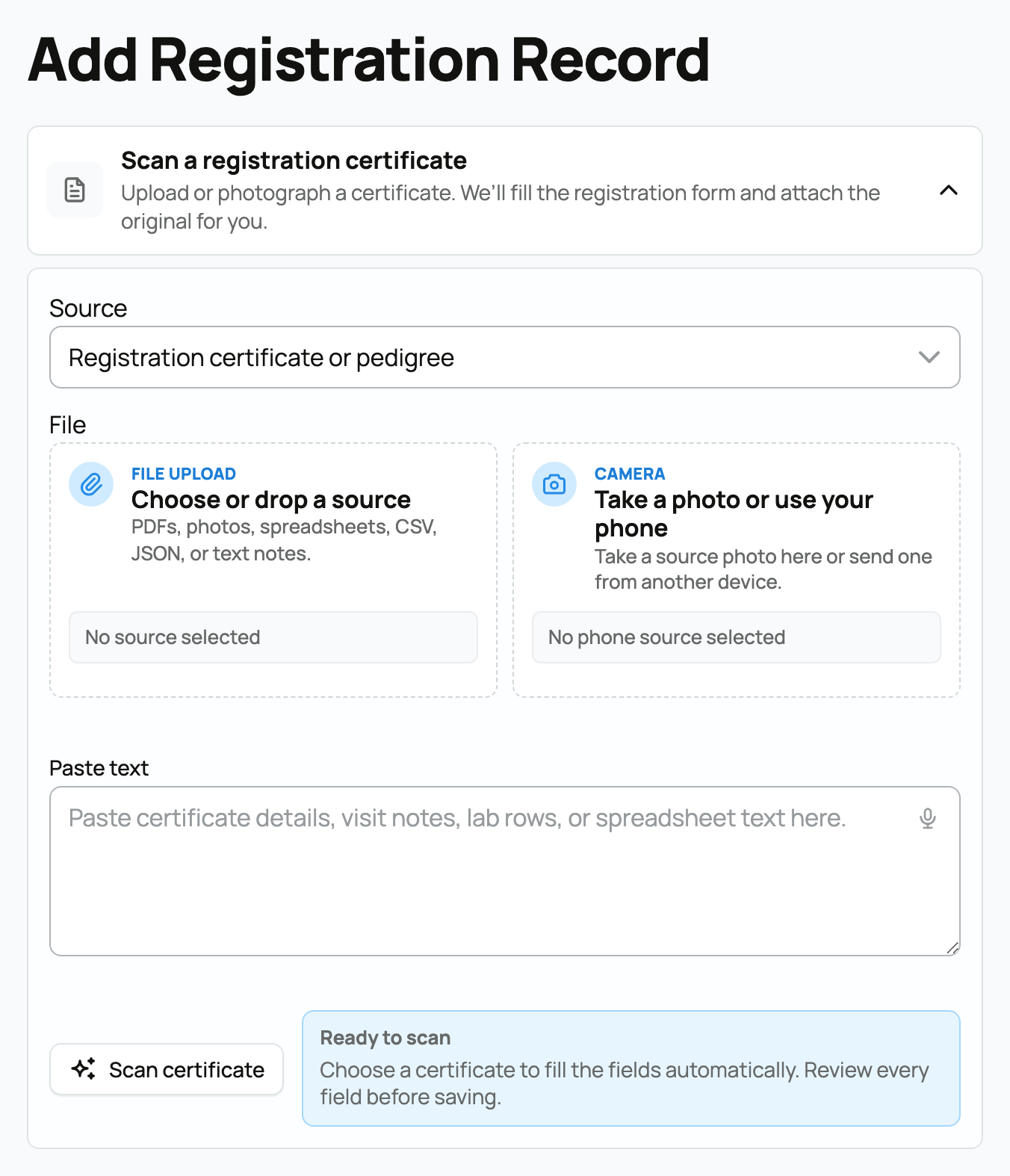
Review every field and correct any mistake before saving. Creatures attaches the original document to the record, but the scan does not make the record registrar-verified. It records evidence you supplied as the owner.
Record how the registry classifies the animal
After you choose the registry, How this registry classifies the animal shows the classifications that registry uses, such as herd book, division, ancestry, or breeding status.
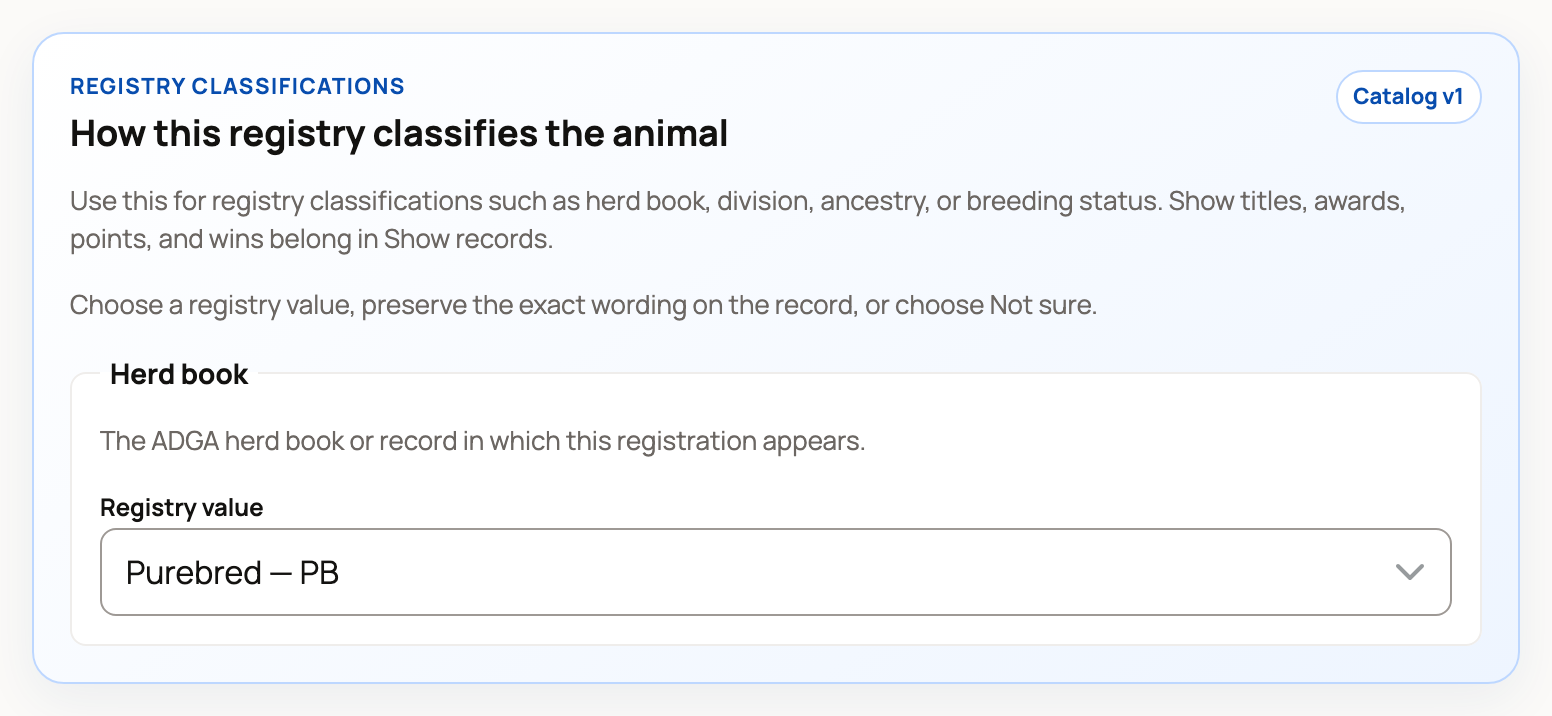
- Choose the listed value when it matches the registry record.
- Choose Not sure when the source is unclear.
- Choose Preserve another value and type the Exact registry wording when the record uses a value that is not listed. Add its code when the record shows one.
- Choose Keep current / not provided when you are not adding classification information.
Use Show records for titles, awards, points, and wins. Those are accomplishments, not registry classifications.
A Registry-verified classification stays read-only in the animal editor. Use Request a correction if the registry's value is wrong. After saving, the animal's Official Registration area shows each classification with its source and trust level. Needs review means the saved wording needs another look; it does not mean the registration itself was rejected.
2. Submit the application
Open Register an Animal. Choose a registry, then choose an animal you own or co-own. Only registries currently reviewing applications appear.
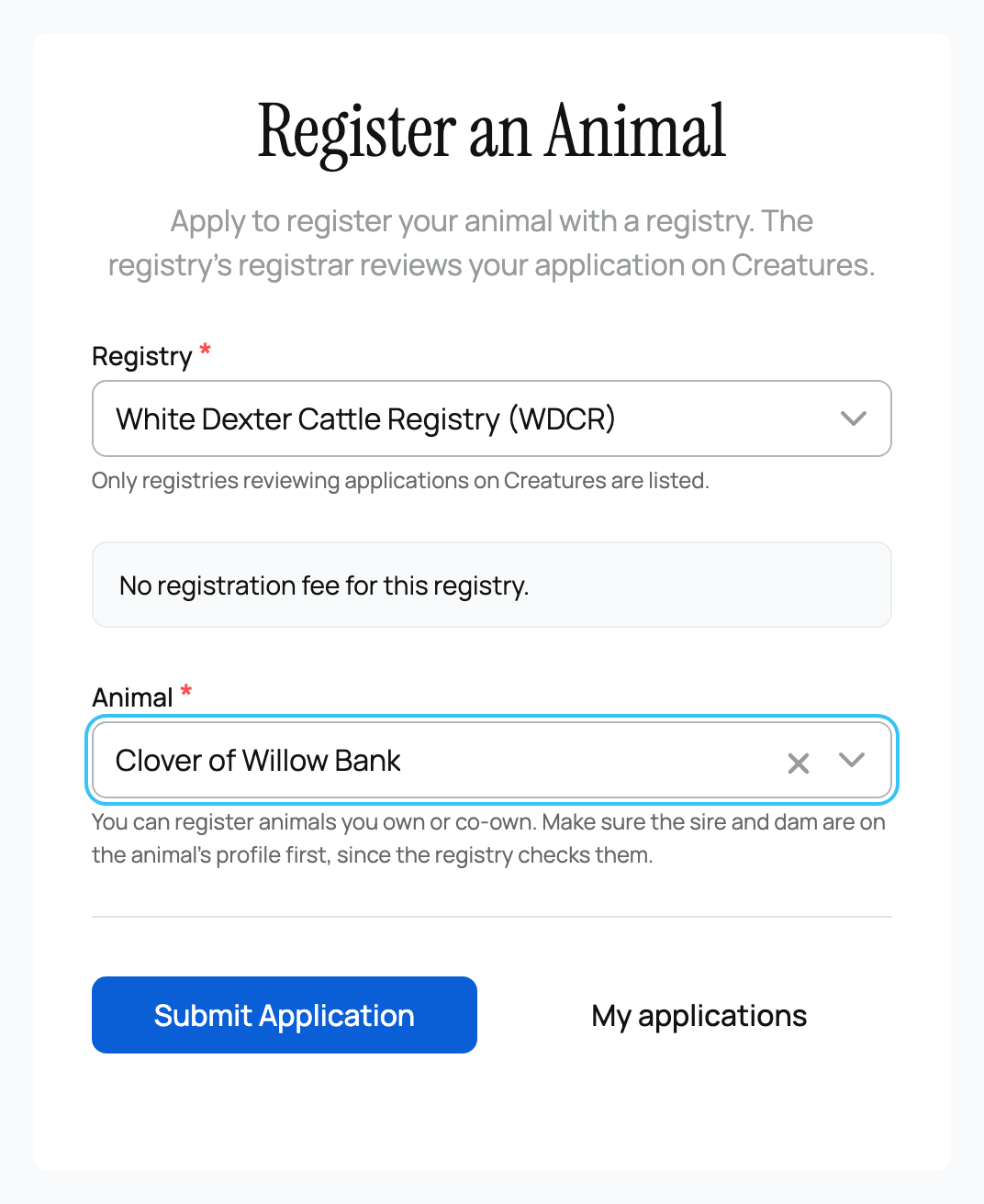
Read the registry's fee and requirements before selecting Submit Application. The application records the current version of those requirements, so a later change does not silently change what you submitted under.
The first status may be Awaiting consent when another owner must agree. Otherwise it moves to In review. The registrar may approve it, request changes, or reject it. An automated rule check can help the registrar, but a person makes the decision.
3. Finish a fee and receive the result
If the registry charges on approval, pay from the application when prompted. The registration does not finish until that payment succeeds.
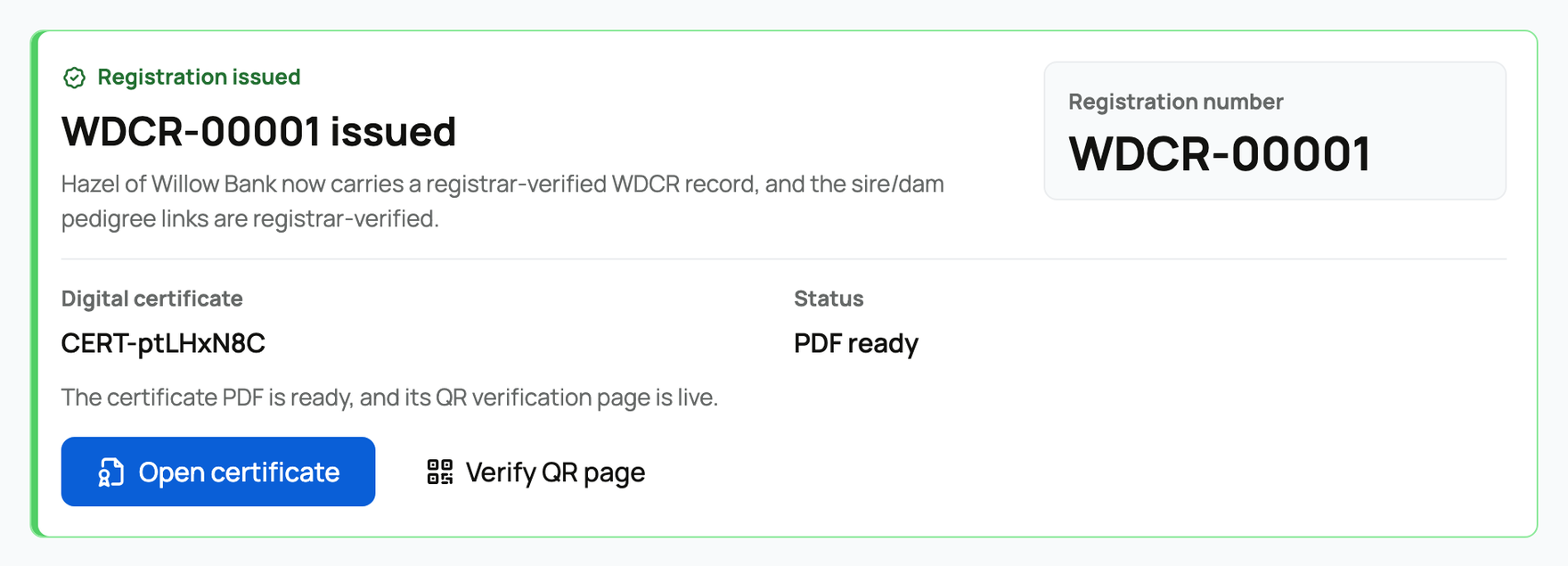
An approved application creates a registrar-verified registration record. When the reviewing organization is the registry of record, the result also includes the official registration number and a digital certificate with a public QR verification page. The PDF may take a short time to render.
An approved application from another authorized reviewer can verify the record without issuing an official number or certificate. Follow the status and any registrar message in My Registration Applications.
Related information
- Tracking your registration applications
- Ordering a printed certificate for your animal
- Registries and associations on Creatures
Updated on: 29/09/2026
Thank you!