
Requiring buyer applications and building a form
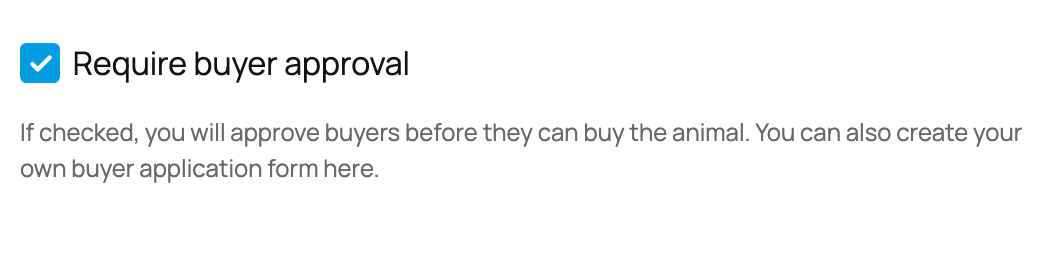
Turn on Require buyer approval when you need to approve a buyer before purchase or bidding. Use a saved application form to ask the care and placement questions you need.
Before you require an application
Decide which answer would genuinely change your placement decision. Approval adds a step for every interested buyer, so use it when the animal's care, home, experience, or timing needs review. If any buyer can purchase under the same published terms, a clear listing may be enough on its own.
Choose the right seller and form
- Open the listing setup and confirm Selling as.
- Turn on Require buyer approval.
- Choose an active application form belonging to that seller, or open Manage application forms to prepare one.
Application forms belong to the personal or organization seller that created them. Archived forms and another seller's forms do not appear in the listing's picker. The form manager lets you create, clone, archive, or restore reusable forms.
Ask short written questions, one-choice questions, or questions where buyers may select several answers. Mark only essential questions required.
Good forms ask for information you will actually use: housing, daily care, experience, intended use, other animals or people in the home, pickup timing, and why this animal fits. Avoid duplicating information already visible on the buyer's profile.
Keep the form short enough that a thoughtful buyer can finish it without guessing what you mean. Use direct prompts such as “Where will this animal live?” rather than internal breeder shorthand. Review the form after saving and archive old versions that no longer match your placement process.
What the gate changes
An unapproved buyer must apply before buying or bidding. Submitting an application does not reserve the animal or take payment. Approval applies to that buyer's relationship with the seller, so a buyer you previously approved may already be eligible on another approval-required listing from the same seller.
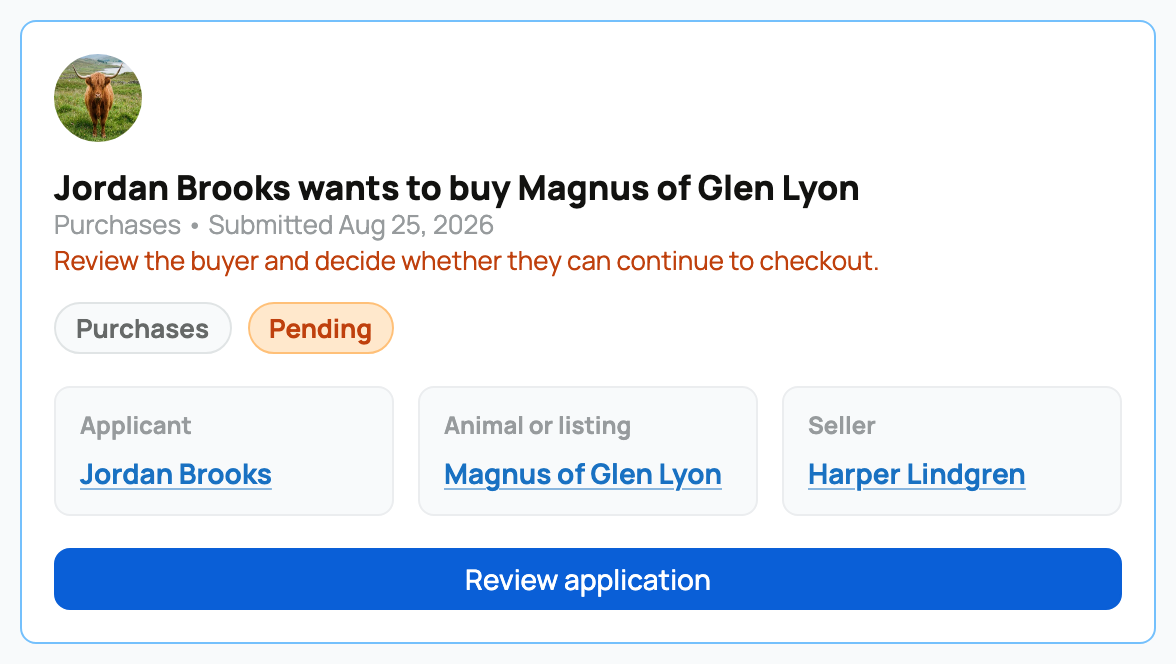
Keep listing approval, program intake, and group reservations separate. A program application asks to join your future buyer pool; a listing application asks for permission to buy or bid. Neither application alone promises an animal.
Related information
- Reviewing and approving buyer applications
- Listing an animal at a fixed price
- Opening your program to applications and running a waitlist
Updated on: 03/09/2026
Thank you!