
Seeing and leaving the accounts you can access
Go to Settings > My access to see every farm, organization and animal you can work with, and why. To end one, select Leave (or Stop helping or Remove from my calendars) and confirm.
The list covers team roles, Care Helper roles, shared animals, bookkeeping access and shared calendars. It also shows the organizations and animals you own.
Open My access
- Select your picture at the top of any page, then choose Settings.
- Select the My access tab.
Each account gets its own box with its name at the top. That might be a farm, an organization, the person who shared an animal with you, or you (for animals you own). Inside, each row shows your role and where it applies, such as Team · Lindgren Heritage Genetics.
Under that, a short list shows what the role lets you do, such as Completes care, Adds records, Reads private records or Views finances. If your access comes through an organization you belong to, the row also says Through and that organization's name.
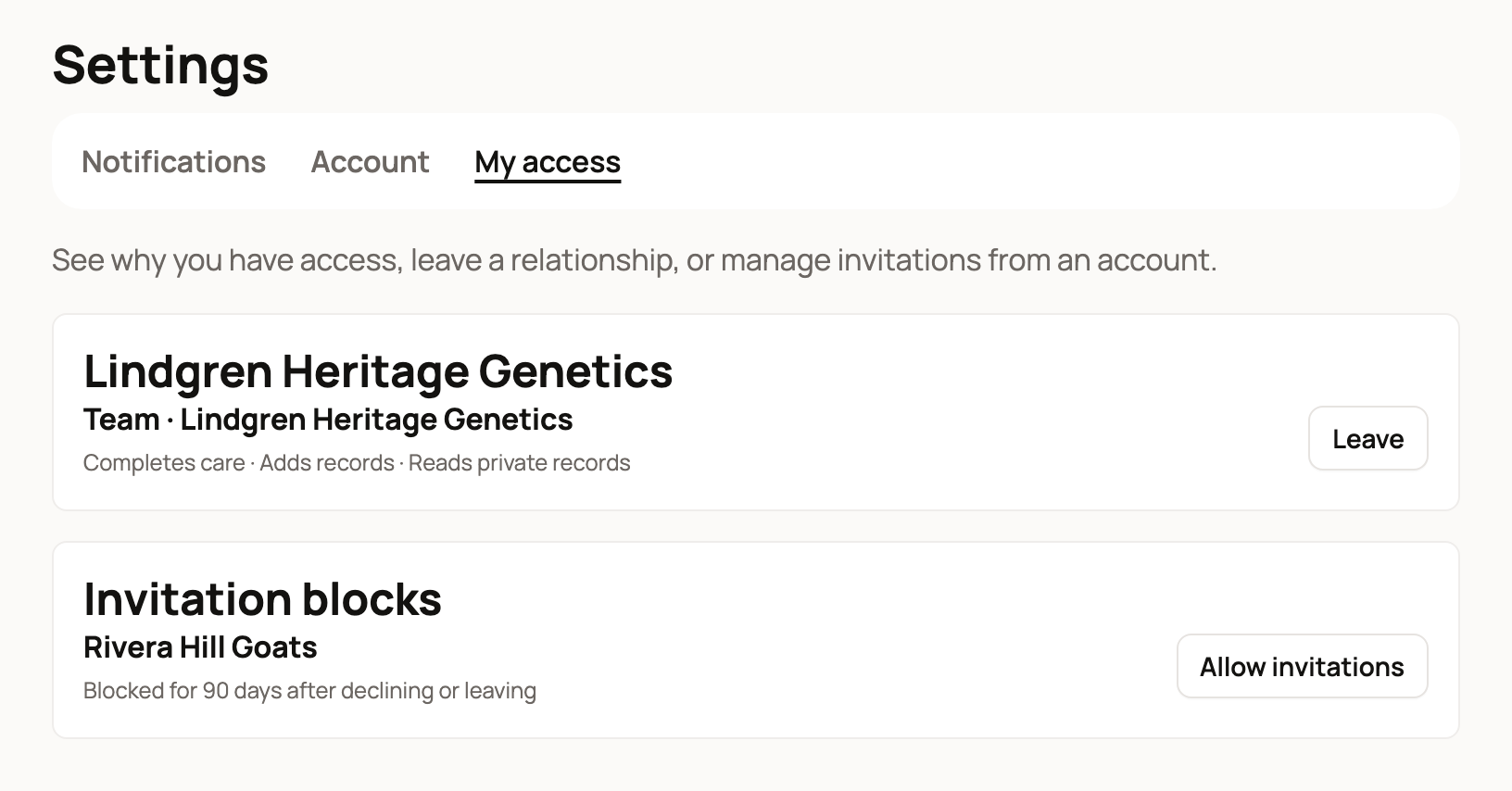
A new account with nothing shared or owned yet sees No relationships yet.
Leave a farm, organization or animal
- Select Leave in the row.
- A box asks Leave followed by the name, for example Leave Lindgren Heritage Genetics? It says which role will end. It also tells you if any other access to that account remains.
- To block this account's invitations until you lift the block yourself, check the box that names it, such as Don't let Lindgren Heritage Genetics invite me.
- Select Leave. Select Keep access if you change your mind.
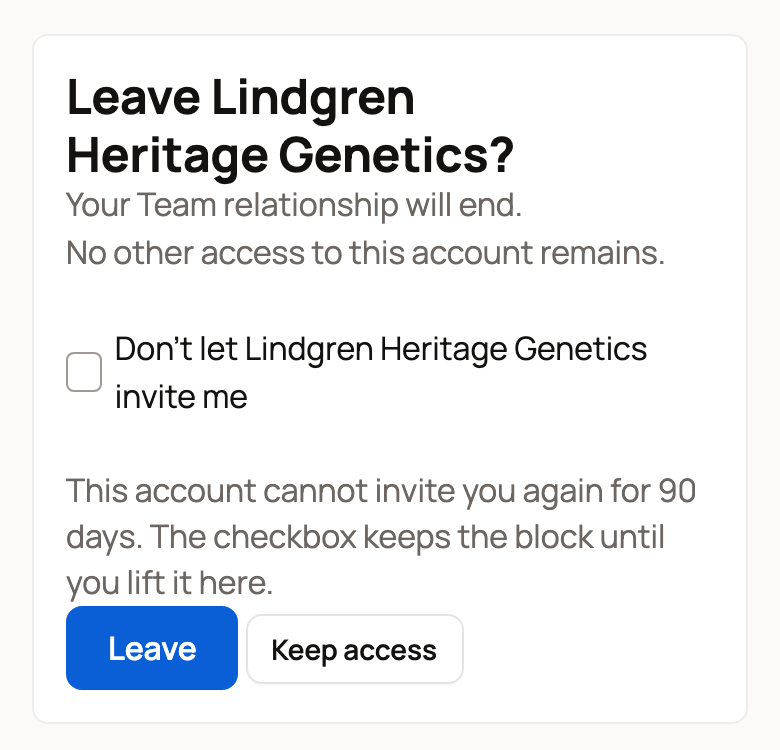
You'll see Your access was updated. The people who manage that account get a notification that you left. They can't invite you again for 90 days.
Care Helpers see Stop helping instead of Leave. It works the same way.
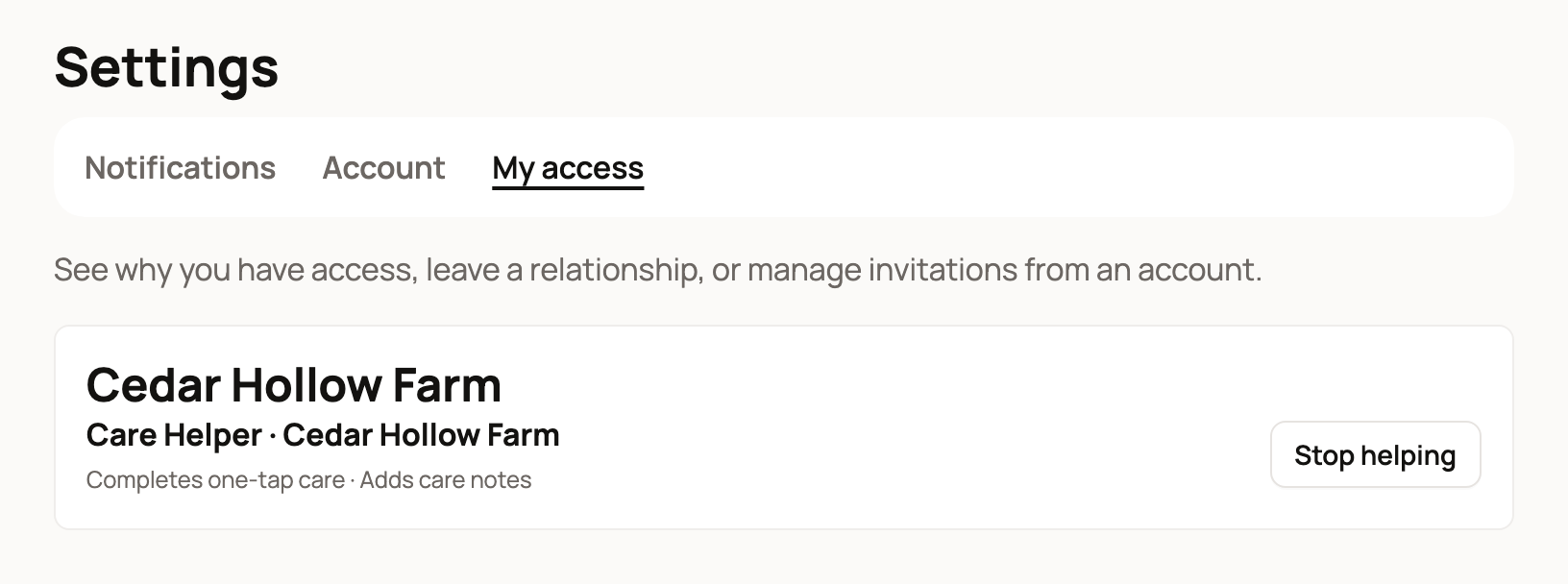
When you see Manage relationship
Some access can't be ended from here. You see Manage relationship instead of Leave, for example when:
- you own the account or animal yourself,
- you board the animal for its owner, or
- you're the previous owner and still have care access after a sale.
For an organization you own, Manage relationship opens the organization's page. For boarding or previous-owner care, it opens the animal's profile. For an animal you own, it opens the animal's profile with the transfer window open. To learn how a transfer works, see Transferring an animal to its new owner.
Invitation blocks
Accounts you declined or left appear under Invitation blocks:
- Blocked for 90 days after declining or leaving ends on its own.
- Blocked until you lift this stays until you remove it.
Select Allow invitations to let that account invite you again right away.
Related information
- Accepting or declining an invitation to join a farm or organization
- Adding co-owners, team members and care helpers to your organization
- Choosing how Creatures notifies you
- Co-owners and team members: sharing access to an animal
Updated on: 29/10/2026
Thank you!