
Sponsoring without a Creatures account
You can sponsor an animal with just your name and email, without signing up first. After you pay, we email you a link to the animal's updates. If that email already has a Creatures account, we ask you to confirm it's you.
Sponsor as a guest
- On the animal's profile, select Sponsor with the animal's name, such as Sponsor Petunia. It's near the top of the profile and at the bottom of the animal's sponsorship panel.
- Choose monthly or 12 months under Payment.
- Enter Your name and Your email. Use an email you check, because it's the only place we send your links.
- Choose how your name appears on the animal's profile. A display name starts as your first name and last initial, and you can change it. Or choose Keep me private.
- Select the button, such as Join the circle · $50 a month, and pay on Stripe's secure checkout page.
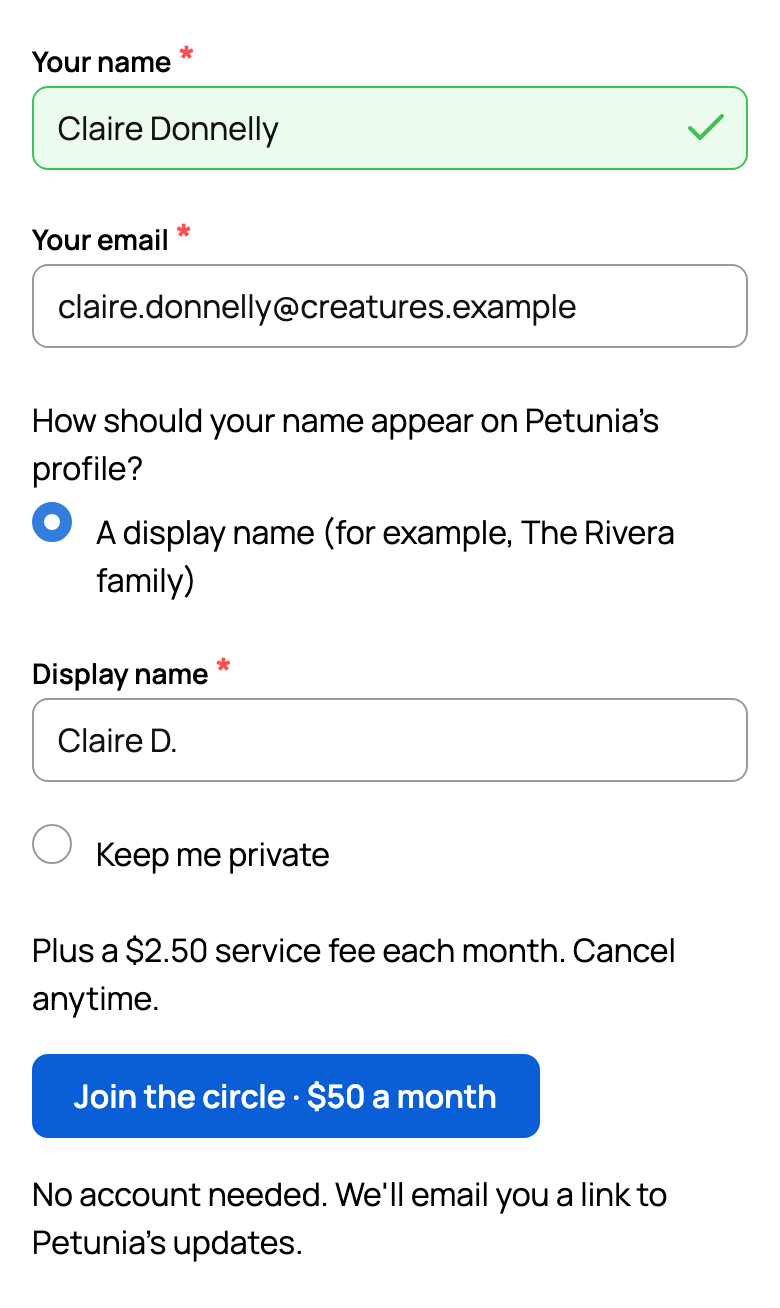
Supporters, who give any amount without taking a place, show on the profile only as a count, so they skip the name choice. Promo codes and Creatures Credit need an account, so guests don't see that option.
After you pay
You come back to the animal's profile. A thank-you message shows where we sent your link, with most of your email hidden.
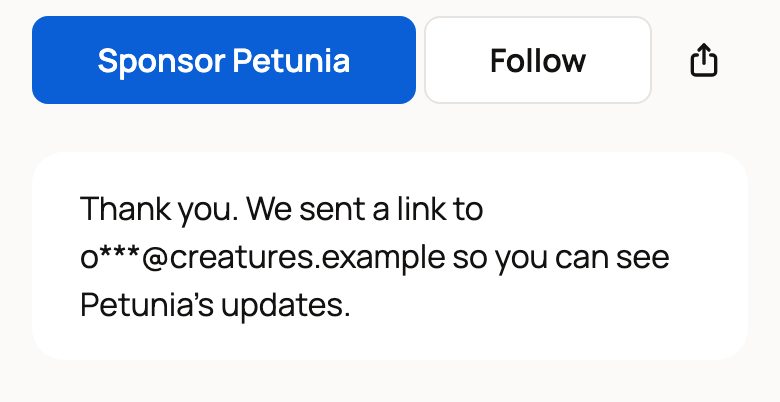
If your email is new to Creatures, your sponsorship starts right away. Your welcome email has a See Petunia's updates button that signs you in. Next time, sign in with the same email.
If your email already has an account
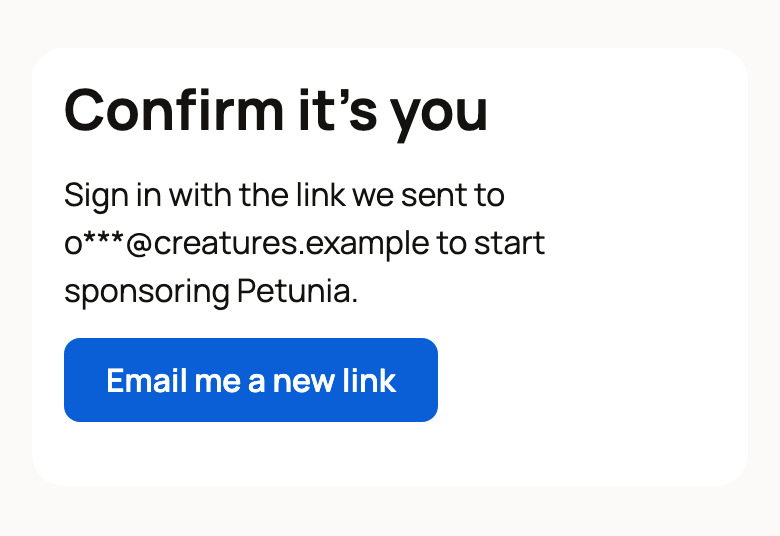
Your sponsorship waits until you confirm it's you. If you're taking a place in the circle, it's held for you meanwhile.
- Open the email titled "Confirm your sponsorship of Petunia".
- Select See Petunia's updates.
- On the page that opens, select Continue as your email to sign in.
The page then says your sponsorship is ready, and it joins the rest of your sponsorships.
If you open the confirm page without that sign-in, it asks you to use the link we sent. Select Email me a new link to get a fresh one. If the link has expired, the sign-in page offers Email me a fresh link.
If you don't confirm
- Monthly: we stop the sponsorship two days before your first renewal. You won't be charged again, and your first month still goes to the animal's care.
- 12 months: you have up to 12 months to confirm. After that, the claim period ends, and your payment still goes to the animal's care.
Manage your sponsorship later
Sign in with your email, then go to Dashboard > Sponsorships > Animals I sponsor. See Managing an animal you sponsor.
If you signed in with an emailed link, we ask for a 6-digit code before you change payment details. This security check is also called Confirm it's you. Select Email me a code, then enter the code. See Keeping your account secure.
If something looks wrong
If we couldn't complete the sponsorship, for example because the last place was taken while you paid, we refund your payment. It can take 5 to 10 days to show up.
Related information
- Sponsoring an animal
- Managing an animal you sponsor
- Giving a sponsorship as a gift
- Creating your account and signing in
Updated on: 29/10/2026
Thank you!