
Buying several animals with your cart
Use the cart to buy several eligible fixed-price animals in one checkout, including animals from different sellers. Only listings that offer Add to cart use this flow.
Add and review items
- Select Add to cart on each eligible animal listing. Sign in if asked.
- Open the cart from the header and check every animal and seller.
- Remove any animal you no longer want. Adding an animal does not guarantee it will still be available when you pay.
Genetics listings use their own Buy now checkout. Accepted animal offers also use the offer's checkout, not the cart.
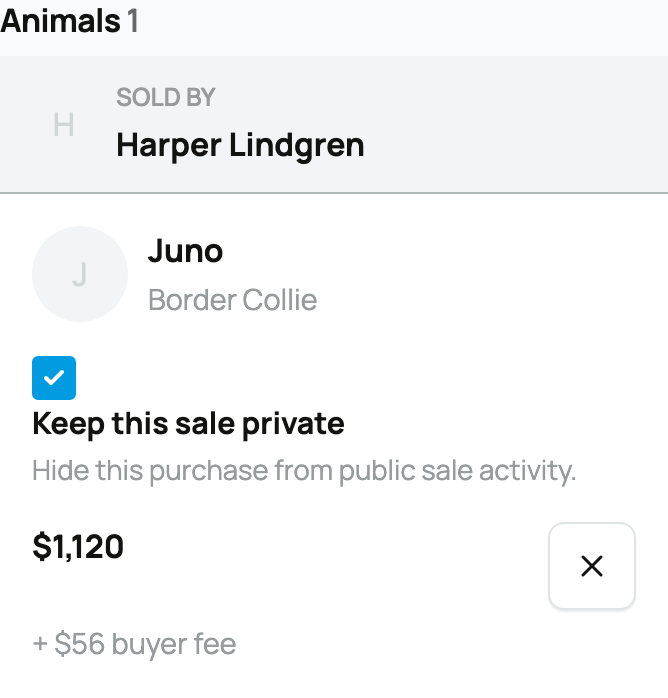
For each animal, choose whether to keep the purchase private. Review seller-specific promo codes and volume discounts in the group where they apply. A code or discount from one seller does not automatically change another seller's items.
Read the order summary
The summary shows animal prices, buyer fees, discounts, Credit, Wallet funds, and Due today. Credit is applied first, then Wallet funds, then the remaining payment method.
Select Continue to secure checkout to pay the remaining amount. If Credit and Wallet cover everything, select Complete purchase instead. Creatures records each animal's purchase while you make one combined payment.
Continue from Purchases
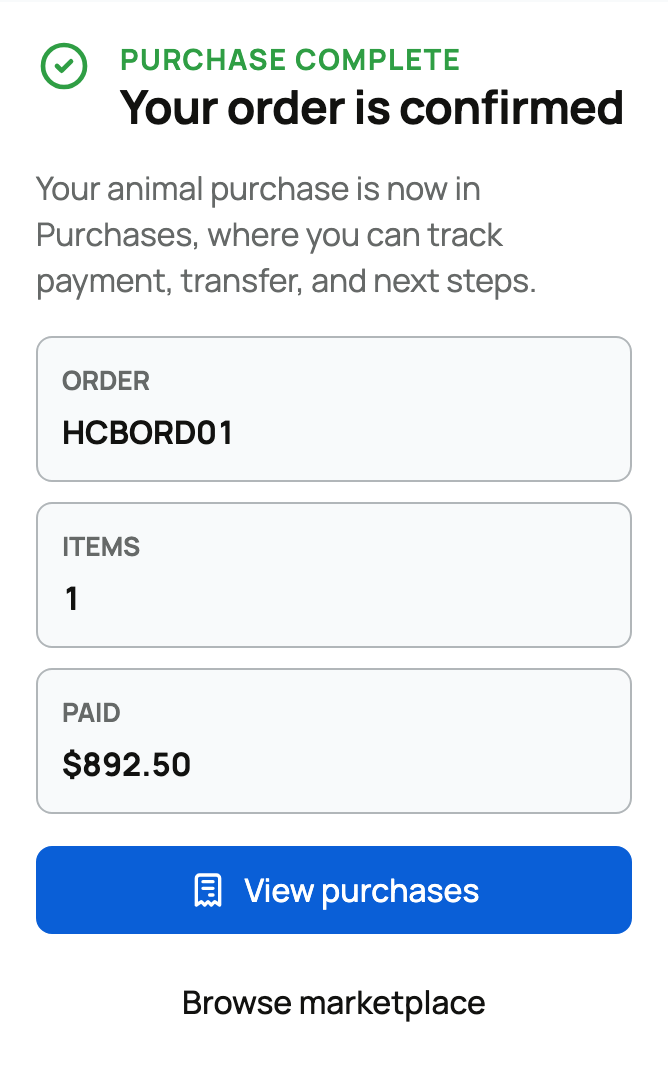
After checkout, select View purchases, or return through Dashboard > Buying. Each animal has its own payment and handoff state. If the page says the order is still being finalized, wait for confirmation before arranging collection.
If checkout is not completed, return to the cart and review it again. Prices, availability, and discounts can change before payment.
Related information
- Buying at a fixed price
- Paying with Wallet, Credit, and ACH
- How buying works: payments, held funds, and protection
- Keeping your purchase private
Updated on: 03/09/2026
Thank you!