
Buyer applications: what they are and how to apply
A seller can require approval before you buy or bid on a particular listing. The application helps them understand your experience, care plan, timing, and fit for that animal.
Complete the application for this listing
- Open Apply to Buy or Apply to Bid on the listing.
- Answer the required contact and care questions in your own words. Describe your housing, care plans, experience, and pickup timing.
- Review the answers and select Submit application. If you are applying as a guest, provide your name and email and follow the confirmation steps shown.
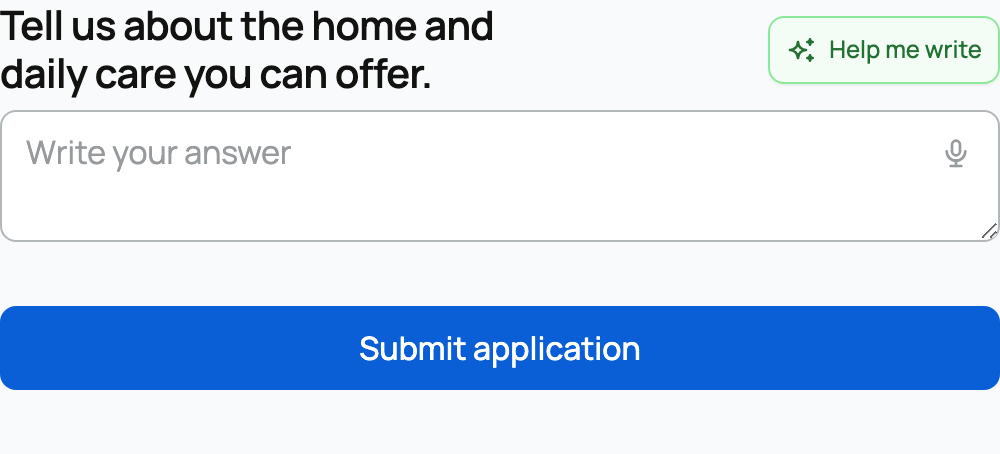
The current application is the seller's form for that listing. Do not rely on an old application or assume every seller asks the same questions. Review your answers before submitting.
Follow the status
After you apply, check the listing or your Applications page. The seller can review, approve, or decline your application. Message them through Creatures if an important detail changes.
Approval unlocks the eligible buying action for that listing. It does not charge you, reserve the animal, or complete checkout. If the seller declines, you can still discuss another suitable animal with them.
Applying to one listing does not approve you across the marketplace. A program waitlist is different: it records interest in a breeder before a specific group exists. A group reservation concerns a particular upcoming litter, hatch, or group and may later involve a deposit.
Once approved, return to the listing and complete the action while it is still available. The protected payment and handoff steps begin only after checkout.
Related information
- Buying at a fixed price
- Reserving from a breeder: applications and deposits
- Applying to a breeder's program: waitlists and offers
Updated on: 03/09/2026
Thank you!