
Create and manage a care plan
A care plan turns a routine, like feeding, medicine or barn chores, into tasks that show up on your Today page on the right days. Build it once, then change, pause or end it as your routine changes.
For care that already happened, add a record instead.
Before you start
You need at least one animal, group or place to care for. Then a Care plans button shows at the top of Today. New here? See Adding an animal to Creatures.
Start a plan
- On Today, choose Care plans, then New care plan.
- Under Who is this care for?, pick a Care for choice:
- One animal or place, then pick it under Animal or place. A place is a barn, pasture, pen, tank or pond. Create a new Place… adds one.
- One or more groups. See Care plans for animal groups.
- All animals of a species. Creatures keeps a Smart Group, so animals you add later join it and get the same care.
- Everyone at a location, then pick the Location and choose Review who's here. Each animal there when the task is done gets the record, and animals that move in or out join or leave.
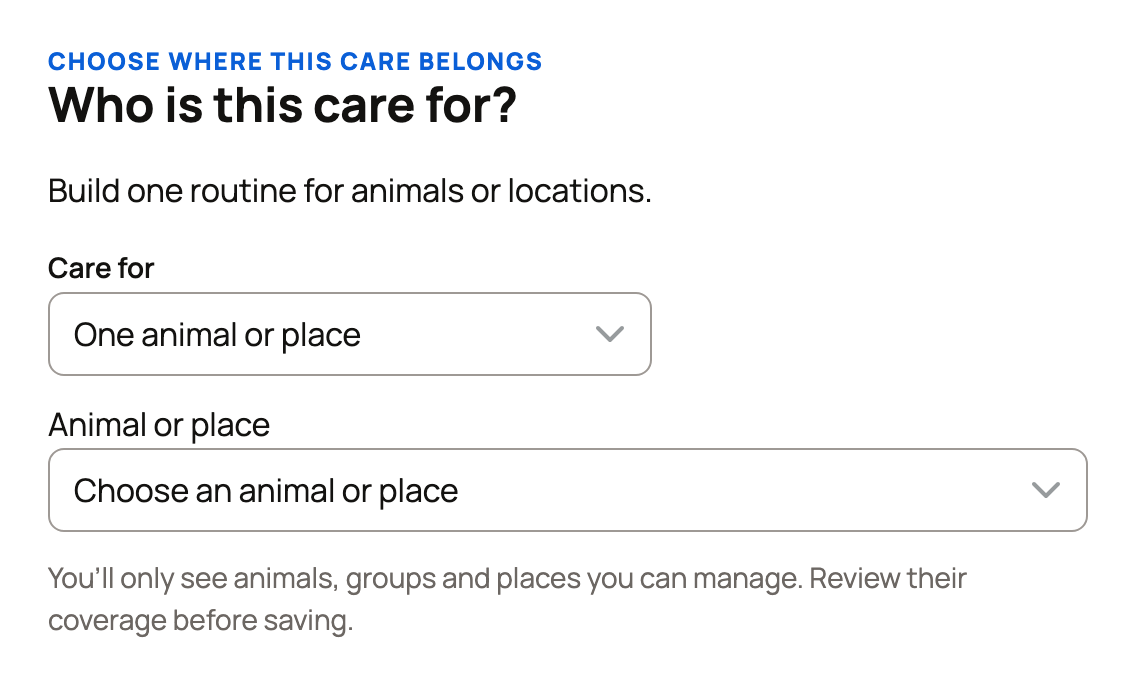
- Choose how to start. Under Recommended, Use this plan adds a reviewed plan, and Customize a copy lets you change it. Describe your routine turns your notes or up to three photos into a draft to review. Start with one task builds it from scratch.
Create plan on an animal's Records > Care page, or on a group's Overview, skips straight to the task form. Change coverage switches who the plan is for.
Add tasks
- Check the Plan name and Start on date.
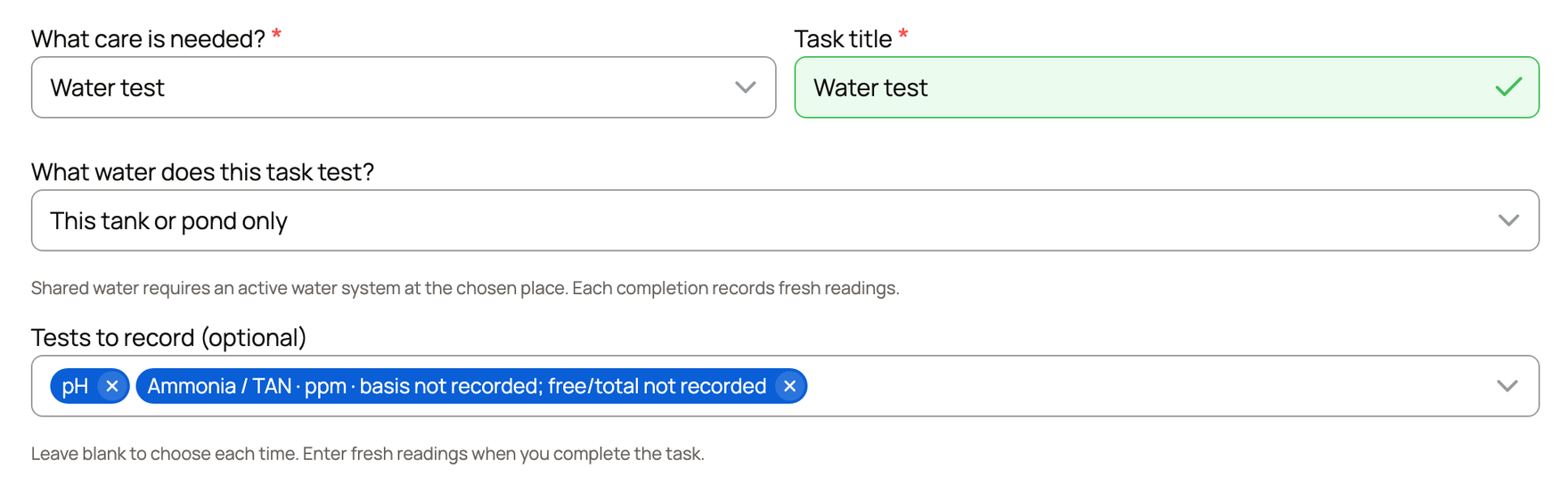
- For each task, pick What care is needed?, such as Feeding or Health check. Add a Task title and short Instructions for whoever does it. Feeding tasks also ask for Food and Amount. For a place, choose Place task or Water test. A water test asks What water does this task test? (This tank or pond only, or Explicitly connected shared water if the place has a shared-water system) and, optionally, Tests to record, such as pH or ammonia. You finish it each time by entering fresh readings, and Care Helpers can't do it.
- Under How often?, pick a Repeat choice, such as Daily. Custom… sets your own rhythm and can Count from the day it's completed. Ends sets a last date or number of times.
- Under When should it happen?, set the Timing: Anytime today, Around a time, Between two times or By a time.
- Under Alert, set Send alert to No alert, Due day · 07:00 local, At task time or Days before only. Due day · 07:00 local alerts at 7:00 AM local time on the day it's due, whatever the task's time. At task time needs a set time. For an animal or group, email reminders go out once a day, and later ones arrive in the app. A place task alerts you for your own place. For an organization's place, it alerts only the person responsible for that task, if they are an owner or co-owner. Place alerts arrive in the app, and their email starts off: each person can turn it on under Place care reminders in Settings > Notifications.
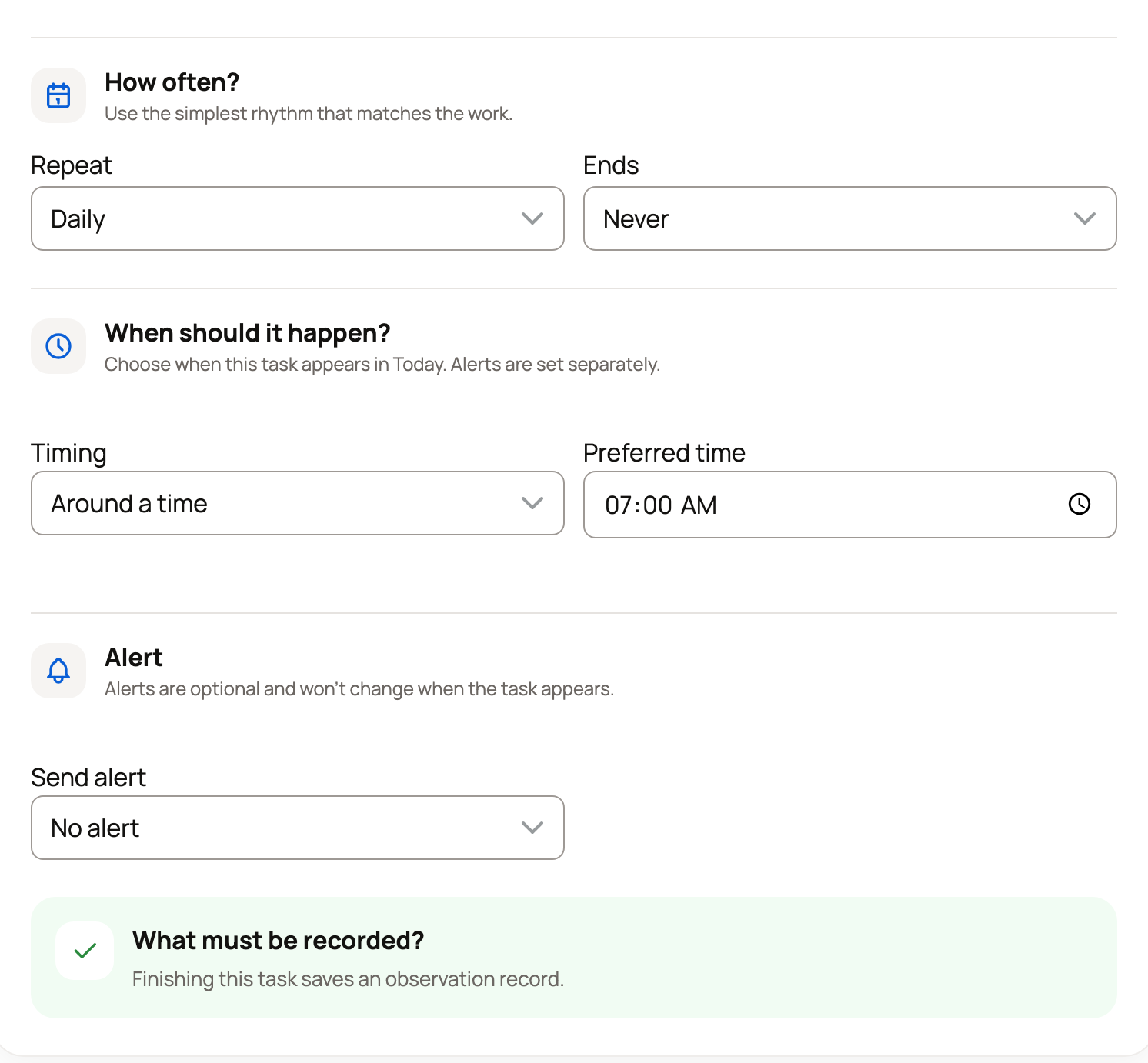
What must be recorded? shows the record that finishing the task saves. Use Add another time for care given twice a day, and Add another task for the rest.
Already gave this care? Under When is each task next due?, set Next due, or open Already done? and fill in I last did this on. This sets the schedule only. It adds no record.
On a plan you chose with Use this plan, some tasks ask under Set the first reminder instead. For each, pick Set reminder date or Not done yet · choose a date and then the date, or Not sure. A Not sure task isn't scheduled until you choose Set reminder date for it in Manage care plan.
Check your schedule and save
Check your schedule lists the next care dates and the first week. Fix anything odd, then choose Save care plan. You'll usually land back on Today with your checklist ready, or on the animal's Care page if you started there.
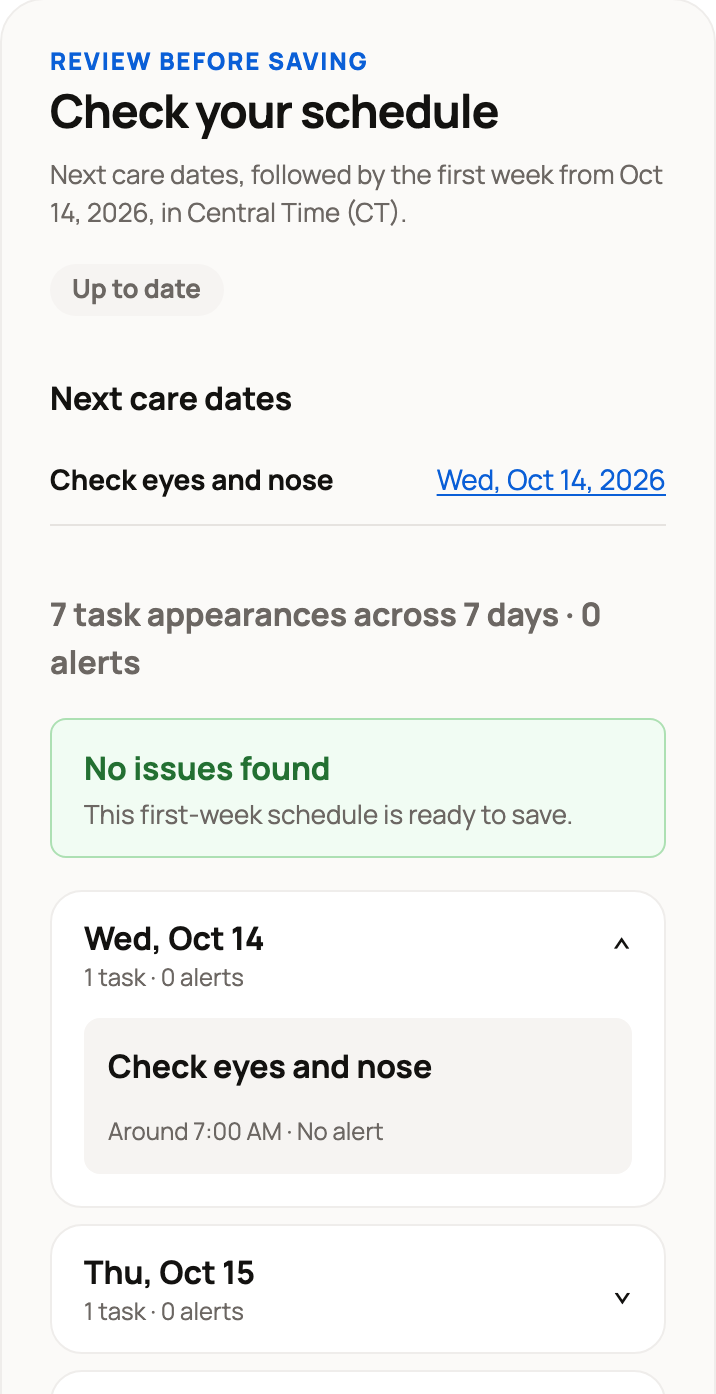
Change one task or the days ahead
On Today, open the task's three-dot button and choose Care plan details, then Change schedule. Pick Only this task or This and future tasks, set the new day or time, then choose Preview change and Save change. Finished care stays in your history.
Edit, pause or end a plan
- Edit: on Care plans, choose Manage on the plan, then Edit plan.
- Pause: on the animal's Records > Care page, or a group's Care plans panel, choose Pause. Resume turns it back on.
- End: in Manage care plan, choose End care plan, then confirm.
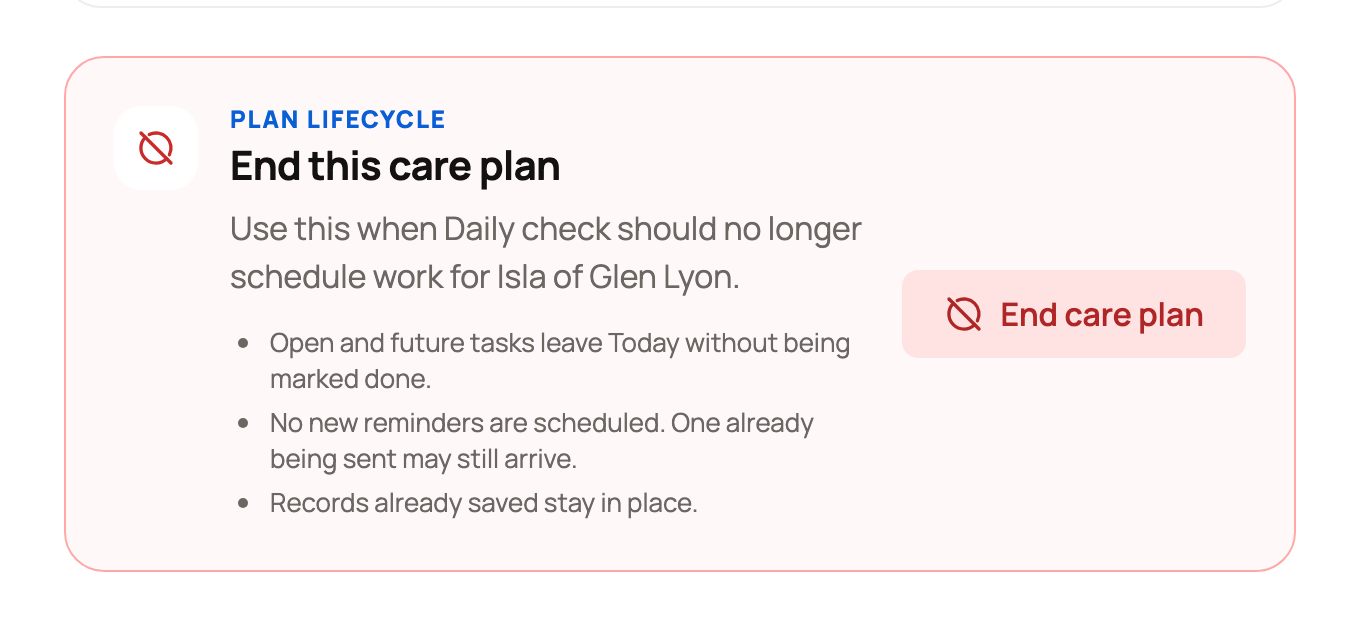
Ending is final. Open and future tasks leave Today without being marked done, and saved records stay. One reminder already on its way may still arrive. The plan moves to Ended and stopped care.
Related information
- Your Today page: what's due and how to check it off
- Care plans for animal groups
- Set up feeding and log feedings
- Assign care and manage your care duties
Updated on: 04/11/2026
Thank you!