
Judging and publishing results
Judging and publishing results
Creatures' judging console is built for the ring: you place each animal on your phone and publish results instantly, no reloads, no keying it all in afterward. This article covers who judges, the placing fields, and what publishing does.
Who judges (there is no separate judge login)
The judging console is operated by the producing organization's Owners and Co-Owners, the same people who manage the show. There is no separate judge account or login. The judge name you set on a ring or a class is a label for the results (so exhibitors see who judged), not a login and not a permission. In practice, the person running the console enters the placings the judge calls.
Opening the console
Open your show and select Judge. The console is scoped to one ring at a time (pick the ring you are judging), and it shows only checked-in entries, grouped by class. If an exhibitor is not checked in, they will not appear here: check them in from the entry queue first (see Managing entries: the secretary console).
Placing an animal
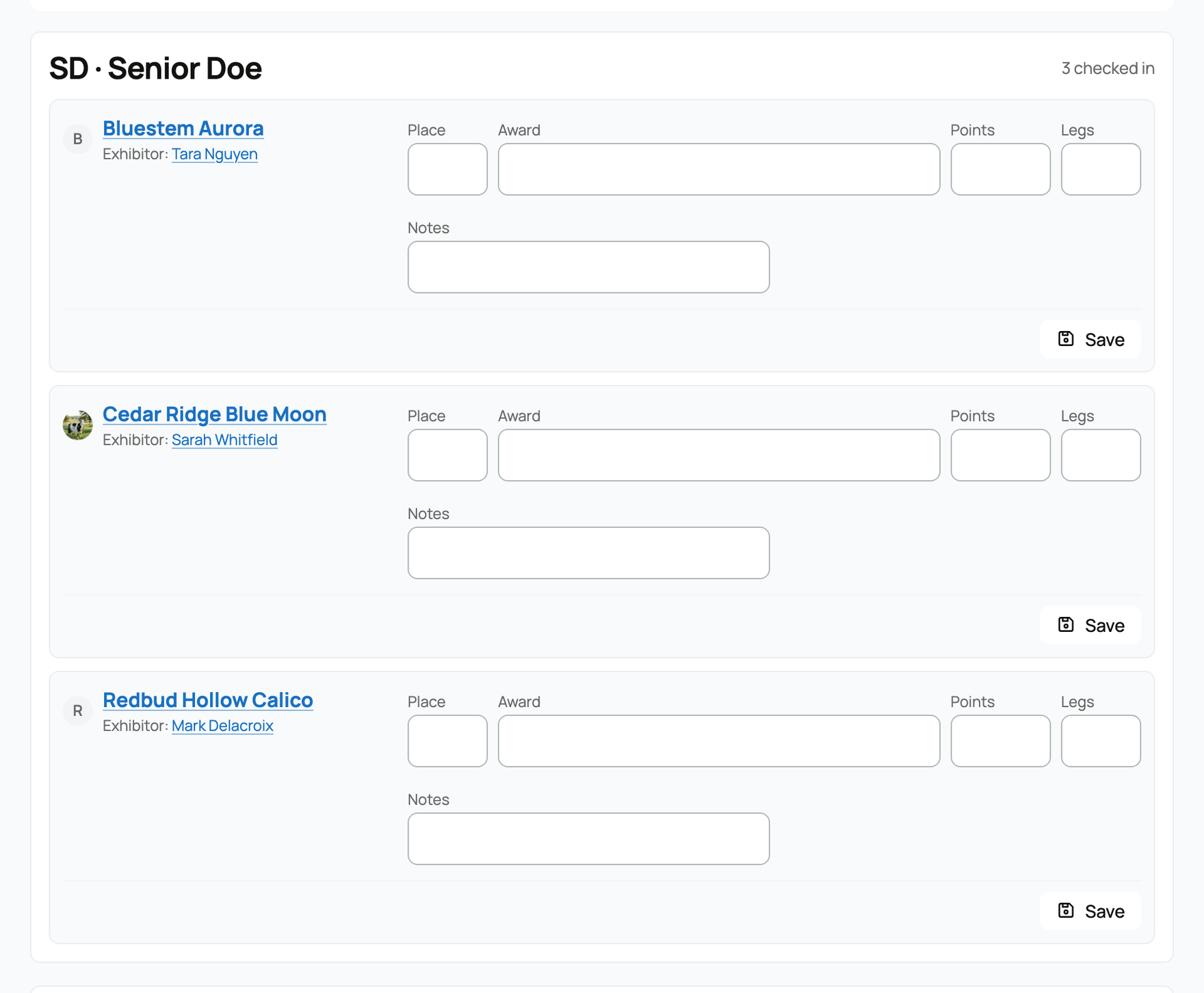
Each entry has a compact form:
- Place. The numeric placement (1, 2, 3, and so on).
- Award. A title or award. It is a free-text field with a suggestion list, so you can type anything or pick from the standard set: Grand Champion, Reserve Grand Champion, Best of Breed, Best Opposite Sex, Best in Show, Reserve Best in Show, Best of Variety, Best of Group, Class Winner, and Other.
- Points. An optional points value.
- Legs. An optional whole number, for programs that count Grand Champion wins as "legs." Creatures records the number you enter and totals an animal's legs on its profile. It does not compute or award championship titles from the total; the count is yours to use under your program's own rules.
- Notes. An optional note on the placing.
Select Save on a row and it is saved immediately. You need at least a placement or an award to save.
Corrections and the audit trail
If you change a placing after saving, a Correction reason field appears so you can note what changed. It is optional (if you leave it blank, Creatures records a generic "Judging update"), and either way every change is kept in an audit trail. Removing a placing does not erase history: if it was already published, the record is voided, not deleted, and the corrections remain on the trail.
Publishing results
When a ring is judged, you publish:
- Publish ring. Publishes the results for the ring you are on and marks that ring Scored.
- Publish all. Publishes every judged ring at once.
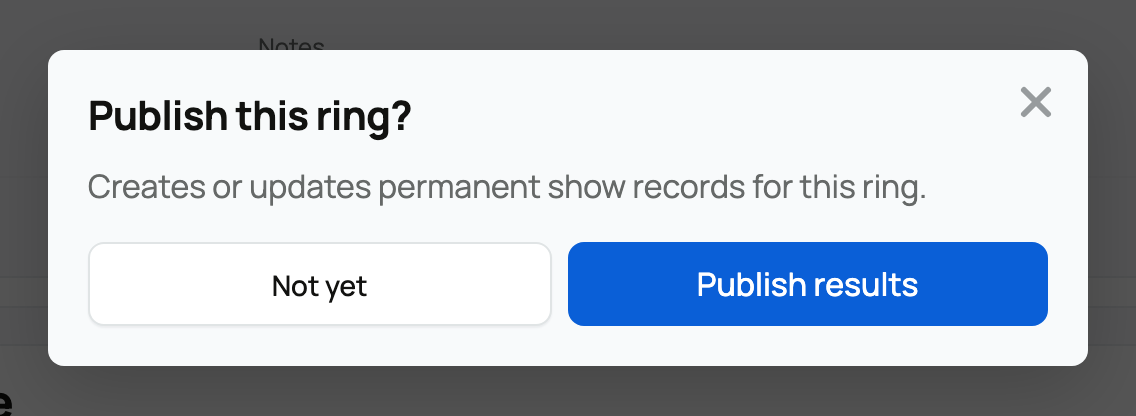
Publishing is the moment results become official, and it does three things:
- It creates permanent show records for each placing. These are the real, lasting results.
- Those records are marked Verified and appear on each animal's own profile (see Show results on your animal's profile and Your animal's profile page). A Creatures-run result is the only kind that carries the Verified badge.
- It advances the show to Results published, which makes the public results page live.
Publishing is safe to repeat: re-publishing a ring updates the same records in place rather than duplicating them, so you can fix a placing and publish again without creating a mess.
Related information
Updated on: 17/07/2026
Thank you!