
Keep insurance details with your animal
An Insurance record keeps the insurer, policy number, coverage and renewal date together on the animal's Records tab. It starts private, and once you add a renewal date, Creatures reminds you 30 days before it.
Add the policy
- On the animal's Records tab, choose Add record. Insurance is under Identity & papers.
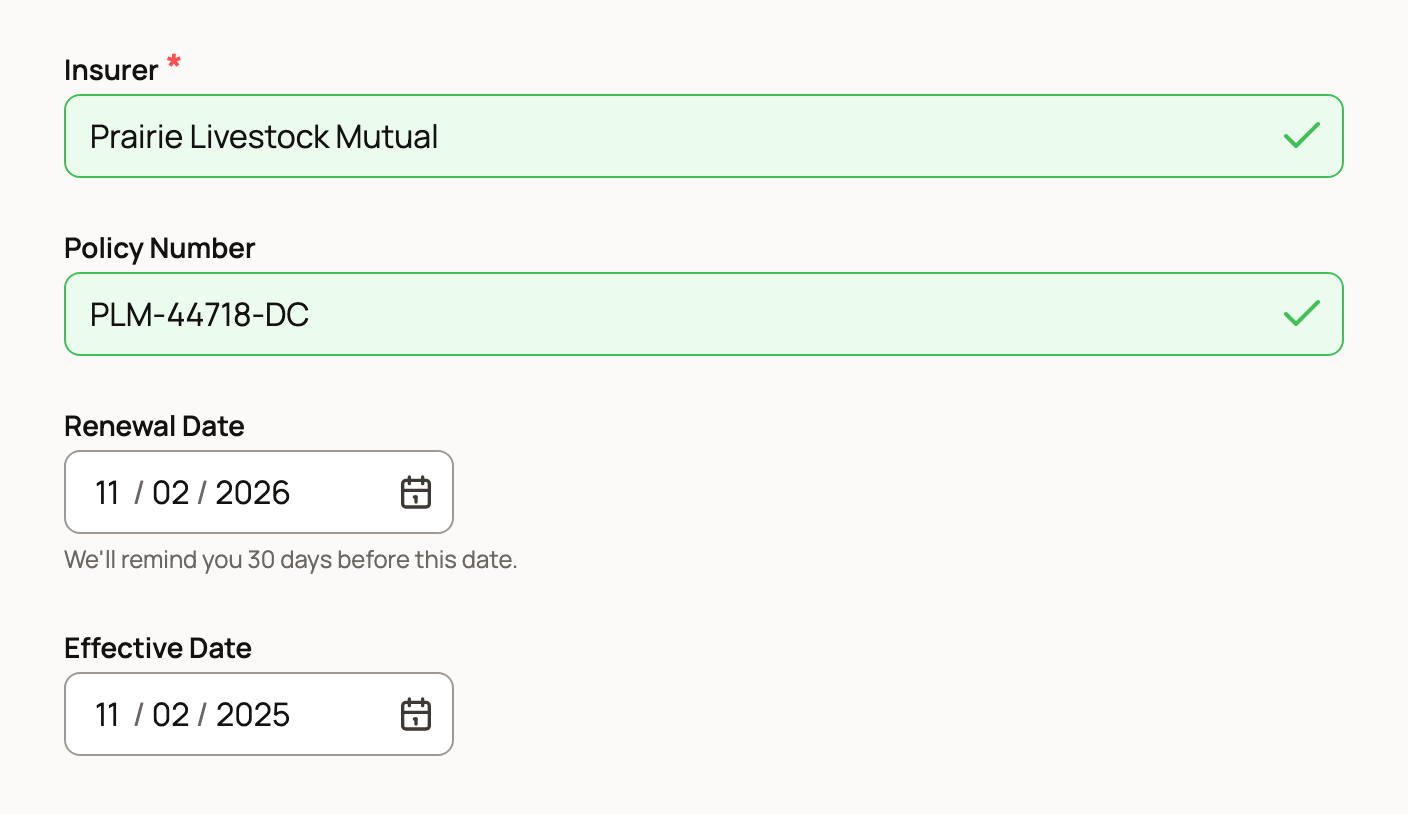
- Enter the Insurer and the Policy Number.
- Set the Renewal Date. This is the date the reminder counts down to.
- Add the Effective Date, the day coverage started.
- Under Coverage, tick everything the policy includes, such as Mortality, Major medical / illness or Transit. If you tick Other, describe it in Coverage Notes (other).
- Add the policy papers under Files, then choose Save Record.
Expand extra fields holds the rest: Insured Value, Currency, Premium, Premium Frequency, Agent or Contact Name, Contact Phone, Contact Email and Insurer Website. Use Notes for the claims process, exclusions or your deductible.
Have the policy as a PDF or photo? Open Create a draft from policy paperwork at the top of the form, add the file and choose Create insurance draft. Then choose Fill editable form and check every field before you save.
One policy for several animals
If one policy covers a few animals, add them all in Animals before you save. Under Quick add, a group button brings in the whole group. Each animal gets its own copy of the record.
The policy details stay in step. When you edit the policy on one animal, the form names the other animals that will update too. Insured Value stays separate for each animal.
Who can see it
Insurance records start private. Only you and the people who help manage the animal can see them.
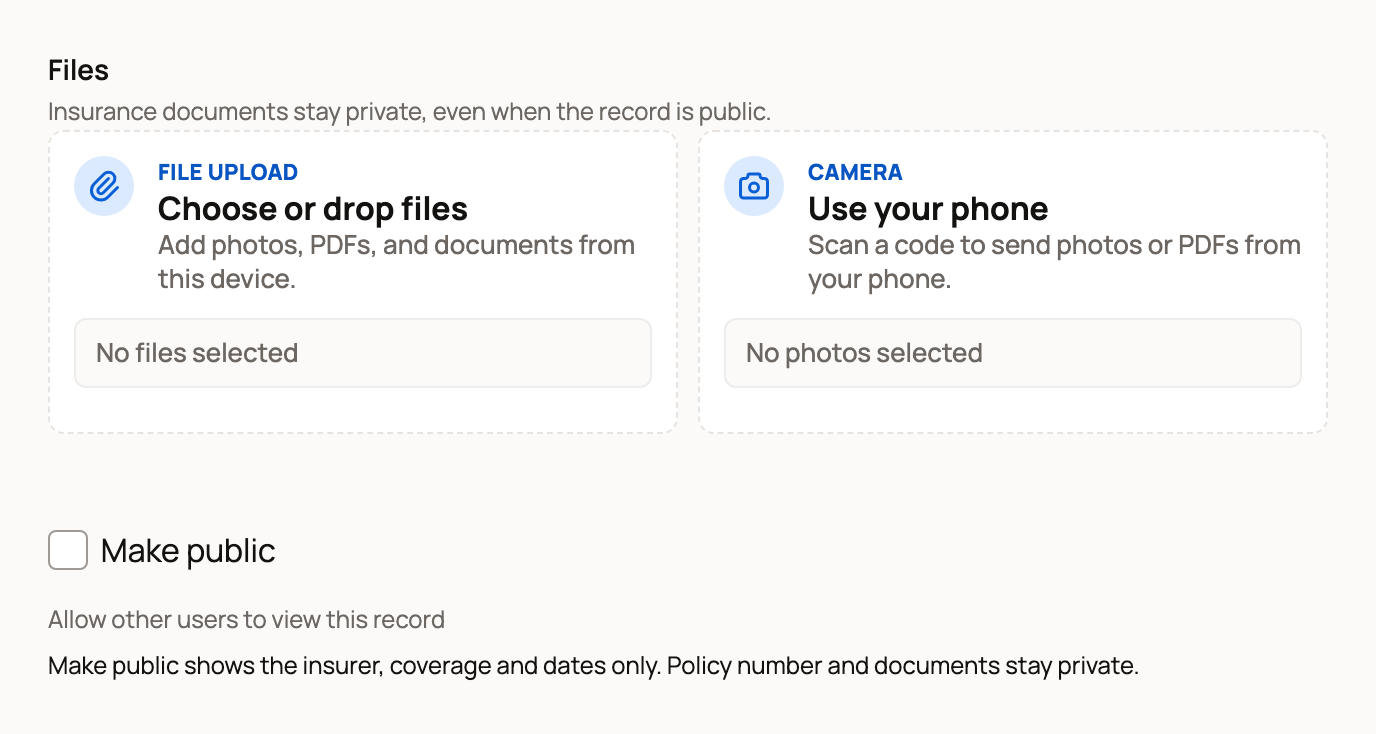
If you turn on Make public, other people see only the insurer, the coverage and the dates. The policy number and your documents always stay private.
When it is time to renew
About 30 days before the Renewal Date, an item named Insurance renewal due with the insurer's name shows up in the animal's Care schedule. You also get a reminder through your usual care alerts.
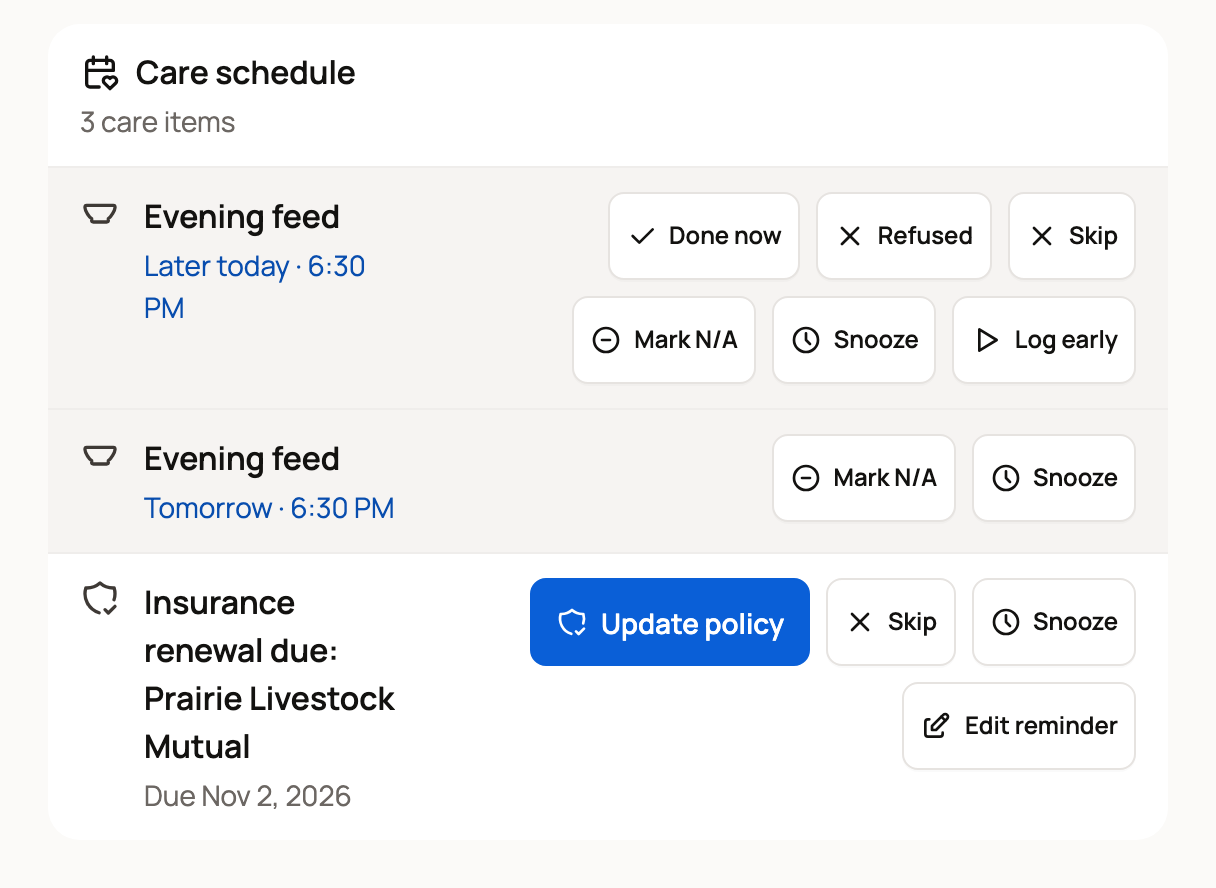
- Choose Update policy. The policy opens for editing.
- Enter the new Renewal Date, and change anything else that moved, like the premium.
- Choose Save changes.
Creatures clears the old reminder and sets the next one from your new date. Not renewing? Choose Skip to clear this reminder, or Snooze to be reminded later.
Need to send your insurer a summary? Download packet on the Records tab makes a printable PDF of the animal's records. Tick Include private records so the policy is part of it.
Related information
Updated on: 31/10/2026
Thank you!