
My species or breed isn't listed
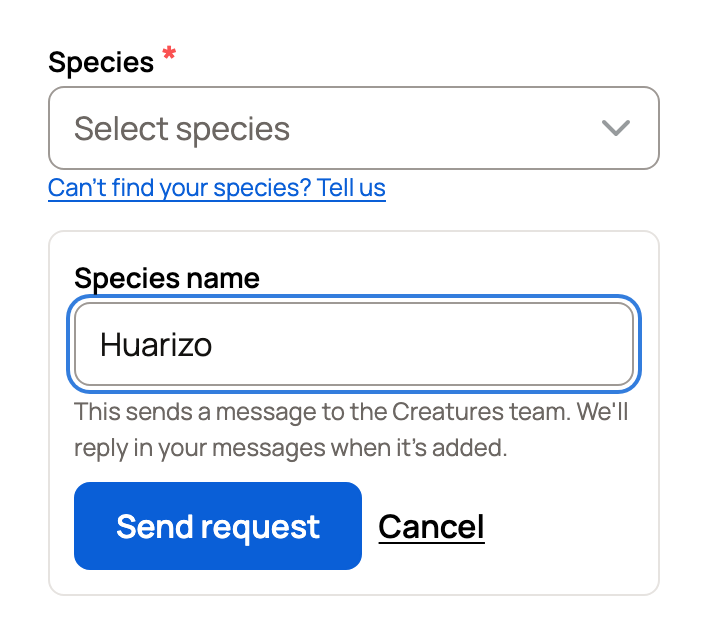
If your animal isn't in the Species list, select Can't find your species? Tell us under it. Type the name and select Send request. Creatures checks its list first, then sends your request to the Creatures team, who reply in your messages.
Search first
Type in Or search all species the way you would say it. You can type a breed name too. For example, typing Kunekune shows Pig · Kunekune under Breeds.
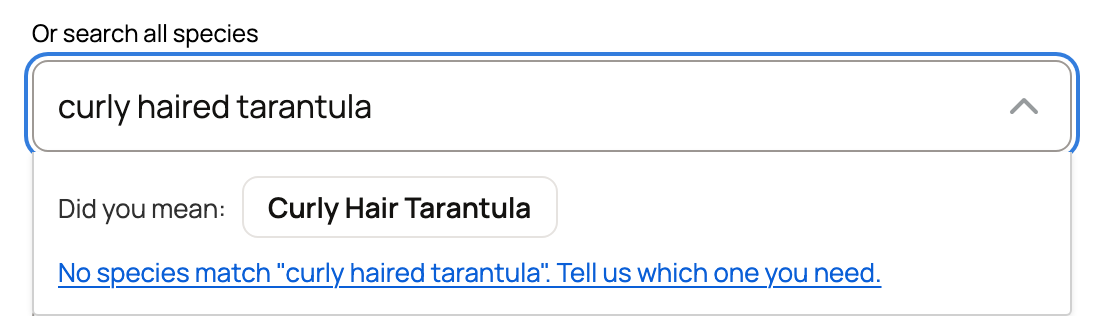
If nothing matches, the list shows a link to tell the team which species you need. Pause typing for a moment, and it may also offer close names above that link under Did you mean:. It catches slips such as "curly haired tarantula", which offers Curly Hair Tarantula. Select one to pick it.
Send a request
- Under Species, select Can't find your species? Tell us. Or select the link in the list when nothing matches.
- Type the name in Species name, up to 60 characters.
- Select Send request.
Missing a breed
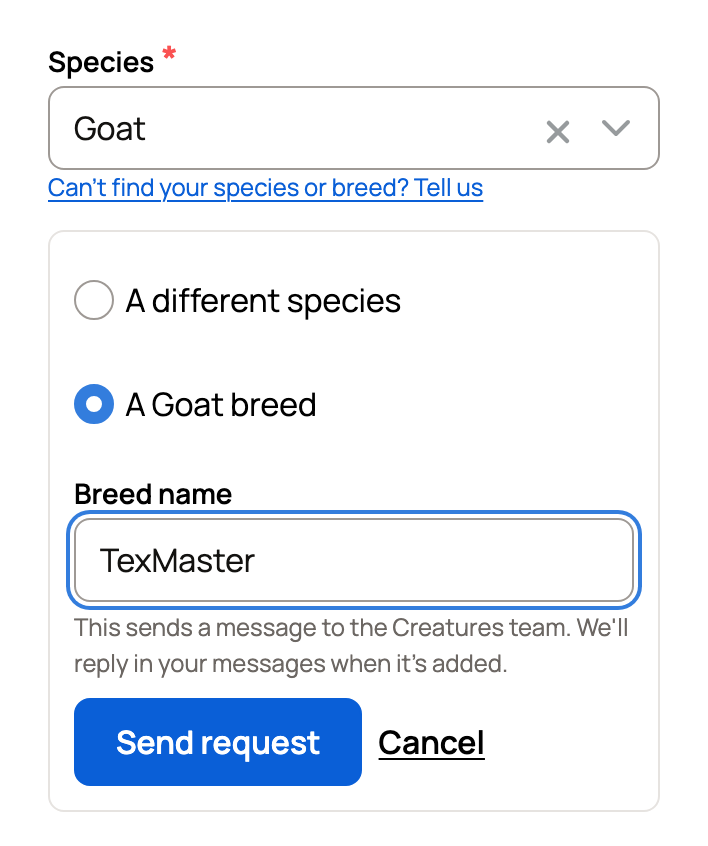
If you already picked a species, the link reads Can't find your species or breed? Tell us. Choose A different species or the breed choice, such as A Goat breed. Then type the name and select Send request.
If it's already on Creatures
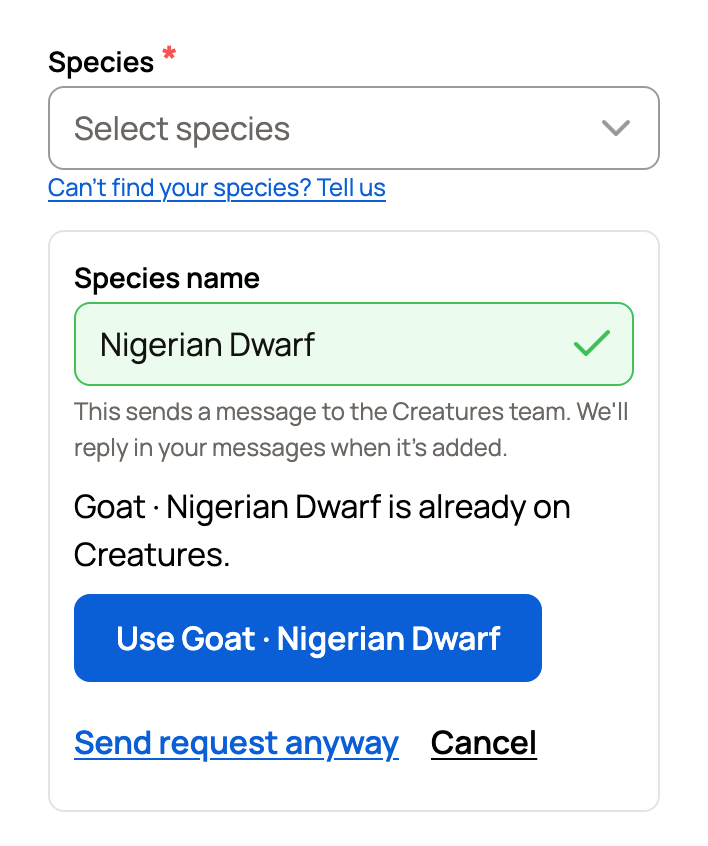
Before a request goes out, Creatures looks for an exact match, including breed names. A breed request checks only the species you picked. If it finds one, you'll see a note such as Goat · Nigerian Dwarf is already on Creatures.
- Select Use Goat · Nigerian Dwarf to fill in the species and breed.
- Select Send request anyway if the match isn't your animal.
- Select Cancel to close the request.
What happens next
You'll see Sent! We'll reply in your messages when it's added. Select View message to open your conversation with the Creatures team. The reply comes there too. See Finding and managing your messages.
If messages aren't available, for example when you're signed out, Creatures opens chat or an email to the team instead. If you send a lot of requests in one day, Creatures asks you to try again tomorrow.
The same link appears under Species you keep or work with when you first set up your Home page.
Keep adding your animal meanwhile
You don't have to wait. Pick the closest species so you can save the profile. For snakes, lizards, tortoises, shrimp and fish, you can also pick a general choice such as Snake (species not known).
When your species is added, fix the profile with Change species. This works best before you add parents, offspring or groups. See Changing an animal's species.
Related information
Updated on: 06/11/2026
Thank you!